Copilot Prompts for Internal Communications
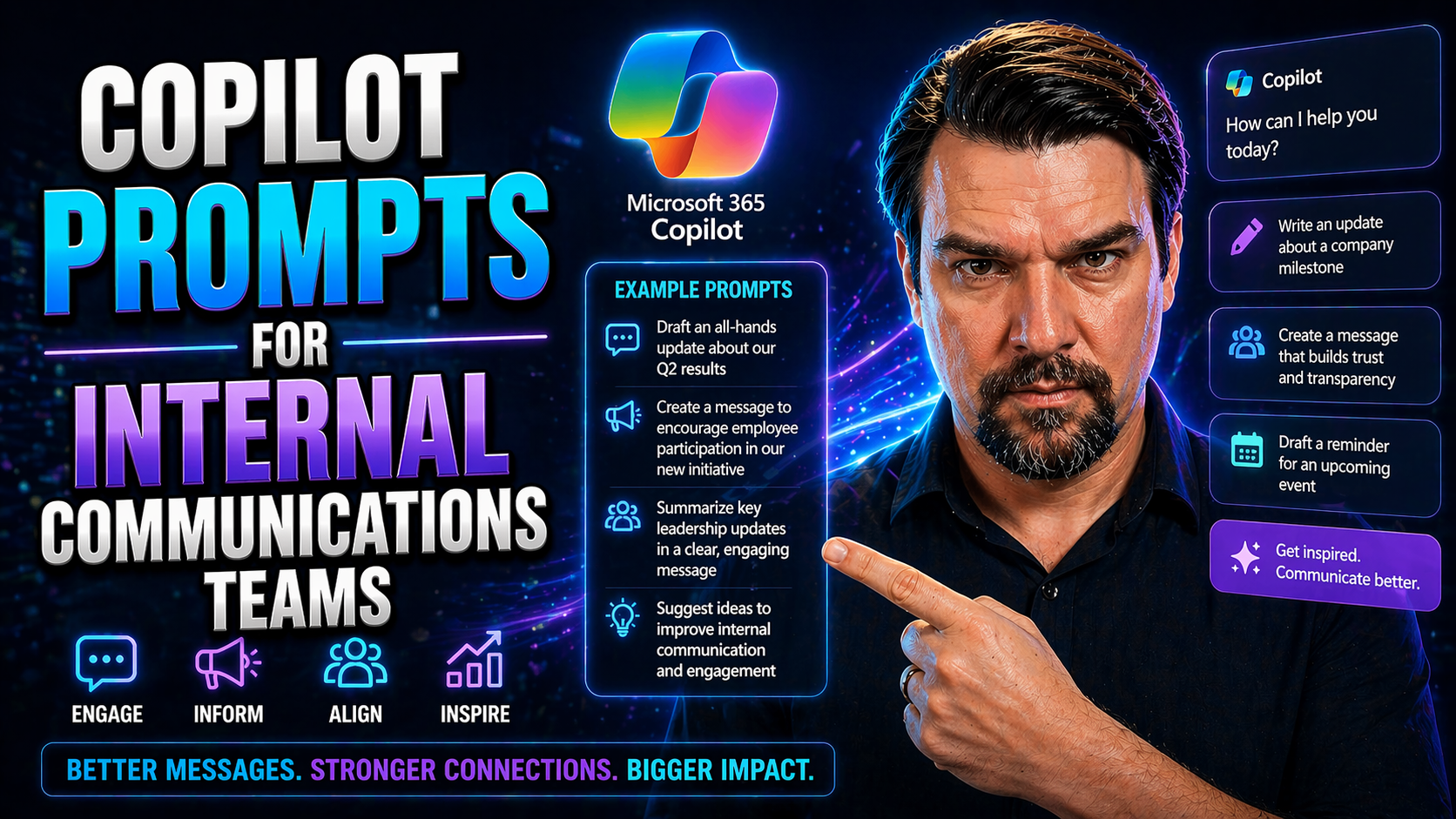
This ultimate guide is built for internal communications teams that want the most out of Microsoft 365 Copilot prompts. Whether you’re after higher engagement, a more efficient workflow, or just crave new creative sparks, this is your roadmap. Here, you’ll find everything needed to develop, organize, and personalize your Copilot prompts, so your content always stays sharp and true to brand. Dive into prompt engineering best practices, managing a reusable prompt library, integration tips, and ways to measure what’s actually working. You’ll also uncover strategic advice you won’t see anywhere else. Let this guide empower your team to turn AI into your not-so-secret communications superpower.
Mastering Microsoft 365 Copilot for Internal Communications Teams
Internal communications teams are always juggling a dozen things at once—drafting announcements, responding to questions, nudging engagement, and wrestling with deadlines. Enter Microsoft 365 Copilot, an AI-powered assistant designed to take a big chunk of that busywork off your plate. With Copilot, you don’t just get a fancy sentence generator; you get a tool that learns how your organization speaks and adapts to your daily rhythm.
This section lays the groundwork for using Copilot as a true internal comms resource. We’ll walk through what Copilot actually does, how it can fit seamlessly into your communications workflows, and why it’s more than just a shortcut for email writing. You’ll start to see the bigger picture—how prompt engineering and AI readiness can set your team up for smarter, more consistent messaging, and what you should keep in mind as you ramp up adoption. Think of this as your prep talk before you get hands-on with prompts and start shaping Copilot into your team’s go-to teammate.
In the following sections, you’ll find practical guides on aligning Copilot with your organization's brand, crafting the kind of prompts that deliver spot-on content, and introducing AI integration in a way that actually lifts your comms strategy. Get ready to move from just “trying out Copilot” to making it a cornerstone of your communications success.
What Is Copilot and How Does It Transform Internal Communications?
Microsoft Copilot is an AI-powered assistant built into the Microsoft 365 suite, including apps like Outlook, Word, and Teams. It helps internal communications professionals by generating draft messages, polishing content, creating summaries, and automating repetitive communication tasks. Instead of starting from scratch, you provide a prompt, and Copilot creates tailored, on-brand communications at speed.
For example, you can prompt Copilot: “Draft an engaging announcement for a new benefits program aimed at all U.S. employees, using a friendly but professional tone.” Or try: “Summarize this HR update in three bullet points for our tech team.” Copilot personalizes content and learns your organization’s preferred style, helping you reach employees reliably, save time, and boost engagement. That’s why it’s an essential tool for today’s internal comms teams—increasing both quality and efficiency on the fly.
Injecting Brand Voice and Tone into AI-Generated Content
- Define Clear Brand Voice Guidelines for CopilotBegin by collecting real examples of your company’s communications—emails, newsletters, or CEO letters that “sound like you.” Break down what makes your voice unique: Is it warm and conversational, or formal and direct? Spell out tone dos and don’ts in a document Copilot can reference for all future prompts.
- Prime Copilot Using Few-Shot Learning with Uploaded ExamplesUpload several short samples of existing on-brand content as “few-shot” examples when writing prompts. For instance, “Write an all-hands update in the style of these three previous announcements. Maintain a supportive, optimistic voice throughout.” This teaches Copilot to mimic not just your words but your rhythm and personality.
- Embed Preferred Language and Style into Each PromptDon’t be shy in your instructions—if your brand prefers saying “team members” over “employees,” put it in every relevant prompt. Tag tone words like “upbeat,” “reassuring,” or “urgent” so Copilot dials in your preferences. Example: “Summarize this policy update with a positive, approachable tone and focus on teamwork.”
- Iteratively Refine Output for AuthenticityAfter Copilot creates draft content, review it for consistency with your voice. Make tweaks to prompts until the AI’s output feels like it’s coming from your actual brand—not a generic robot. Over time, save the best prompts as templates, evolving your instructions as your style or messaging priorities change.
- Spot-Check for Subtle Brand CuesLook for subtle elements—like your brand’s unique greetings or sign-offs, or the way you frame success stories. Add these to prompts: “Close with our standard ‘Stay connected!’ tagline.” The details matter. Keep a checklist so every Copilot draft meets not just content requirements, but the soft trademarks of your culture, too.
A Step-by-Step Copilot Prompt Playbook for Internal Comms Professionals
Let’s talk strategy. Creating prompts for Copilot isn’t just about giving the AI a random task and hoping for gold. It’s about setting clear goals, understanding who’s on the other end of your message, and always looking for ways to level up your results. This playbook is the practical toolkit communications pros need to make Copilot deliver its best work—every time.
We’ll guide you through the thinking behind effective prompt creation: how to get specific about your audience, make your objectives measurable, and connect every message to the bigger picture of your company mission. This is about more than just keeping the inbox moving—it's about crafting communications that genuinely move people and align whole teams.
Think of each prompt not as a single-use note, but as an asset that gets smarter with every round of feedback and every new project. The frameworks in this playbook are designed for repeatable success, encouraging you to take what works, polish it, and build a repository that keeps your internal messaging consistent and strong. By the end, you’ll feel confident steering Copilot through any comms scenario—because you’ll know exactly what the AI needs to deliver results that land.
Defining Internal Audience and Objectives for Effective Prompts
- Specify Your Audience Segment
- Always name precisely who the communication is for. For example, “Draft an announcement for frontline warehouse staff in the Midwest region.” Targeted prompts ensure Copilot-generated content lands with the right voice and message for each group.
- Set a Clear Communication Objective
- State the goal upfront: “Inform staff of upcoming safety training and drive sign-ups.” When Copilot knows the outcome you want, it tailors the message for max engagement—whether that’s boosting awareness, action, or morale.
- Link Messaging to Company Mission
- Connect each prompt to your broader business priorities or culture: “Highlight how this new program supports our mission to innovate and care for employees.” This creates relevance, reinforcing your brand’s purpose and values in every message.
- Use Templates for Consistency
- Adopt templates like “For: [Audience]. Goal: [Objective]. Tone: [Style]. Message: [Key Points].” This gives Copilot a repeatable structure for high-relevance output, plus faster turnaround for your team every time.
Drafting and Refining Prompts as Living Assets
- Draft—Test Your Initial Prompt
- Start with your best guess. Craft a clear prompt, run it through Copilot, and see what comes out. Early drafts are all about testing the waters.
- Refine—Iterate with Feedback
- Read the AI’s output and tweak your wording. Get input from teammates or stakeholders, and note what hits or misses. Small edits often bring big improvements.
- Repeat—Version and Evolve
- Every time you use or update a prompt, save the latest version. Keep prompts in a living library, evolving each as your brand—or your messaging challenges—change over time.
- Treat Prompts as Assets
- Prompts aren’t disposable. The best ones become reusable templates and a core part of team knowledge. They’re your secret sauce—protect and nurture them.
Practical Applications of Copilot in Internal Communications Workflows
If you’ve ever felt bogged down by endless drafting, endless approvals, or just the daily grind of keeping everyone informed, Copilot is the shortcut you need. This section is all about the concrete ways Copilot can sharpen internal comms—from kicking off a campaign to hitting “send” on news your people care about.
You’ll see how the right prompt can do some heavy lifting—generating updates, structuring content, and even planning your entire message sequence in channels like Viva Engage. The aim? Cutting manual labor, speeding up feedback cycles, and reaching your teams with less stress and more clarity.
The next parts are hands-on: creative ways to use Copilot for standout content, clever subject lines, and messaging that makes your people actually want to open emails. You’ll finish with practical ideas your team can plug in immediately, hitting a new level of speed and creativity across the board.
Using Copilot to Plan and Execute Internal Communications Faster
- Batch Draft Key Updates in Minutes
- Prompt Copilot to “Draft monthly update emails for all departments, each tailored to their recent achievements.” This slashes hours off your drafting routine and helps you cover more ground, fast.
- Auto-Outline Communications Campaigns
- Use prompts like, “Outline a five-stage launch sequence for our new benefits platform across Viva Engage and email.” Copilot delivers a ready-to-review game plan with subject lines, timing, and suggested copy, so you move swiftly from idea to execution.
- Schedule and Sync Posts with Ease
- Ask Copilot to “Schedule key policy reminders on Teams and Viva Engage for the next quarter.” With calendar integrations, you lock in consistent communication without breaking a sweat—or missing a milestone.
- Generate FAQs and Response Templates
- Save time by prompting, “Create a standard FAQ set for our HR portal update.” You’ll get clear, ready-to-use responses, reducing back-and-forth and ensuring employees are always in the loop.
Creating Engaging Copilot Content and Standout Subject Lines
- Use Engaging Prompts for Catchy Subject Lines
- Prompt Copilot: “Suggest five subject lines that spark curiosity about our new wellness benefit.” This gives you options like “Unlock a Healthier You—Details Inside!” that boost open rates and cut out the guesswork.
- Ask for High-Impact Body Content
- Try: “Write a short, motivating announcement encouraging employees to participate in the volunteer day—keep it positive and action-oriented.” The result is clear, engaging copy that feels ready to send.
- Inject Creativity (and Ban Boring)
- Prompt: “Rewrite this message to sound fresh, lighthearted, and a little playful—but still professional enough for exec-level review.” Copilot tunes the content to match your creative vision, without overstepping boundaries.
- Get Feedback Loops Going Fast
- Use Copilot to “Draft two message versions for team review—one formal, one energetic—on our new process update.” Testing different styles with your group means your message will always land just right.
Building a Scalable Copilot Prompt Library for Your Team
If every comms pro is building their own prompts in a silo, you’re burning time and risking inconsistency. It’s time to work smarter. Building a scalable Copilot prompt library ensures that your best, most reusable prompts are shared across your team—so everyone benefits, and no one reinvents the wheel for every message.
This section kicks off by laying out what actually goes into a solid Copilot toolkit. From templates to reference documents, you’ll find out which components matter most and how each role—writers, editors, or managers—can tap into the library. A good library should serve both the seasoned comms veteran and the new hire on day one.
Expect practical resources you can download and tailor, plus advice on integrating Copilot into your actual communications process with tools like PoliteMail and Microsoft Flow. With a central resource for prompts, you’ll cut down duplicated work, keep brand language tight, and make onboarding faster. Simply put, this is how you future-proof your communications workflow.
What’s Inside the Ultimate Copilot Prompt Toolkit and Who It’s For
- Prompt Templates
- Ready-to-use structures to generate HR updates, leadership messages, and campaign kickoffs. These templates make writing fast for everyone on the team.
- Brand Voice Cheat Sheets
- Quick guides outlining signature phrases, tone, and preferred wording. Ideal for writers and editors who want every message to feel on-brand.
- Reference Libraries
- Collections of real message examples and successful Copilot prompts. Managers and strategists use these to set the standard for what “great” looks like.
- Role-Specific Kits
- Breakdowns targeted to writers, campaign leads, and compliance reviewers. Tailored kits ensure each user gets what they need to work fast and accurately.
Downloadable Resources and Workflow Integration with PoliteMail and More
- Prompt Template Packs
- Ready-to-download collections covering common scenarios—everything from urgent alerts to culture highlights. Plug in and go.
- Best Practice Documentation
- Simple instructions for prompt customization, revision cycles, and team feedback. Handy for onboarding or anyone searching for quick answers.
- PoliteMail Integration Guides
- Step-by-step walkthroughs for connecting Copilot to PoliteMail, so you can track engagement and refine prompts based on real data.
- Microsoft Flow Templates
- Easy-to-modify automation templates that link Copilot outputs directly into approval workflows or recurring email blasts. Keeps things moving and reduces point-and-click labor.
Measuring the Impact of Copilot-Powered Internal Communications
Adding AI like Copilot to your internal communications is great in theory—but at some point, you need to prove it’s actually working. This section dives into how to measure what matters, from tracking engagement rates to connecting your communications efforts to core business goals. It’s all about evidence: showing stakeholders and leadership what improved comms really do for your organization.
We’ll look at which KPIs to track (spoiler: it’s more than “Did they open the email?”), ways to benchmark progress, and how to link your team’s daily work to broader business wins. The data-driven approach you’ll find here isn’t just about dashboards for management—it’s about feeding insights back into your comms strategy for continuous improvement.
Finally, you’ll see how to nurture an AI-ready team. Training, peer learning, and a spirit of experimentation keep your squad nimble, creative, and ahead of the curve. Consider this your toolkit for both short-term wins and long-run growth as a high-performing, AI-empowered comms team.
Linking Communications to Functional KPIs and Business Impact
- Track Engagement Metrics
- Monitor open rates, click-throughs, and response times for messages generated with Copilot. Compare these to historical benchmarks to see real improvement.
- Connect Output to Business Outcomes
- Measure outcomes like training completion rates, policy compliance, or employee participation tied to Copilot-driven campaigns. See how communications influence KPIs beyond the inbox.
- Present Data to Stakeholders
- Prepare regular reports linking communication effectiveness to larger organizational goals—such as faster change adoption or improved morale. Use visuals and stories to make the ROI clear to leadership.
Fostering a Culture of AI Learning and Growth in the Comms Team
- Ongoing Training
- Set up regular workshops and lunch-and-learns for Copilot best practices. Bring in outside speakers or peer experts for fresh perspectives.
- Peer Prompt Sharing
- Create a channel or library where team members can share their top-performing prompts, lessons learned, and creative approaches.
- Safe Space for Experimentation
- Encourage trial and error with new Copilot features—making it safe to fail and learn. This lowers resistance and unlocks team creativity.
- Celebrate Wins and Progress
- Shine a spotlight on fast learners, clever prompt tweaks, or successful campaigns. Recognition builds confidence and momentum for AI adoption.
You Should Also Listen To
If you are exploring Copilot prompts for internal communications, these episodes add practical context for Microsoft 365 collaboration, employee experience, governance, and secure AI adoption.
- Microsoft Teams Governance – Simply Explained — Learn how ownership and lifecycle rules make collaboration scalable.
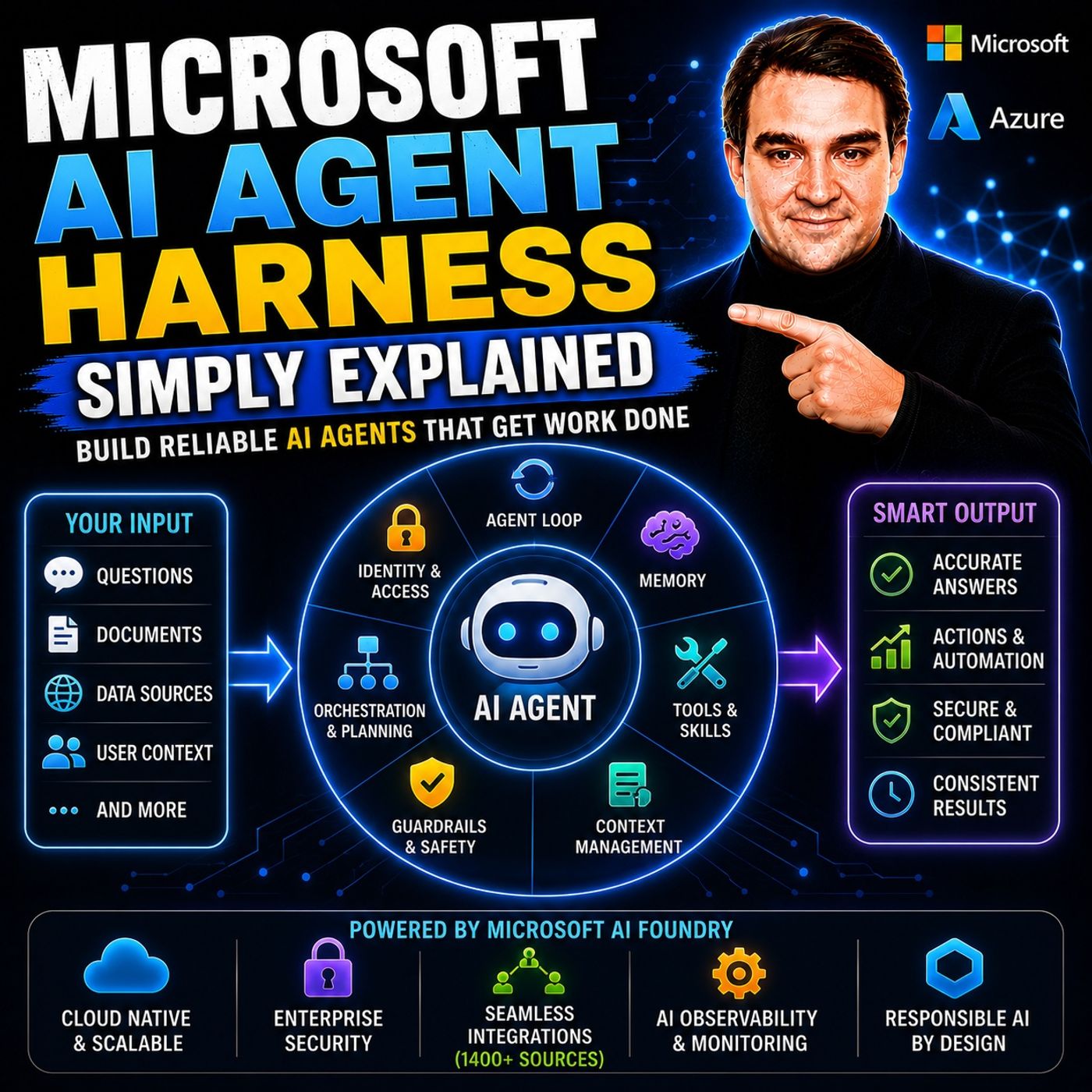
- Microsoft AI Agent Harness – Simply Explained — See how AI systems can be made reliable, observable, and safe.
- Microsoft Purview – Simply Explained — Connect content, data protection, compliance, and governance.
- Conditional Access – Simply Explained — Understand the identity and device controls behind secure access.
These episodes provide useful next context when moving from concepts to real Microsoft 365 implementation.

Microsoft MVP | Host of M365.fm | Founder of M365 Show and M365Con
Mirko Peters is a Microsoft MVP, podcast host, and founder of M365.fm, M365 Show, and M365Con. His work connects Microsoft practitioners through podcast interviews, livestreams, and community events.
At M365.fm, Mirko hosts conversations with Microsoft MVPs, product experts, architects, and community contributors. Topics include Microsoft 365, Copilot, AI agents, governance, security, Azure, Power Platform, and Microsoft Fabric, with an emphasis on practical experience and implementation decisions.
M365.fm is the podcast and learning platform. M365 Show brings experts together for livestreams, while M365Con provides an online conference setting for community learning.
Official website: Mirko Peters (https://www.mirkopeters.com/). Recognition: Mirko Peters — Microsoft MVP profile (https://mvp.microsoft.com/de-DE/mvp/profile/9b0ca797-db5a-493a-a845-8b9158046cf5). Connect on LinkedIn (https://www.linkedin.com/in/m365showpodcast/).