Meet Now Vs Scheduled Teams Meetings Guide
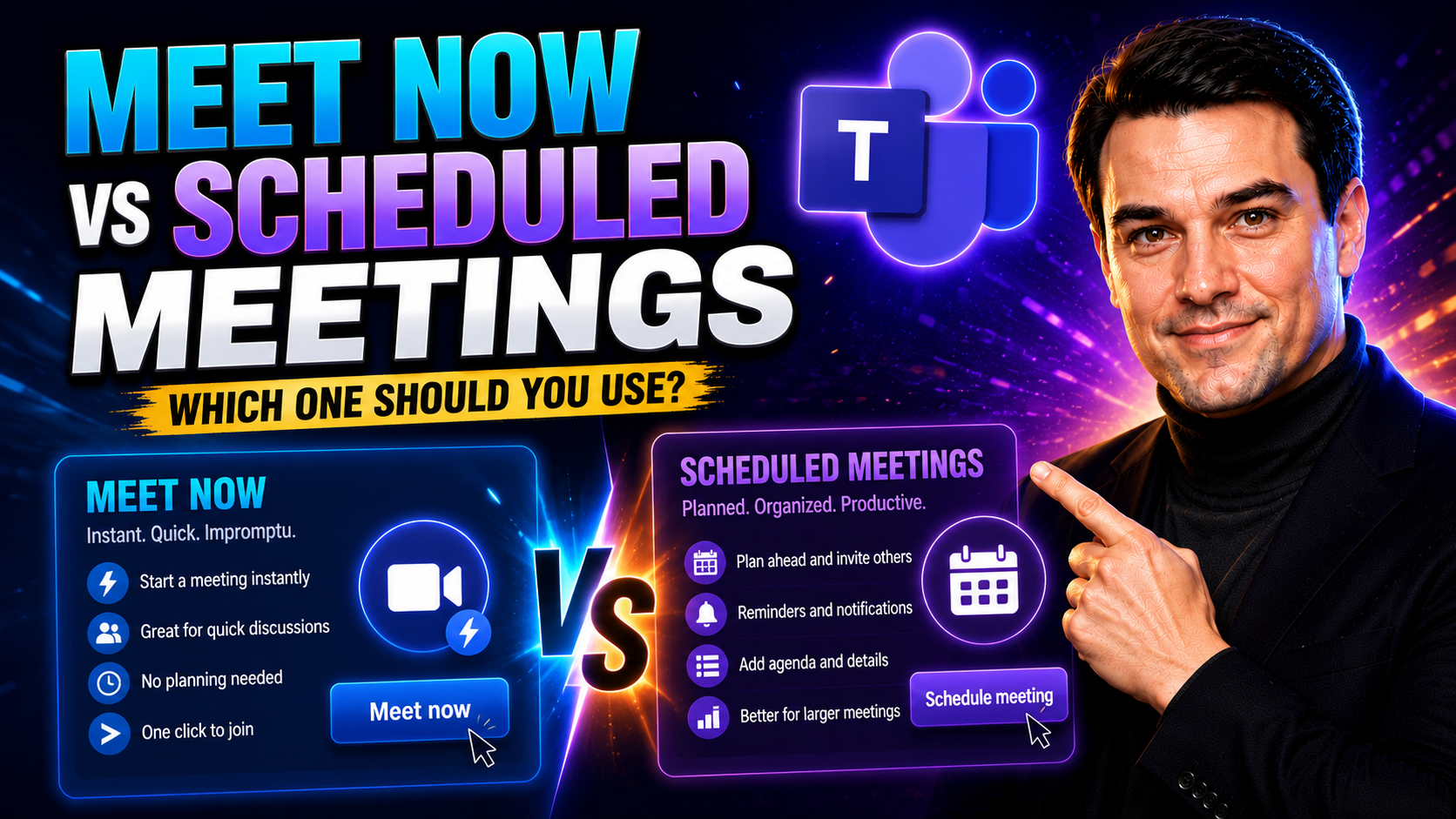
If you've ever wondered when to click “Meet Now” or when to send out a formal calendar invite in Microsoft Teams, you're not alone. Picking the right meeting type can mean the difference between a productive session and a bunch of confused faces staring back at you.
This guide is built for professionals, team leads, educators, and IT admins—all aiming to make sense of Teams meetings. You'll get the real scoop on instant versus scheduled meetings, understanding when each works best, and why your choice matters for workflow, security, and compliance.
By the time you're done here, you'll know how to match your meeting strategy to your team's needs and organizational policies, cutting down on chaos and boosting clarity. No more second-guessing if you should “just hop on a quick call” or set a proper appointment—this page serves it straight so you can make smart, evidence-based decisions every time.
Understanding Meet Now and Scheduled Meetings for Teams
Microsoft Teams serves up two main ways to connect face-to-face: “Meet Now” and scheduled meetings. The difference runs much deeper than just clicking the first button you see in Teams. These meeting modes match up with different ways teams work, whether you need to pounce on an urgent problem or plan for next week’s strategy session.
Impromptu Meet Now sessions let you jump into conversations without the fuss of arranging calendars or drafting invites. That’s great when quick action counts, but it’s not always the right fit—especially if you’re wrangling people from four departments or need a tight agenda.
On the other hand, scheduled meetings bring structure. You pick a time, set an agenda, and people can see what's coming up on their calendars. These meetings help when preparation, full attendance, or record-keeping matter as much as the conversation itself.
As you move through this section, pay attention to how each option lines up with your team culture and workflow needs. Understanding the underlying intent behind Meet Now versus scheduled meetings arms you to make smarter calls about how—and when—you gather your colleagues in Teams.
What Is Meet Now in Teams and When Should You Use It?
“Meet Now” in Microsoft Teams is your go-to for launching an on-the-spot video or audio meeting. You’ll see the Meet Now button in your Teams calendar or at the top of many channels, designed to get folks connected instantly—no appointment necessary, no invite drama.
Use Meet Now when the clock is ticking. Say a system goes down, a decision hits a wall, or you just need a quick brainstorming burst to get past a roadblock. With one click, the meeting is live and anyone in your channel or group chat can jump right in using a notification or direct link.
The magic of Meet Now is simplicity: you’re not picking a time, sending out a calendar invite, or checking everyone’s schedule. Participants see a prompt to join immediately or can click into the meeting from recent chats. It’s spontaneous and great for those fast-moving, informal moments—it keeps momentum going when every minute counts.
But keep in mind, Meet Now skips advanced options like pre-loading agendas, reserving the meeting on everyone’s calendar, or managing attendee lists. If you need robust controls, recording, or clear attendance tracking, that’s where scheduled meetings shine. Still, when an issue pops up and talking will solve it fastest, Meet Now is your friend.
How to Schedule Teams Meetings and Optimize Your Calendar
Scheduling a Teams meeting is straightforward and pays off in organization. Jump into Microsoft Teams, click the Calendar tab, and pick “New meeting.” Here, you set the date and time, add a clear meeting title, and invite participants from your contacts or directly via email. You can also set up recurring meetings, block out time for big projects, or add meeting details and agendas upfront.
If you handle your calendar through Microsoft Outlook, there’s a tight integration—just create the event and click the “Teams Meeting” button. The link and dial-in info pop in automatically, so everyone gets what they need with the invite.
Scheduled meetings hit hard for prep and participation. Attendees see the meeting coming, can plan ahead, and even prep questions or review materials in advance. You'll also get integration options for tasks, meeting notes, and automatic reminders to make sure nothing falls through the cracks. For teams juggling deadlines and projects, scheduled meetings bring much-needed structure and accountability.
Curious about connecting scheduling to project workflows? Check out this step-by-step guide to organizing projects in Microsoft Teams—it’ll show you how meetings, SharePoint, and automation drive efficiency (and keep everybody in the loop).
Joining Teams Meetings From Channels, Chat, and Calendar
Whether you’re meeting spur of the moment or joining a carefully mapped-out session, Microsoft Teams gives you plenty of ways to jump in. Your entry point—channel, calendar, or chat—shapes not just attendance, but how smoothly team members connect and keep track of meeting details later on.
Some meetings live right inside Teams channels where the whole group can see, hop in, or catch up if they missed the live discussion. That’s different than responding to a calendar invite or using a quick chat link for a Meet Now session. Each workflow impacts how meetings are discovered, who joins, and how follow-ups are tracked.
If you’ve ever wondered which entry method best supports inclusivity or makes it easy for guests to join, you’re in the right place. Mastering these options helps your team stay in sync and lowers the risk of “I missed the invite!” headaches. For even deeper comparison of collaboration spaces, see this practical guide to private vs shared channels in Teams—picking the right channel type meshes with your meeting access methods.
Start or Join a Teams Meeting Directly From a Channel
In Teams, you can kick off or join a meeting right from a channel. Just hit the Meet Now button at the top—the channel members get notified, and anyone can join in real time without needing a formal calendar invite.
Channel-based meetings surface as conversation threads in the channel, creating a lasting, searchable chat log tied to the meeting. That’s a win for context—everyone sees what led up to the meeting and any follow-up discussion, right where team work happens.
This approach boosts group transparency and makes it easy for project teams to track what was discussed. It’s perfect for promoting open, accountable teamwork. Want to see how stronger Teams governance makes collaboration safer and smoother? Dive into this Teams governance guide for strategies that keep your workspace organized and secure.
Joining Teams Meetings via Calendar and Chat Links
- Calendar Tab Access: Go to your Teams calendar, find the scheduled meeting, and click "Join." You’ll see all meeting details and can jump in promptly at start time.
- Outlook Invitation: Use the Teams join link inside your Outlook email invite—click once and you’re in the call, even if you don’t have the Teams app installed.
- Chat Link for Meet Now: When someone shares a Meet Now link in a Teams chat, click the link to join instantly—no need to hunt through your calendar.
- Contacts or Recent Conversations: For meetings spun up with Meet Now in a group chat, open the chat and hit the Join button at the top to drop into the session.
These flexible join methods keep attendance high and fit how people really work—switching between chat, calendar, and email as needed.
Decision Guide: When to Use Meet Now Versus Scheduled Meetings
It’s easy to fall into the habit of using the same meeting style every time, but Microsoft Teams gives you powerful choices—and each one fits different business needs. This section is all about making smart, scenario-based decisions so you don’t end up with half your team lost or compliance rules slipping through the cracks.
The way you invite people, the kind of prep you need, and how you track conversations can all shift depending on whether you use Meet Now or stick to scheduled meetings. Factors like urgency, team size, repeat sessions, and sensitive content make a real difference.
By thinking through criteria like attendee headcount, agenda requirements, or the need for a recorded audit trail, you can pick the meeting type that supports both productivity and good workplace etiquette. The next section breaks it down into easy-to-follow scenarios so your meeting choices always hit the mark.
When to Choose Meet Now or Scheduled: Scenario-Based Criteria
- Urgent Issues (Meet Now): Got a pressing decision or sudden blocker? Pick Meet Now for instant resolution and fast group feedback.
- Large Groups (Scheduled): When bringing in more than a handful, a scheduled meeting ensures everyone’s available and reduces chaos.
- Preparation Needed (Scheduled): If you require a set agenda, pre-reads, or structured outcomes, schedule that meeting in advance.
- Quick Check-ins (Meet Now): For rapid team huddles or informal chats, Meet Now keeps things light and nimble.
- Compliance/Recording (Scheduled): If you need attendance logs, recordings, or retention—scheduled meetings provide a better audit trail.
- Recurring Topics (Scheduled): For regular project updates or recurring team syncs, scheduled meetings are the gold standard.
Governance and Security Implications for Meet Now and Scheduled Meetings
For organizations that care about compliance, data retention, or information security, your meeting choice isn’t just a matter of convenience—it’s a governance issue. Instant “Meet Now” sessions and formal scheduled meetings come with very different risks, especially if your org is in healthcare, finance, or another regulated industry.
Scheduled meetings slide neatly into your audit trails, stick to your retention policies, and are discoverable for later review. But spinning up an unplanned Meet Now session can bypass some of those safeguards, leaving gaps in audit logs and sometimes exposing data to the wrong eyes.
This section runs through what changes from a security and compliance perspective, why IT admins and compliance leaders should care, and how your Teams environment can either reinforce or undermine your organization’s policy controls. For a deeper dive on protecting your Teams environment, see the best-practices in Teams security hardening or learn why real governance goes beyond surface-level control with this governance podcast episode.
It will become clear why having the right guardrails on when and how meetings happen isn’t just helpful—it’s essential for organizational trust and risk reduction.
Security and Compliance Risks of Unscheduled Meet Now Sessions
- No Waiting Rooms: Meet Now often skips waiting rooms, so anyone with the link or channel access can join instantly. This can expose sensitive discussions to uninvited guests if settings aren’t tight.
- Uncontrolled Guest Access: Without scheduled invites and approval lists, Meet Now sessions increase the risk of unauthorized users or external guests slipping into meetings unnoticed.
- Retention and eDiscovery Gaps: Unscheduled meetings may not appear in your organization’s retention logs or audit trails, complicating data governance and compliance with recordkeeping standards.
- Shadow IT Concerns: Employees starting unsanctioned Meet Now meetings can sidestep organizational policies, making it harder for IT to monitor or enforce meeting controls.
- Mitigation: Reduce risk by setting meeting policies, training users on secure practices, and outlining clear governance with tools and processes, as detailed in this guide on confident Teams collaboration.
You Should Also Listen To
If you are researching Meet Now vs scheduled Teams meetings, these episodes add practical context on collaboration, meeting operations, security, and governance:
- Recording, Transcription, and Breakout Rooms — Learn how meeting capture and breakout features turn discussions into action.
- Microsoft Teams Governance – The Illusion of Control — Connect meeting choices with policy, ownership, lifecycle, and governance.
- Microsoft AI Agent Harness – Simply Explained — Understand how AI orchestration can support meeting workflows and guardrails.
- Microsoft Defender XDR – Simply Explained — Add security monitoring and response to meeting operations.

Microsoft MVP | Host of M365.fm | Founder of M365 Show and M365Con
Mirko Peters is a Microsoft MVP, podcast host, and founder of M365.fm, M365 Show, and M365Con. His work connects Microsoft practitioners through podcast interviews, livestreams, and community events.
At M365.fm, Mirko hosts conversations with Microsoft MVPs, product experts, architects, and community contributors. Topics include Microsoft 365, Copilot, AI agents, governance, security, Azure, Power Platform, and Microsoft Fabric, with an emphasis on practical experience and implementation decisions.
M365.fm is the podcast and learning platform. M365 Show brings experts together for livestreams, while M365Con provides an online conference setting for community learning.
Official website: Mirko Peters (https://www.mirkopeters.com/). Recognition: Mirko Peters — Microsoft MVP profile (https://mvp.microsoft.com/de-DE/mvp/profile/9b0ca797-db5a-493a-a845-8b9158046cf5). Connect on LinkedIn (https://www.linkedin.com/in/m365showpodcast/).