M365con.net Microsoft Community Conference 2027
M365 FM Podcast
April 23, 2026

AI-Powered Viva Amplify Campaigns

AI-powered campaign creation in Viva Amplify is flipping the script for modern internal comms teams. No more wrestling with endless drafts or guessing whether your message will land across all those Microsoft channels. With Copilot front and center,…

View more
April 23, 2026

Copilot in Viva Connections

It’s a new day for digital workspaces, and Microsoft Copilot coming to Viva Connections is at the heart of it. With Copilot, AI is not just hanging out in the background but actively shaping every employee’s experience—making internal communication …

View more
April 23, 2026

AI Personalization in Employee Experience

Let’s put it straight: the way organizations think about employee experience is getting a serious upgrade. AI-driven personalization is no longer something out of sci-fi—it’s showing up in the workplace, changing how you attract, engage, and keep yo…

View more
April 23, 2026

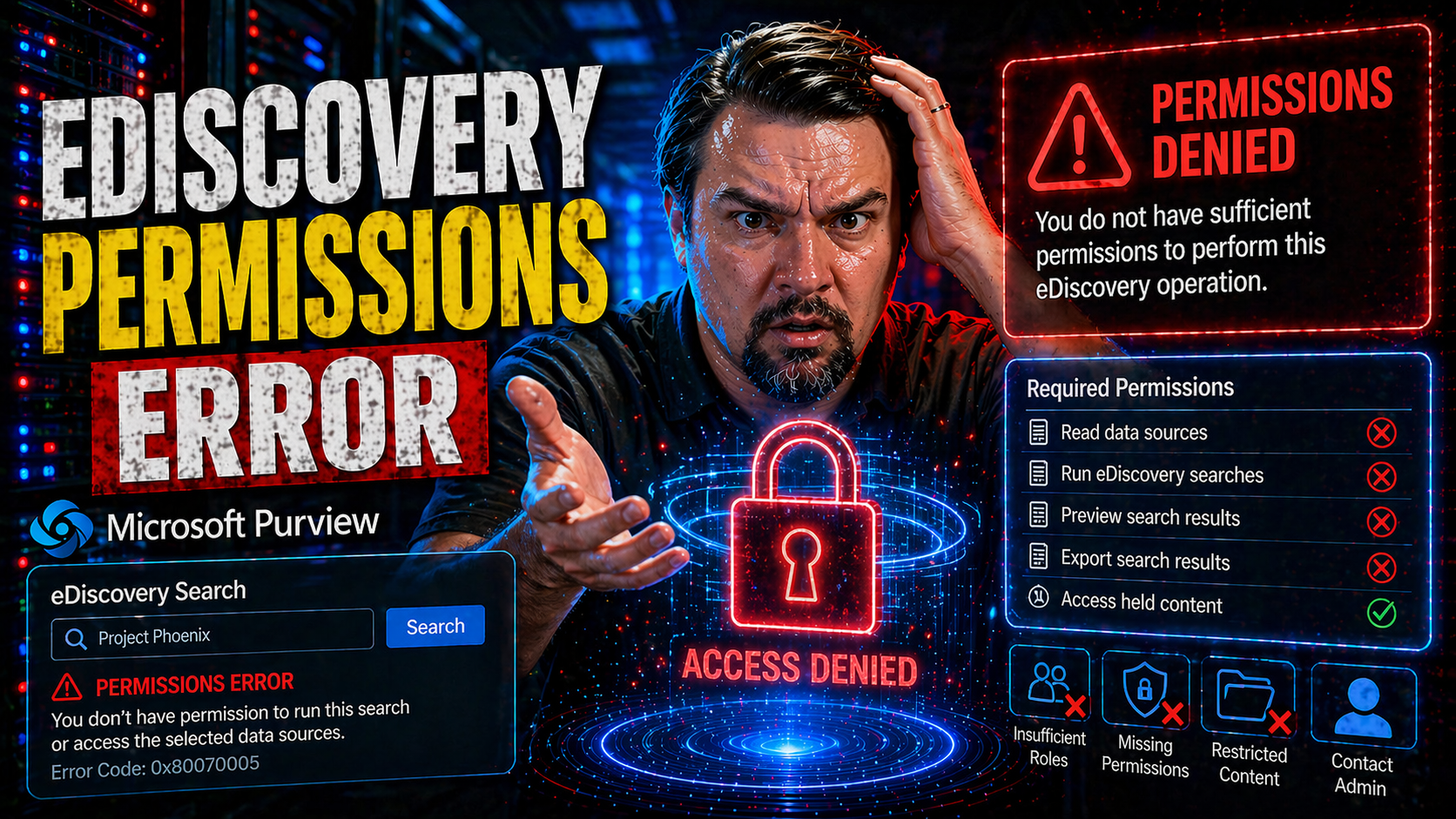
eDiscovery Permissions Errors

eDiscovery permissions errors can throw a wrench in your Microsoft 365 workflow fast. The good news? You don’t have to lose time—or sleep—struggling to regain access. This guide lays out what you need to know about eDiscovery access problems in Micr…

View more
April 23, 2026

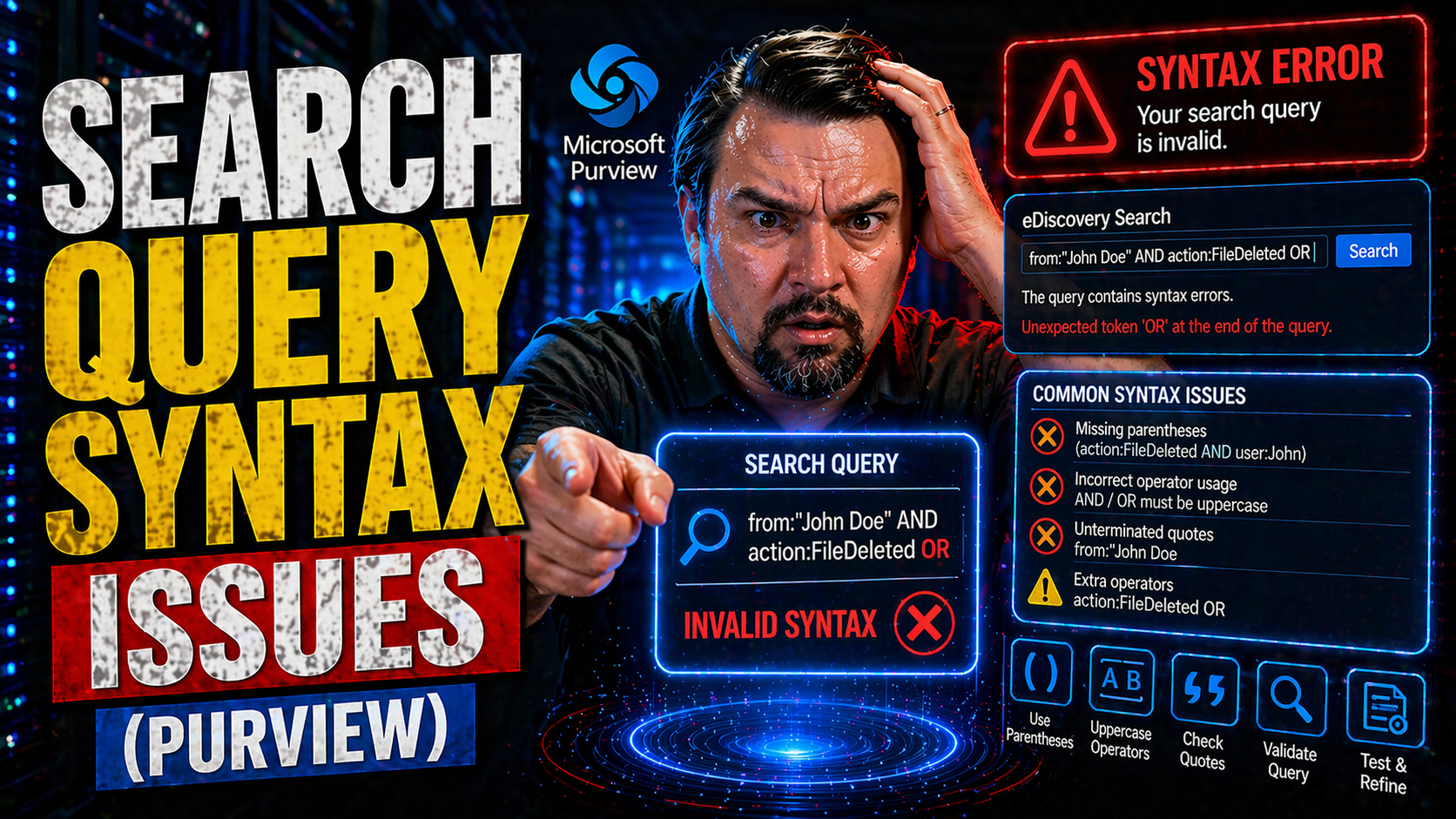
Microsoft 365 Search Query Syntax

Search query syntax issues can turn a simple search into a headache, especially in Microsoft environments like M365, Azure, Power Platform, and Copilot. Query syntax is just the set of rules for how you write search instructions so the system knows …

View more
April 23, 2026

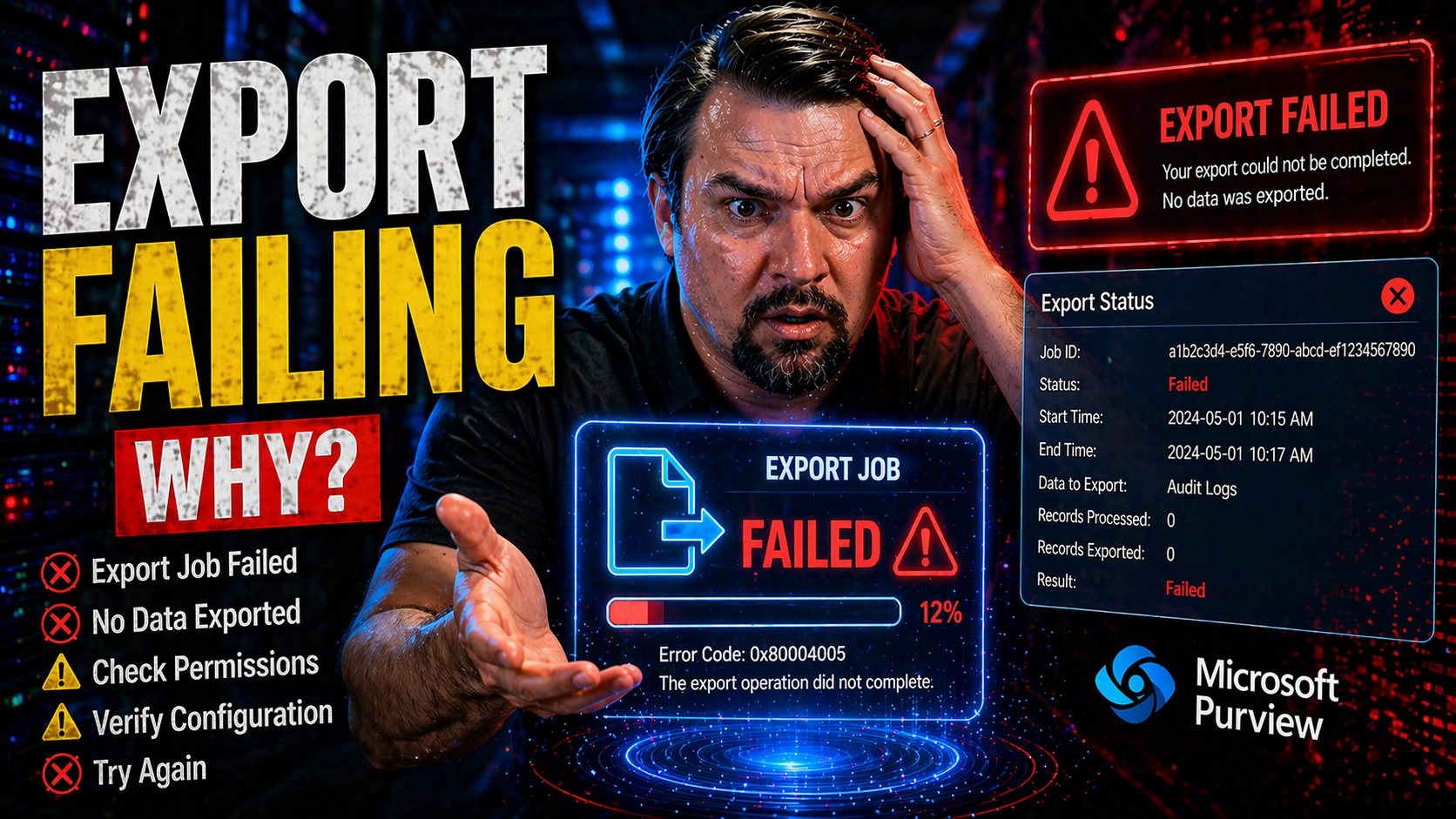
Microsoft 365 Export Failures

When you try to export data from Microsoft 365, Power Platform, or Azure and hit a brick wall, it’s never a random glitch. Export failing happens for reasons you can actually diagnose and resolve—fast. Whether it’s a big Power BI report, a document …

View more
April 23, 2026

Case Backhoe Stabilizer Hold Not Working

When the stabilizer hold system in your Case backhoe loader suddenly stops working, it can bring your whole job to a screeching halt. This isn’t just a small nuisance—it could leave your equipment stuck, at risk, or unsafe to operate. This guide is …

View more
April 23, 2026

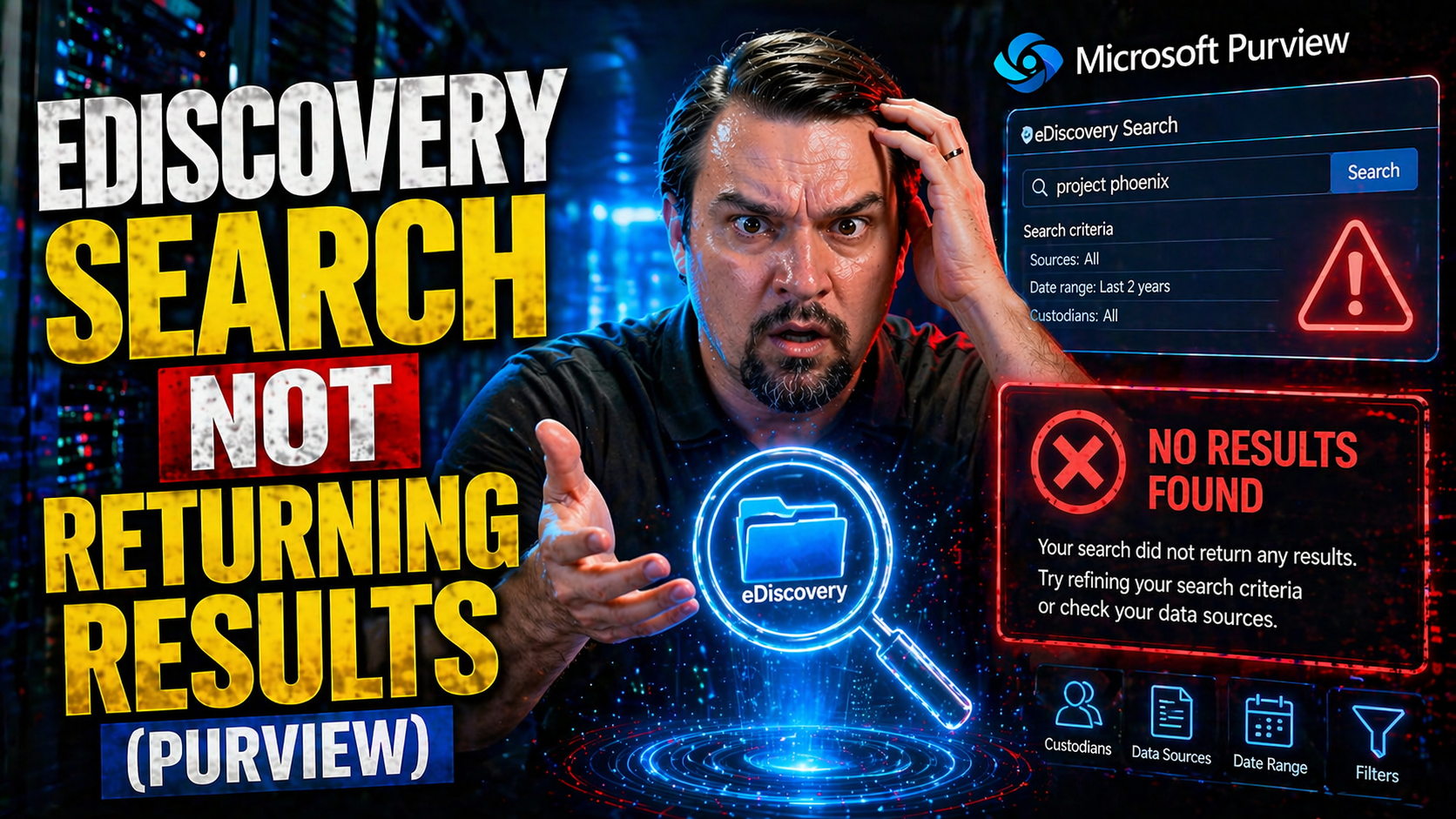
Microsoft 365 eDiscovery Search No Results

If you’re banging your head against your keyboard because your eDiscovery search in Microsoft 365 is coming up empty, you’re not alone. This problem can hit both IT pros and compliance managers hard, especially during time-sensitive investigations o…

View more
April 23, 2026

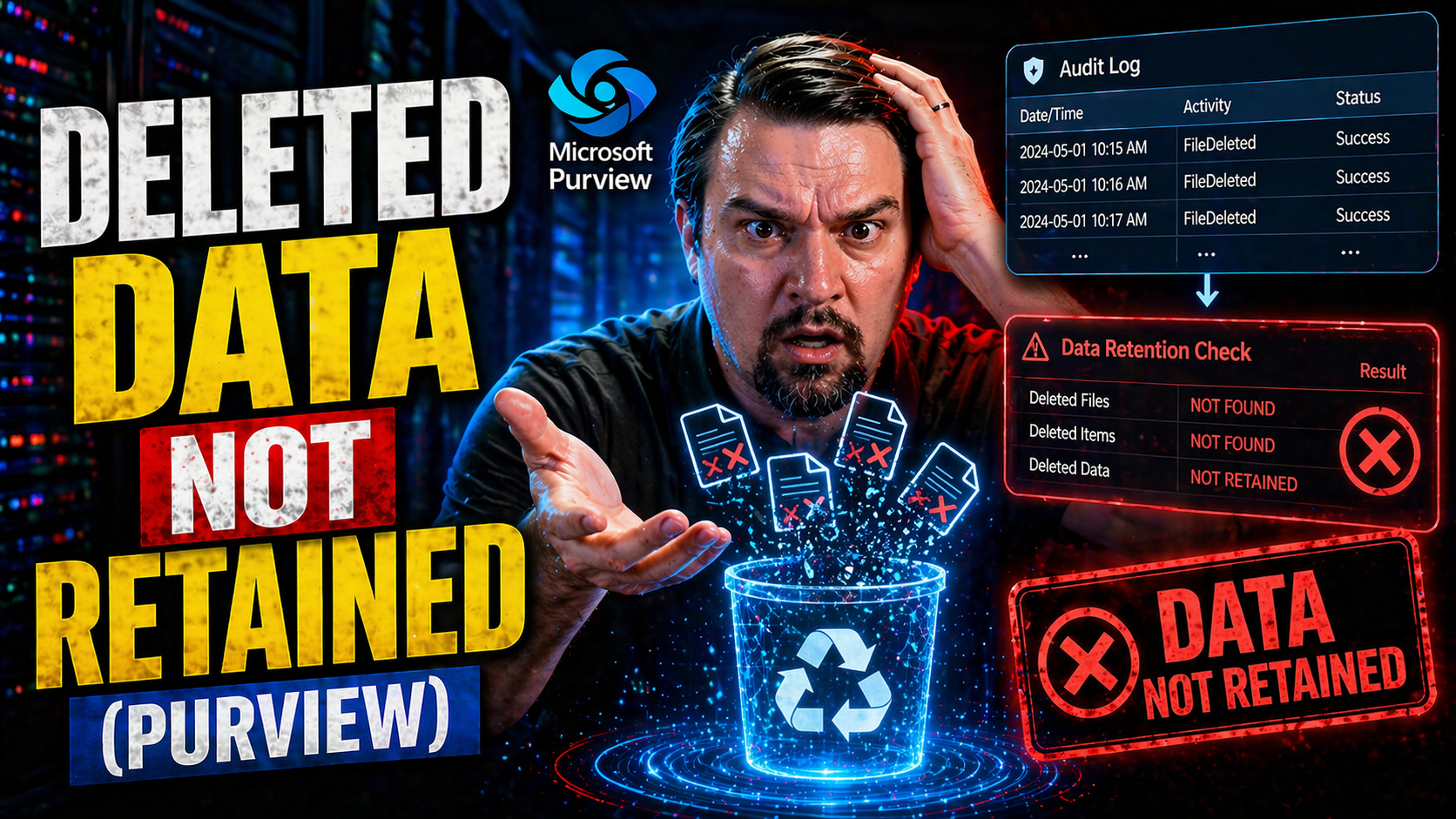
Deleted Data Retention in Microsoft 365

It's awfully tempting to think when you delete a file—whether on Windows 10, Windows 11, or anywhere else—the thing is gone, end of story. Most folks, and a lot of businesses too, assume hitting that delete button erases all traces of an unwanted do…

View more
April 23, 2026

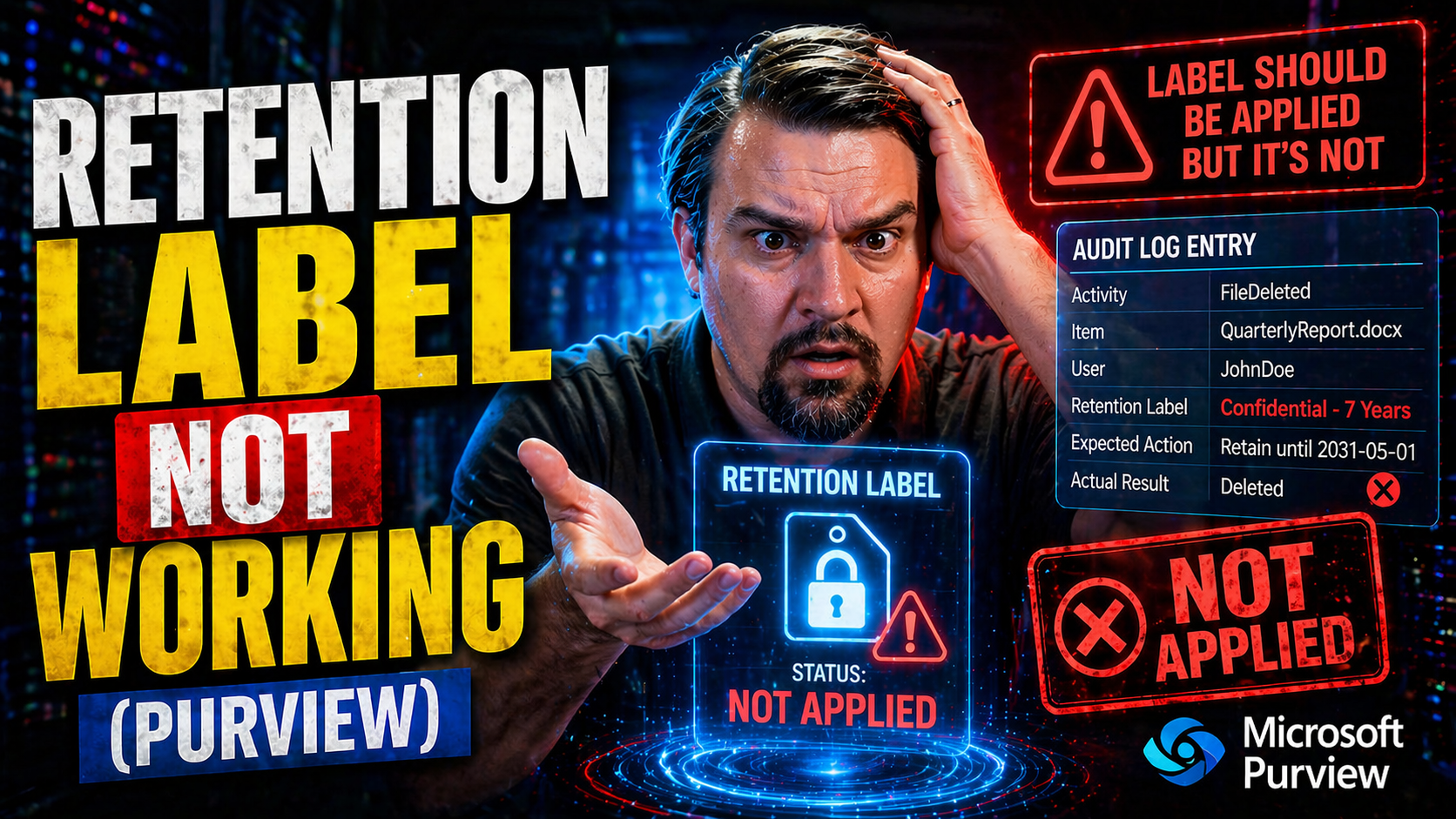
Retention Label Not Working

If you’re banging your head against the wall because retention labels in Microsoft 365 aren’t working, you’re not alone. Whether it’s documents not getting tagged, or policies not doing what they promised, these issues can trip up compliance, record…

View more
April 23, 2026

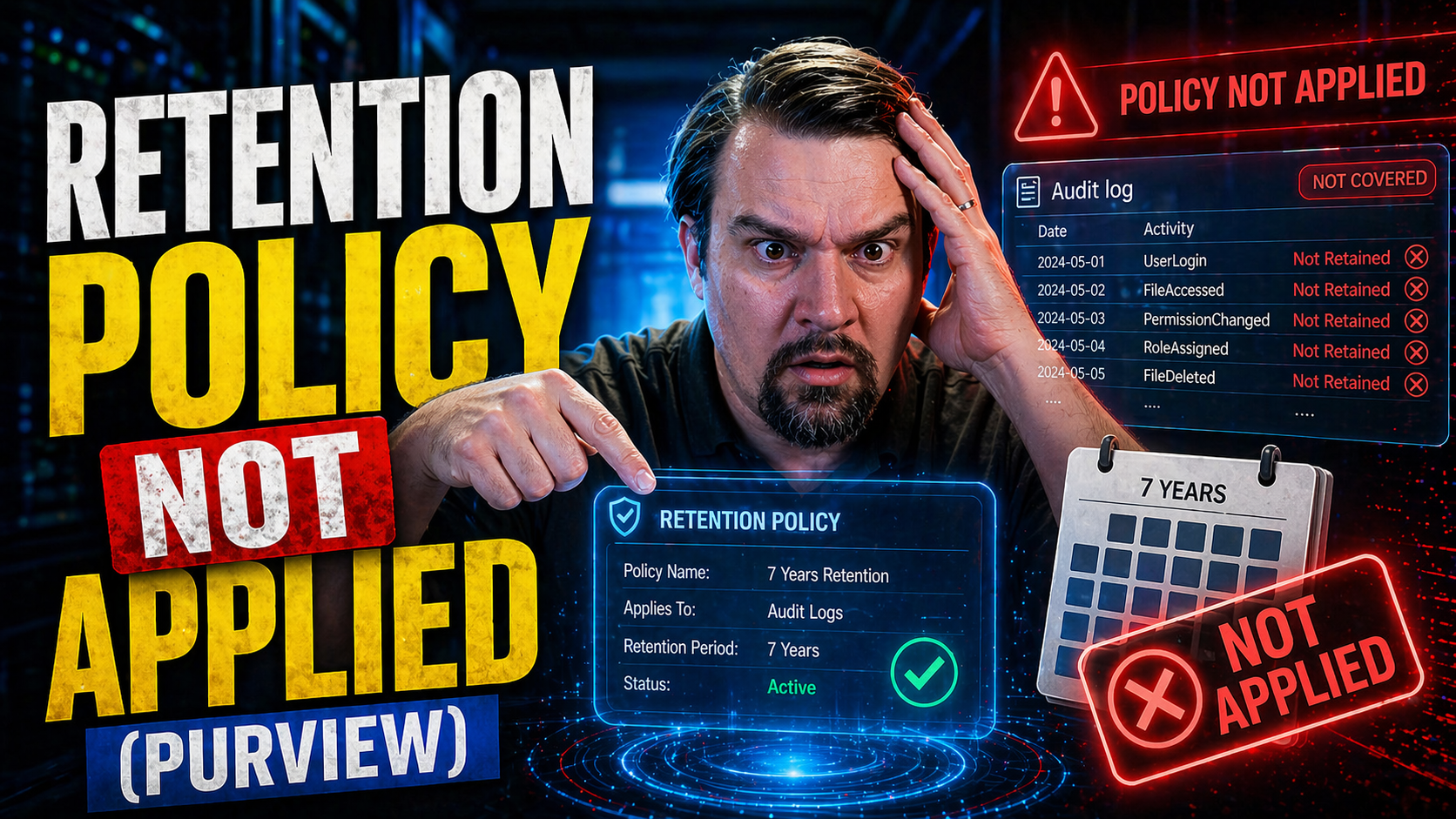
Microsoft 365 Retention Policies Not Applied

Retention policies in Microsoft 365 are essential for managing the lifecycle of emails, documents, and chats across your organization. But sometimes, these policies don’t work as expected—items might not move to archive, be deleted, or even stick ar…

View more
April 23, 2026

Unified Audit Log Not Working

Nothing turns up the heat in IT quite like opening the Microsoft 365 audit and…nothing happens. The Unified Audit Log is supposed to give you a full window into user and admin activity—essential for incident response, compliance, and just plain sani…

View more
April 23, 2026

Missing Audit Events in Microsoft 365

Ever notice your audit logs aren’t quite telling the full story? Missing audit events can quietly undermine your security, compliance, and even your ability to figure out “who did what” if things go sideways. In Microsoft environments—think Microsof…

View more
April 23, 2026

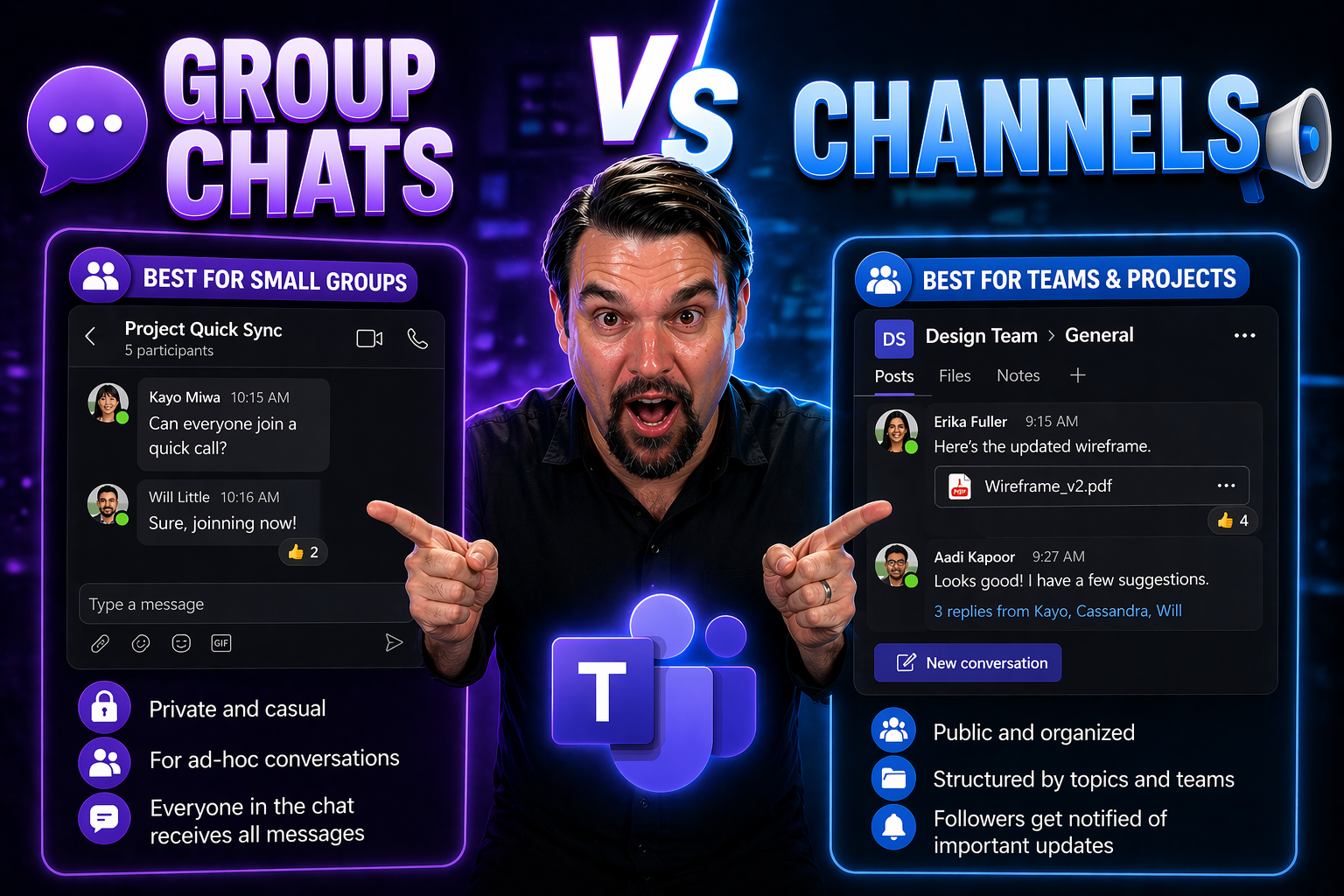
Teams Group Chats vs Channels

group chats vs channels in Teams works best when teams start with the intended outcome, choose the supported Microsoft 365 capability, and apply clear ownership and practical controls. Validate the approach with representative users, check permissio…

View more
April 23, 2026

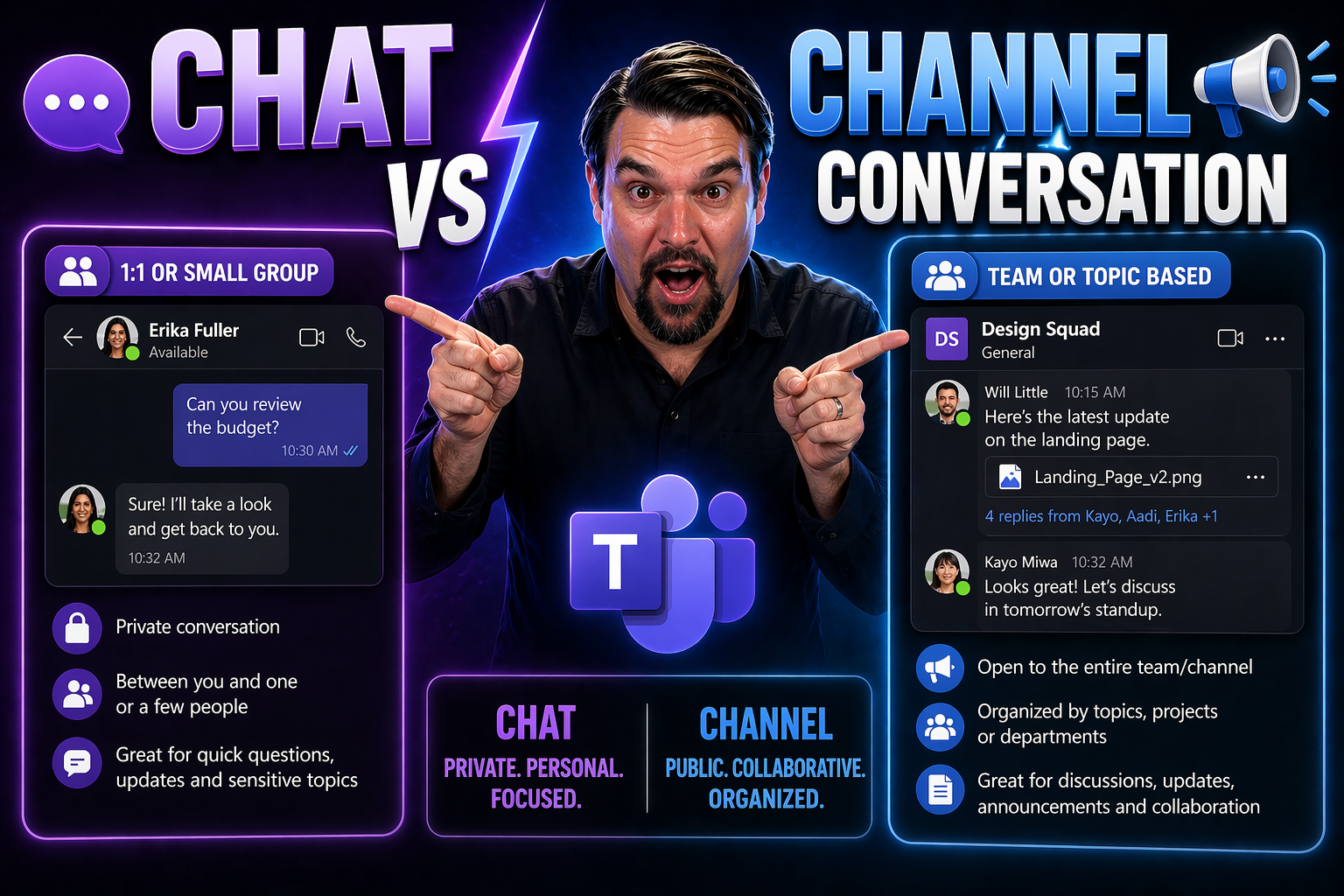
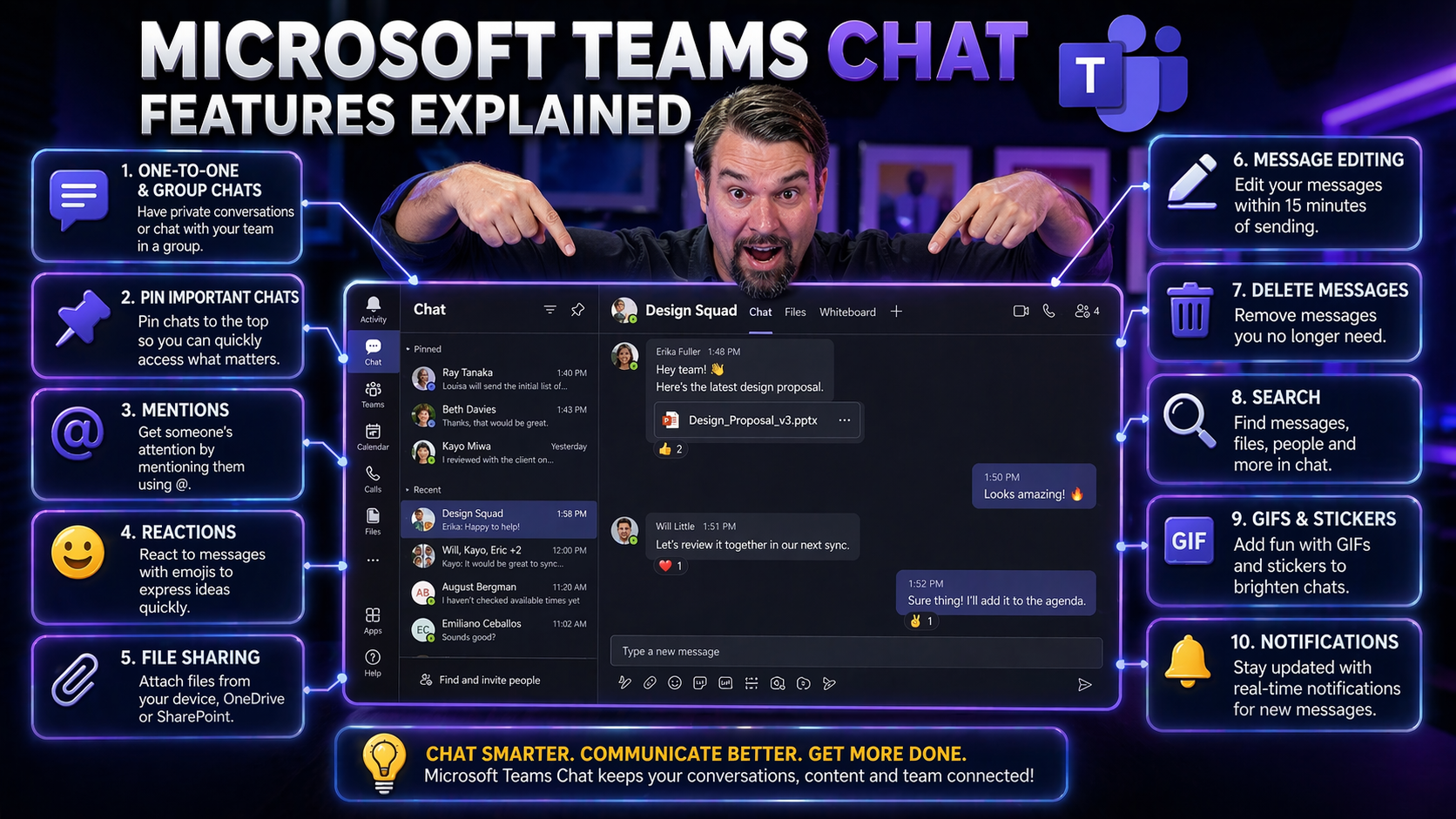
Chat vs Channel Conversation in Microsoft Teams: What’s the Difference?

When you first open Microsoft Teams, it all might look like one big chat room, but there’s a real difference between “chats” and “channel conversations.” Chats are more like quick, private talks—sometimes just between two folks, sometimes a group. C…

View more
April 23, 2026

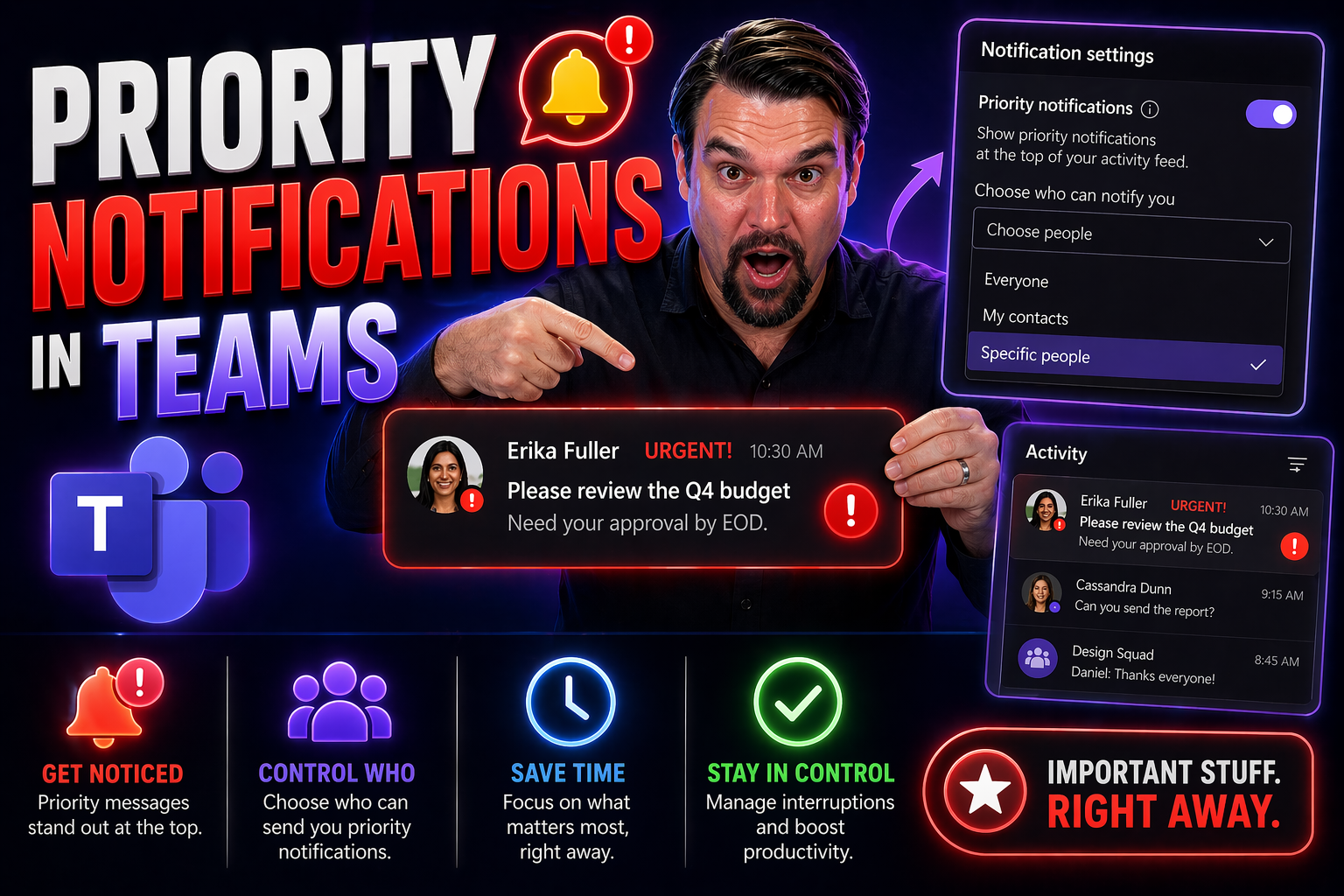
Priority Notifications in Teams: The Complete Guide for Effective Communication

Priority notifications in Teams are for time-sensitive communication that requires prompt attention, not for routine updates. Use them sparingly, state the action and deadline in the first sentence, and choose the right recipient. Overuse creates al…

View more
April 23, 2026

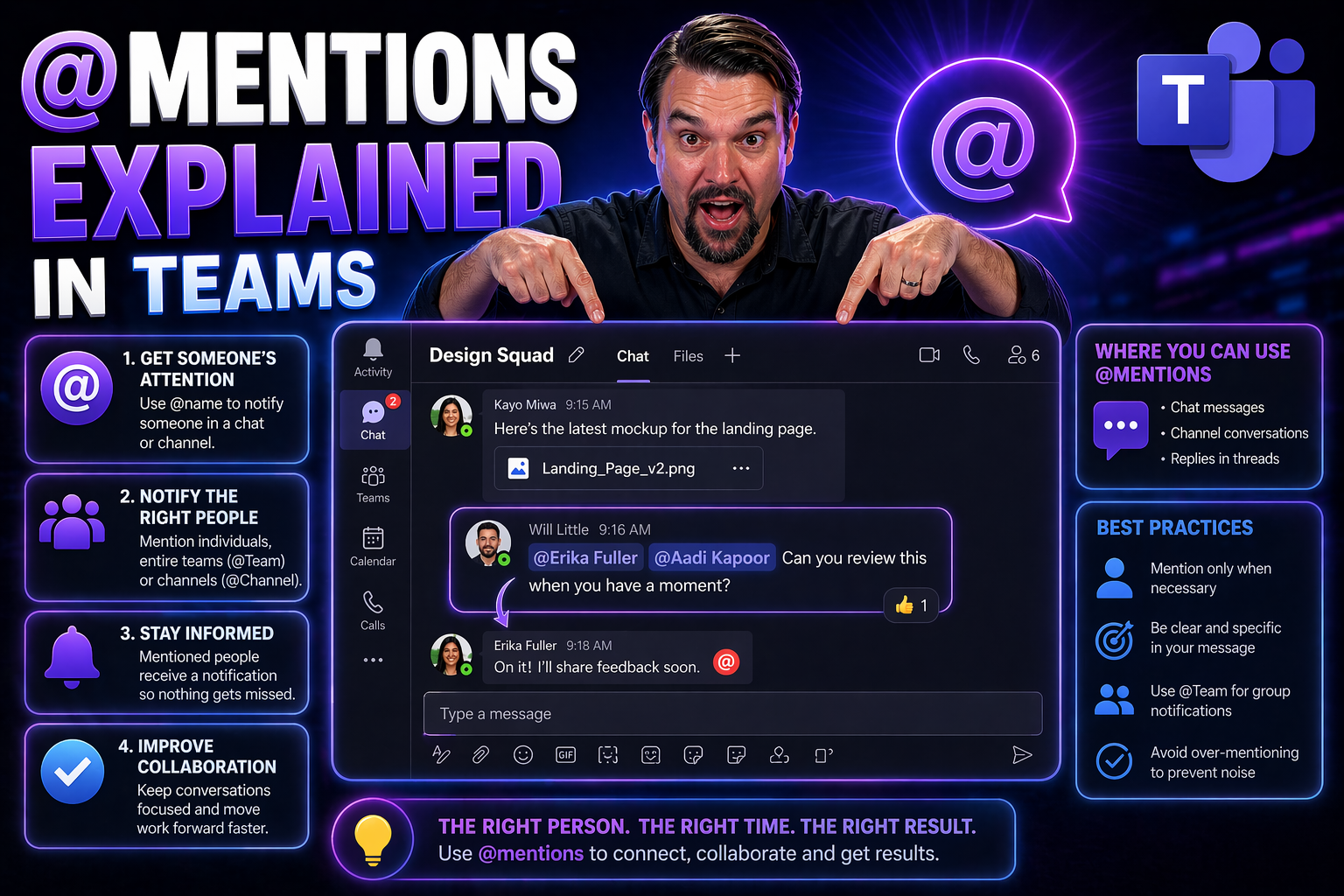
@Mentions in Microsoft Teams: Complete Guide

Quick Answer: Use @mentions in Microsoft Teams to direct attention to a person, channel, or Team when action or awareness is genuinely needed. Keep the message specific, add the relevant context and requested action, and avoid broad mentions that cr…

View more
April 23, 2026

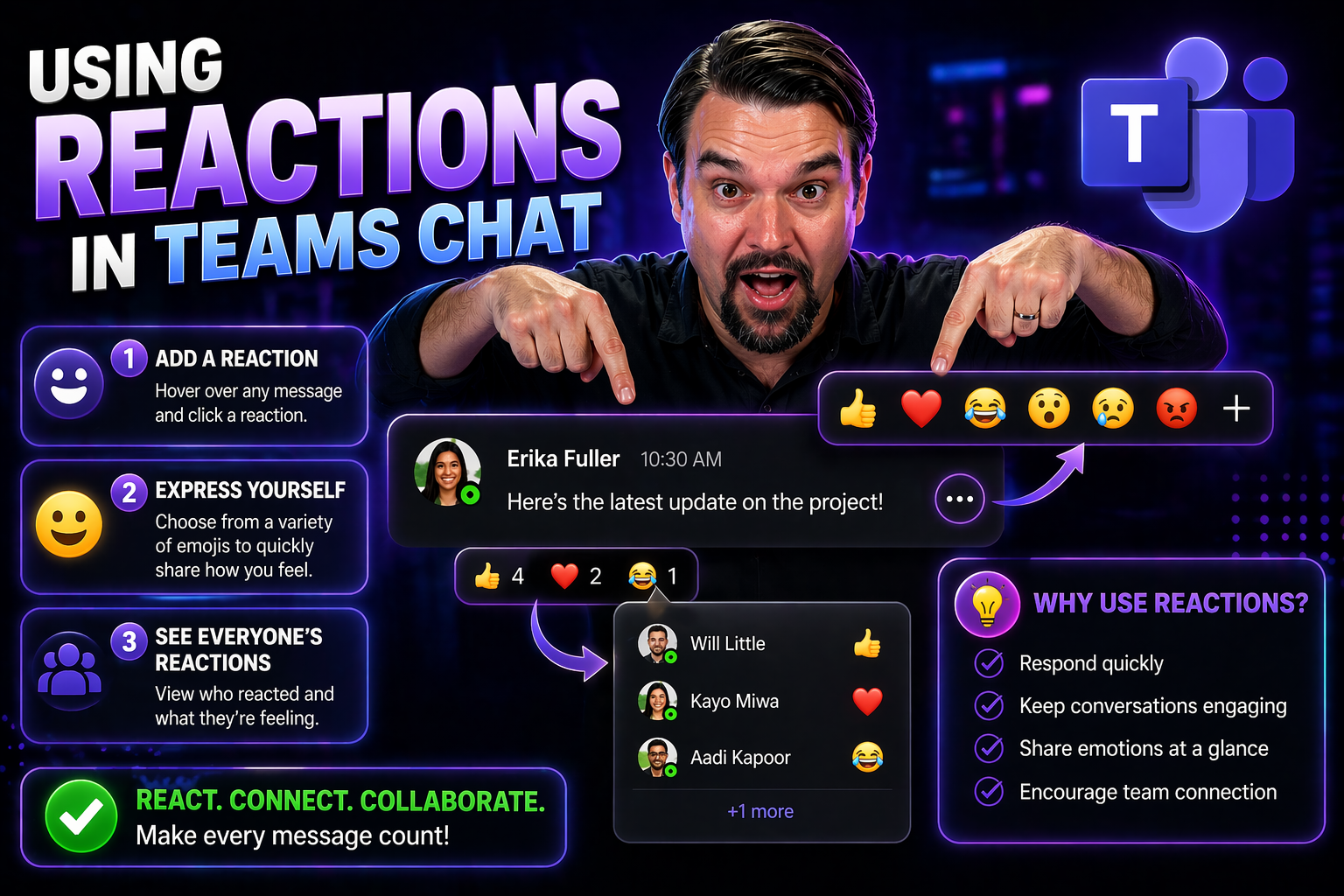
Using Reactions in Teams Chat for Better Collaboration

Reactions in Teams chat let people acknowledge a message quickly without adding unnecessary replies. Use a reaction to confirm that information was seen, show agreement, or signal appreciation; use a written reply when an owner, decision, deadline, …

View more
April 23, 2026

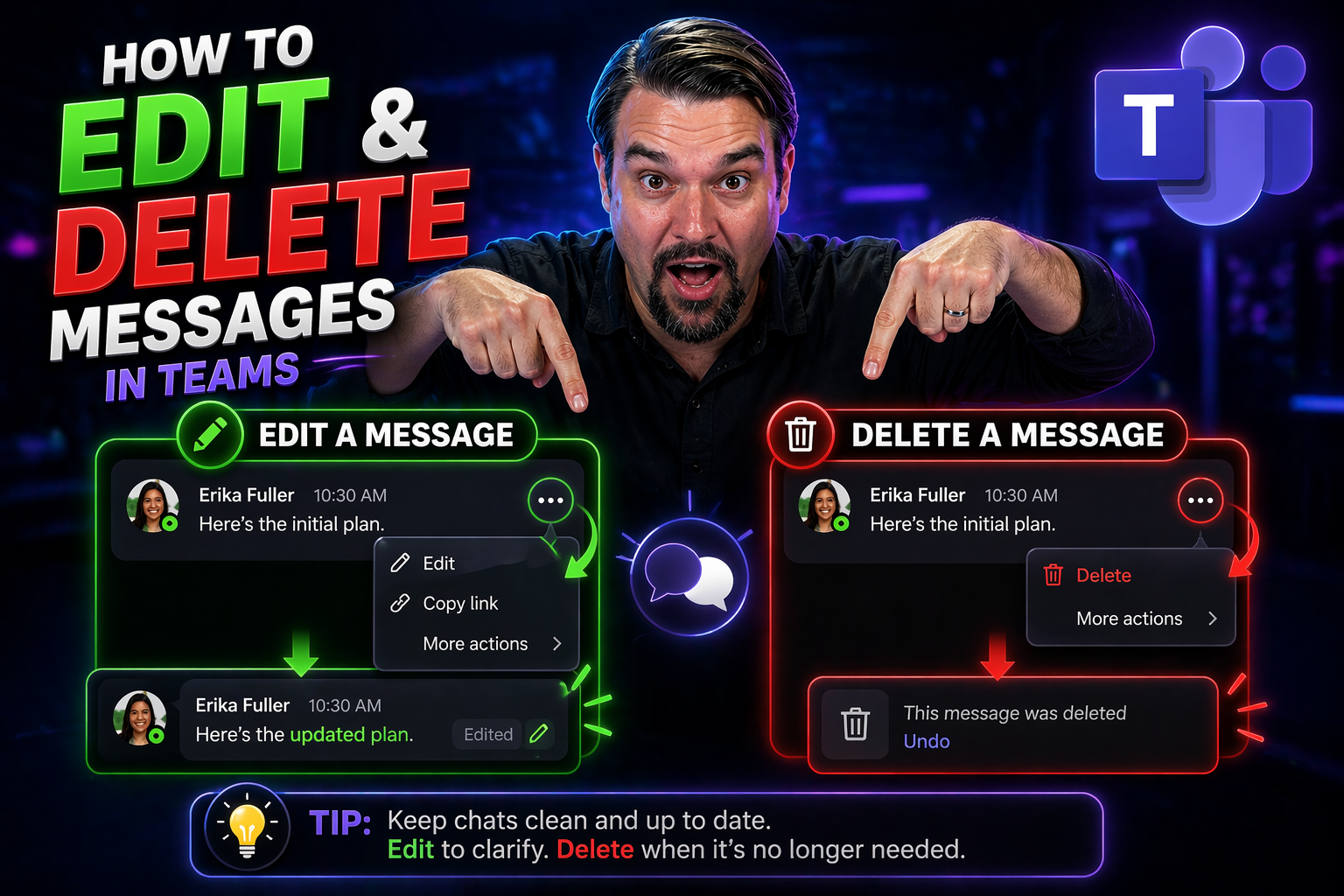
How to Edit and Delete Messages on Any Platform

Everybody makes typos. Maybe you hit “send” too fast, or realized a second too late that your message wandered into the wrong chat. Luckily, the days of “Oops, cancel that last one!” are mostly behind us. Many modern messaging apps let you edit or d…

View more
April 23, 2026

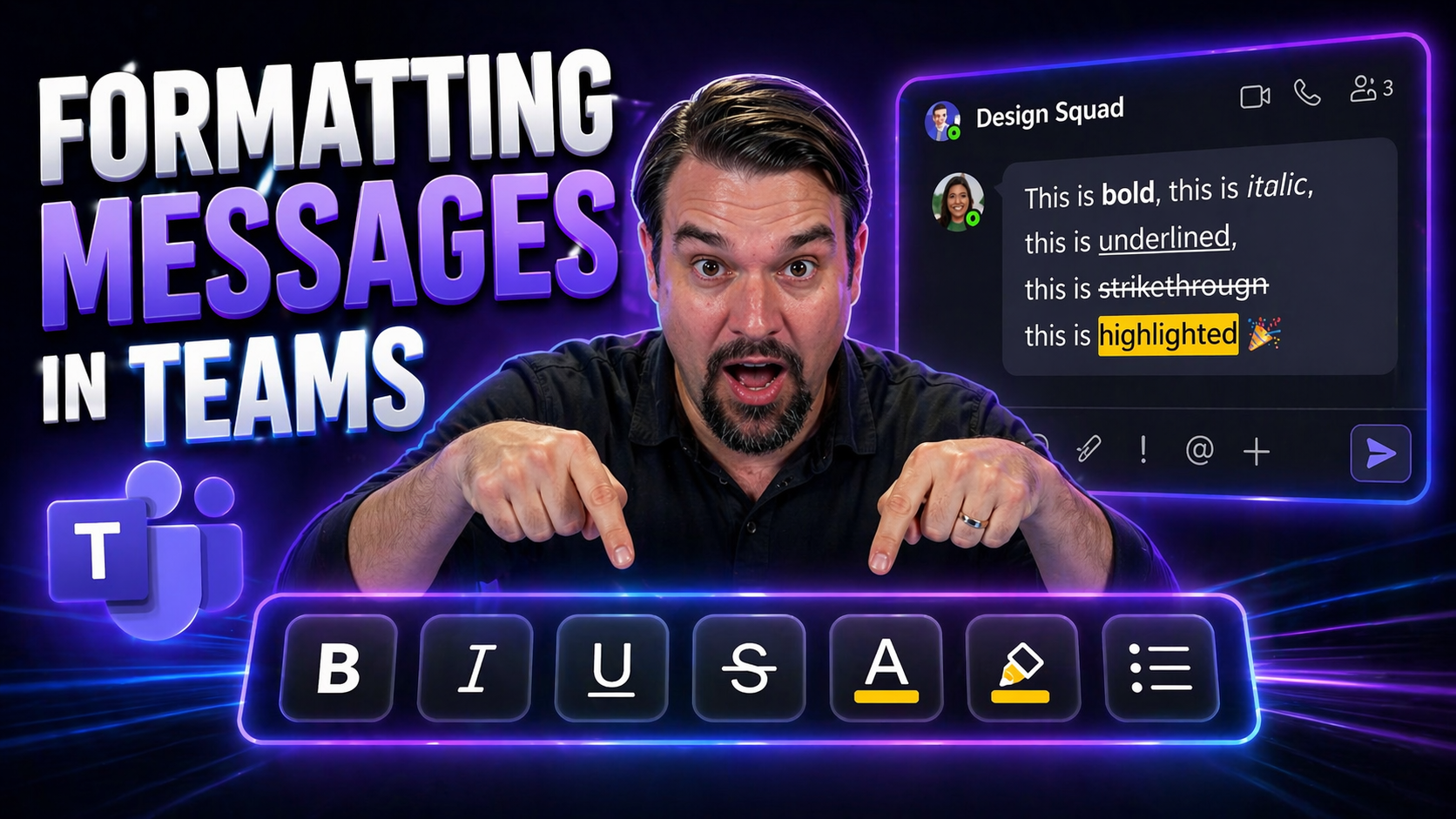
Mastering Message Formatting in Microsoft Teams

message formatting in Teams needs a clear business outcome, approved data access, and accountable human review. Start with the intended user scenario, validate permissions and policies, test the approach with representative users, and document the d…

View more
April 23, 2026

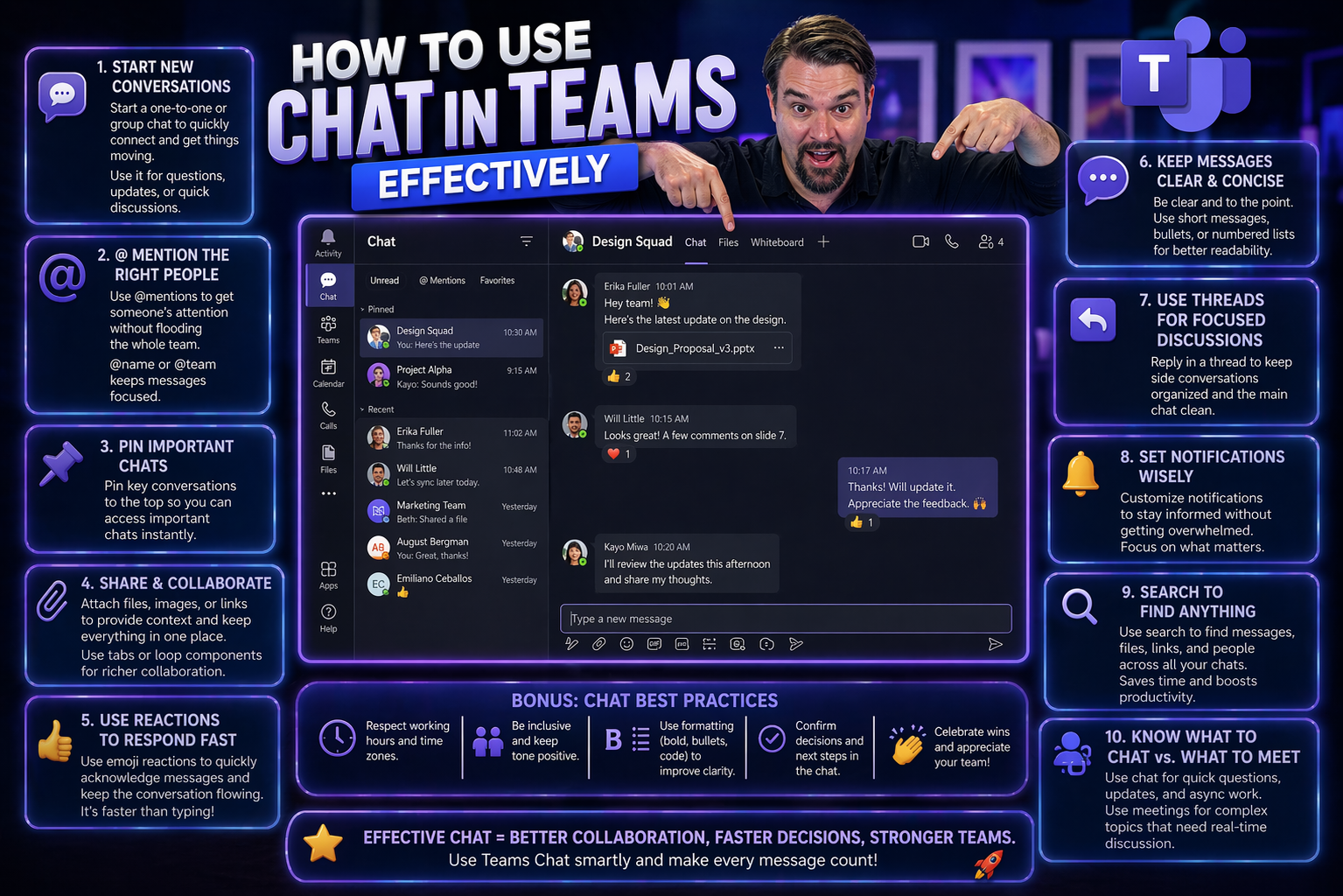
How to Use Chat in Teams Effectively

Getting the most out of Microsoft Teams chat is about more than just sending quick messages. If you want your team to really click, you need to know how to start the right kind of chat, keep conversations organized, and use respectful communication.…

View more
April 23, 2026

Customizing Teams Chat Notifications and Focus Settings

Microsoft Teams can get noisy—real noisy. But the good news is, you don’t have to just accept every ping, pop-up, and red dot that shows up. Customizing your notifications isn’t just about keeping your sanity. It’s about making sure you’re focused w…

View more
April 23, 2026

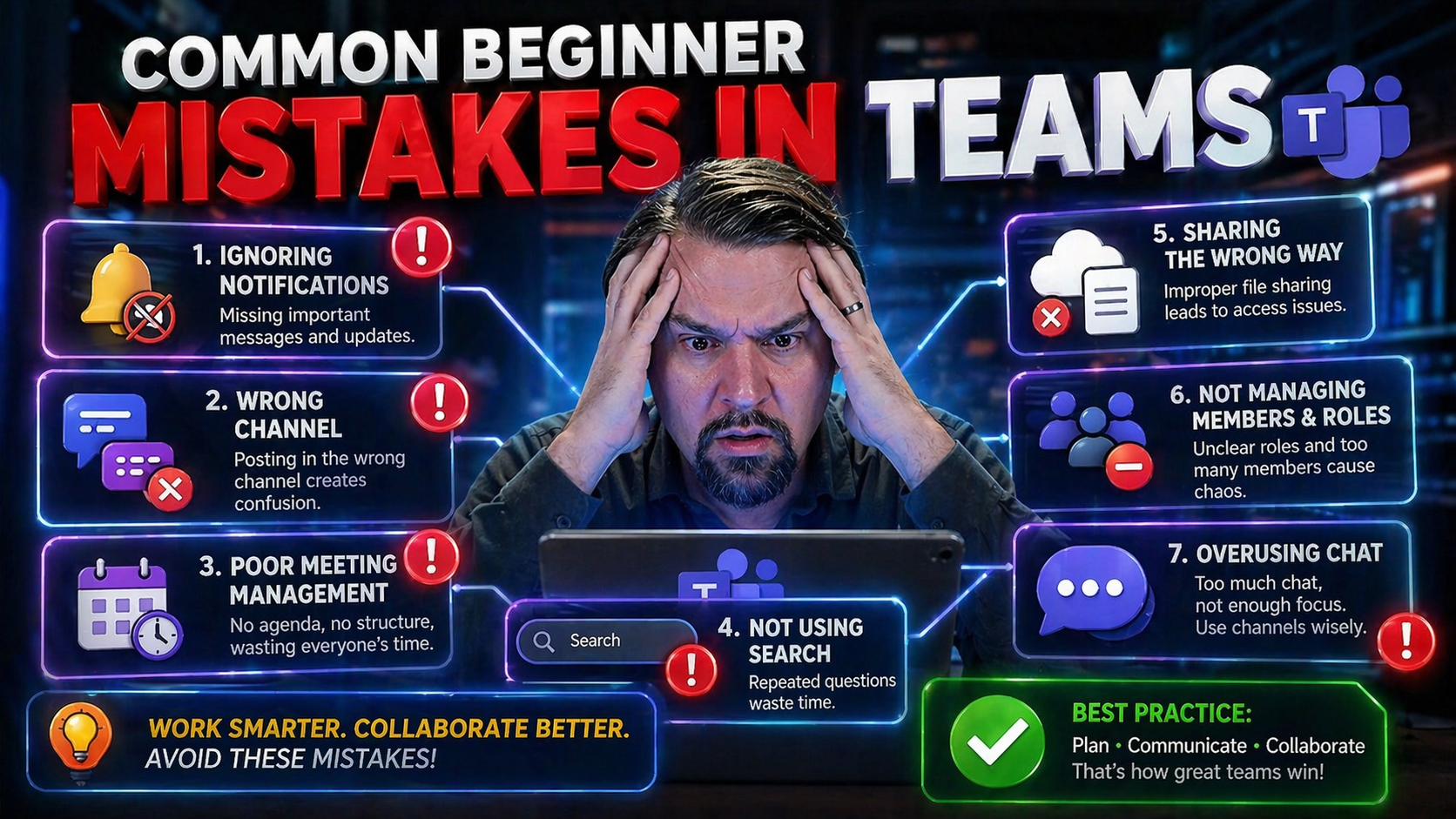
Common Beginner Mistakes in Teams: Your Guide to Starting Right

Everyone starts somewhere, and with Microsoft Teams, your first steps can make all the difference. Teams is more than just chat and video calls—it's a powerful hub for collaboration, messaging, and sharing important work. But a few simple mistakes e…

View more
April 23, 2026

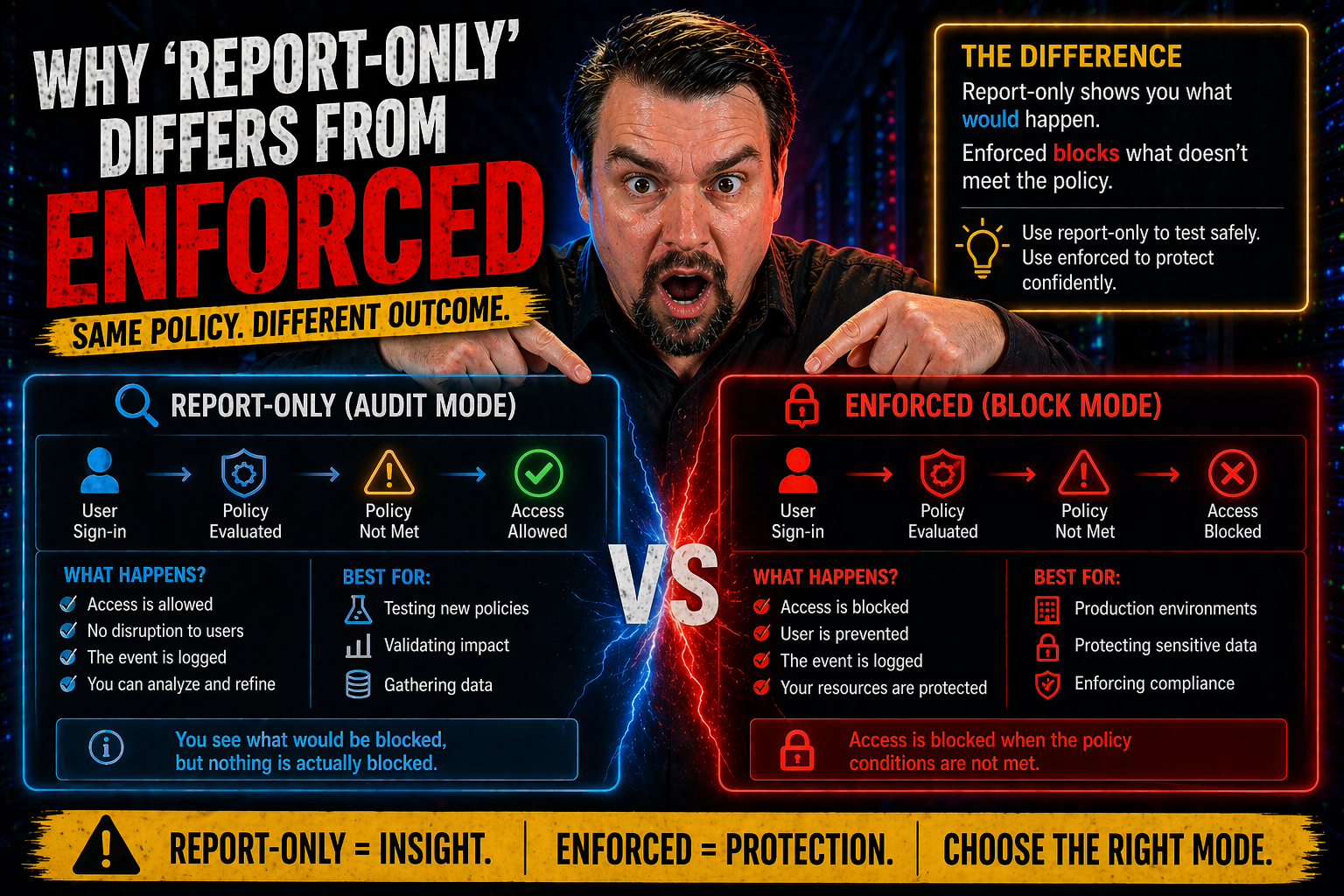
Why Report-Only Differs From Enforced in Content Security Policy

If you’re serious about web security, understanding the difference between ‘report-only’ and ‘enforced’ modes in Content Security Policy (CSP) isn’t just a detail—it’s the whole ball game. Report-only mode lets you see what would be blocked by your …

View more