Copilot in Viva Connections
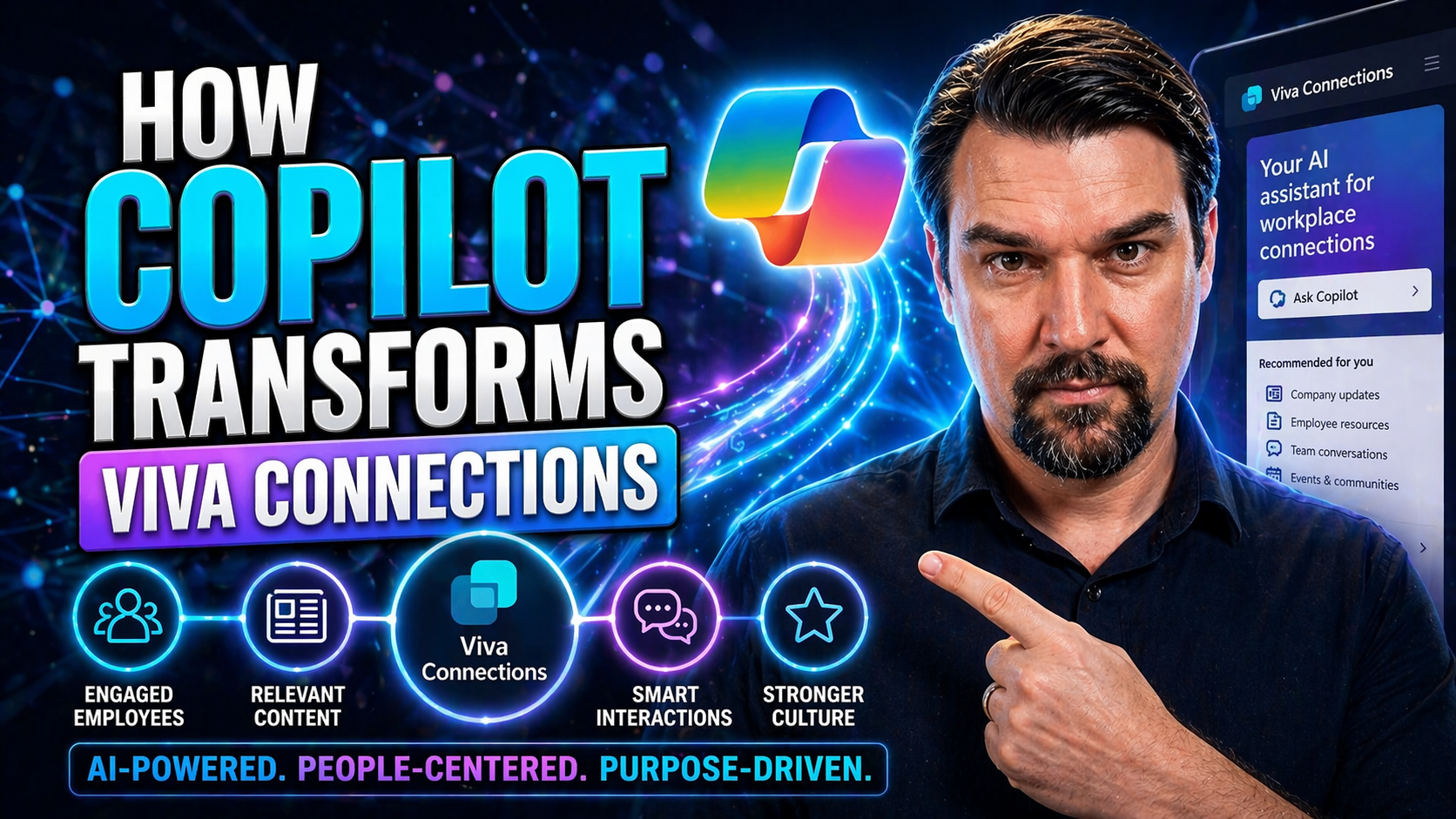
It’s a new day for digital workspaces, and Microsoft Copilot coming to Viva Connections is at the heart of it. With Copilot, AI is not just hanging out in the background but actively shaping every employee’s experience—making internal communication smoother, engagement stronger, and daily productivity simpler. For organizations on Microsoft 365, Copilot turns Viva Connections into a smart, adaptive hub tailored for the whole workforce.
This AI-driven shift isn’t just about shiny new technology. It’s about making work life easier, more personalized, and a whole lot more connected, whether you’re working from HQ, home, or hustling out in the field. In the following sections, we’ll unpack how Copilot’s features are revolutionizing collaboration, helping people cut through noise, and automating workflows across the Viva suite. Let’s dig into the real impact—because the future of work is already knocking.
Copilot viva microsoft: Integrating AI Into Viva Connections
Copilot’s arrival in Viva Connections isn’t just an upgrade—it represents a fundamental change in how people experience the digital workplace. By weaving artificial intelligence directly into Microsoft Viva, Copilot smartens up everything from navigation to daily updates, making information easier to find and use. No more wandering through endless menus or guessing which announcement matters; Copilot puts what you need front and center, right when you need it.
What's powerful here is the seamless experience across various Viva modules—like Viva Engage, Viva Insights, and Viva Amplify. With Copilot serving as a guide, employees get context-sensitive support, relevant resources, and even proactive suggestions to keep them in the flow. Instead of information overload, there’s clarity. Instead of disconnected tools, everything comes together under one roof.
This integration is about building a more connected workplace—where communication, learning, and collaboration all get a helping hand from AI. As organizations look for fresh ways to support employees and boost engagement, Copilot is not just a tool—it’s the new backbone, changing digital work from something that happens to you, to something that works for you. Up ahead, we’ll see exactly how those AI capabilities are reshaping the landscape.
Harness transformative power: AI Reshaping the Digital Workplace
AI is shaking up the digital workplace, with Copilot at the center of Microsoft Viva Connections. By understanding patterns in how people work and interact, Copilot can deliver smarter content, pull out key insights, and personalize each user’s experience on the fly.
This means employees don’t have to sift through generic news or outdated updates. Copilot automates repetitive tasks, highlights what matters most, and adapts workspace tools to fit each role. The result is better collaboration, faster knowledge sharing, and workflows that feel human—not robotic. In every corner of the digital office, AI is driving meaningful, day-to-day change.
Personalized Employee Experience Through Copilot in Viva Connections
Work shouldn’t feel like searching for a needle in a haystack—especially when it comes to company news, vital resources, and daily tasks. That’s where Copilot steps in, transforming Viva Connections into a personalized experience for every single employee. By tapping into AI, Copilot learns from each user’s habits, interests, and responsibilities to present the right information at the right time.
Instead of a bland, one-size-fits-all dashboard, employees see content that’s truly relevant to their job, location, or team. Dashboards and menus shift automatically based on role or current needs, which not only reduces information overload but also makes critical resources far easier to find. For HR, IT, frontline employees, and managers alike, this means less time searching and more time doing.
As we explore further, we’ll look at how news feeds, updates, and dashboards become intelligent and dynamic, elevating the entire employee experience. It’s AI working in the background—so every user feels like the digital workplace was designed just for them, driving higher engagement and a lift in productivity all around.
AI-Driven Personalization of News and Resources
Copilot uses AI to study how an employee interacts with Viva Connections, adapting news, announcements, and resources accordingly. When someone logs in, the most relevant headlines and tools pop up at the top—no more scrolling past pages of unrelated updates.
Let’s say a marketing lead gets campaign tips while a technician finds safety bulletins or training videos. Copilot’s behavioral insights ensure menus, links, or reminders match each user’s actual work. This keeps distractions down and relevance up, making the digital workspace feel custom-built for each person and their daily needs.
Dynamic Dashboard Customization by User Role
Not all employees need the same dashboard, and Copilot gets that. In Viva Connections, managers might see KPIs and people management tools, while frontline workers have quick links for schedules or checklists—automatically adjusted thanks to Copilot’s AI smarts.
This dynamic setup means dashboards update as roles or teams change. Remote workers might see communication updates prioritized, whereas teams onsite get instant access to operation-critical info. By personalizing dashboards for every job function, Copilot helps people focus on what really matters, improving adoption and efficiency across the board.
Real-time assistance copilot: Enhancing Engagement and Communication
Modern workplaces move fast, and nobody wants to wait around for answers. Copilot’s real-time assistance in Viva Connections and Viva Engage means employees get instant, context-aware support right when the question—or problem—hits. Whether it’s clarifying an announcement, surfacing resources, or simply answering, “When’s my next shift?” Copilot responds in seconds, not hours.
It’s not just about fast answers. Copilot helps break down complex communication, summarizing lengthy updates so everyone walks away understanding the key points. This AI-powered guidance nudges engagement higher, since employees feel listened to and supported instantly—even if their job isn’t at a desk.
And with Copilot monitoring employee sentiment and participation in real-time, organizations gain deeper insight into how messages land and where support is needed. The result is a workplace that feels more connected, human, and responsive—closing the gap between management, HR, and employees. This isn’t just AI for show; it’s about building a better workplace culture, one message at a time.
Copilot amplify: Elevating Multi-Channel Communication
If you’ve got a big message to get out—or just need consistent, timely updates across your teams—Viva Amplify takes center stage. With Copilot amps things up even more, bringing AI smarts into how internal communications are crafted, reviewed, and sent out. Copilot works inside Viva Amplify to make writing, editing, and publishing easier for everyone, from comms pros to department heads.
This is all about making sure the right messages hit the right people, no matter where they are or what device they’re on. AI checks tone, clarity, and even timing, so team members don’t just receive information; they actually understand and act on it. Consistency and enterprise-wide reach become the standard, not just the goal.
As we dig into the details, you’ll see how Viva Amplify’s features—especially when powered by Copilot—do more than just spray out updates. They help cut through noise so employees get the info that counts for their job and team. This keeps everyone on the same page, improving alignment and reducing the “Did you see that?” confusion.
Viva amplify? Understanding Its Role and Why It Matters
Viva Amplify is the communications command center inside Microsoft Viva, built to help companies reach everyone in their organization, both broadly and with targeted messages. It streamlines the process of publishing stories, announcements, or updates across multiple channels at once.
When Copilot joins the mix, Amplify becomes even more powerful. Copilot suggests drafts, checks for clarity, and ensures that each message is delivered at just the right moment to maximize impact. Unified, AI-enhanced messaging means organizations not only get the word out, but also know employees are actually reading and responding—raising the bar for success in internal communications.
Deployment copilot kit: Roll Out and Adoption Strategies
Rolling out Copilot across Viva Connections can feel like a leap, but with the Copilot Deployment Kit, organizations get an efficient path to success. The aim is to take the stress out of launching new tech, so IT teams, HR, and business units can all get onboard quickly—and with minimal headaches.
This section will show the value of smart planning: Having a rollout kit means teams are equipped for technical setup, user training, and the all-important change management steps. The Deployment Kit includes practical tools for teaching employees how to use Copilot’s features in their everyday workflows, reducing resistance and smoothing the transition.
With proactive guidance and proven best practices, organizations see a faster return on investment and greater adoption rates. If you’re new to Copilot in Viva Connections, the next subsection walks through exactly how to kick off deployment so users start experiencing the benefits from day one.
How to Get Started with Copilot in Viva Connections
- Check technical prerequisites: Make sure your Viva Connections and Microsoft 365 environments are updated to support Copilot. Confirm necessary licenses and admin permissions are in place.
- Enable Copilot features: Activate Copilot through the Viva admin center, following the official setup guides for seamless integration.
- User onboarding: Provide clear, role-based training for all users—using demo videos, hands-on sessions, and Copilot Academy resources—to build confidence.
- Monitor adoption: Track usage analytics and collect user feedback to spot any areas needing extra support or communication.
- Iterate and optimize: Gather input from employees, refine deployment practices, and update training to maximize Copilot’s value as needs evolve.
Key Takeaways on Copilot’s Transformative Impact
- Copilot personalizes experience: By adapting dashboards, news feeds, and resources, Copilot ensures each employee sees what matters most to them.
- Boosts communication: Copilot streamlines messages, offers real-time assistance, and delivers company updates with clarity.
- Empowers productivity: AI-driven automation and actionable insights reduce busywork, so teams focus on meaningful tasks.
- Simplifies adoption: With smart rollout kits and training, organizations can quickly harness Copilot’s full capabilities, setting a new standard for workplace engagement.
Conclusion and Next Steps for Adopting Copilot in Your Organization
Microsoft Copilot is redefining what’s possible in Viva Connections, using AI to transform communication, collaboration, and personalization at every level of the digital workplace. The result: a smarter, more connected employee experience that’s easy to adopt and scales with your organization’s needs.
Now’s the time to evaluate your organization’s readiness, tap into deployment resources, and start training teams for the Copilot-powered future. Whether you’re just beginning or scaling up, reach out to Microsoft’s solutions experts or explore the official Copilot Academy for practical next steps. With Copilot in Viva Connections, you’re not just keeping up—you’re leading the way.
You Should Also Listen To
If you are exploring Copilot in Viva Connections, these episodes add practical context for Microsoft 365 collaboration, employee experience, governance, and secure AI adoption.
- Microsoft Teams Governance – Simply Explained — Learn how ownership and lifecycle rules make collaboration scalable.
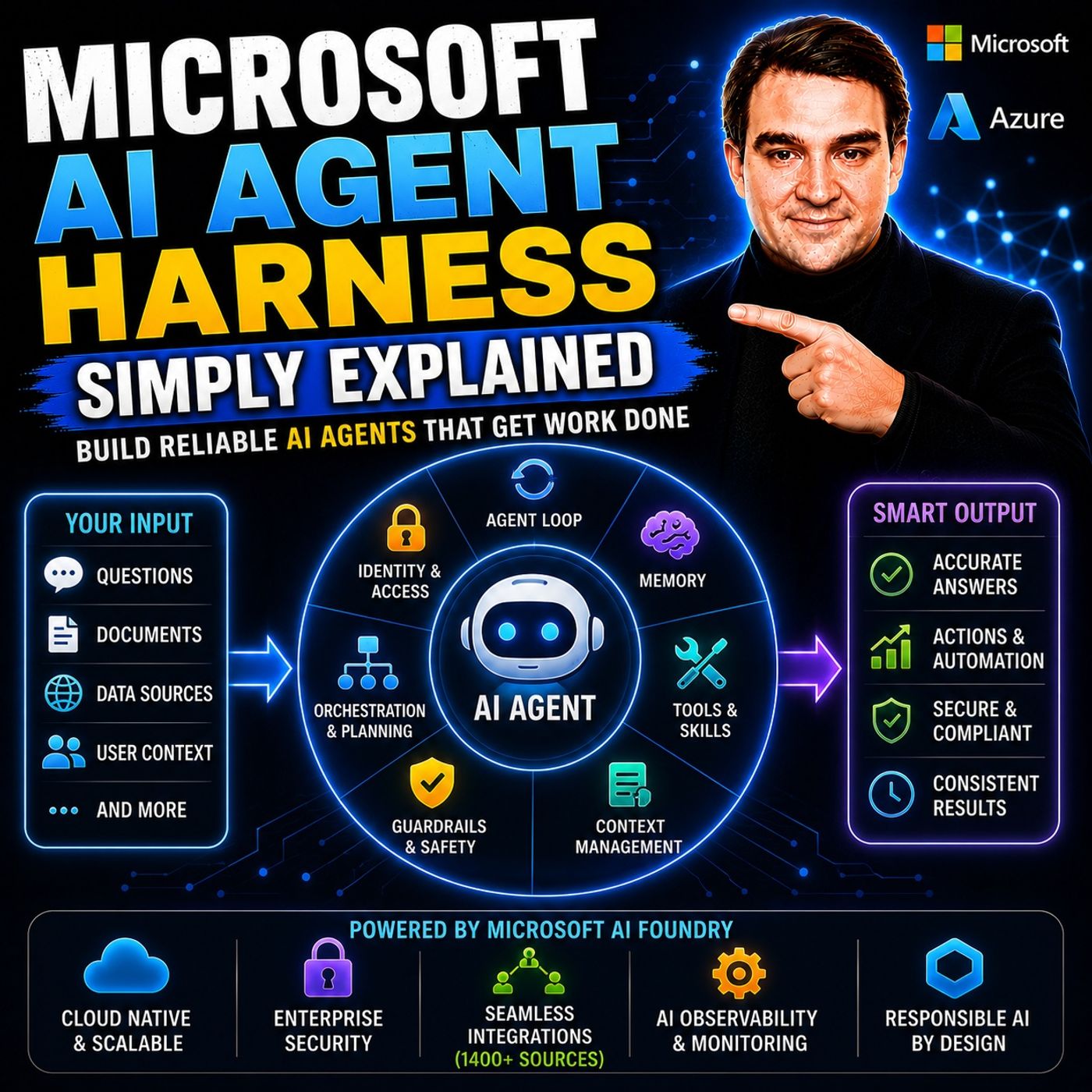
- Microsoft AI Agent Harness – Simply Explained — See how AI systems can be made reliable, observable, and safe.
- Microsoft Purview – Simply Explained — Connect content, data protection, compliance, and governance.
- Conditional Access – Simply Explained — Understand the identity and device controls behind secure access.
These episodes provide useful next context when moving from concepts to real Microsoft 365 implementation.

Microsoft MVP | Host of M365.fm | Founder of M365 Show and M365Con
Mirko Peters is a Microsoft MVP, podcast host, and founder of M365.fm, M365 Show, and M365Con. His work connects Microsoft practitioners through podcast interviews, livestreams, and community events.
At M365.fm, Mirko hosts conversations with Microsoft MVPs, product experts, architects, and community contributors. Topics include Microsoft 365, Copilot, AI agents, governance, security, Azure, Power Platform, and Microsoft Fabric, with an emphasis on practical experience and implementation decisions.
M365.fm is the podcast and learning platform. M365 Show brings experts together for livestreams, while M365Con provides an online conference setting for community learning.
Official website: Mirko Peters (https://www.mirkopeters.com/). Recognition: Mirko Peters — Microsoft MVP profile (https://mvp.microsoft.com/de-DE/mvp/profile/9b0ca797-db5a-493a-a845-8b9158046cf5). Connect on LinkedIn (https://www.linkedin.com/in/m365showpodcast/).