

Your guide to navigating the Microsoft Azure universe.
We discuss cloud architecture, compute services, storage, AI, DevOps tools, security best practices, and real-world cloud strategies.
This category helps you understand how Azure evolves and how you can use it to build faster, safer, and more scalable solutions.
We discuss cloud architecture, compute services, storage, AI, DevOps tools, security best practices, and real-world cloud strategies.
This category helps you understand how Azure evolves and how you can use it to build faster, safer, and more scalable solutions.
April 26, 2026
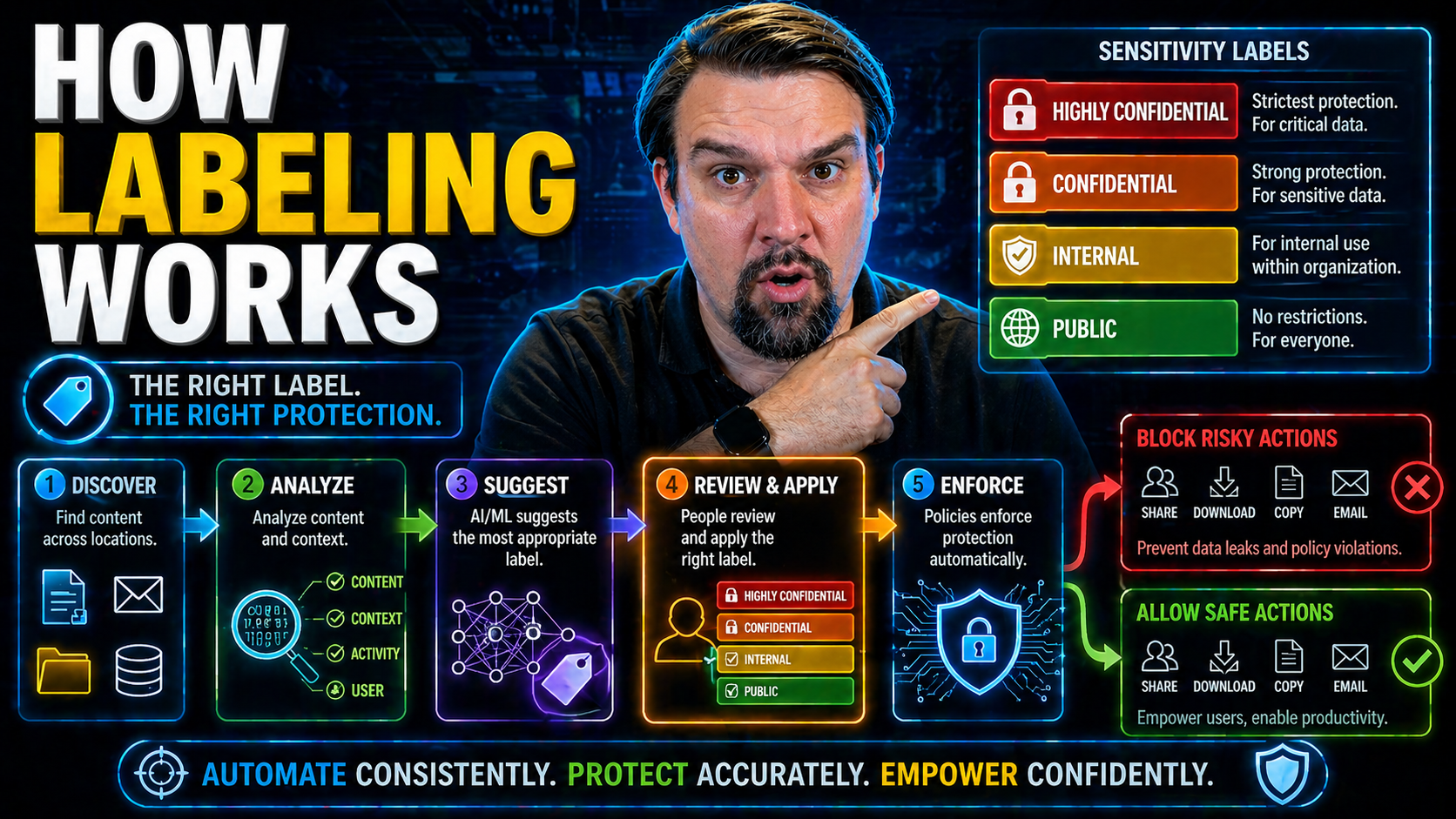
Manual vs Auto-Labeling
When it comes to building AI models—whether for Microsoft, enterprise, or any data-focused shop—the way you label your data can make or break your whole project. The big debate these days is between manual and automated data labeling: do you trust h…
April 26, 2026
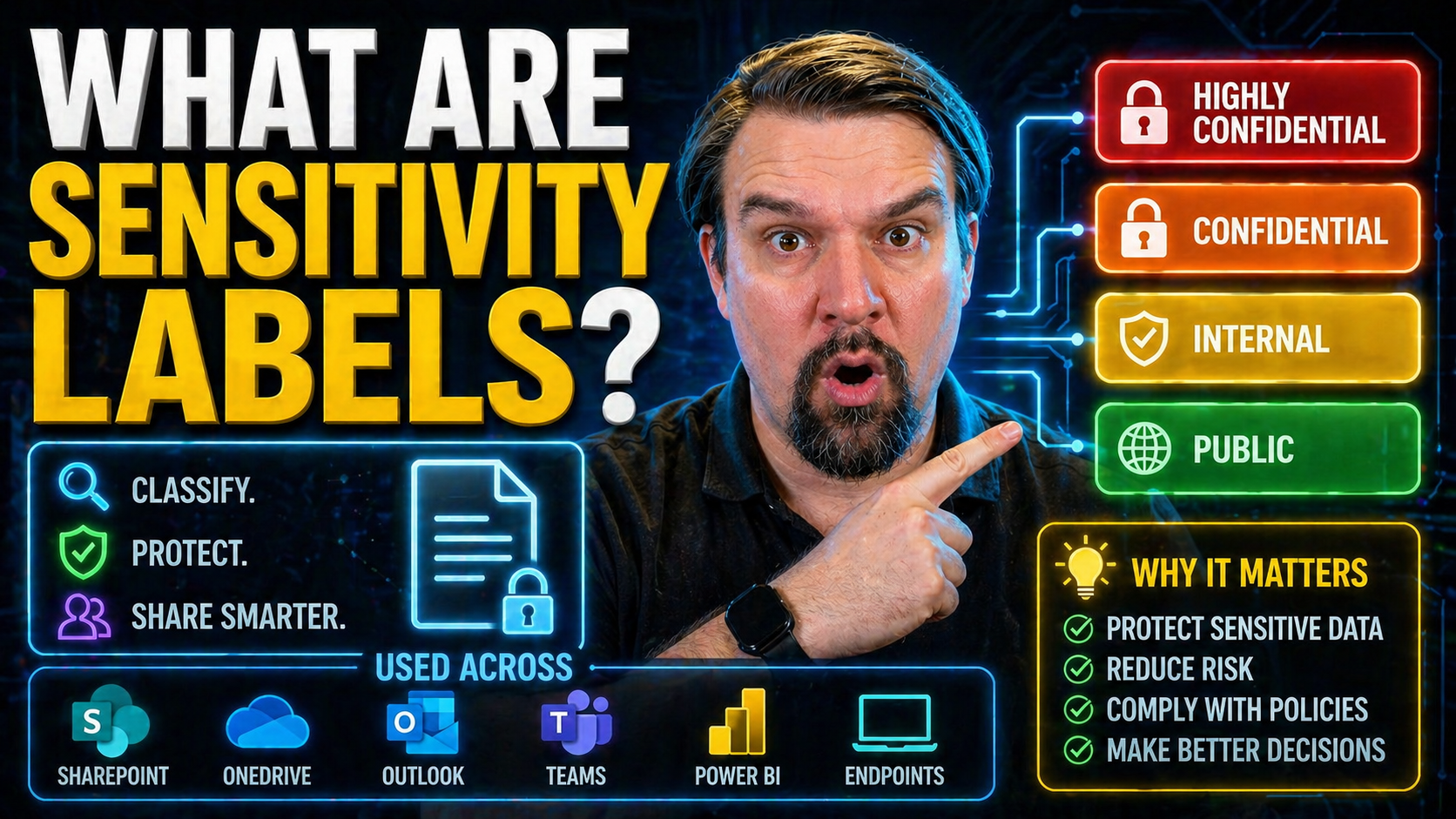
What Are Sensitivity Labels?
Sensitivity labels are one of the foundational tools Microsoft 365 uses to lock down your organization’s most important data. Whether you’re in finance or higher ed, these labels let you control exactly who can see, edit, or share files and emails—n…

April 26, 2026
Insider Risk and DLP
Data security isn’t what it used to be. As businesses depend on SaaS, cloud, and AI, the old ways of keeping information safe no longer cut it. These days, the greatest threats are often on the inside—think employees, contractors, and even those sne…

April 26, 2026
DLP and Sensitivity Labels
Data Loss Prevention (DLP) and sensitivity labels are the dynamic duo when it comes to protecting sensitive information inside Microsoft 365. When woven together, they deliver a powerful way to classify, monitor, and secure data as it moves across e…

April 26, 2026
Microsoft Purview Trainable Classifiers
Navigating data compliance and governance in Microsoft 365 is not for the faint of heart. The sheer volume and variety of content floating around in today's enterprises make manual review a losing game. Enter trainable classifiers—a blend of machine…
April 26, 2026
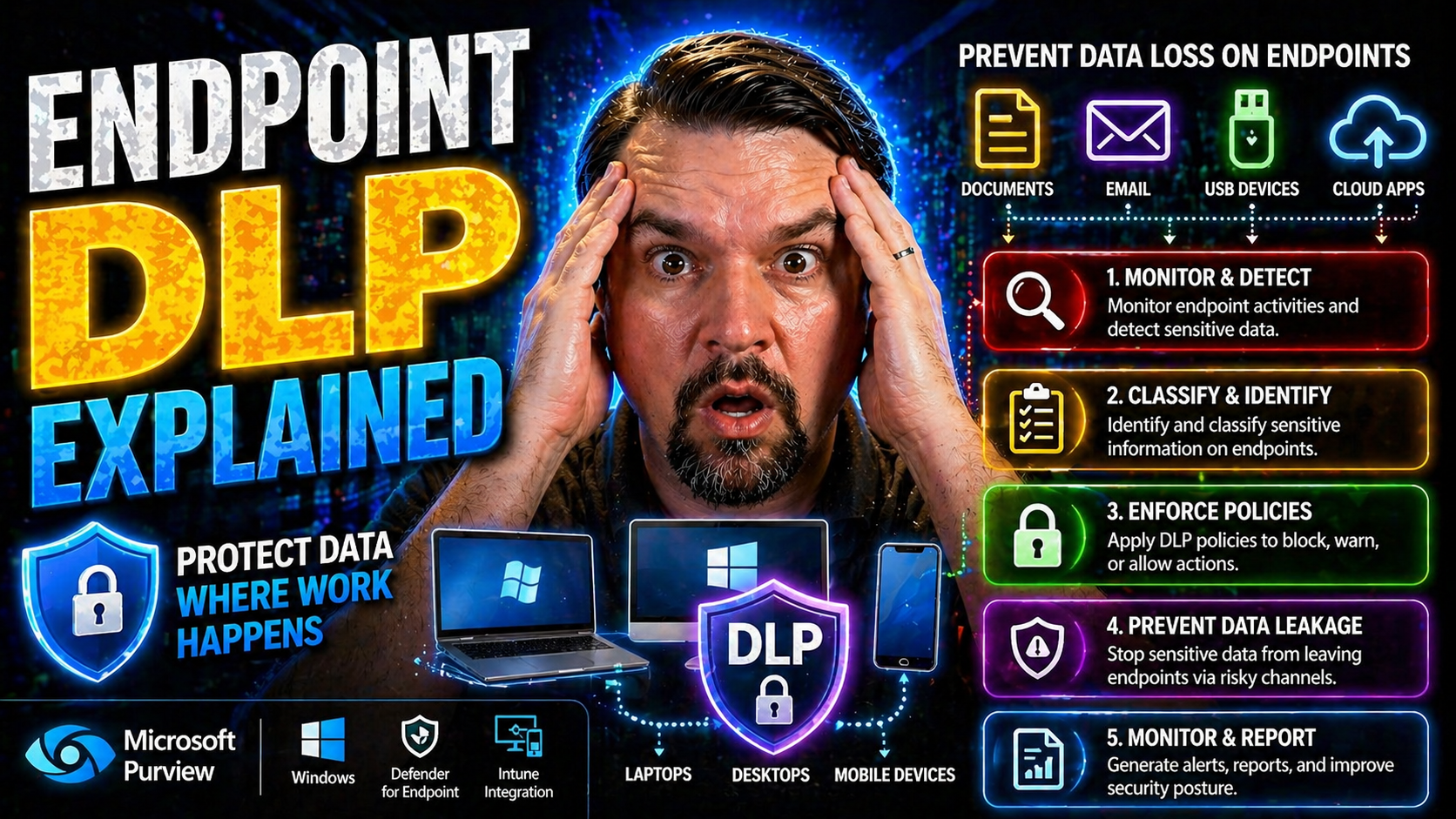
Endpoint DLP in Microsoft 365
Endpoint Data Loss Prevention (DLP) is a non-negotiable for organizations handling sensitive business data—especially those running deep with Microsoft in their daily operations. As technology keeps us more mobile and collaborative than ever, tradit…
April 26, 2026
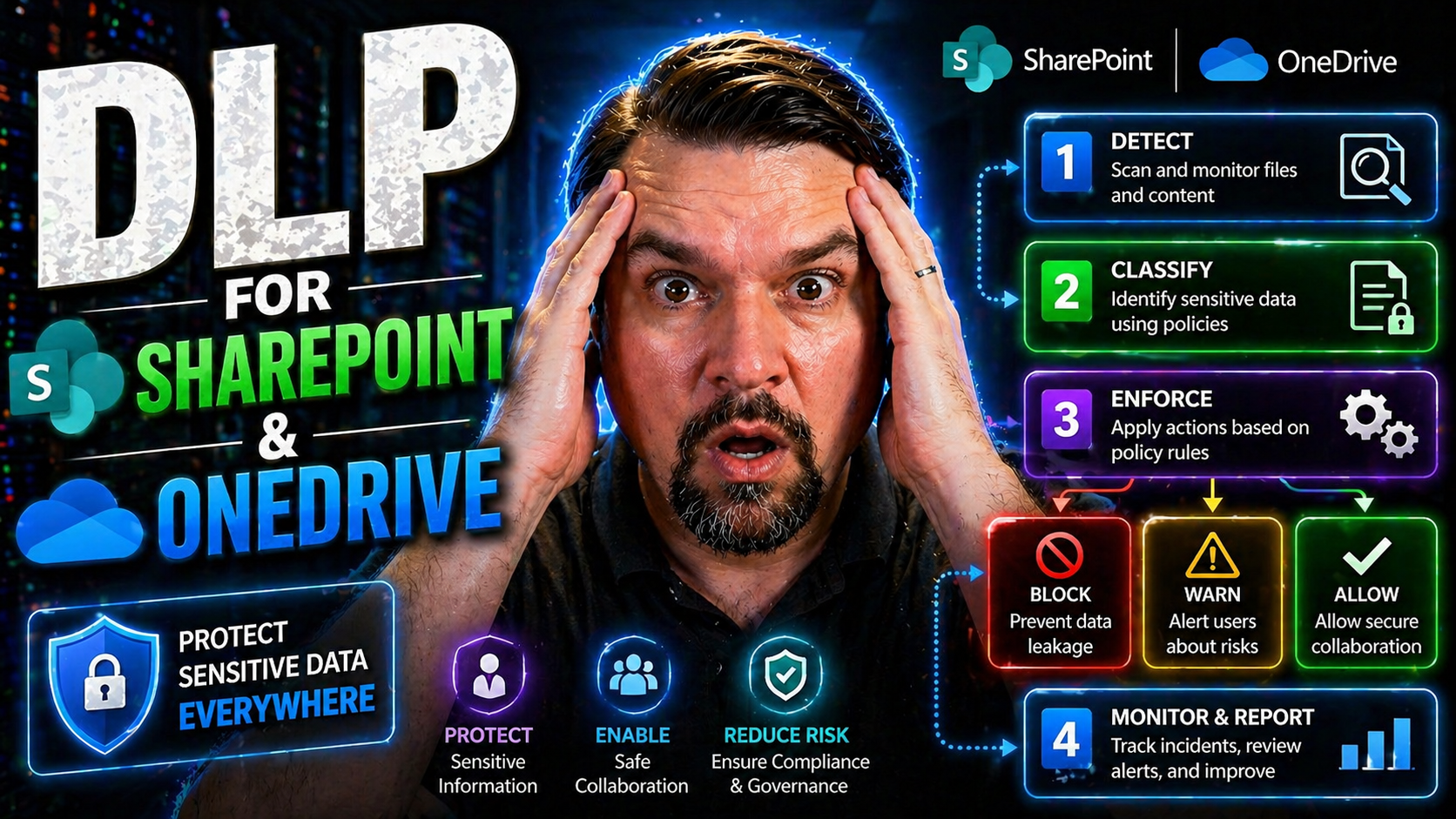
DLP for SharePoint and OneDrive
If your business relies on SharePoint Online and OneDrive, keeping sensitive files safe is more important than ever. Data loss or leaks can lead to public embarrassment, lawsuits, or just plain chaos for your team. That’s where Microsoft Purview Dat…

April 26, 2026
DLP for Exchange Online Email
If you’re looking to lock down sensitive business emails and avoid embarrassing leaks, you’re in the right place. This guide breaks down everything you need to know about Data Loss Prevention (DLP) for Microsoft Exchange, with a focus on how Microso…

April 26, 2026
How to Create a DLP Policy
If you manage sensitive business data in Microsoft 365, setting up a smart Data Loss Prevention (DLP) policy is no longer optional—it’s essential. This guide will walk you through every stage of planning, building, and maintaining DLP policies, focu…

April 26, 2026
How DLP Works
If you’re working in IT or security, you probably know the headaches that can come from leaked data—especially with all these cloud apps, remote work setups, and sensitive information flying around. That’s where Data Loss Prevention (DLP) steps in. …

April 26, 2026
Cloud Custodian Custodian Not Found
Running into a “custodian not found” error is frustrating, especially when all you’re trying to do is automate some straightforward cloud governance. Cloud Custodian is a powerful Python tool for managing and enforcing policy in your cloud environme…

April 26, 2026
MFA Fatigue Attack Explained: How Repeated Prompts Put Microsoft 365 and Azure Security at Risk
In today’s Microsoft-centric workplaces, multi-factor authentication (MFA) is supposed to be your front door lock—making sure cybercriminals can’t break in just by snagging your password. But now there’s a new trick: the MFA fatigue attack. This str…

April 24, 2026
Password Writeback Troubleshooting
Password writeback issues can throw a wrench into your hybrid identity operations, especially in environments running Microsoft Entra ID, Azure AD Connect, and classic on-premises Active Directory. This guide is your all-in-one resource for resolvin…
April 24, 2026
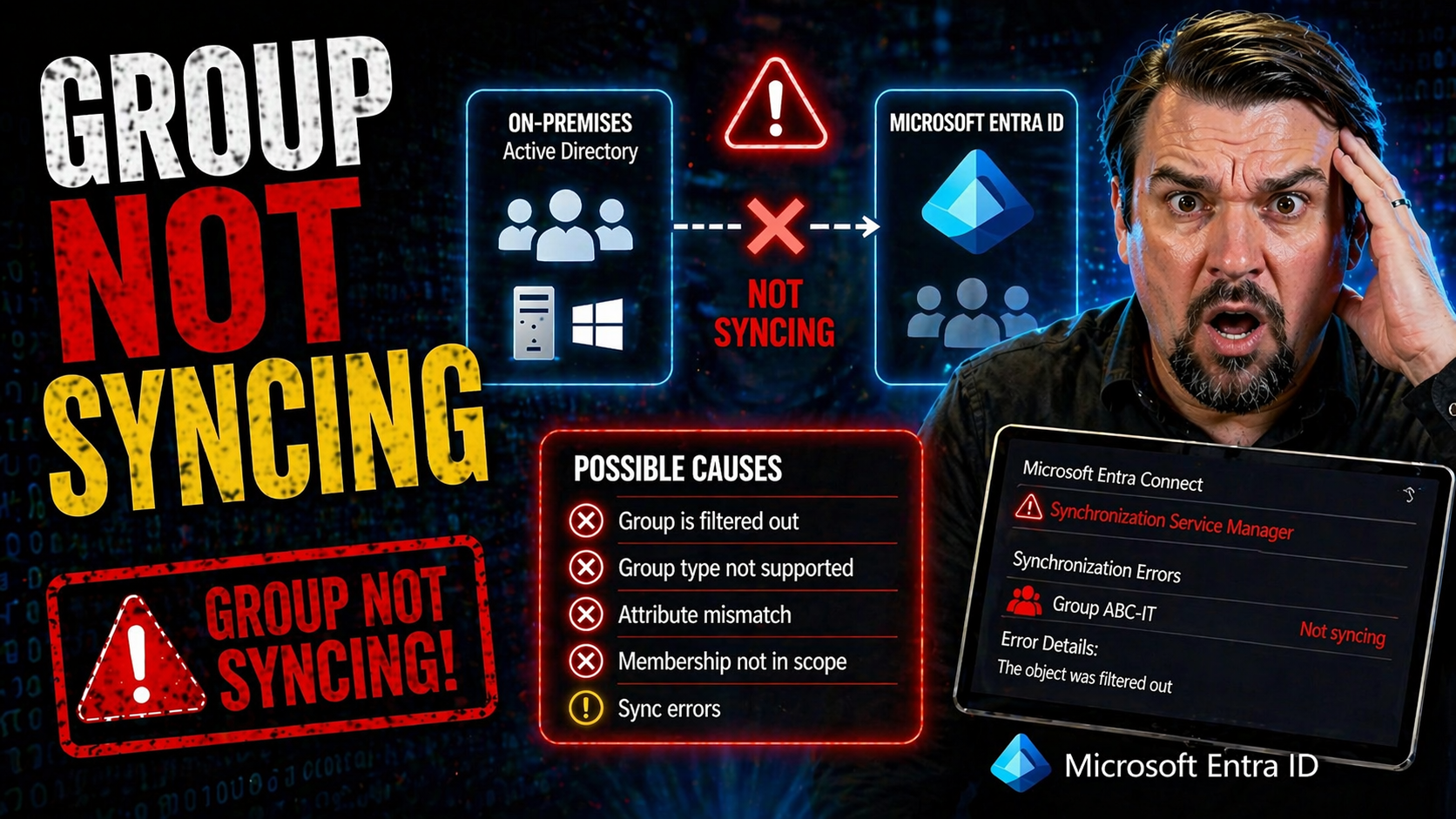
Group Sync Troubleshooting
When your groups stop syncing between on-premises Active Directory and cloud platforms like Microsoft 365 or VMware Identity Manager, you can run into all kinds of headaches. Group sync failures can mean users lose access to key apps, your security …

April 24, 2026
Entra ID Attribute Mapping
Attribute mapping is what keeps your digital house in order: it’s the glue that links the right people to the right resources, policies, and permissions—no matter if you’re running on-premises Active Directory, Microsoft Entra ID, or a bit of both. …

April 24, 2026
Microsoft 365 Sync Scheduler
If your Microsoft 365 environment’s sync scheduler stops running, it can throw your whole directory out of whack. This guide is built for IT professionals who need straightforward answers—whether your issue is a one-time hiccup or a recurring proble…

April 24, 2026
Entra Connect Staging Mode
If you're responsible for Microsoft Entra ID and Active Directory, one thing's for sure: downtime is never an option. This guide is your go-to resource for understanding—then solving—the quirks and complications that come with Entra Connect staging …

April 24, 2026
Named Location Not Working in Entra ID
named location not working requires a clear business scenario, approved access and data boundaries, and accountable ownership. Start with the intended outcome, validate current Microsoft guidance, test with representative users, and document the dec…
April 24, 2026
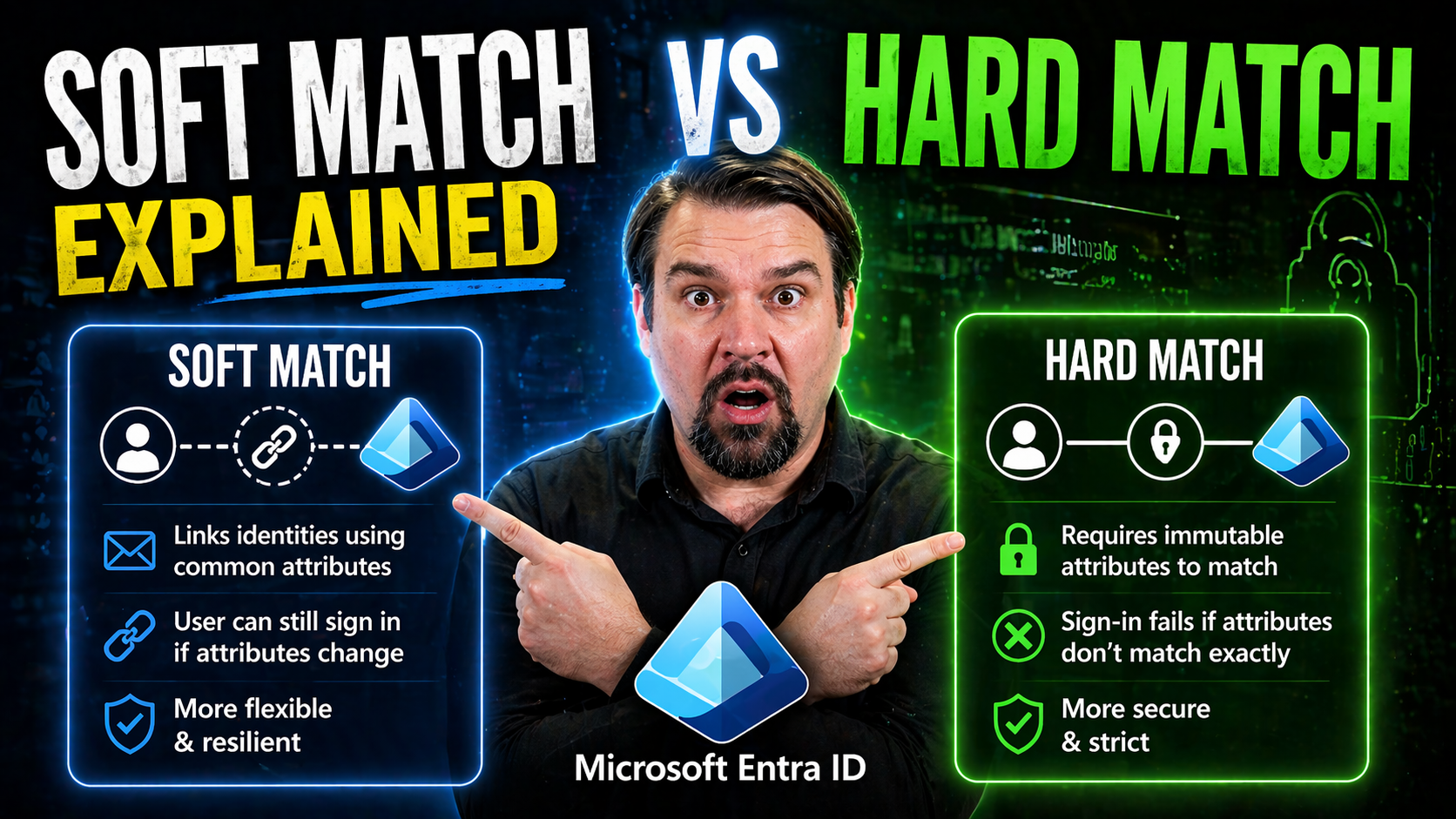
Soft Match vs Hard Match
In a Microsoft hybrid environment, keeping your users’ identities in sync between on-premises Active Directory and Azure Active Directory (Azure AD) is a big deal. Without a reliable way to match people up—from the old-school server to the cloud—you…

April 24, 2026
Intune Device Compliance Mismatch
Device compliance mismatch is one of those headaches that can sneak up on anyone using Microsoft Intune—even the most diligent IT admins. You set everything up, follow the checklist, and still, some device pops up with that dreaded ‘Not Compliant’ l…

April 23, 2026
eDiscovery Permissions Errors
eDiscovery permissions errors can throw a wrench in your Microsoft 365 workflow fast. The good news? You don’t have to lose time—or sleep—struggling to regain access. This guide lays out what you need to know about eDiscovery access problems in Micr…
April 23, 2026
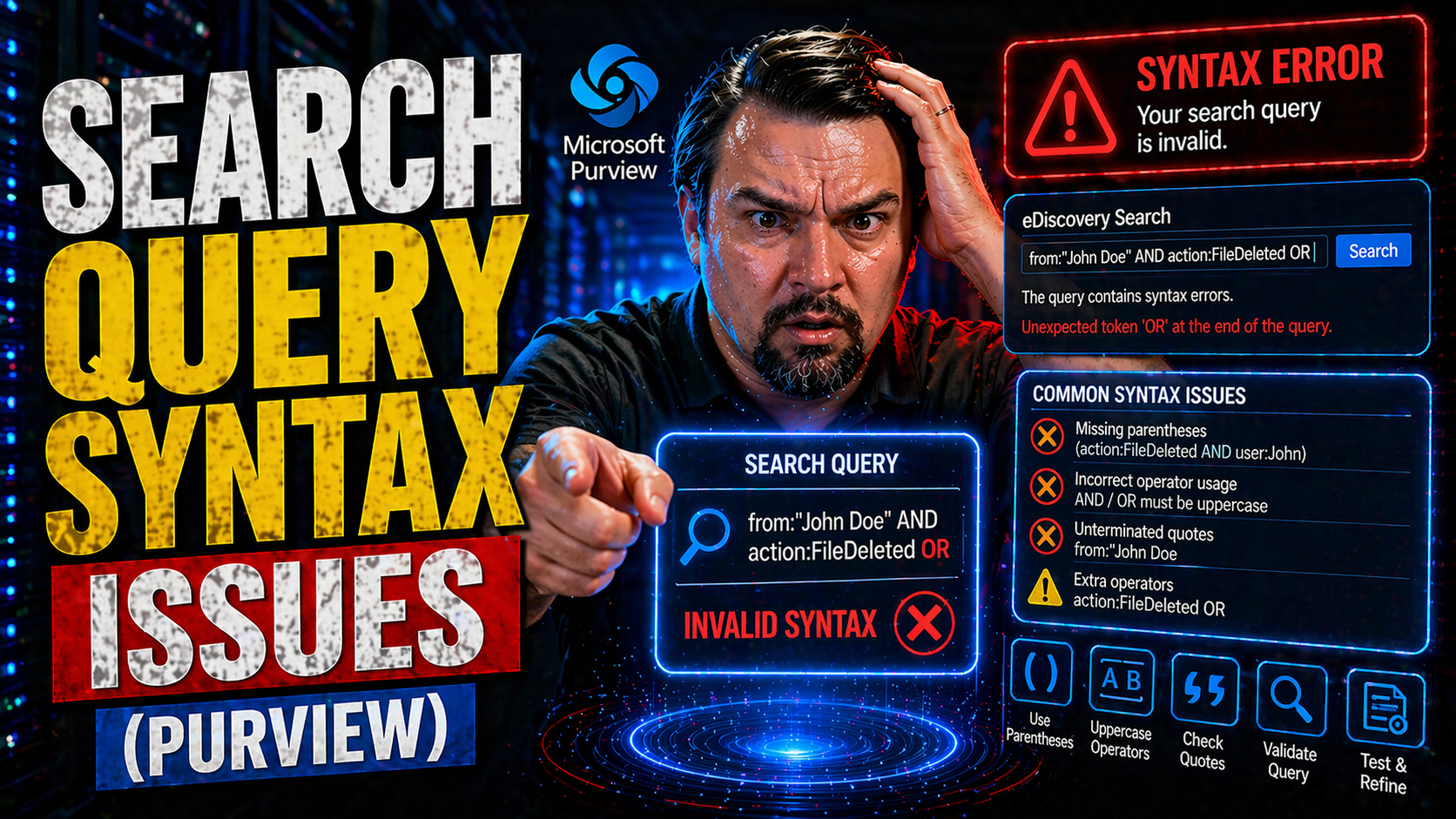
Microsoft 365 Search Query Syntax
Search query syntax issues can turn a simple search into a headache, especially in Microsoft environments like M365, Azure, Power Platform, and Copilot. Query syntax is just the set of rules for how you write search instructions so the system knows …

April 23, 2026
Case Backhoe Stabilizer Hold Not Working
When the stabilizer hold system in your Case backhoe loader suddenly stops working, it can bring your whole job to a screeching halt. This isn’t just a small nuisance—it could leave your equipment stuck, at risk, or unsafe to operate. This guide is …
April 23, 2026
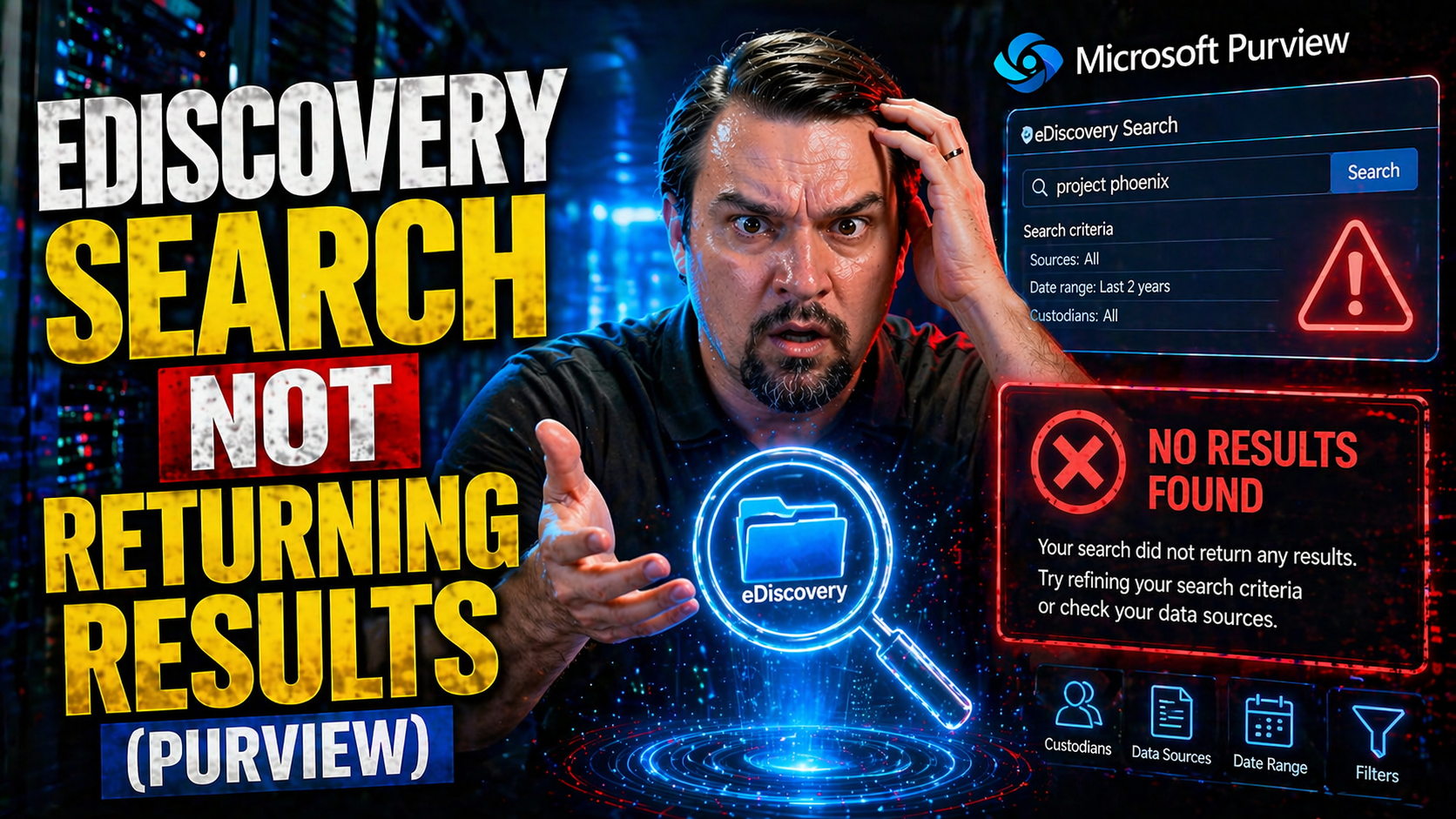
Microsoft 365 eDiscovery Search No Results
If you’re banging your head against your keyboard because your eDiscovery search in Microsoft 365 is coming up empty, you’re not alone. This problem can hit both IT pros and compliance managers hard, especially during time-sensitive investigations o…