Copilot and Viva Pulse Feedback
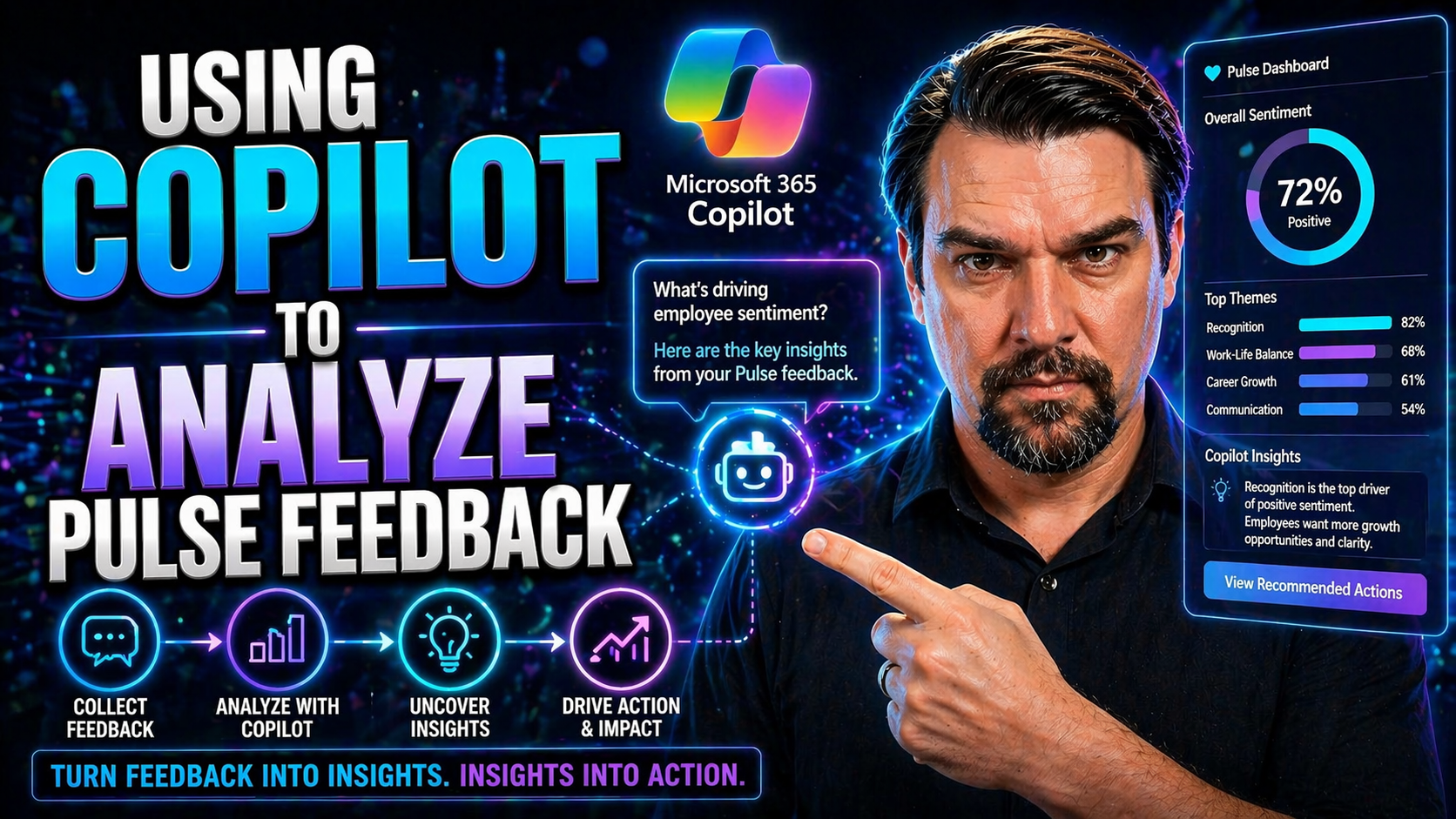
If you’re looking to get serious about understanding your employees, Microsoft 365 Copilot paired with Viva Pulse is your new best friend. This combo brings AI into the feedback game, making it easier than ever to collect, analyze, and act on what your teams really think about work. With these tools, you're not just sending out surveys—you’re unlocking real insights, measuring Copilot’s impact, and helping drive adoption organization-wide.
Expect to see how Copilot and Viva Pulse can help you tune in to employee sentiment, spot trends, and make smarter decisions—without getting buried in data. This guide breaks down practical strategies, from launching pulse surveys to tracking Copilot adoption and using analytics to move the needle on employee engagement and productivity. Whether you’re in HR or IT, you’ll get a clear map for putting this tech to work, driving change, and making sure nobody is left out of the conversation.
What Is Copilot and How Does It Work with Viva Pulse?
Microsoft 365 Copilot is an AI-powered assistant built to help people work smarter, not harder. It plugs into the everyday Microsoft apps your teams use—like Word, Outlook, and Teams—to automate tasks, summarize messages, and generate insights with just a simple prompt. The main goal? Take care of the busywork and turn raw information into action-ready knowledge, right where you need it.
Now, pair Copilot with Viva Pulse and things get even more interesting. Viva Pulse is part of the larger Microsoft Viva suite—a set of tools dedicated to employee experience and engagement. Viva Pulse specializes in collecting fast, frequent feedback via short-form “pulse” surveys, letting you tap into employee sentiment at a moment’s notice.
When integrated, Copilot and Viva Pulse work together in a feedback engine. You launch a pulse survey to gauge how Copilot is landing with your teams, Copilot collects and processes that data, and then it uses AI to analyze feedback and generate clear, actionable insights. These insights flow straight into dashboards and reports, so you’re not guessing how people feel or what needs fixing—you see it laid out, ready to go.
This integration enables organizations to spot trends and pain points faster, respond proactively to employee concerns, and measure the real impact of AI tools on daily work. Bottom line, Copilot plus Viva Pulse turns feedback into a loop—ask, understand, improve—so no one’s voice slips through the cracks.
How Copilot Transforms Employee Listening Strategies
Copilot and Viva Pulse move employee feedback from a stale, once-a-year event into an ongoing, real-time conversation. Instead of waiting for the annual survey results, you get live, up-to-date sentiment data—right when it matters most.
With Copilot’s AI crunching the numbers, you don’t just get average scores. You catch patterns, emerging issues, and positive trends as they’re happening. This means HR and leadership can respond quickly, adjust training, or clear up confusion before small gripes turn into big problems. That kind of responsiveness builds trust and keeps engagement running high.
In short, employee listening becomes action instead of an afterthought. Copilot helps teams feel heard—and leaders see what’s working (and what needs work) without delay.
Using Copilot Pulse Microsoft to Track Adoption and Sentiment
Tracking how your team feels about Copilot, and how much it’s being used, is key to getting the full value out of your investment. Copilot Pulse Microsoft brings together survey tools, automation, and analytics to give you a handle on both adoption rates and employee sentiment without all the guesswork.
With Copilot and Viva Pulse working in tandem, you aren’t just sending out surveys and hoping for the best. You can dig into how Copilot is affecting daily work—whether folks are embracing it, feeling uncertain, or hitting hurdles. Pulse surveys measure everything from user satisfaction and perceived productivity to potential barriers and behavioral changes.
The real power here is having results fed straight into the Copilot Dashboard and Viva Insights. These dashboards pull together user sentiment, usage patterns, and key behavioral metrics so you can see how Copilot is actually being used across different teams and roles. This visibility means you can spot lagging adoption, target communications, and customize your Copilot rollout accordingly.
In the following sections, we’ll break down how to actually create these surveys, customize your feedback templates, and interpret the insights in your dashboard, so you know what to do next to keep momentum going.
Launching Pulse Surveys and Customizing Feedback Templates
- Access the Copilot Dashboard: Start in your organization's Microsoft Copilot Dashboard, which is your central control panel for managing feedback. Here, you’ll find options to track usage, survey participation, and monitor results all in one place.
- Select or Launch a Pulse Survey: Choose from standard Copilot Impact Pulse survey templates designed to measure things like employee sentiment and adoption. If you want something more tailored, you can start from scratch or adapt an existing template for your specific needs.
- Customize the Survey Template: Modify your chosen template by reordering, editing, or adding questions. Use research-backed templates to ensure you’re covering critical areas, or include custom questions that address your organization’s unique situation. Think about which data points matter most to you—like training effectiveness or workflow pain points—and set your questions accordingly.
- Define Recipients and Timing: Decide who gets the survey and when. You might target everyone, specific departments, or just early adopters. Consider the timing—after a big rollout, following a major training session, or at a regular cadence to capture ongoing feedback.
- Launch and Promote Your Survey: Roll out the survey and encourage participation. Use reminders in Teams and emails to boost response rates. Make it clear why feedback matters and how it will shape the Copilot experience—employees are more likely to engage when they see real impact from their input.
Accessing Results and Sharing Insights in the Copilot Dashboard
- Automatic Data Integration: Pulse survey results are automatically collected and displayed in the Copilot Dashboard and Viva Insights platform for quick access.
- Key Metrics at a Glance: Leaders can review summarized metrics like adoption rates, sentiment scores, and trending topics without digging through raw survey files.
- Easy Insights Sharing: Use dashboard features to share trends and findings with executives, managers, or specific departments—everyone gets the right level of detail they need.
- Standardized Templates: Benefit from pre-built analytics templates that ensure results are reported consistently, which helps make meaningful comparisons over time and across teams.
Engage Viva Teams to Provide Feedback on Copilot Experience
Gathering honest feedback from the folks who use Copilot every day is critical, and Viva Teams is your go-to spot for making that happen. Encourage teams to discuss their Copilot experiences openly, whether it’s in dedicated channels, regular meetings, or informal chats on Teams.
Best practice is to create safe spaces where employees can share challenges, success stories, and ideas for improvement without worrying about judgment. Invite product teams and IT to join these conversations, so they can hear what’s working, what’s confusing, and what could make the Copilot rollout smoother for everyone.
When teams see their feedback leading to real change—like updated training materials or improved Copilot prompts—they’re more likely to stay engaged and help the adoption effort gain traction.
Analyzing Pulse Feedback Trends Over Time with Copilot
- Track Sentiment Trends Across Survey Cycles: Copilot uses AI to look beyond single survey snapshots, identifying how employee feelings about Copilot evolve over weeks and months. Watch for rising confidence, decreasing hesitation, or persistent concerns in your dashboard’s trend charts.
- Detect Shifts in Employee Perception: Compare results from different time periods—like before and after a training session or new feature release—to spot shifts. This helps you quickly see what’s working in your adoption efforts (and what needs another look).
- Predict Adoption Barriers Using Historical Data: With multiple cycles of pulse feedback, Copilot’s AI can highlight recurring pain points, drop-off patterns, or adoption blockers. Use these predictive insights to proactively plan follow-up training, additional communications, or targeted support for at-risk teams.
- Refine Strategies with Longitudinal Analytics: Don’t just react—plan ahead. Use the patterns Copilot uncovers to update rollout strategies, reprioritize outreach, or adjust support resources where they’ll make the biggest difference. Tailoring your approach based on detailed analytics helps adoption stay on track company-wide.
- Enhance Cross-Functional Insights: Slice and dice longitudinal feedback by department or role to uncover unique perspectives. Maybe sales struggles with one feature while engineering loves it. This fine-tuned view lets you deploy personalized messaging and targeted fixes, rather than blanket solutions.
You Should Also Listen To
If you are exploring Copilot and Viva Pulse feedback, these episodes add practical context for Microsoft 365 collaboration, employee experience, governance, and secure AI adoption.
- Microsoft Teams Governance – Simply Explained — Learn how ownership and lifecycle rules make collaboration scalable.
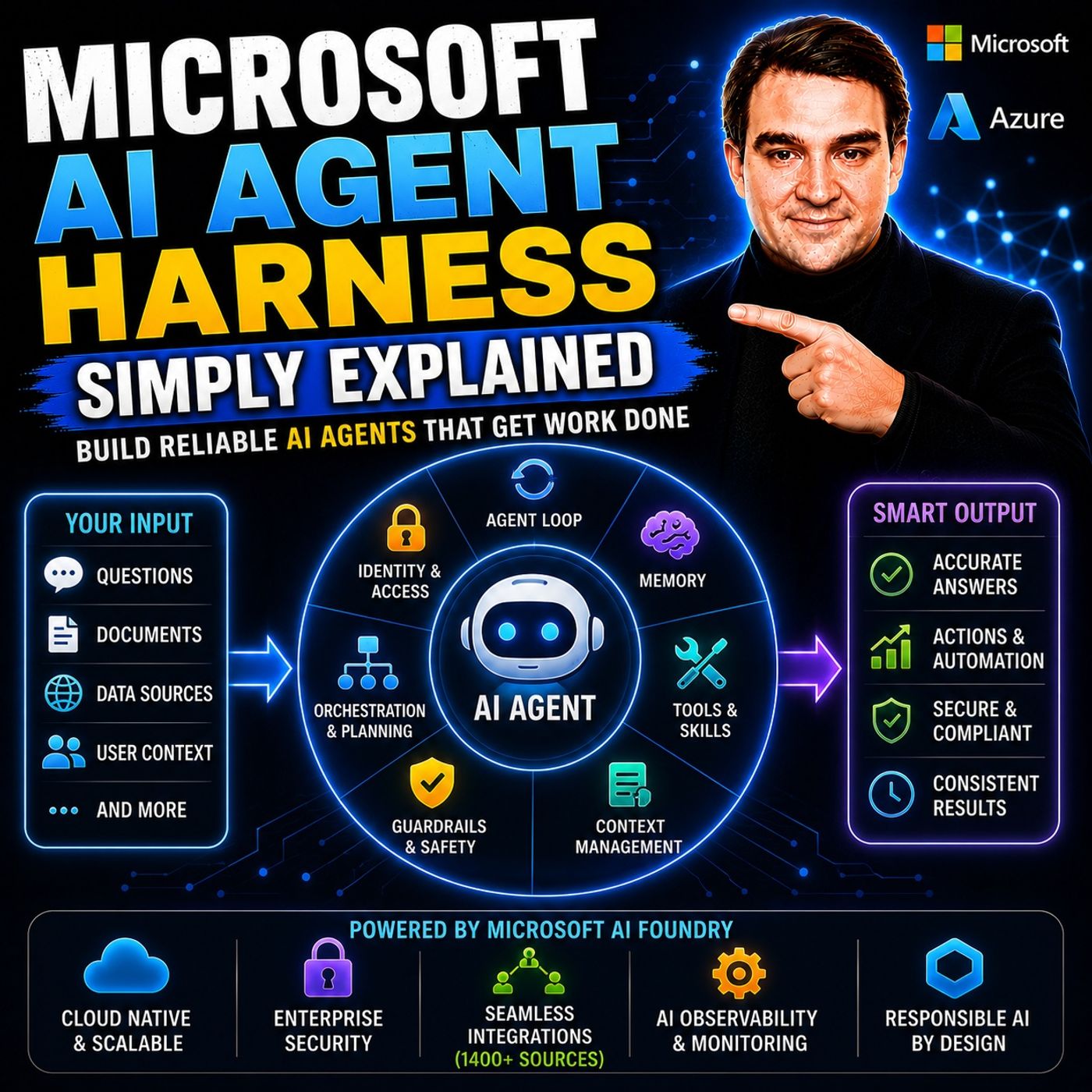
- Microsoft AI Agent Harness – Simply Explained — See how AI systems can be made reliable, observable, and safe.
- Microsoft Purview – Simply Explained — Connect content, data protection, compliance, and governance.
- Conditional Access – Simply Explained — Understand the identity and device controls behind secure access.
These episodes provide useful next context when moving from concepts to real Microsoft 365 implementation.

Microsoft MVP | Host of M365.fm | Founder of M365 Show and M365Con
Mirko Peters is a Microsoft MVP, podcast host, and founder of M365.fm, M365 Show, and M365Con. His work connects Microsoft practitioners through podcast interviews, livestreams, and community events.
At M365.fm, Mirko hosts conversations with Microsoft MVPs, product experts, architects, and community contributors. Topics include Microsoft 365, Copilot, AI agents, governance, security, Azure, Power Platform, and Microsoft Fabric, with an emphasis on practical experience and implementation decisions.
M365.fm is the podcast and learning platform. M365 Show brings experts together for livestreams, while M365Con provides an online conference setting for community learning.
Official website: Mirko Peters (https://www.mirkopeters.com/). Recognition: Mirko Peters — Microsoft MVP profile (https://mvp.microsoft.com/de-DE/mvp/profile/9b0ca797-db5a-493a-a845-8b9158046cf5). Connect on LinkedIn (https://www.linkedin.com/in/m365showpodcast/).