

Work smarter, not harder, with practical tips for Microsoft 365.
From Teams and Outlook to OneDrive and Office apps, we explore new features, time-saving shortcuts, collaboration tools, and productivity workflows that help you get more done every day.
Perfect for anyone who loves efficiency and wants to make M365 work for them.
From Teams and Outlook to OneDrive and Office apps, we explore new features, time-saving shortcuts, collaboration tools, and productivity workflows that help you get more done every day.
Perfect for anyone who loves efficiency and wants to make M365 work for them.

April 23, 2026
AI Personalization in Employee Experience
Let’s put it straight: the way organizations think about employee experience is getting a serious upgrade. AI-driven personalization is no longer something out of sci-fi—it’s showing up in the workplace, changing how you attract, engage, and keep yo…

April 23, 2026
Microsoft 365 Retention Policies Not Applied
Retention policies in Microsoft 365 are essential for managing the lifecycle of emails, documents, and chats across your organization. But sometimes, these policies don’t work as expected—items might not move to archive, be deleted, or even stick ar…

April 23, 2026
Missing Audit Events in Microsoft 365
Ever notice your audit logs aren’t quite telling the full story? Missing audit events can quietly undermine your security, compliance, and even your ability to figure out “who did what” if things go sideways. In Microsoft environments—think Microsof…
April 23, 2026
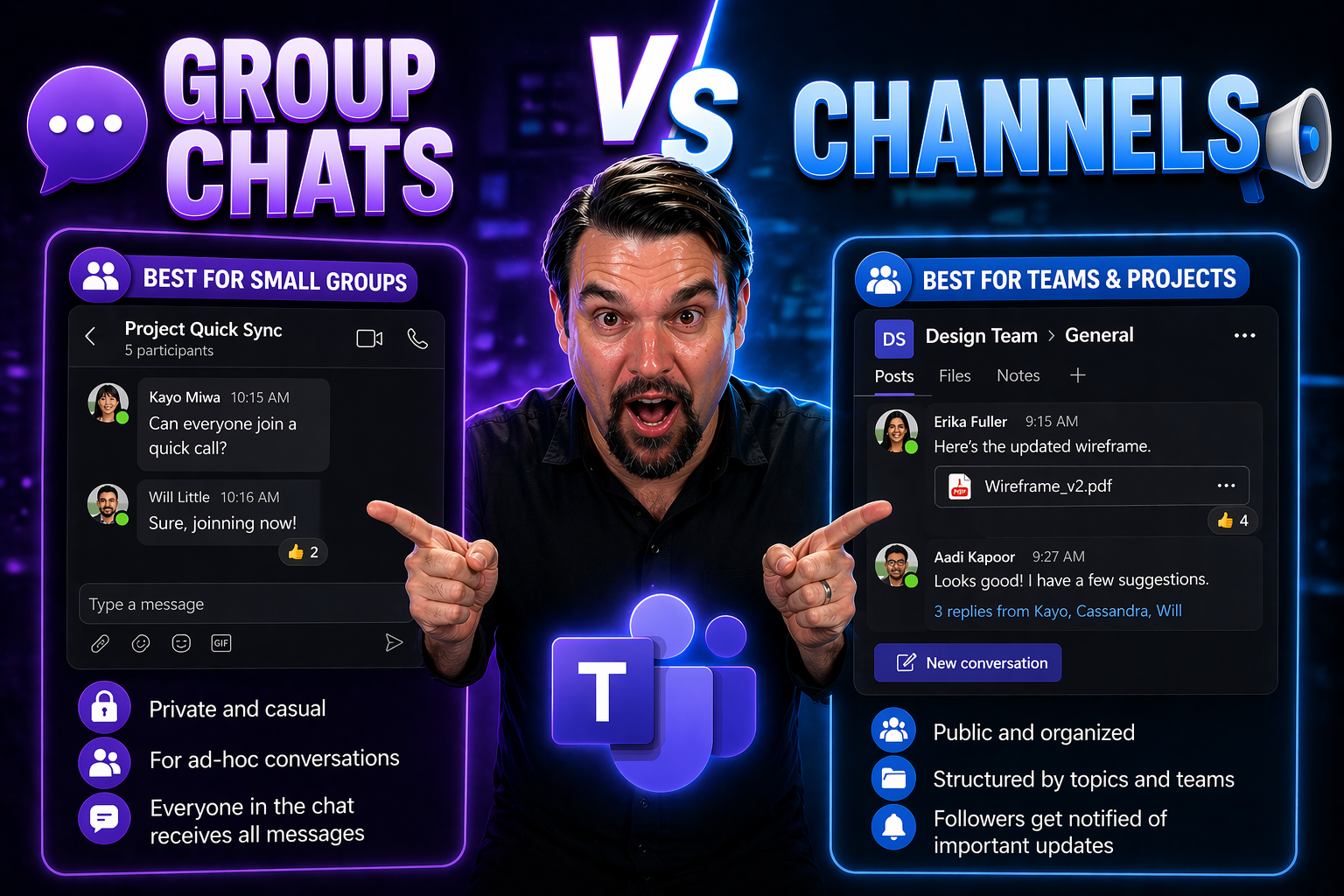
Teams Group Chats vs Channels
group chats vs channels in Teams works best when teams start with the intended outcome, choose the supported Microsoft 365 capability, and apply clear ownership and practical controls. Validate the approach with representative users, check permissio…
April 23, 2026
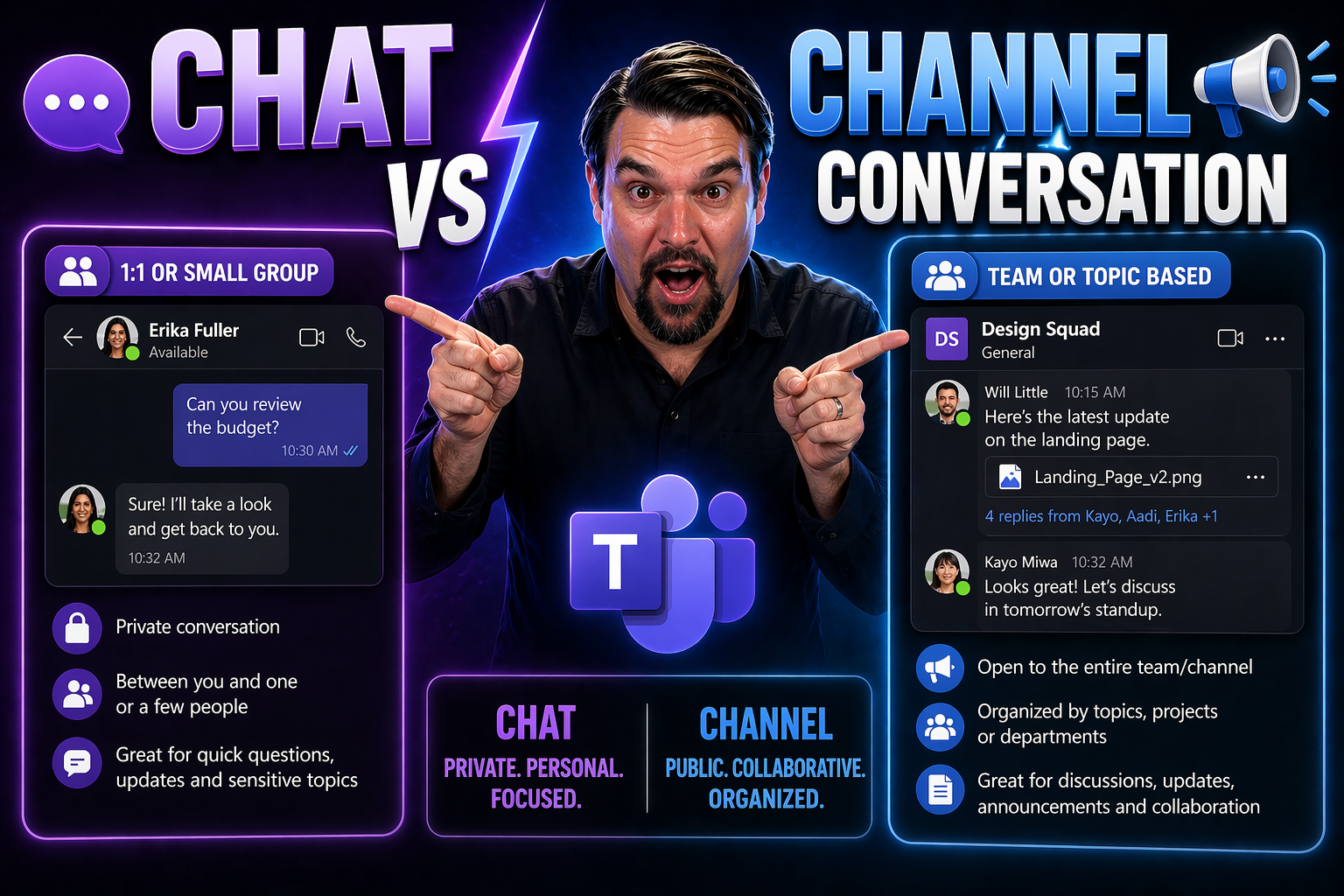
Chat vs Channel Conversation in Microsoft Teams: What’s the Difference?
When you first open Microsoft Teams, it all might look like one big chat room, but there’s a real difference between “chats” and “channel conversations.” Chats are more like quick, private talks—sometimes just between two folks, sometimes a group. C…
April 23, 2026
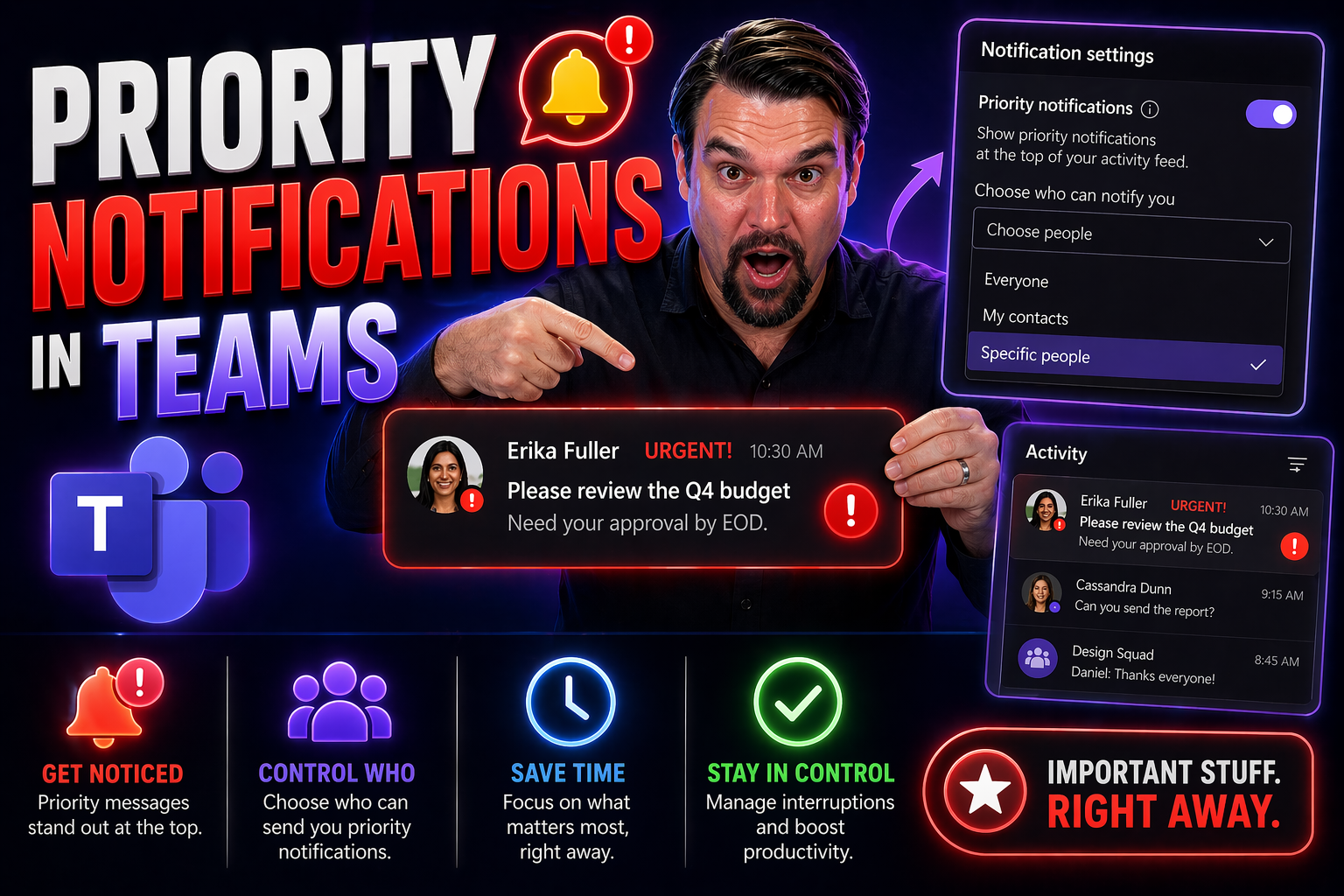
Priority Notifications in Teams: The Complete Guide for Effective Communication
Priority notifications in Teams are for time-sensitive communication that requires prompt attention, not for routine updates. Use them sparingly, state the action and deadline in the first sentence, and choose the right recipient. Overuse creates al…
April 23, 2026
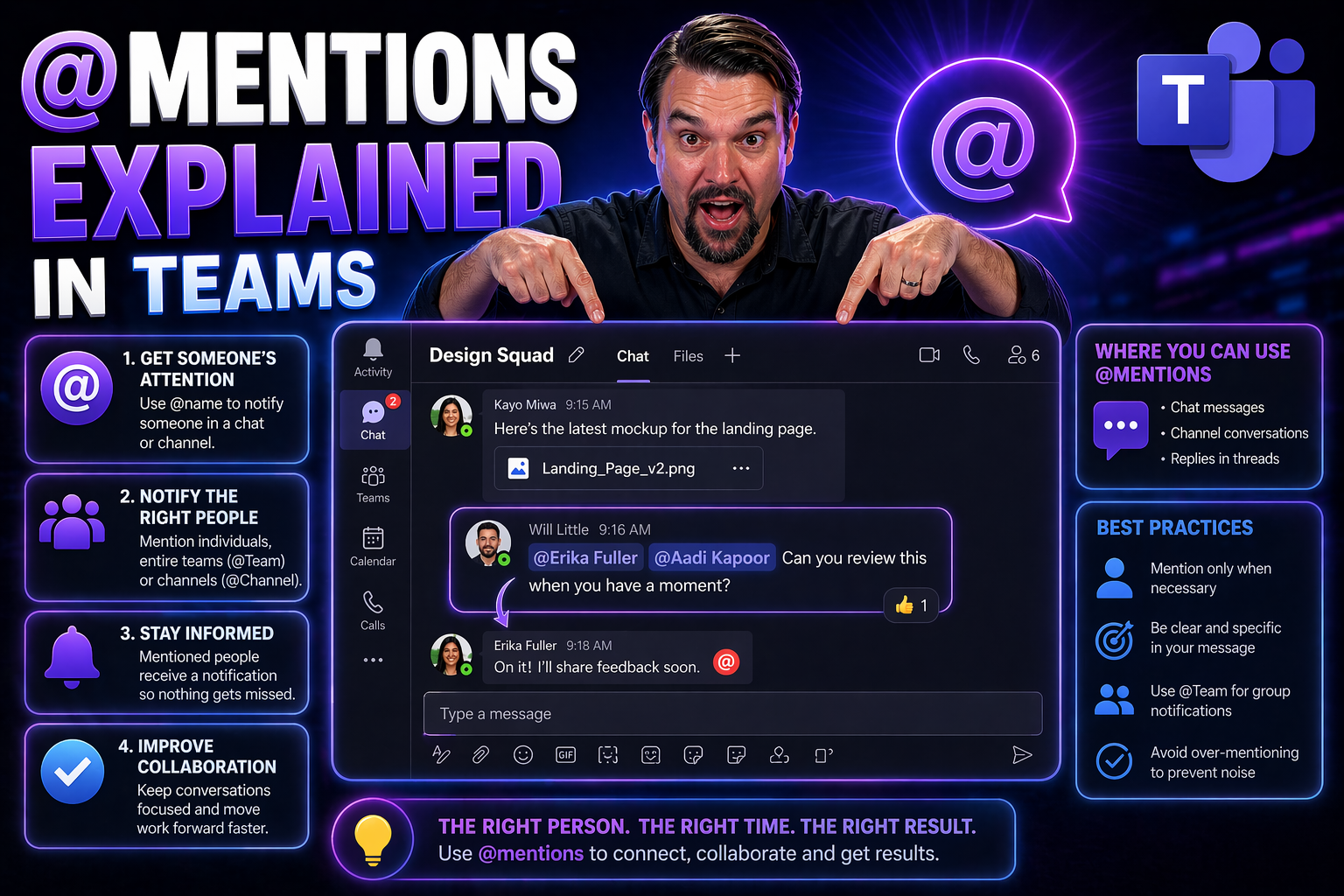
@Mentions in Microsoft Teams: Complete Guide
Quick Answer: Use @mentions in Microsoft Teams to direct attention to a person, channel, or Team when action or awareness is genuinely needed. Keep the message specific, add the relevant context and requested action, and avoid broad mentions that cr…
April 23, 2026
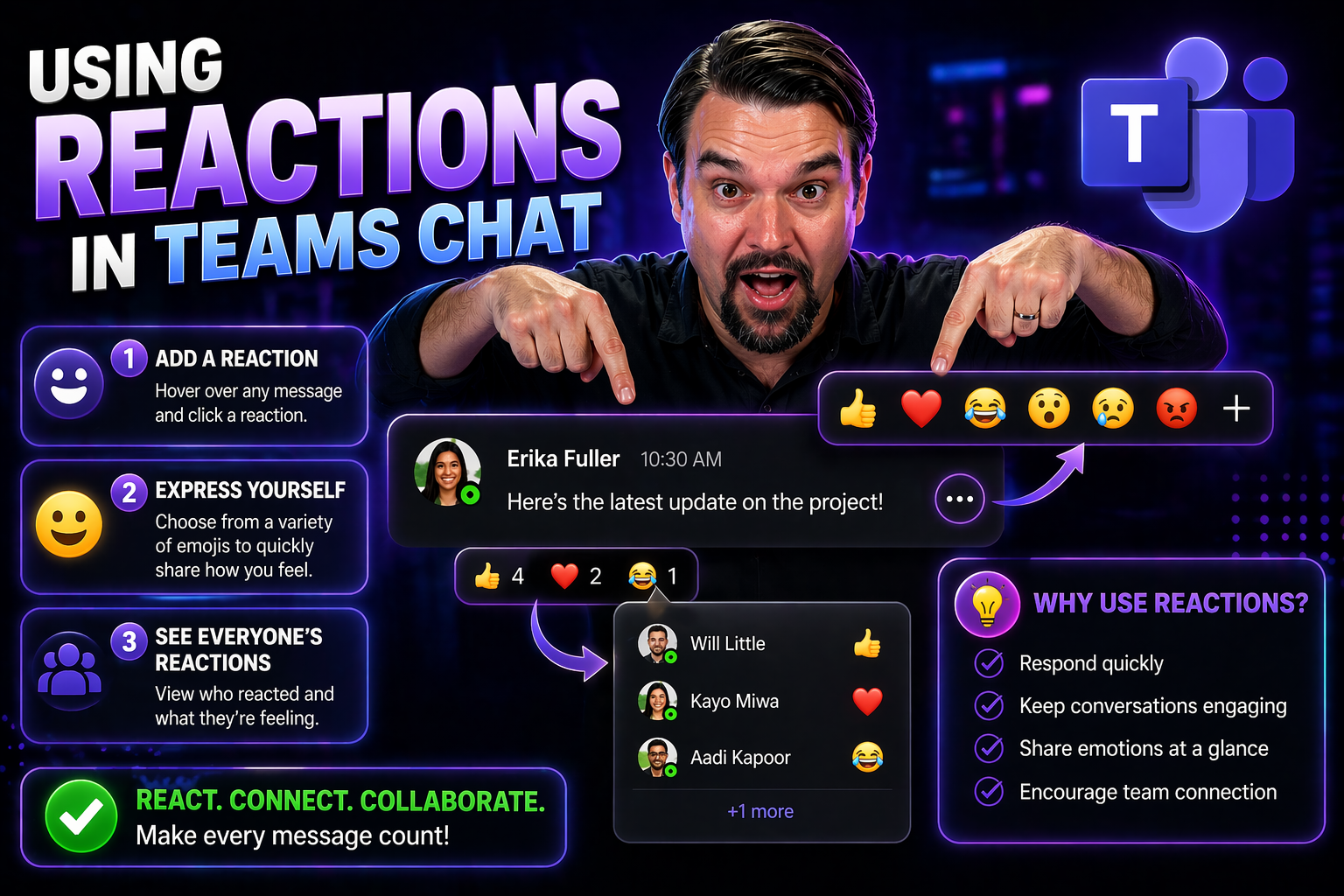
Using Reactions in Teams Chat for Better Collaboration
Reactions in Teams chat let people acknowledge a message quickly without adding unnecessary replies. Use a reaction to confirm that information was seen, show agreement, or signal appreciation; use a written reply when an owner, decision, deadline, …
April 23, 2026
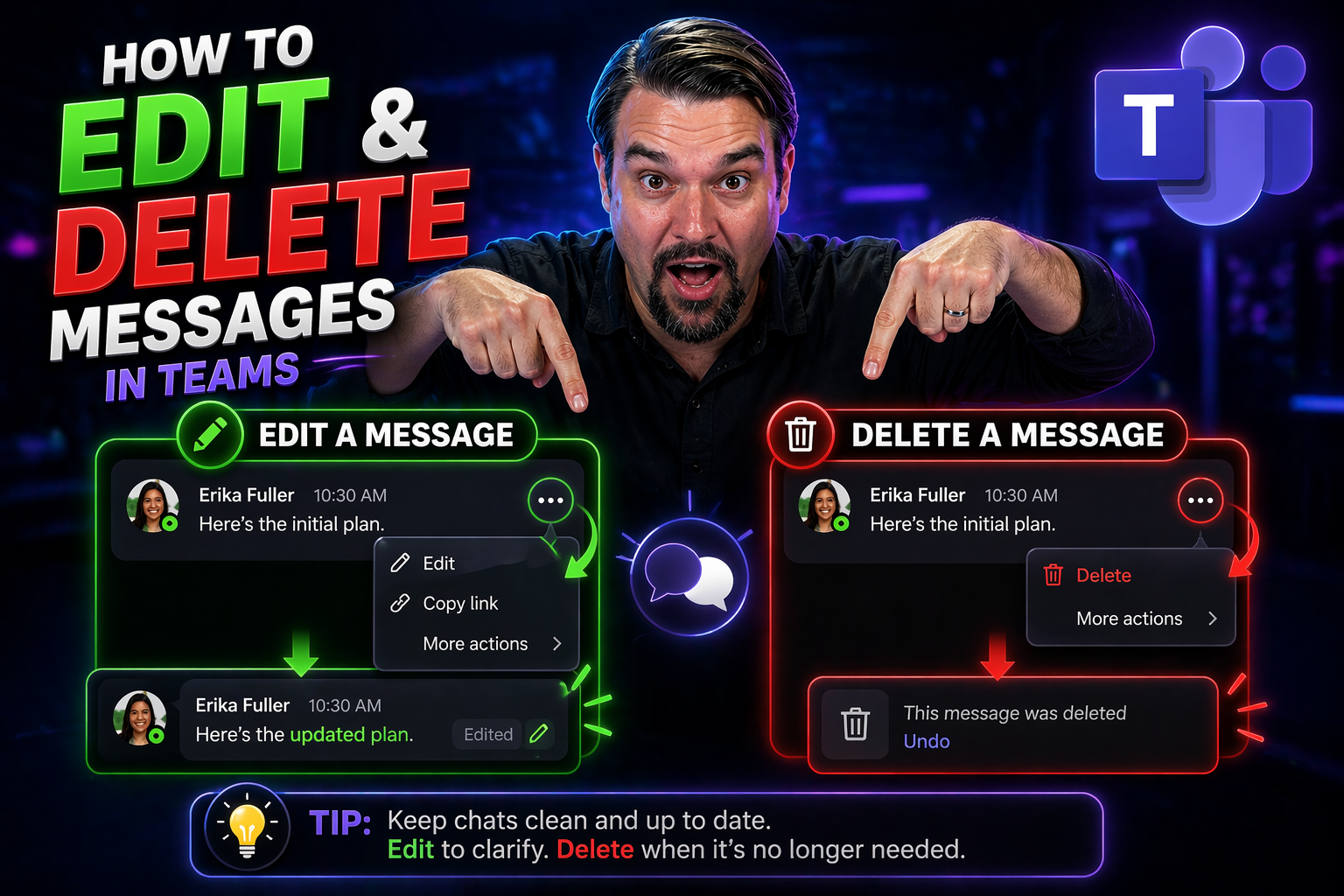
How to Edit and Delete Messages on Any Platform
Everybody makes typos. Maybe you hit “send” too fast, or realized a second too late that your message wandered into the wrong chat. Luckily, the days of “Oops, cancel that last one!” are mostly behind us. Many modern messaging apps let you edit or d…
April 23, 2026
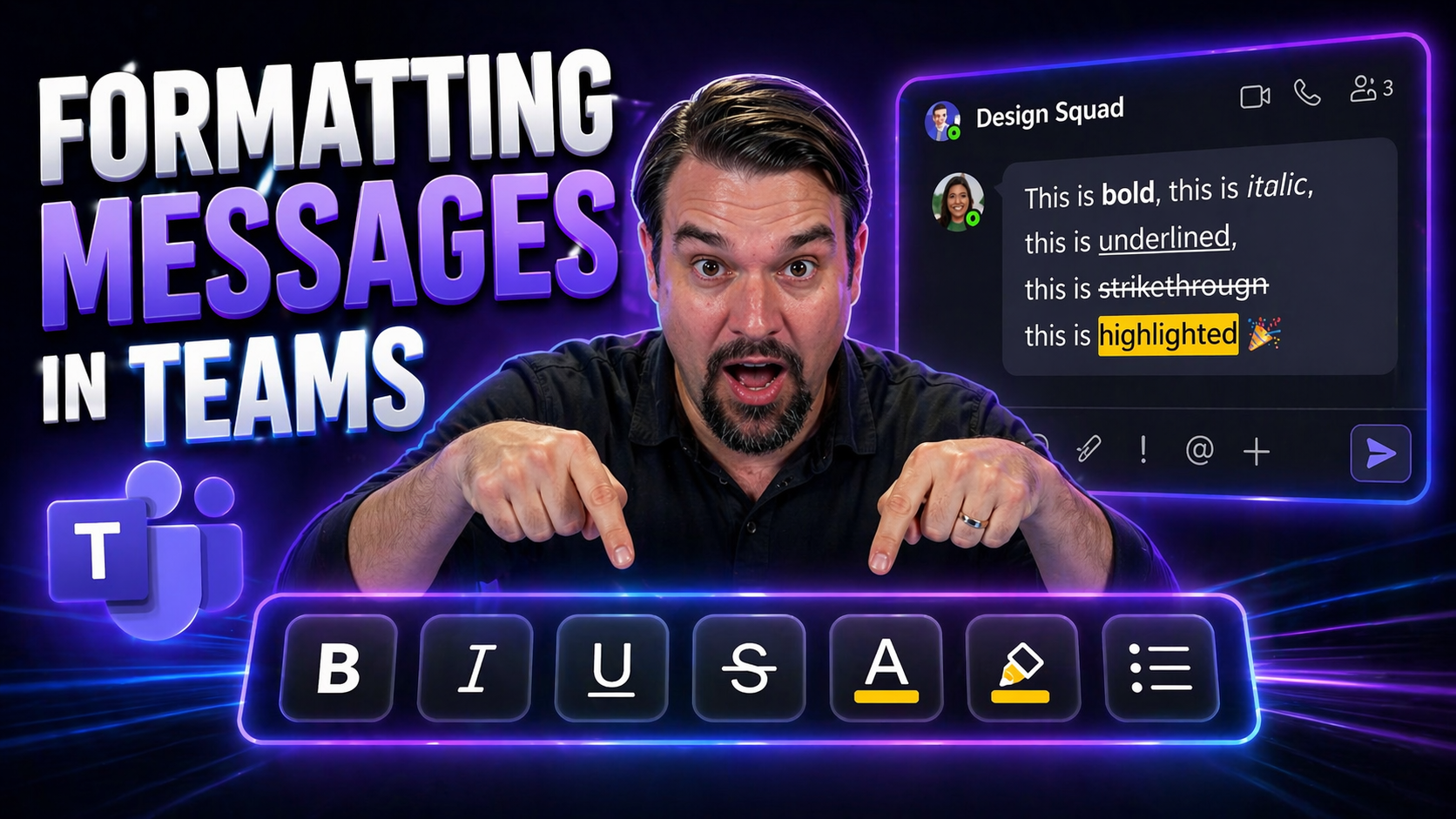
Mastering Message Formatting in Microsoft Teams
message formatting in Teams needs a clear business outcome, approved data access, and accountable human review. Start with the intended user scenario, validate permissions and policies, test the approach with representative users, and document the d…
April 23, 2026
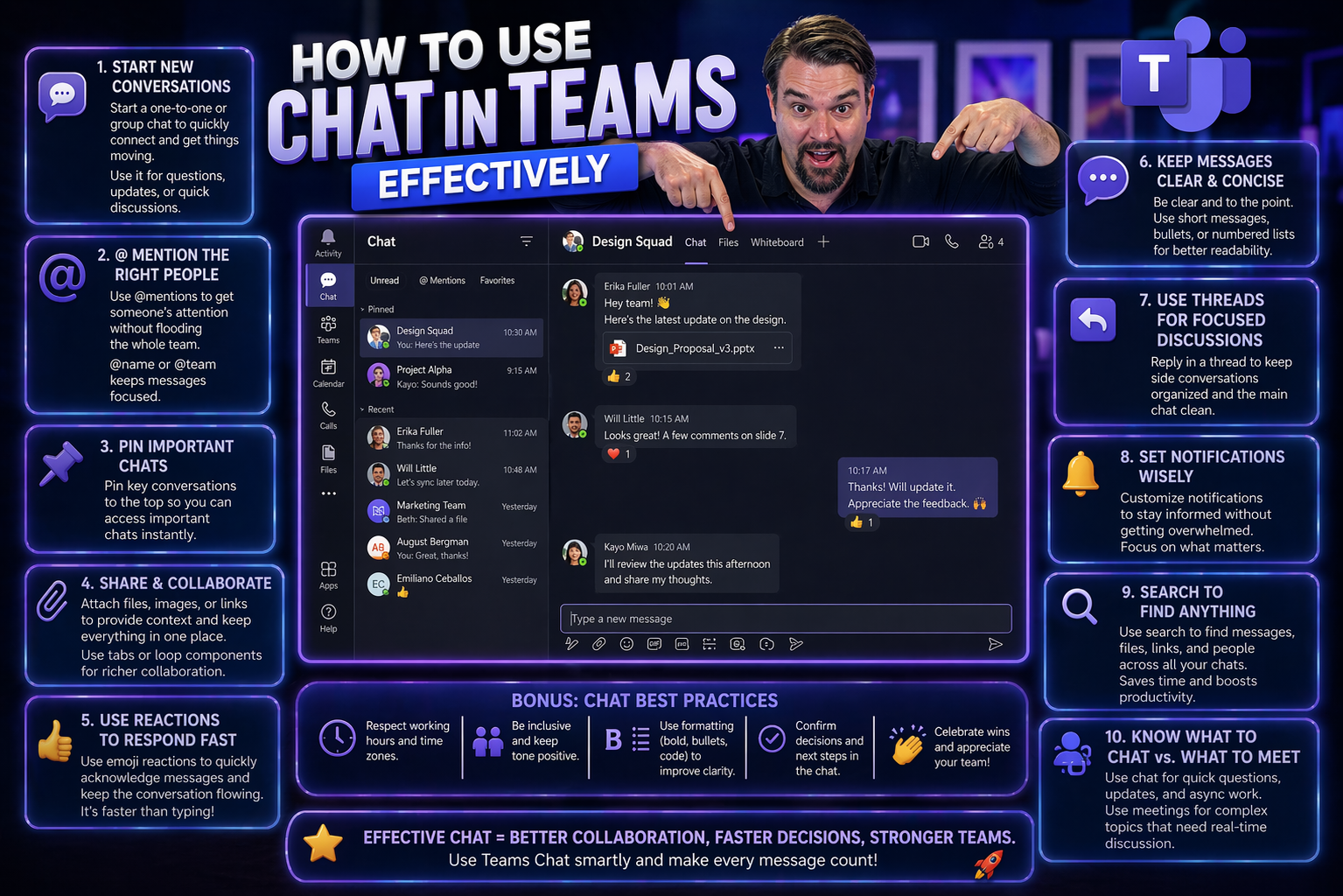
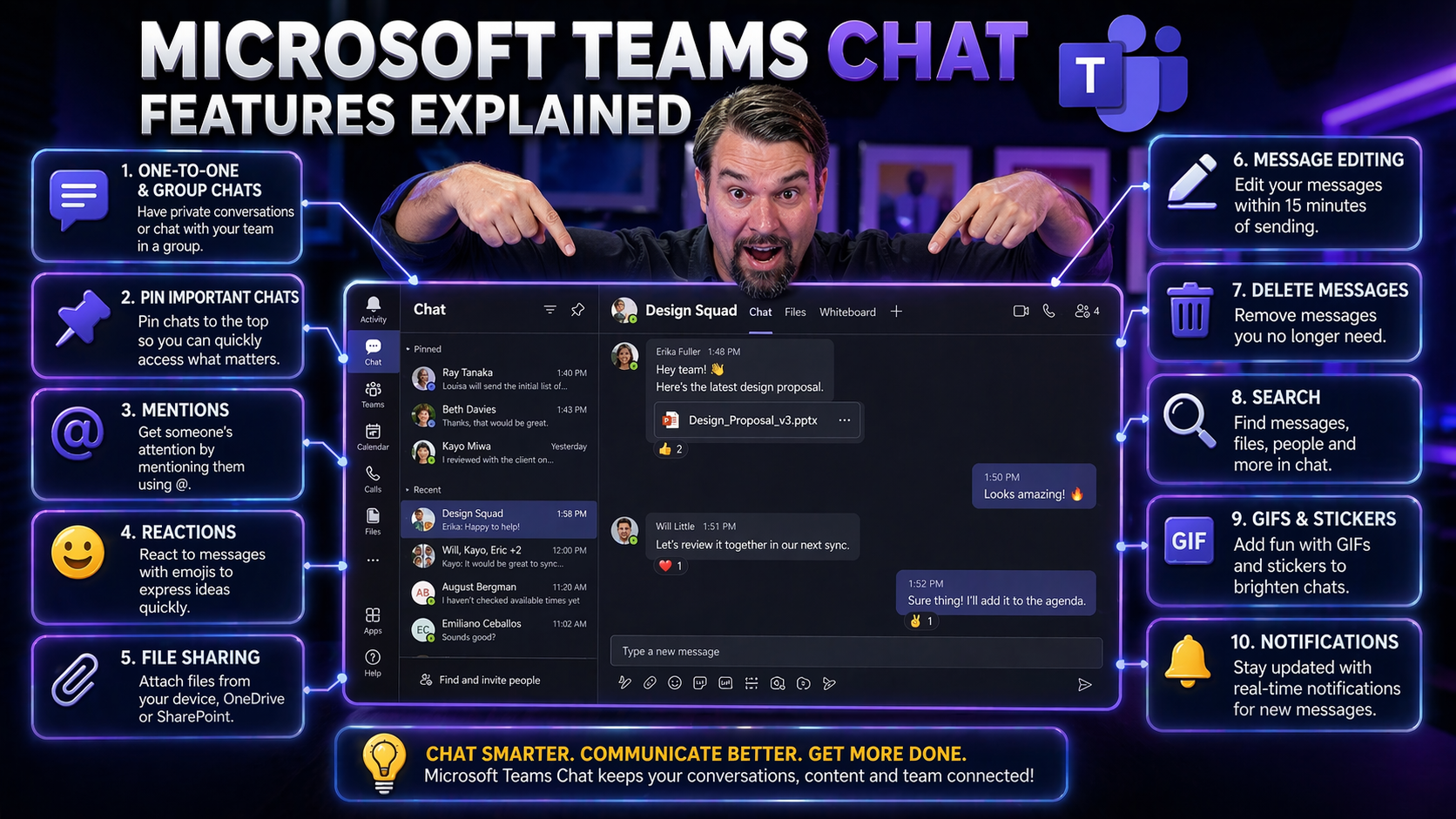
How to Use Chat in Teams Effectively
Getting the most out of Microsoft Teams chat is about more than just sending quick messages. If you want your team to really click, you need to know how to start the right kind of chat, keep conversations organized, and use respectful communication.…
April 23, 2026
Customizing Teams Chat Notifications and Focus Settings
Microsoft Teams can get noisy—real noisy. But the good news is, you don’t have to just accept every ping, pop-up, and red dot that shows up. Customizing your notifications isn’t just about keeping your sanity. It’s about making sure you’re focused w…
April 23, 2026
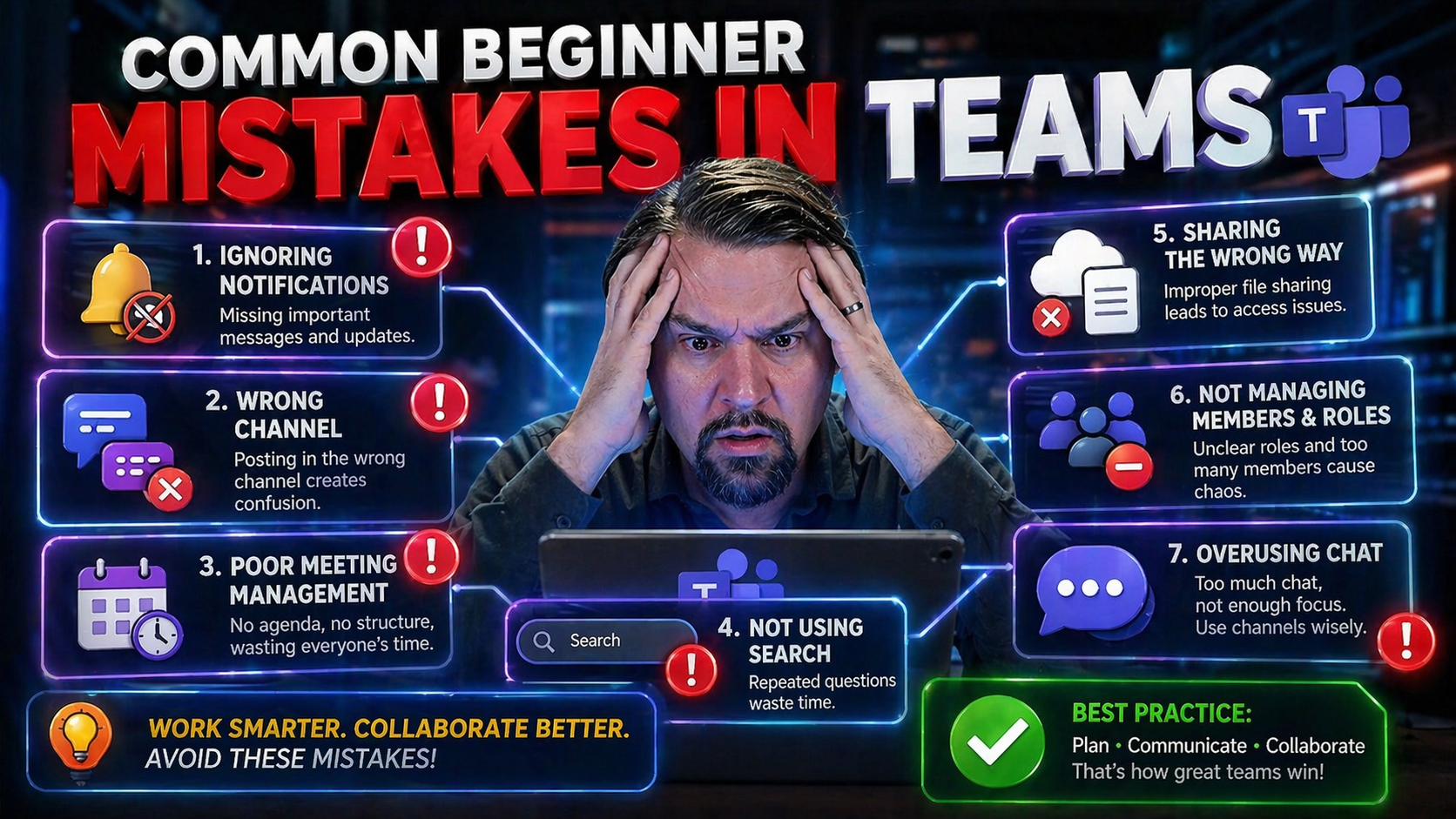
Common Beginner Mistakes in Teams: Your Guide to Starting Right
Everyone starts somewhere, and with Microsoft Teams, your first steps can make all the difference. Teams is more than just chat and video calls—it's a powerful hub for collaboration, messaging, and sharing important work. But a few simple mistakes e…

April 23, 2026
Top OneDrive Myths You Need to Stop Believing
If you’re using OneDrive, chances are you’ve heard plenty of bold promises about data security, backup, and recovery. But not every claim stands up to reality. It’s all too easy to assume your files are safe in the cloud, automatic, and protected fr…
April 23, 2026
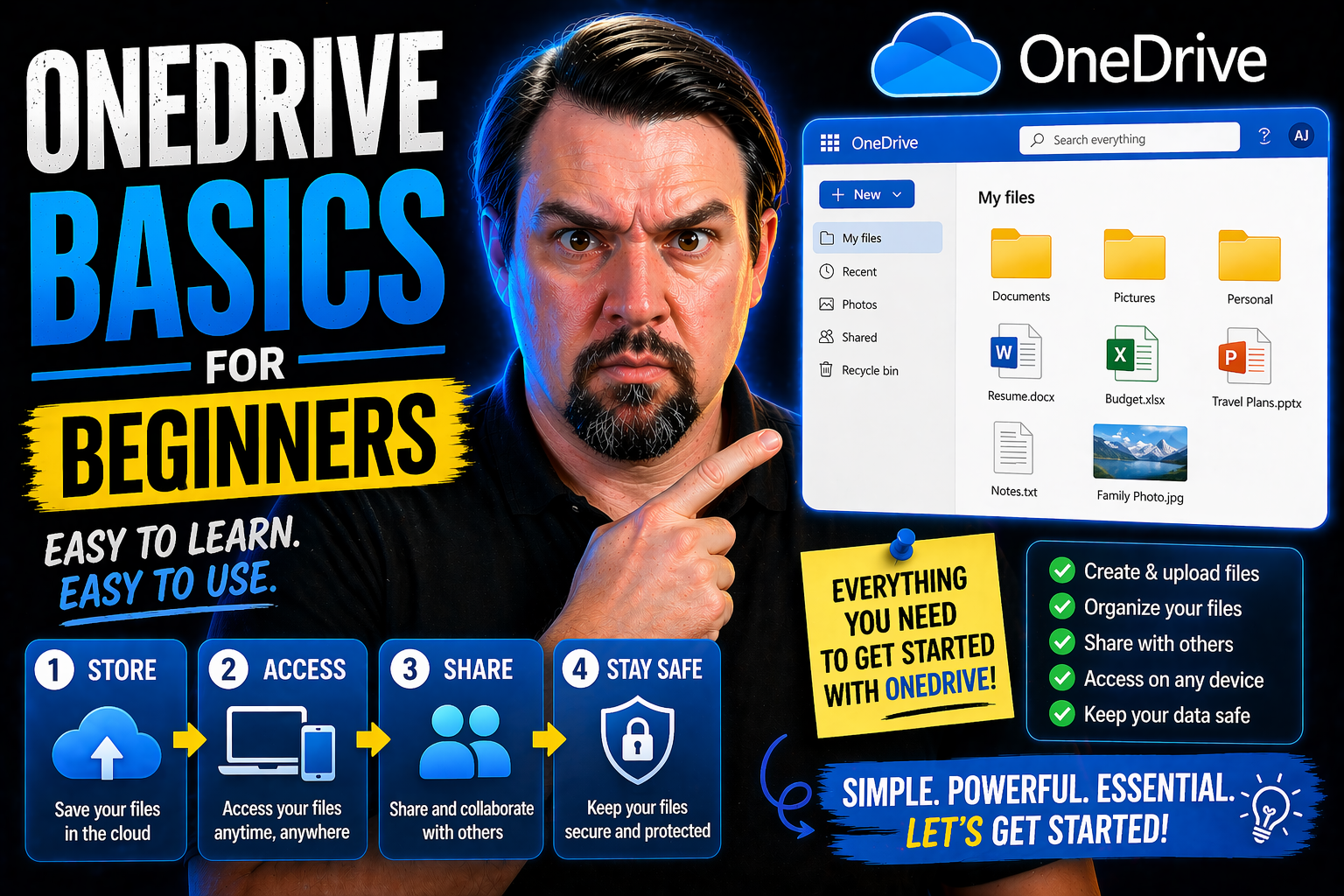
OneDrive Basics for Beginners: A Step-by-Step Guide
OneDrive is Microsoft’s cloud storage service, built right into Microsoft 365 and Teams to help you keep your important files safe, organized, and available anywhere. It’s much more than a place to stash photos or documents—you can access your files…

April 23, 2026
OneDrive for Remote Work: The Complete Guide for Teams and SharePoint Governance
OneDrive has become the backbone of modern remote work, powering everything from file storage to team collaboration. Its tight integration with Microsoft Teams and SharePoint helps teams get organized, work securely, and avoid bottlenecks that stall…

April 23, 2026
OneDrive Use Cases: From Cloud Storage to Secure Collaboration
OneDrive isn’t just a place to stash your files in the cloud; it’s the backbone of secure, flexible teamwork in the Microsoft 365 suite and far beyond. Whether you’re flying solo on personal projects, coordinating with your team, or wrangling files …
April 23, 2026
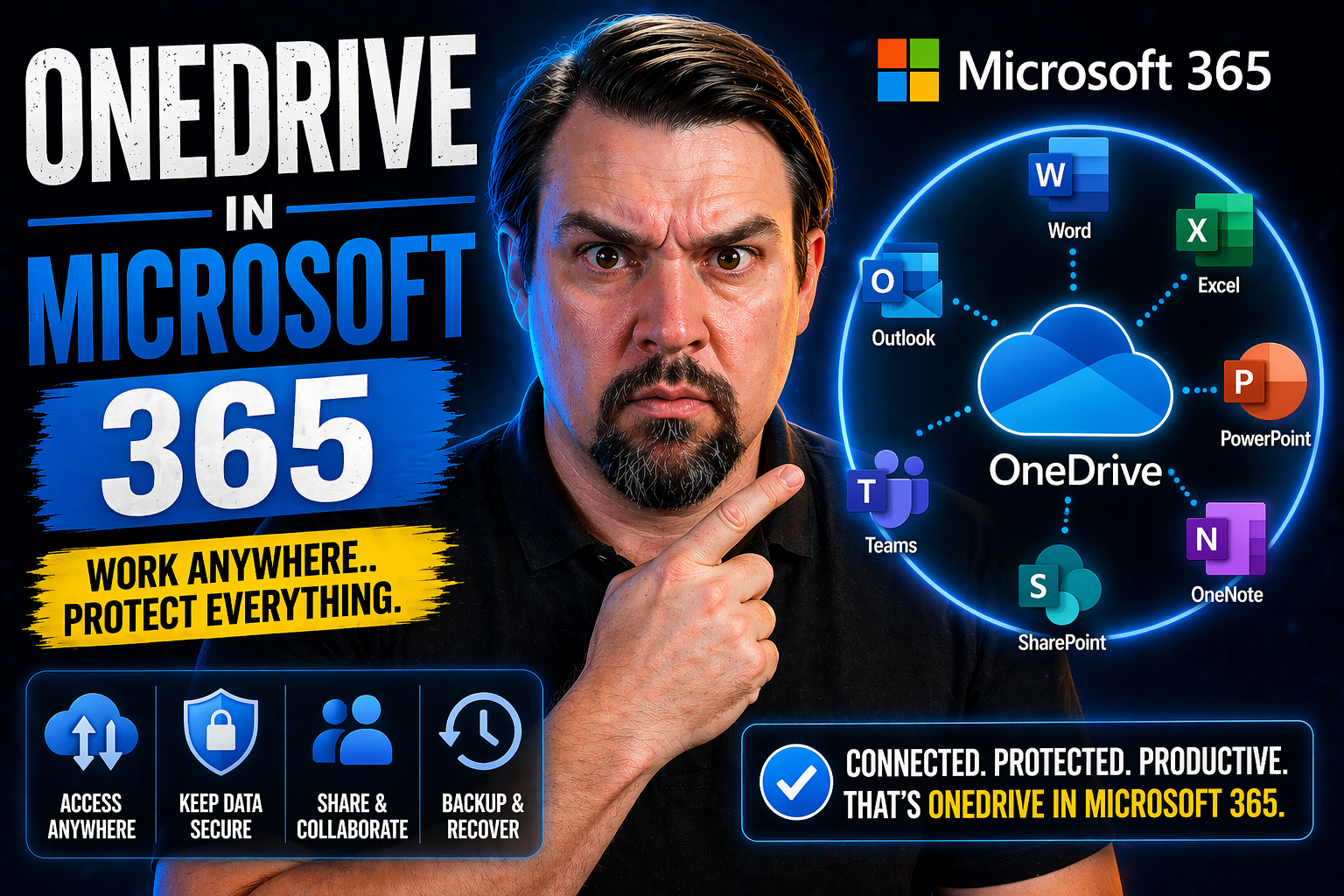
OneDrive in Microsoft 365: The Smart Way to Store, Share, and Collaborate
OneDrive in Microsoft 365 is your all-in-one solution for file storage, sharing, and secure collaboration across devices—laptops, smartphones, you name it. It keeps your documents, photos, and work files safe in the Microsoft Cloud, making everythin…

April 23, 2026
OneDrive Interface Explained
The OneDrive interface is all about making your files easy to find, manage, and share, whether you’re at home, at work, or on the go. At first glance, it might feel like there’s a lot packed into the screen, but every piece has a job. From the sideb…

April 23, 2026
Getting Started With OneDrive: Beginner’s Guide for Secure Collaboration
OneDrive is at the heart of modern digital teamwork, especially if you’re working or studying at a place like CUNY. With OneDrive, you get secure storage that follows you everywhere—on campus, at home, or out in the world on your phone. This guide i…

April 23, 2026
OneDrive Storage Limits Explained for Microsoft 365 Users
OneDrive storage limits requires a clear view of the business scenario, supported Microsoft 365 capabilities, ownership, and security requirements. Start with the intended outcome, validate current Microsoft guidance, test the approach with represen…

April 23, 2026
OneDrive Limitations for Enterprise Users Explained
Quick Answer: OneDrive is designed for individual work and controlled sharing, not as a replacement for every team workspace, records repository, or business application. Understanding OneDrive limitations helps organizations choose the right Micros…

April 23, 2026
Copilot Prompts for Email Automation: Master Microsoft 365 in Your Inbox
Welcome to your one-stop guide for mastering Microsoft Copilot prompts in email automation! In today's business world, your email inbox is no longer just a stack of digital letters; it's your daily command center. With the surge of AI tools like Cop…
April 23, 2026
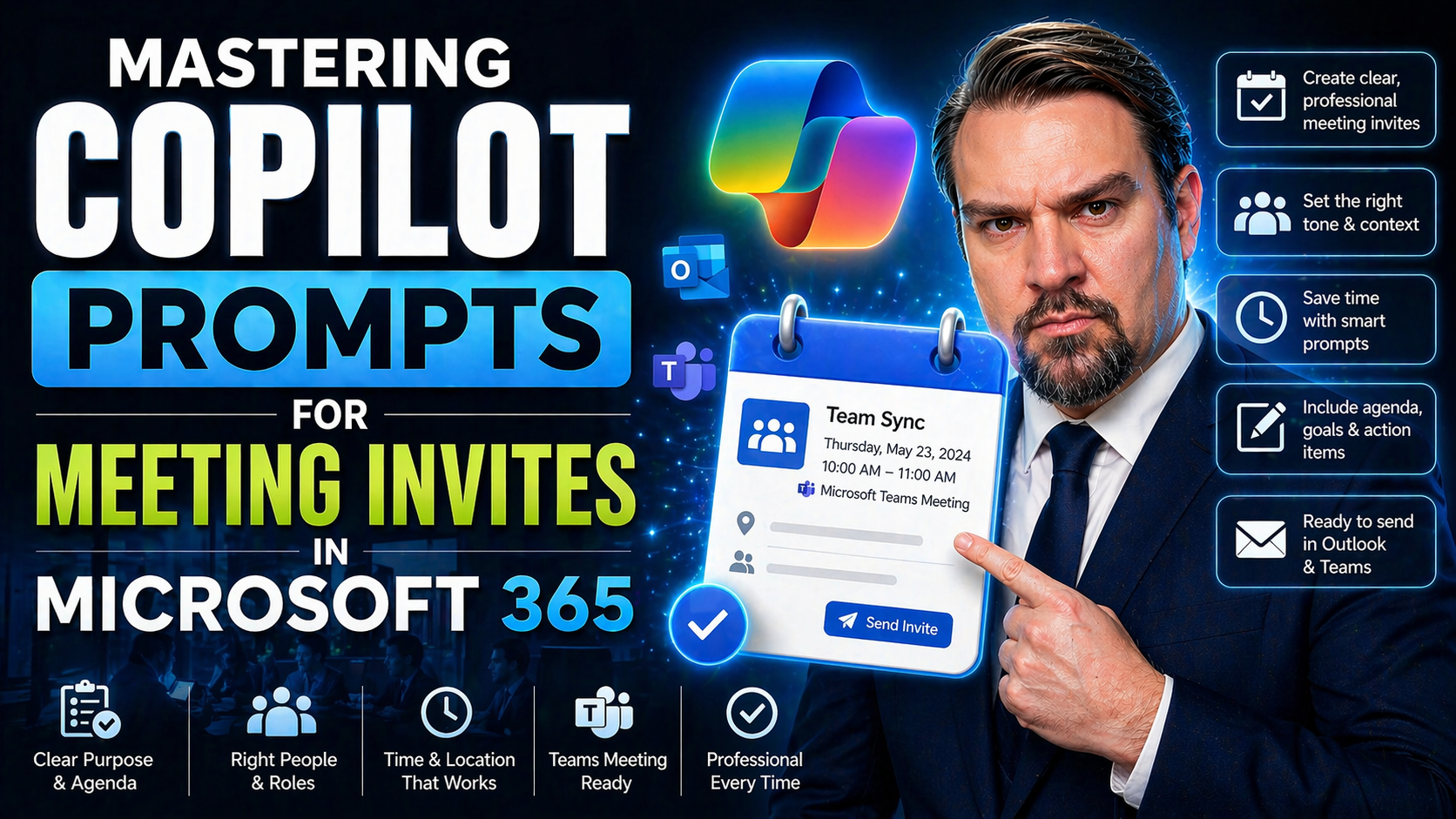
Mastering Copilot Prompts for Meeting Invites in Microsoft 365
If you want meetings to run smoother and waste less time on logistics, Microsoft 365 Copilot is your new ace in the hole. With simple, natural prompts, you can schedule, optimize, and even follow up on meetings—without the usual back-and-forth. Copi…