

Work smarter, not harder, with practical tips for Microsoft 365.
From Teams and Outlook to OneDrive and Office apps, we explore new features, time-saving shortcuts, collaboration tools, and productivity workflows that help you get more done every day.
Perfect for anyone who loves efficiency and wants to make M365 work for them.
From Teams and Outlook to OneDrive and Office apps, we explore new features, time-saving shortcuts, collaboration tools, and productivity workflows that help you get more done every day.
Perfect for anyone who loves efficiency and wants to make M365 work for them.
April 28, 2026
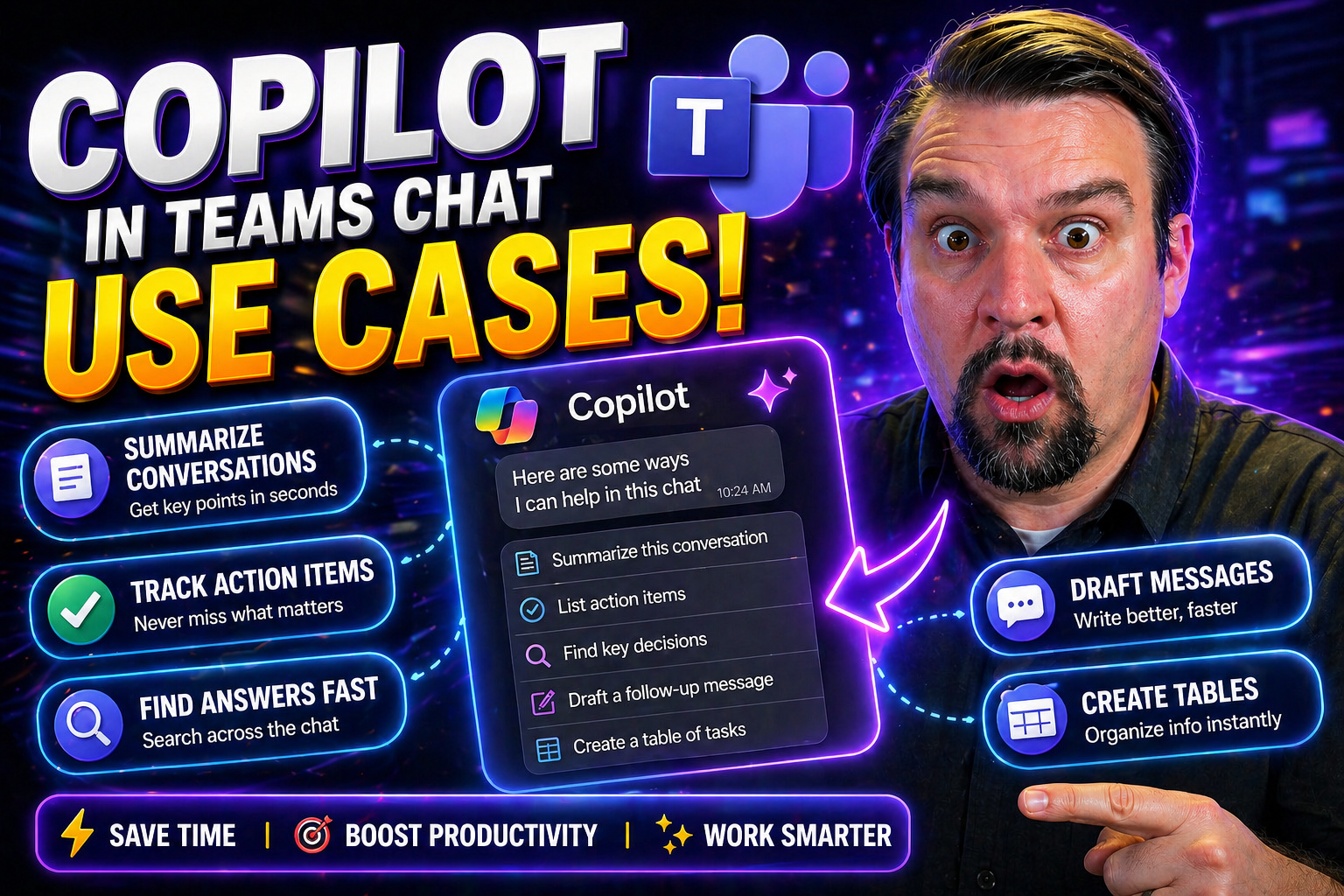
Microsoft Copilot in Teams Chat Use Cases
Discover how Microsoft Copilot transforms your Teams chat experience with powerful AI tools that streamline daily work. Whether you’re juggling dozens of chats or want to keep projects from falling through the cracks, Copilot steps in as your digita…
April 28, 2026
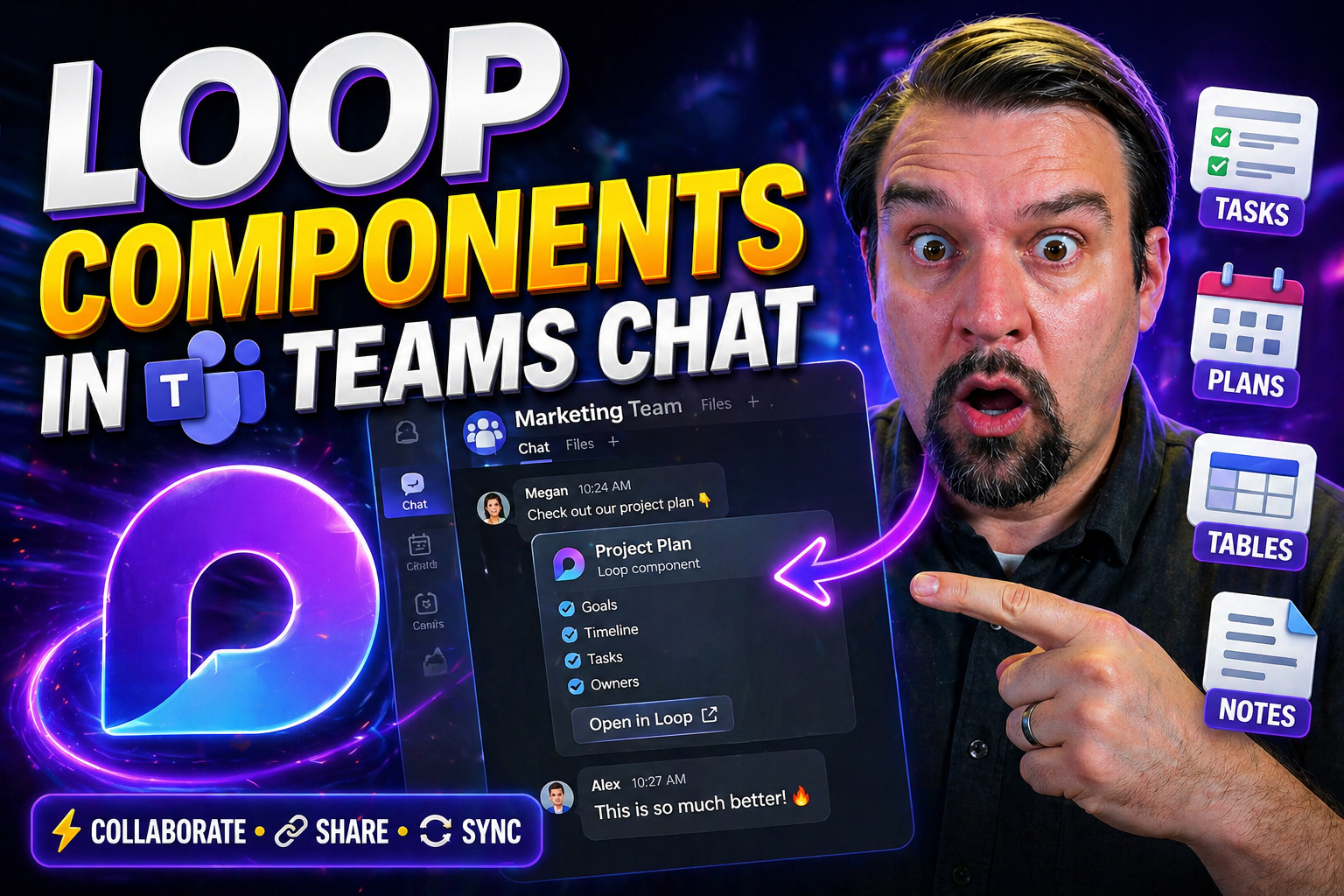
Loop Components in Teams Chat
Loop components in Teams works best when the use case, owner, and approved data or collaboration boundary are defined first. Start small, validate current platform capabilities and security controls, test with representative users, and document supp…
April 28, 2026
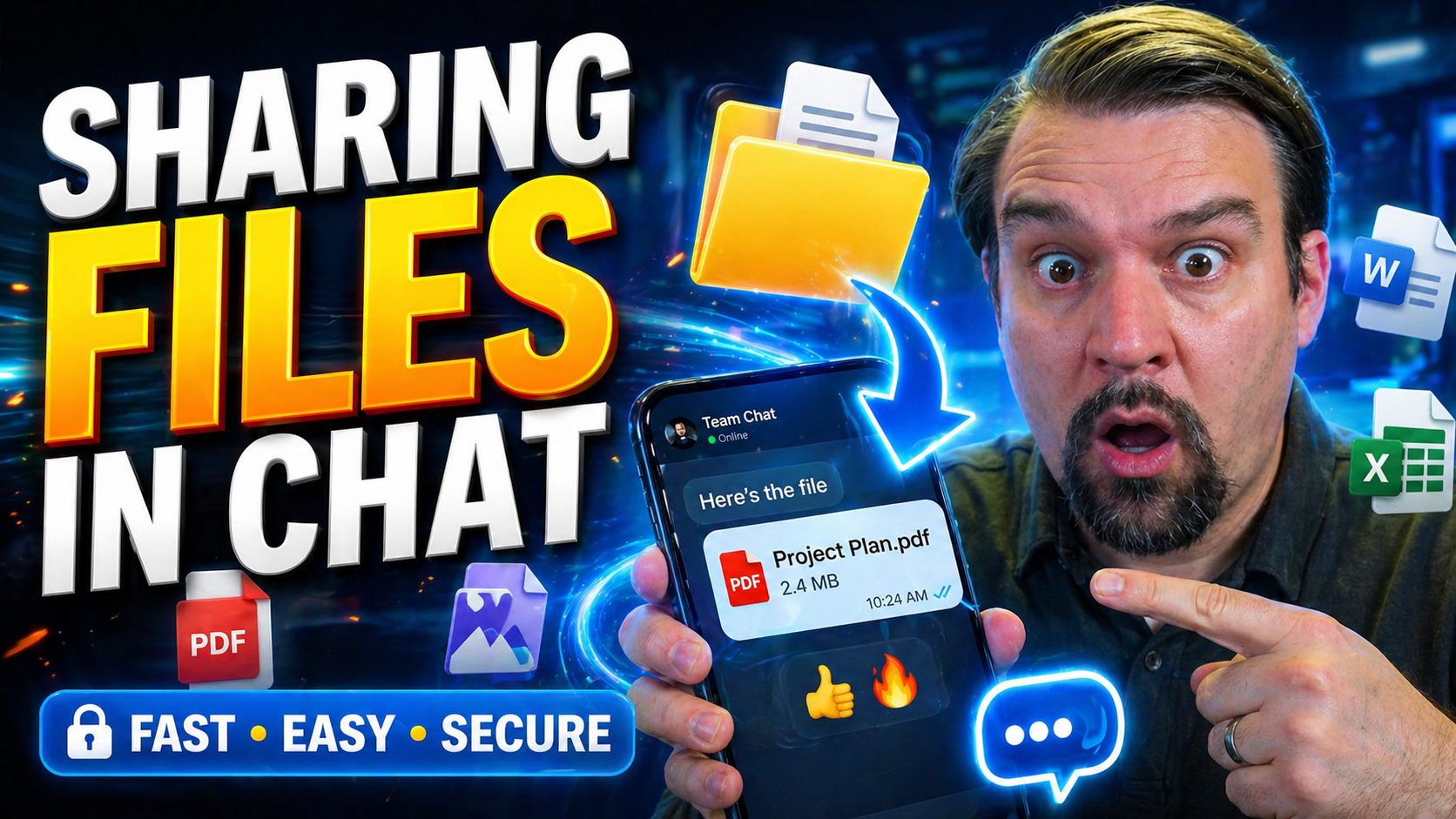
How to Share Files in Microsoft Teams Chat
Quick Answer: To share files in Microsoft Teams chat, open the conversation, select the attachment or paperclip option, choose the file, confirm the sharing permissions, and send it. Before sharing externally or across teams, check who will receive …
April 27, 2026
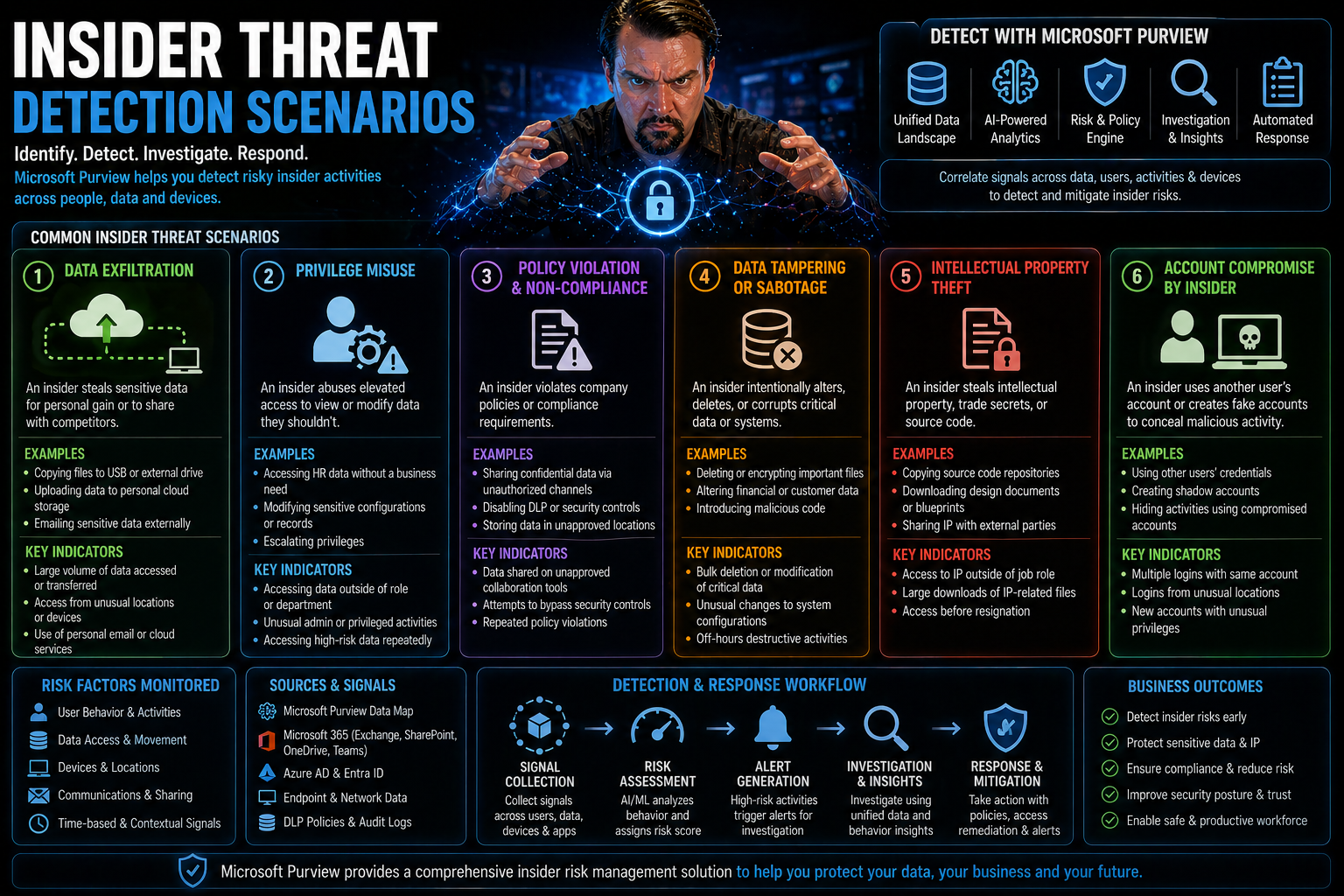
Insider Threat Detection Scenarios: Real-World Cases and Best Practices
When you think about cybersecurity, your mind probably jumps to hackers, phishing scams, or malware from the outside. But sometimes, the most damaging threats are right on your payroll. Insider threat detection is all about spotting risks from withi…
April 27, 2026
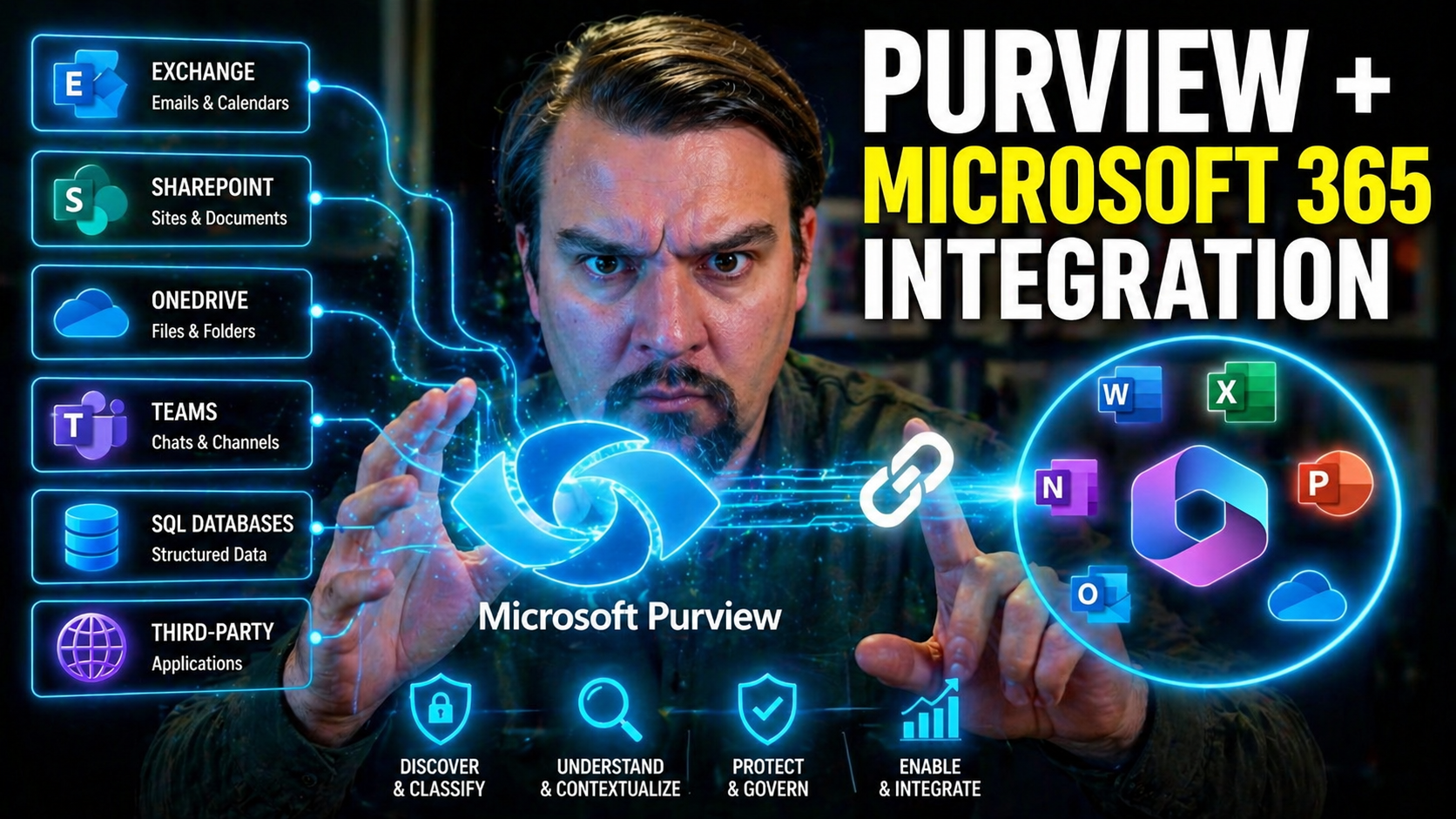
Microsoft Purview and Microsoft 365 Integration
Quick Answer: Microsoft Purview Microsoft 365 integration connects information protection, compliance, audit, data-loss prevention, retention, and risk controls with services such as Teams, SharePoint, OneDrive, and Exchange. Start by mapping the da…
April 27, 2026
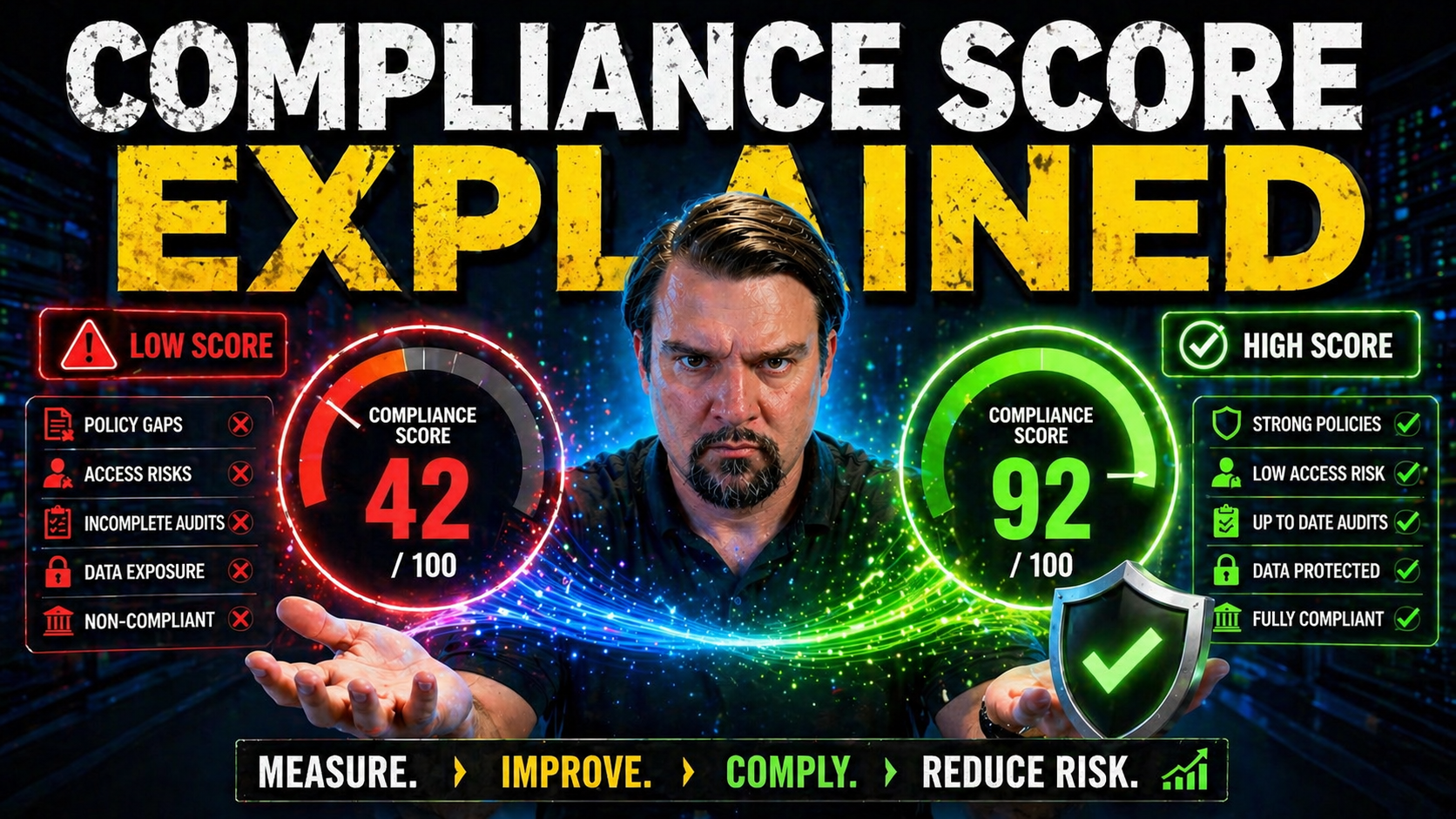
Microsoft Compliance Score
Compliance scores are fast becoming the “credit score” of the digital enterprise—a direct way to see where your business stands on regulatory and security obligations. As organizations move to Microsoft 365, Azure, and hybrid cloud, the need for cle…
April 26, 2026
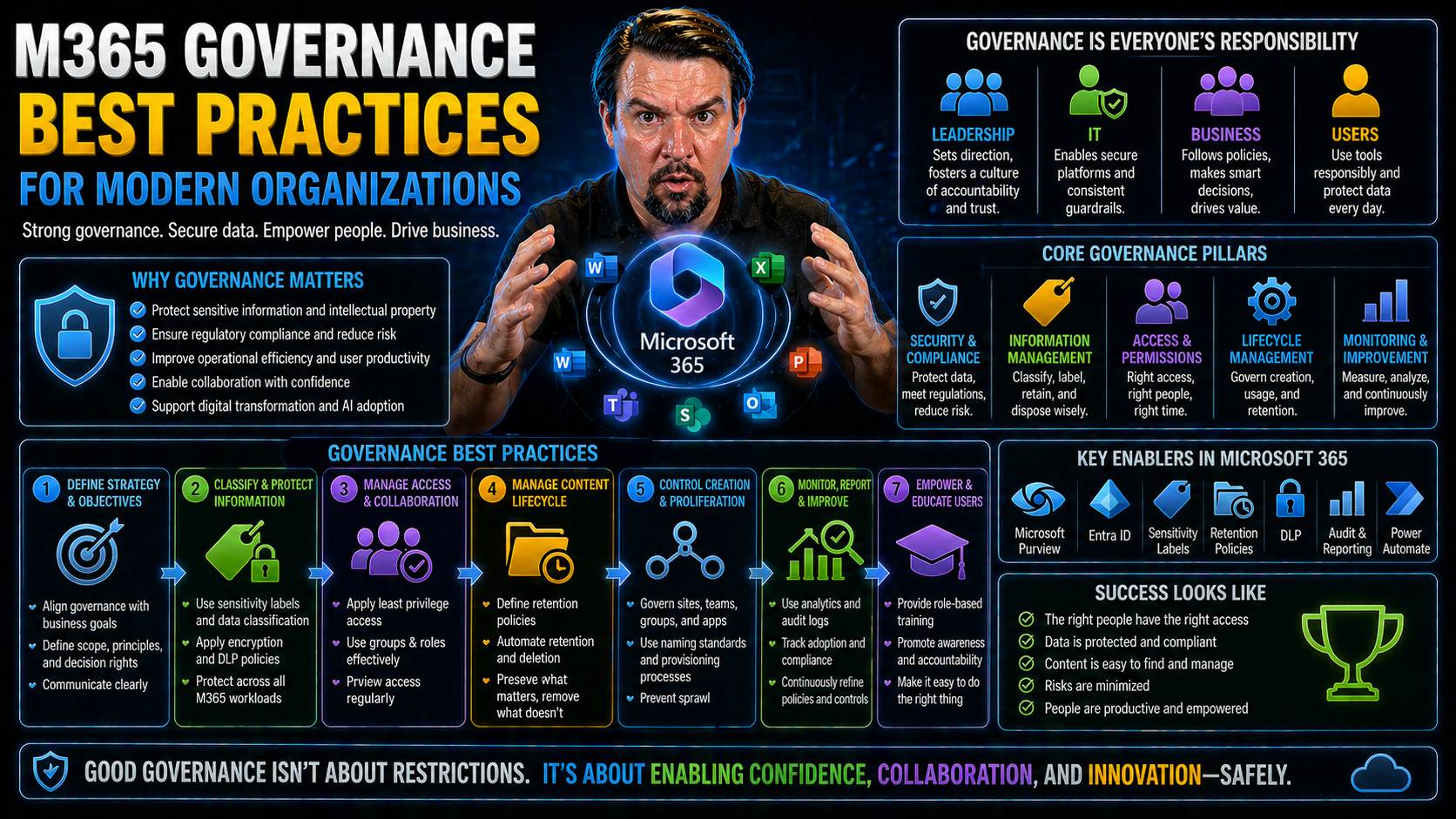
Microsoft 365 Governance Best Practices
Microsoft 365 governance is all about setting up the right policies, tools, and controls to guide how people access, use, and protect information across your organization’s cloud environment. As Microsoft 365 keeps adding new features and ways for e…
April 26, 2026
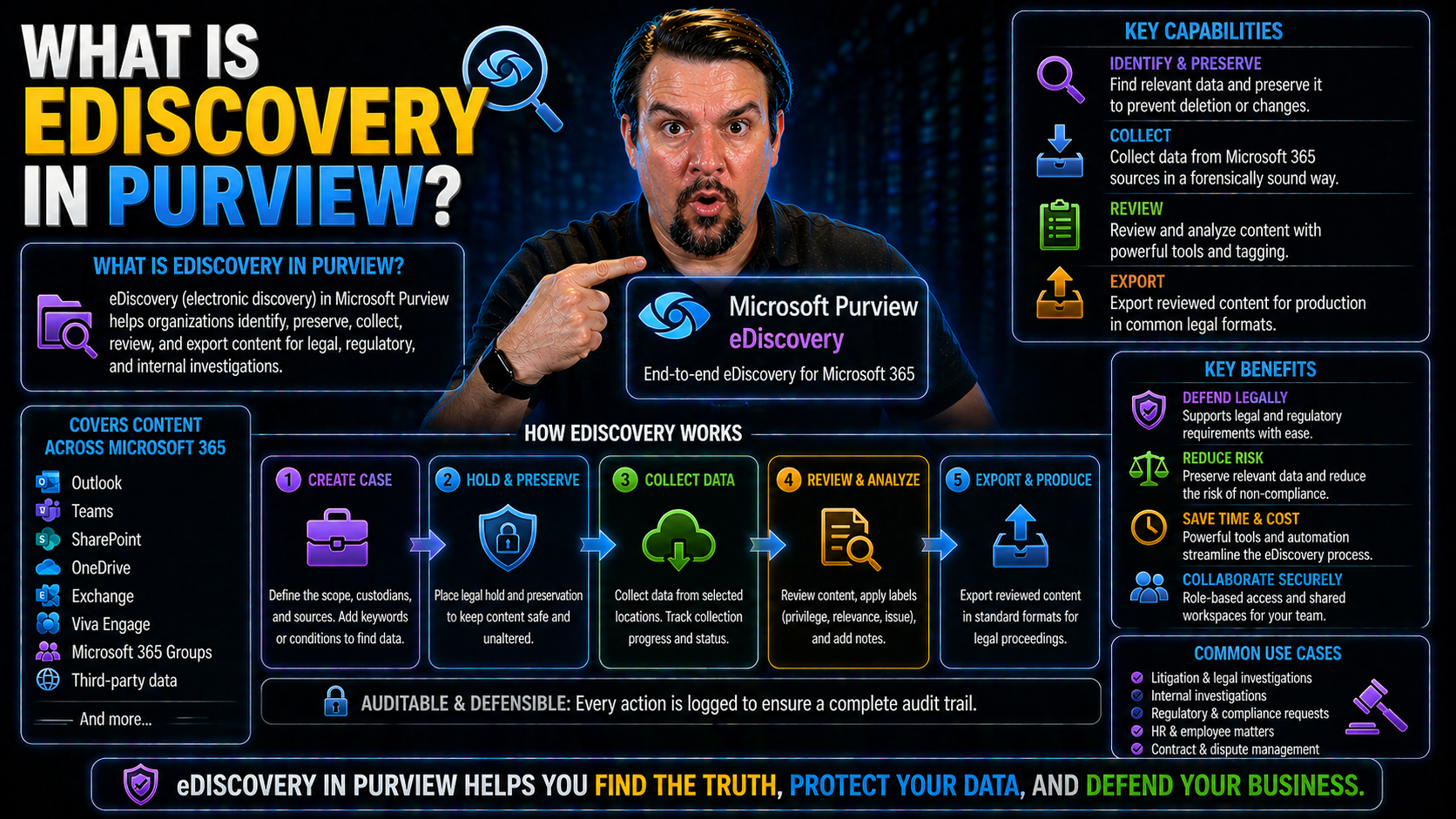
Microsoft Purview eDiscovery
Quick Answer: Microsoft Purview eDiscovery helps authorised legal, compliance, and investigation teams find, preserve, review, and export relevant Microsoft 365 content for a defined case. Start with a documented legal or business purpose, assign le…
April 26, 2026
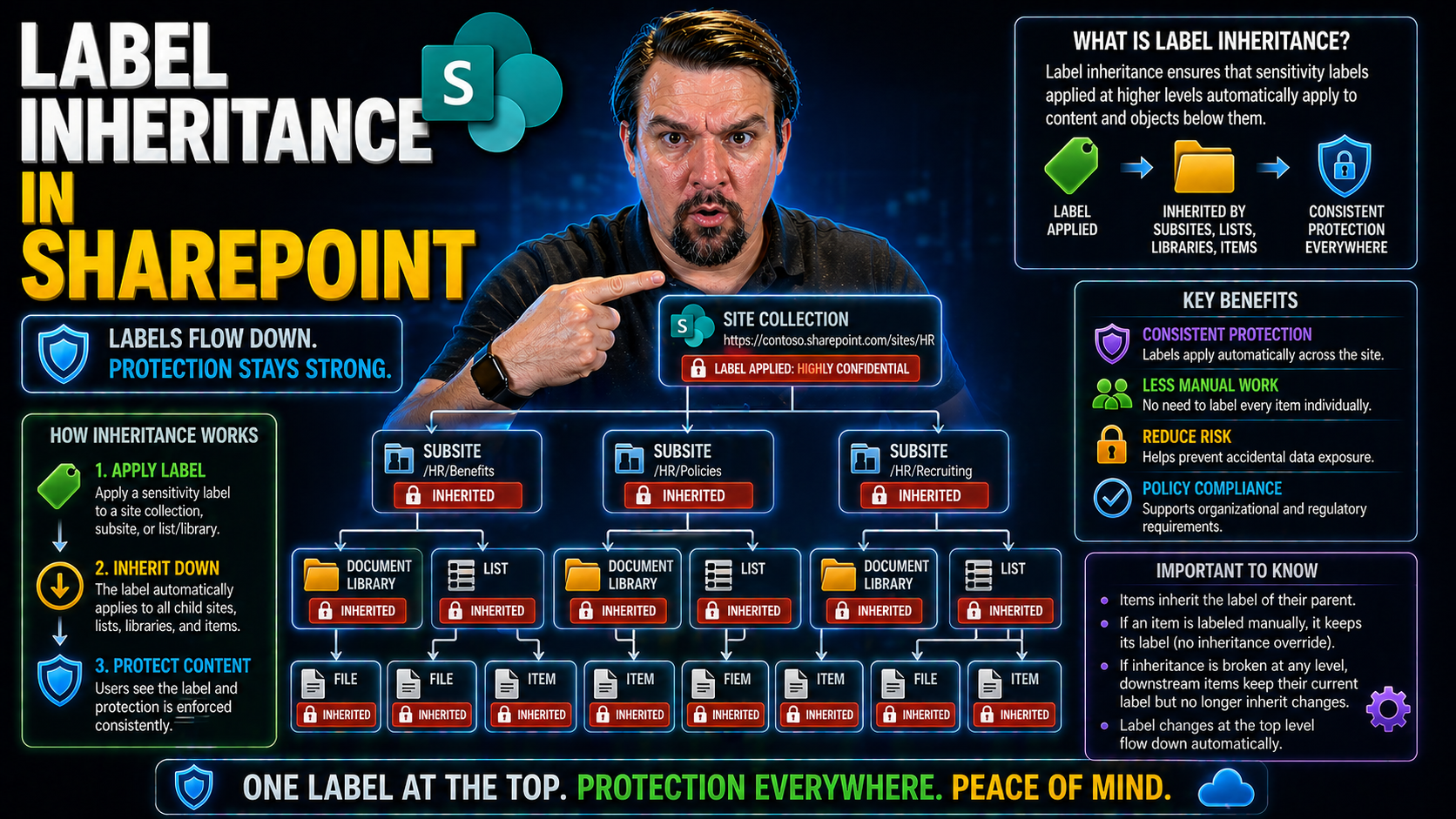
SharePoint Label Inheritance
When you start working with SharePoint in Microsoft 365, label inheritance and permissions aren’t just technical jargon – they’re the rules of engagement for keeping your files safe, compliant, and well-governed. Get these mixed up, and you’ll be sc…
April 26, 2026
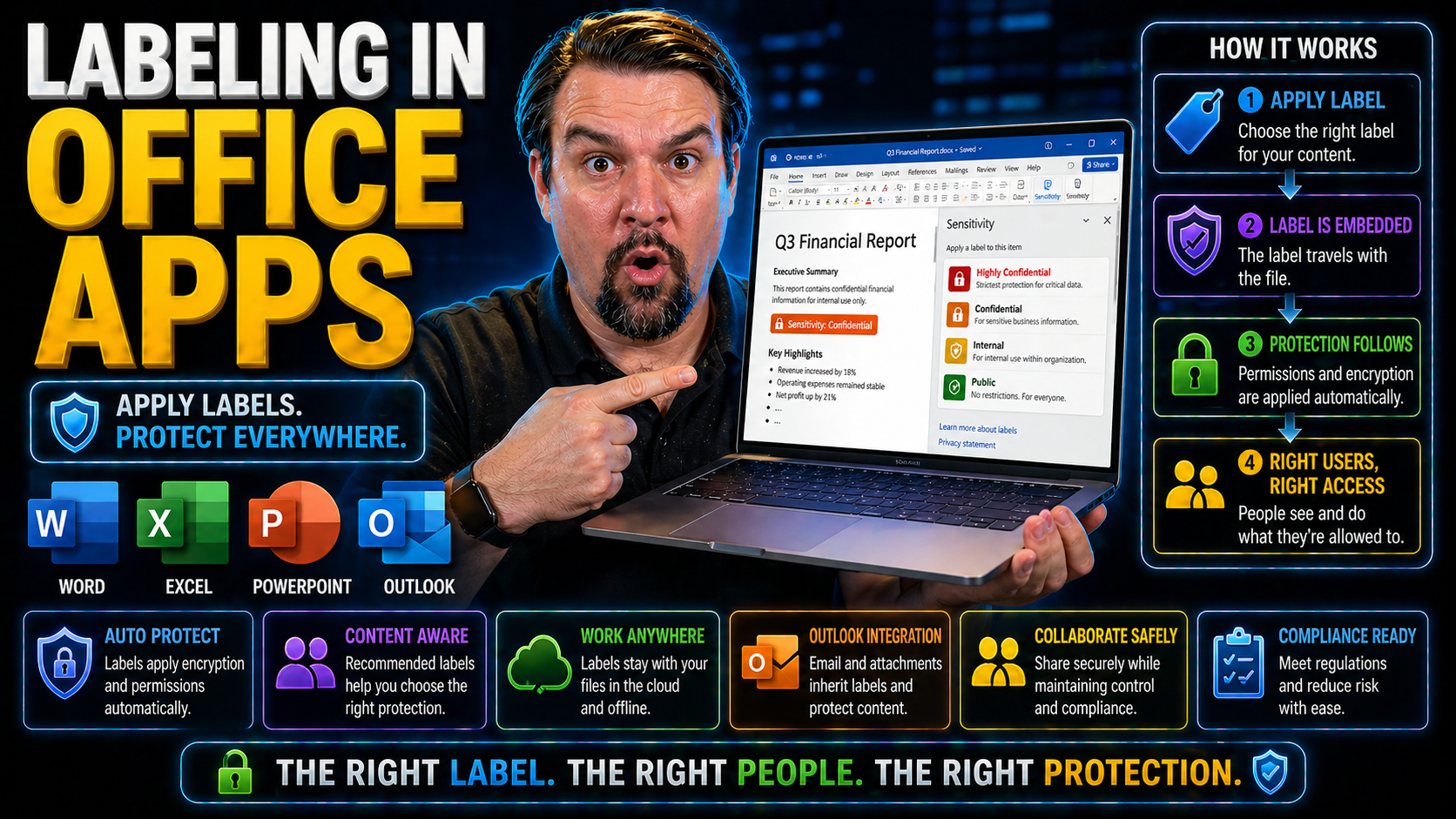
Sensitivity Labels in Office Apps
If you’ve ever wondered how organizations keep their sensitive files from falling into the wrong hands, this is where sensitivity labels in Microsoft 365 step up. Labeling in Office apps isn’t just about ticking compliance boxes—it’s about keeping y…
April 26, 2026
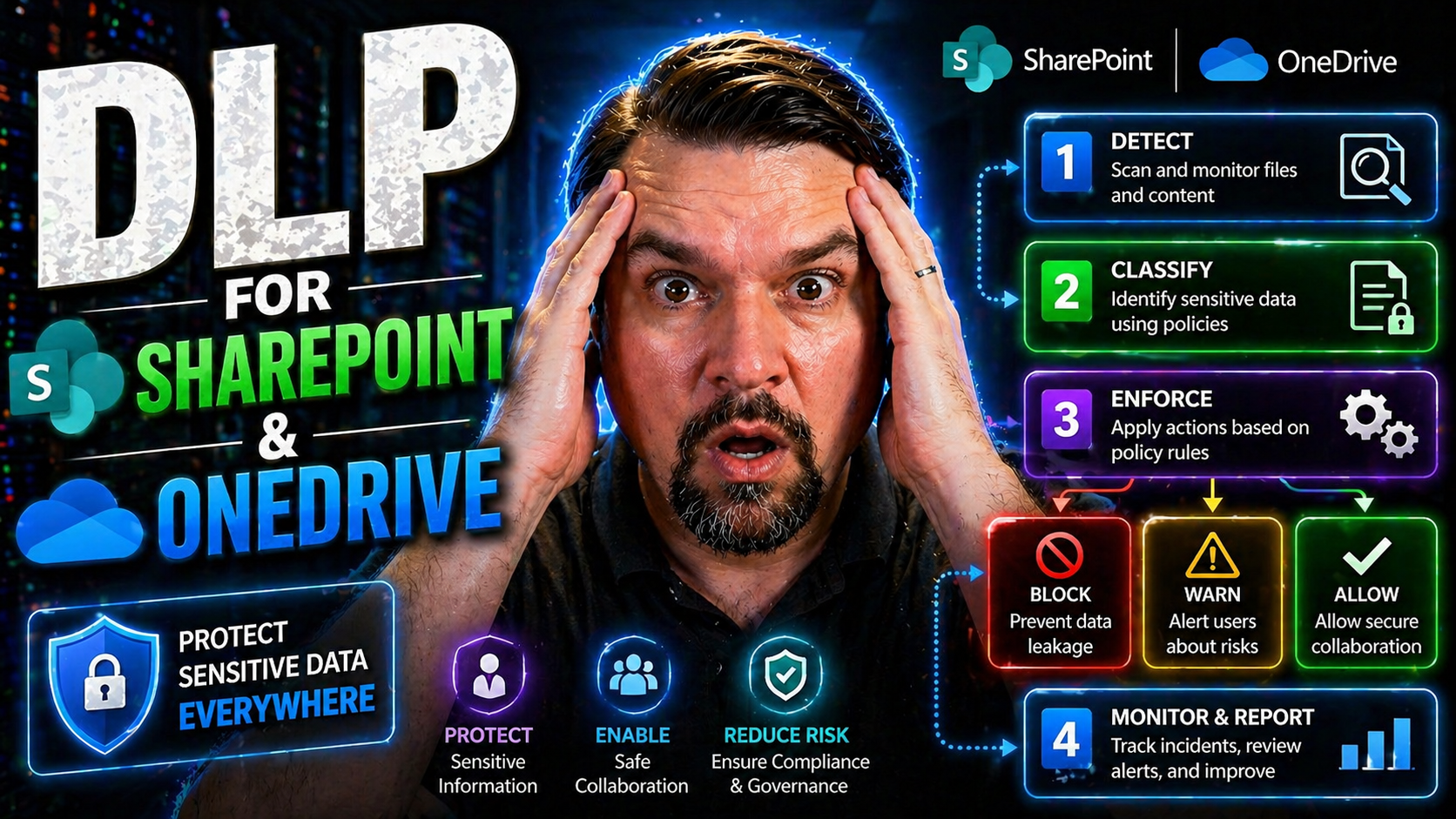
DLP for SharePoint and OneDrive
If your business relies on SharePoint Online and OneDrive, keeping sensitive files safe is more important than ever. Data loss or leaks can lead to public embarrassment, lawsuits, or just plain chaos for your team. That’s where Microsoft Purview Dat…
April 24, 2026
Copilot Prompts for Microsoft Teams
Microsoft Copilot is changing the way people get things done in Teams. This guide is all about showing you, step by step, how to unlock new levels of productivity, whether you’re wrangling projects, running meetings, or just trying to keep your team…
April 24, 2026
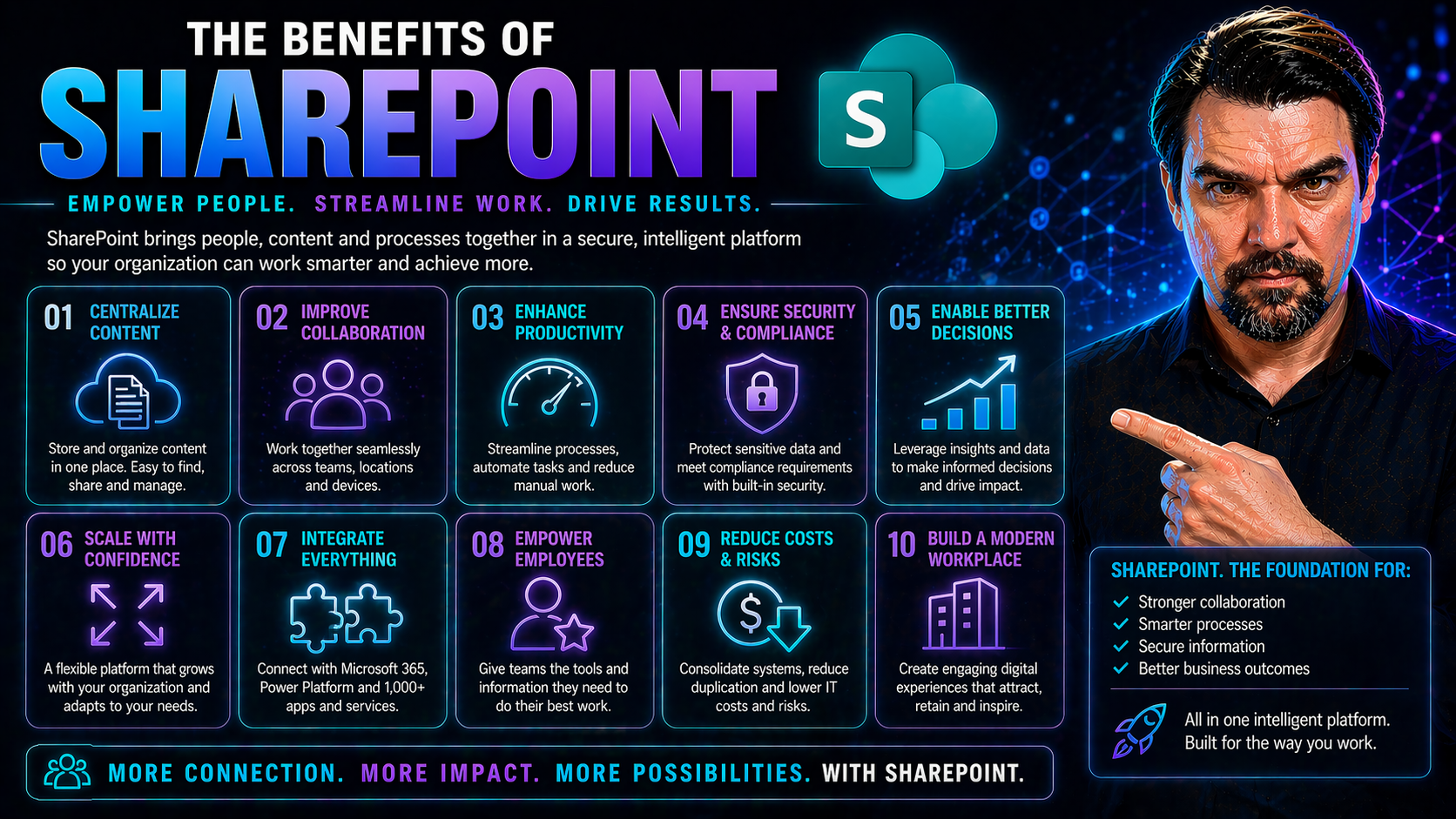
SharePoint Benefits for Business
SharePoint isn’t just a digital file cabinet—it’s a full-blown business platform built for every twist and turn of the modern workplace. It breaks down the old barriers between storing, sharing, and protecting data by centering everything—documents,…
April 24, 2026
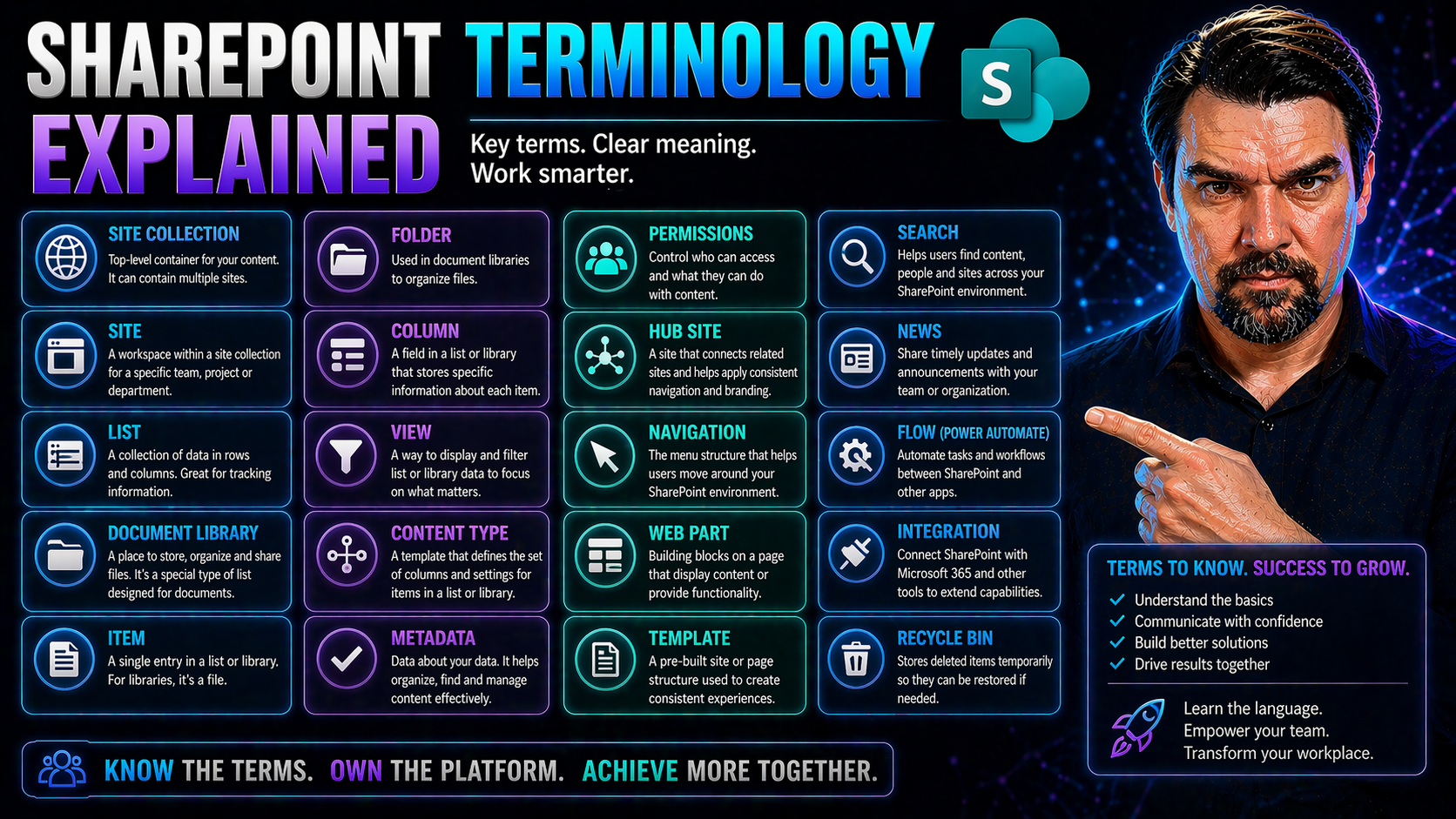
SharePoint Terminology
If you’ve ever felt lost in a maze of SharePoint terms, you’re not alone—this guide is your shortcut to clarity. SharePoint is a key part of Microsoft 365, powering teamwork, secure document management, and organizational governance. But with so man…
April 24, 2026
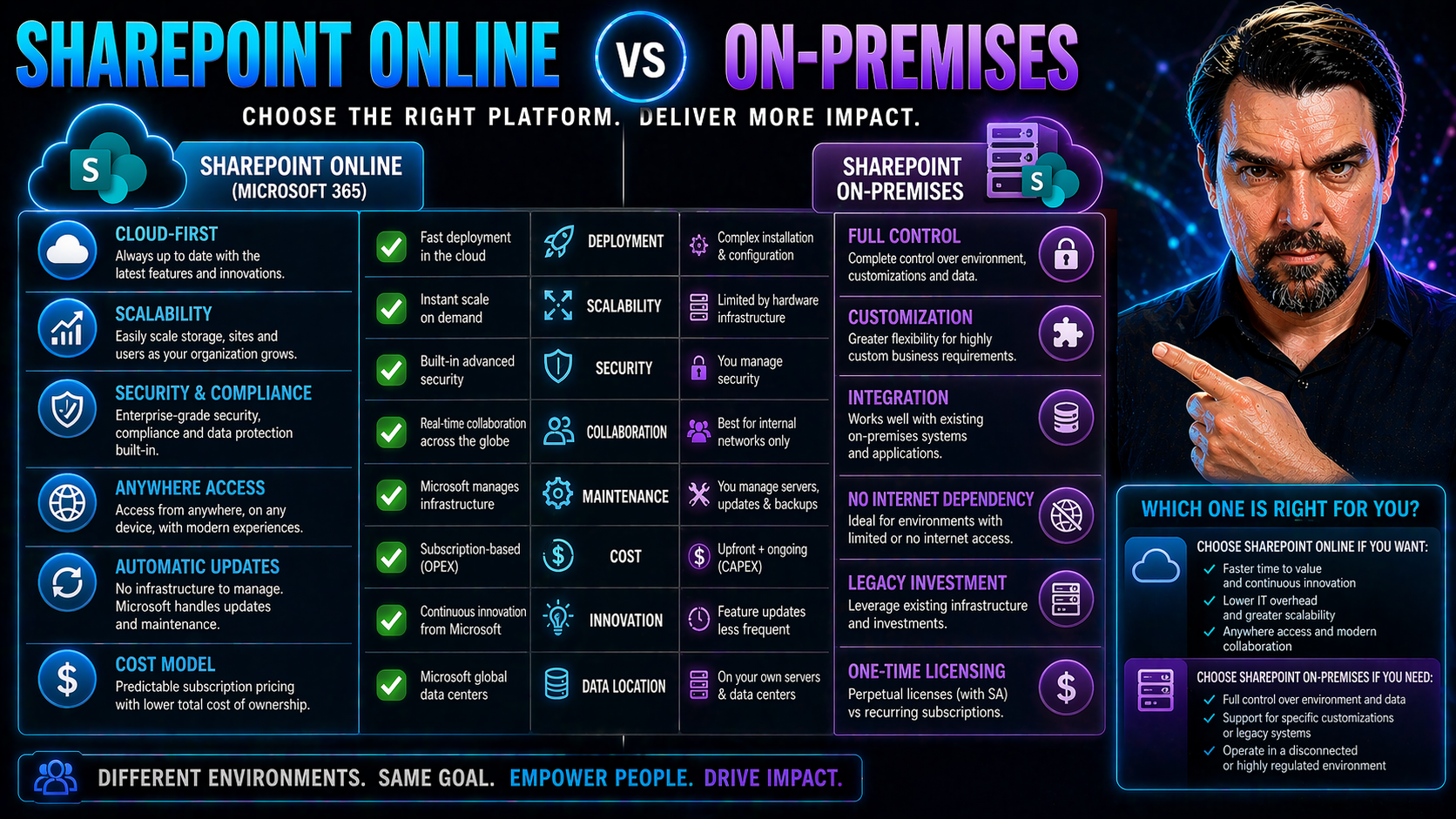
SharePoint Online vs On-Premises
When you're choosing between SharePoint Online and SharePoint On-Premises, you’re really looking at two very different beasts. SharePoint Online is Microsoft’s cloud-first, always-updated solution that handles the heavy lifting for you. On the flip …
April 24, 2026
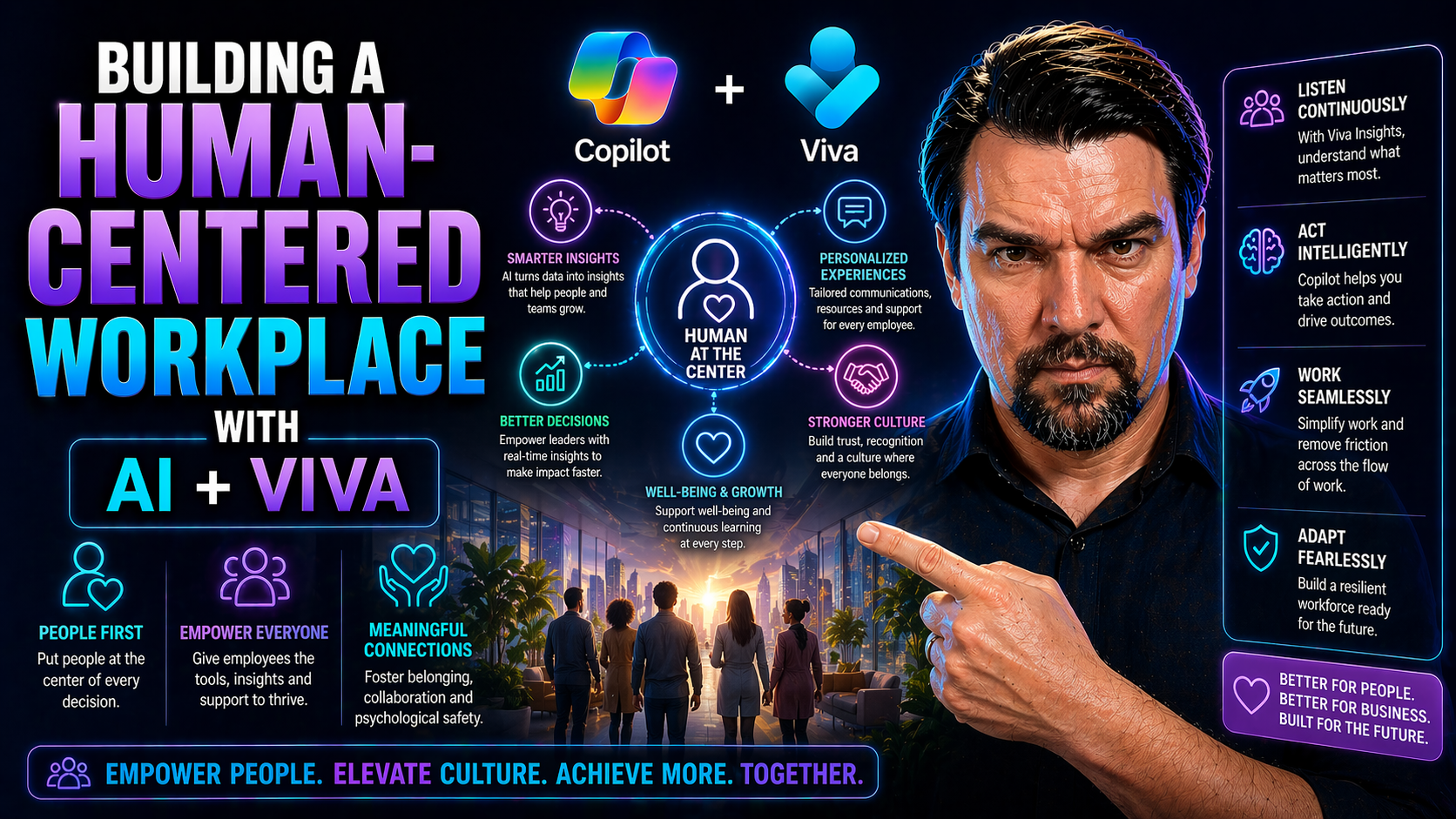
Human-Centered Workplace with AI
Building a people-first workplace in the age of artificial intelligence means more than just adopting new technology. It’s about finding that sweet spot where your team’s well-being, trust, and potential are prioritized, even as the pace of digital …
April 24, 2026
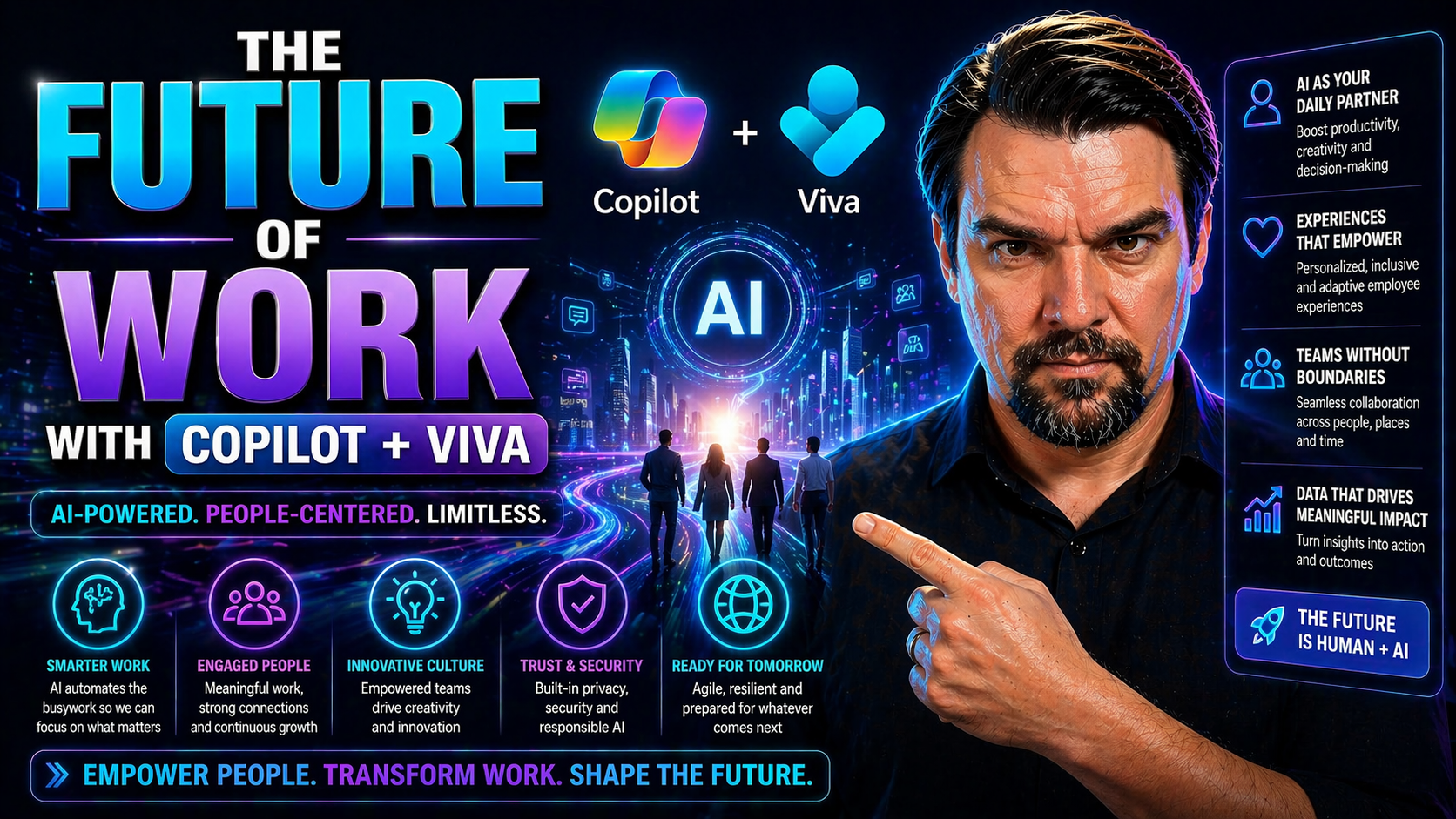
Future of Work with Copilot and Viva
The workplace as you know it is going through a major transformation, powered by artificial intelligence tools like Microsoft Copilot and Viva. These AI-driven platforms are designed to make everyday work smoother, smarter, and more connected for ev…
April 24, 2026
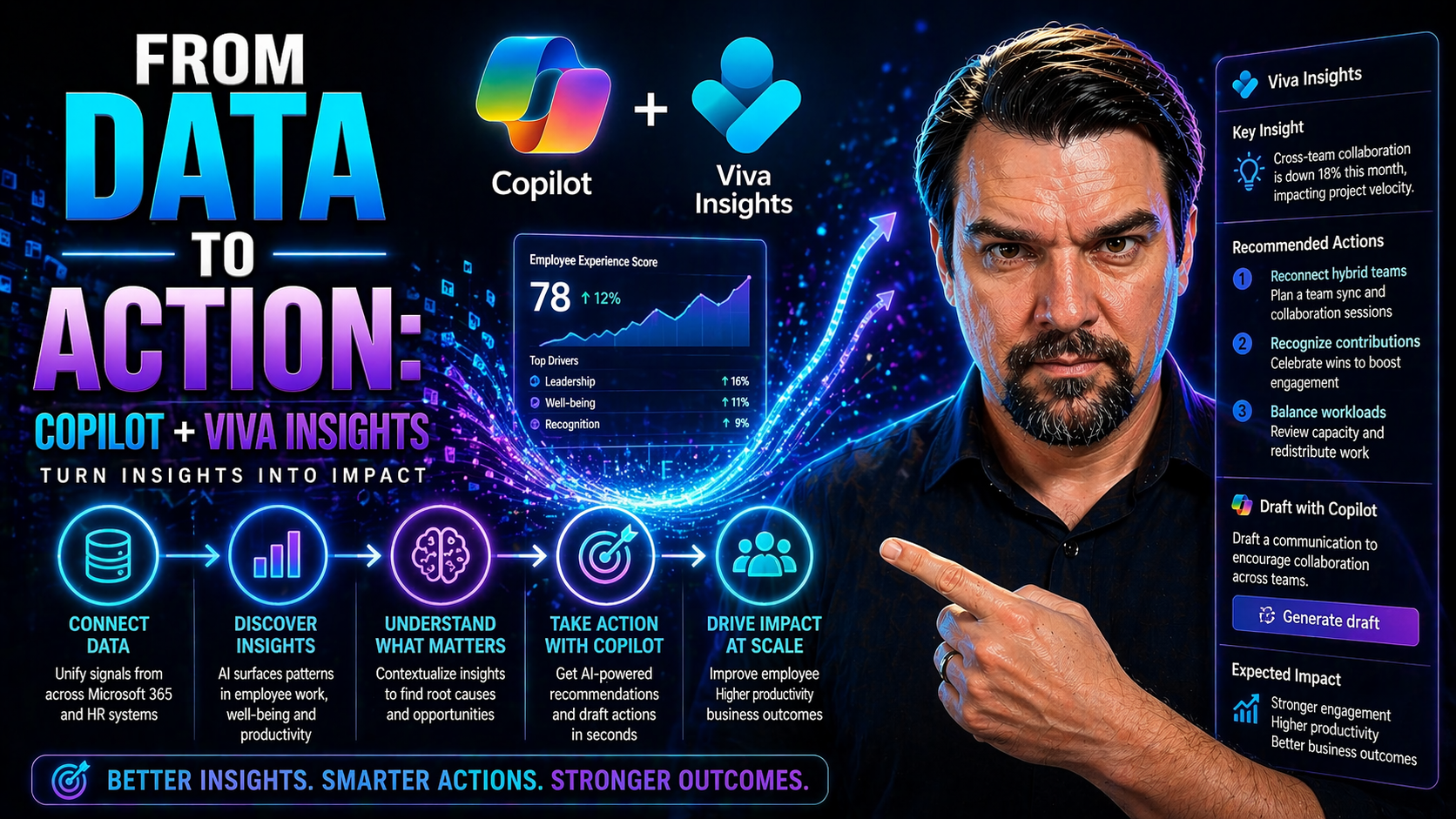
Copilot and Viva Insights
The modern workplace is flooded with data, but turning all that information into real action is the challenge. That’s where bringing Microsoft Copilot and Viva Insights together steps in. By marrying Copilot’s AI with detailed workplace analytics fr…
April 24, 2026
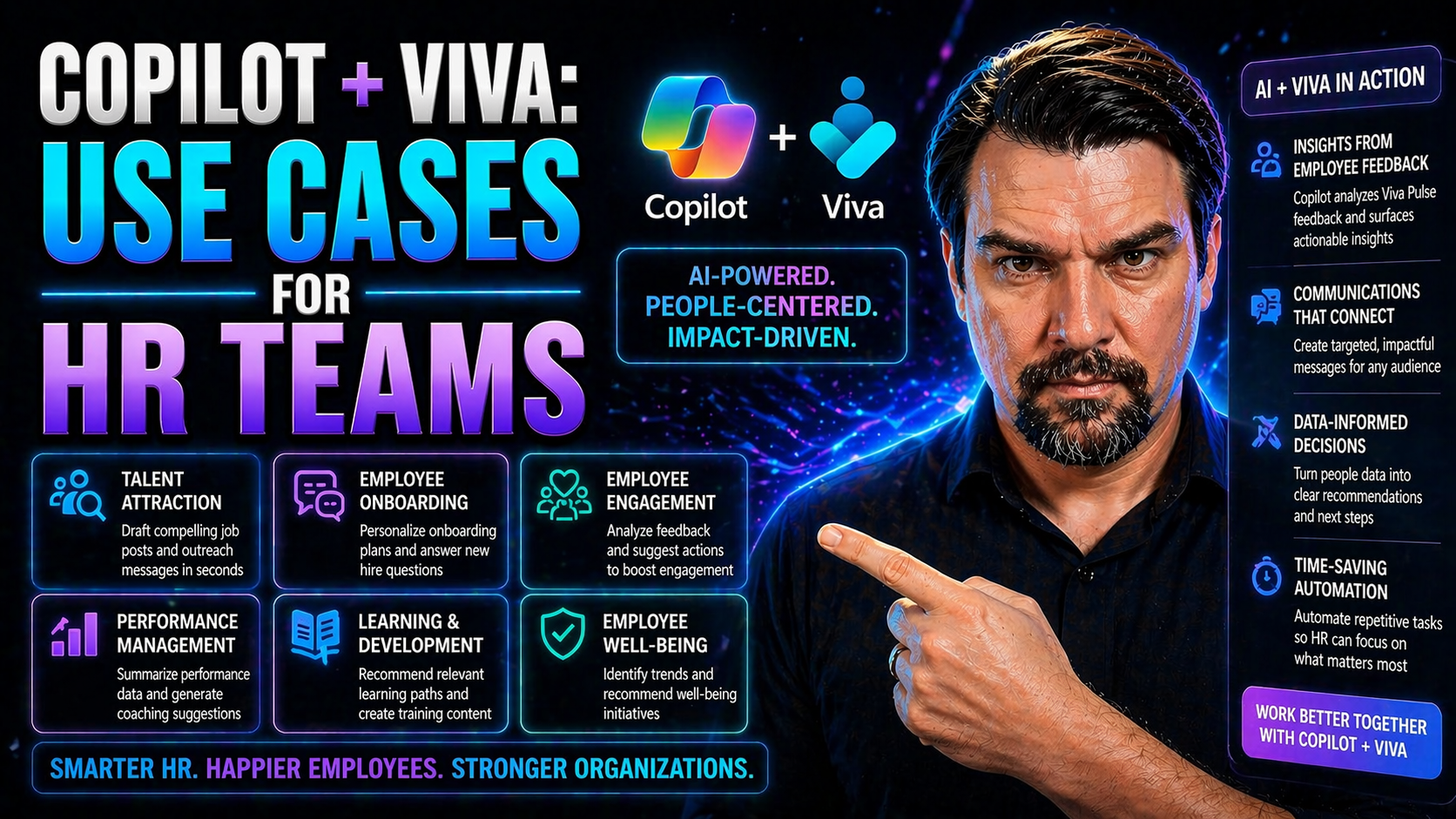
Copilot and Viva for HR
Microsoft Copilot and Viva are recasting what’s possible in HR. Together, these AI-powered tools help HR teams reimagine hiring, onboarding, employee engagement, and much more. By blending generative AI with employee experience platforms, Copilot an…
April 23, 2026
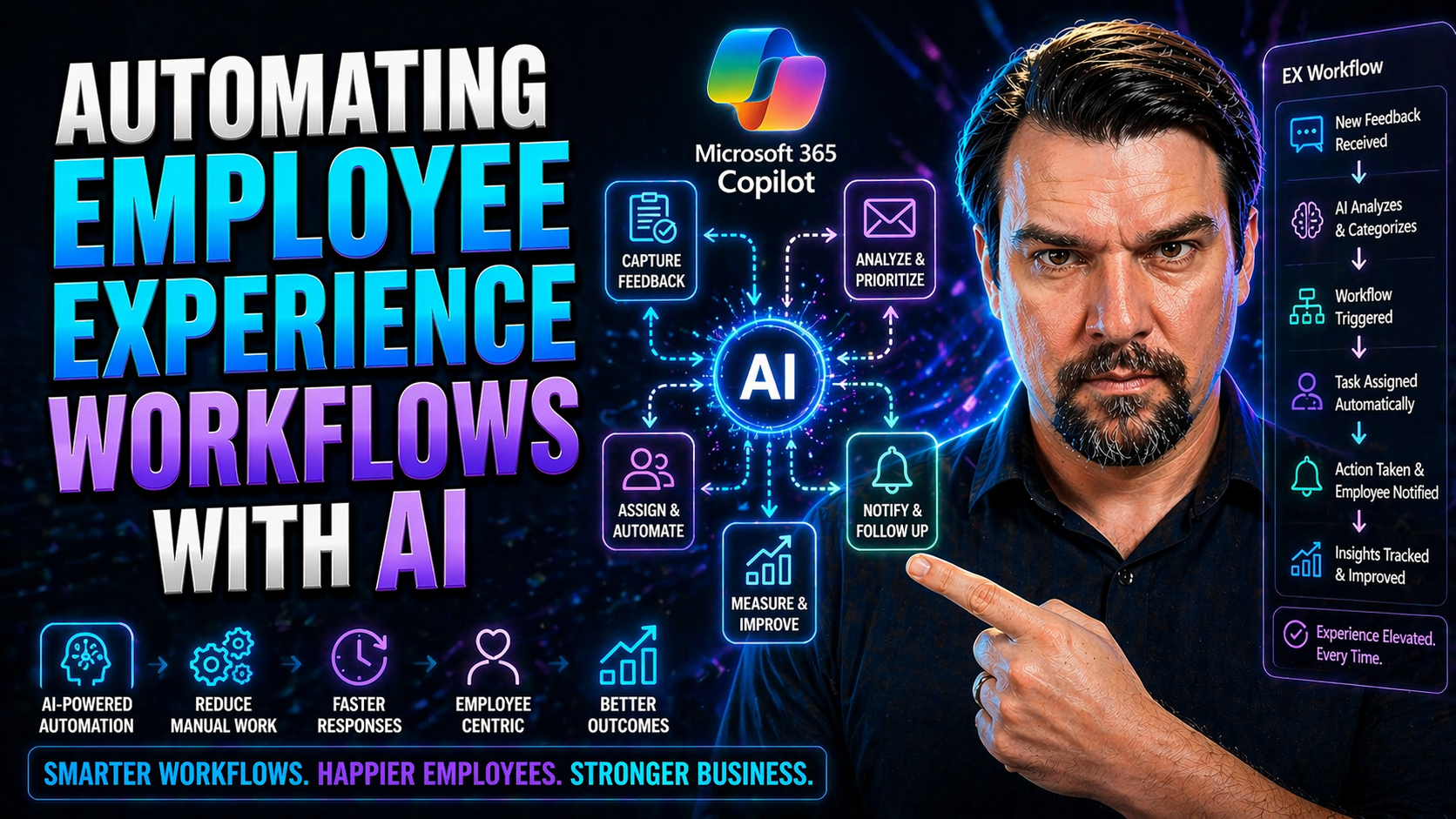
AI Employee Experience Workflows
Artificial intelligence is changing the way organizations design, manage, and improve employee experiences. Gone are the days when HR teams spent hours working through manual paperwork and endless emails to handle employee needs. With AI, companies …
April 23, 2026
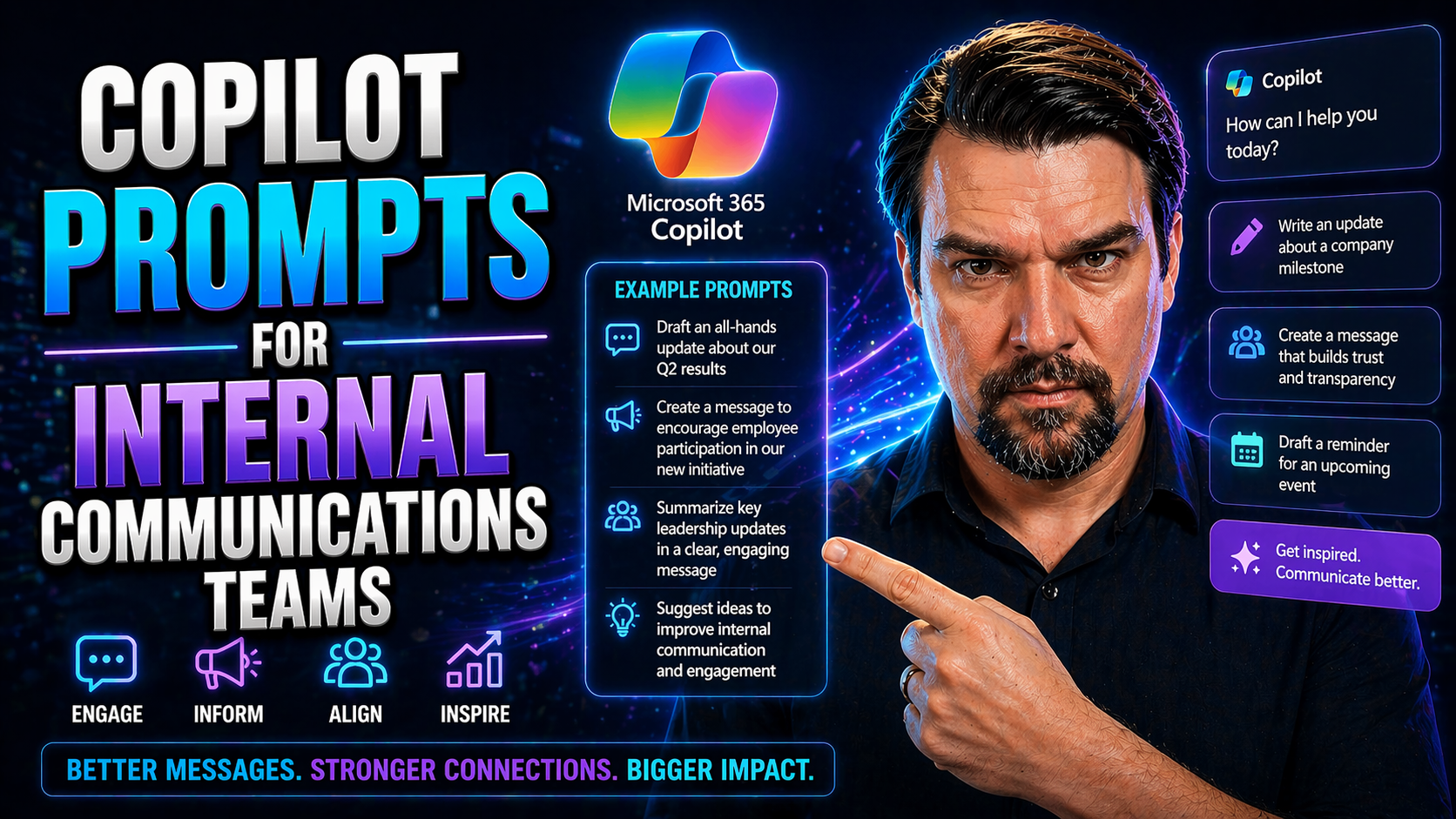
Copilot Prompts for Internal Communications
This ultimate guide is built for internal communications teams that want the most out of Microsoft 365 Copilot prompts. Whether you’re after higher engagement, a more efficient workflow, or just crave new creative sparks, this is your roadmap. Here,…
April 23, 2026
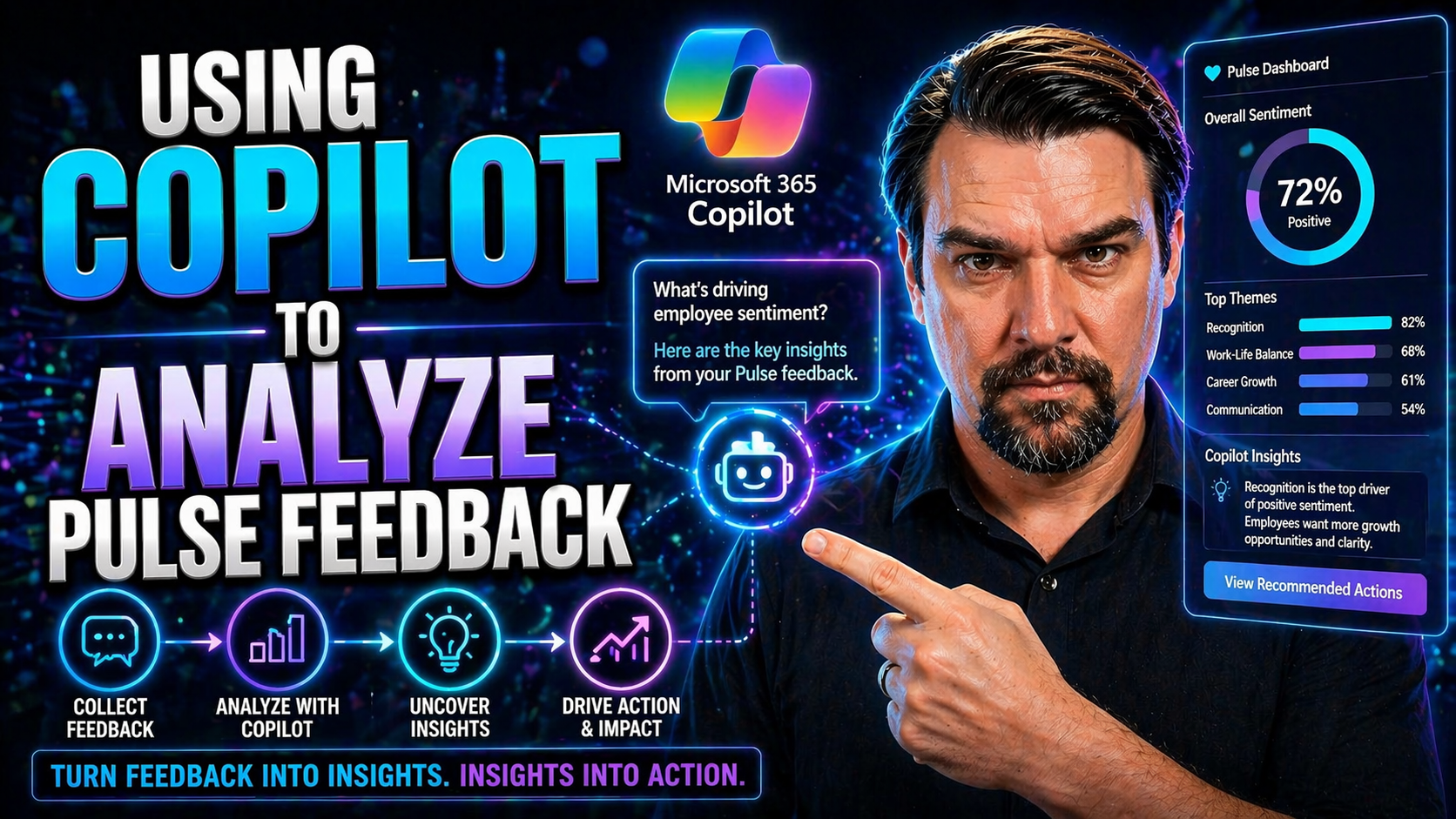
Copilot and Viva Pulse Feedback
If you’re looking to get serious about understanding your employees, Microsoft 365 Copilot paired with Viva Pulse is your new best friend. This combo brings AI into the feedback game, making it easier than ever to collect, analyze, and act on what y…

April 23, 2026
AI-Powered Viva Amplify Campaigns
AI-powered campaign creation in Viva Amplify is flipping the script for modern internal comms teams. No more wrestling with endless drafts or guessing whether your message will land across all those Microsoft channels. With Copilot front and center,…
April 23, 2026
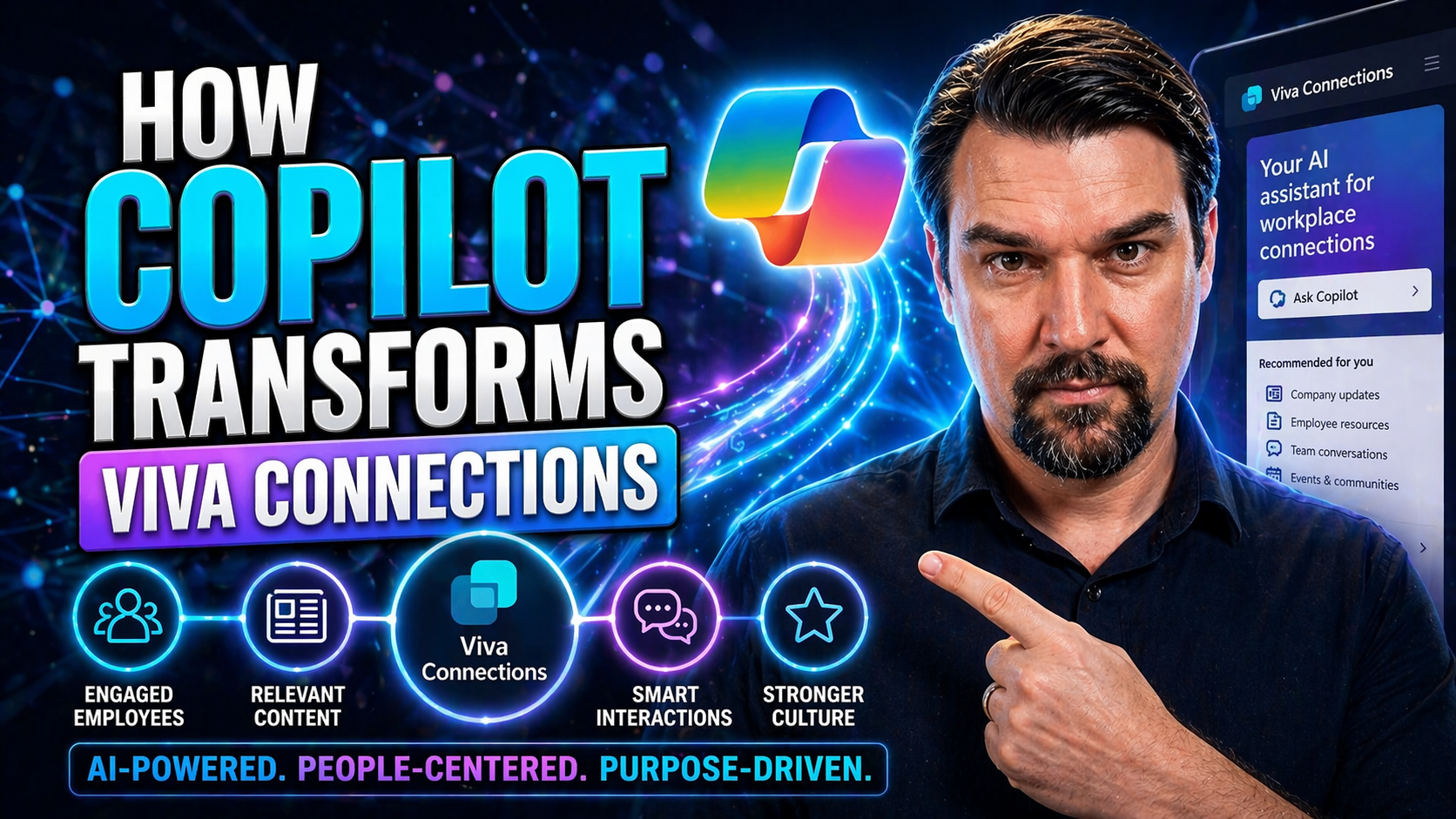
Copilot in Viva Connections
It’s a new day for digital workspaces, and Microsoft Copilot coming to Viva Connections is at the heart of it. With Copilot, AI is not just hanging out in the background but actively shaping every employee’s experience—making internal communication …