

Work smarter, not harder, with practical tips for Microsoft 365.
From Teams and Outlook to OneDrive and Office apps, we explore new features, time-saving shortcuts, collaboration tools, and productivity workflows that help you get more done every day.
Perfect for anyone who loves efficiency and wants to make M365 work for them.
From Teams and Outlook to OneDrive and Office apps, we explore new features, time-saving shortcuts, collaboration tools, and productivity workflows that help you get more done every day.
Perfect for anyone who loves efficiency and wants to make M365 work for them.
May 7, 2026
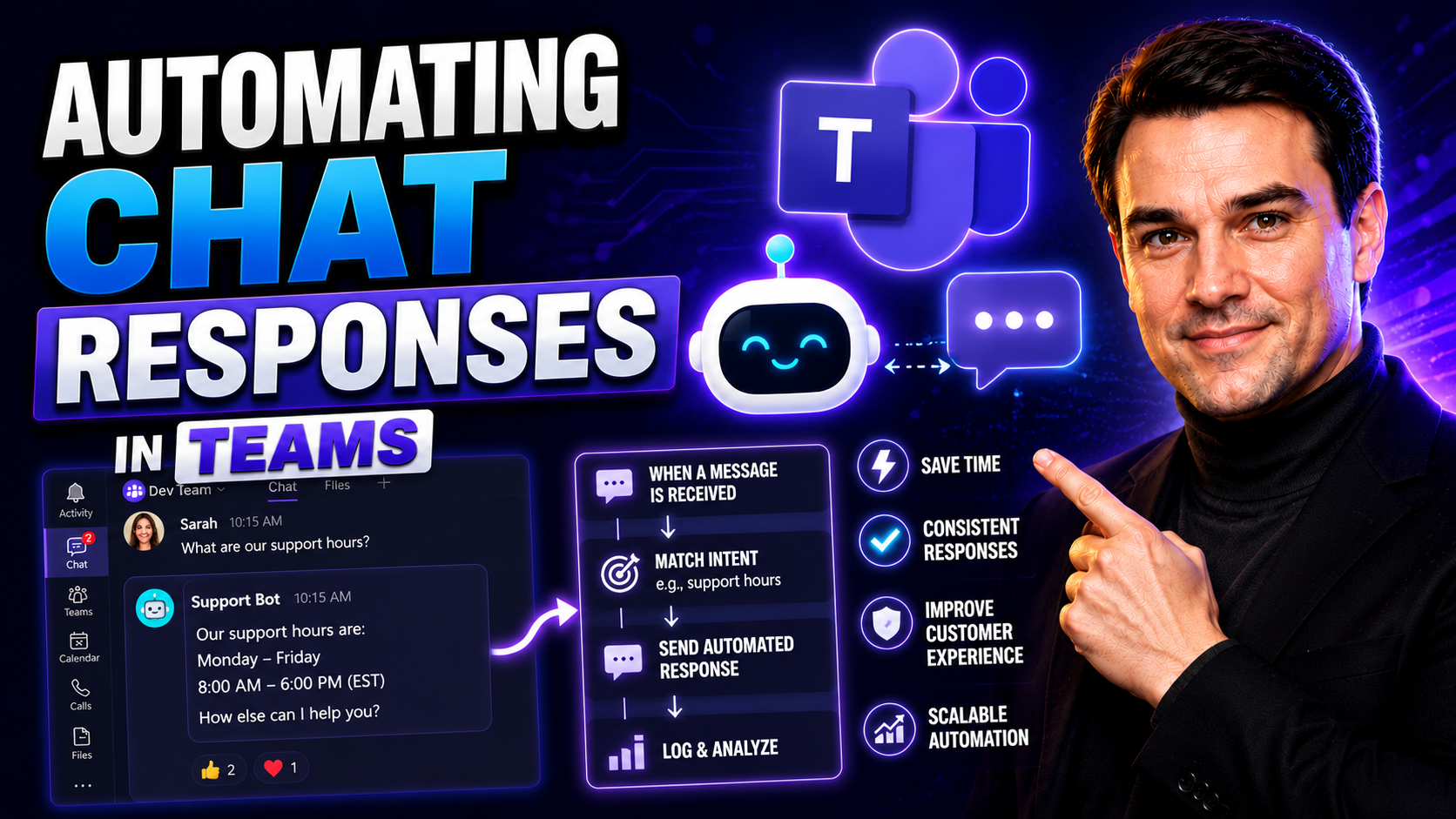
Automating Chat Responses: Unlocking Efficiency and Engagement in Microsoft Teams
Automating chat responses has quickly become a game-changer in modern business—especially when you’re working with Microsoft Teams and SharePoint. With AI-driven chatbots and workflow automations, teams get instant, personalized support without alwa…
May 7, 2026
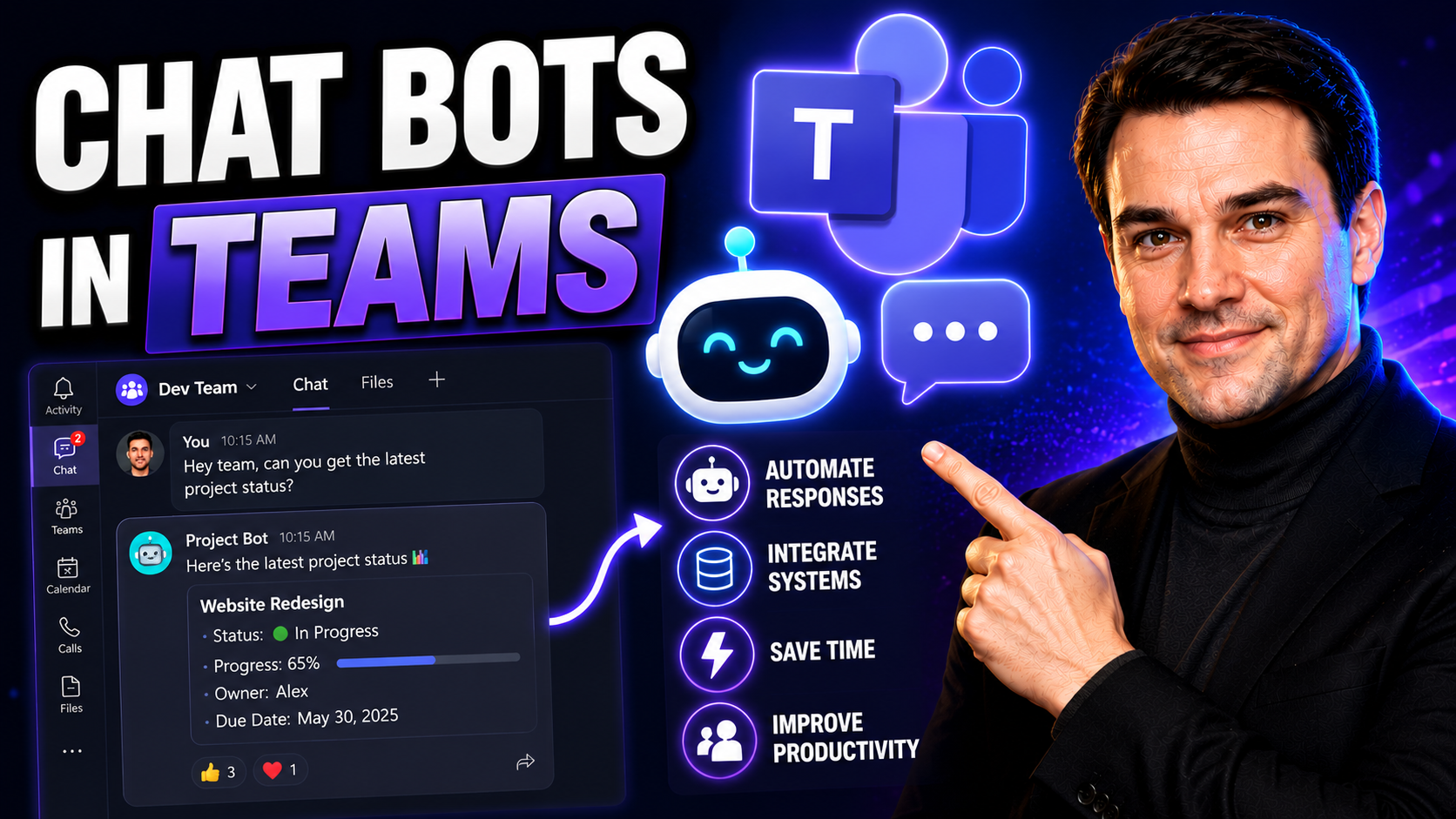
Chat Bots in Teams: Enhancing Productivity and Collaboration
If you need to cut down on wasted clicks, scattered conversations, or manual follow-ups, chat bots in Microsoft Teams can change the game. These bots are digital co-workers—always available, never tired, ready to answer questions, automate repetitiv…
May 7, 2026
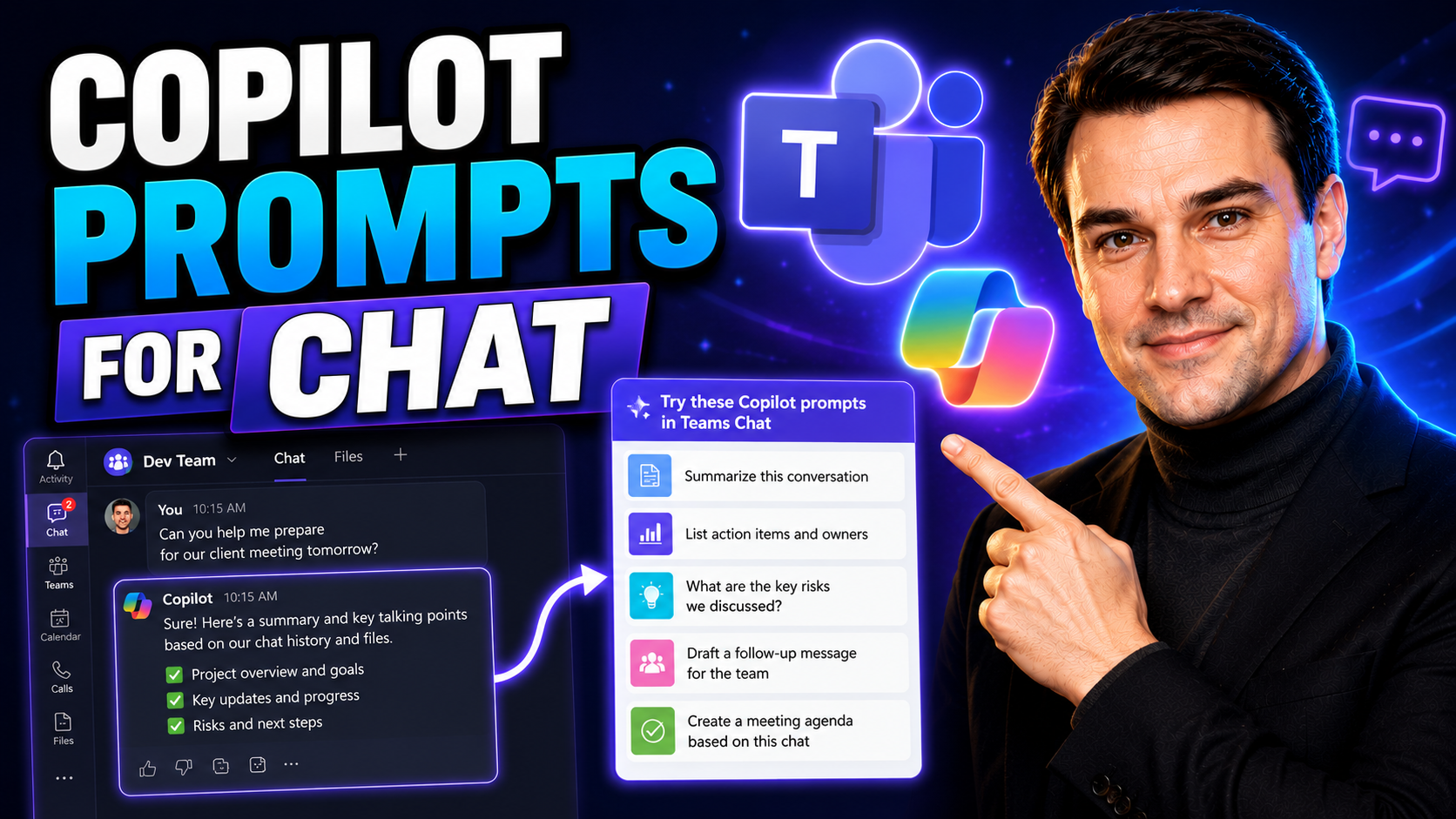
Master Copilot Prompts for Chat in Microsoft 365 and Teams
If you’ve ever wished your work tools could read your mind or help you juggle ten things at once, Microsoft 365 Copilot chat is as close as it gets. Copilot brings AI-powered prompts directly into Microsoft Teams and your favorite Microsoft 365 apps…
May 7, 2026
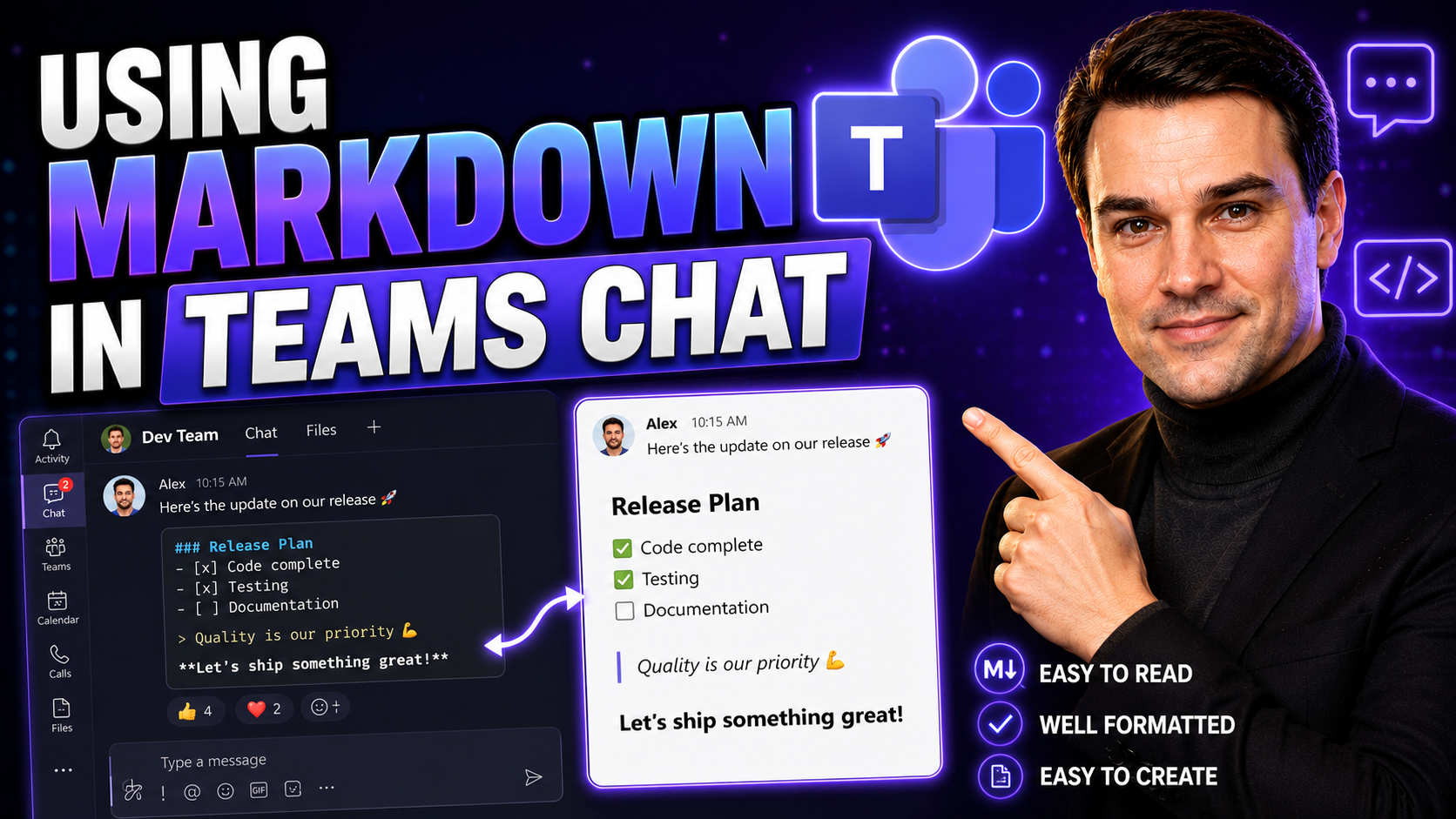
Using Markdown in Teams Chat: What Every User Should Know
Markdown in Teams chat lets you format messages with headings, lists, emphasis, links, code-style text, and quotes, helping longer updates stay readable. Use formatting for structure rather than decoration: lead with the decision or request, use sho…
May 7, 2026
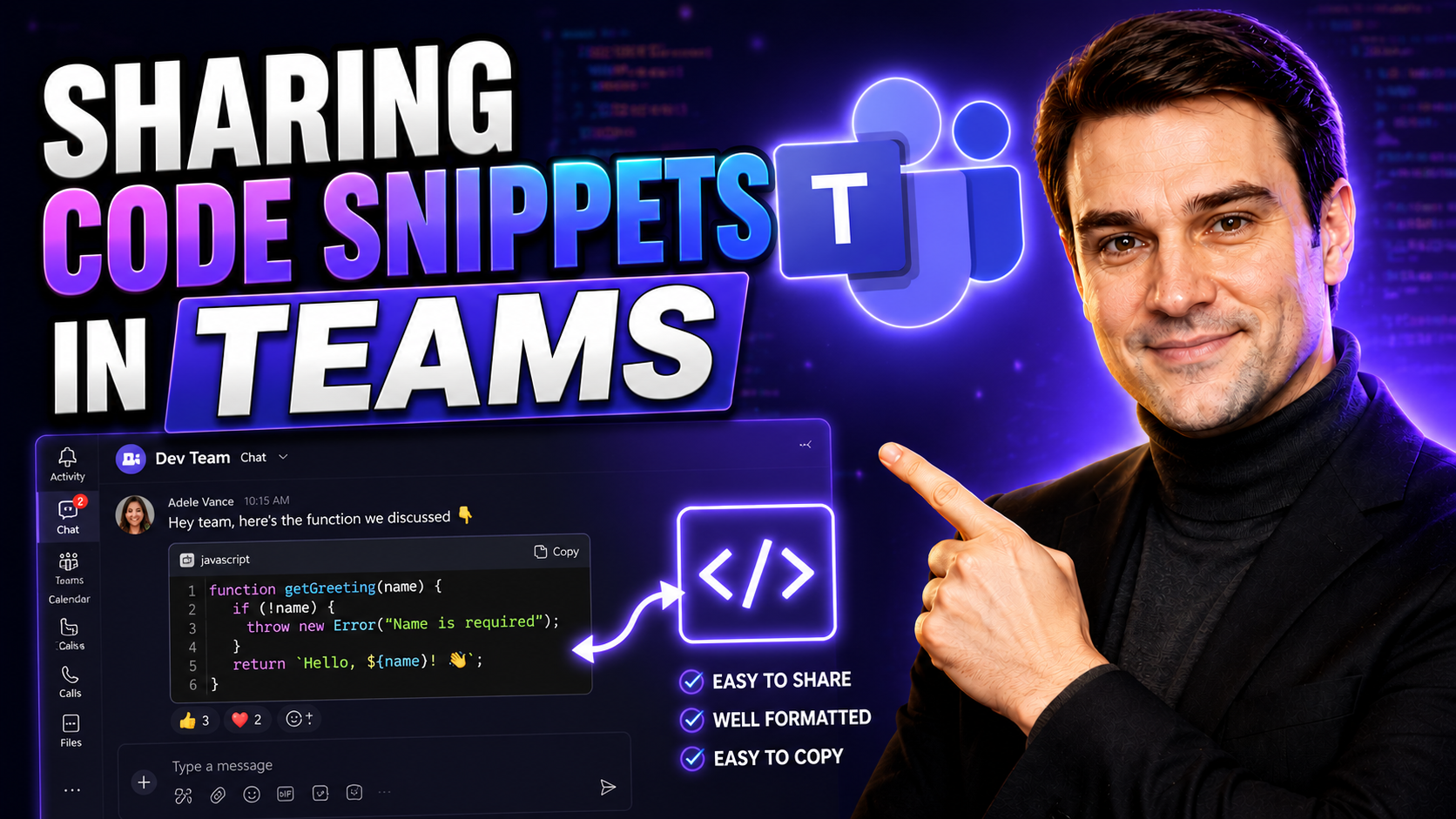
Sharing Code Snippets in Teams for Effective Collaboration
If you’re working in tech, chances are you’ve wrestled with pasting a chunk of code into a chat and hoping your team “gets it.” Sharing code snippets in Microsoft Teams is a game-changer for group projects—whether you’re squashing bugs, sharing solu…
May 7, 2026
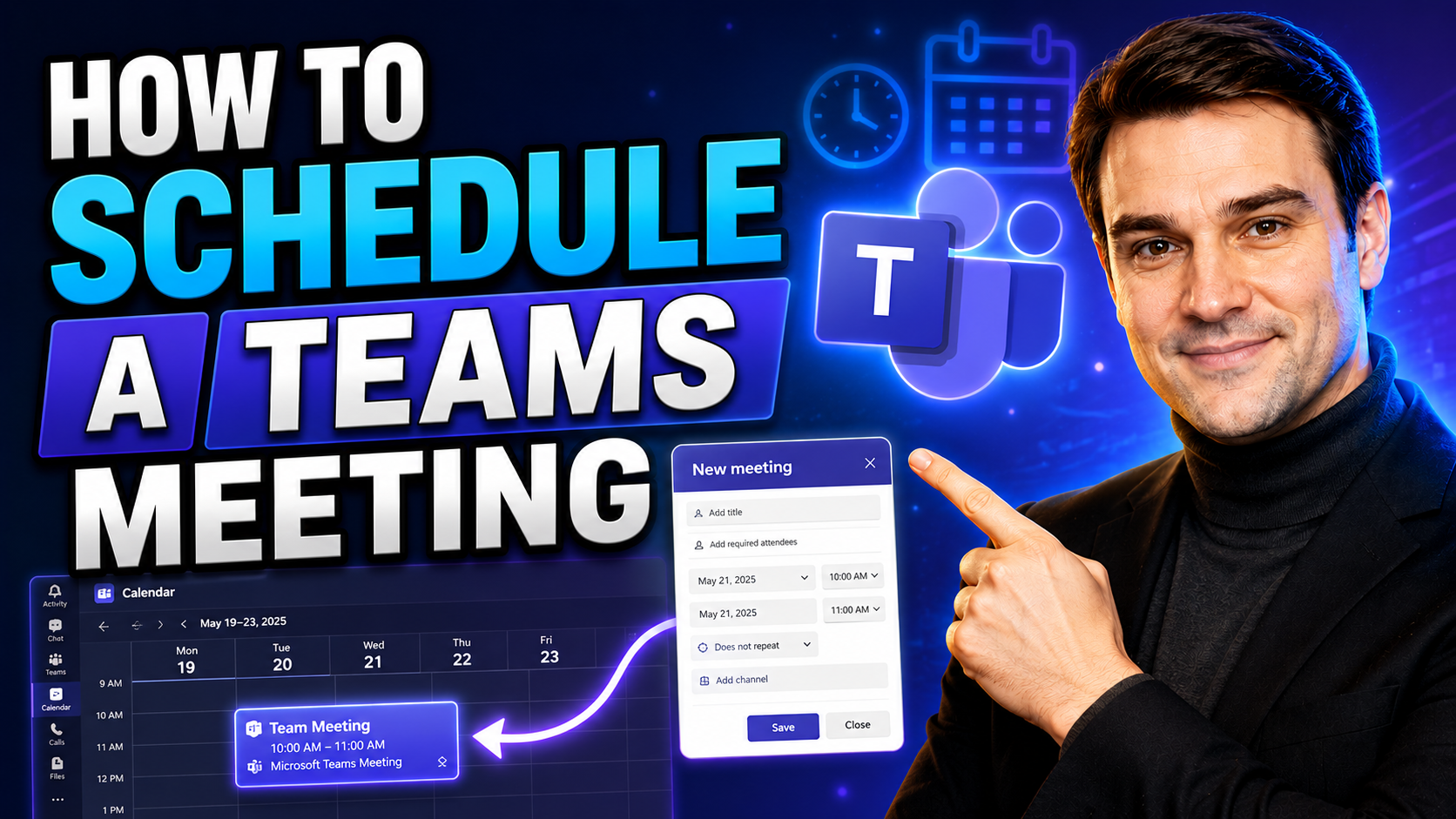
How to Schedule a Teams Meeting Step-by-Step
Quick Answer: To schedule a Microsoft Teams meeting, open Calendar, select New event, add attendees, date and time, enable Teams meeting if needed, then select Save or Send. Use the meeting options to control lobby, presenter, recording, and guest a…

May 7, 2026
Teams Breakout Rooms: How to Create and Manage Them
This all-in-one guide unlocks everything you need to know about breakout rooms in Microsoft Teams. Breakout rooms let you split your meeting into smaller groups, making real teamwork possible—whether it’s brainstorming, private discussions, or train…
April 29, 2026
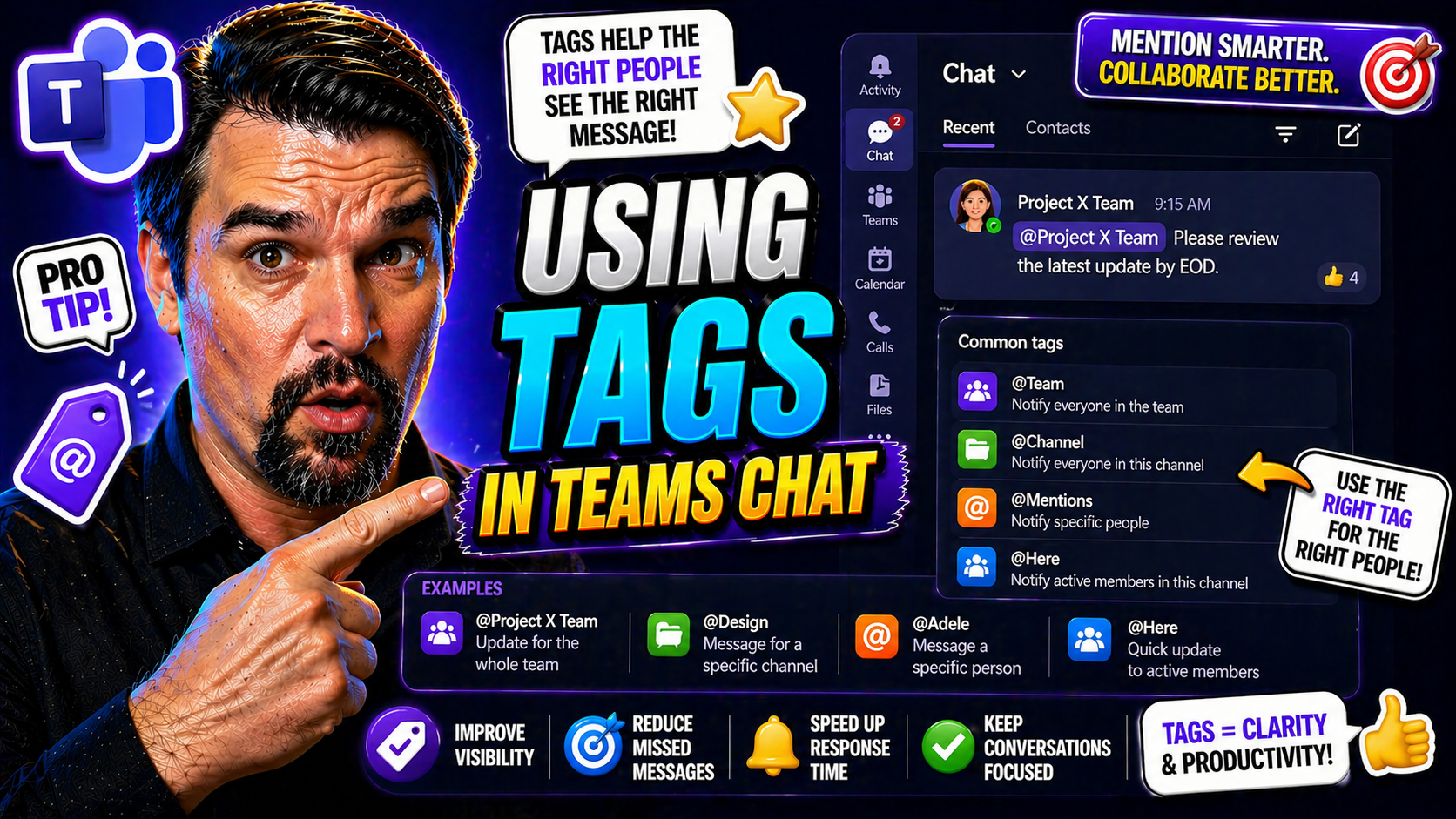
Microsoft Teams Chat Tags Guide
Quick Answer: Microsoft Teams chat tags help users reach a defined group of people without mentioning every individual one by one. Create tags around clear business roles or responsibilities, assign an owner, keep membership current, and use them on…
April 29, 2026
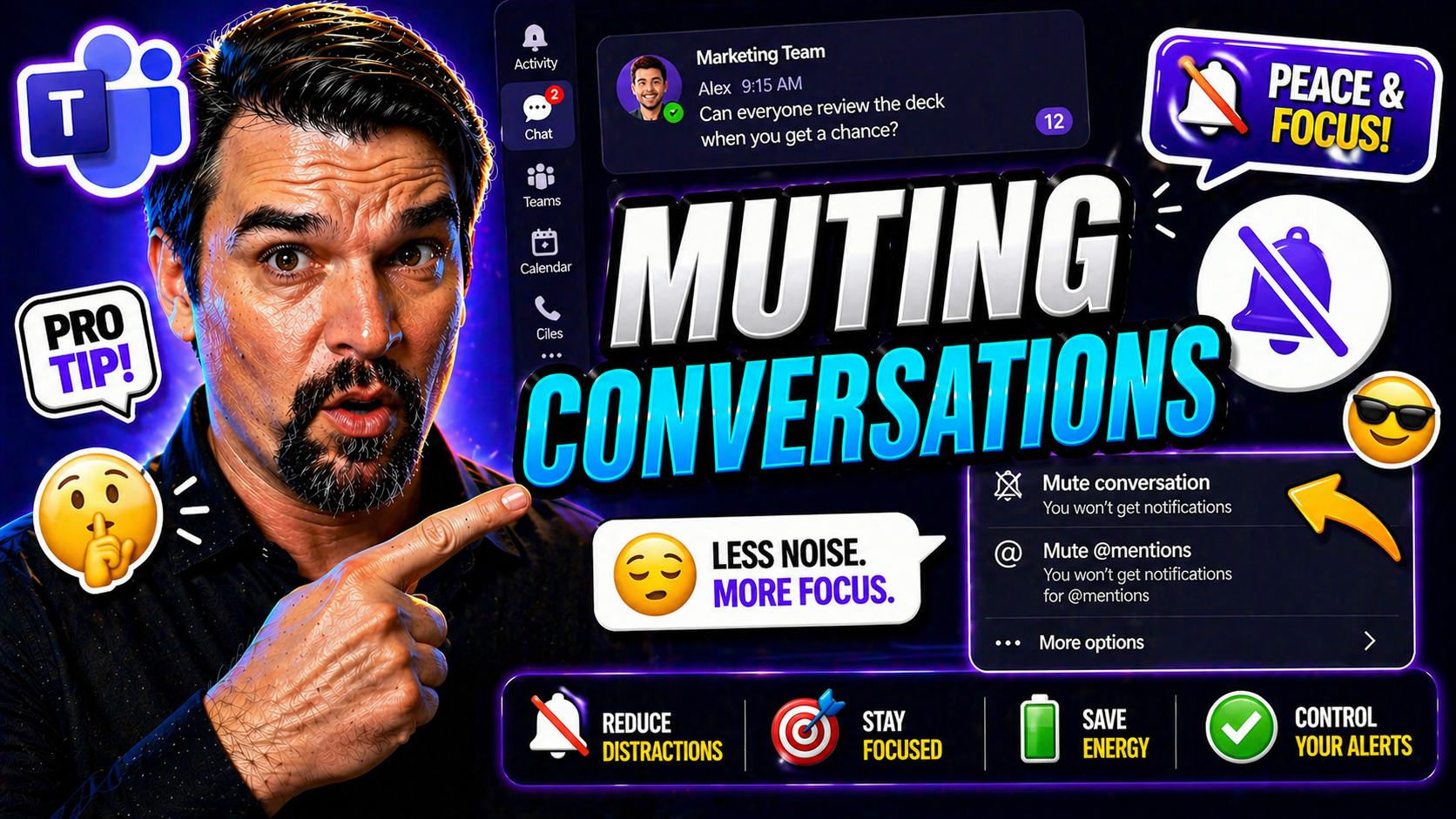
Mute Conversations In Microsoft Teams Guide
To mute a conversation in Microsoft Teams, open the chat or channel, select More options, and choose Mute when the option is available. Muting stops unnecessary notifications without leaving the conversation or losing access to its messages. Use not…
April 29, 2026
Microsoft Teams Chat Notifications Guide
This comprehensive guide is your roadmap to mastering chat notification settings for Google Chat and Microsoft Teams. Whether you’re part of a busy team or just want a bit more peace during your workday, you’ll find practical, step-by-step advice to…
April 29, 2026
Microsoft Teams Chat Organization Guide
If you’ve ever opened Microsoft Teams to a swamp of messages, you’re not alone. It’s all too easy for chats and channels to pile up, with important conversations buried and tasks falling through the cracks. That’s exactly why good organization matte…
April 29, 2026
Reduce Microsoft Teams Chat Overload Guide
Let’s face it—between Microsoft Teams pings, Slack buzzes, and the never-ending stream of emails, today’s digital workplace can feel like a 24/7 group chat you never asked to join. Businesses rely on constant digital communication, but too much mess…
April 29, 2026
Async Communication In Microsoft Teams Guide
This article breaks down the best practices you need to know for making asynchronous (async) communication work—especially if you’re using Microsoft Teams and SharePoint as your team’s backbone. We’ll cover the foundation of async communication, sha…
April 29, 2026
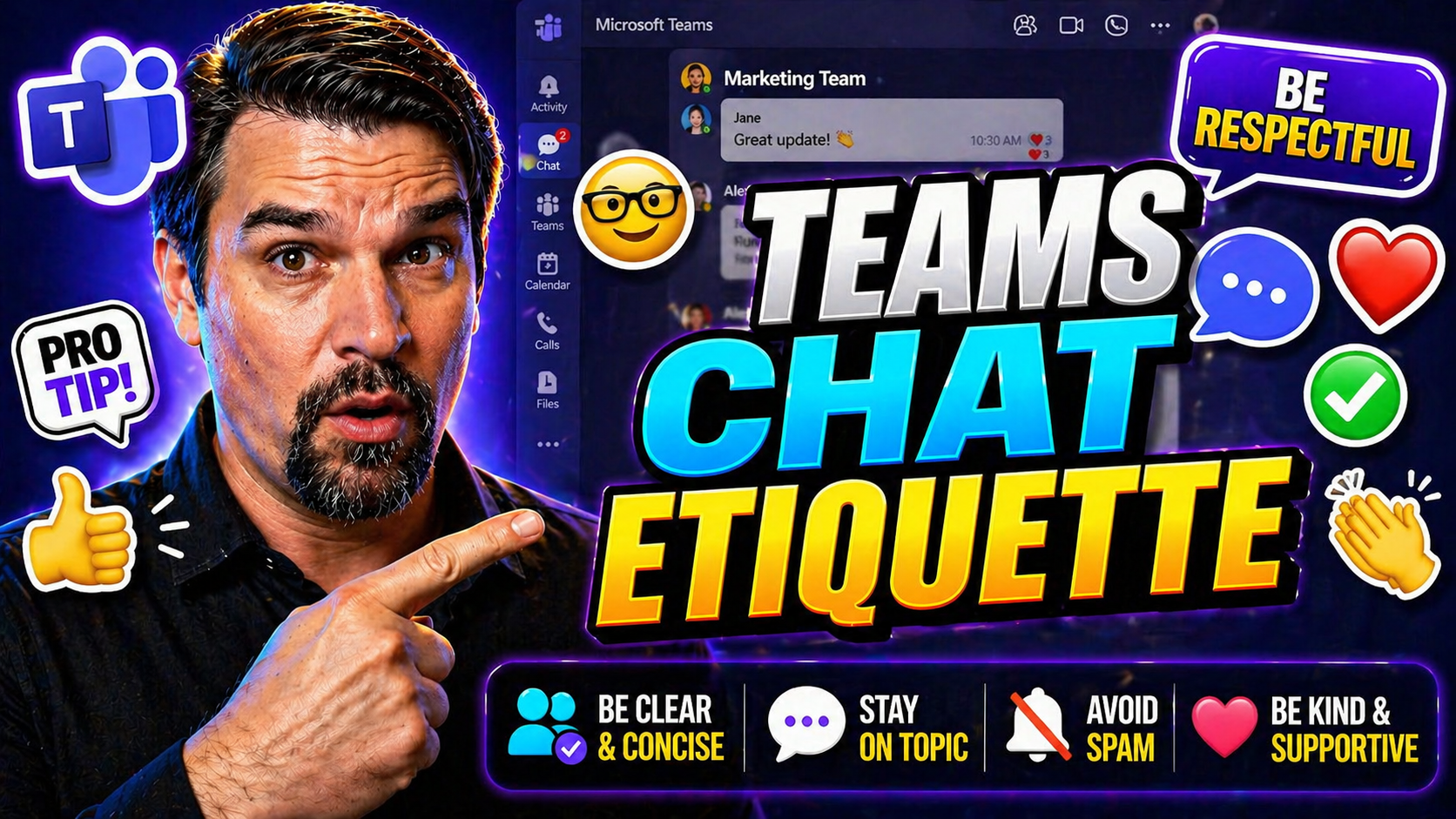
Microsoft Teams Chat Etiquette: Best Practices for Productive Collaboration
Teams chat etiquette means using clear, respectful messages that help people act without creating unnecessary notification noise. Lead with the request or decision, use mentions only when someone must respond, keep one topic per message, and use rea…
April 29, 2026
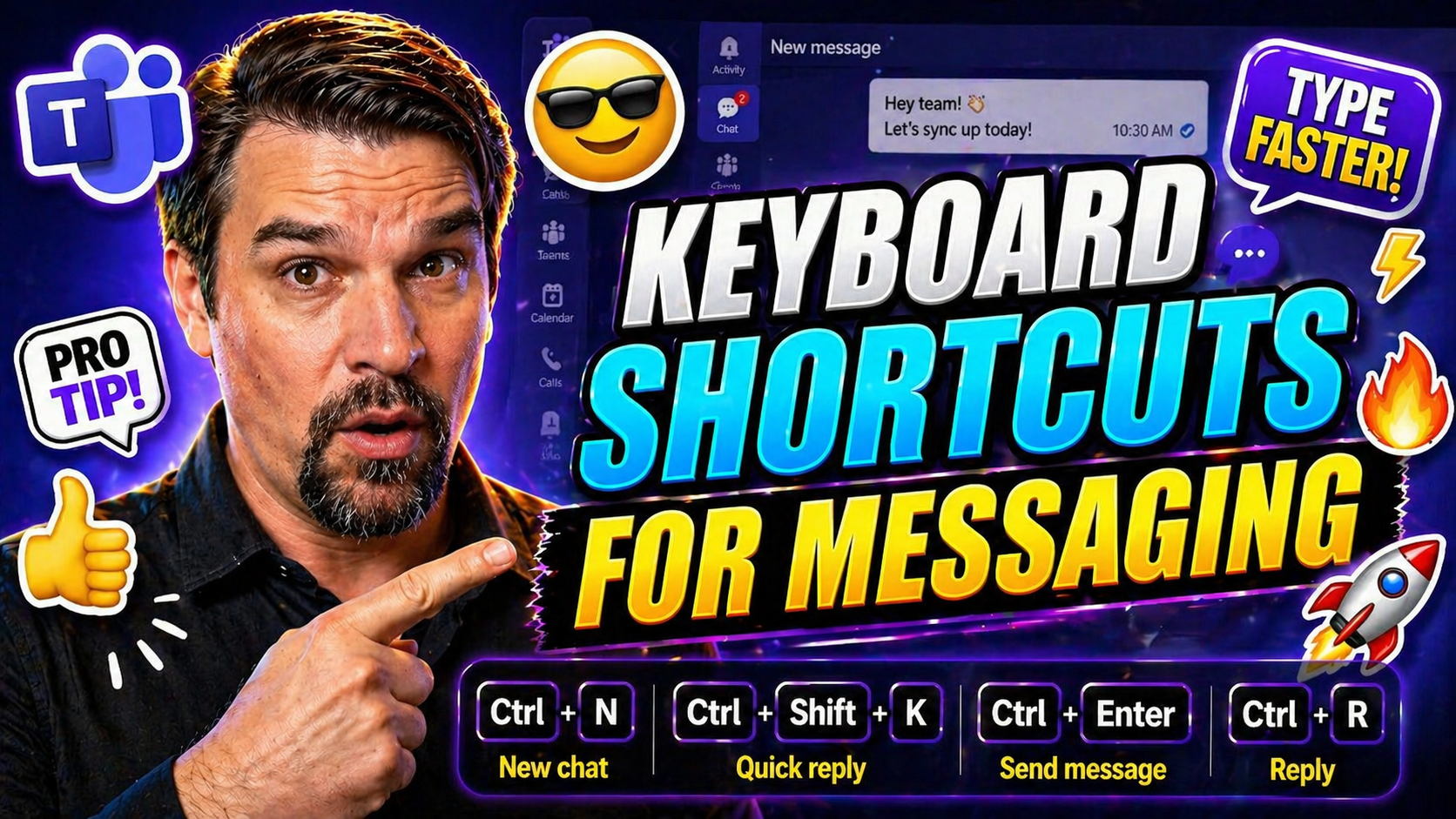
Microsoft Teams Keyboard Shortcuts Guide
Keyboard shortcuts are the unsung heroes of messaging efficiency, especially in business platforms like Microsoft Teams and Outlook. When your day’s packed with chats, emails, and calendar invites, moving your hands off the mouse means you get thing…

April 29, 2026
Microsoft Teams Chat Shortcuts Guide
Teams chat shortcuts works best when the use case, owner, and approved data or collaboration boundary are defined first. Start small, validate current platform capabilities and security controls, test with representative users, and document support …
April 29, 2026
Teams Emojis GIFs And Stickers Guide
Microsoft Teams isn’t just about plain text—it's a lively platform where emojis, GIFs, and stickers help you say so much more. This guide walks you through adding a burst of personality and clarity to your conversations, whether you’re chatting abou…
April 28, 2026
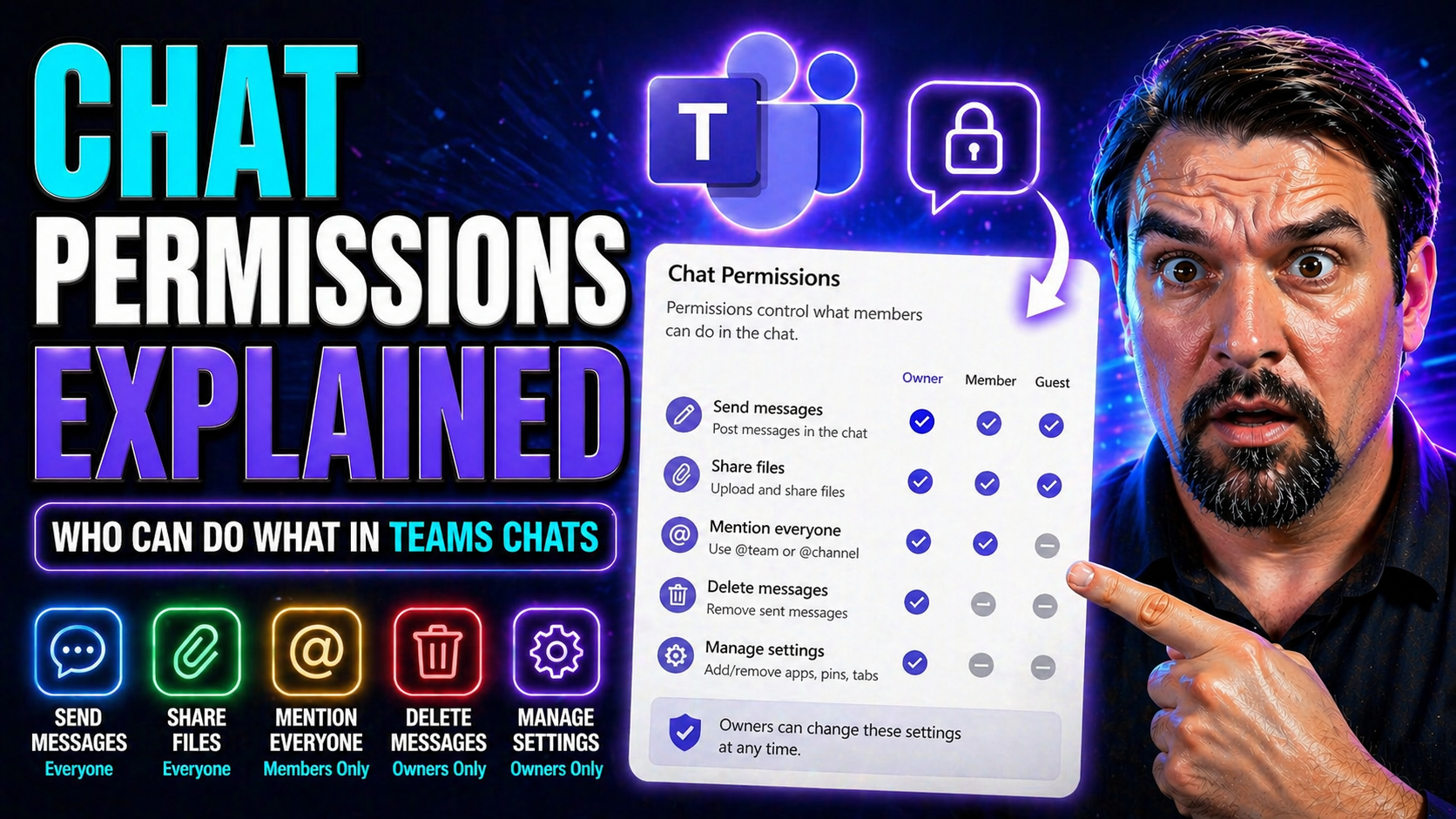
Chat Permissions Explained: Roles, Settings, and Best Practices for Microsoft Teams
Chat permissions aren’t just a technical buzzword—they’re the secret sauce behind smooth teamwork and a drama-free inbox in platforms like Microsoft Teams and Sendbird. With remote work and digital collaboration growing more complex by the day, know…
April 28, 2026
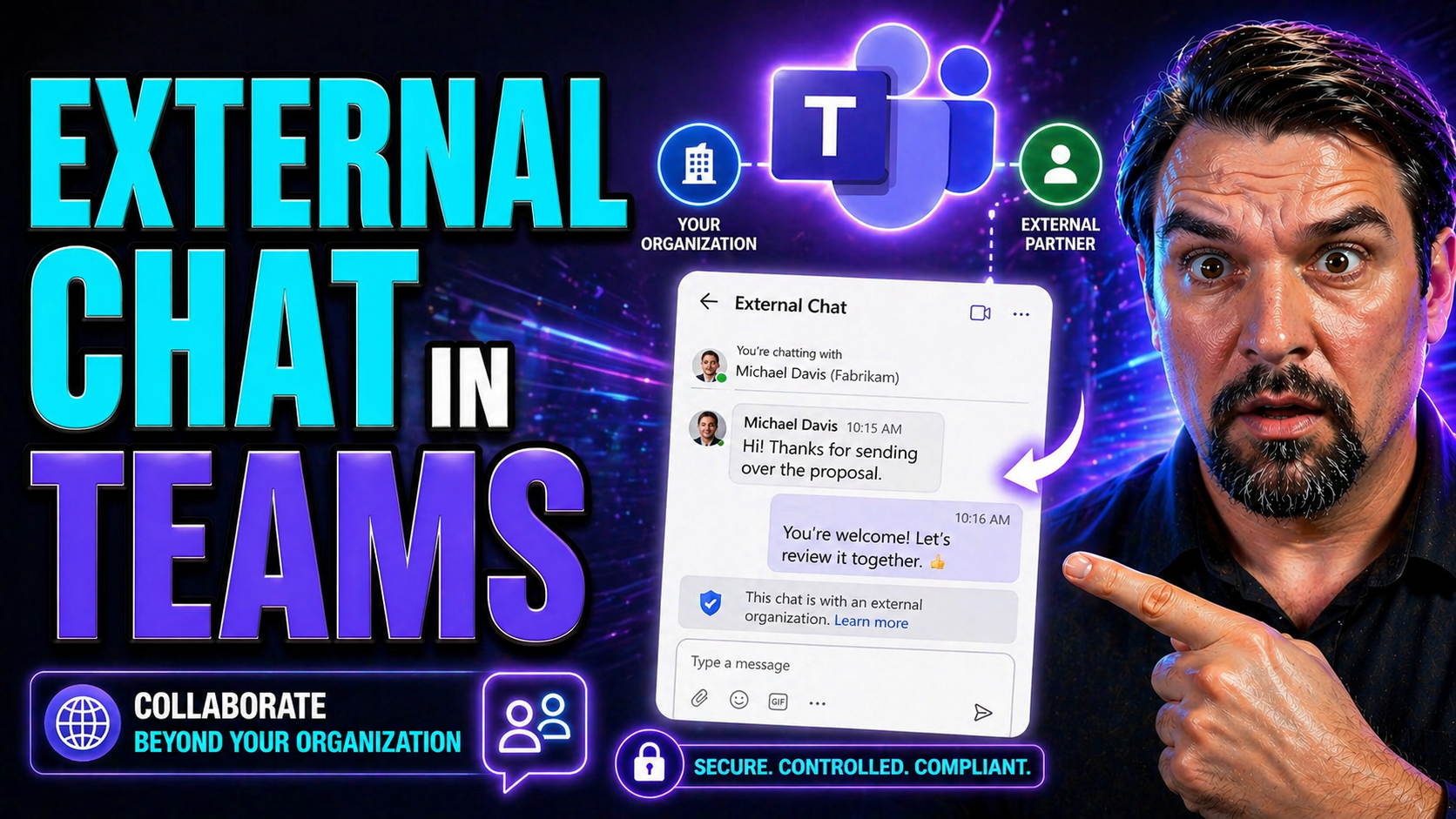
External Chat In Microsoft Teams Guide
External chat in Teams lets people communicate across organisations when both tenants allow the route. Enable it only after defining approved domains, ownership, data-handling expectations, and support procedures. External chat is different from gue…
April 28, 2026
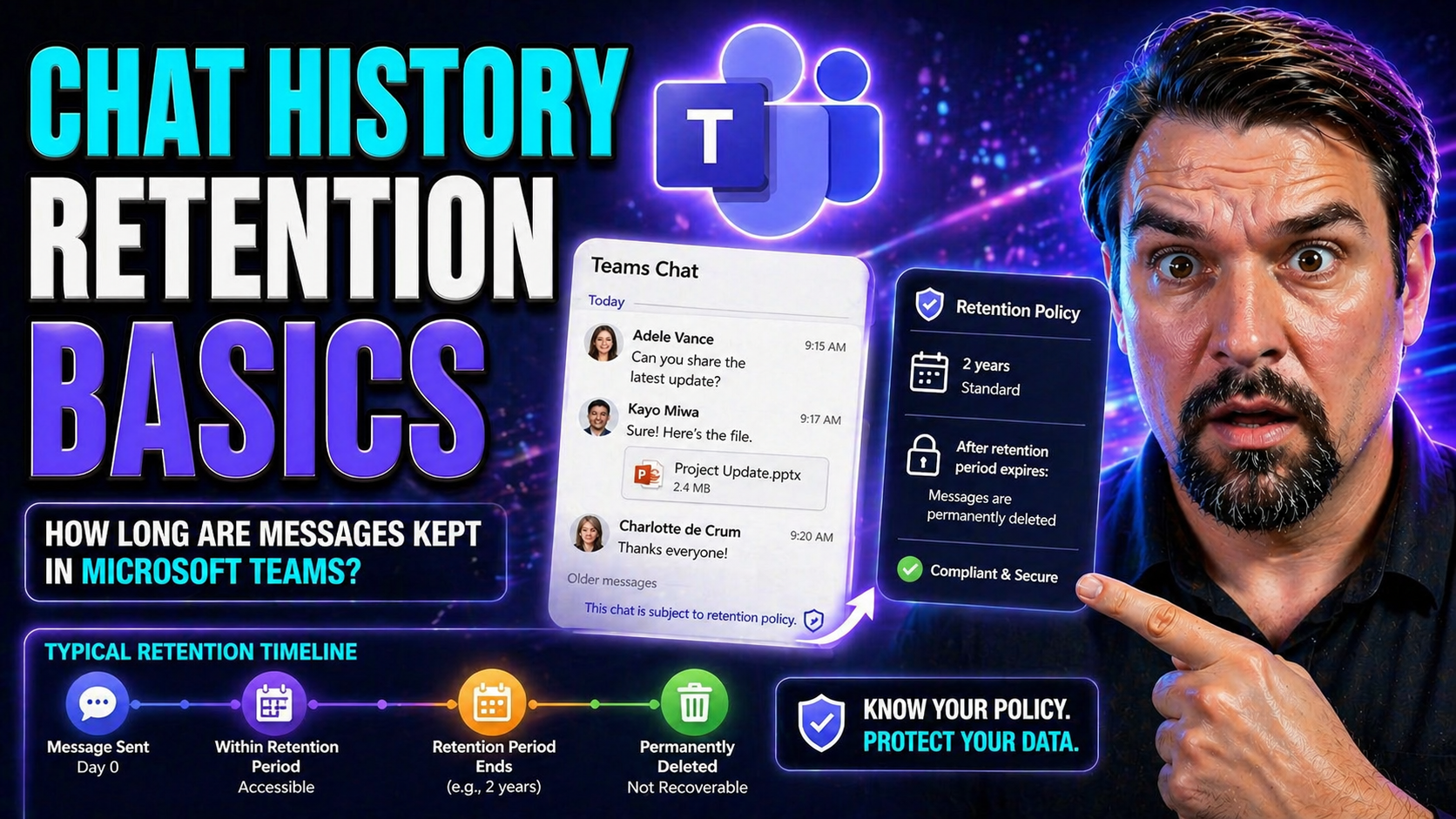
Microsoft Teams Chat Retention: Complete Guide
Quick Answer: Microsoft Teams chat retention determines how long messages are kept and what happens when a retention period ends. A sound approach starts with business, legal, privacy, and security requirements, then applies clear policies that user…
April 28, 2026
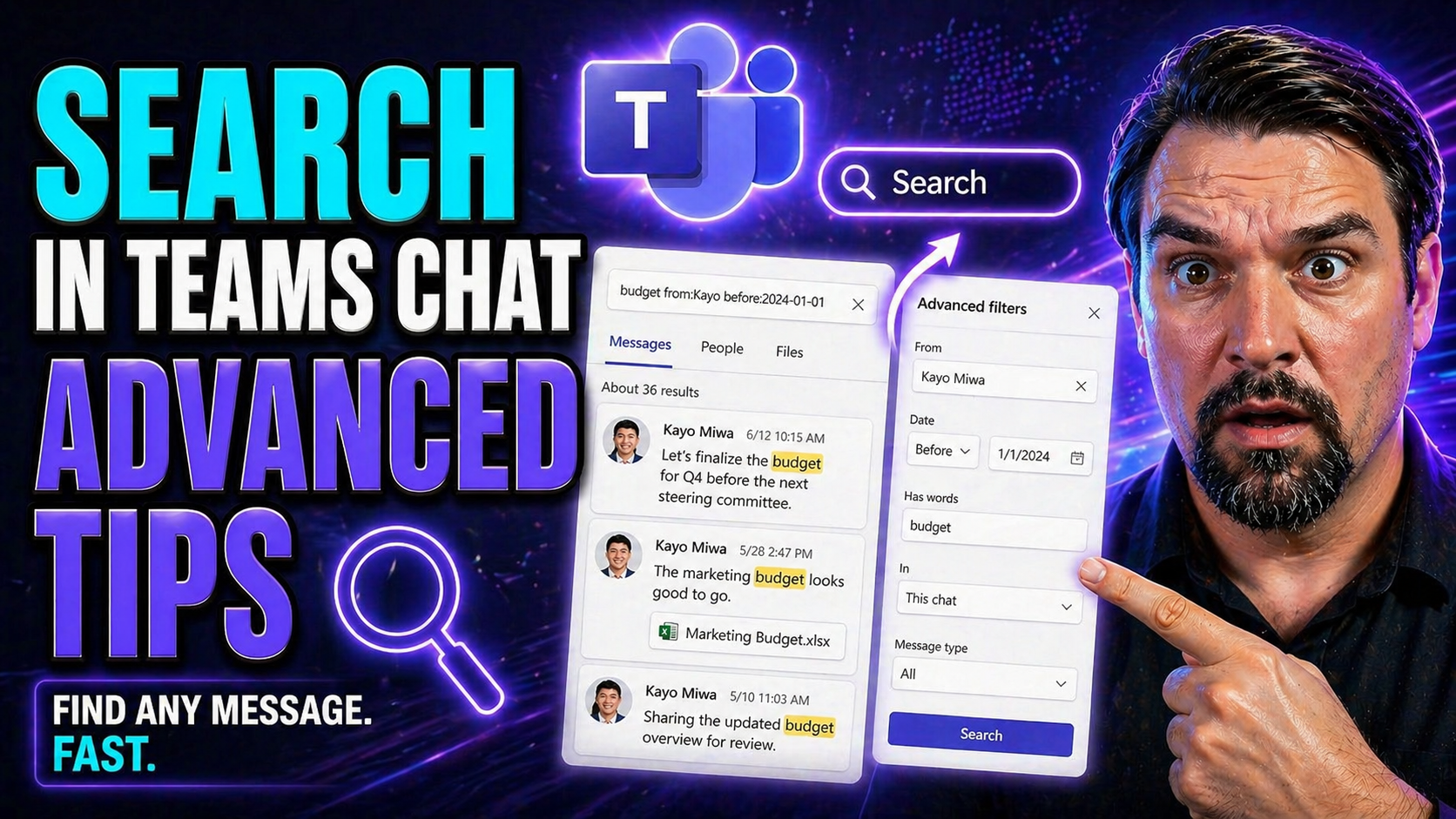
Search In Microsoft Teams Chat Guide
Let’s be honest: Microsoft Teams chat is like a digital attic. Everything you need is in there somewhere, but finding it—especially when things get busy—can feel like searching for that one sock you lost a year ago. With so much flying through Teams…

April 28, 2026
Save Teams Messages Guide
Being able to save and organize your messages in Microsoft Teams is a game changer—not just for collaboration but for your peace of mind. If you’ve ever lost an important detail in a jungle of chat threads, you know how much time you can waste just …
April 28, 2026
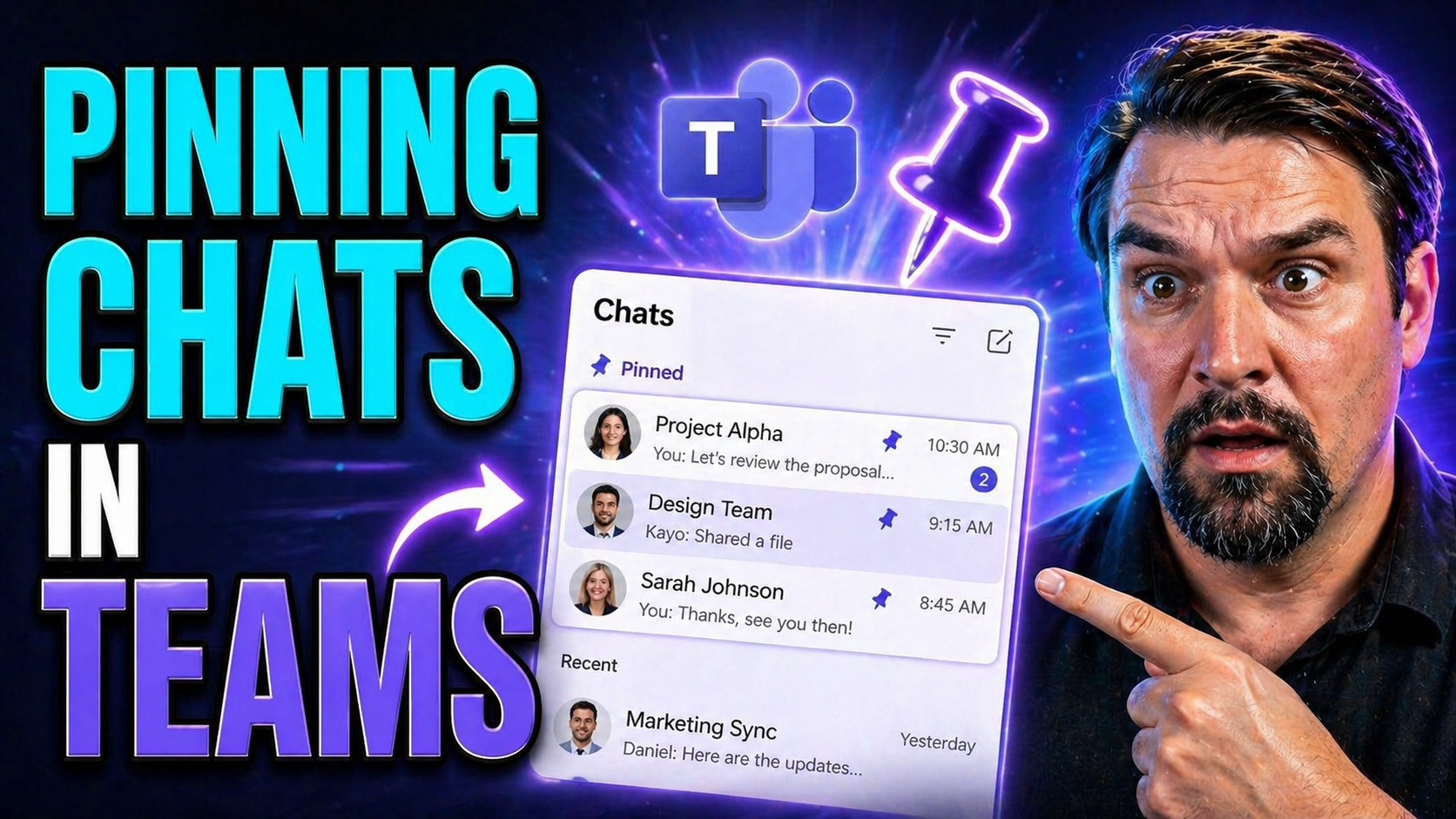
Pin Chats In Microsoft Teams Guide
pin chats in Microsoft Teams can be managed effectively by starting with the specific user scenario, checking the current client, account, policy, and service status, then applying a targeted correction. Use clear ownership and official Microsoft gu…
April 28, 2026
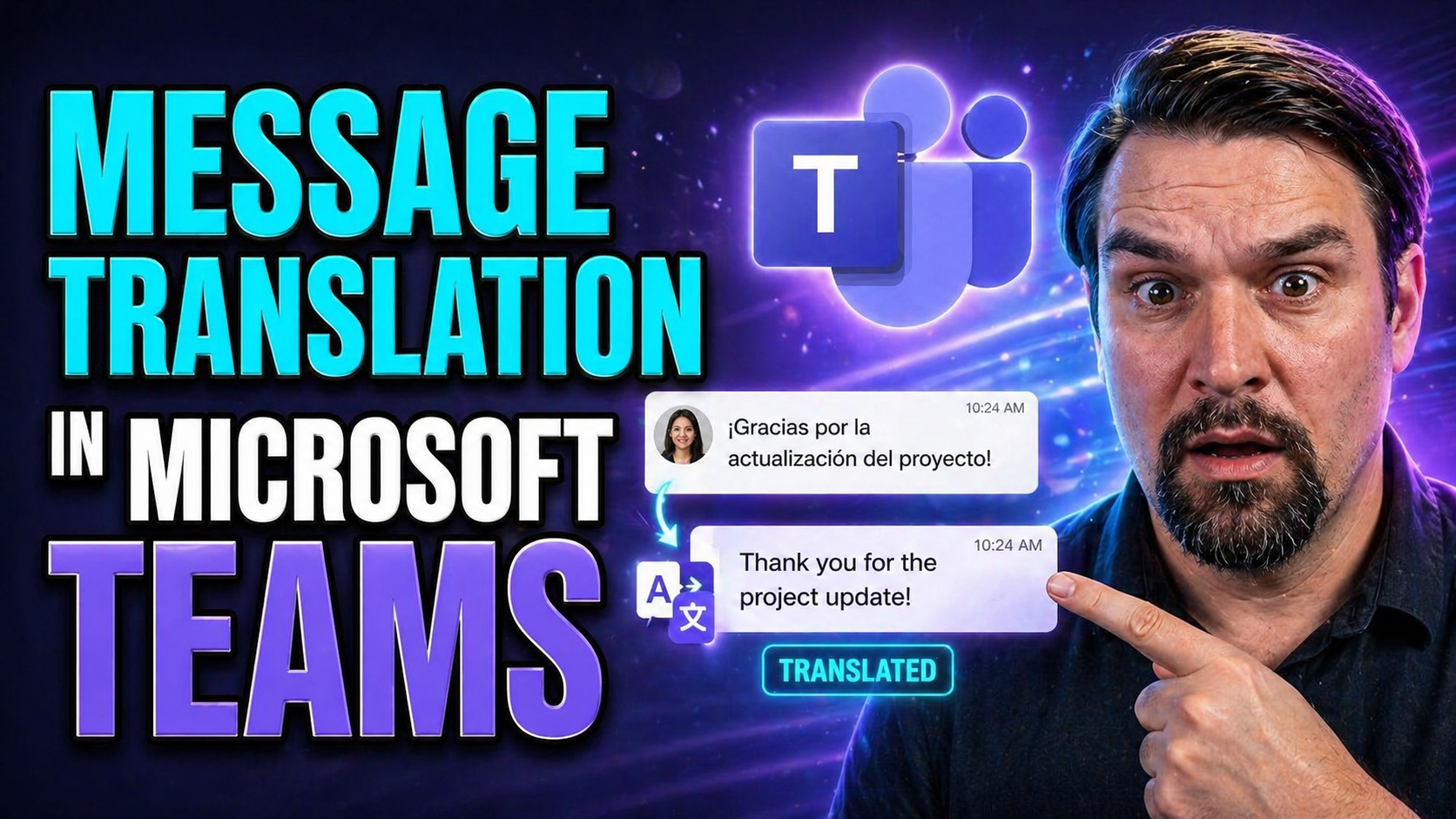
Microsoft Teams Message Translation Guide
Multilingual collaboration isn’t just a nice-to-have—these days, it’s the heartbeat of how global teams get work done in Microsoft Teams. This guide will break down everything you need to know about intelligent message translation: how it works, whe…