Turn your real-world experience into part of the show.

Blog Posts

May 18, 2026

Adding Apps as Tabs in Microsoft Teams: Complete Guide
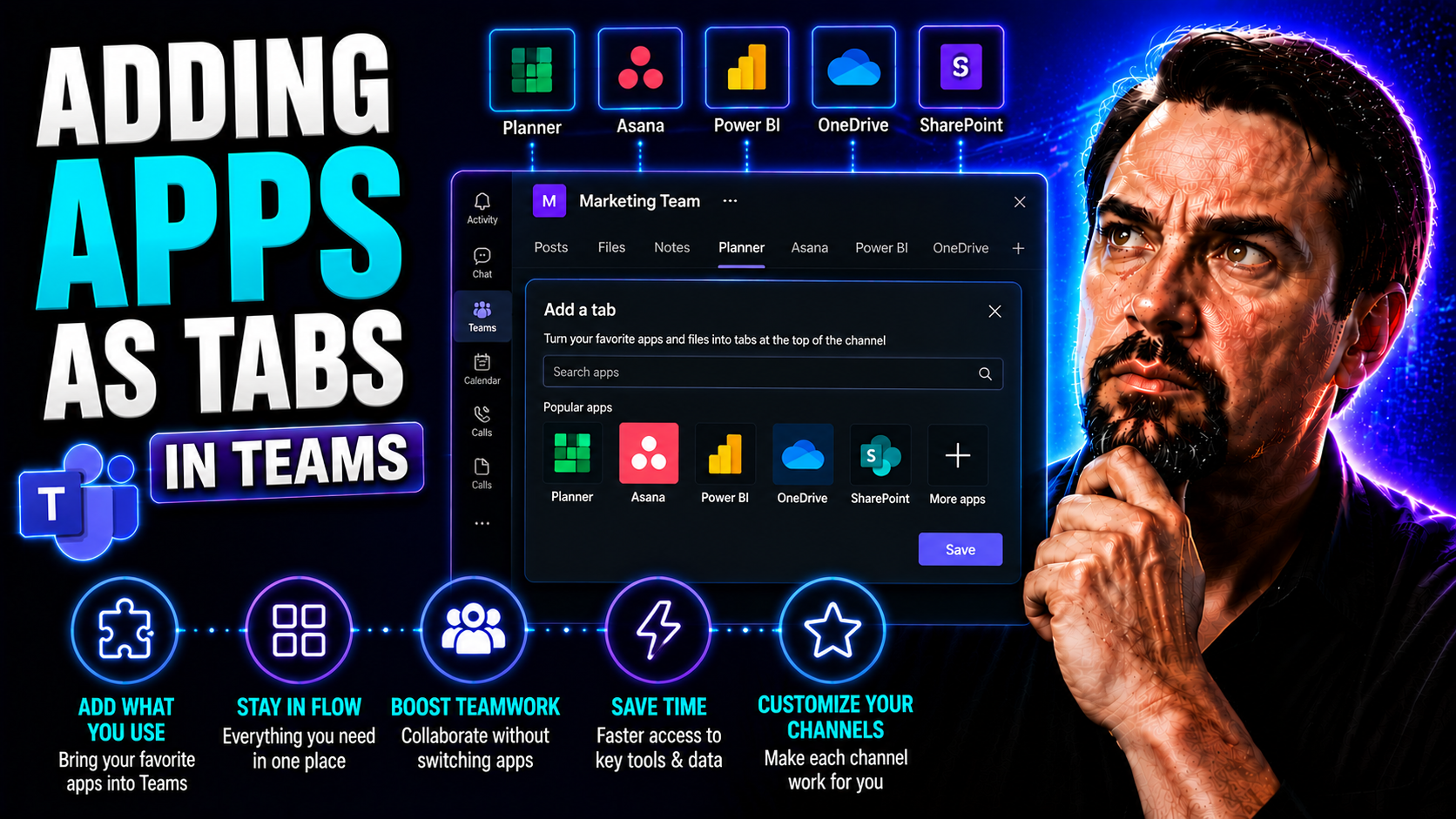
Integrating apps as tabs in Microsoft Teams turns your workspaces into interactive hubs where users can access tools, dashboards, and custom workflows—all without leaving Teams. This guide walks you through every step of the process, so whether you’…
View more
May 18, 2026

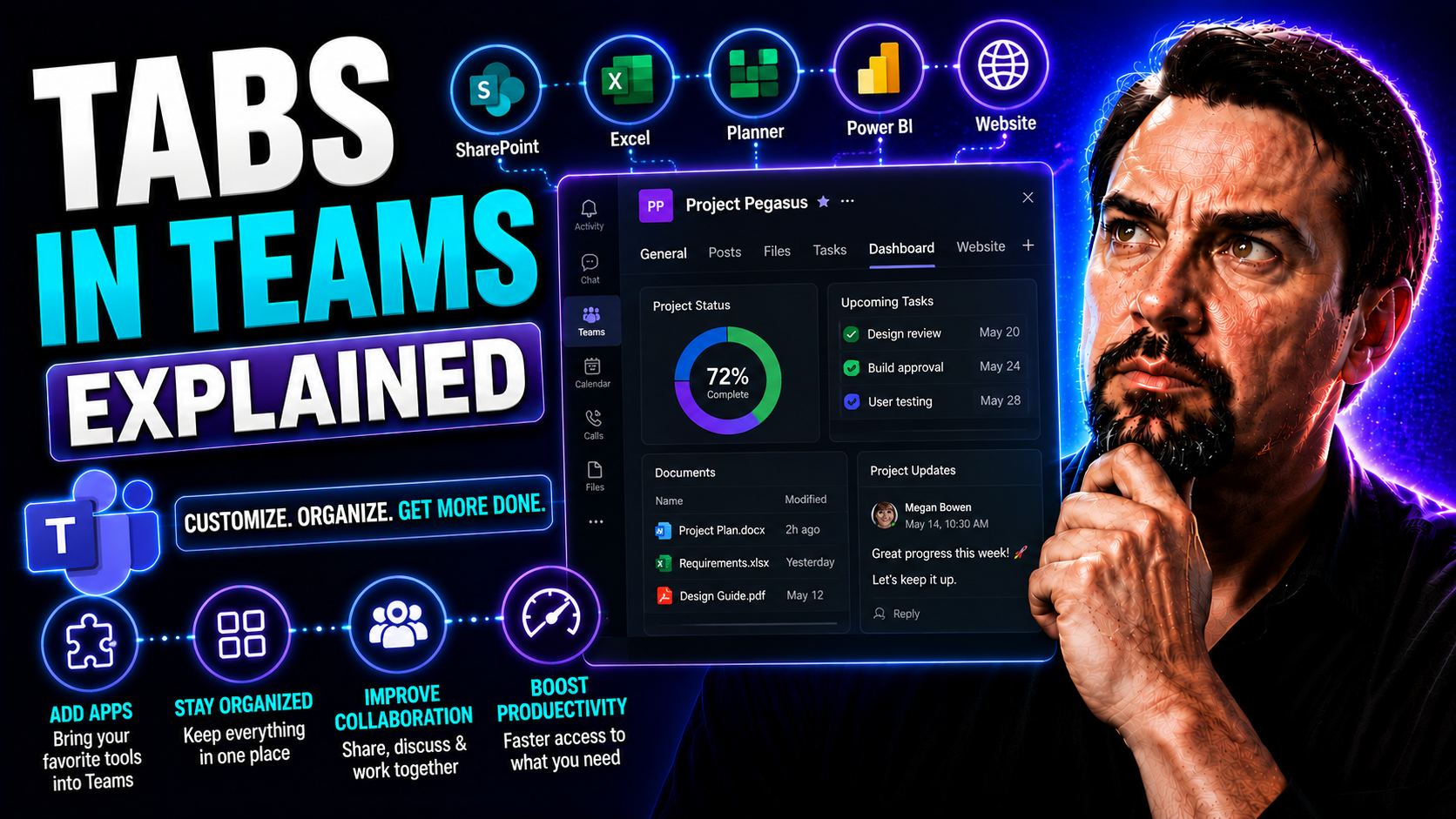
Tabs in Teams Explained: The Ultimate Guide to Smarter Collaboration

Tabs in Microsoft Teams are your shortcut to a cleaner, smarter, and more organized way to work with your team. This guide breaks down everything about tabs—from what they are and why they matter, to how you can add, use, and customize them for ever…

View more
May 18, 2026

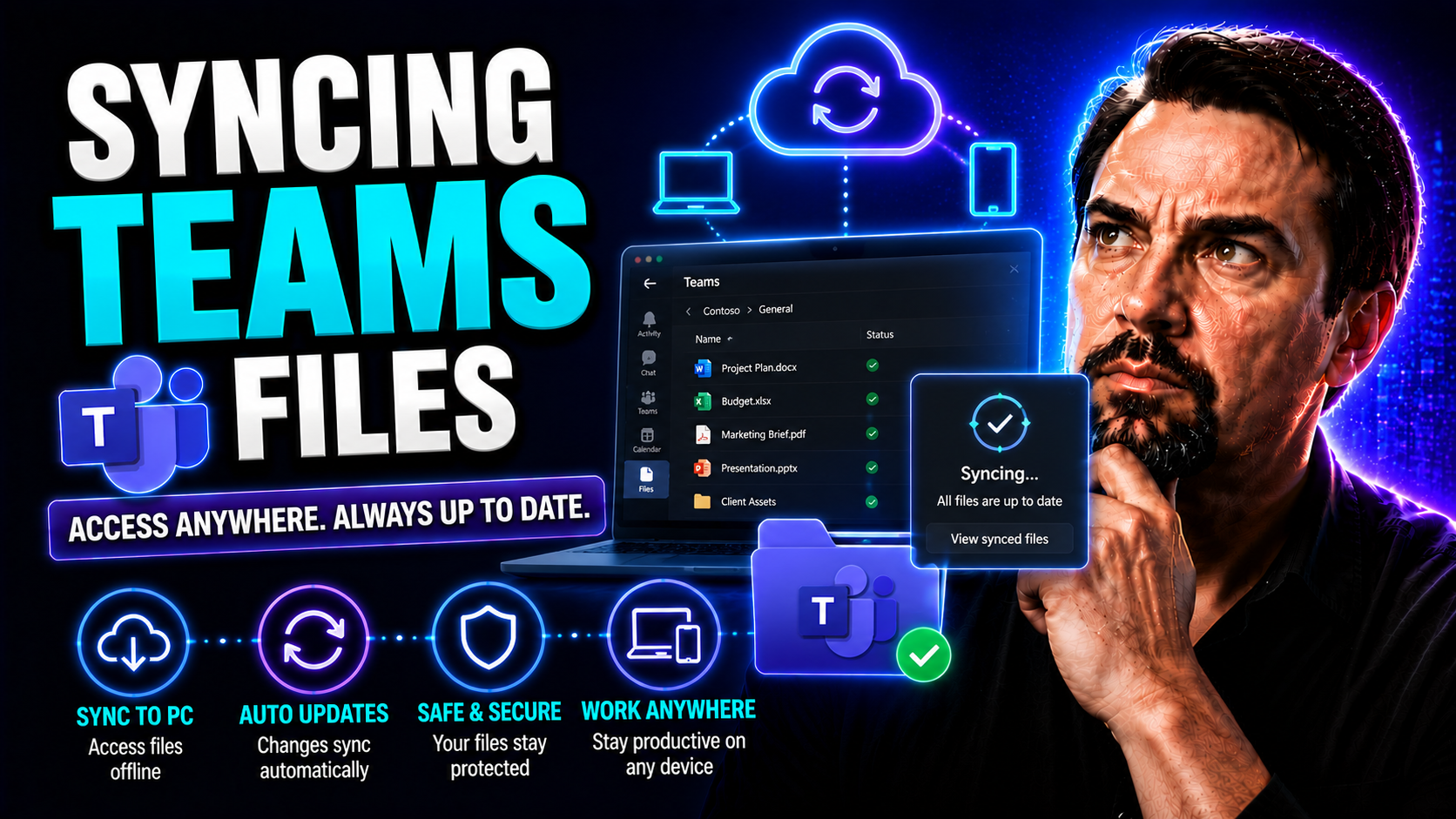
Syncing Teams Files: A Complete Guide for Microsoft Teams and SharePoint Users

This guide gives you the clearest breakdown of how to sync Microsoft Teams files to your computer, whether you’re just getting started or you’ve been managing teams and projects for years. You’ll learn every step, from what you need before installin…

View more
May 18, 2026

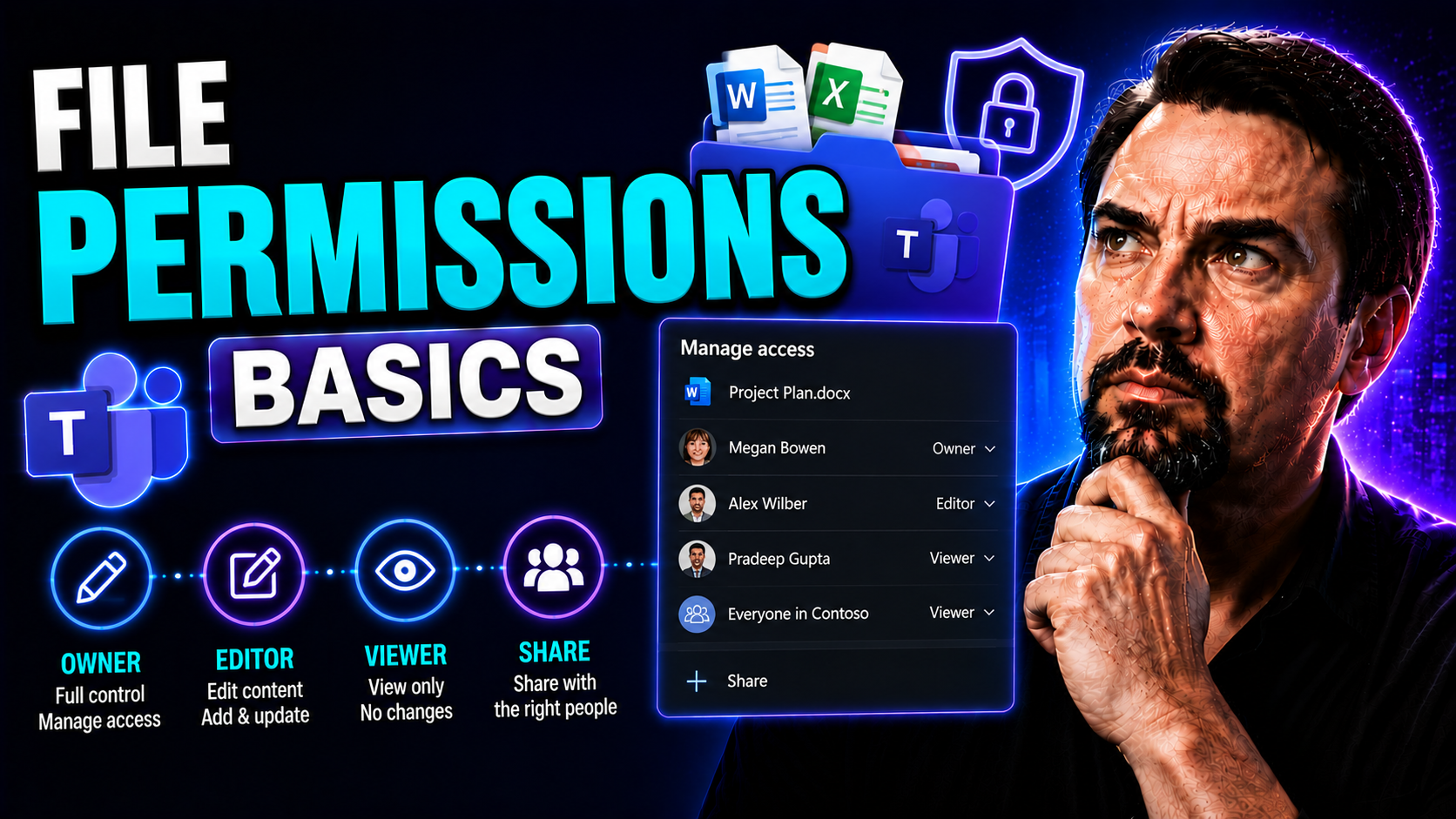
File Permissions Basics: The Ultimate Guide for Beginners

If you’re just getting started with file permissions, you’re already a step ahead in protecting your organization. File permissions are the rules that decide who can look at, change, or run your files—and they matter much more than you might think.…

View more
May 18, 2026

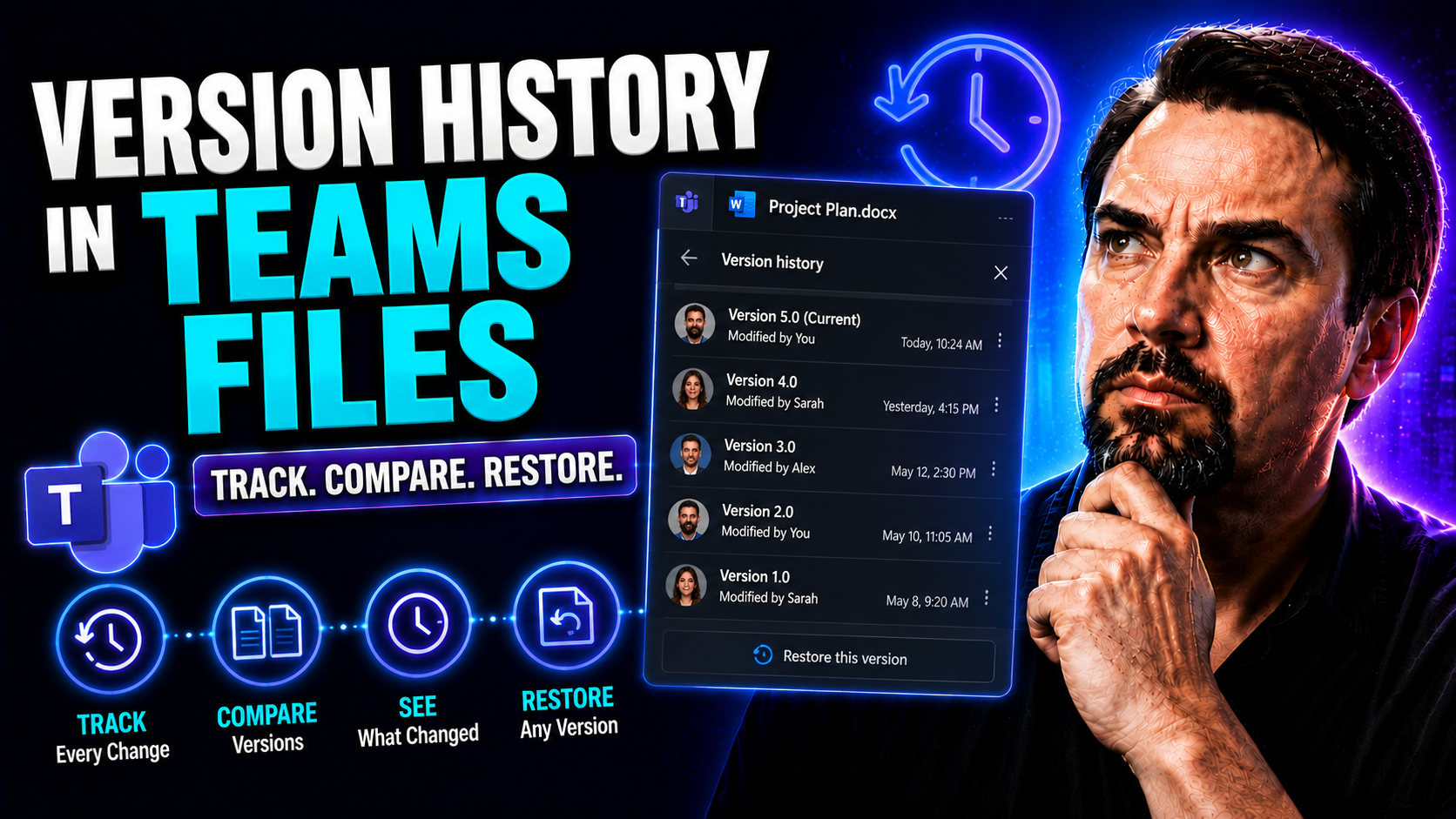
Version History in Teams Files: Everything You Need to Know

If you use Microsoft Teams to store, share, or edit documents, version history is one of the most important features you can lean on. It automatically keeps track of every major change, letting you see, restore, or compare old file versions when nee…

View more
May 18, 2026

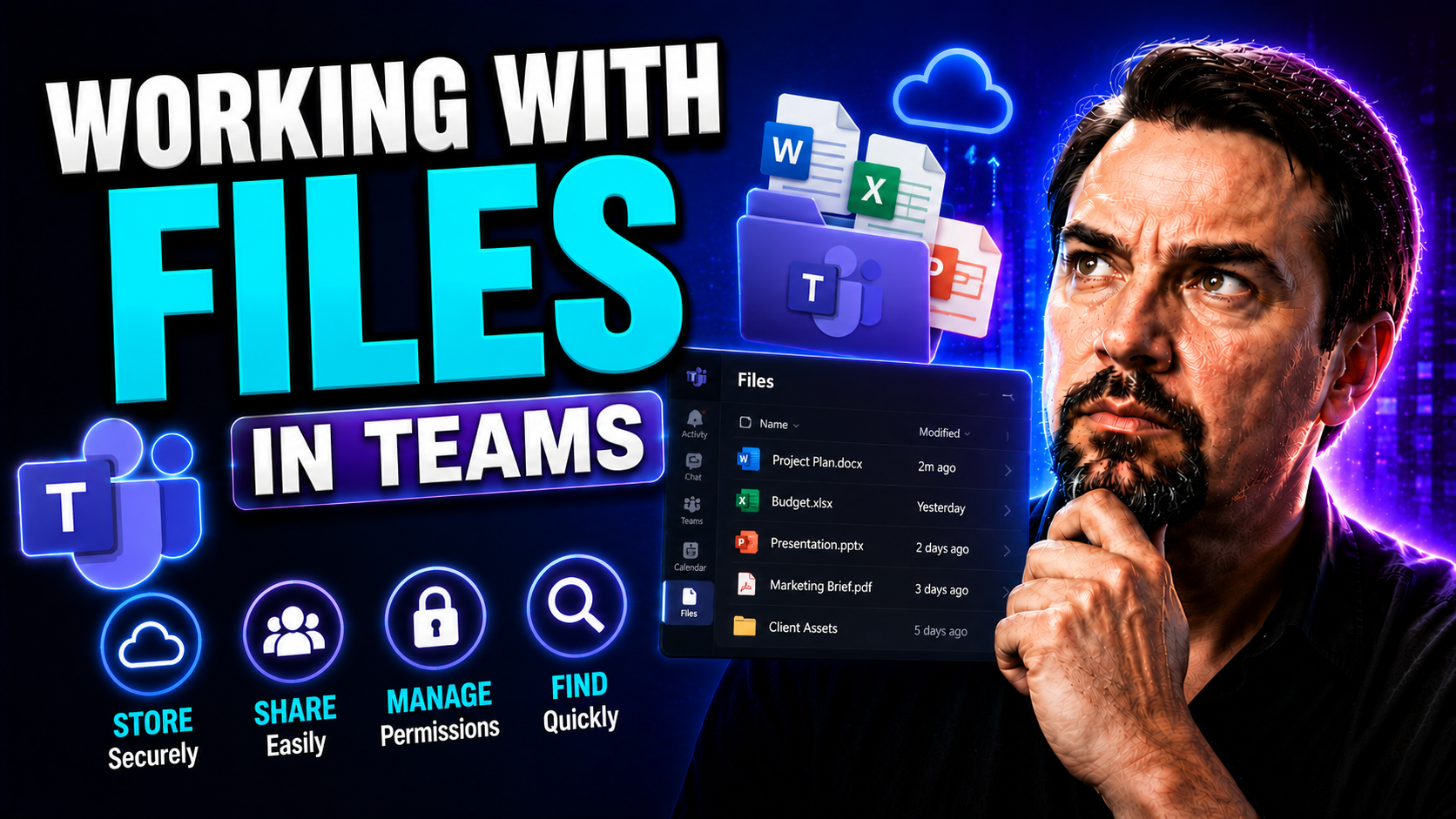
Working With Files in Teams: Complete Guide for Microsoft Teams and SharePoint

This guide gives you the full rundown on handling files in Microsoft Teams—start to finish. You’ll learn how to upload, organize, collaborate on, and manage files, using features from both Teams and SharePoint under the hood. It covers the basics, l…

View more
May 17, 2026

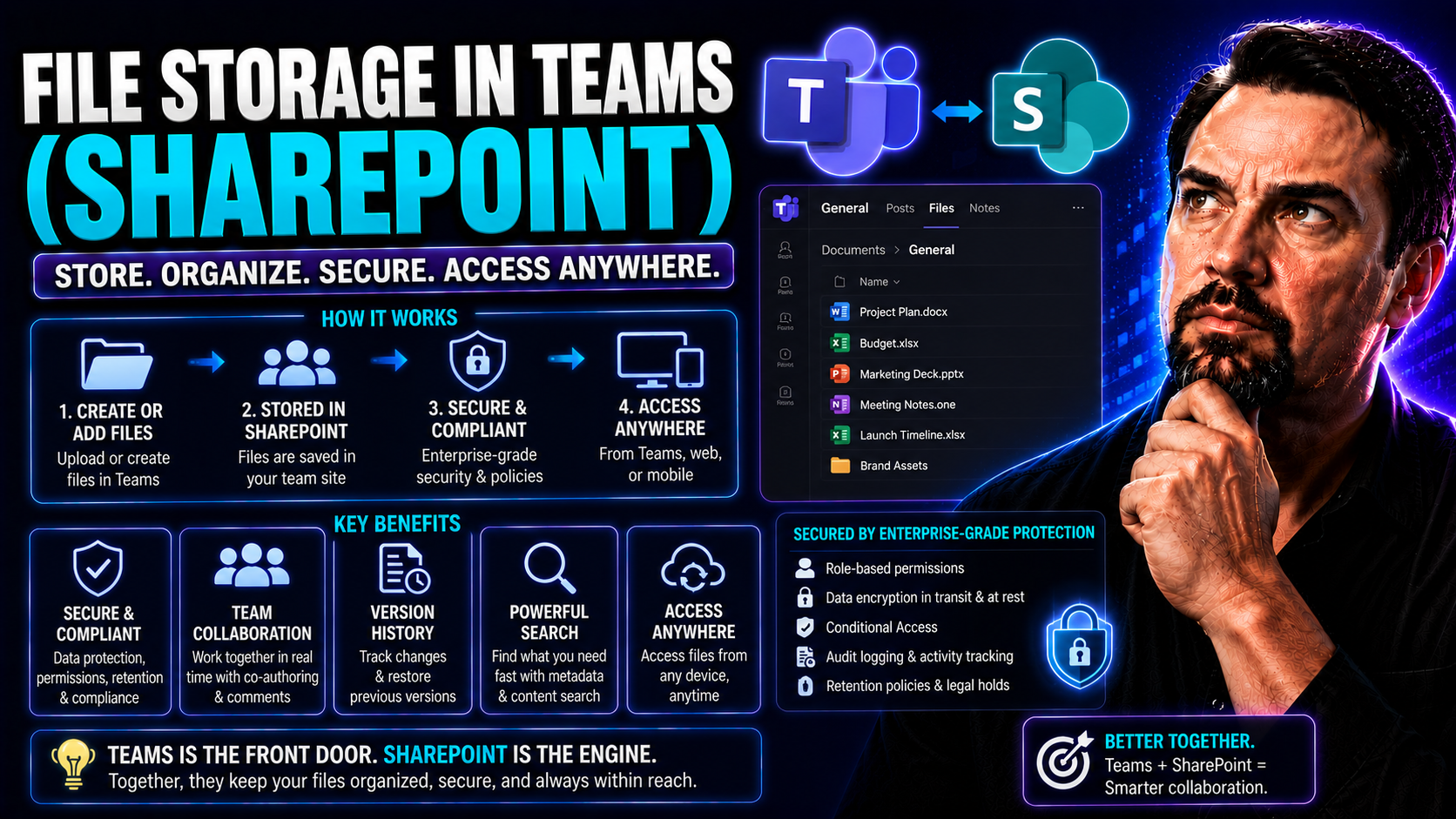
File Storage in Teams and SharePoint: A Comprehensive Guide

Microsoft Teams stores channel files in SharePoint, while files shared in private chats are stored in the sender’s OneDrive and shared with participants. Use channel libraries for team-owned work, chat sharing for smaller conversations, and SharePoi…

View more
May 17, 2026

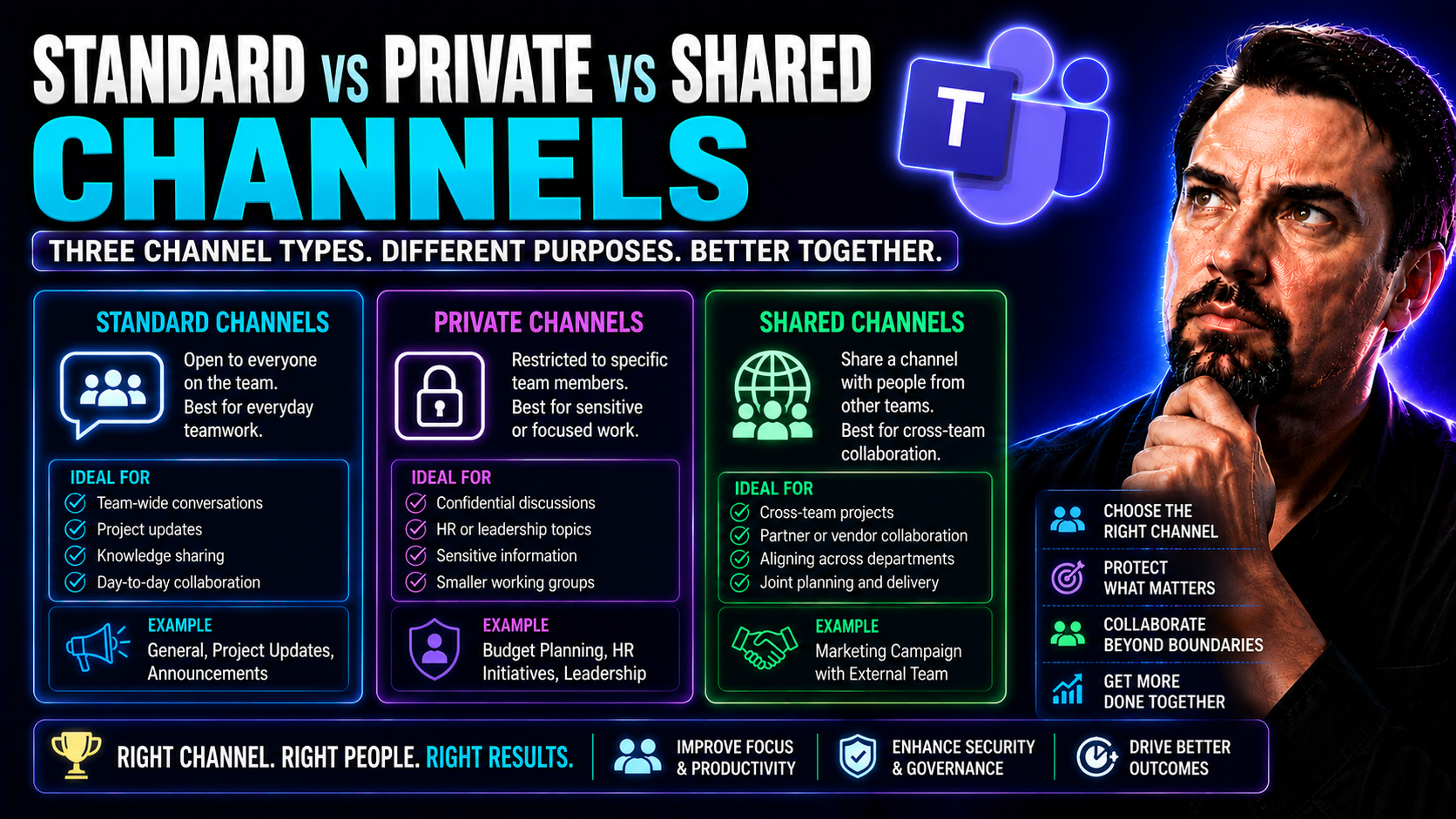
Standard vs Private vs Shared Teams Channels: Complete Guide

When it comes to Microsoft Teams, channels are at the heart of how your team communicates, shares files, and gets work done—whether you’re chatting about lunch orders or launching a company-wide project. But not all channels are created equal. In fa…

View more
May 17, 2026

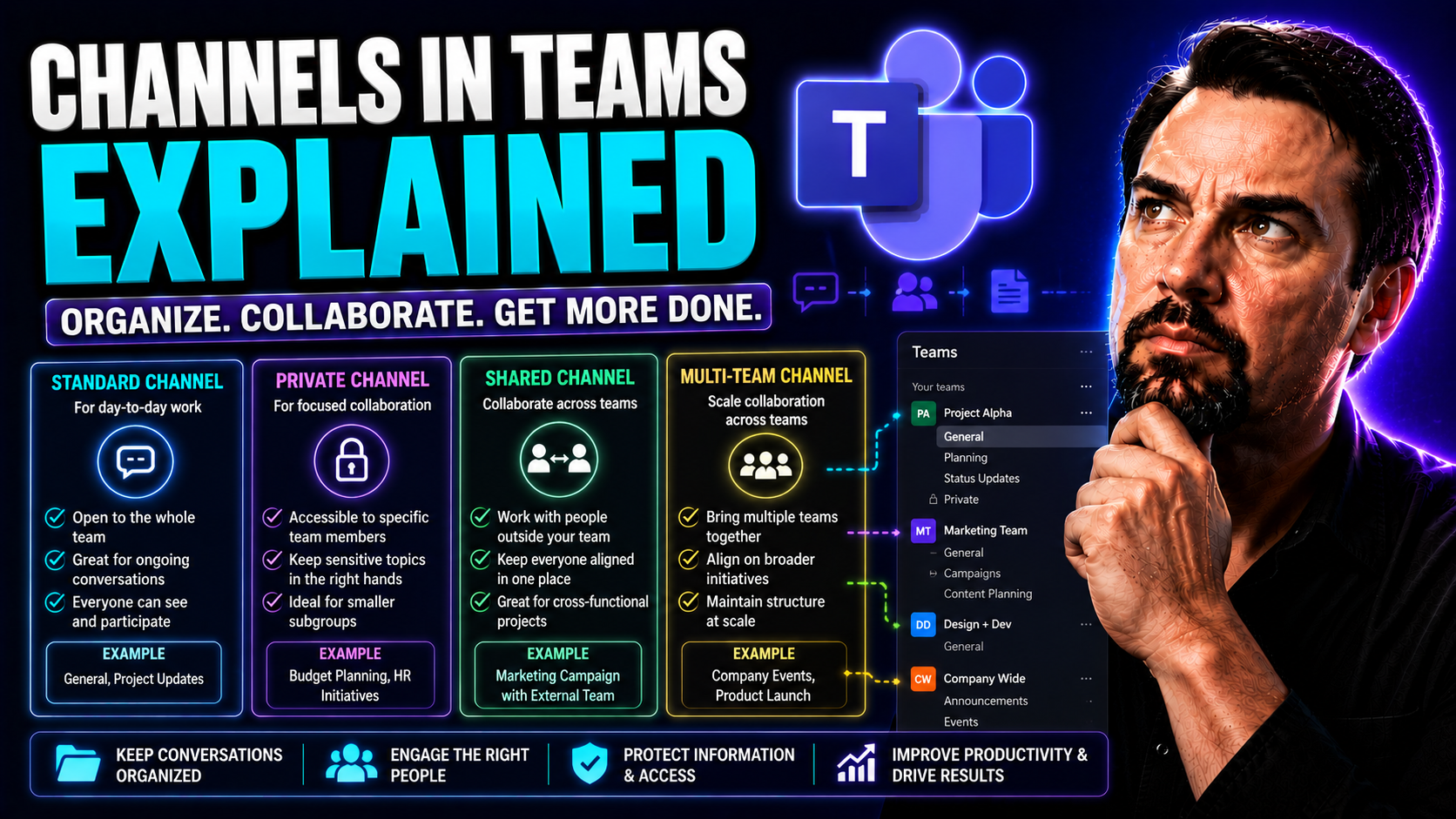
Microsoft Teams Channels Explained: Complete Guide

If you’re looking to get a solid grip on Microsoft Teams channels, you’re in the right place. This guide unpacks what channels actually do inside Teams, why they matter for real-world teamwork, and the nitty-gritty details that can save you headache…

View more
May 17, 2026

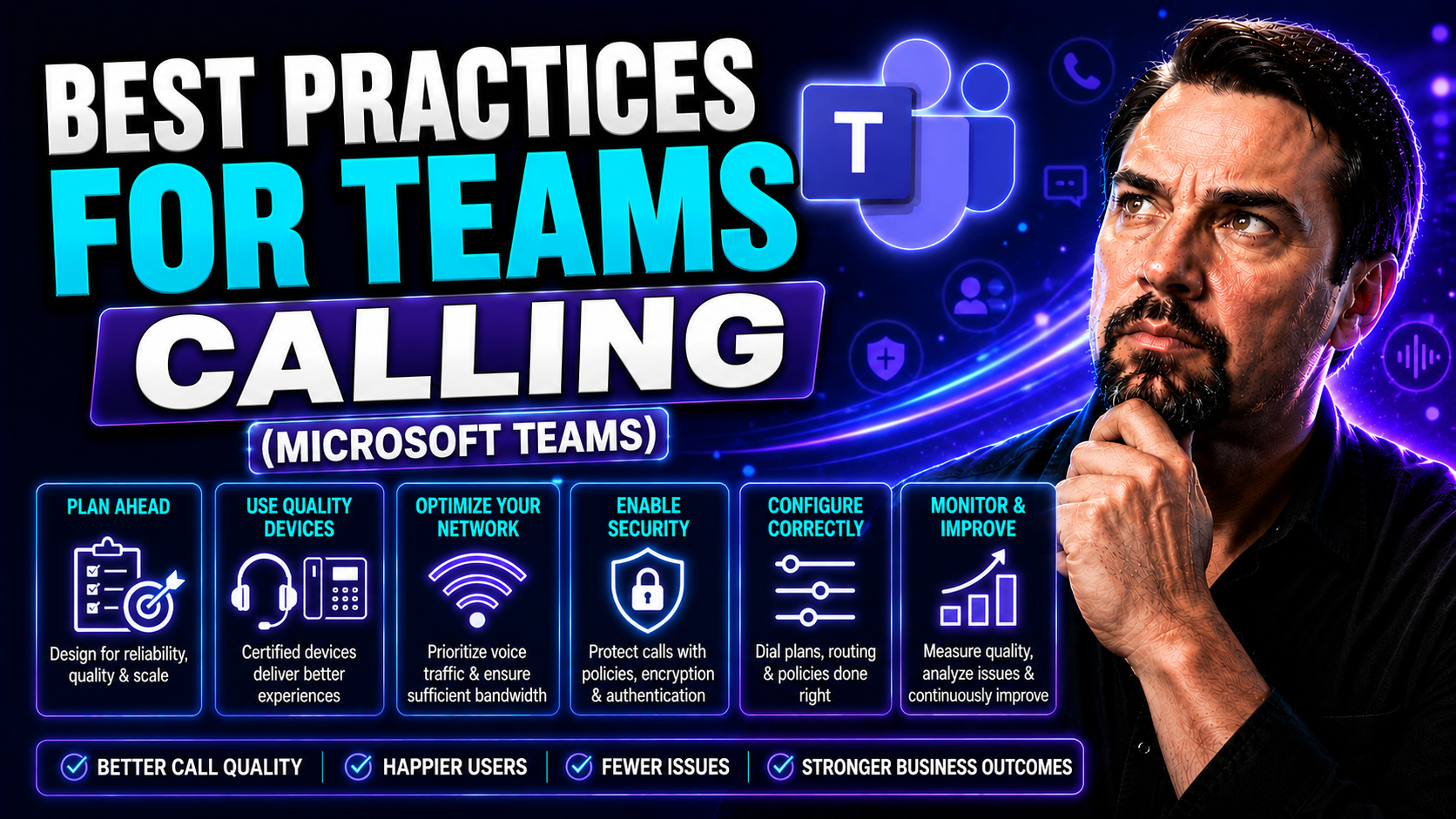
Microsoft Teams Calling Best Practices: Voice Optimization Guide

Microsoft Teams calling has moved way beyond just a fancy alternative to picking up the phone. In today’s organizations, it’s your direct line to clients, your heartbeat for remote teamwork, and a mission-critical part of daily operations. But let’s…

View more
May 17, 2026

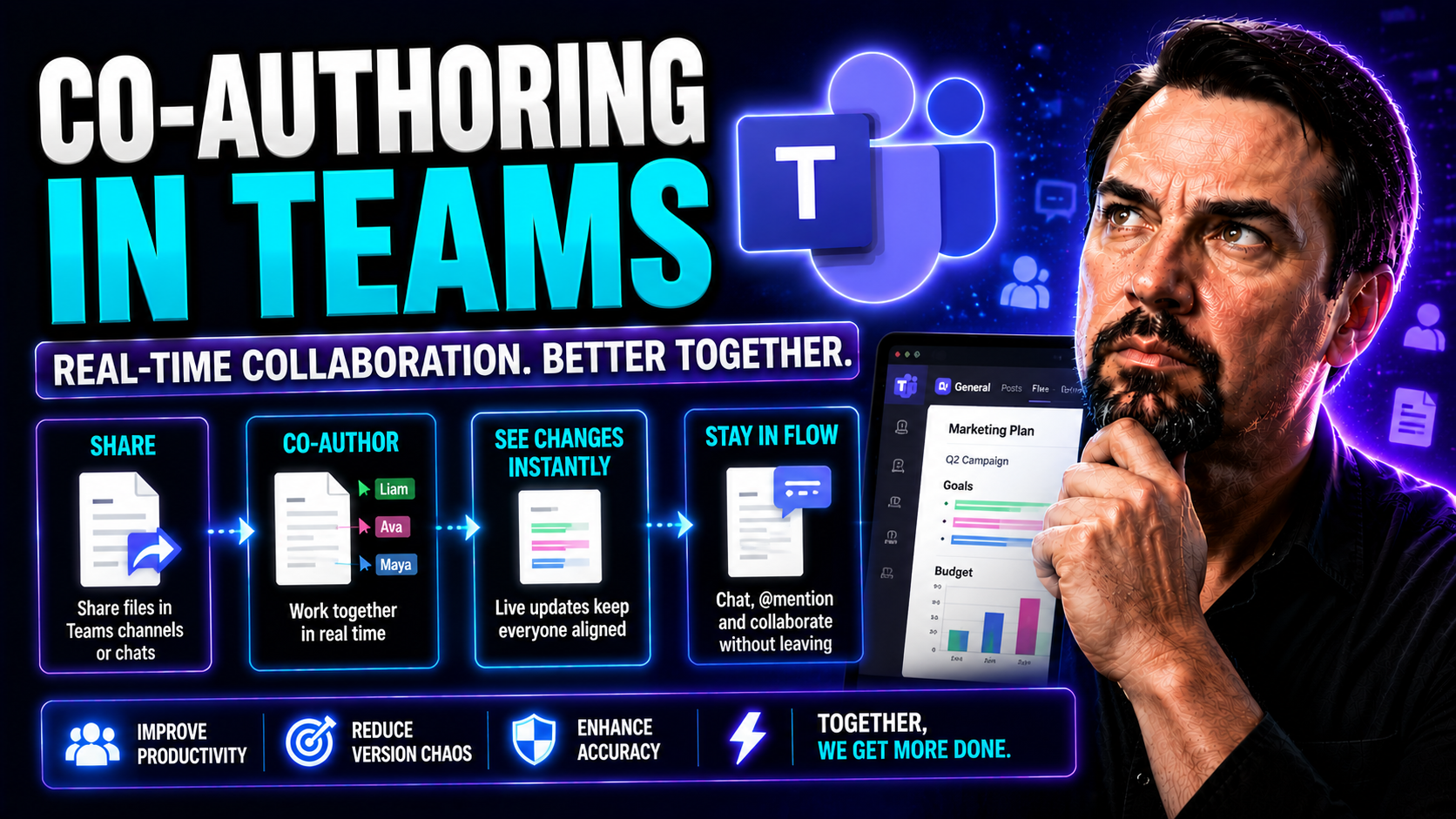
Co-Authoring in Microsoft Teams: Complete Guide

Co-authoring in Microsoft Teams puts collaboration into high gear. It lets multiple people create, edit, and review documents together in real time—making teamwork smooth, productive, and efficient. This guide walks you through what co-authoring is …

View more
May 17, 2026

Scaling Microsoft Teams Phone: Enterprise Guide

Scaling Microsoft Teams Phone isn’t just about adding more phone lines—it’s about enabling your entire organization to communicate effortlessly, wherever people are working. As remote and hybrid workforces become the norm, a scalable Teams Phone sys…

View more
May 17, 2026

Microsoft Teams Phone Costs: Complete Pricing Guide

If you’ve ever tried to decode the costs behind Microsoft Teams Phone, you know it can feel like reading hieroglyphics. This guide is here to clear the fog and give you the real story—no sales pitch, just straightforward answers you can use. You’ll …

View more
May 17, 2026

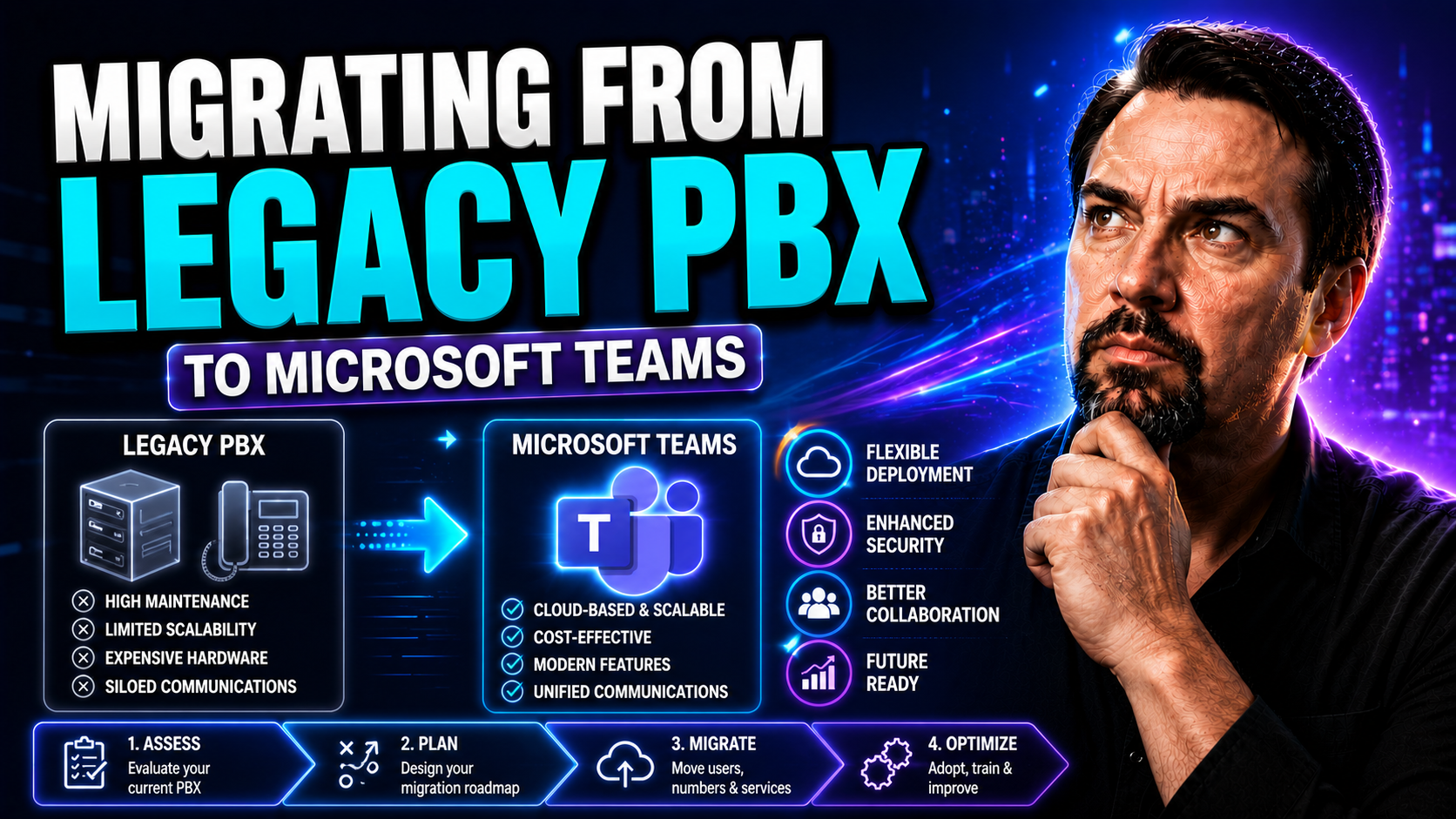
Migrating from Legacy PBX: Modern Business Guide

Let’s face it—old PBX systems aren’t getting any younger, and the way people work today is changing fast. More organizations are looking to move away from clunky on-premises phone systems to flexible, modern solutions like cloud unified communicatio…

View more
May 17, 2026

Hybrid Telephony: Microsoft Teams Architecture Guide

Hybrid telephony brings together the best of both worlds—traditional on-premise phone systems and modern cloud-based communications. In plain English, it means you don’t have to rip out your old PBX gear just to move forward with Microsoft Teams or …

View more
May 17, 2026

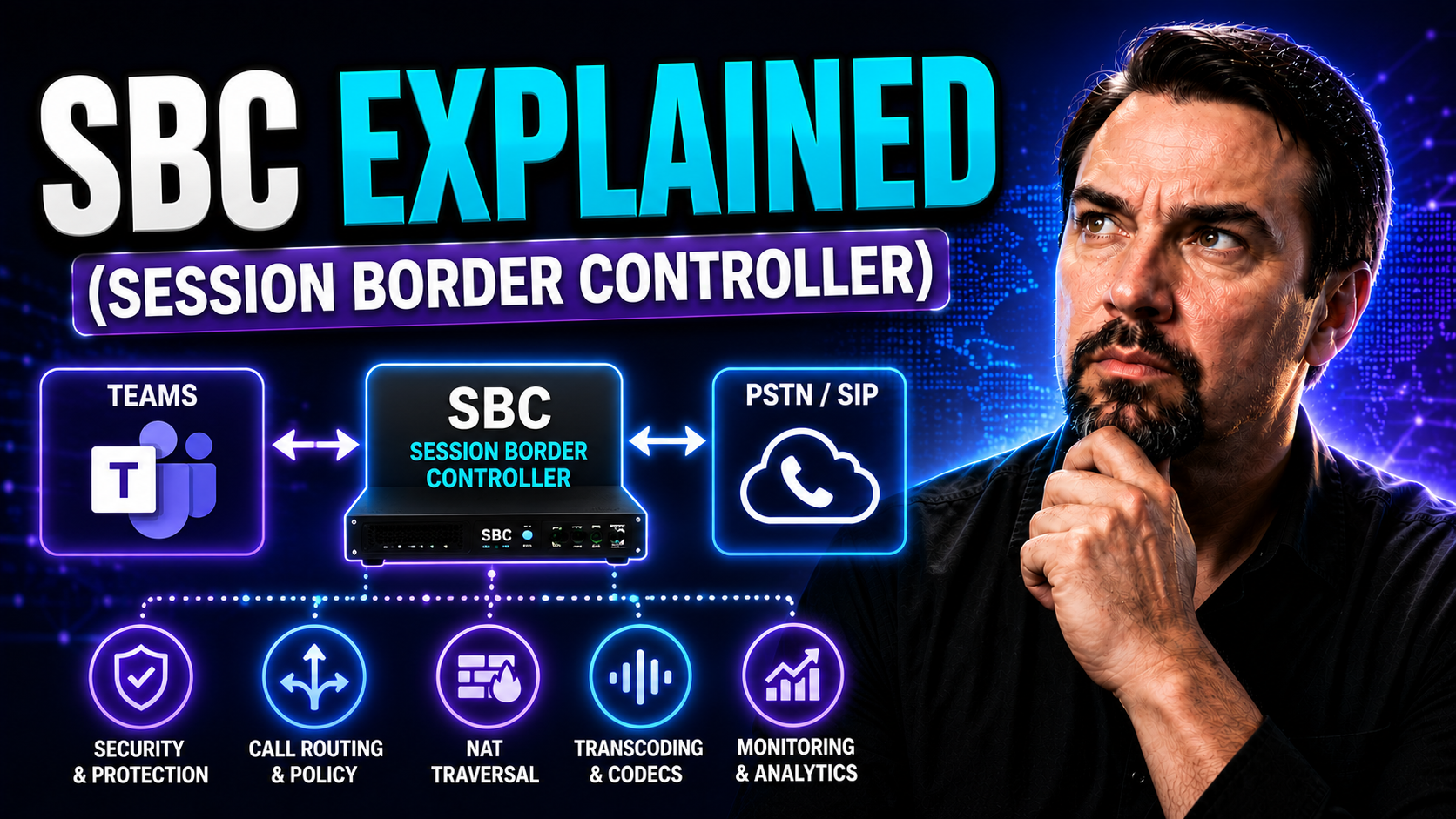
SBC for Microsoft Teams: Complete Guide

If you’re working with voice, video, or pretty much any kind of chat in a business setting, Session Border Controllers—SBCs for short—are the invisible gatekeepers making it all work smoothly. An SBC sits right on the edge of your communications net…

View more
May 17, 2026

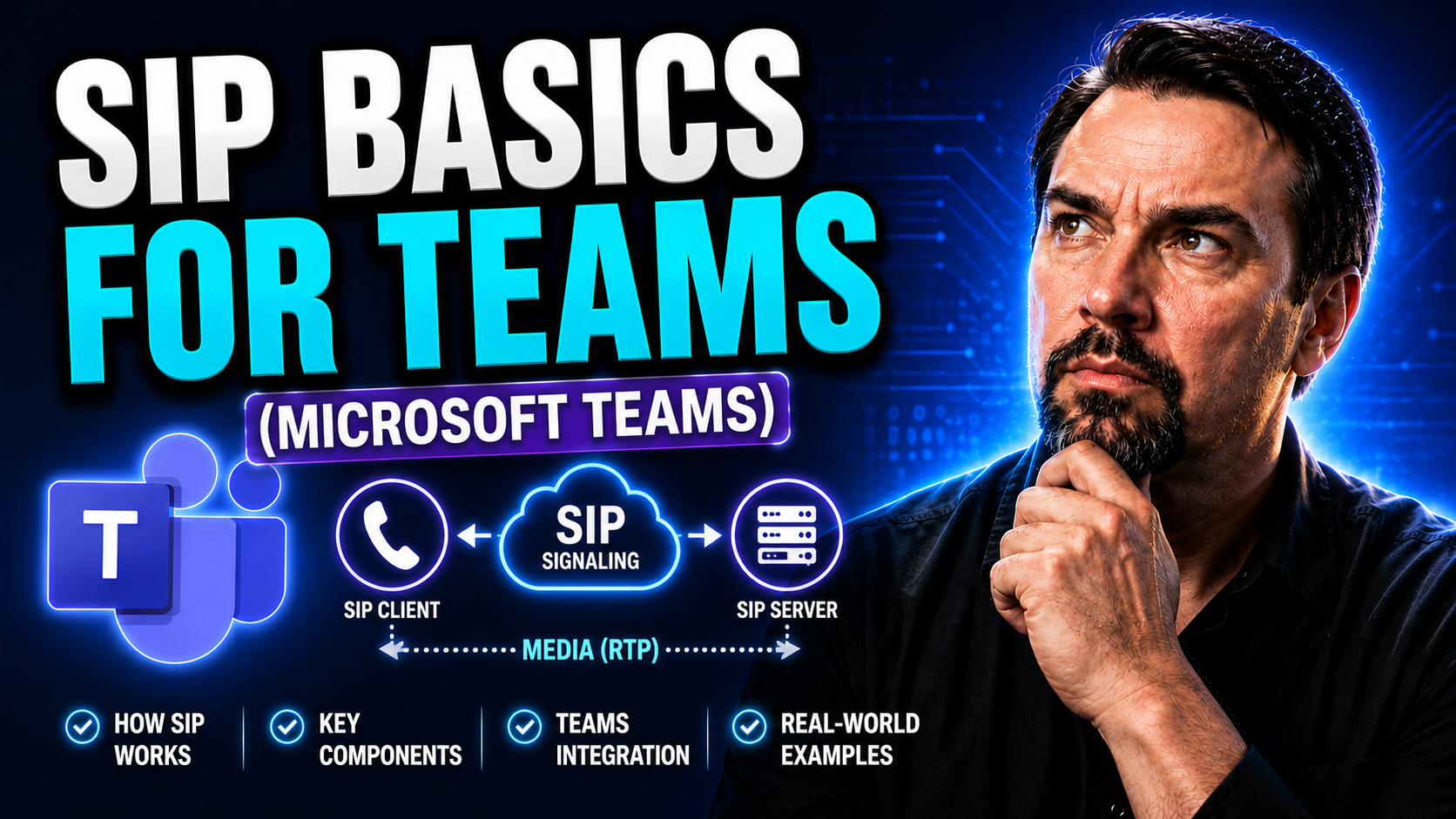
SIP for Microsoft Teams: Complete Guide

If your team’s communication feels all over the place, mastering SIP—the Session Initiation Protocol—could be your fastest ticket to clarity and connection. SIP is the behind-the-scenes engine that makes reliable voice, video, and messaging work acr…

View more
May 17, 2026

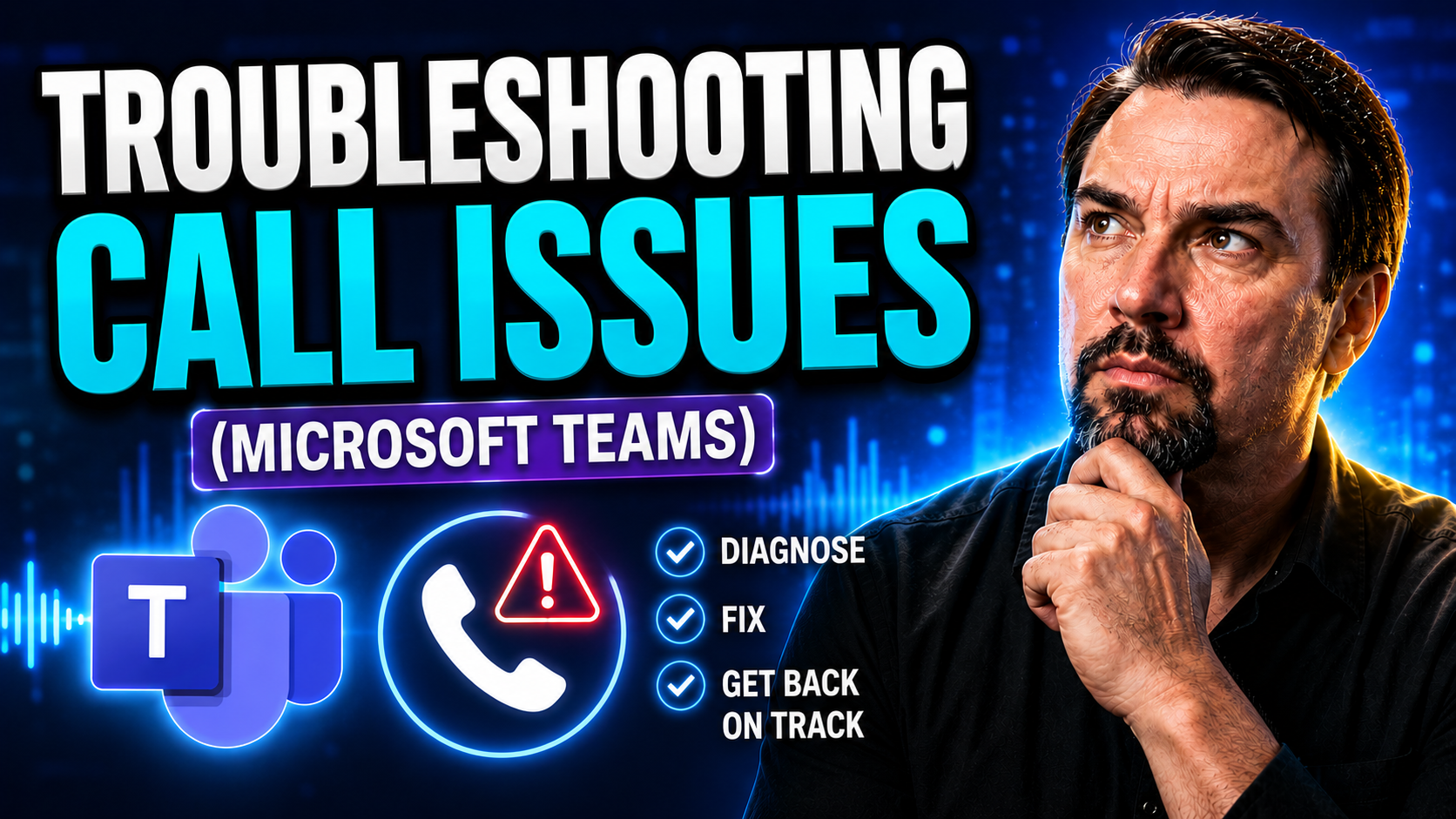
Microsoft Teams Call Troubleshooting: Step-by-Step Guide

Teams call troubleshooting needs a clear business scenario, supported Microsoft 365 configuration, and accountable ownership. Start with the user outcome, verify current Microsoft guidance, test the approach with representative users, and document t…

View more
May 17, 2026

Microsoft Teams Voice Quality: Optimization Guide

Voice quality optimization is all about making your spoken words shine—no static, no echoes, just clear sound that connects. It pulls together technologies like noise reduction, automatic gain control, and AI-powered enhancements to smooth out rough…

View more
May 14, 2026

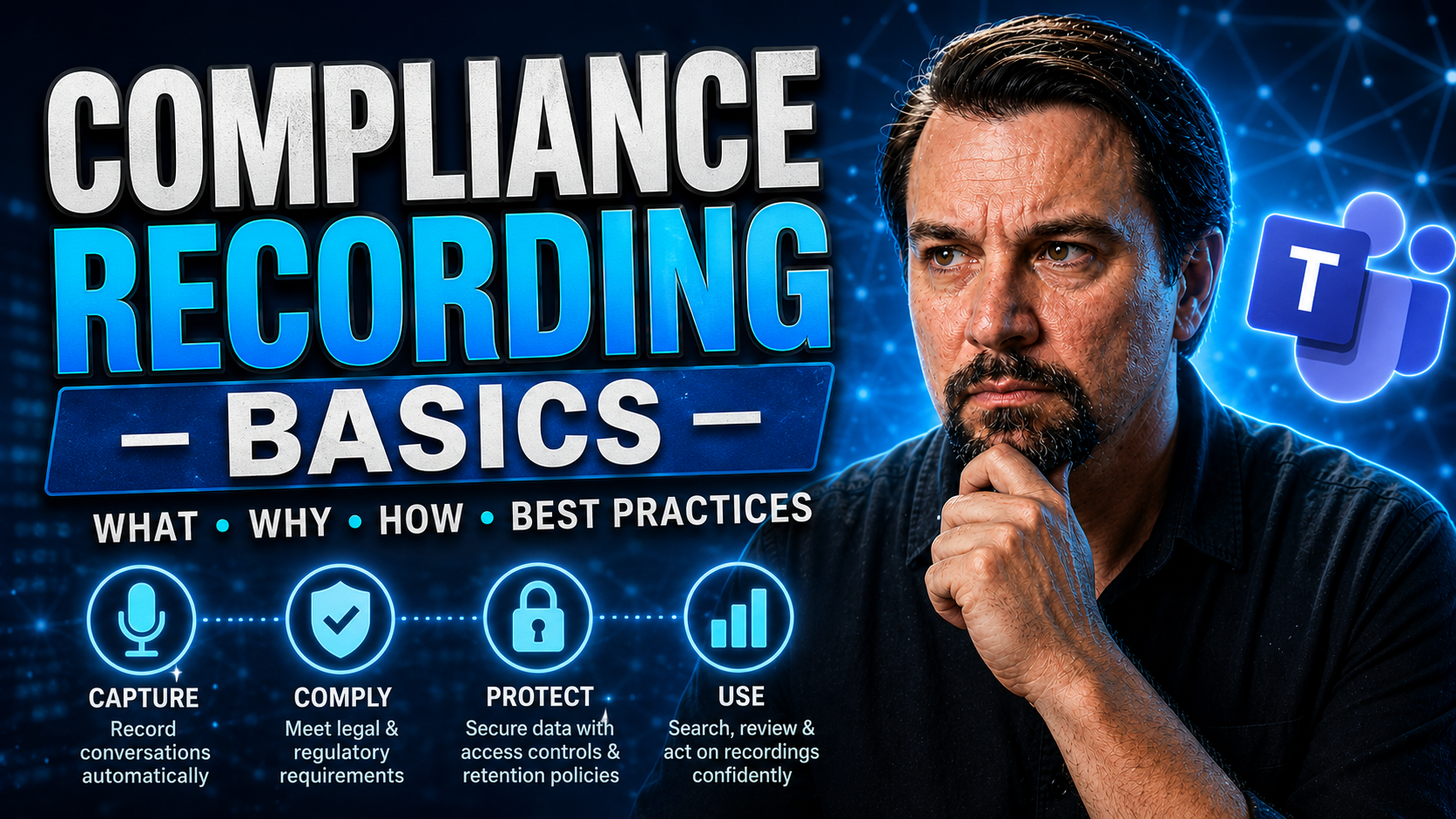
Teams Compliance Recording: Concepts and Best Practices

Compliance recording is no joke in today’s world, especially with how folks work from about everywhere these days—café, cubicle, or your cousin’s kitchen table. If you’re handling sensitive information or regulated transactions, recording calls and …

View more
May 14, 2026

Emergency Calling in Microsoft Teams: Admin Guide

Emergency calling in Microsoft Teams is a critical, often-regulated feature that ensures anyone in your organization can quickly connect with emergency services when it counts. This capability goes far beyond placing a simple phone call—it hinges on…

View more
May 14, 2026

Microsoft Teams Phone Mobile: Complete Guide

Microsoft Teams Phone Mobile is shifting the way organizations handle business calls, taking full advantage of mobility and cloud communication. This guide covers what Teams Phone Mobile is all about—how it helps you place and receive business calls…

View more
May 14, 2026

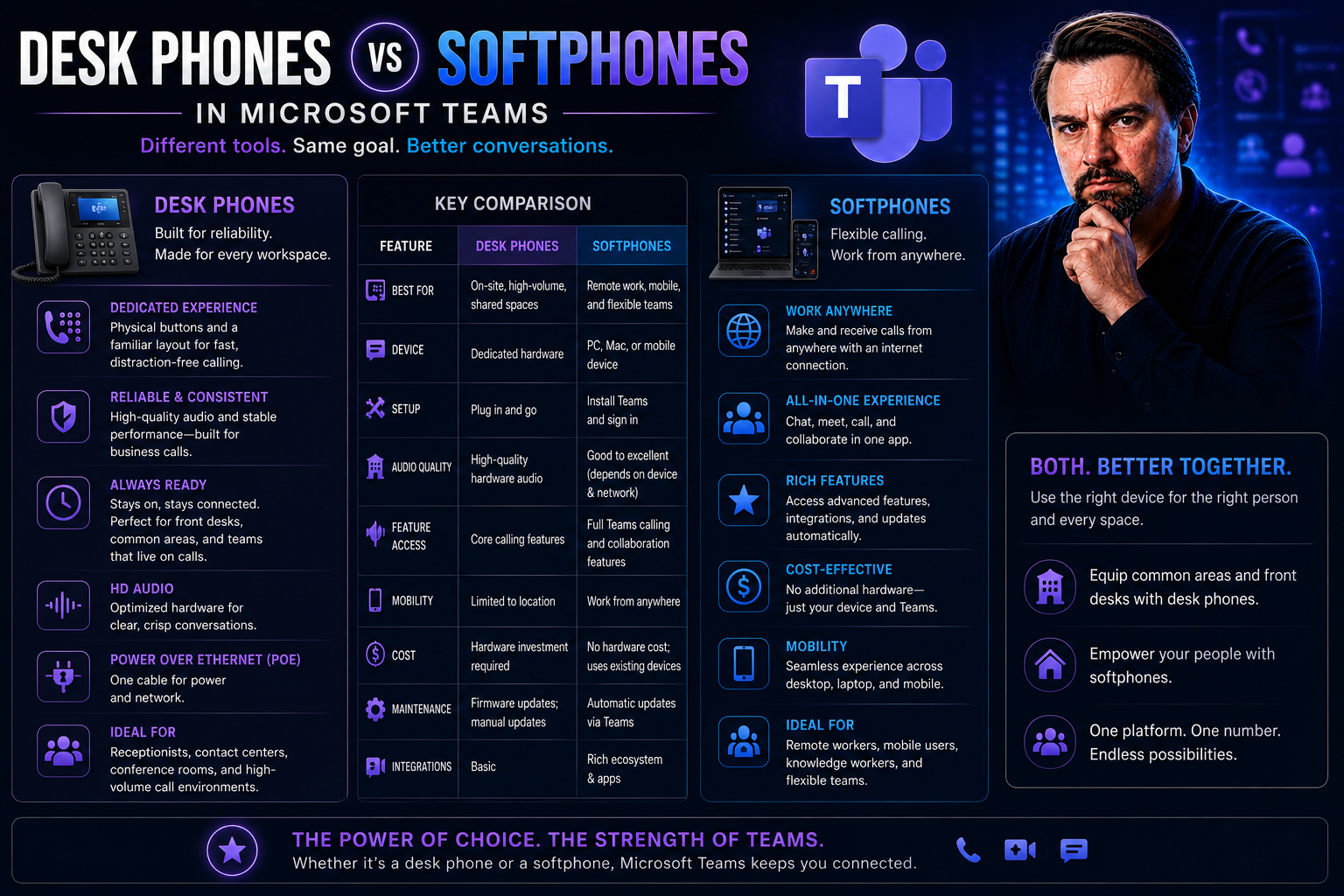
Desk Phones vs Softphones: Which Is Best for Modern Business Communication?

Choosing between classic desk phones and modern softphones isn’t just about preference—it shapes how your business communicates every day. Desk phones, once the backbone of office life, promise stability and tradition. But softphones, those software…

View more
May 14, 2026

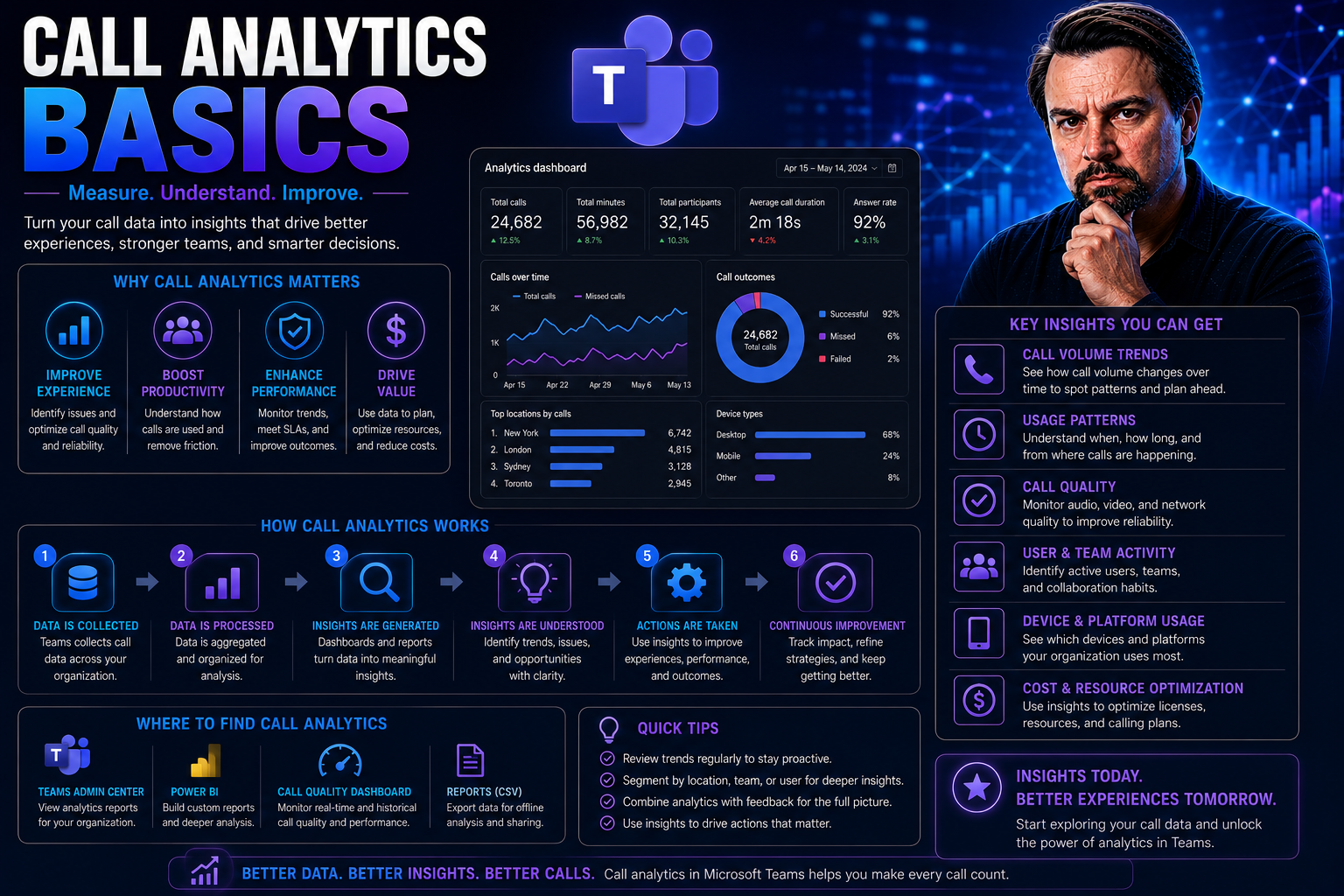
Call Analytics Basics: What Every Business Needs to Know

Call analytics is all about turning your everyday phone calls into a goldmine of business intelligence. It means collecting and analyzing data from inbound and outbound calls—things like who called, how long they chatted, what was discussed, and eve…

View more