Turn your real-world experience into part of the show.

Blog Posts

May 18, 2026

App Setup Policies Basics for Microsoft Teams
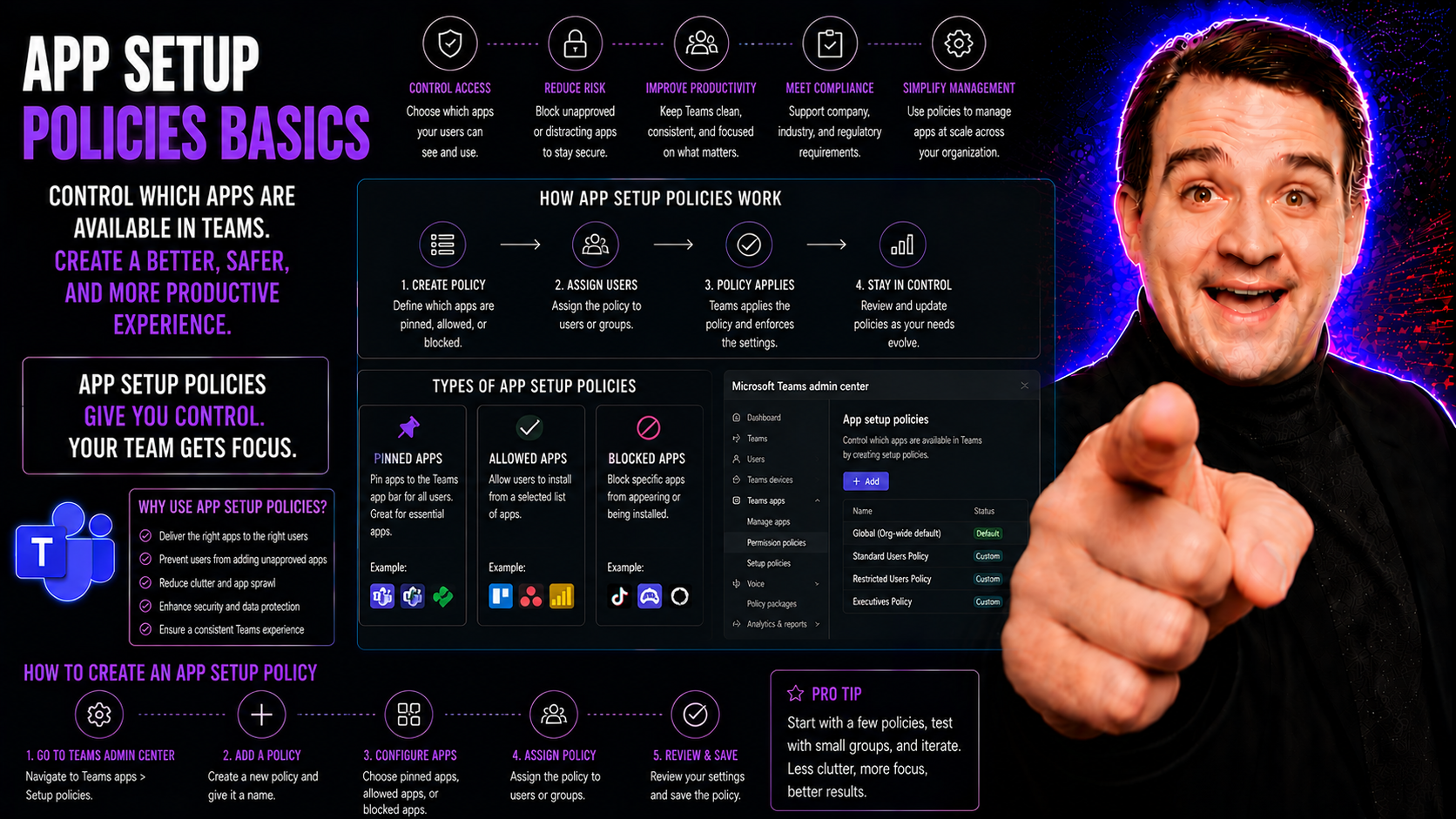
App setup policies in Microsoft Teams are tools that let IT administrators control which apps show up automatically for users and in what order. Basically, they act as a way to ‘pre-load’ Teams with the specific apps your people need, right where th…
View more
May 18, 2026

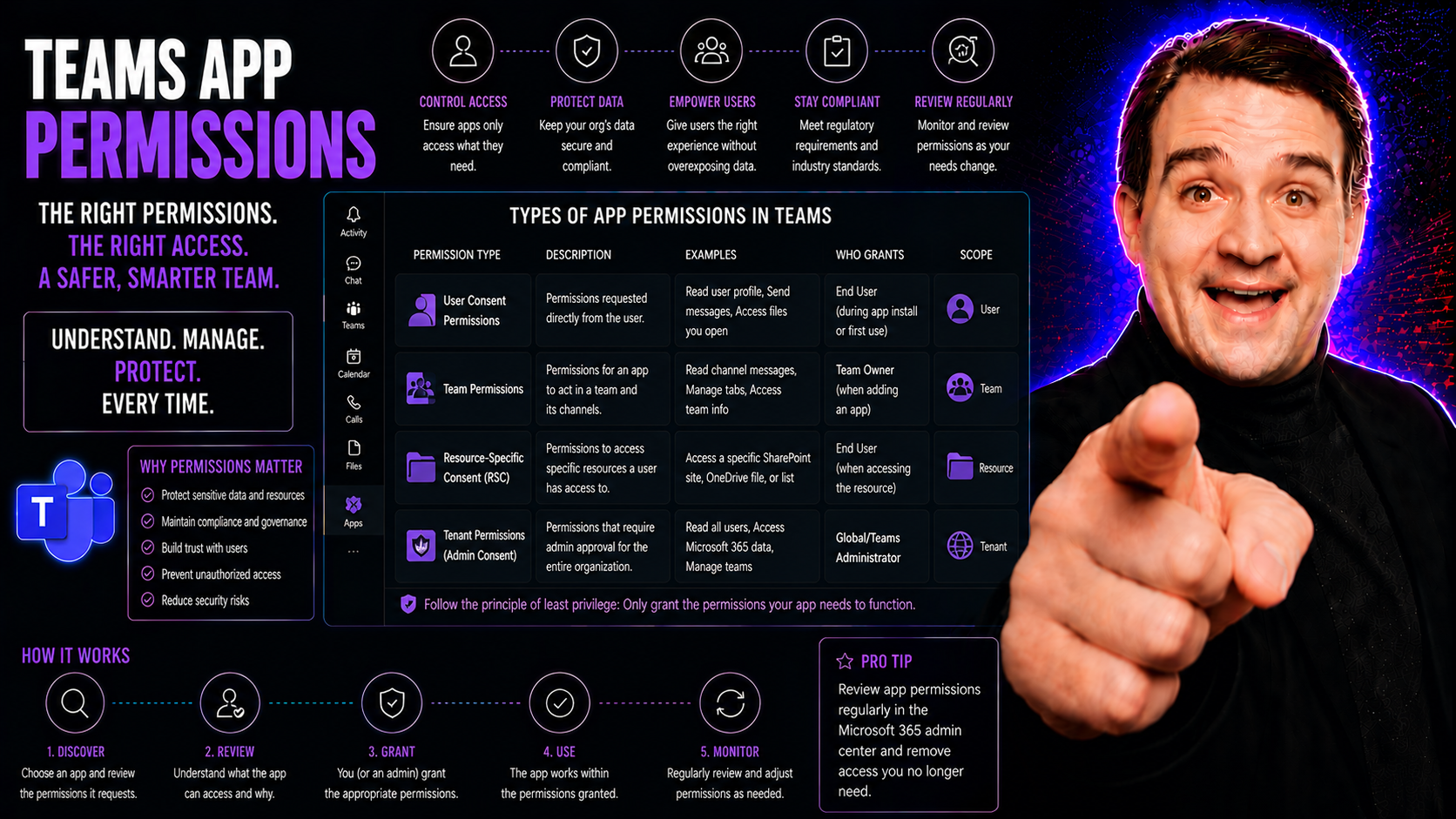
Understanding Teams App Permissions

Teams app permissions control what apps inside Microsoft Teams can do and what data they can access. Think about them like the locks and keys for every door in your Teams environment. If the right keys get into the wrong hands, your data—and your or…

View more
May 18, 2026

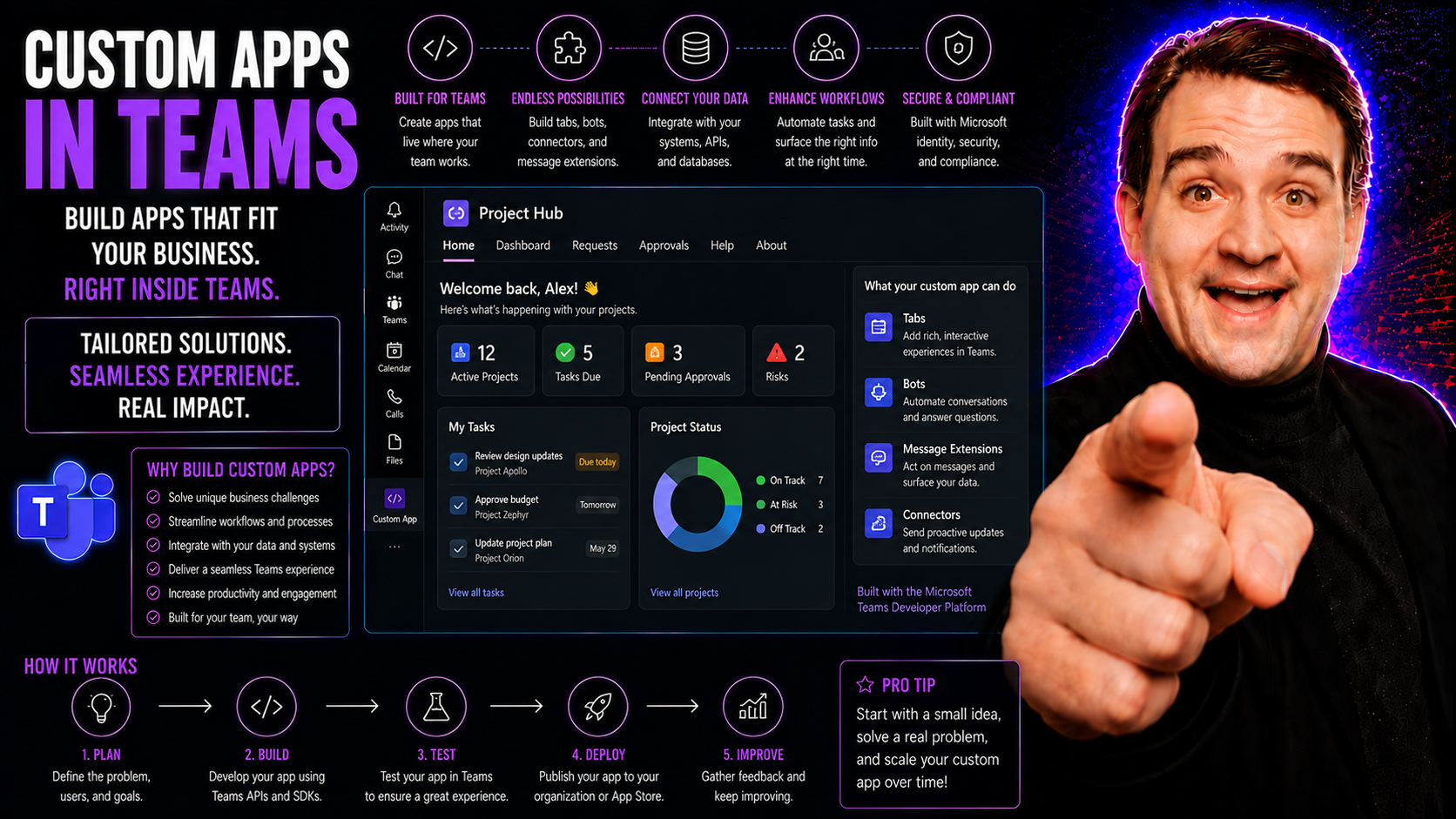
Custom Apps in Teams: The Complete Guide

Microsoft Teams has easily outgrown its reputation as just another chat or meeting tool. Sure, it starts strong with calls and messaging, but its real power comes alive when you bring in custom apps. These apps let organizations tailor Teams into a …

View more
May 18, 2026

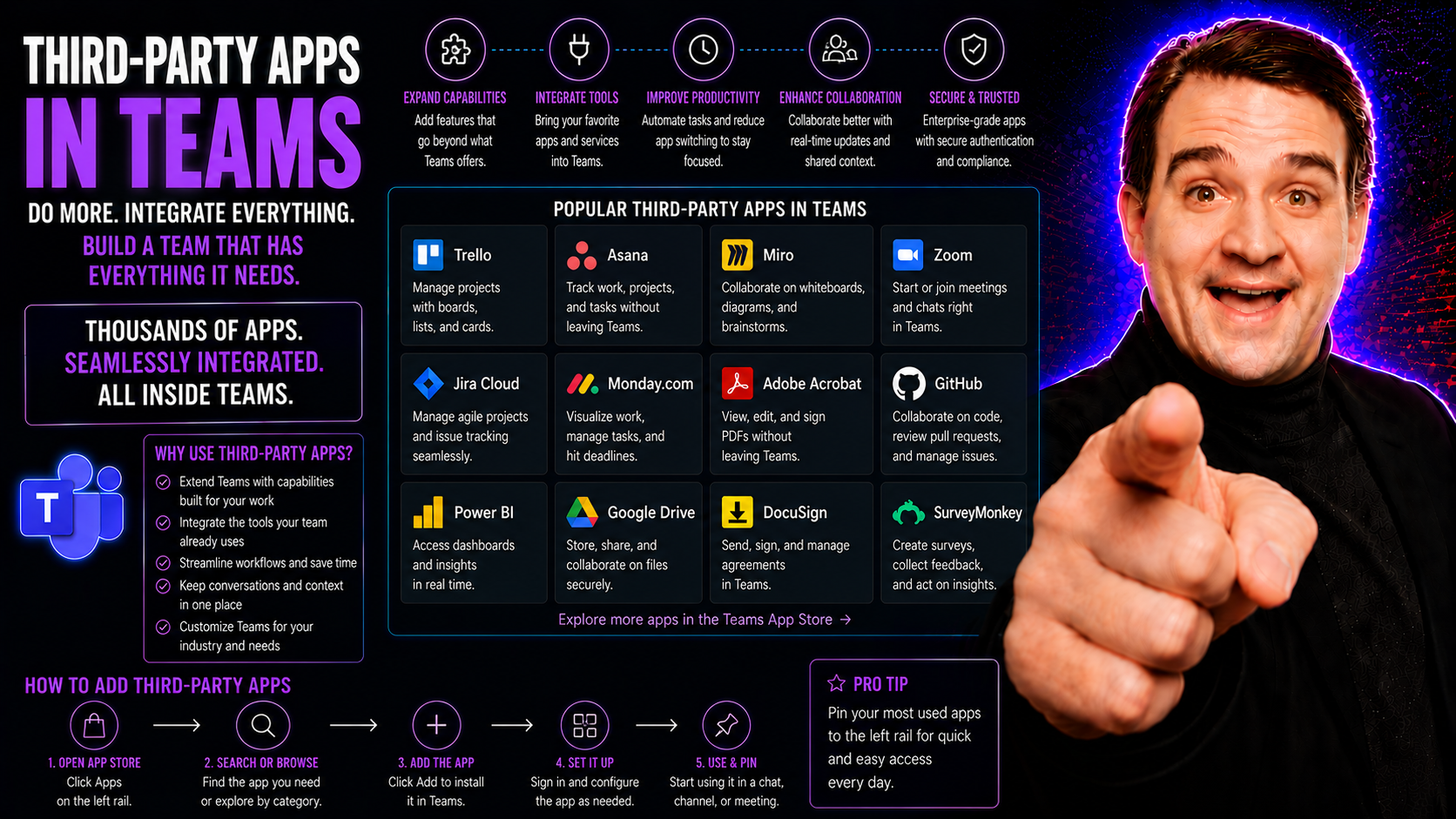
Understanding Third-Party Apps in Teams

Third-party apps in Microsoft Teams are like extra hands and brains for your workspace, designed to fill in the gaps and make your day smoother. They aren’t made by Microsoft, but they fit right into Teams, plugging in new tools and features with ju…

View more
May 18, 2026

Getting Started With Power BI in Teams

Bringing Power BI into Microsoft Teams lets your organization analyze and discuss data where teamwork happens—right inside the Teams interface. This integration makes it much easier for teams to base decisions on up-to-the-minute analytics without b…

View more
May 18, 2026

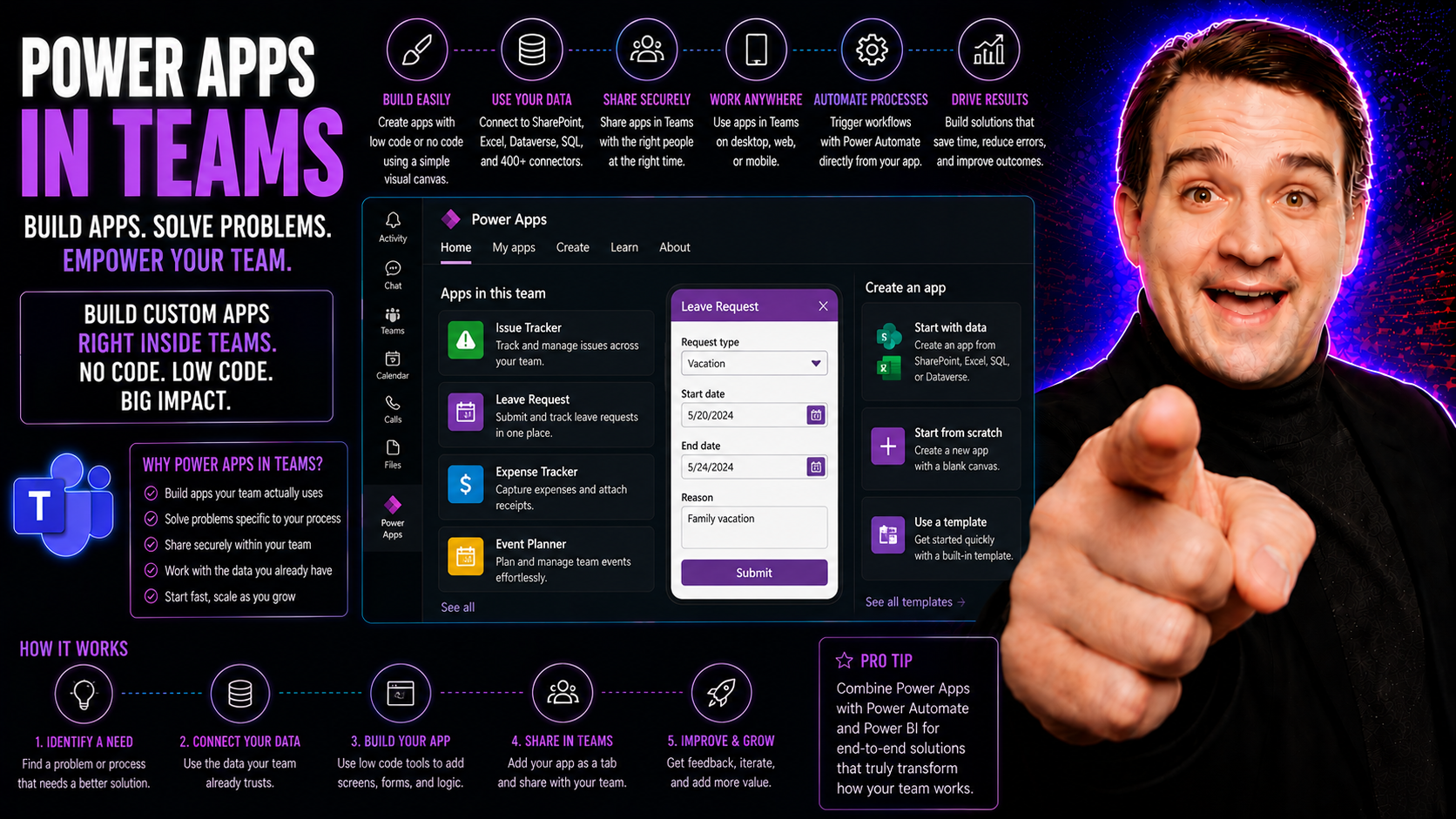
Power Apps in Teams: The Essential Guide

If you're working in Microsoft Teams and want productivity that actually sticks, bringing Power Apps into the mix can give your team a huge boost. This guide covers everything you need to know about using Power Apps within Microsoft Teams, from setu…

View more
May 18, 2026

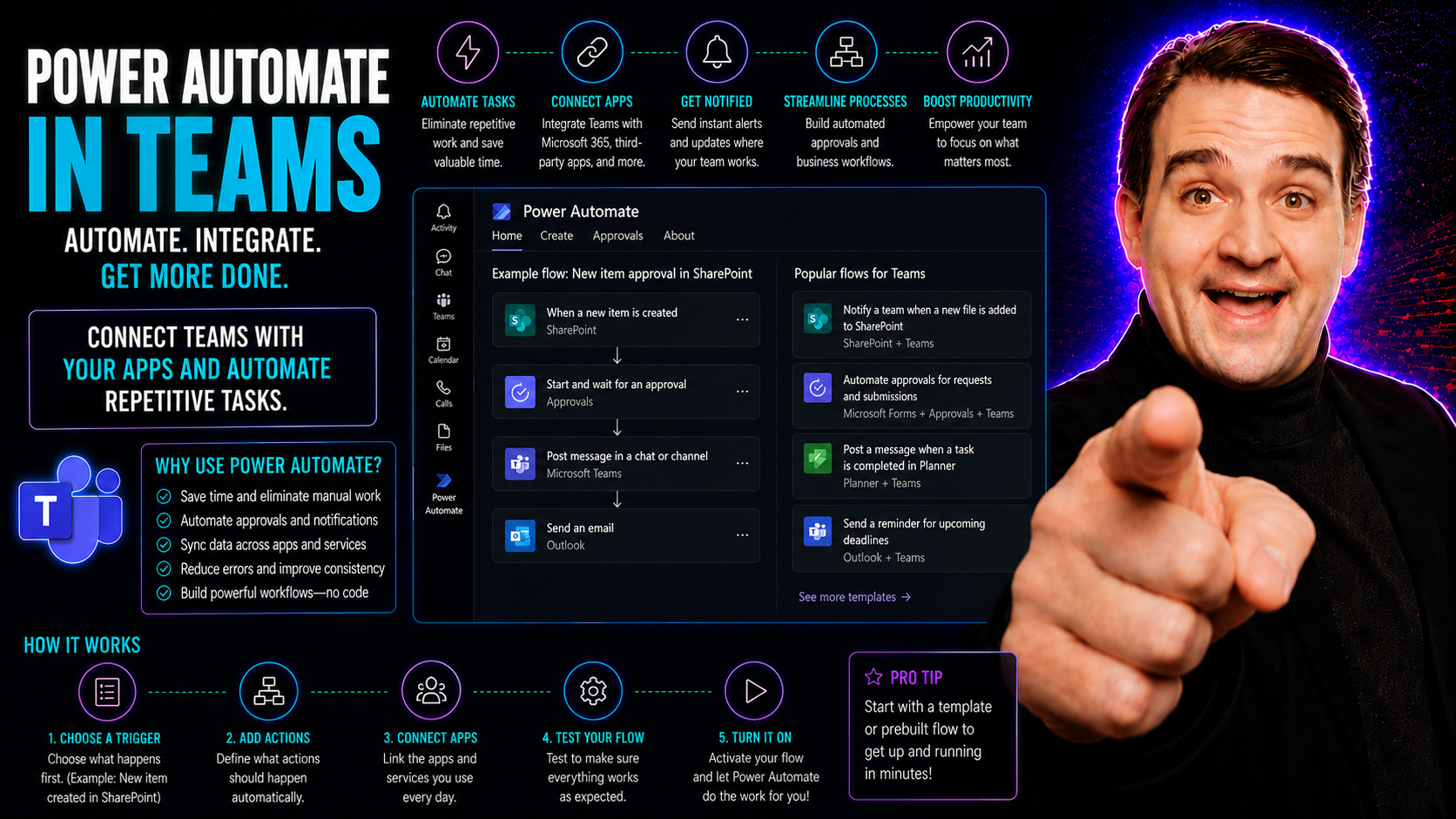
What Is Power Automate in Microsoft Teams?

Quick Answer: Power Automate in Microsoft Teams lets teams create and run workflows for notifications, approvals, data collection, and repeatable tasks. Begin with a simple, owned process, document the trigger, data, permissions, exceptions, and app…

View more
May 18, 2026

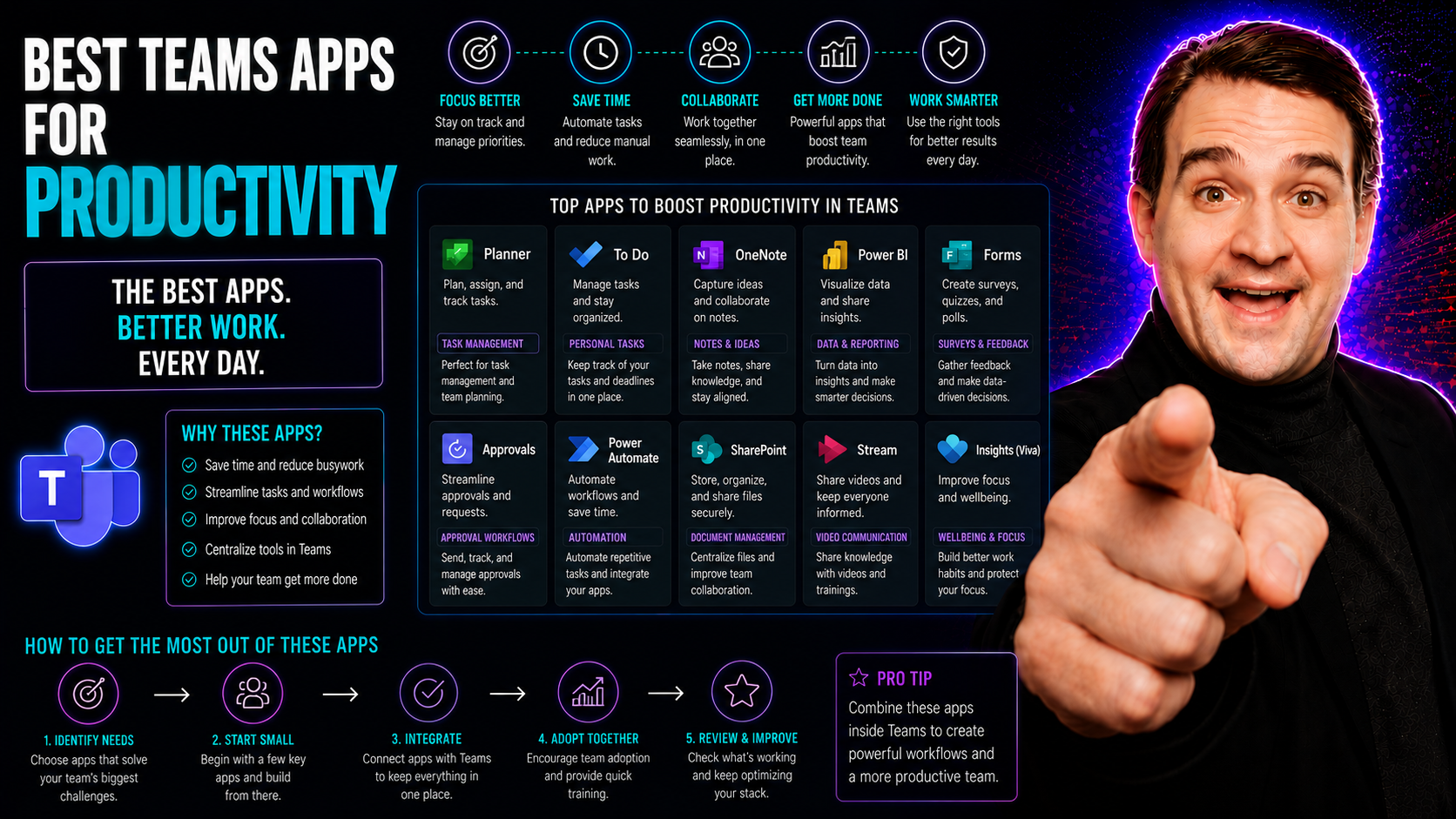
Best Microsoft Teams Apps for Productivity

Let’s cut right to it: Microsoft Teams isn’t just about basic meetings and chat anymore. With remote and hybrid work a fact of life, decision-makers are looking for every edge to keep teams productive—and connected. If you’re trying to turn Teams in…

View more
May 18, 2026

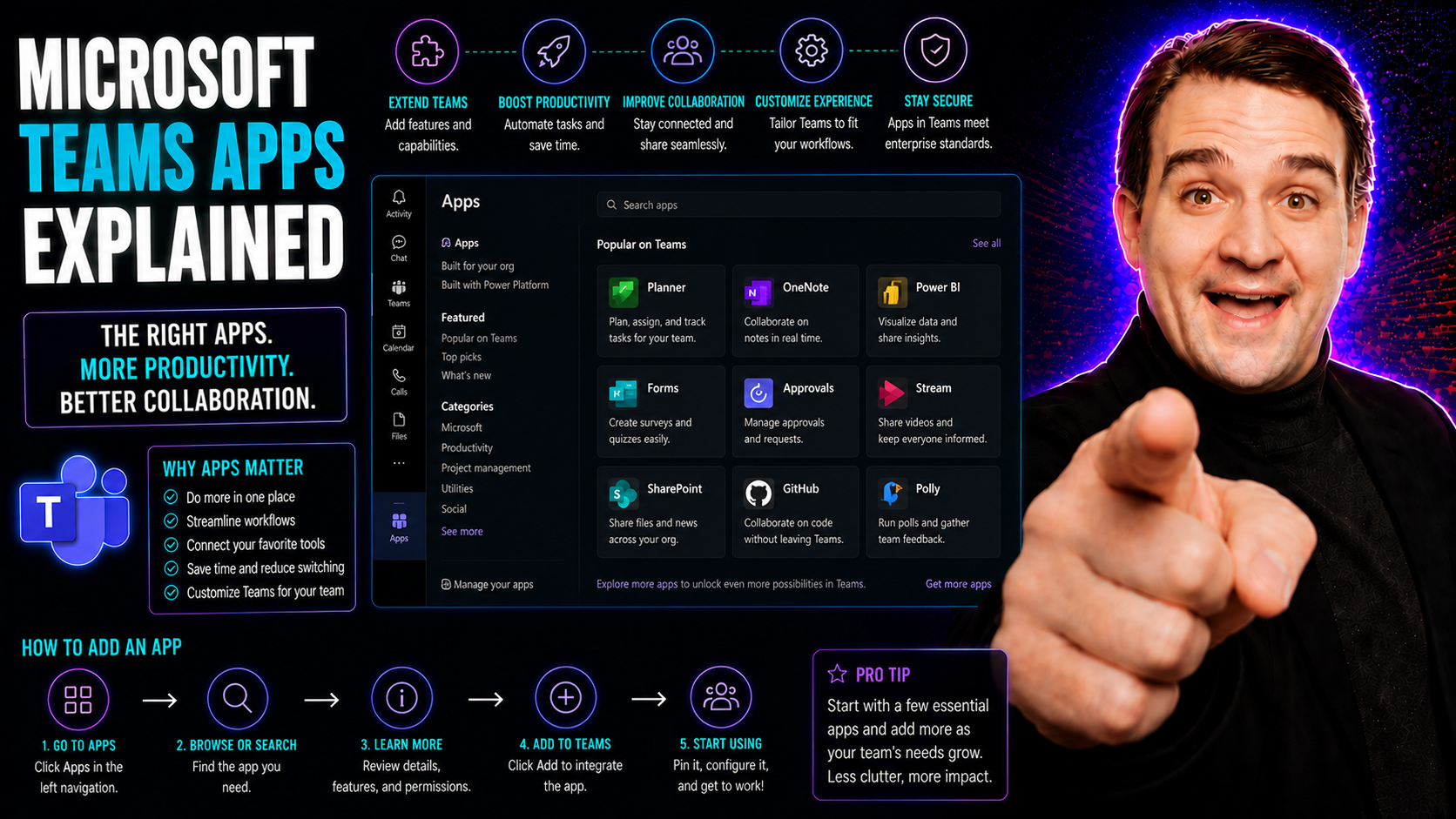
Microsoft Teams Apps Explained: Integrations and Governance

Microsoft Teams has grown into far more than a simple chat or meeting tool—it’s the collaboration nerve center for countless organizations. At the heart of this transformation are Microsoft Teams apps, which let you bring powerful business logic, es…

View more
May 18, 2026

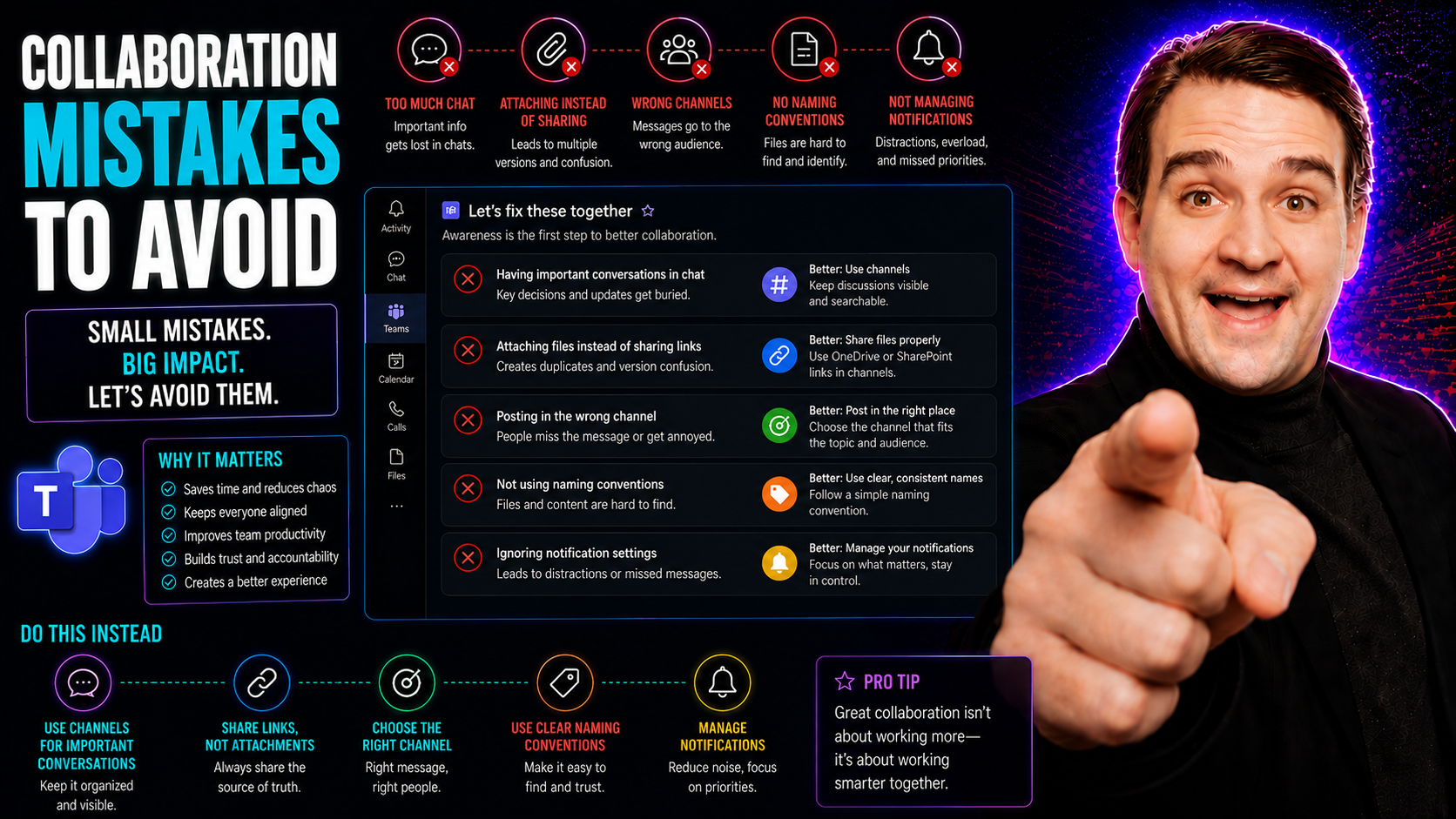
Microsoft Teams Collaboration Mistakes: What to Avoid

When you’re looking to get the most out of Microsoft Teams, you’ve got to know what not to do just as much as what to do. Collaboration mistakes—like unclear roles, endless meetings, or spreading work across a tangle of disconnected tools—can quietl…

View more
May 18, 2026

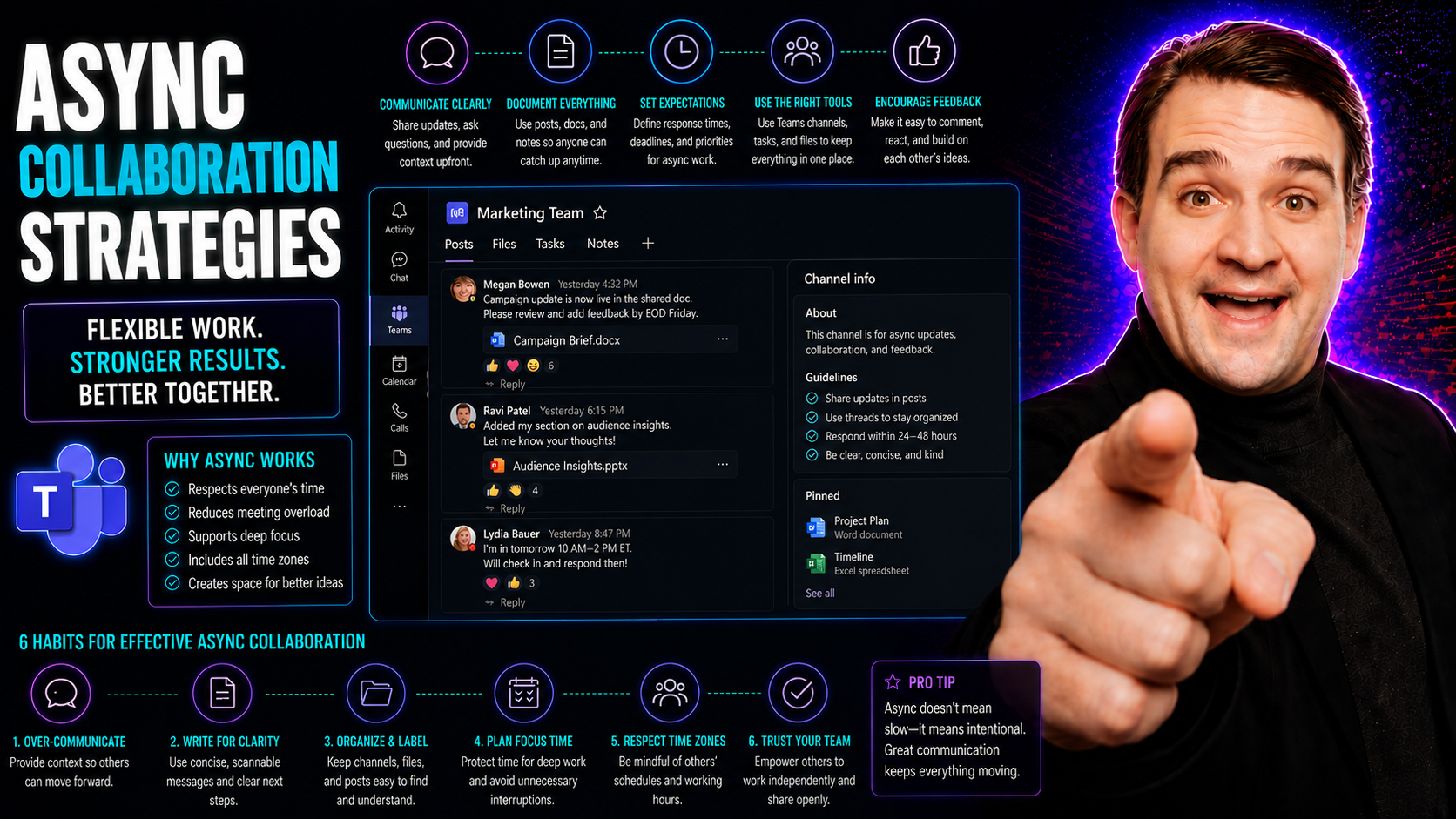
Async Collaboration in Microsoft Teams: Strategies and Best Practices

You know how it is—remote and hybrid work are here to stay, and the old way of hustling from meeting to meeting just can’t keep up. This guide lays out exactly why asynchronous collaboration strategies matter right now, and how they make work smooth…

View more
May 18, 2026

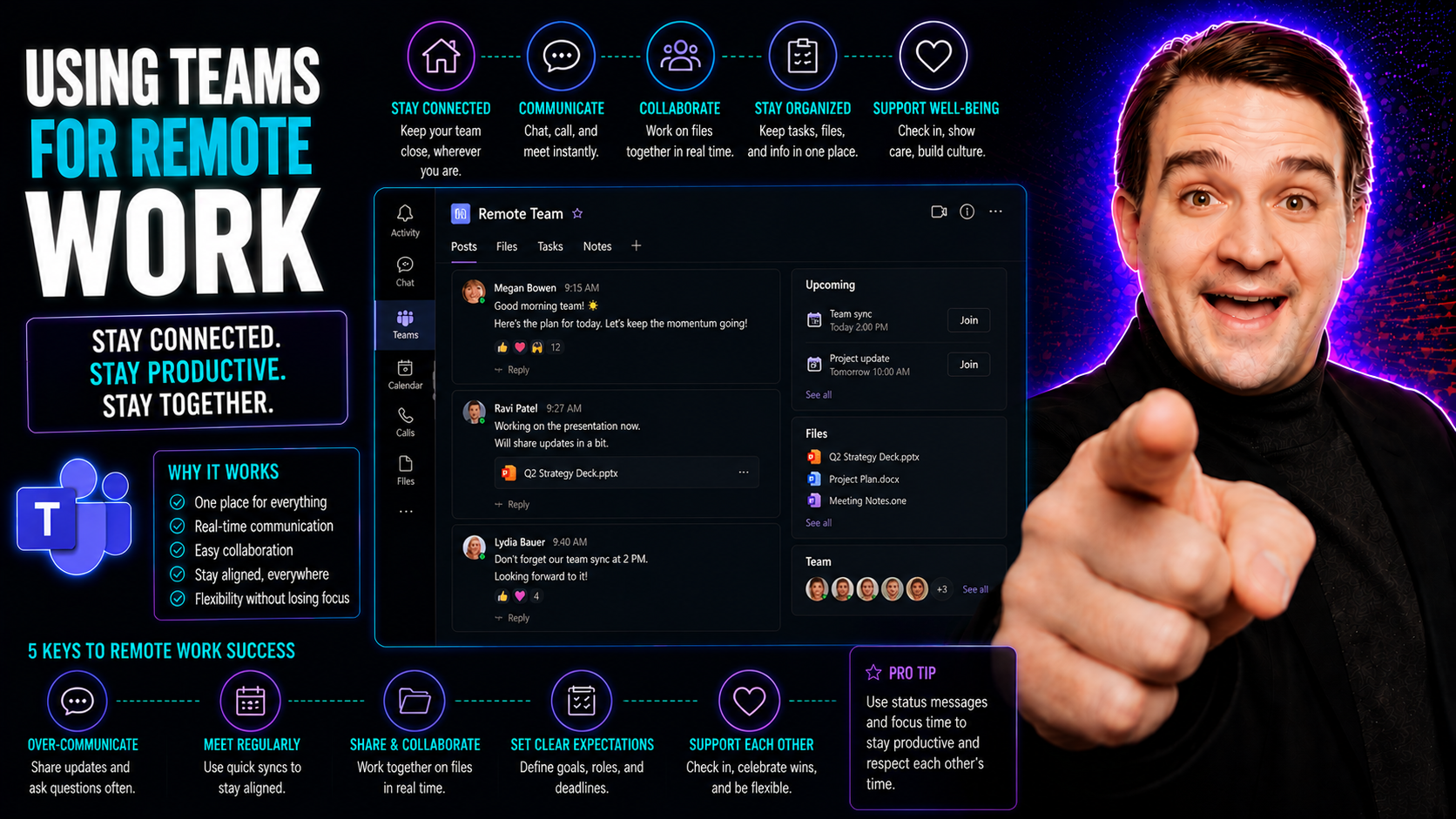
Using Microsoft Teams for Remote Work: Practical Guide

Remote work has become more than just a trend—it's how modern businesses keep rolling, even when folks aren’t sitting in the same building. That’s where Microsoft Teams comes into play. Teams is a powerful digital platform, built to help people work…

View more
May 18, 2026

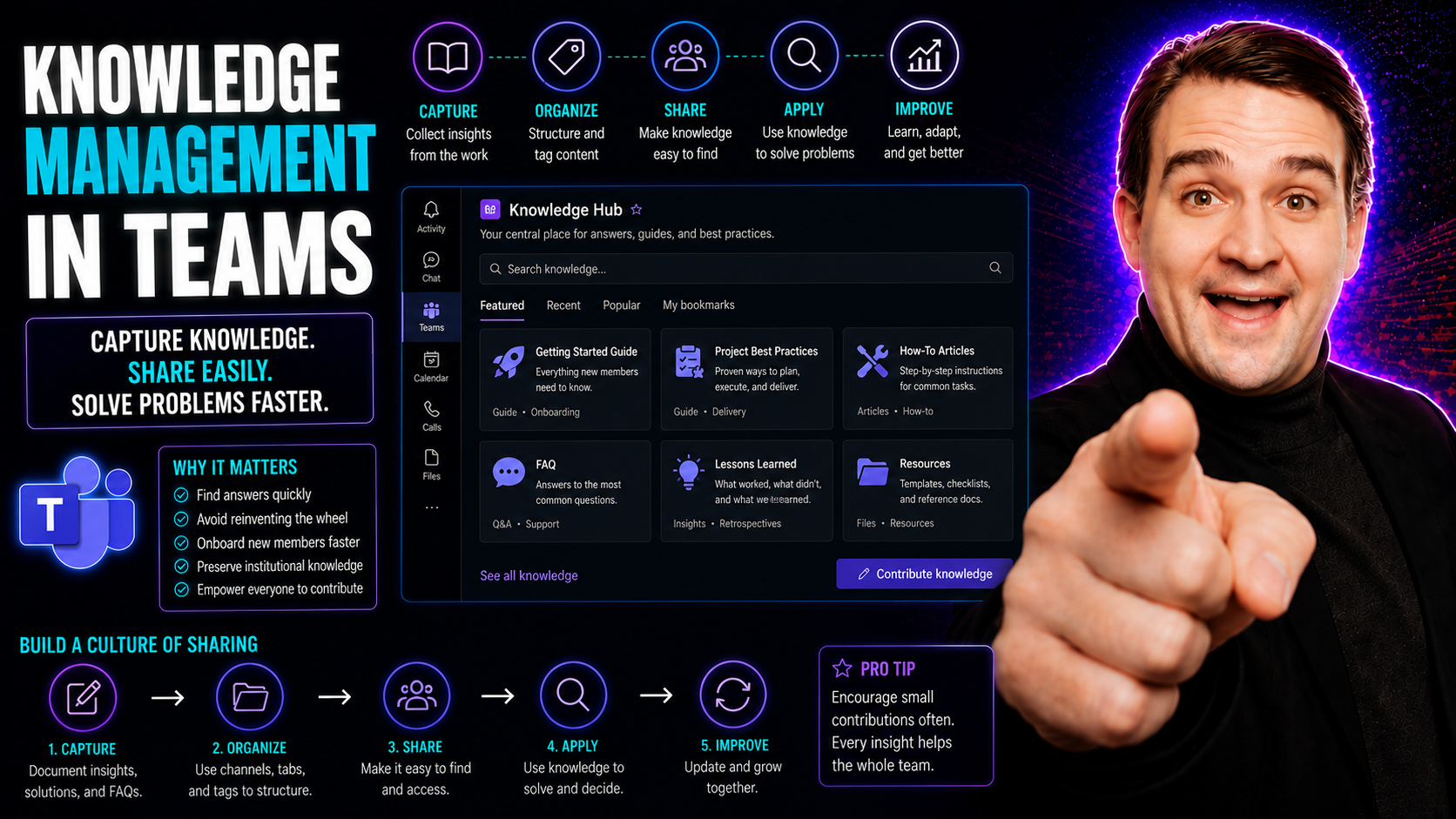
Knowledge Management in Teams: Best Practices and Integration

Knowledge management in teams is all about making sure what everyone knows, the “know-how” of a group, isn’t lost or stuck in people’s heads. The topic covers how to capture, organize, and share knowledge so day-to-day collaboration works better—and…

View more
May 18, 2026

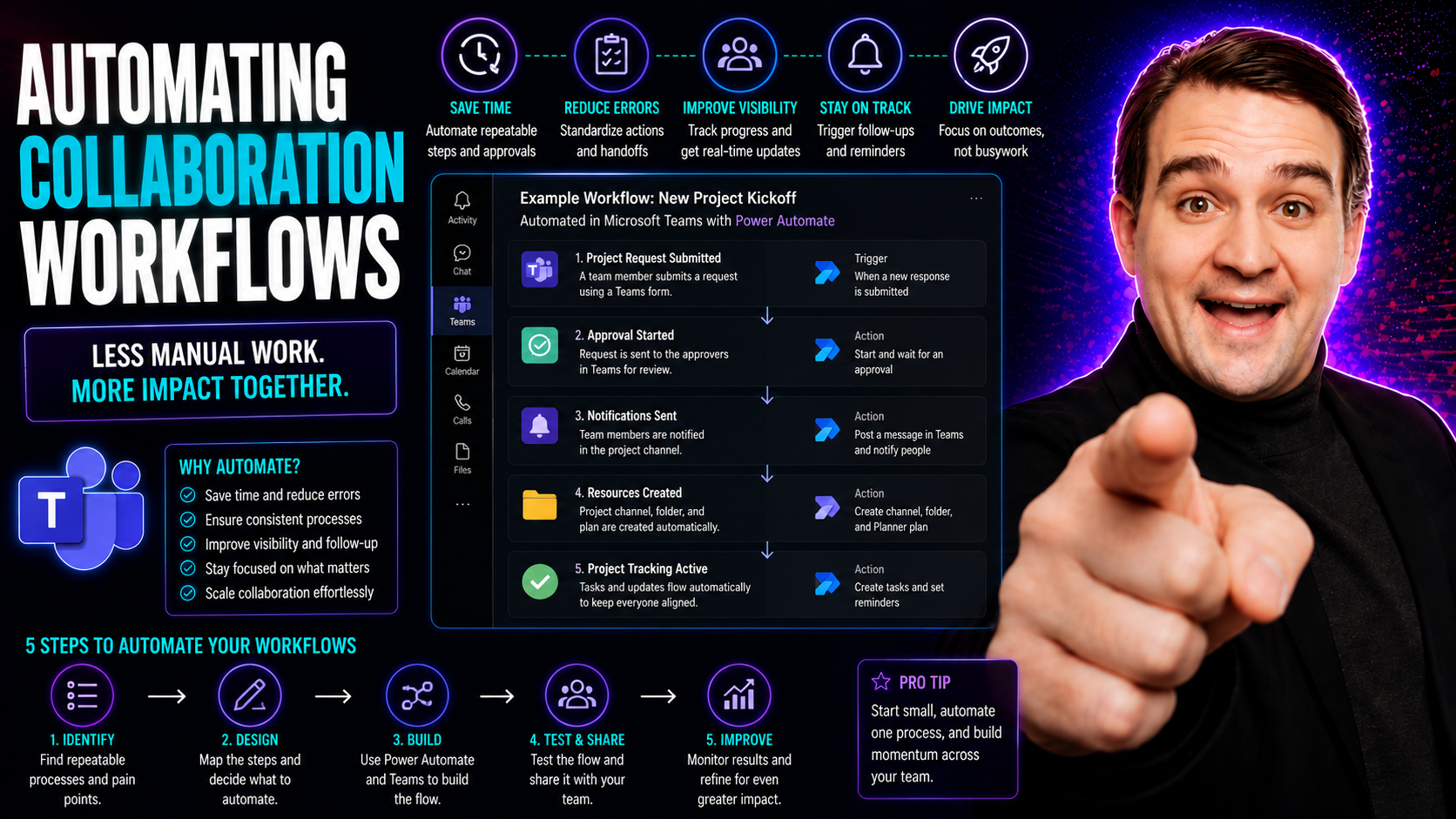
Microsoft Teams Workflow Automation: Productivity and Governance

This guide digs into the what, why, and how of automating collaboration workflows—especially for teams working with Microsoft Teams. Here’s where you find the practical steps, tools, and governance essentials that help organizations work smarter, cu…

View more
May 18, 2026

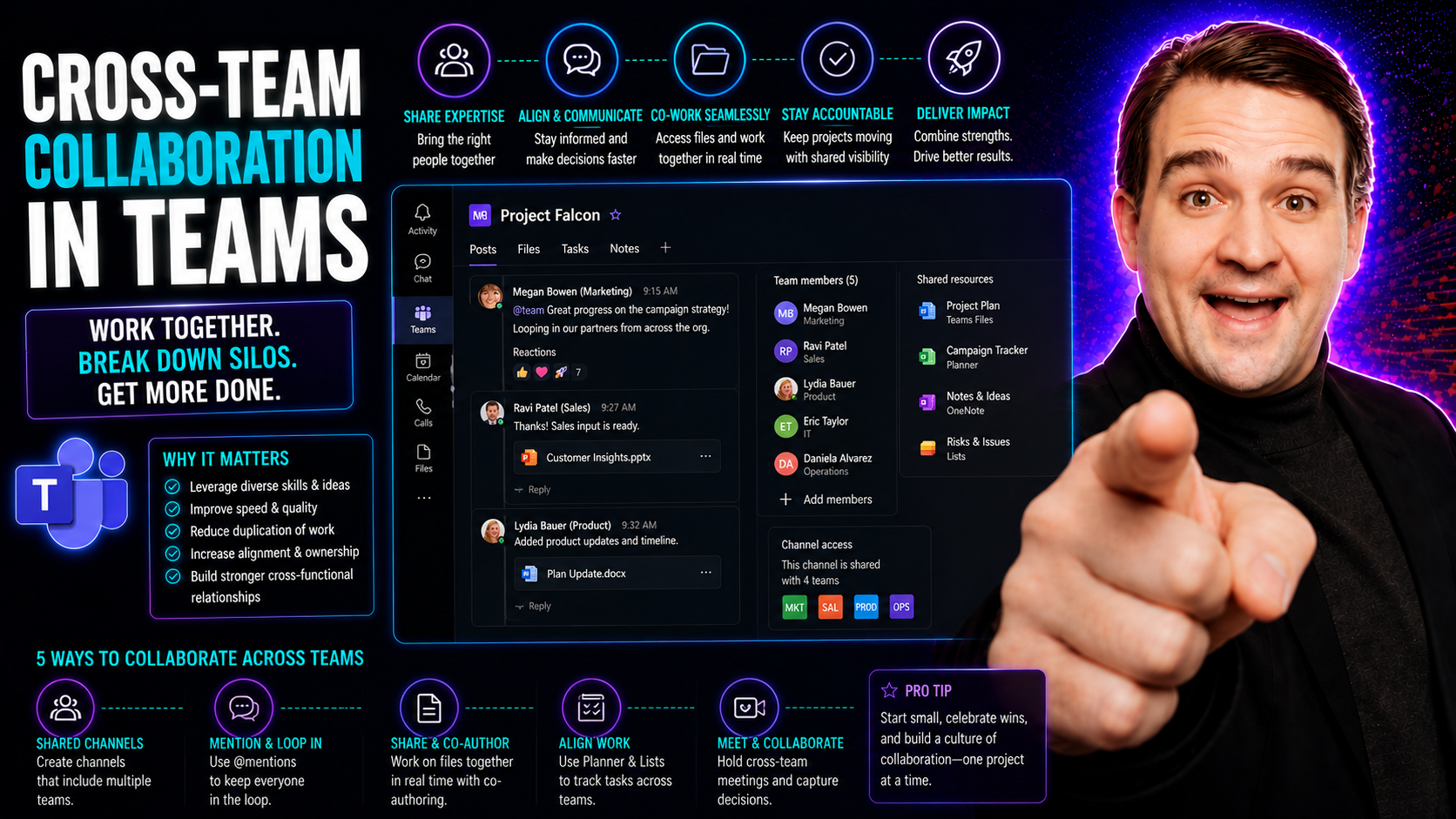
Cross-Team Collaboration: Strategies for Modern Organizations

Cross-team collaboration is a game-changer for organizations looking to work smarter, not just harder. It’s all about teams from different corners of your company teaming up—think sales, IT, finance—finding new ways to solve problems, share informat…

View more
May 18, 2026

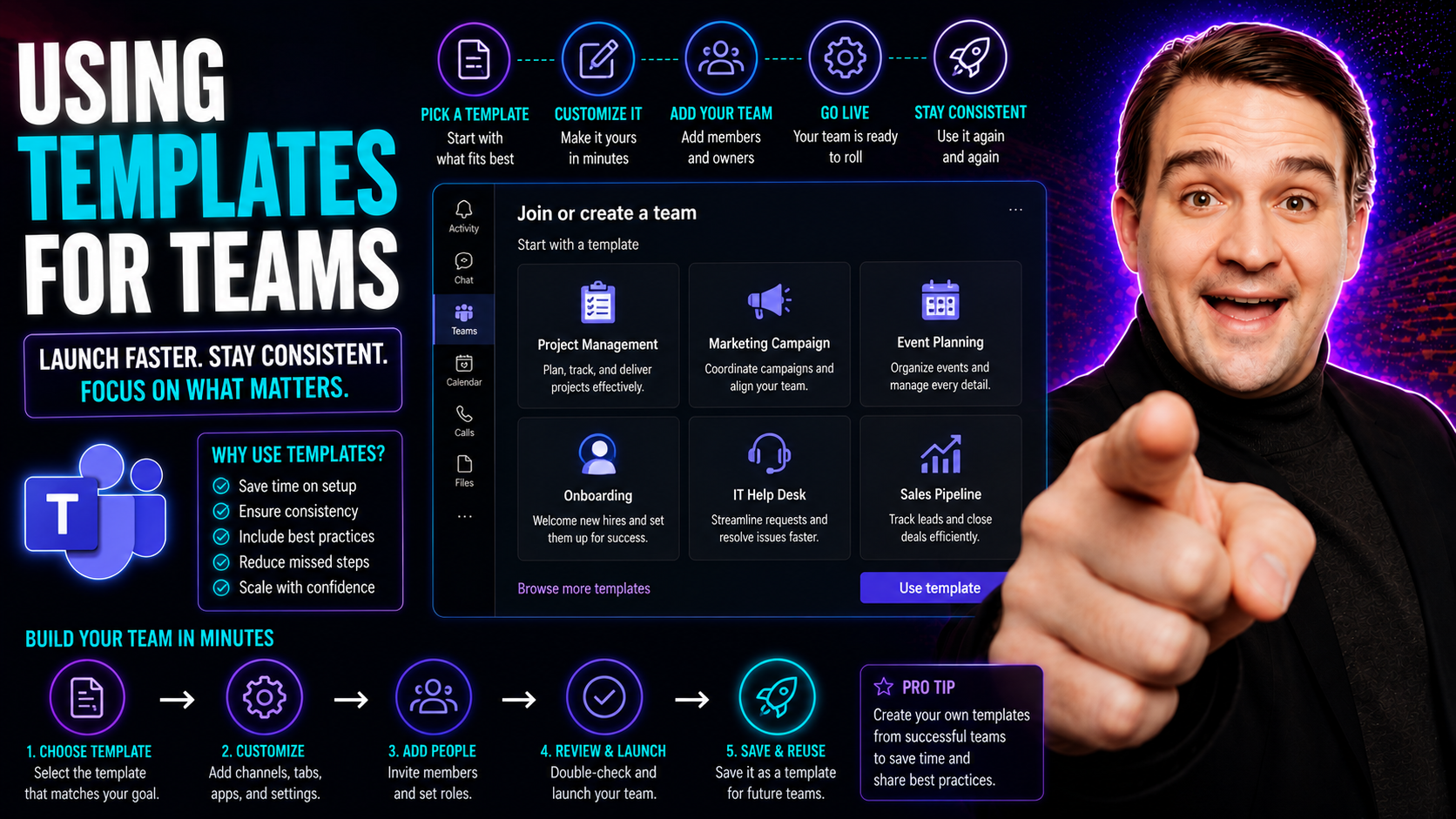
Microsoft Teams Templates: Setup and Governance Guide

If you’ve ever fumbled through setting up a new team in Microsoft Teams—copying channels, juggling permissions, or stressing over missing tabs—templates are your ticket to smooth, repeatable success. This guide will walk you through everything you n…

View more
May 18, 2026

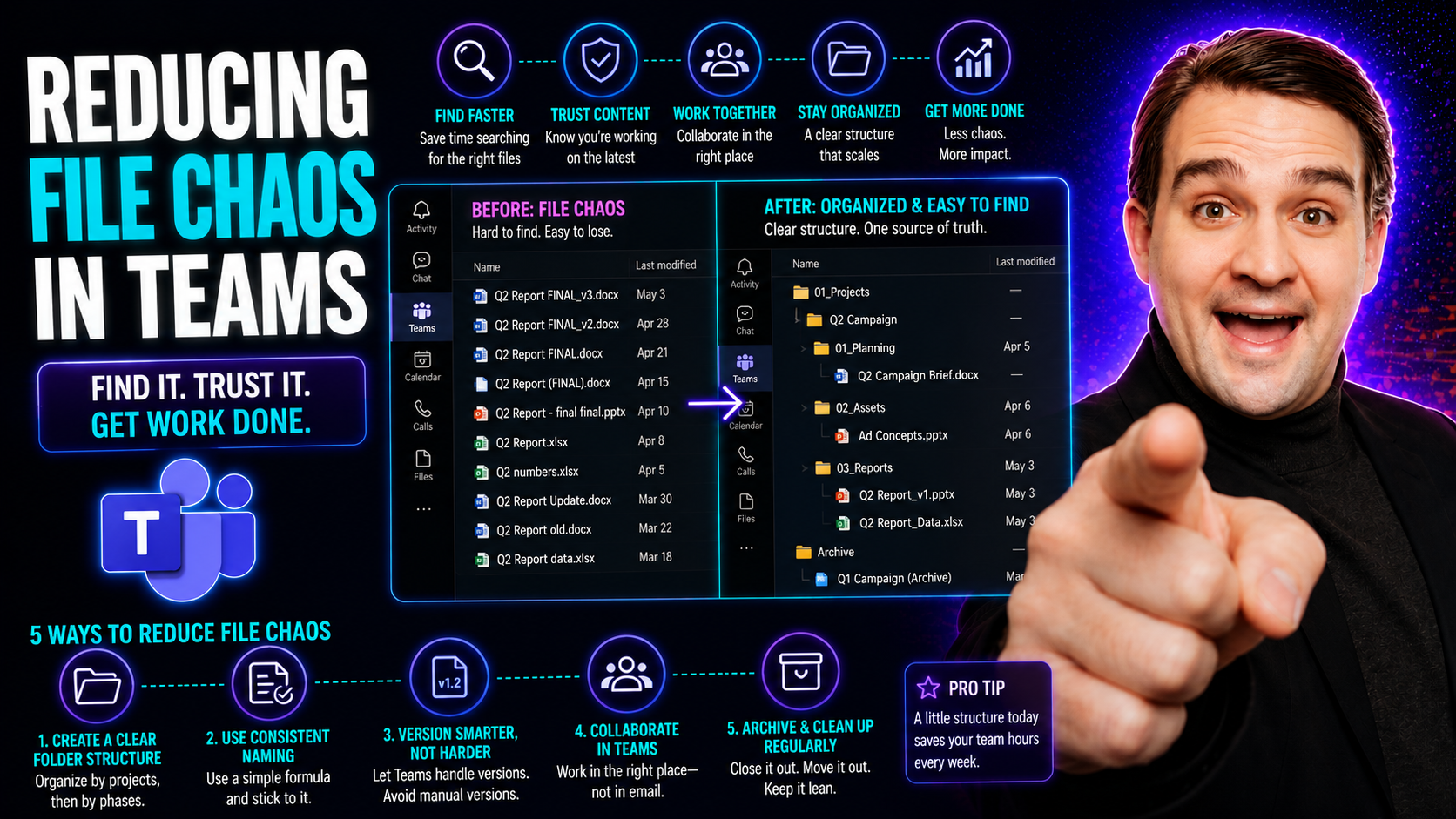
Microsoft Teams File Organization: Reduce File Chaos

If your Microsoft Teams files feel like a junk drawer—scattered, unnamed, and impossible to find—you’re not alone. File chaos in Teams shows up as missing documents, duplicated files, and team members leaving chats just to hunt for the “right” versi…

View more
May 18, 2026

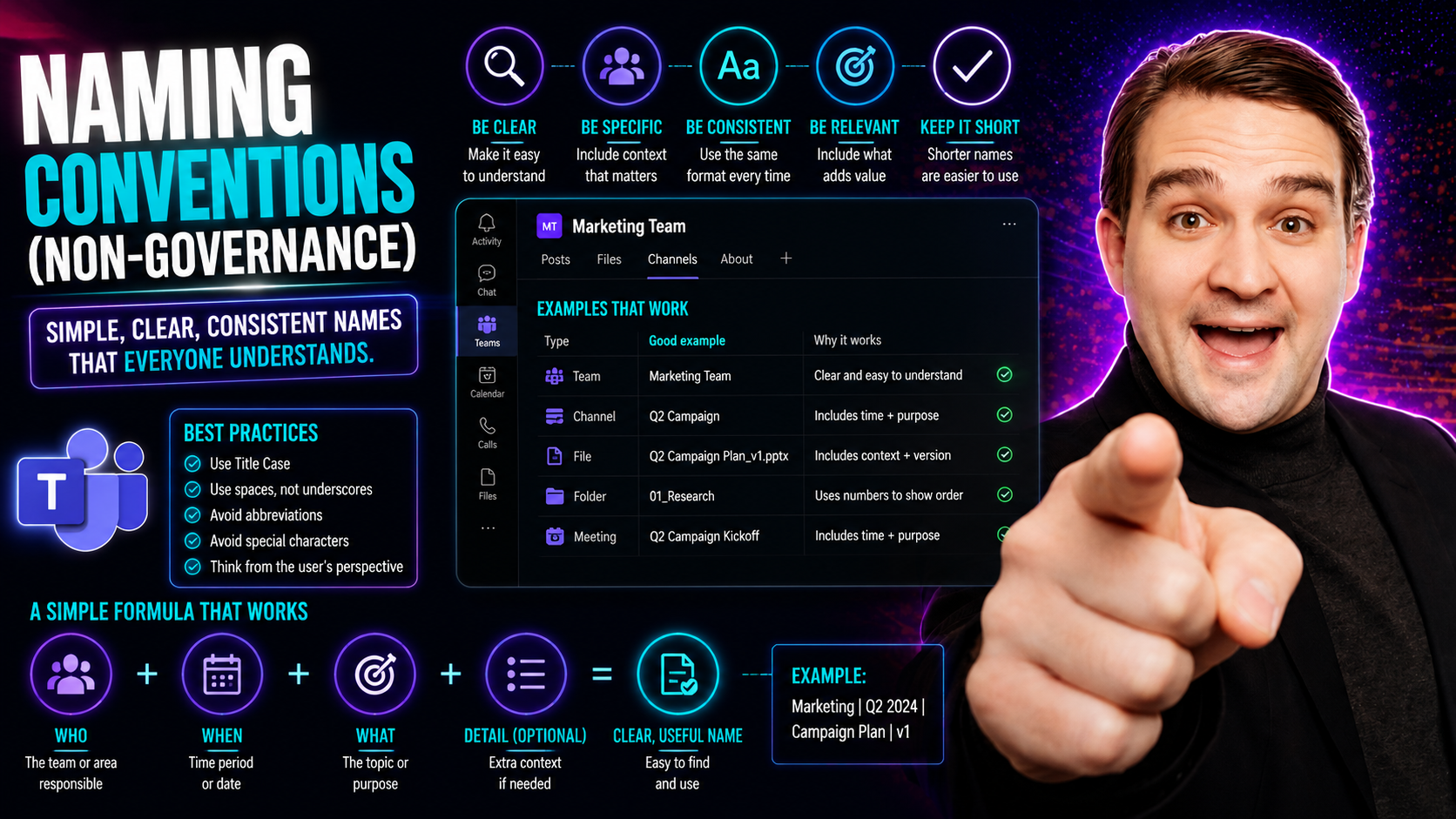
Microsoft Teams Naming Conventions: Practical Guide

Let’s set the record straight: naming conventions aren’t just nitpicking over file names. They’re the secret sauce that keeps teams, projects, and digital files from turning into complete chaos—especially in shared spaces like Microsoft Teams. A nam…

View more
May 18, 2026

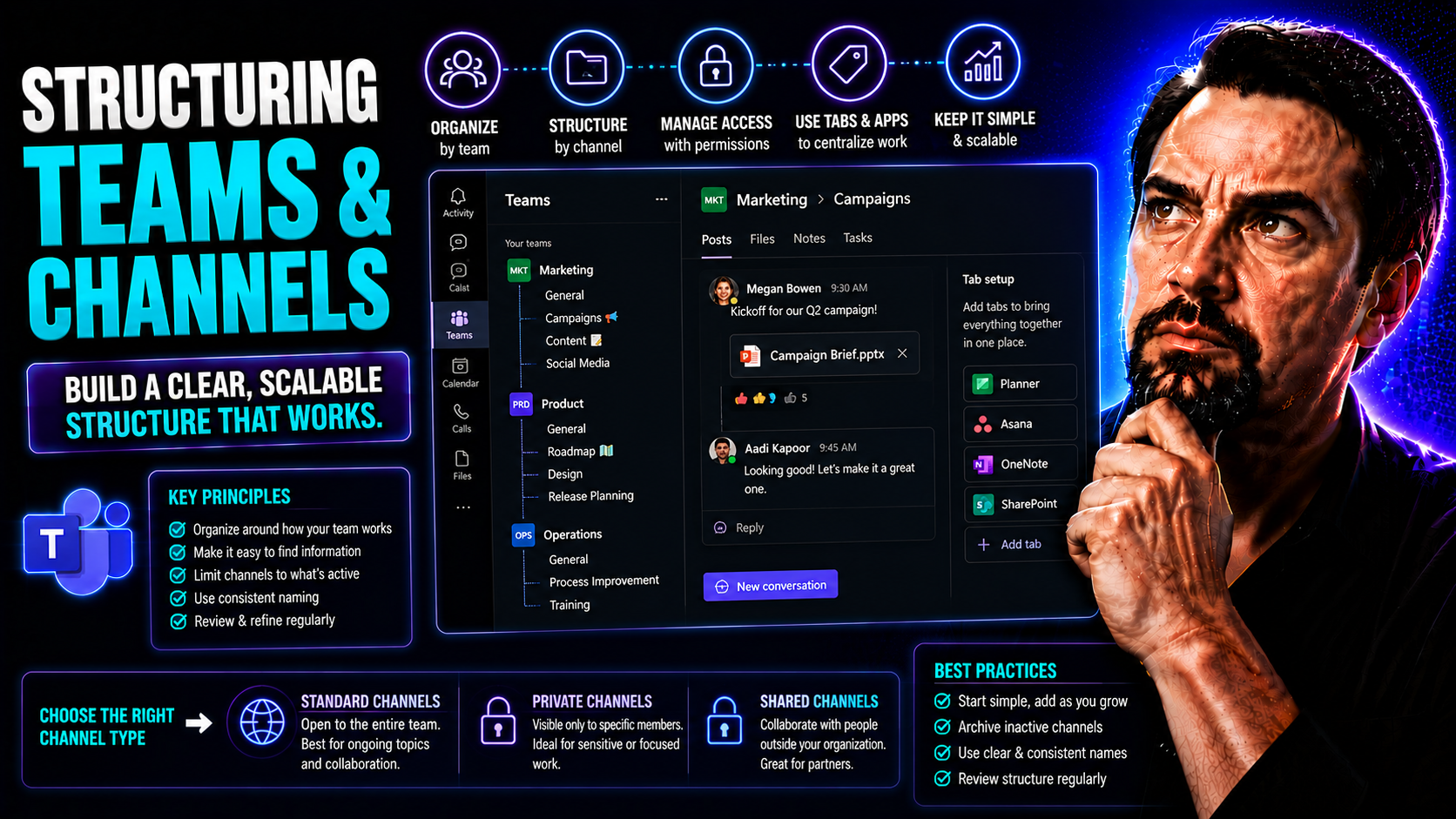
Microsoft Teams Channel Structure: Organization and Governance

This article is your go-to guide for getting the most out of Microsoft Teams by organizing your workspaces and conversations with clarity. Whether you’re building your Teams setup from scratch or fixing a messy environment, you’ll find practical str…

View more
May 18, 2026

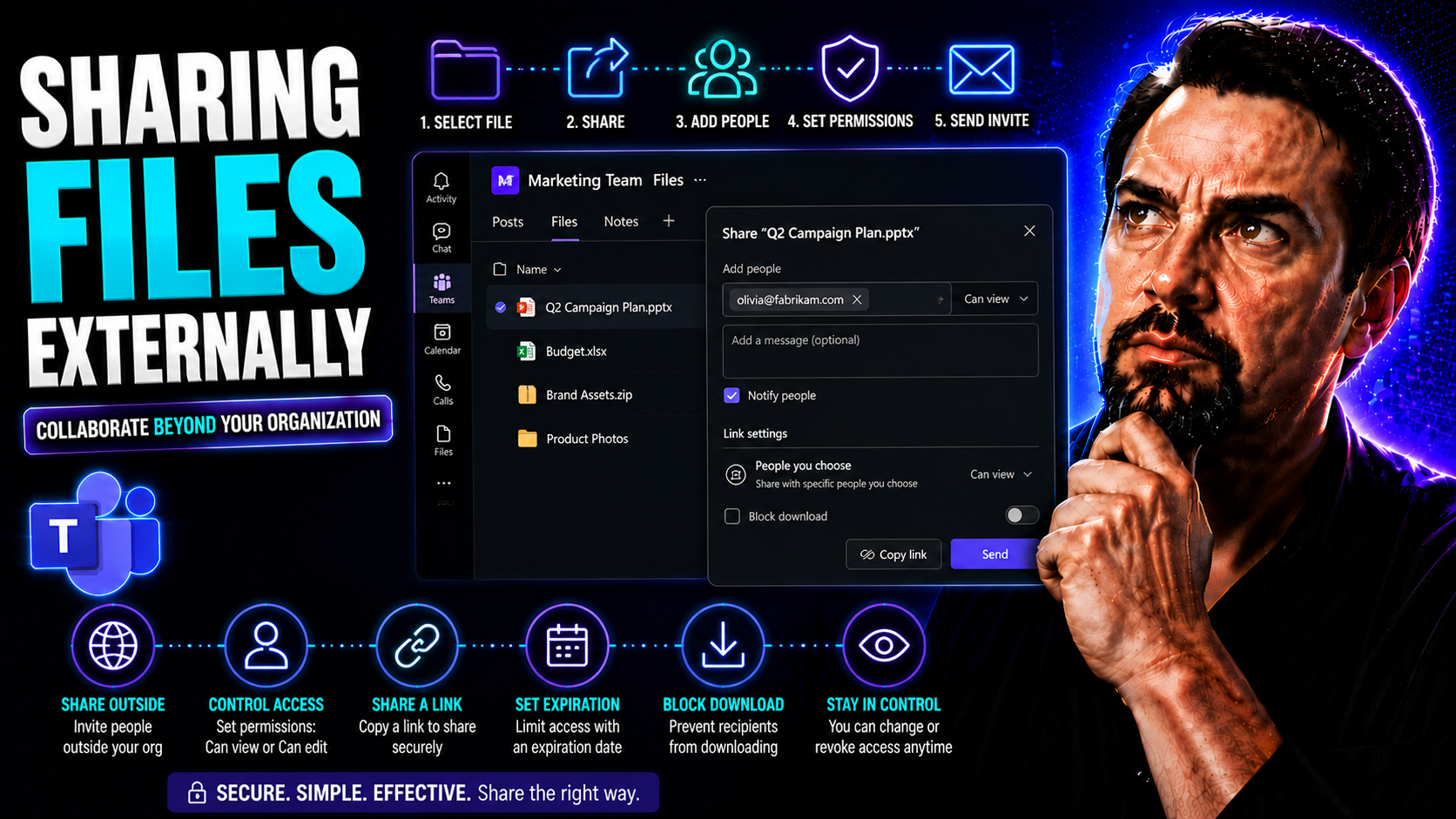
External File Sharing in Teams and SharePoint: Security Guide

Sharing files with folks outside your organization is a key part of working with partners, clients, and vendors in today’s world. Microsoft Teams and SharePoint make this possible, but there’s a whole lot more going on under the hood than just gener…

View more
May 18, 2026

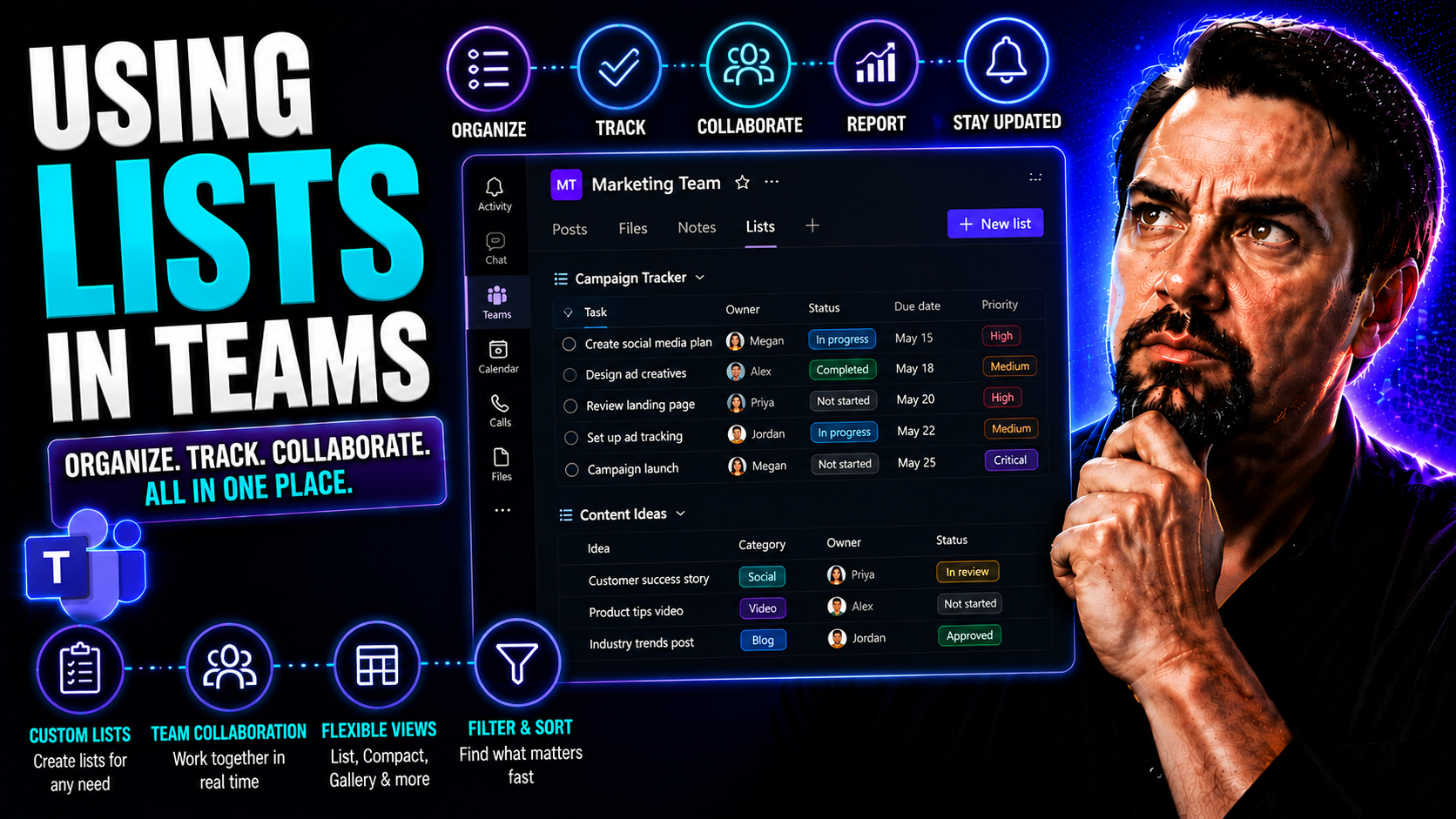
Microsoft Lists in Teams: Complete Collaboration Guide

Ready to bring some order to the chaos of teamwork? This guide gives you the inside scoop on using Microsoft Lists within Teams to run smoother projects, keep track of tasks, and make collaboration less of a headache. Whether you’re new to Teams or …

View more
May 18, 2026

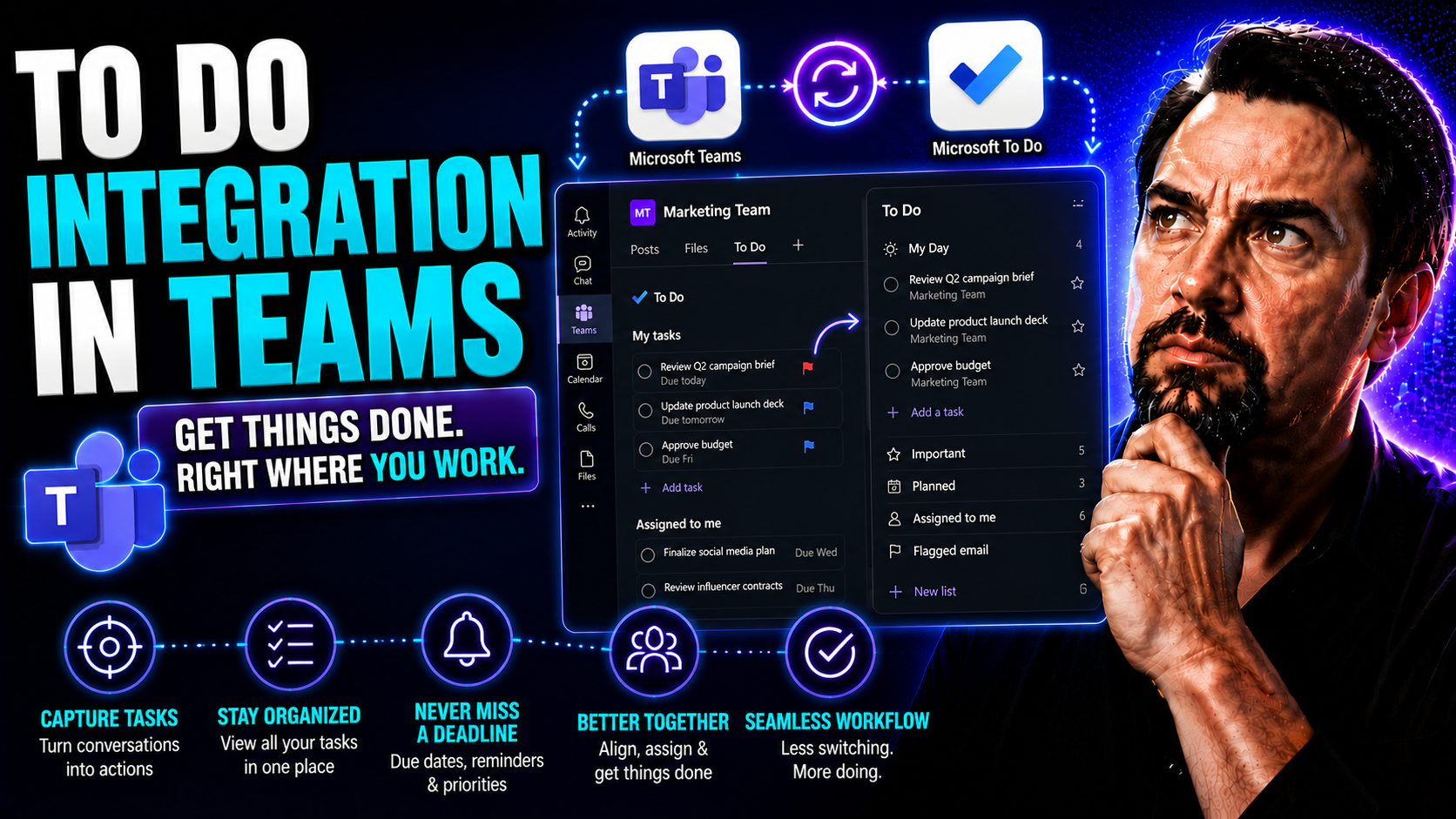
Microsoft To Do Integration: Automation and Best Practices

Welcome to your all-in-one resource for Microsoft To Do integration and automation. This guide tackles everything you need to link Microsoft To Do with other apps—whether that's Microsoft Teams, Outlook, or a third-party tool. We'll walk you through…

View more
May 18, 2026

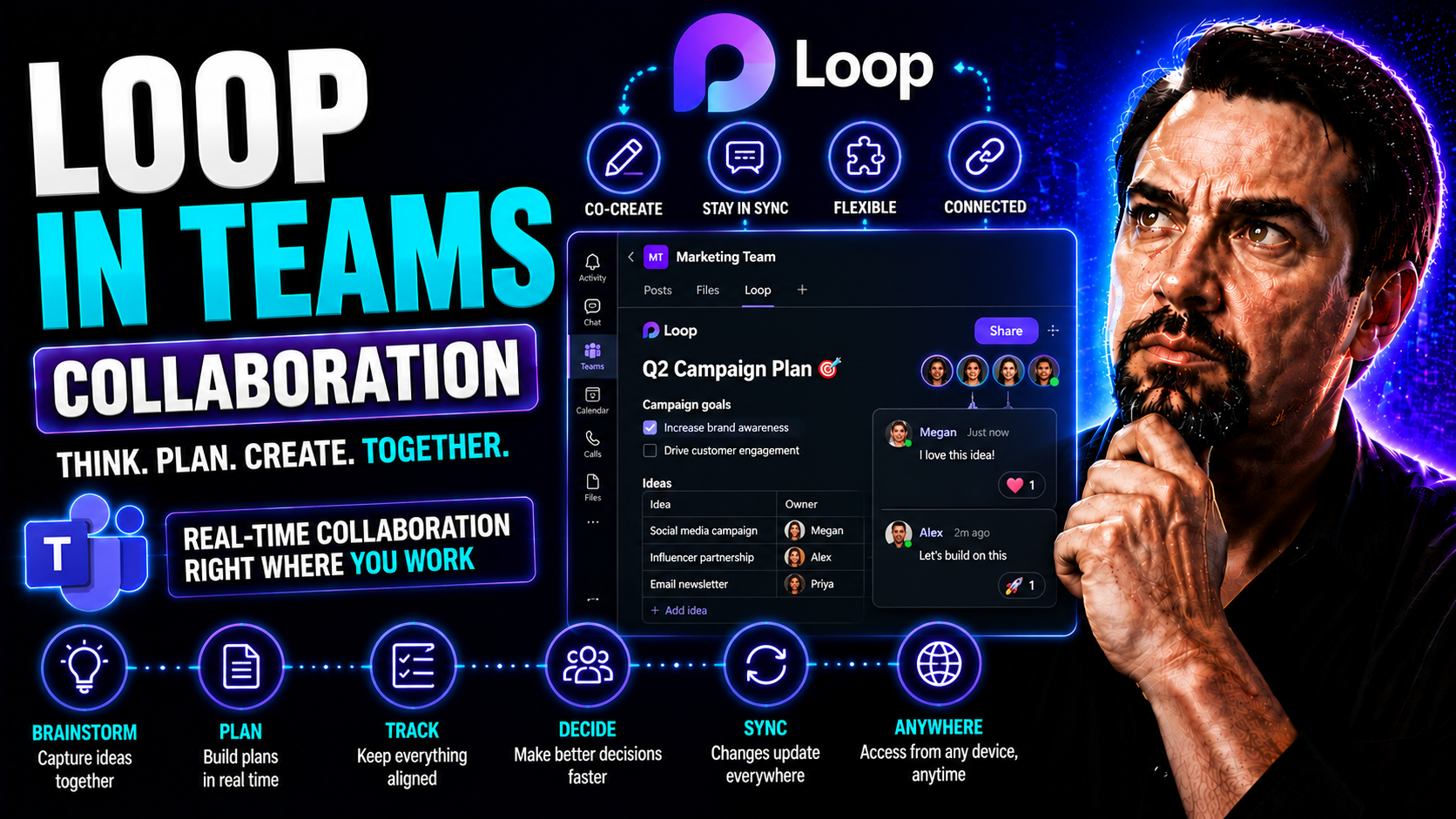
How to Use Loop in Teams Collaboration for Productive Workspaces

Microsoft Loop is shaking up the way you work in Microsoft Teams and the wider Microsoft 365 world. Instead of old-school files and static docs, Loop lets you and your team build out dynamic spaces where everyone can co-create, update, and manage ta…

View more
May 18, 2026

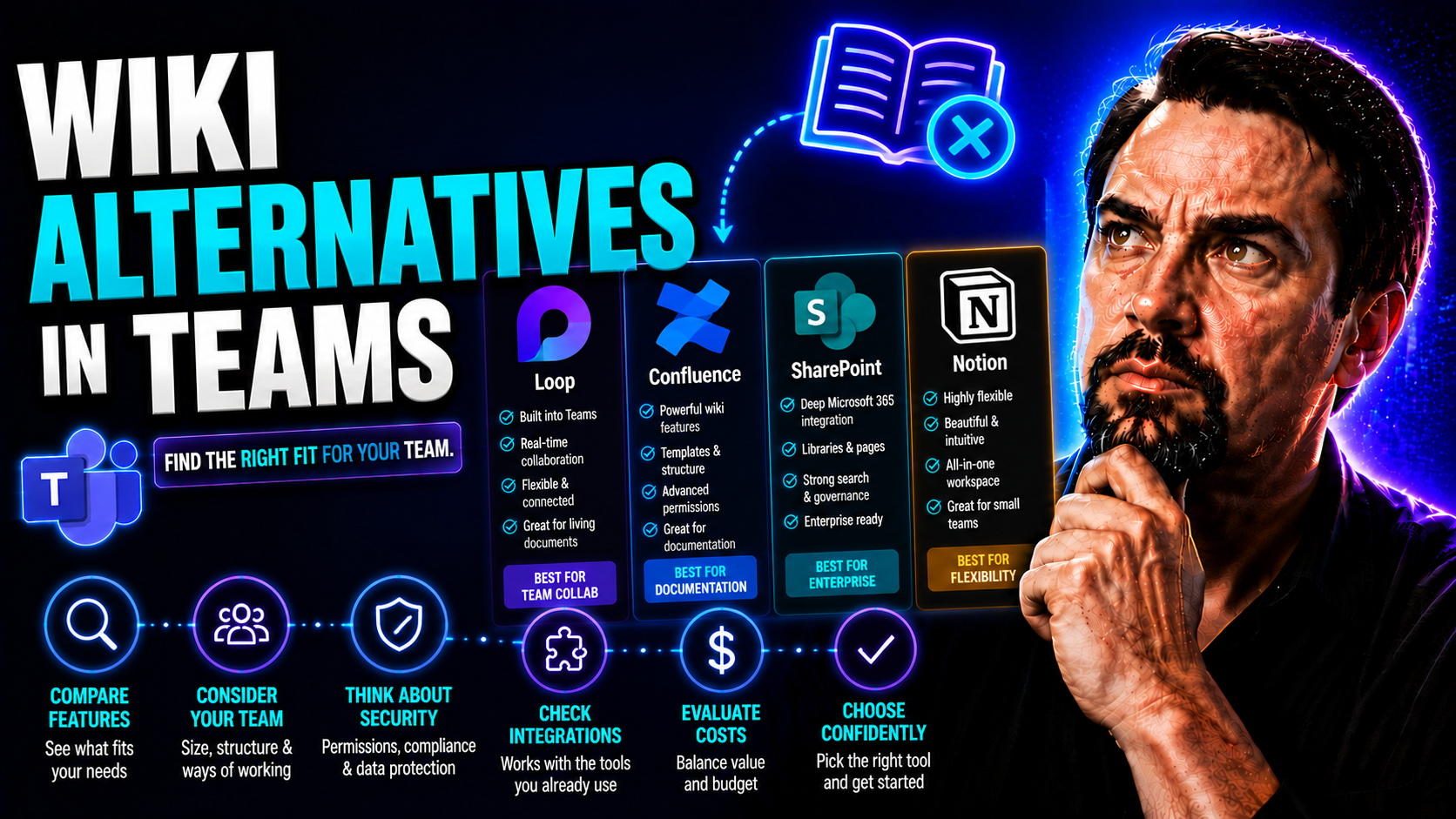
Wiki Alternatives in Teams: The Ultimate Guide for 2026 and Beyond

When Microsoft waved goodbye to the built-in Wiki feature in Teams, it left a lot of folks scratching their heads—or scrambling to copy-paste old notes before they disappeared for good. This move has pushed organizations to seek new, more future-pro…

View more