

Work smarter, not harder, with practical tips for Microsoft 365.
From Teams and Outlook to OneDrive and Office apps, we explore new features, time-saving shortcuts, collaboration tools, and productivity workflows that help you get more done every day.
Perfect for anyone who loves efficiency and wants to make M365 work for them.
From Teams and Outlook to OneDrive and Office apps, we explore new features, time-saving shortcuts, collaboration tools, and productivity workflows that help you get more done every day.
Perfect for anyone who loves efficiency and wants to make M365 work for them.

May 17, 2026
Migrating from Legacy PBX: Modern Business Guide
Let’s face it—old PBX systems aren’t getting any younger, and the way people work today is changing fast. More organizations are looking to move away from clunky on-premises phone systems to flexible, modern solutions like cloud unified communicatio…

May 17, 2026
Hybrid Telephony: Microsoft Teams Architecture Guide
Hybrid telephony brings together the best of both worlds—traditional on-premise phone systems and modern cloud-based communications. In plain English, it means you don’t have to rip out your old PBX gear just to move forward with Microsoft Teams or …
May 17, 2026
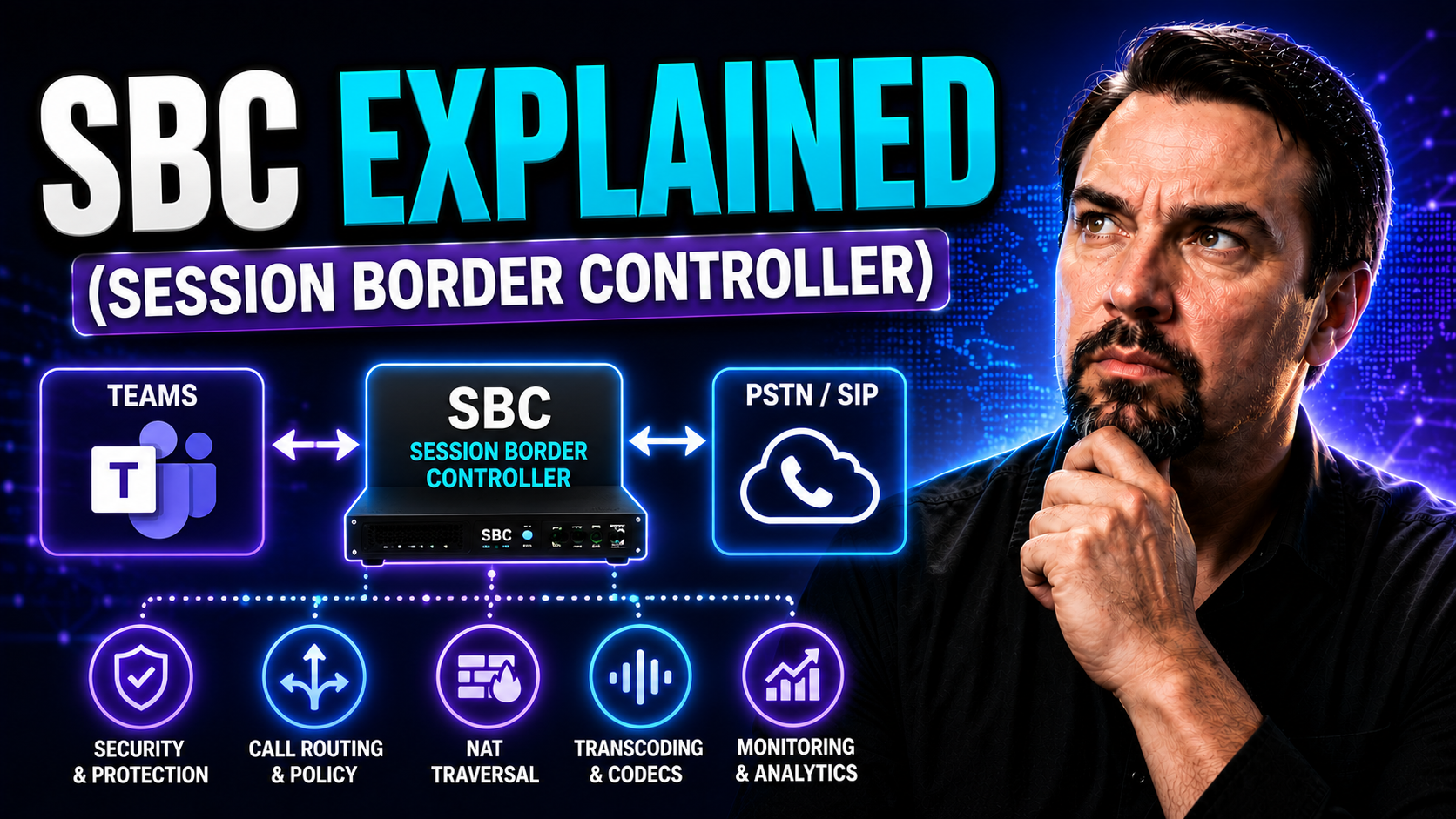
SBC for Microsoft Teams: Complete Guide
If you’re working with voice, video, or pretty much any kind of chat in a business setting, Session Border Controllers—SBCs for short—are the invisible gatekeepers making it all work smoothly. An SBC sits right on the edge of your communications net…

May 17, 2026
SIP for Microsoft Teams: Complete Guide
If your team’s communication feels all over the place, mastering SIP—the Session Initiation Protocol—could be your fastest ticket to clarity and connection. SIP is the behind-the-scenes engine that makes reliable voice, video, and messaging work acr…
May 17, 2026
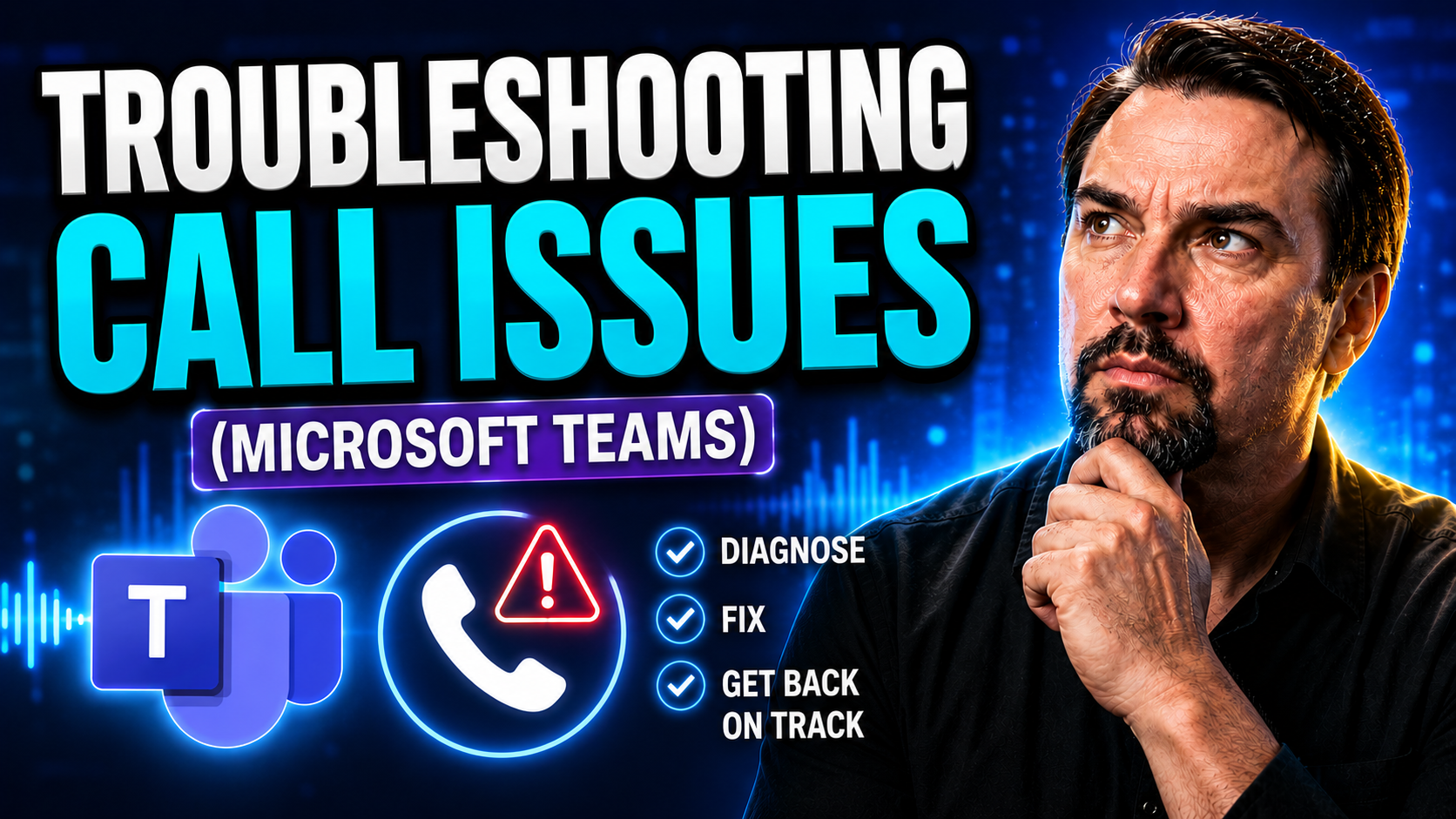
Microsoft Teams Call Troubleshooting: Step-by-Step Guide
Teams call troubleshooting needs a clear business scenario, supported Microsoft 365 configuration, and accountable ownership. Start with the user outcome, verify current Microsoft guidance, test the approach with representative users, and document t…

May 17, 2026
Microsoft Teams Voice Quality: Optimization Guide
Voice quality optimization is all about making your spoken words shine—no static, no echoes, just clear sound that connects. It pulls together technologies like noise reduction, automatic gain control, and AI-powered enhancements to smooth out rough…
May 14, 2026
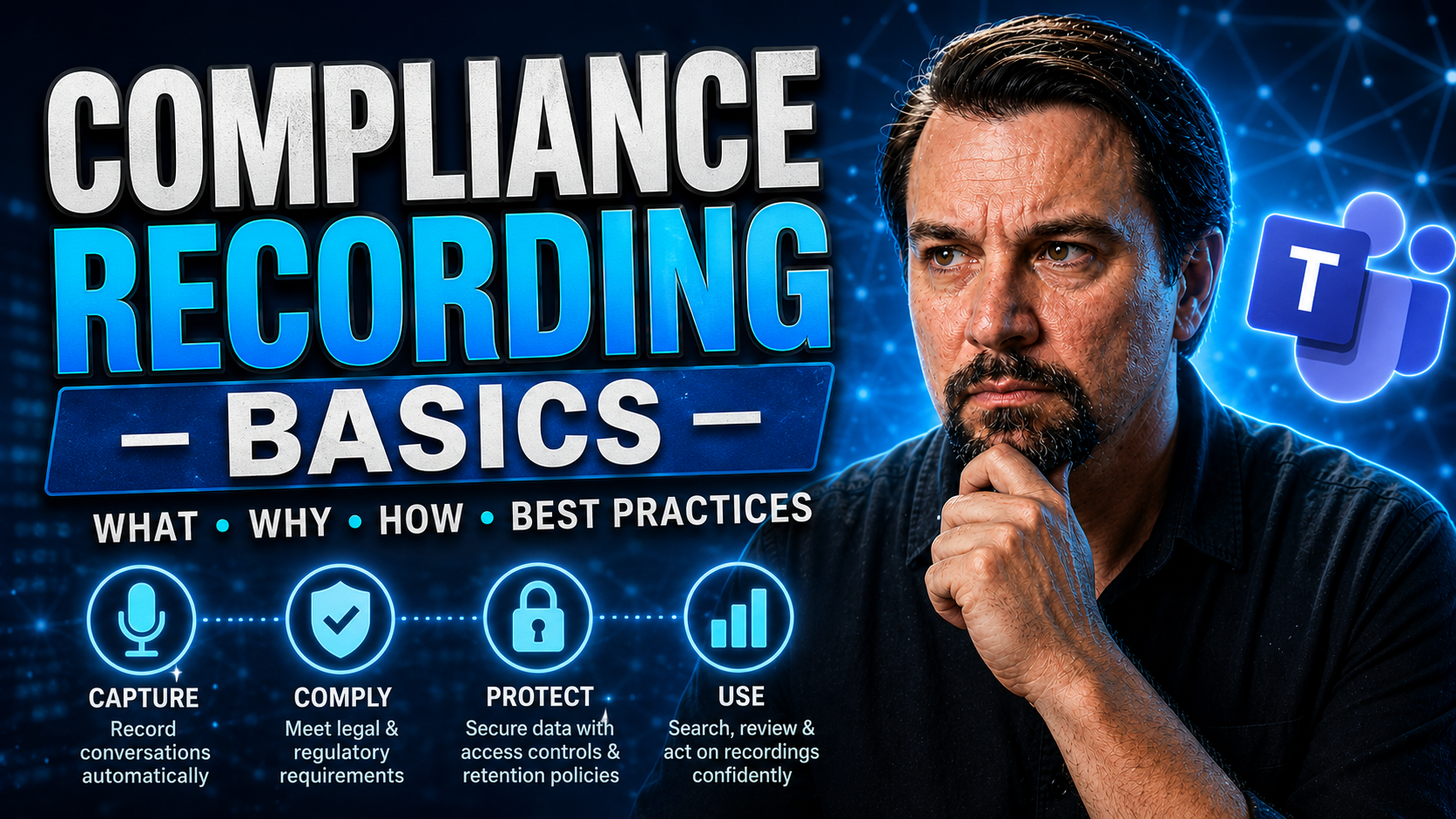
Teams Compliance Recording: Concepts and Best Practices
Compliance recording is no joke in today’s world, especially with how folks work from about everywhere these days—café, cubicle, or your cousin’s kitchen table. If you’re handling sensitive information or regulated transactions, recording calls and …

May 14, 2026
Emergency Calling in Microsoft Teams: Admin Guide
Emergency calling in Microsoft Teams is a critical, often-regulated feature that ensures anyone in your organization can quickly connect with emergency services when it counts. This capability goes far beyond placing a simple phone call—it hinges on…

May 14, 2026
Microsoft Teams Phone Mobile: Complete Guide
Microsoft Teams Phone Mobile is shifting the way organizations handle business calls, taking full advantage of mobility and cloud communication. This guide covers what Teams Phone Mobile is all about—how it helps you place and receive business calls…
May 14, 2026
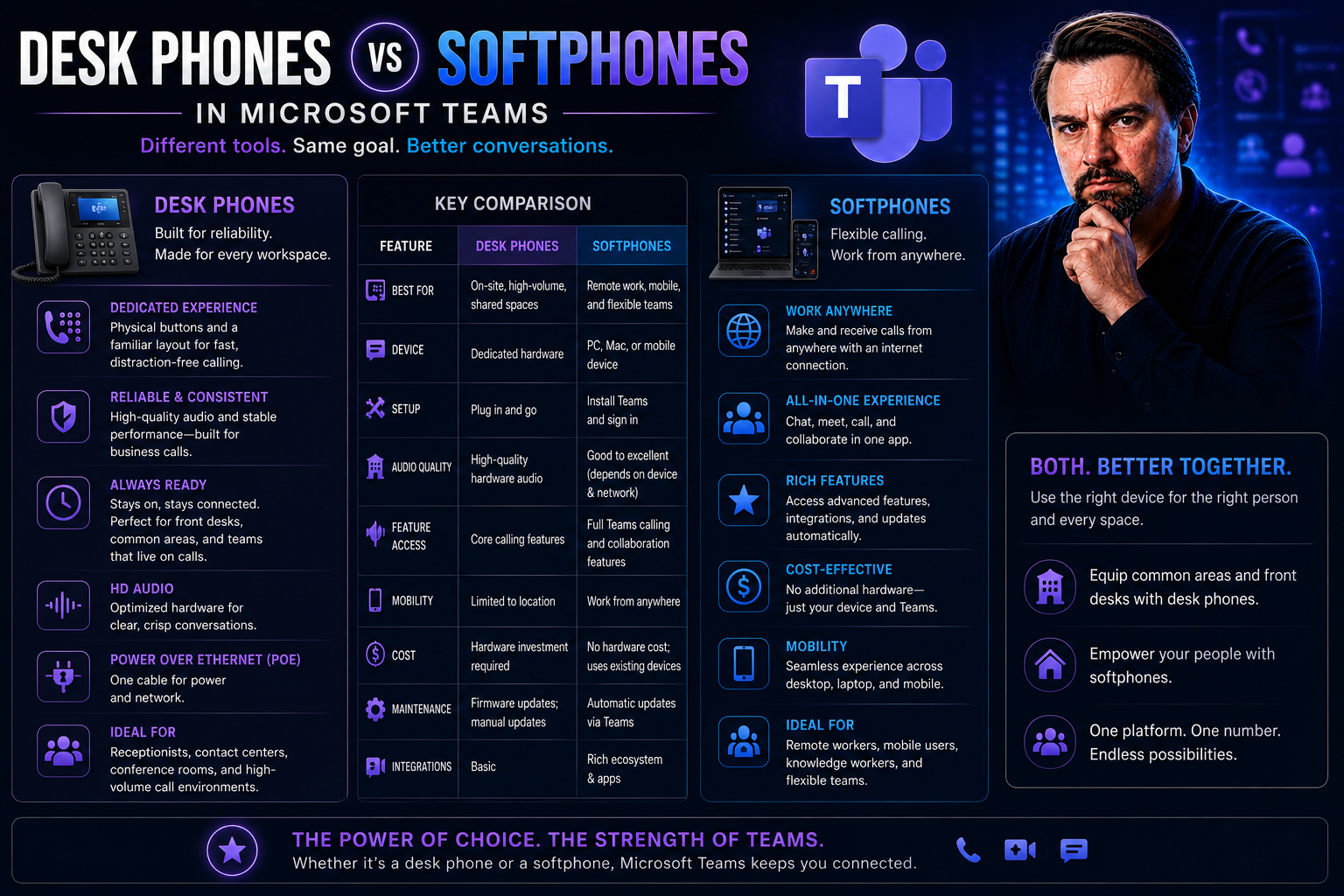
Desk Phones vs Softphones: Which Is Best for Modern Business Communication?
Choosing between classic desk phones and modern softphones isn’t just about preference—it shapes how your business communicates every day. Desk phones, once the backbone of office life, promise stability and tradition. But softphones, those software…
May 14, 2026
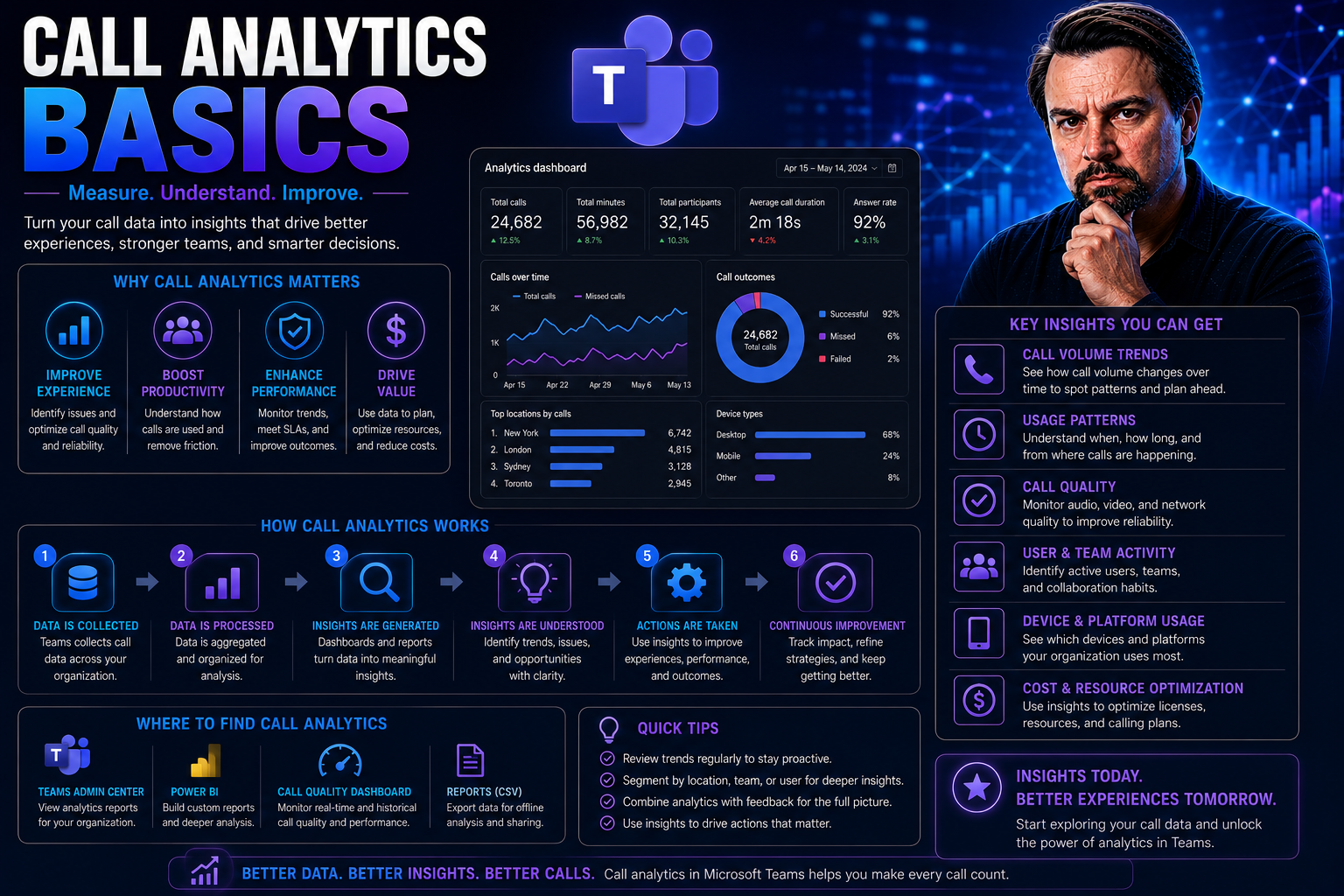
Call Analytics Basics: What Every Business Needs to Know
Call analytics is all about turning your everyday phone calls into a goldmine of business intelligence. It means collecting and analyzing data from inbound and outbound calls—things like who called, how long they chatted, what was discussed, and eve…
May 14, 2026
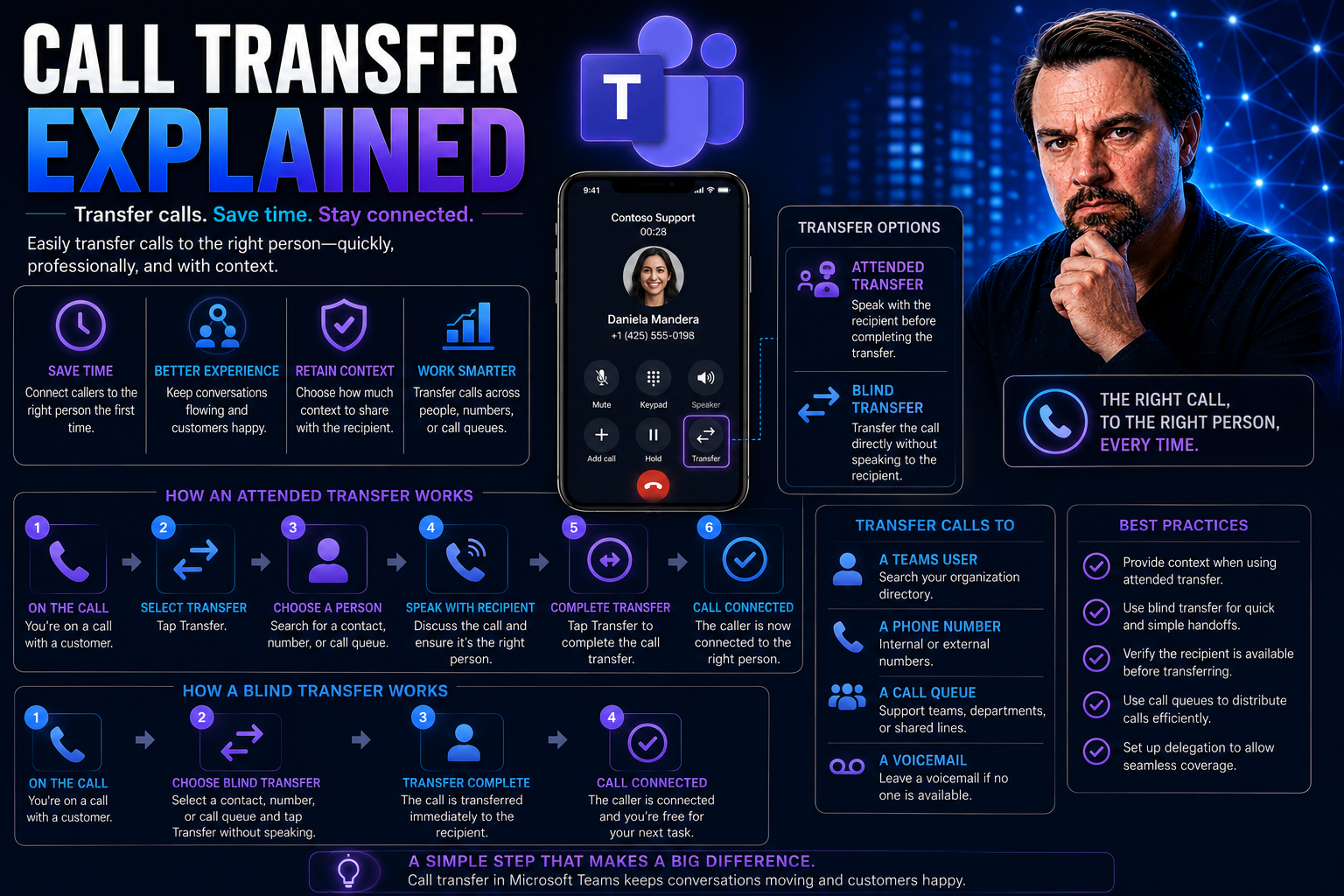
Call Transfer Explained: The Essential Guide for Modern Business Communication
Call transfer is basically the unsung hero of business communication. When a customer calls in, sometimes you’re not the one they need, but you sure know how to get them there. This guide breaks down call transfer from the ground up, covering the ba…
May 14, 2026
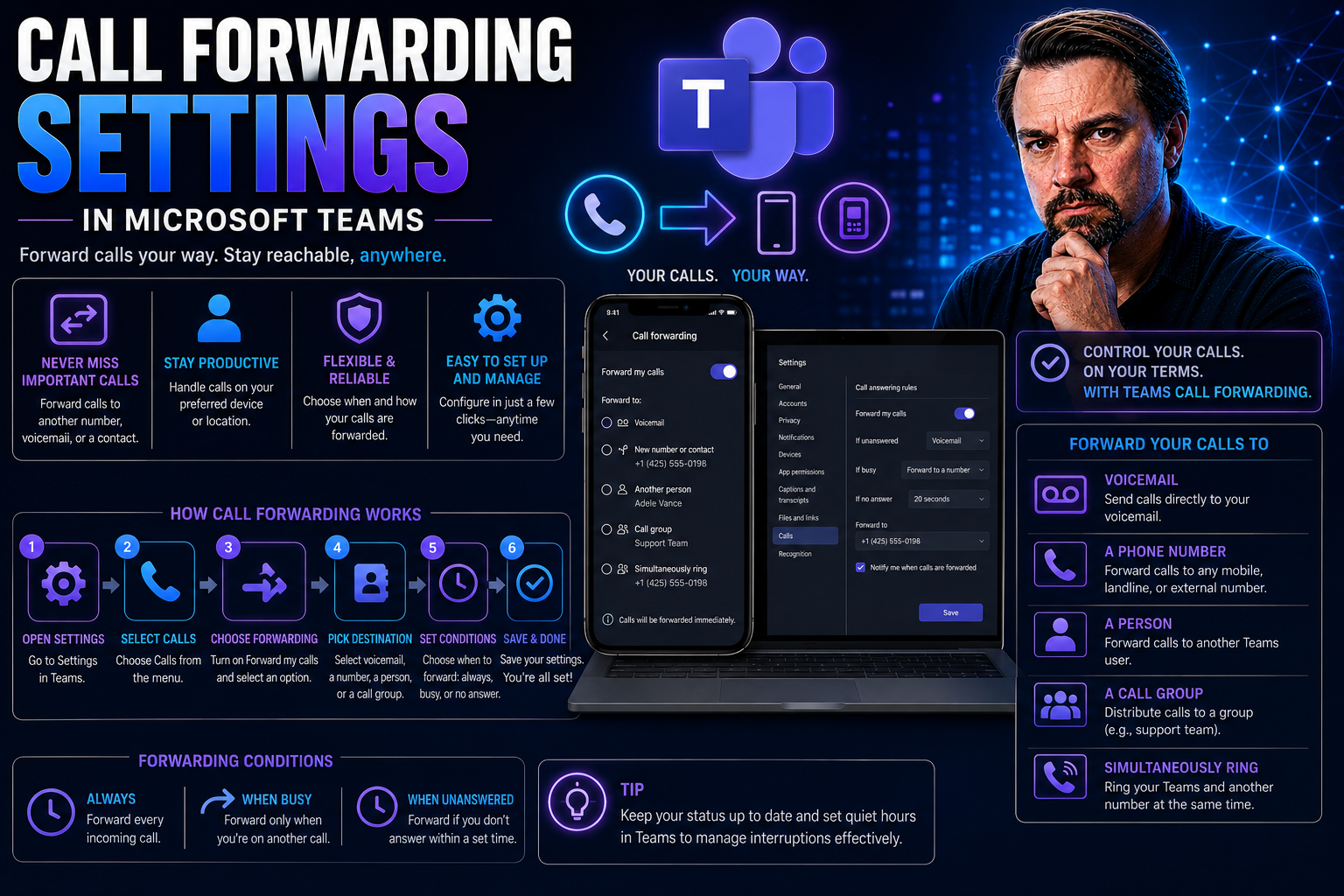
Mastering Call Forwarding Settings for Modern Teams and Businesses
No one likes a missed call, especially when it could cost you a sale or leave a customer hanging. Call forwarding has become the unsung hero of seamless communication, letting you answer important calls even when you’re away from your main number. W…
May 14, 2026
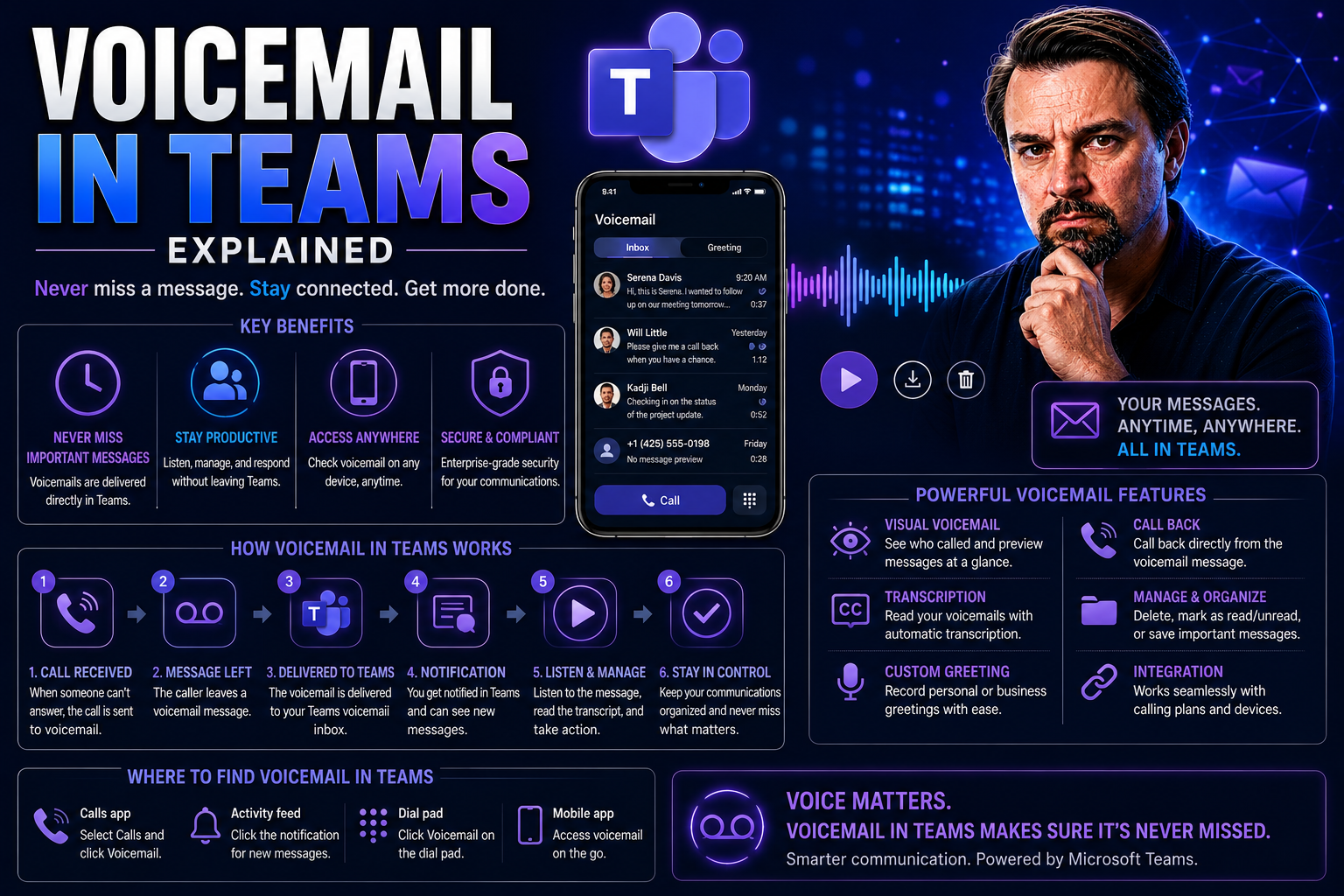
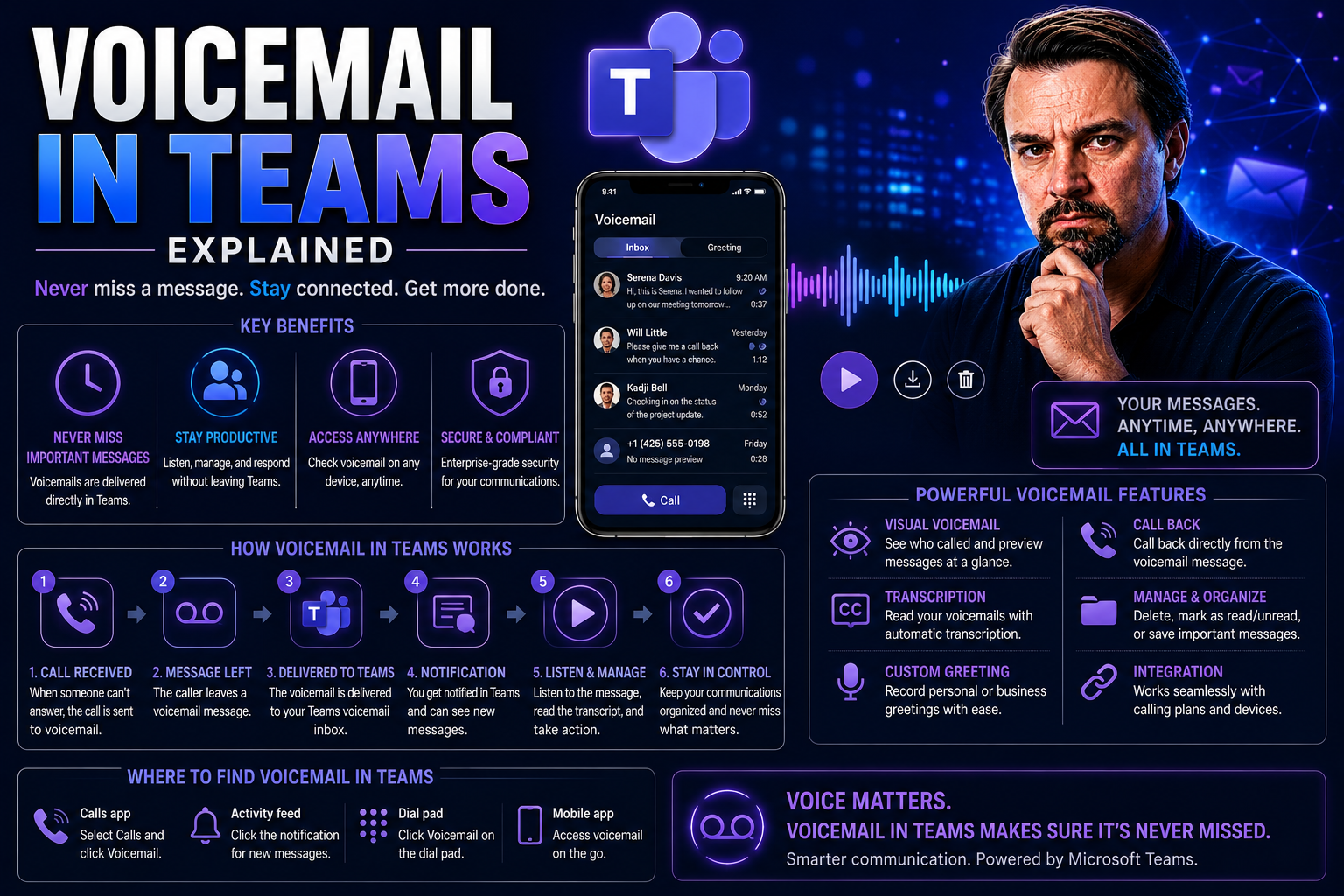
Voicemail in Teams: The Complete Guide for Microsoft Teams Users and Admins
This guide brings you everything you need to get the most out of voicemail in Microsoft Teams, no matter where you’re starting. Maybe you just want to make sure you never miss a call, or you’re running the whole show as an admin responsible for hund…
May 14, 2026
Voicemail in Teams: The Complete Guide for Microsoft Teams Users and Admins
voicemail in Teams should be designed around a clear business scenario, accountable ownership, and the appropriate Microsoft 365 controls. Start with the intended outcome, validate permissions and policy settings, test with representative users, and…
May 14, 2026
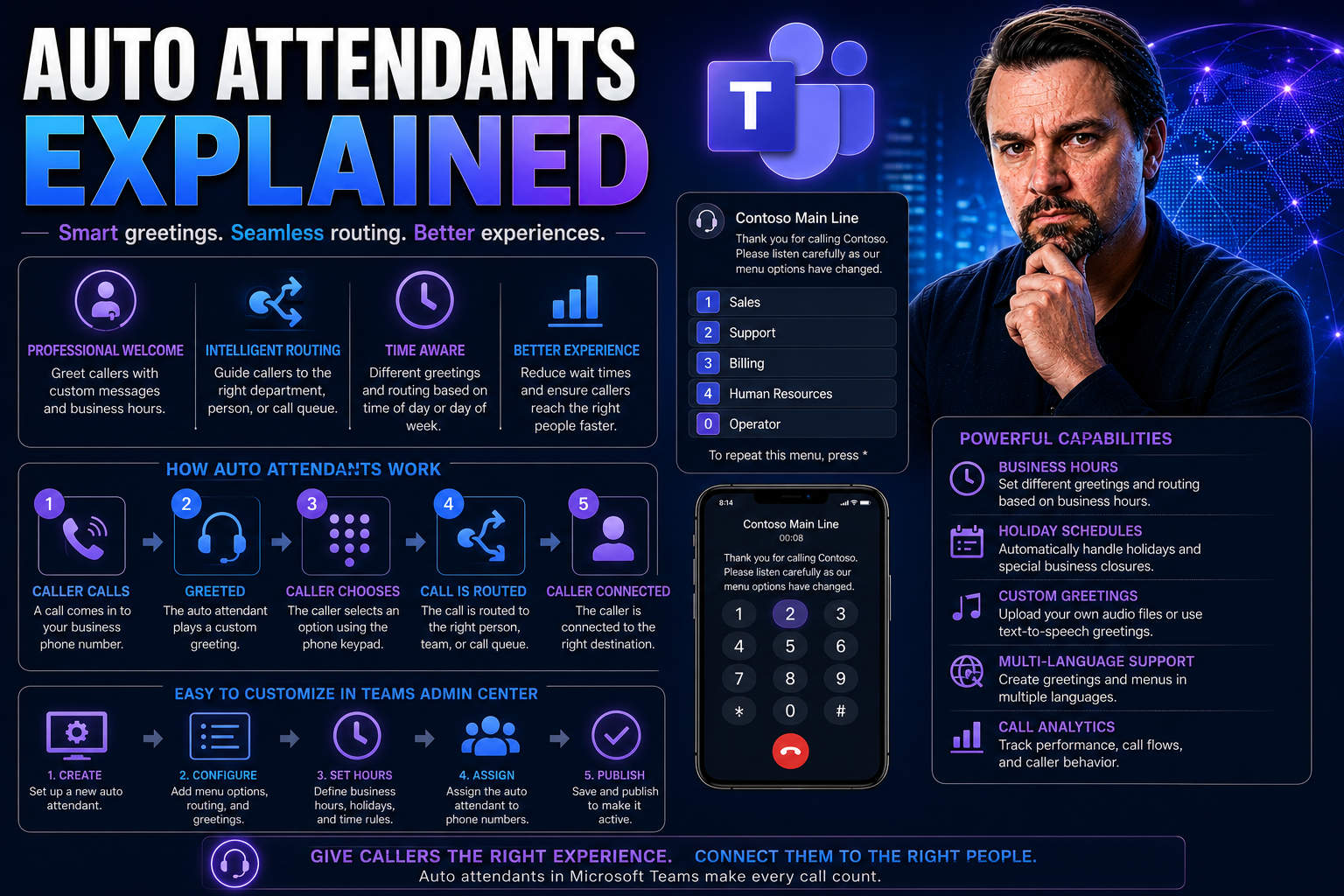
Auto Attendants Explained: The Modern Business Phone Revolution
Let’s face it—business calls aren’t slowing down anytime soon. That’s where auto attendants come in, quietly reshaping how companies handle phone traffic. At their core, auto attendants are automated phone systems that answer calls, greet your custo…
May 14, 2026
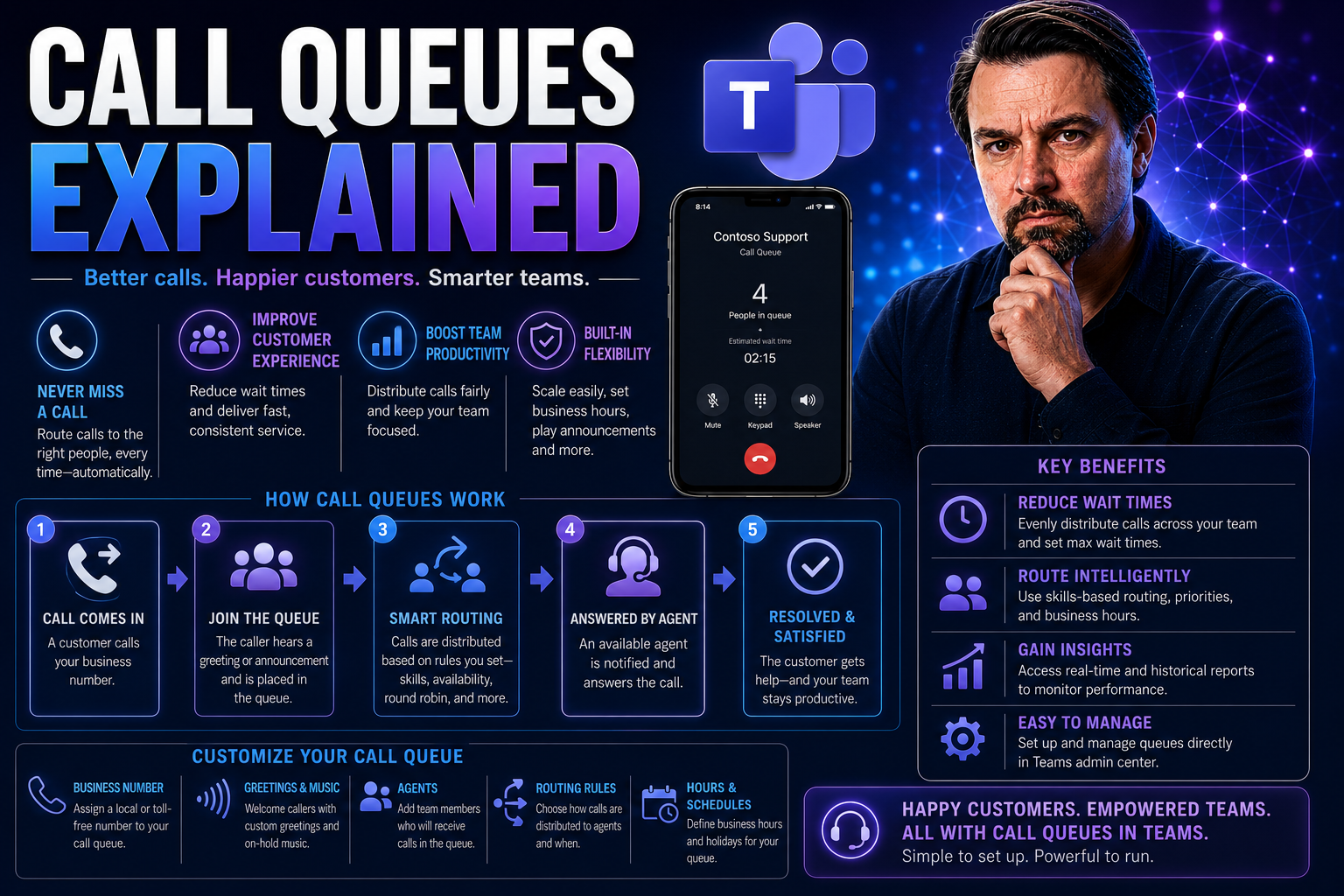
Call Queues Explained: The Complete Guide for Businesses
Managing customer calls efficiently is critical for today’s businesses, whether you’re a growing clinic, a law office, or running a bustling support team. This guide breaks down call queues—what they are, why they matter, and how they work on platfo…
May 14, 2026
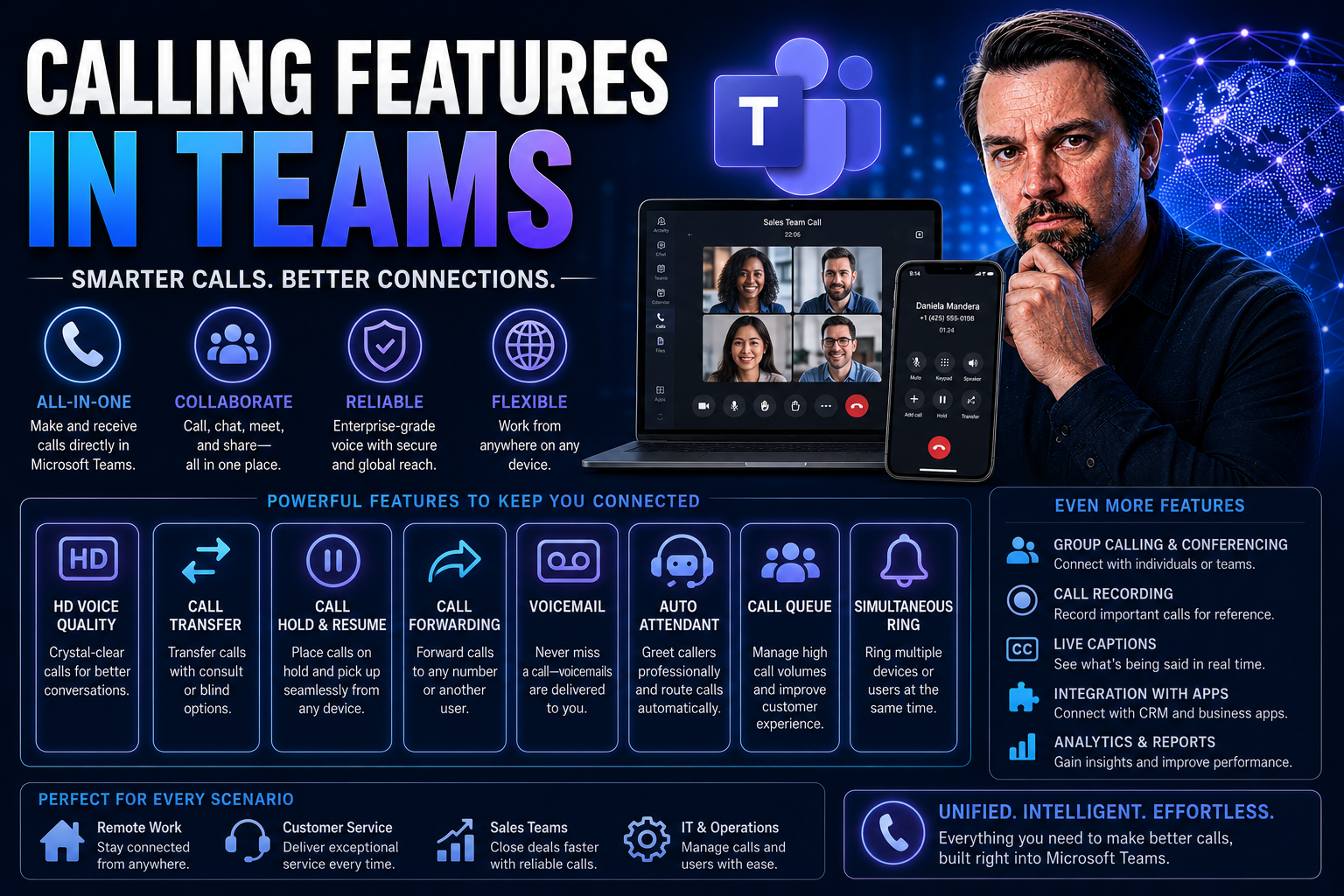
Comprehensive Guide to Calling Features in Teams
If you're looking for a flexible, modern way to make business calls, Microsoft Teams is ready to handle the job. Teams isn't just about chat and meetings—it's a full-featured phone system for organizations of all sizes. In this guide, you'll learn a…
May 14, 2026
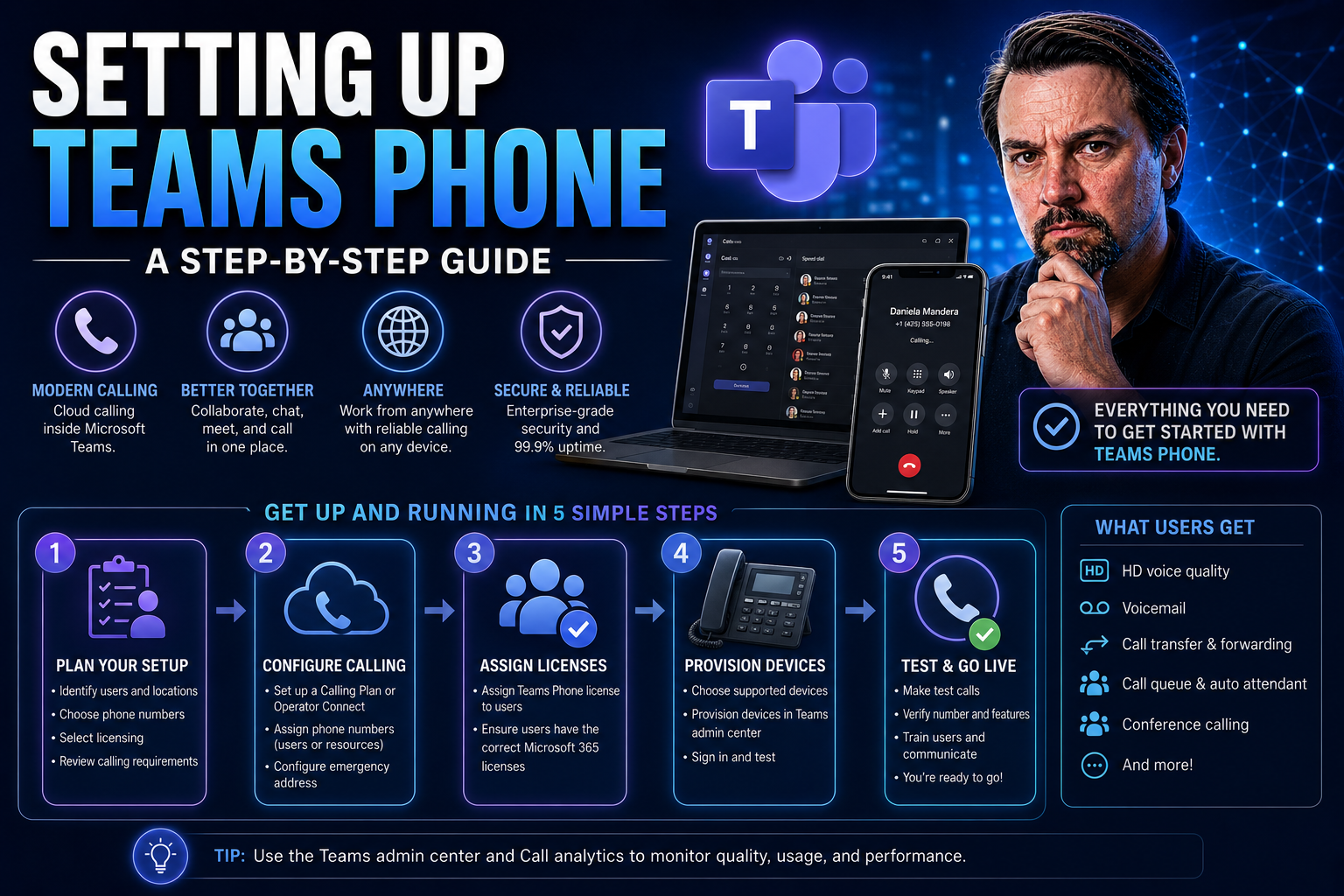
Setting Up Teams Phone Guide
Microsoft Teams Phone is Microsoft’s calling system designed right into Microsoft Teams. It brings full business phone capabilities to an app your team already knows, letting you make and receive calls, set up call queues, or manage voicemails—all i…
May 14, 2026
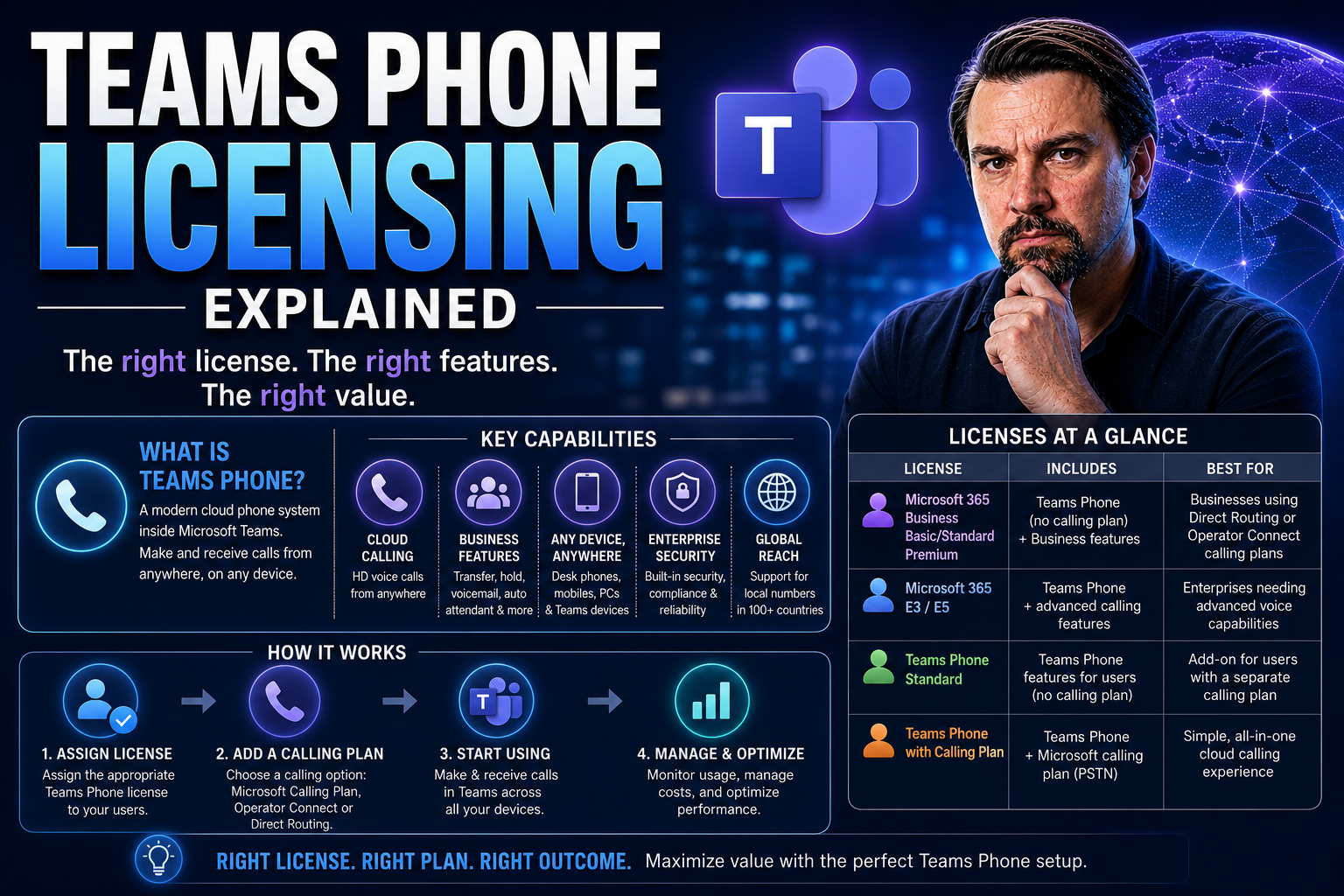
Microsoft Teams Phone Licensing Guide
Navigating the world of Microsoft Teams phone licensing in 2026 isn’t just about picking a plan—it’s about understanding the moving parts that drive real business value. This guide gives you a clear breakdown of the essential building blocks require…
May 14, 2026
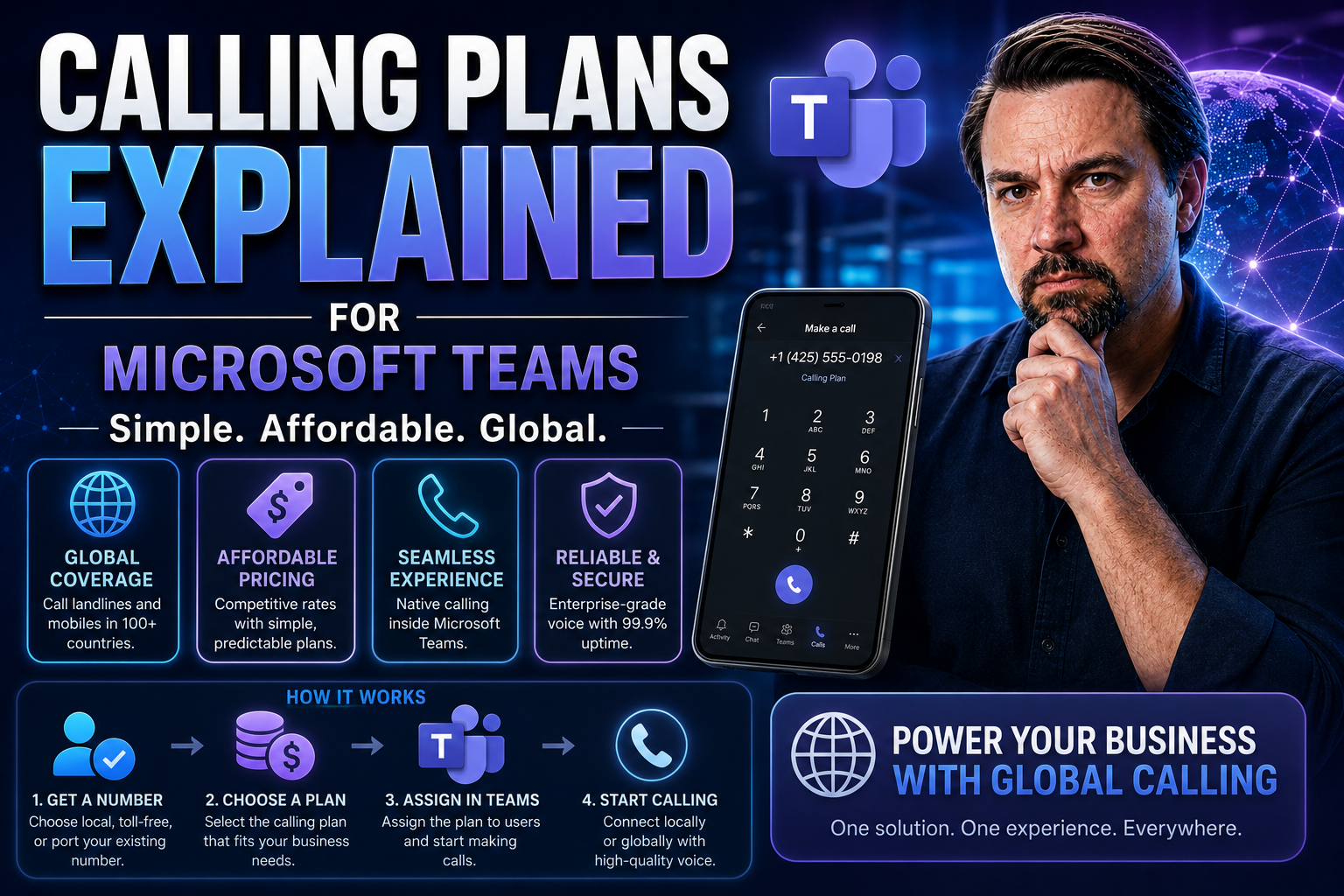
Microsoft Teams Calling Plans Guide
Quick Answer: Microsoft Teams Calling Plans provide a Microsoft-managed way to connect Teams users to the public telephone network. Before choosing them, compare your calling requirements, user locations, licensing, emergency calling needs, and admi…

May 14, 2026
Operator Connect For Teams Guide
If you’ve ever wished that Microsoft Teams could double as your actual business phone system, Operator Connect is the tool to make that dream a reality. Instead of juggling separate apps or complicated setups, you get phone calls right inside Teams—…
May 13, 2026
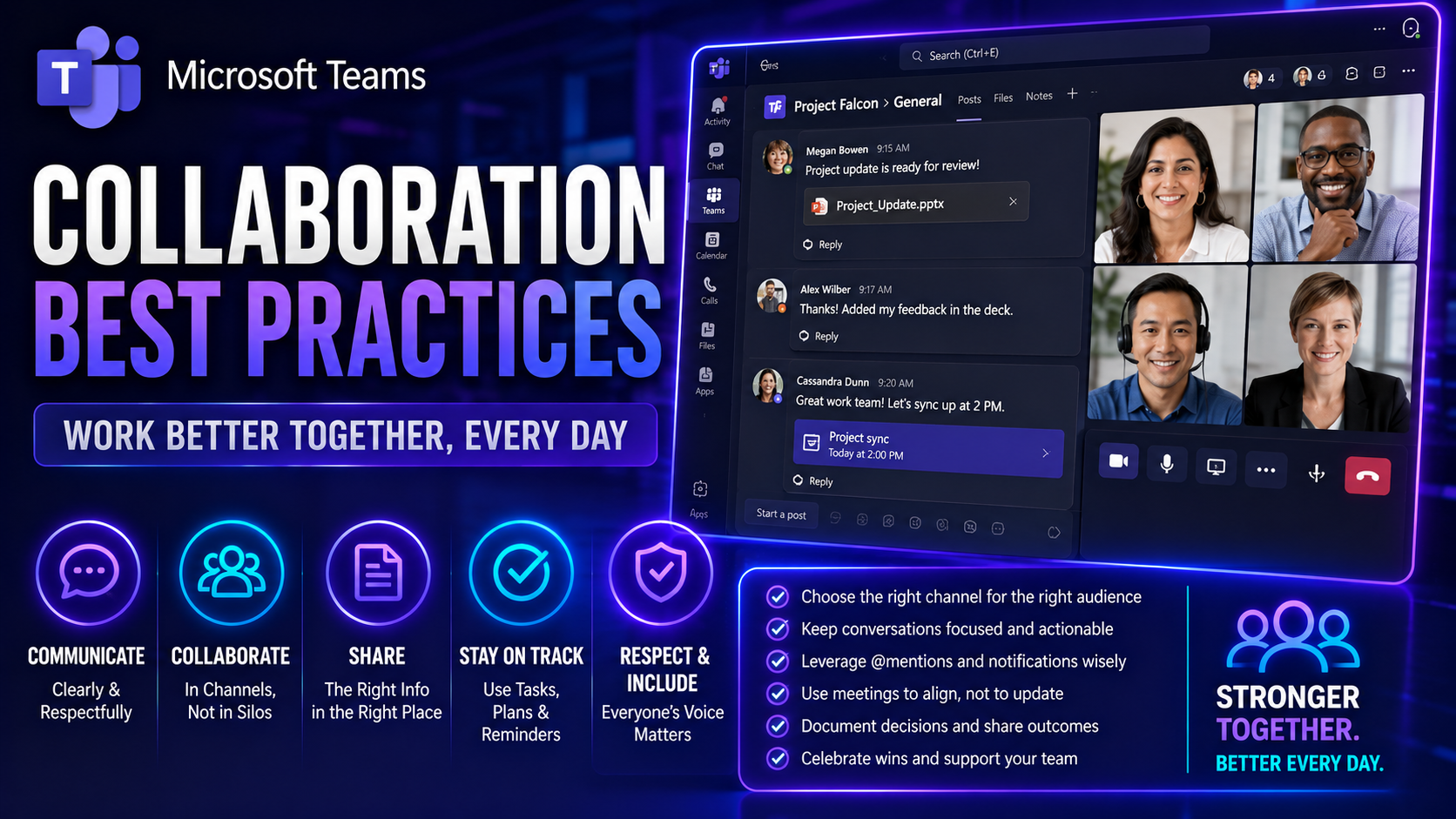
Microsoft Teams Collaboration Best Practices Guide
Effective workplace collaboration isn’t just a trendy buzzword—it’s now the heartbeat of high-performing teams, whether everyone sits together or logs in from three different countries. Digital teamwork is rapidly becoming the norm, with platforms l…
May 13, 2026
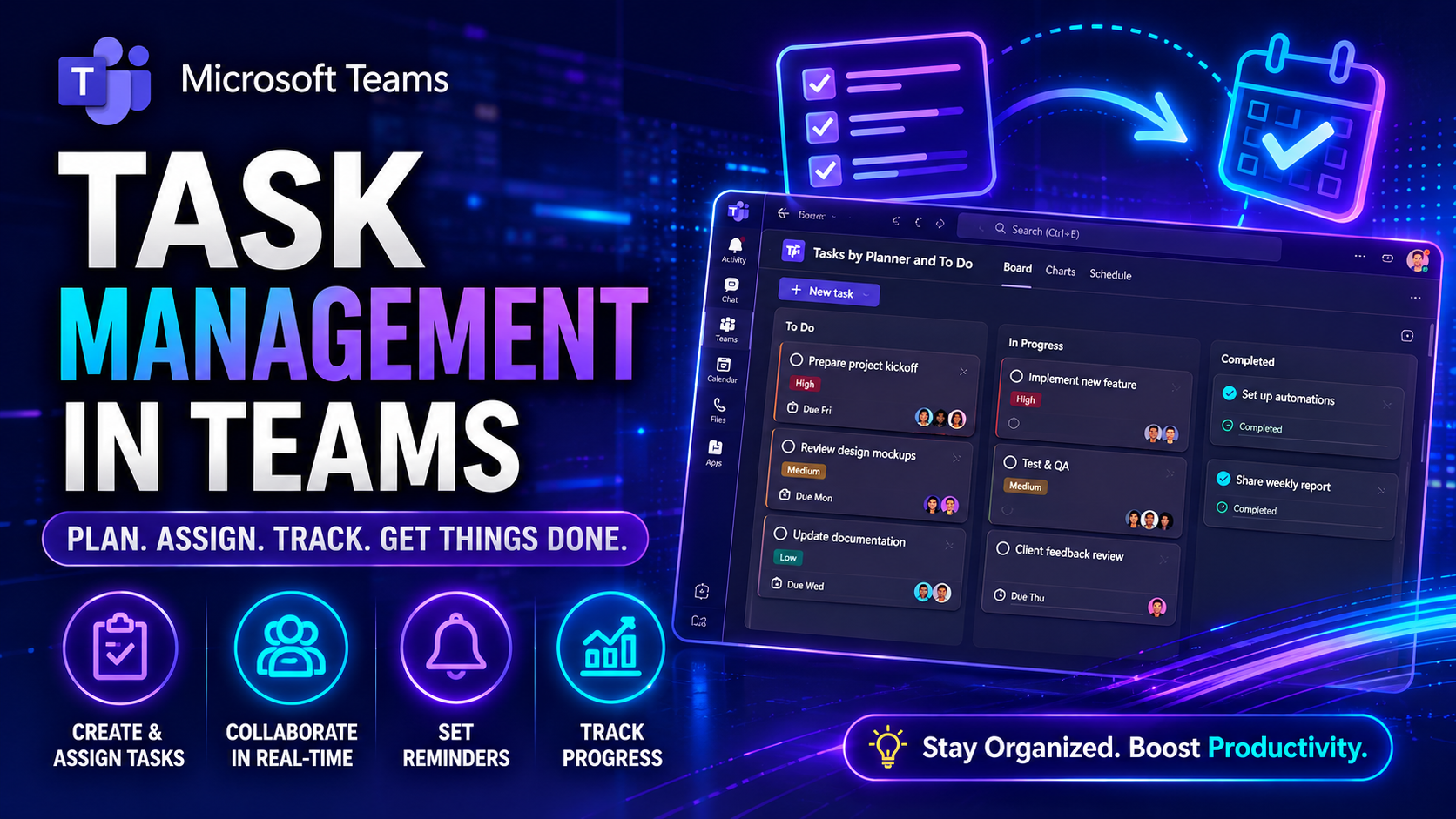
Task Management In Microsoft Teams Guide
Task Management in Teams: The Ultimate Guide to Productivity and Collaboration Task management means keeping your team’s work organized, flowing, and on track—especially in a digital world where people rarely sit within shouting distance of each ot…