

Work smarter, not harder, with practical tips for Microsoft 365.
From Teams and Outlook to OneDrive and Office apps, we explore new features, time-saving shortcuts, collaboration tools, and productivity workflows that help you get more done every day.
Perfect for anyone who loves efficiency and wants to make M365 work for them.
From Teams and Outlook to OneDrive and Office apps, we explore new features, time-saving shortcuts, collaboration tools, and productivity workflows that help you get more done every day.
Perfect for anyone who loves efficiency and wants to make M365 work for them.
May 13, 2026
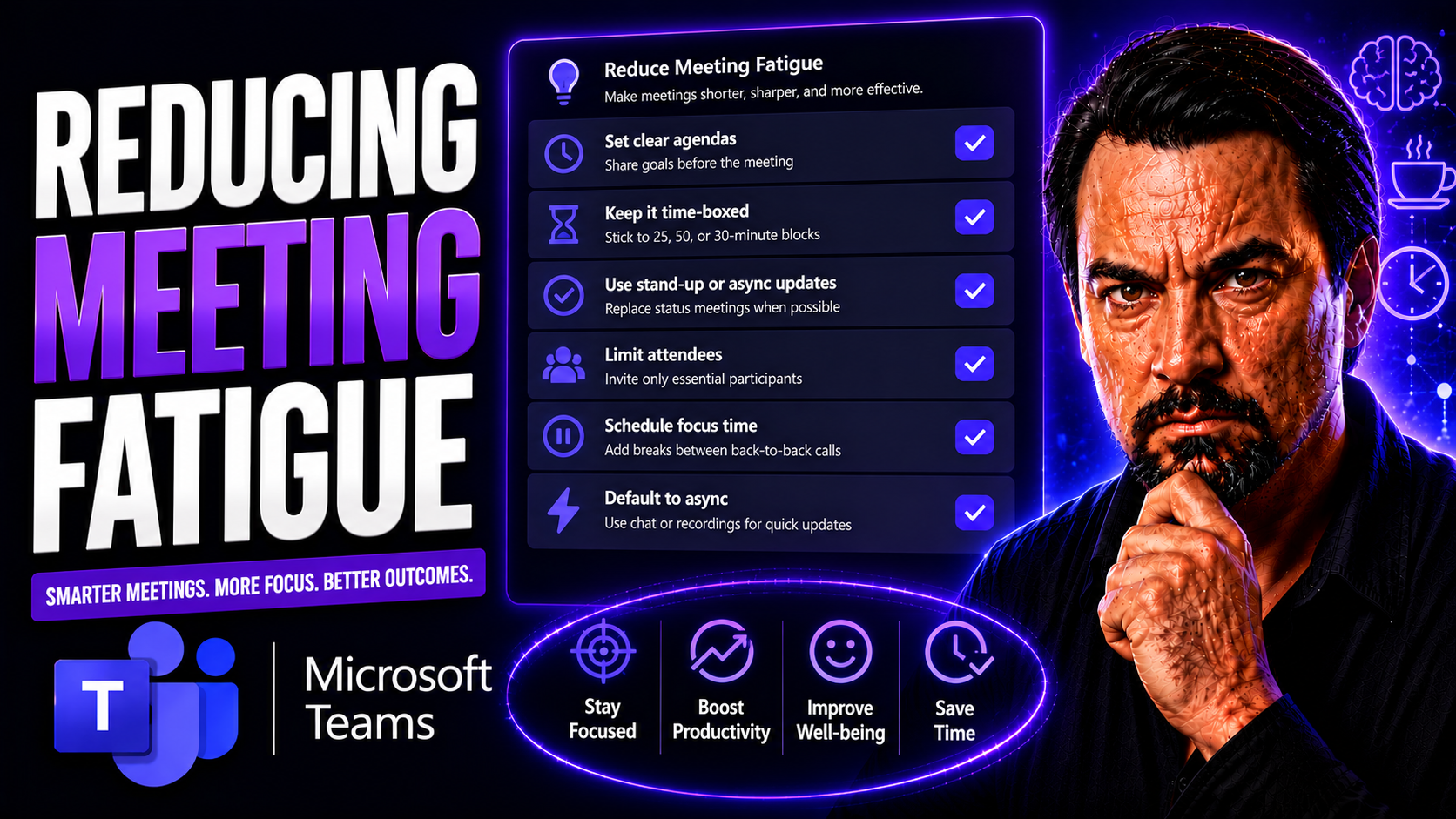
Microsoft Teams Meeting Fatigue Guide
Meeting fatigue is the mental and physical exhaustion that comes from too many or ineffective meetings—a challenge that’s exploded with the rise of remote work. In Microsoft Teams, where meetings are just a click away, it’s all too easy to feel stre…
May 13, 2026
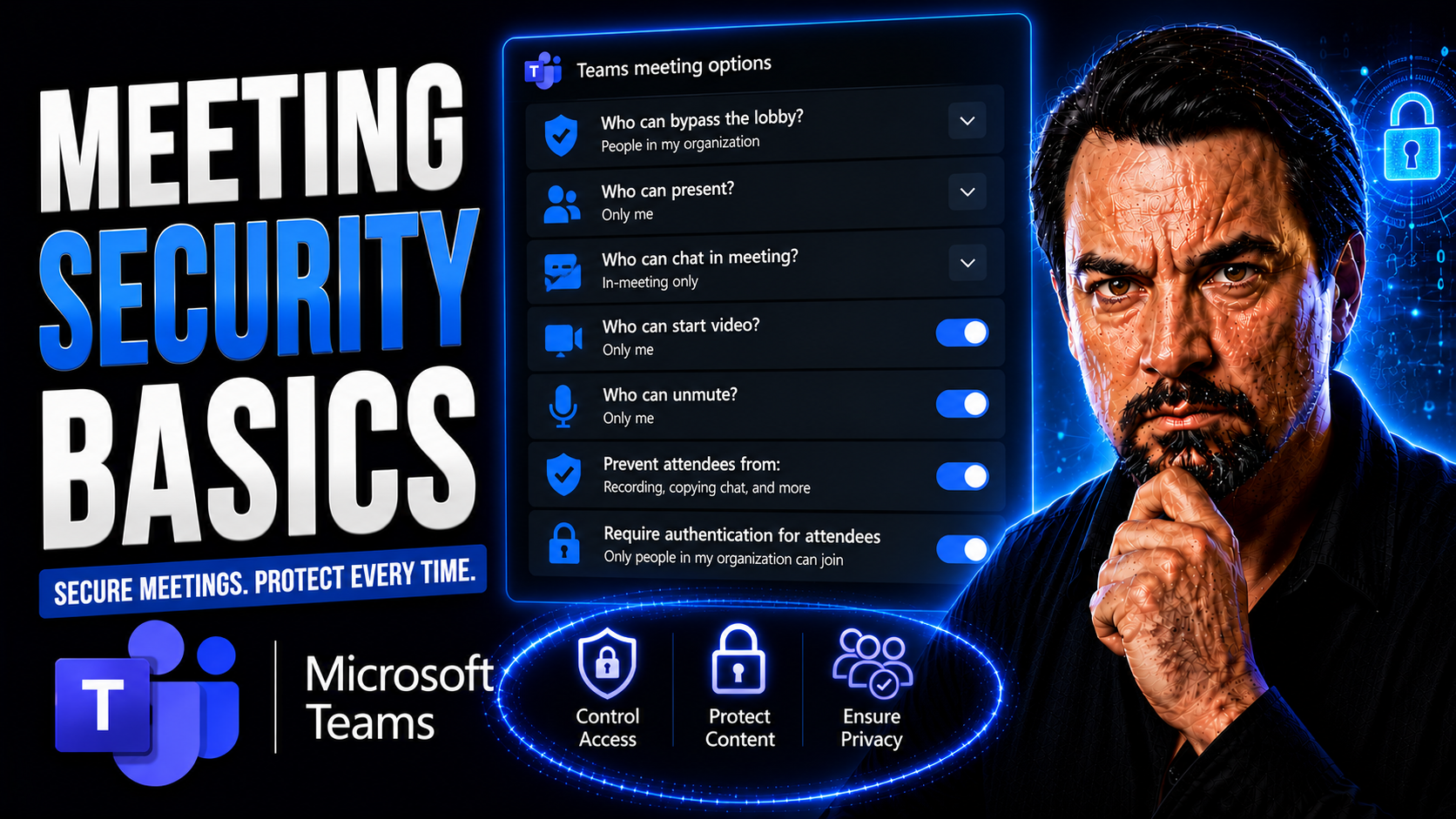
Teams Meeting Security Guide
Meeting security isn’t just a checklist item—it’s the difference between safe working and a potential data catastrophe. In today’s world, where Microsoft Teams and other platforms are standard for business collaboration, every virtual or hybrid meet…
May 13, 2026
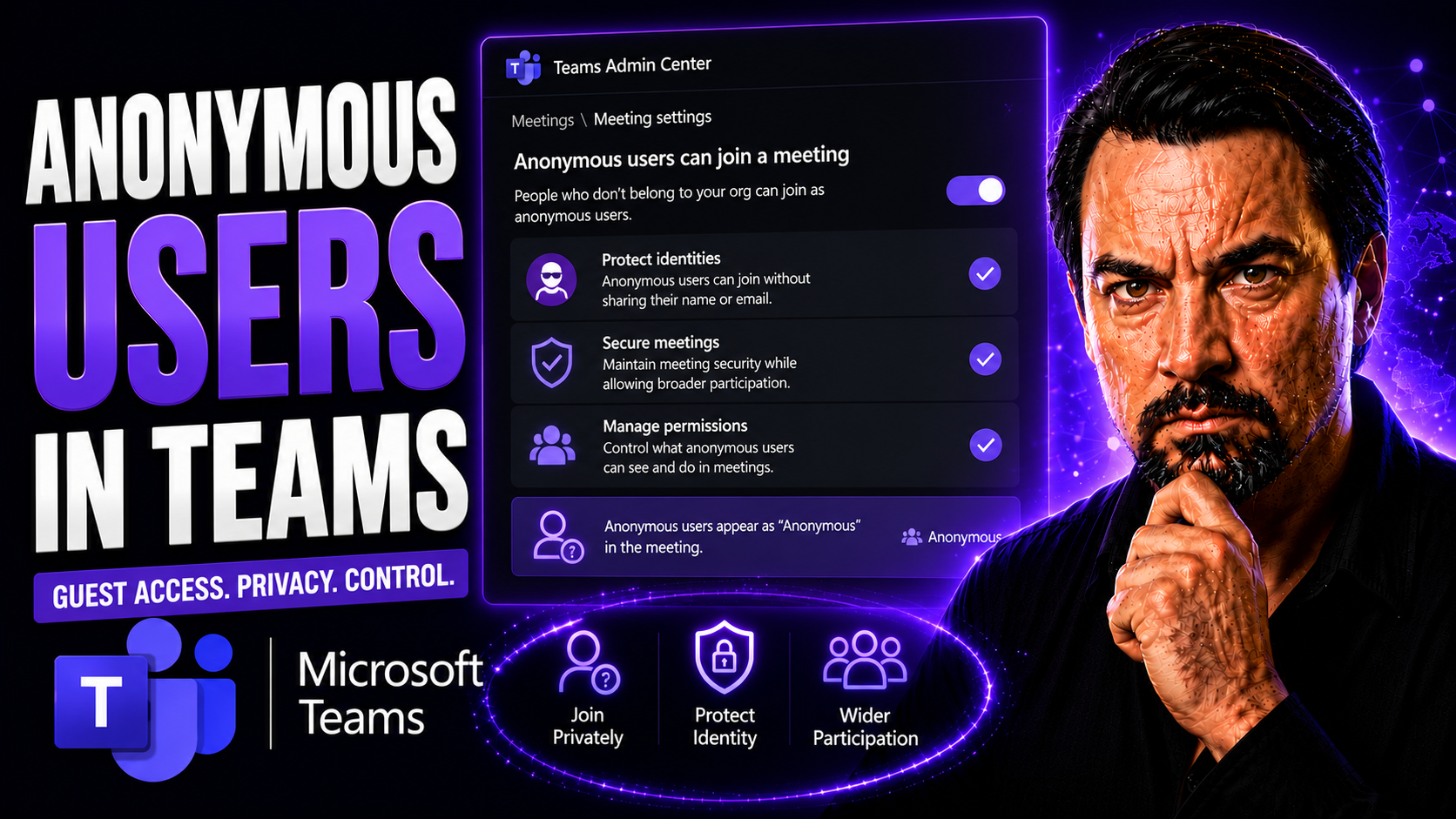
Anonymous Users In Teams Meetings Guide
Anonymous users in Teams meetings can join without a signed-in organisational account when the meeting and tenant settings allow it. Organisers should decide whether anonymous access is needed, use the lobby to control admission, avoid sharing sensi…
May 13, 2026
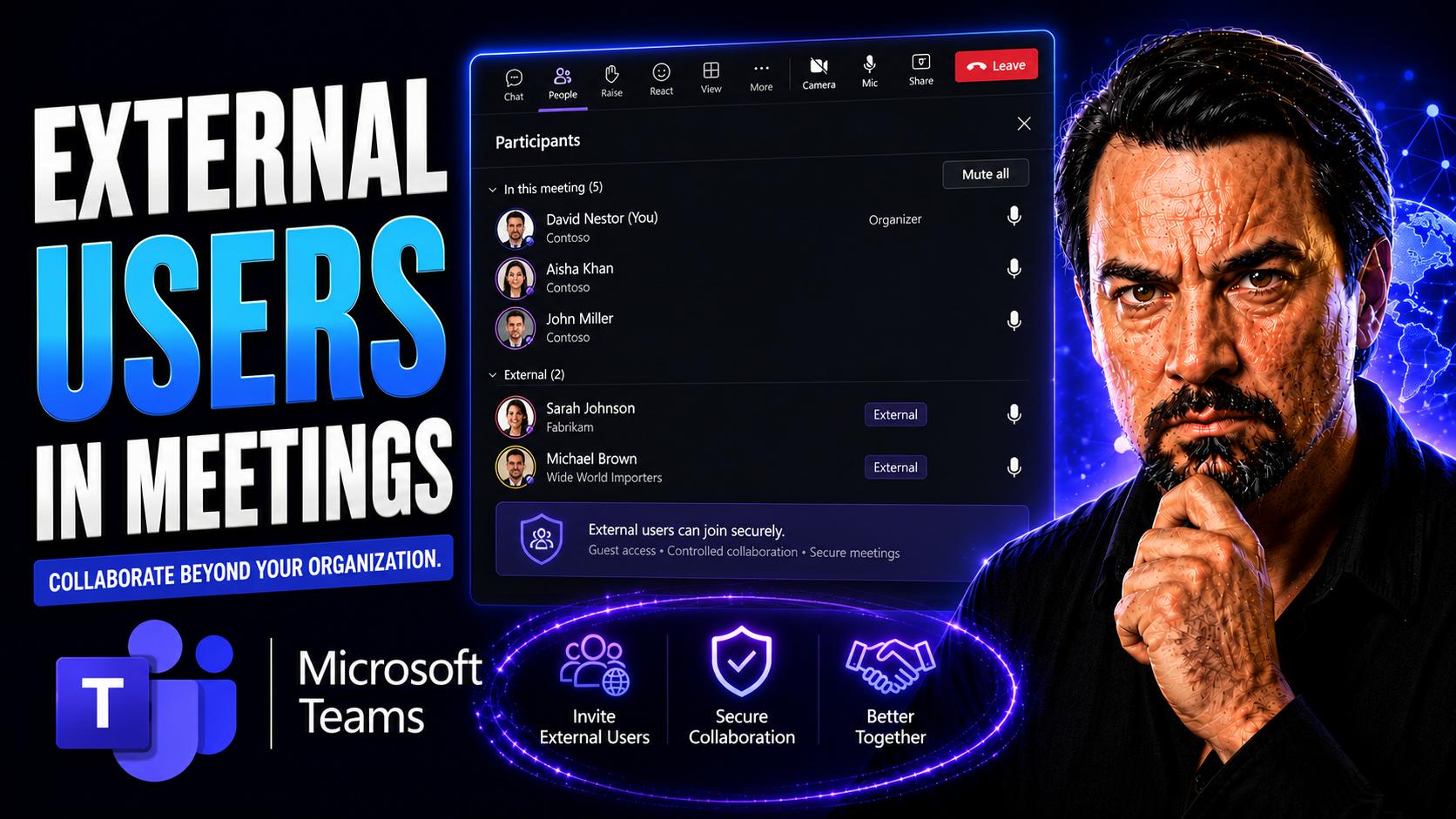
External Users In Teams Meetings Guide
External collaboration in Microsoft Teams meetings is now part of everyday business, but it brings a new set of challenges. When you open your digital doors to clients, vendors, or partners, things like security, governance, and user experience beco…
May 13, 2026
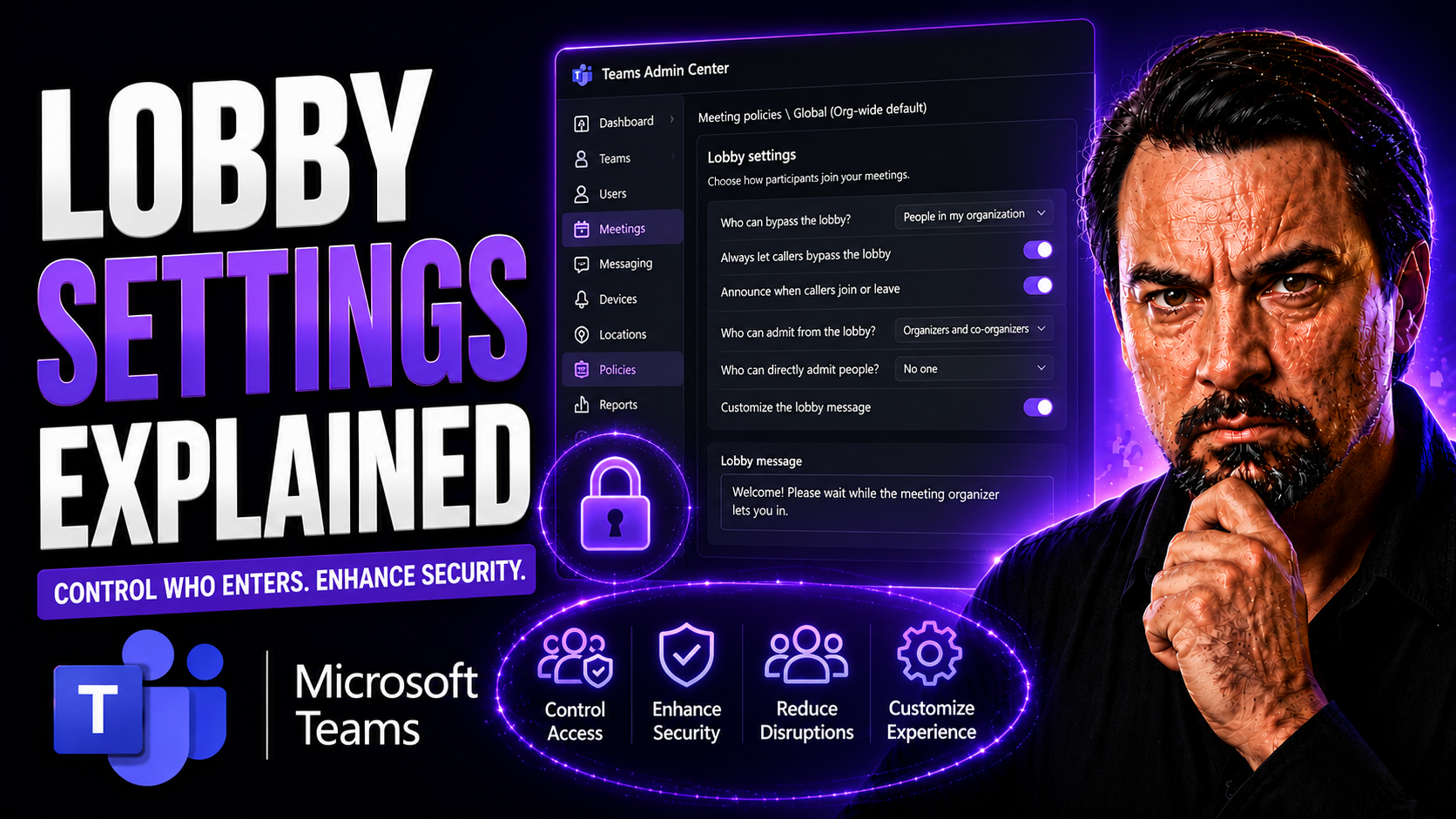
Teams Lobby Settings Guide
If you've ever found yourself asking, "Who decides who gets into my Teams meeting and when?"—you’re not alone. Microsoft Teams lobby settings are at the center of this modern workplace gatekeeping. This guide will walk you through everything you nee…
May 13, 2026
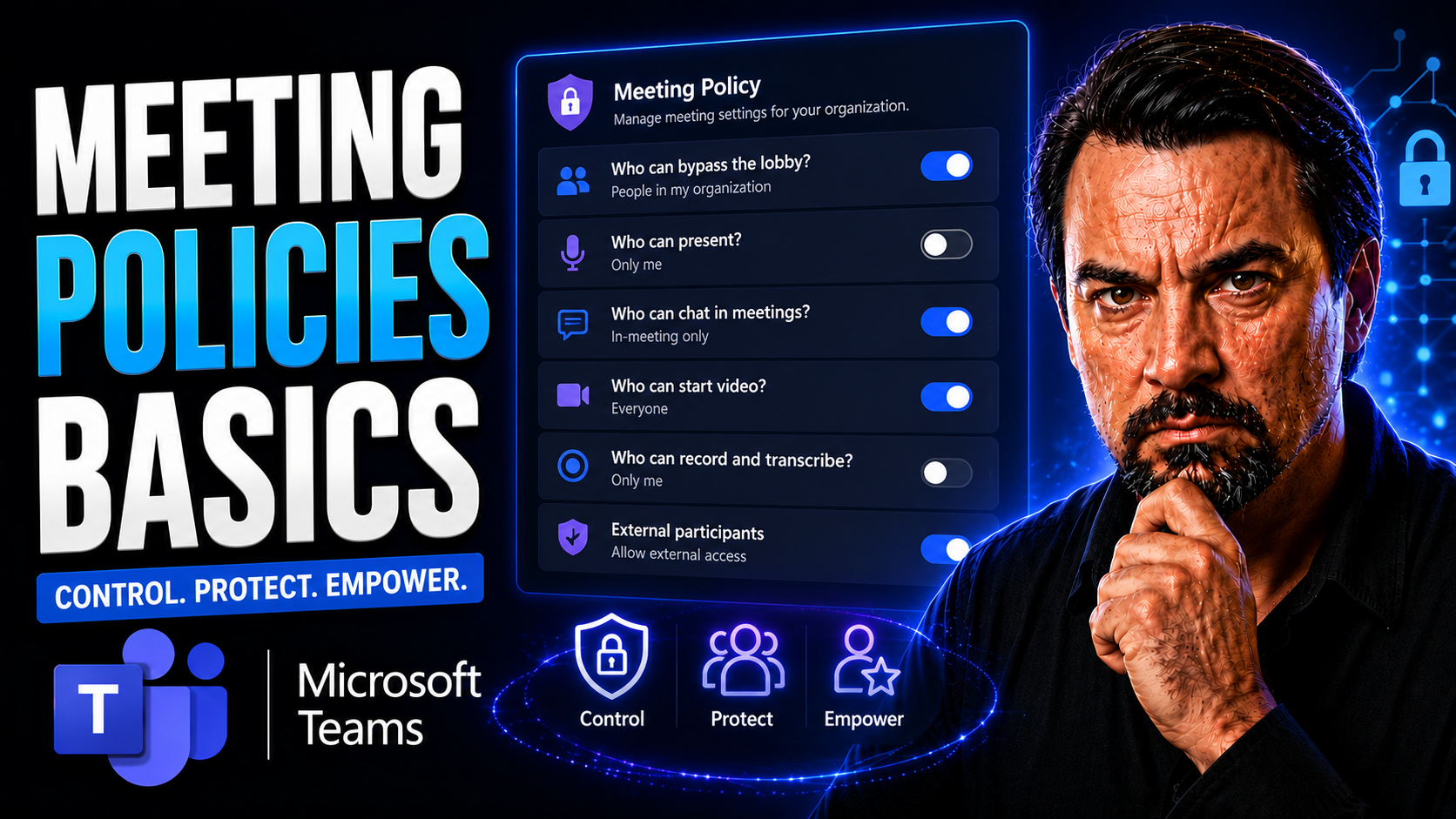
Teams Meeting Policies Guide
When you're looking to run meetings that actually get stuff done, you need more than just a calendar invite. This guide digs into the basics of meeting policies—what they are, why they matter, and how they bring real order and focus to both in-perso…
May 13, 2026
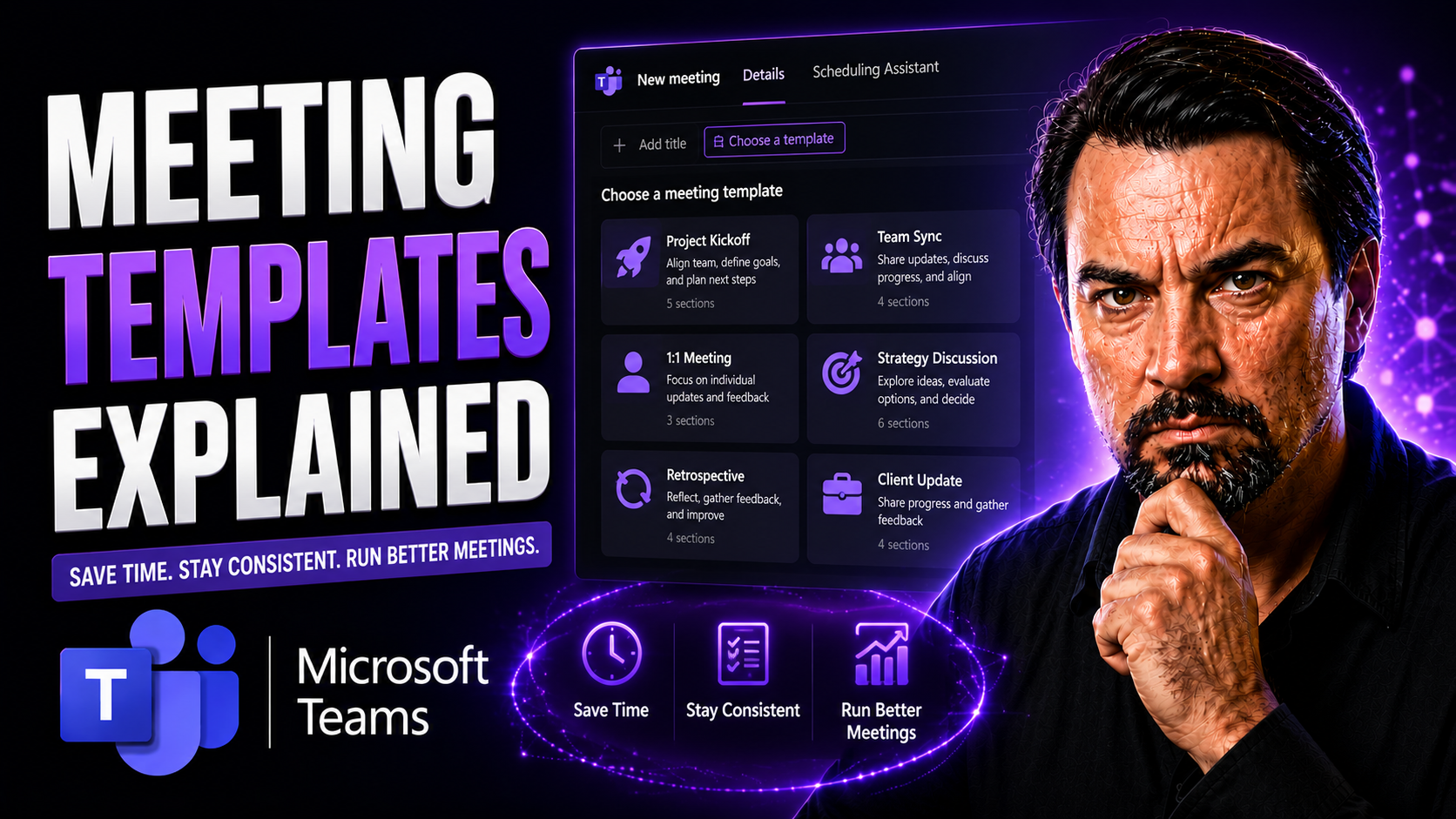
Teams Meeting Templates Guide
Let’s be honest: most meetings eat up time without getting much done. Meeting templates flip that script, helping you plan with purpose and guide your team to real results—especially when you’re using Microsoft Teams. Meeting templates are blueprin…
May 13, 2026
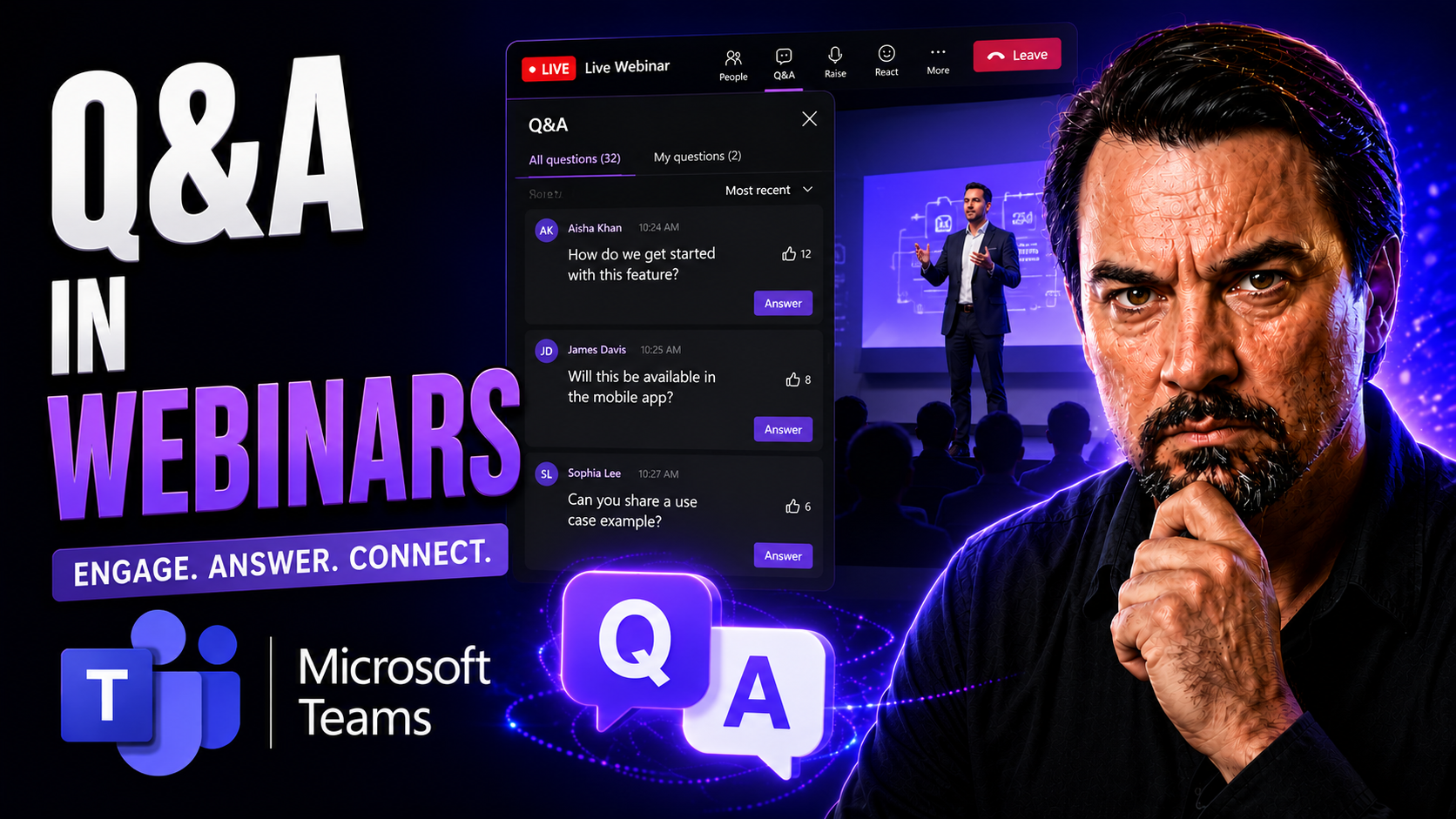
Webinar Q&A Best Practices Guide
Great webinars aren’t just about slick slides and rehearsed speeches—they’re about genuine interaction. The question and answer (Q&A) segment is where engagement comes alive, helping hosts connect with their attendees and dig into what really matter…
May 13, 2026
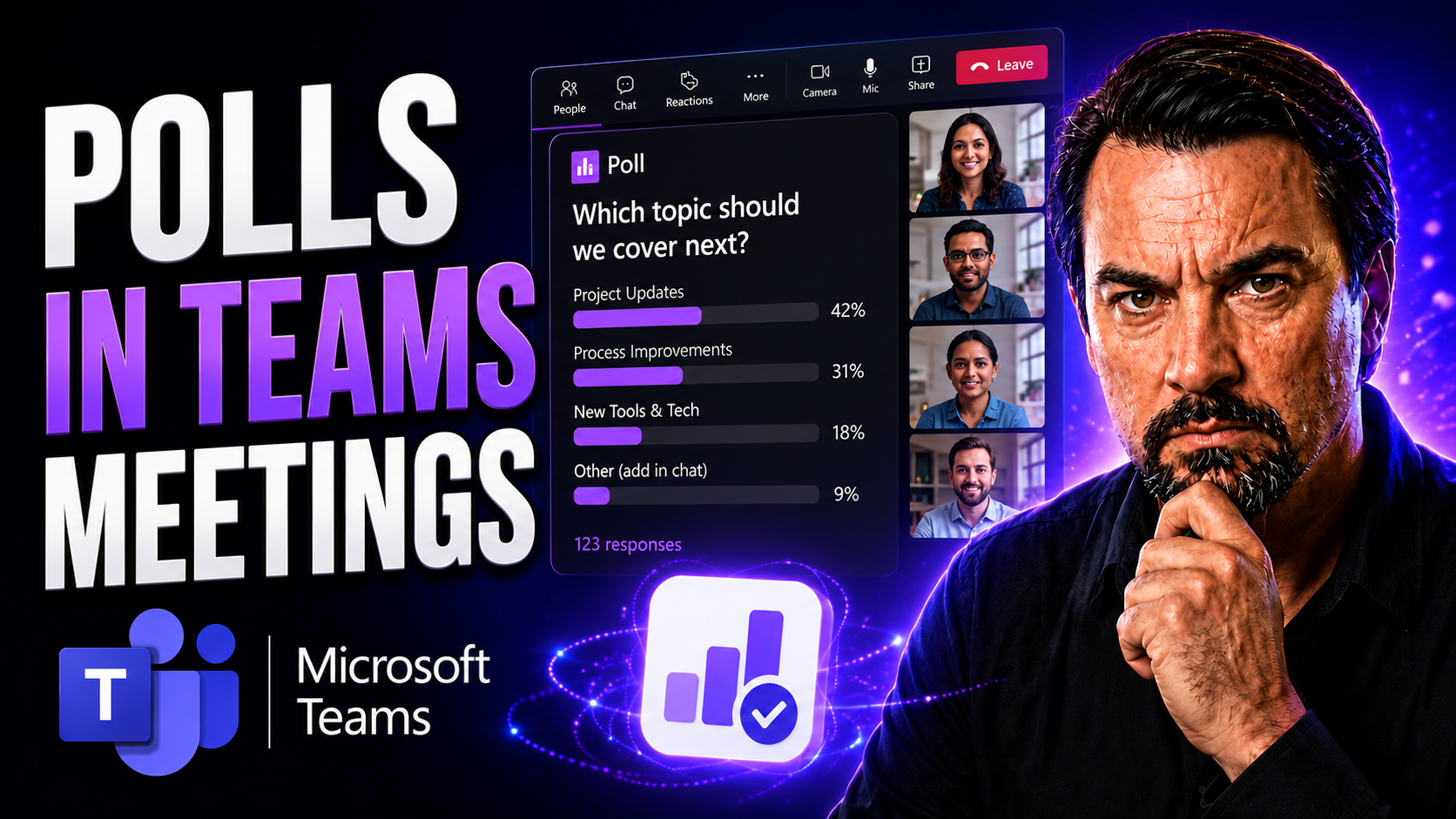
Polls In Teams Meetings Guide
Polls in Microsoft Teams meetings open up a world where everyone gets heard, not just the loudest voices. They’re more than just quick surveys—they’re a hands-on way to boost participation, get feedback on-the-spot, and keep meetings sharp and on-tr…
May 13, 2026
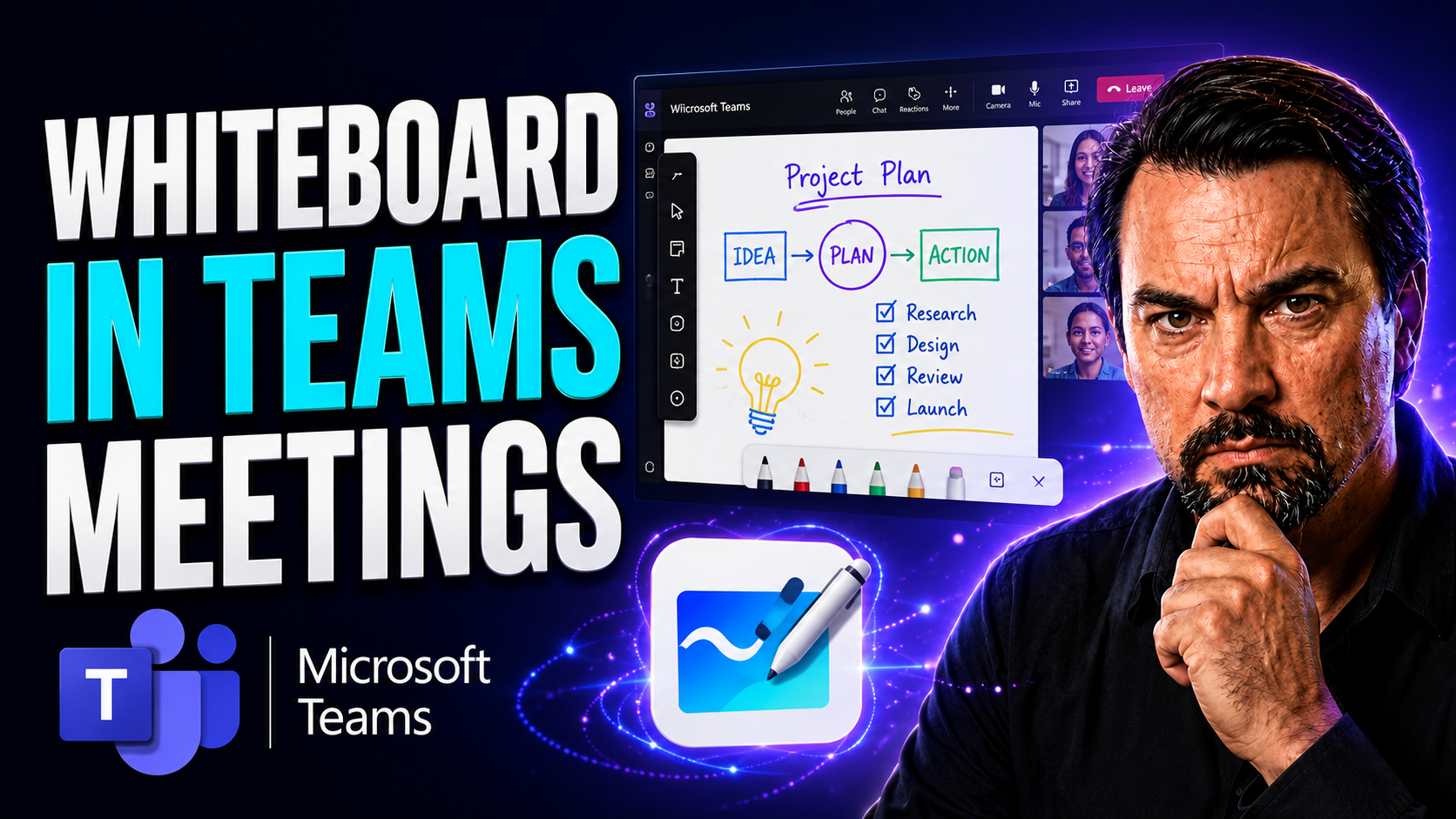
Microsoft Teams Whiteboard Guide
Quick Answer: To use Microsoft Teams Whiteboard in a meeting, join the meeting, select Share, choose Microsoft Whiteboard, and start adding notes, drawings, or templates with participants. Check meeting policies and guest permissions if the Whiteboa…
May 13, 2026
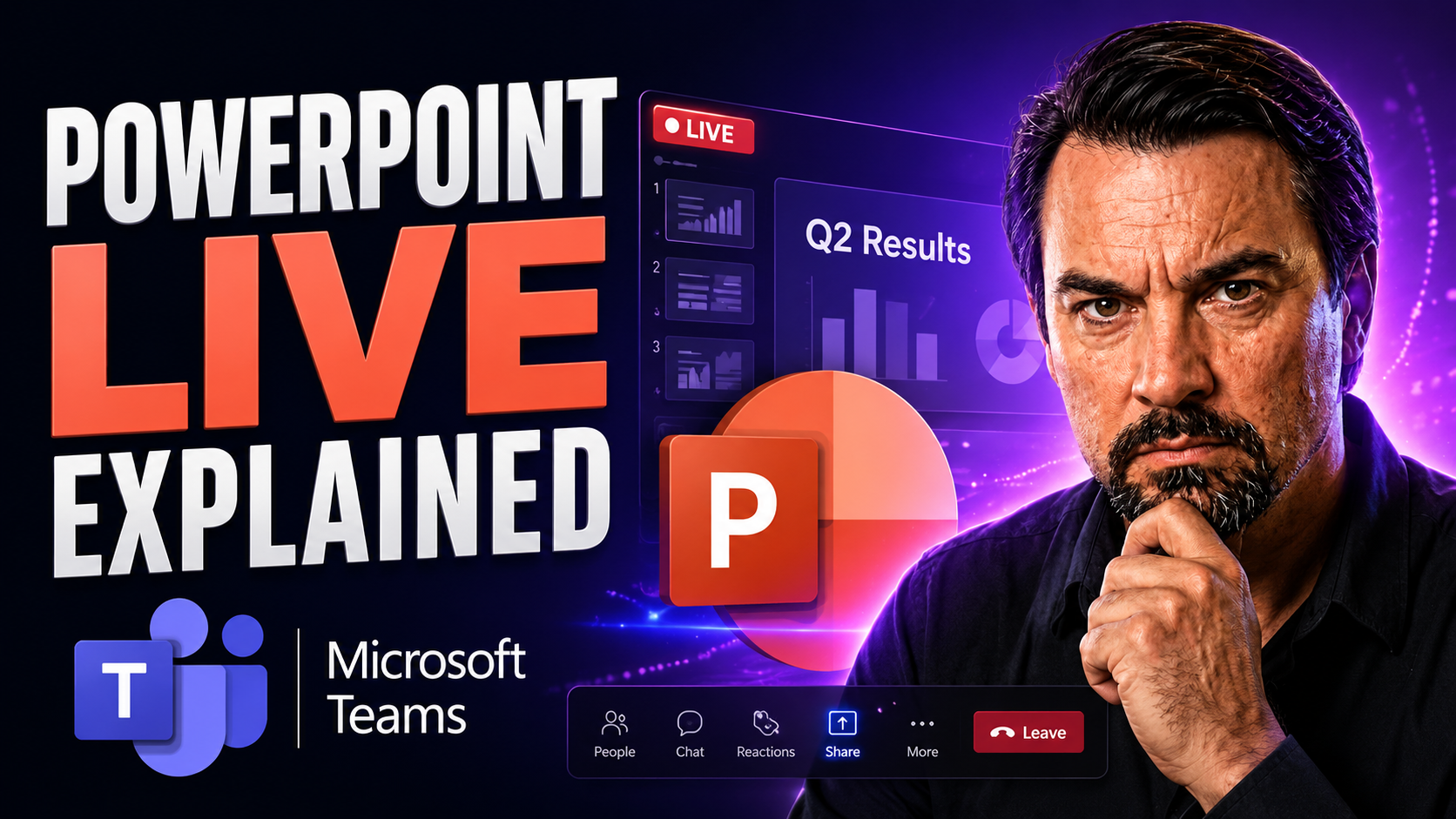
PowerPoint Live In Teams Guide
PowerPoint Live is the next level for sharing presentations inside Microsoft Teams. Instead of old-school screen sharing where everyone just stares at your desktop, PowerPoint Live lets you run fully interactive presentations made for remote and hyb…
May 11, 2026
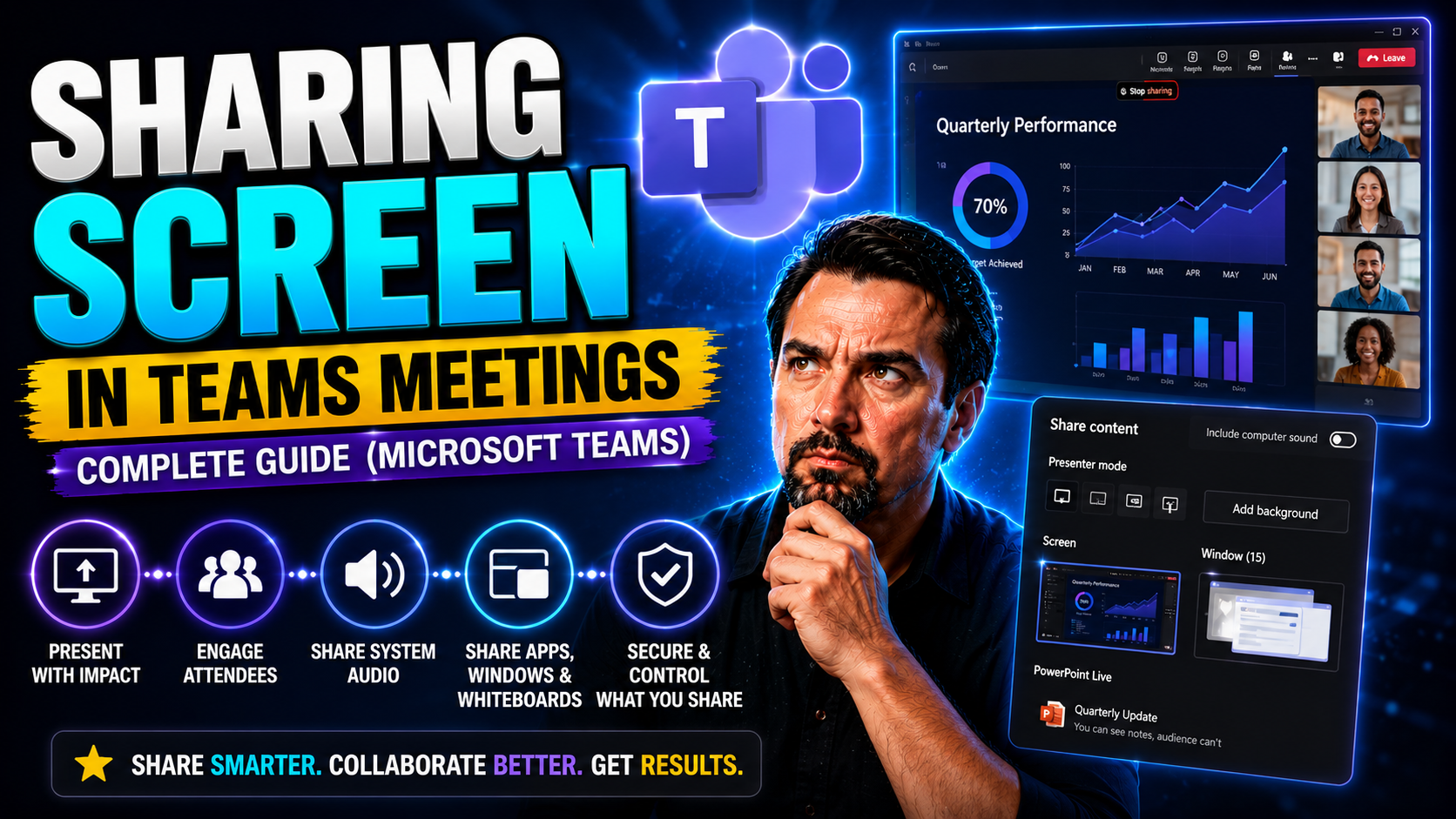
Screen Sharing In Microsoft Teams Guide
Quick Answer: To share your screen in Microsoft Teams, join the meeting, select Share, choose the screen, window, or content you intend to present, then confirm that sensitive notifications and unrelated windows are not visible. Test audio sharing s…
May 11, 2026
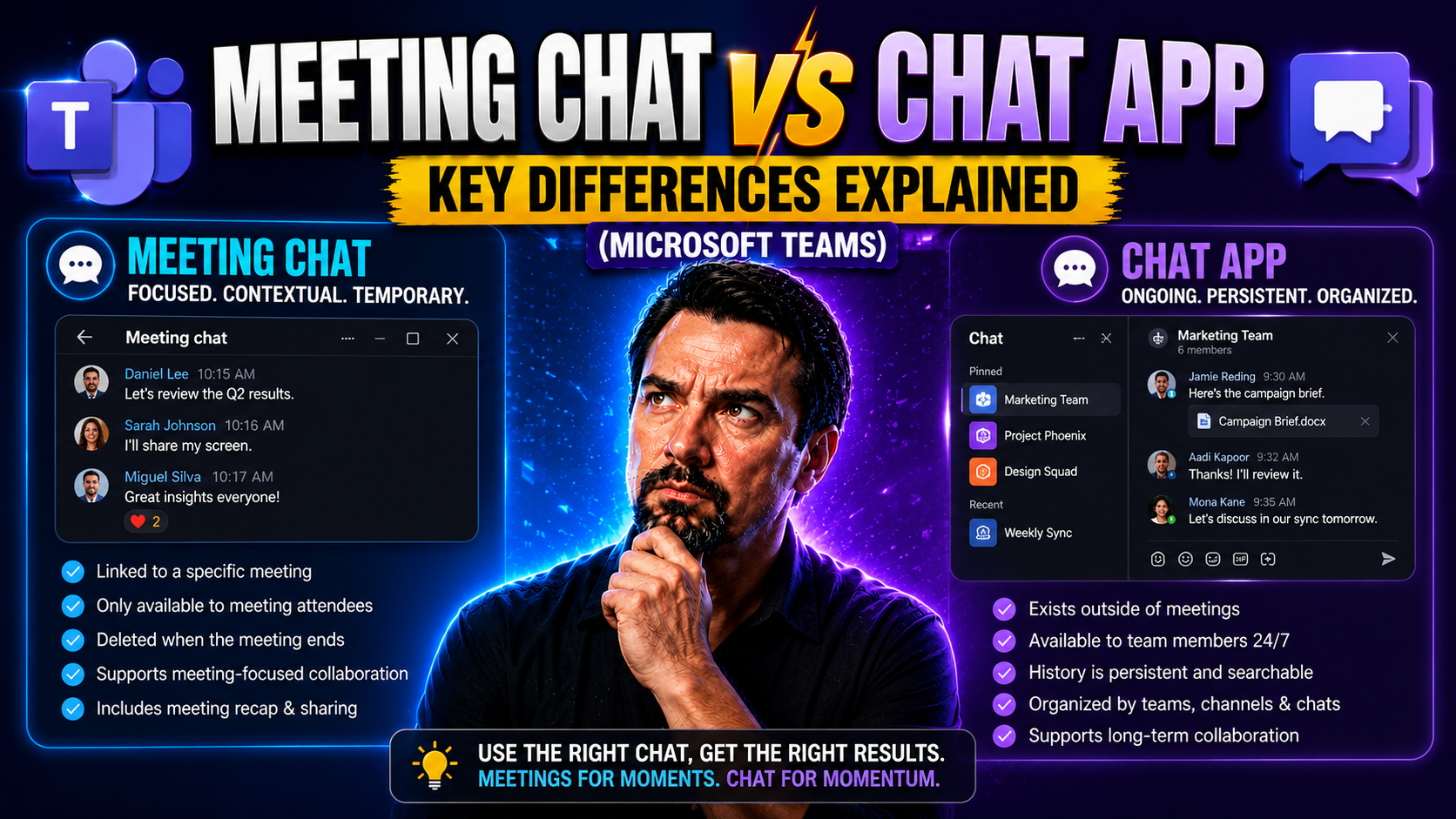
Teams Meeting Chat Vs Chat Guide
The line between meeting chat and dedicated chat apps gets blurry in today’s hybrid work world. When you join a video conference on Zoom, Google Meet, or Microsoft Teams, there’s often a chat window where folks drop questions, share quick links, or …
May 11, 2026
Teams Webinars Vs Meetings Guide
When you’re deciding between webinars and meetings, it’s all about understanding how each format works best for your goals. Webinars are designed for delivering structured presentations to a large group—think of it as a virtual stage, with hosts spe…
May 11, 2026
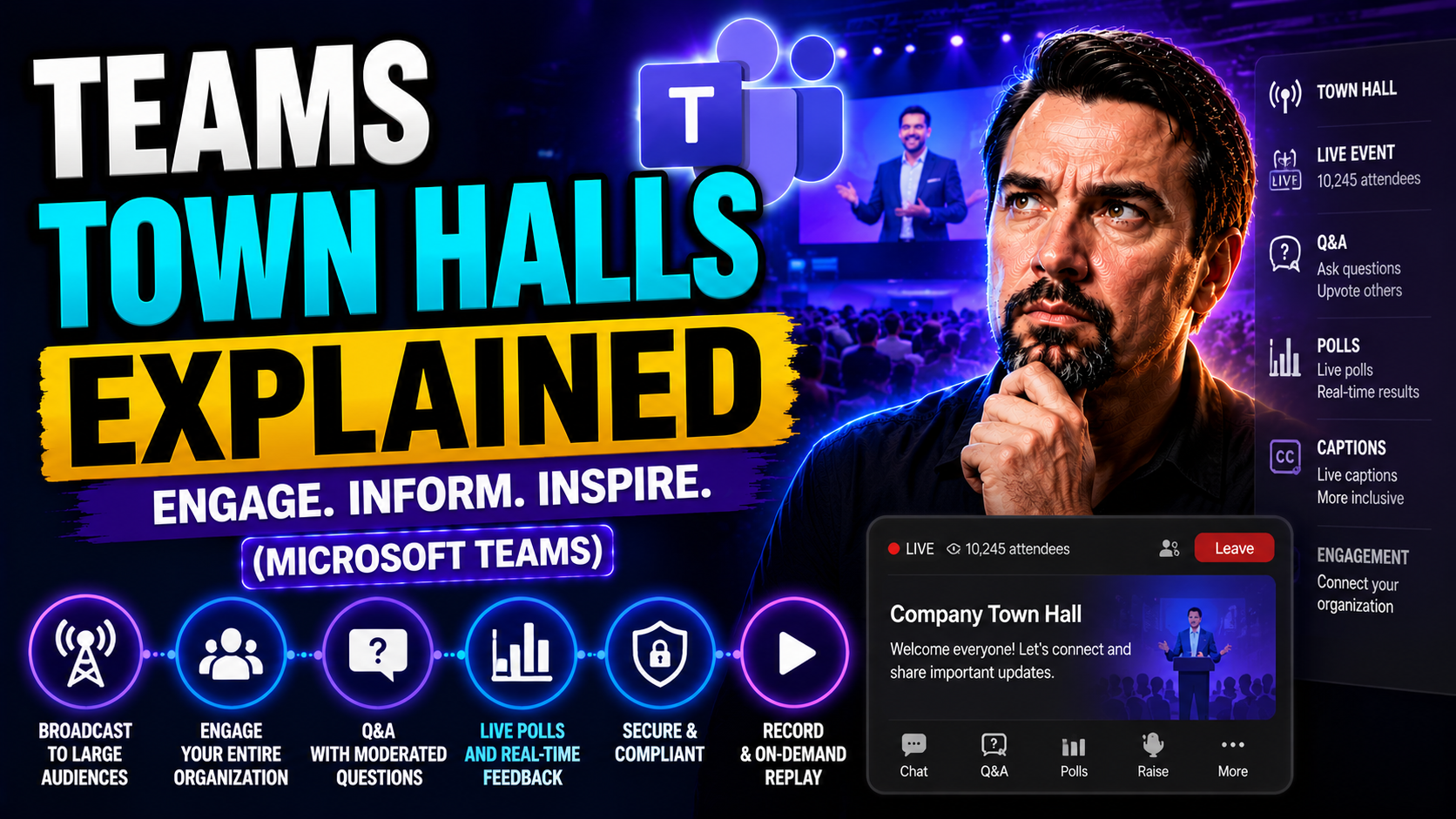
Microsoft Teams Town Halls Guide
When your company needs to get everyone on the same page, Microsoft Teams town halls are the way to do it. These aren’t your average meetings; they’re built for organization-wide broadcasting, milestone updates, and direct conversations between lead…
May 11, 2026
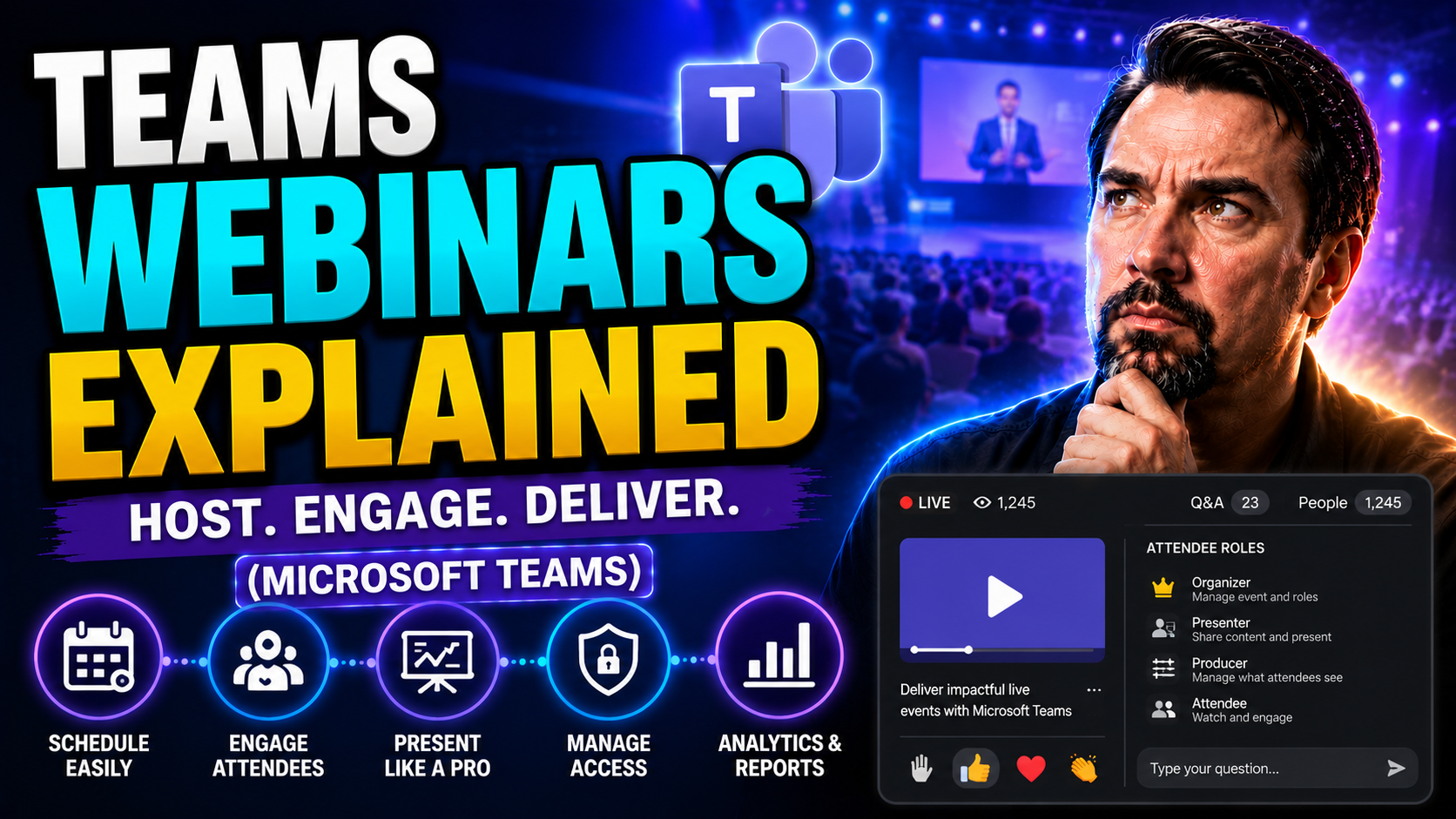
Microsoft Teams Webinars: Complete Guide for 2026
Quick Answer: To run a Microsoft Teams webinar, schedule a webinar from Teams or Outlook, set the event details and registration options, assign presenter roles, then test the attendee experience before sending invitations. Use a webinar when you ne…
May 11, 2026
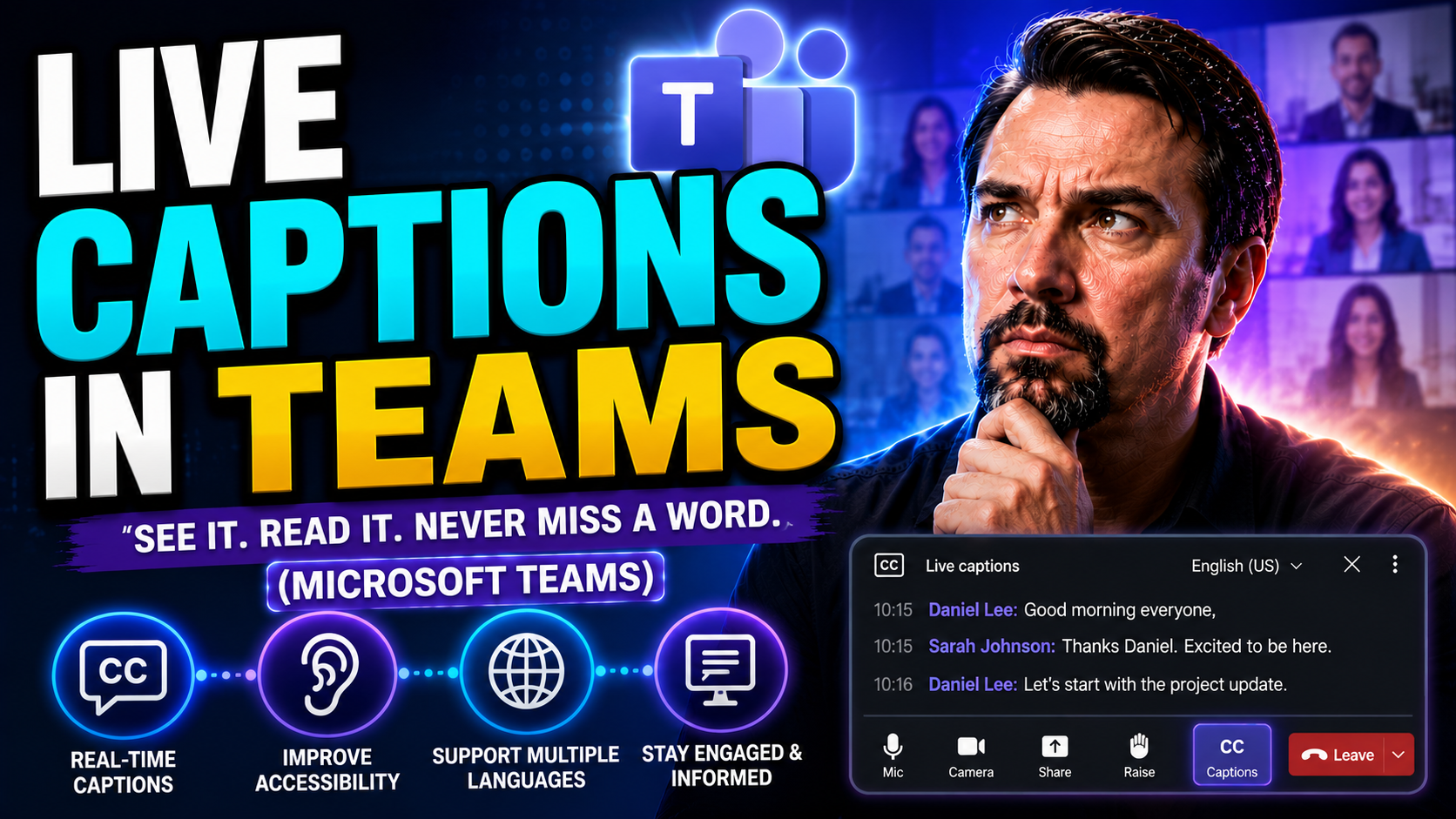
Live Captions In Teams Guide
To use live captions in Microsoft Teams, join a meeting, open More actions, select Language and speech, then turn on live captions and choose the spoken language when available. Captions help participants follow discussion in real time, but meeting …
May 11, 2026
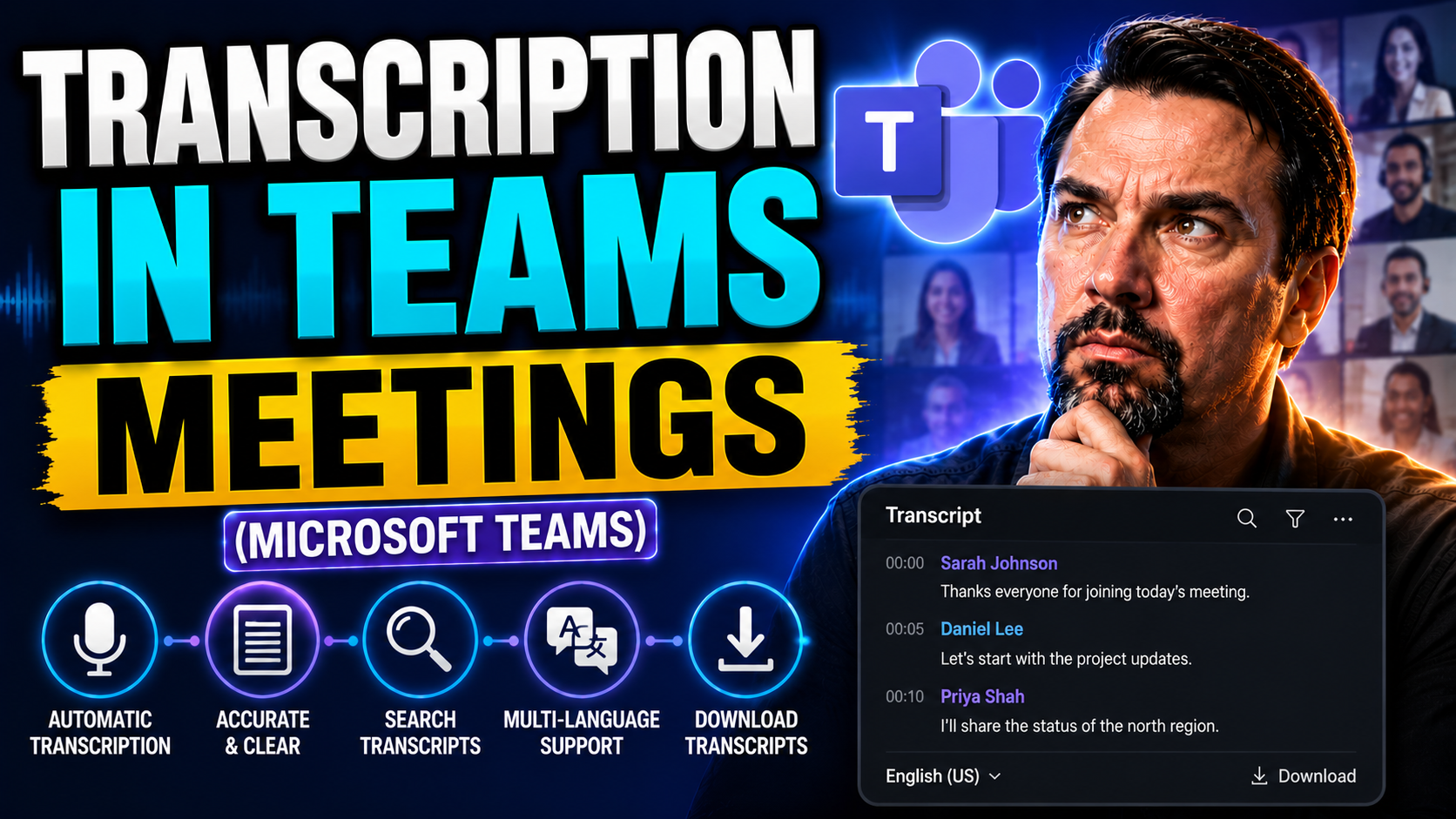
Teams Meeting Transcription Guide
Meeting transcripts in Microsoft Teams have changed the way people capture discussions, decisions, and action items. This guide gives you the lowdown on everything Teams transcription, from turning it on to making sure your transcripts actually tell…
May 11, 2026
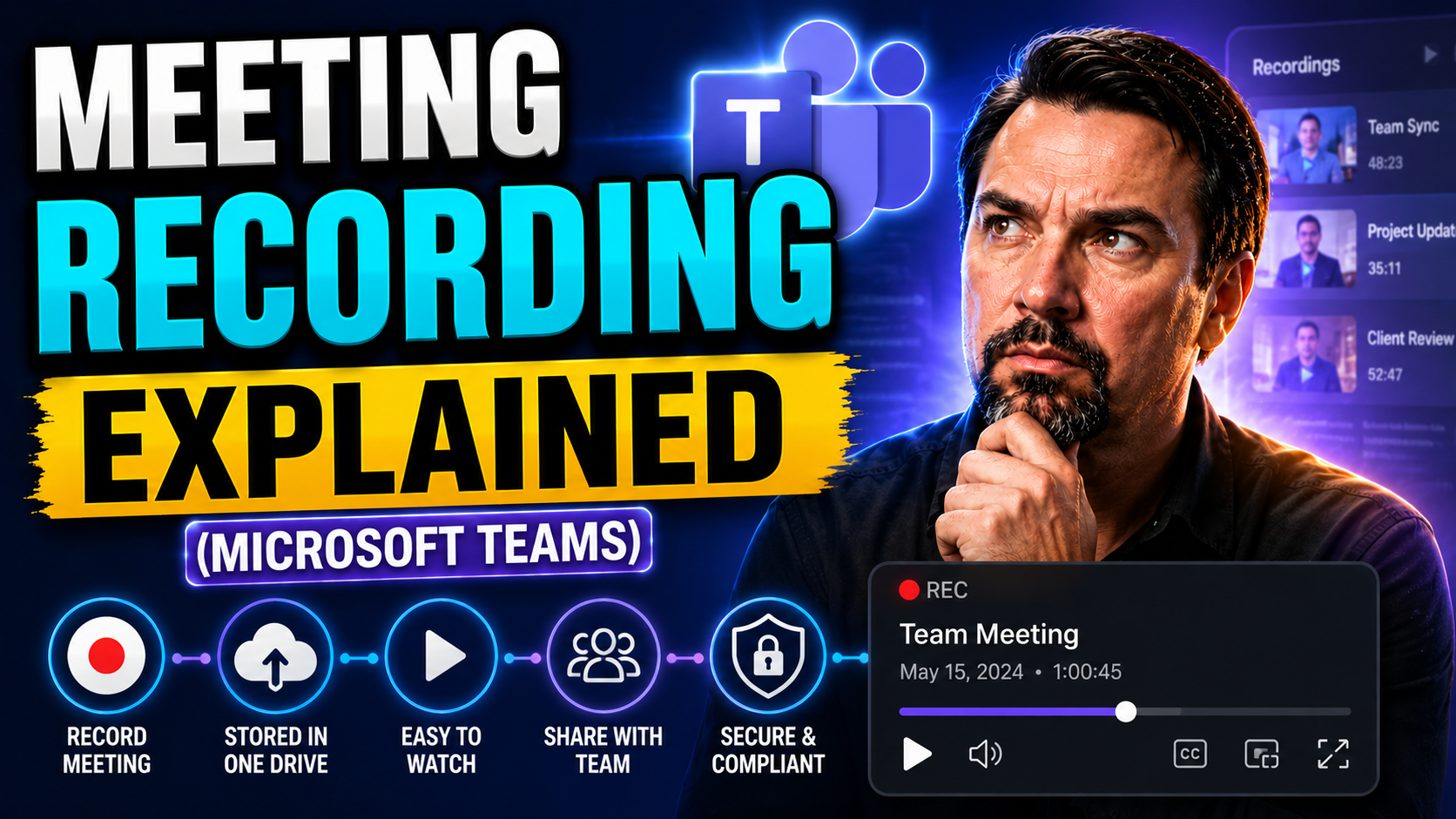
Teams Meeting Recording Guide
If you’ve ever had a meeting where someone said, “Did anybody get that?” then you already know why meeting recording matters. This guide digs deep into recording meetings—especially with Microsoft Teams—and how proper governance transforms every rec…
May 11, 2026
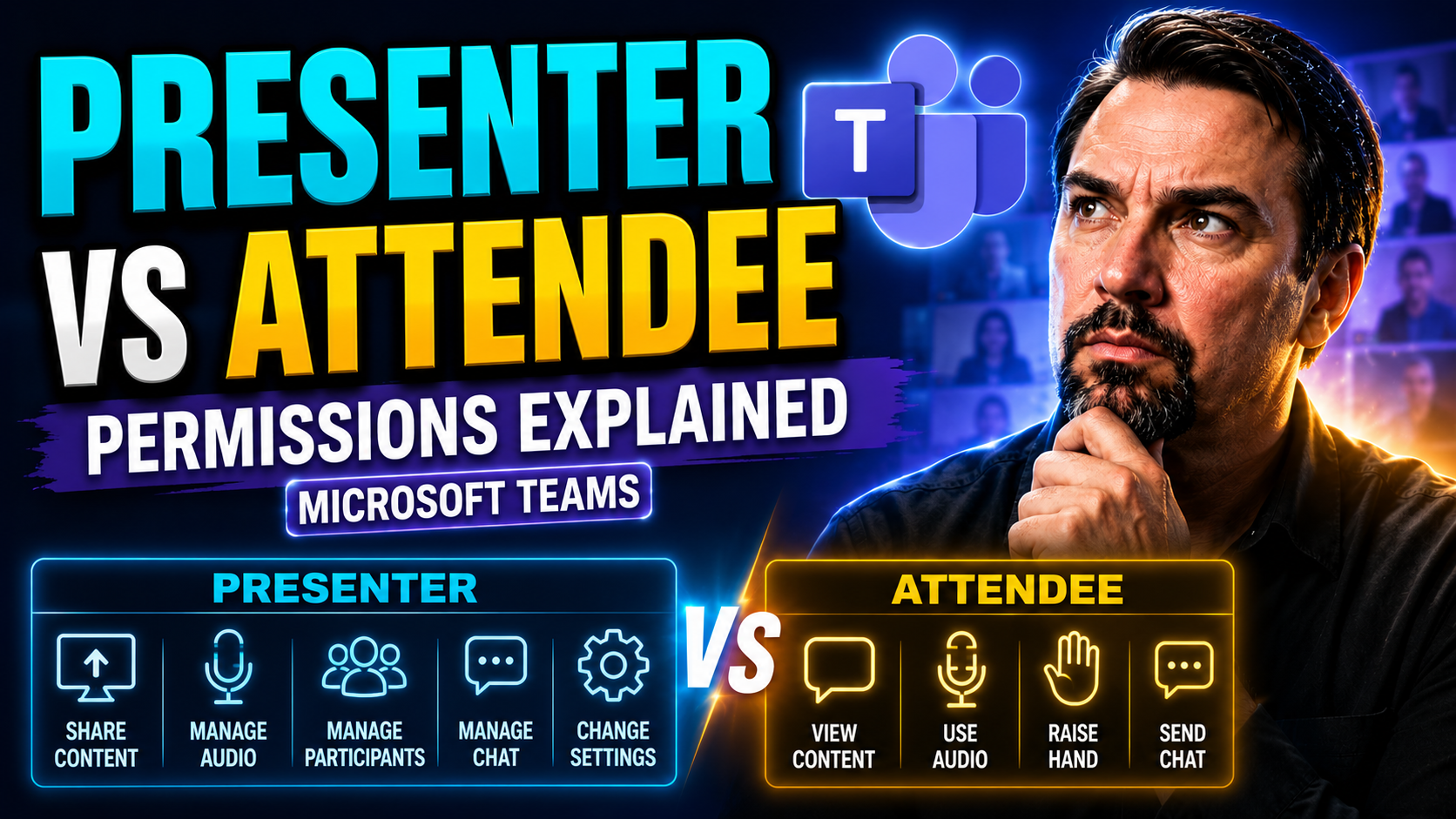
Teams Presenter Vs Attendee Permissions Guide
Microsoft Teams meetings revolve around two core roles: presenter and attendee. Understanding the difference between these roles helps ensure every meeting runs smoothly, securely, and stays on topic. Presenters have extended permissions—they can sh…
May 11, 2026
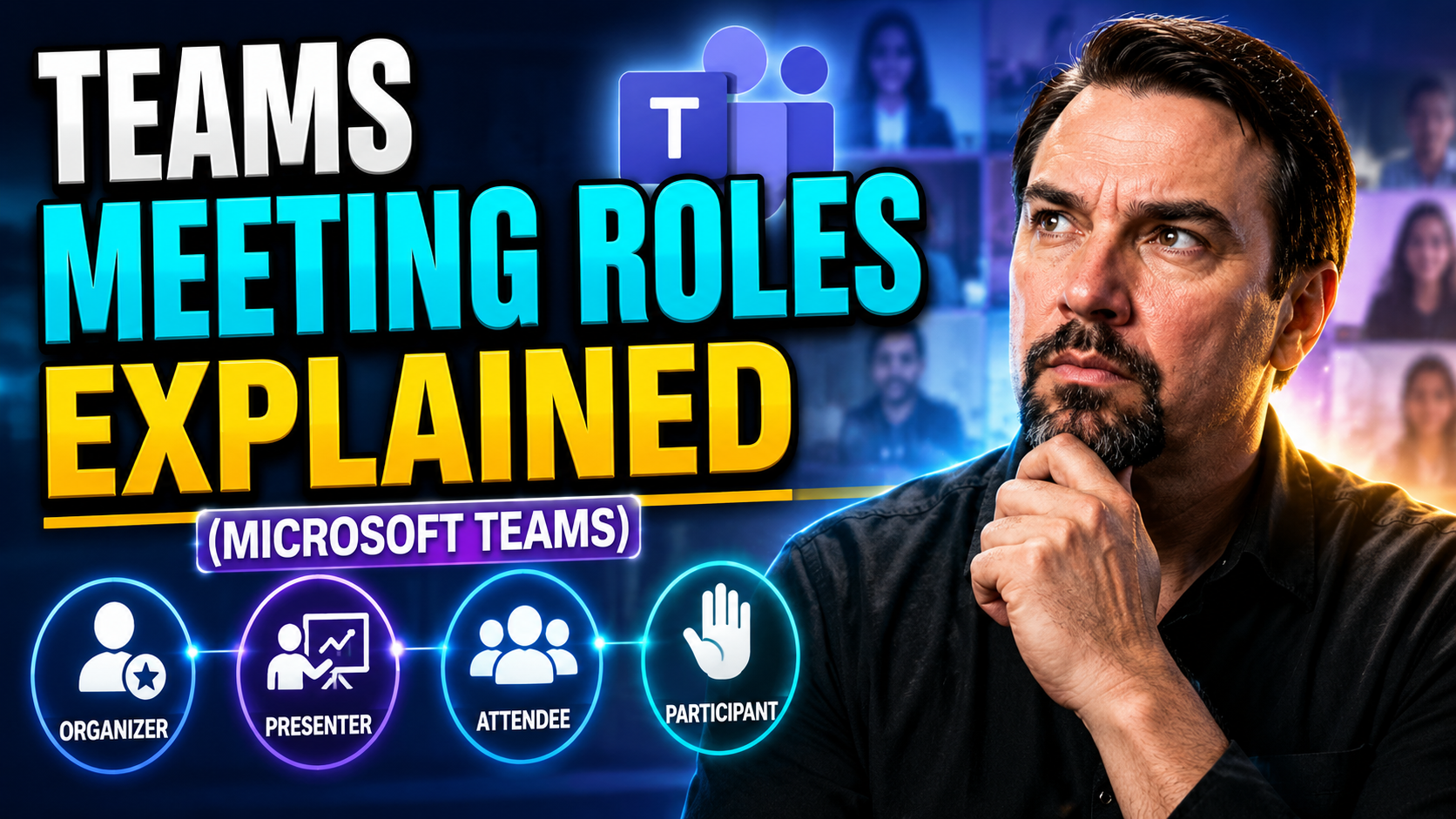
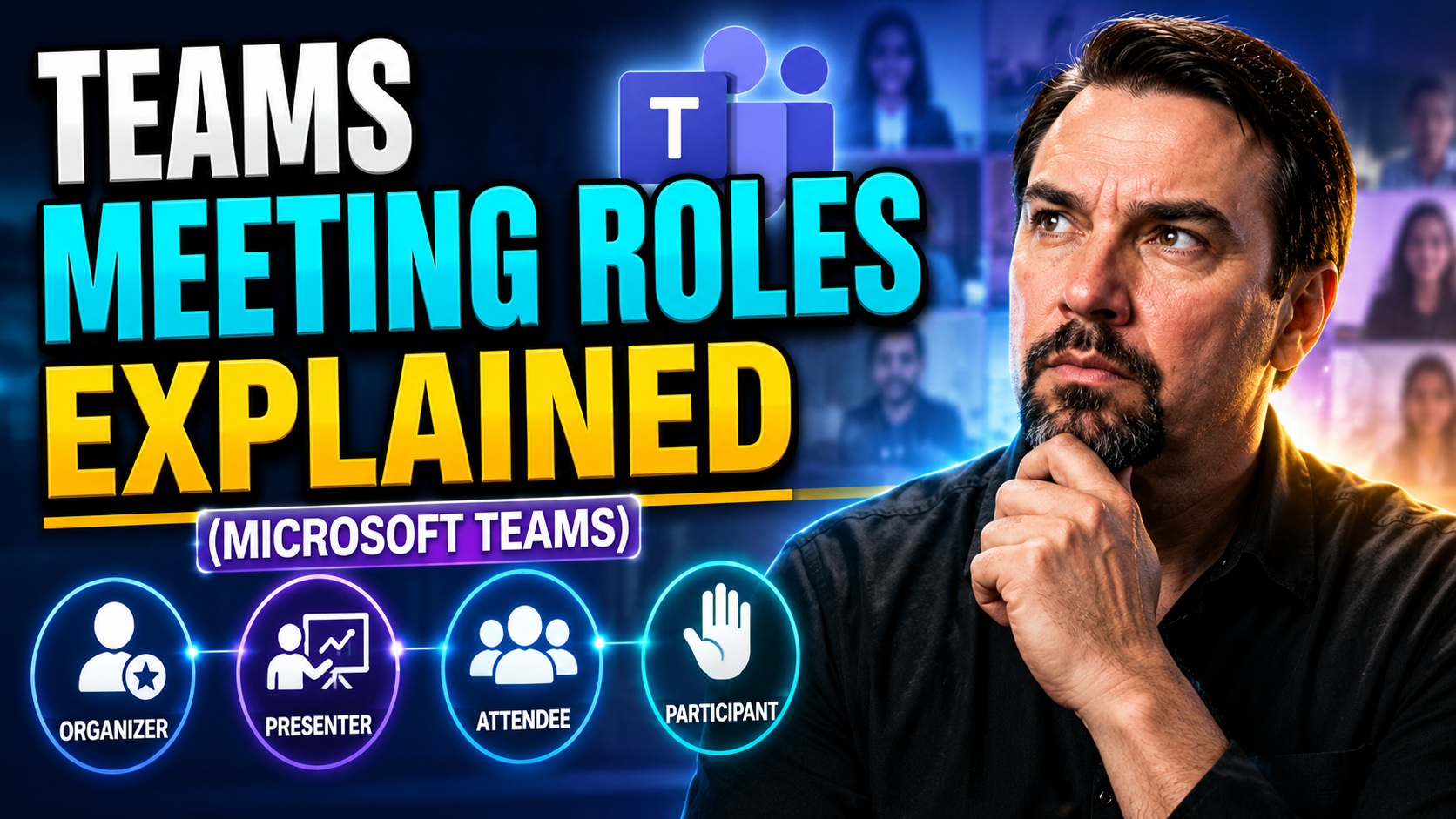
Teams Meeting Roles Guide
Teams meeting roles should be designed around a clear business scenario, accountable ownership, and the appropriate Microsoft 365 controls. Start with the intended outcome, validate permissions and policy settings, test with representative users, an…
May 7, 2026
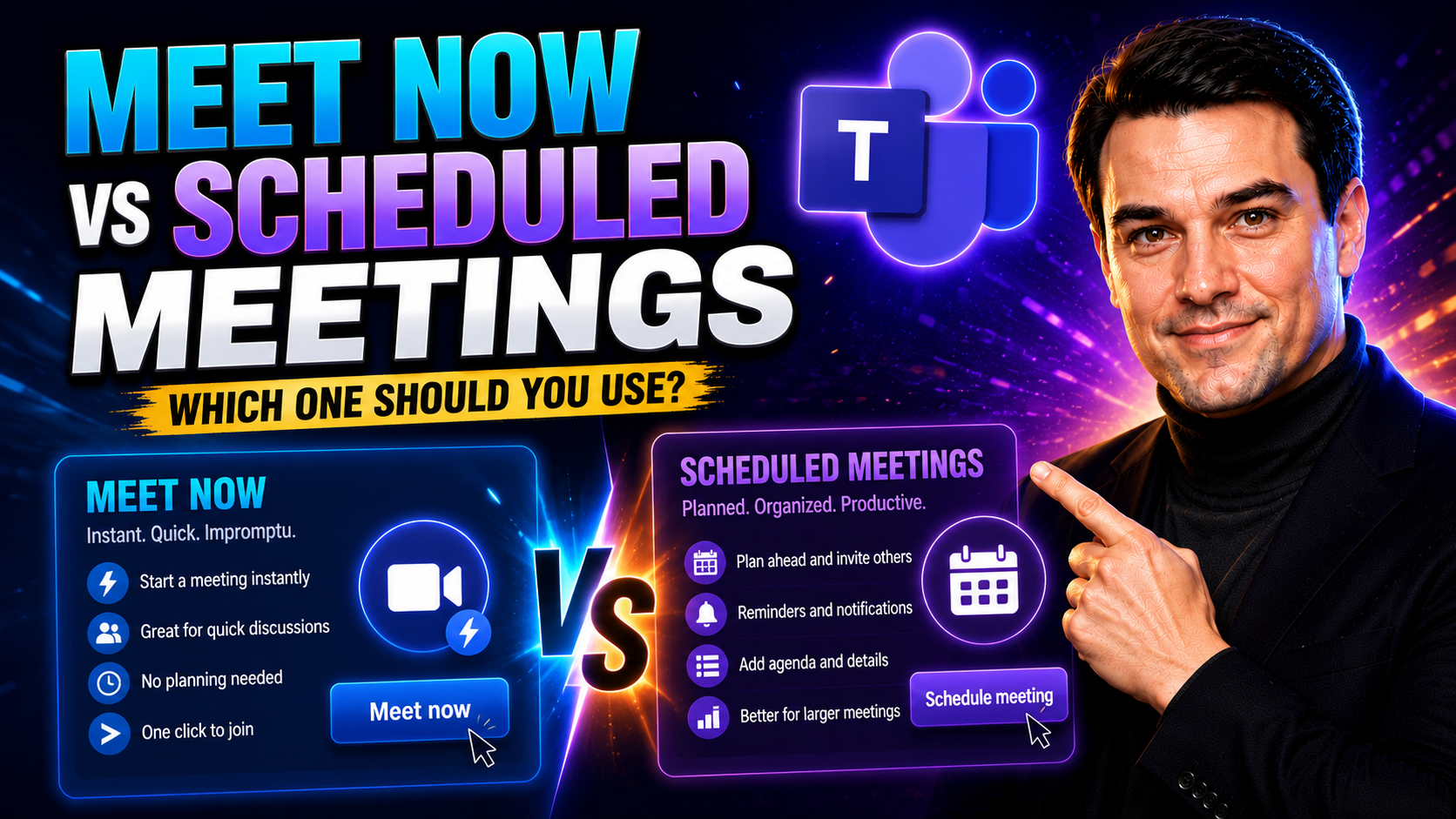
Meet Now Vs Scheduled Teams Meetings Guide
If you've ever wondered when to click “Meet Now” or when to send out a formal calendar invite in Microsoft Teams, you're not alone. Picking the right meeting type can mean the difference between a productive session and a bunch of confused faces sta…
May 7, 2026
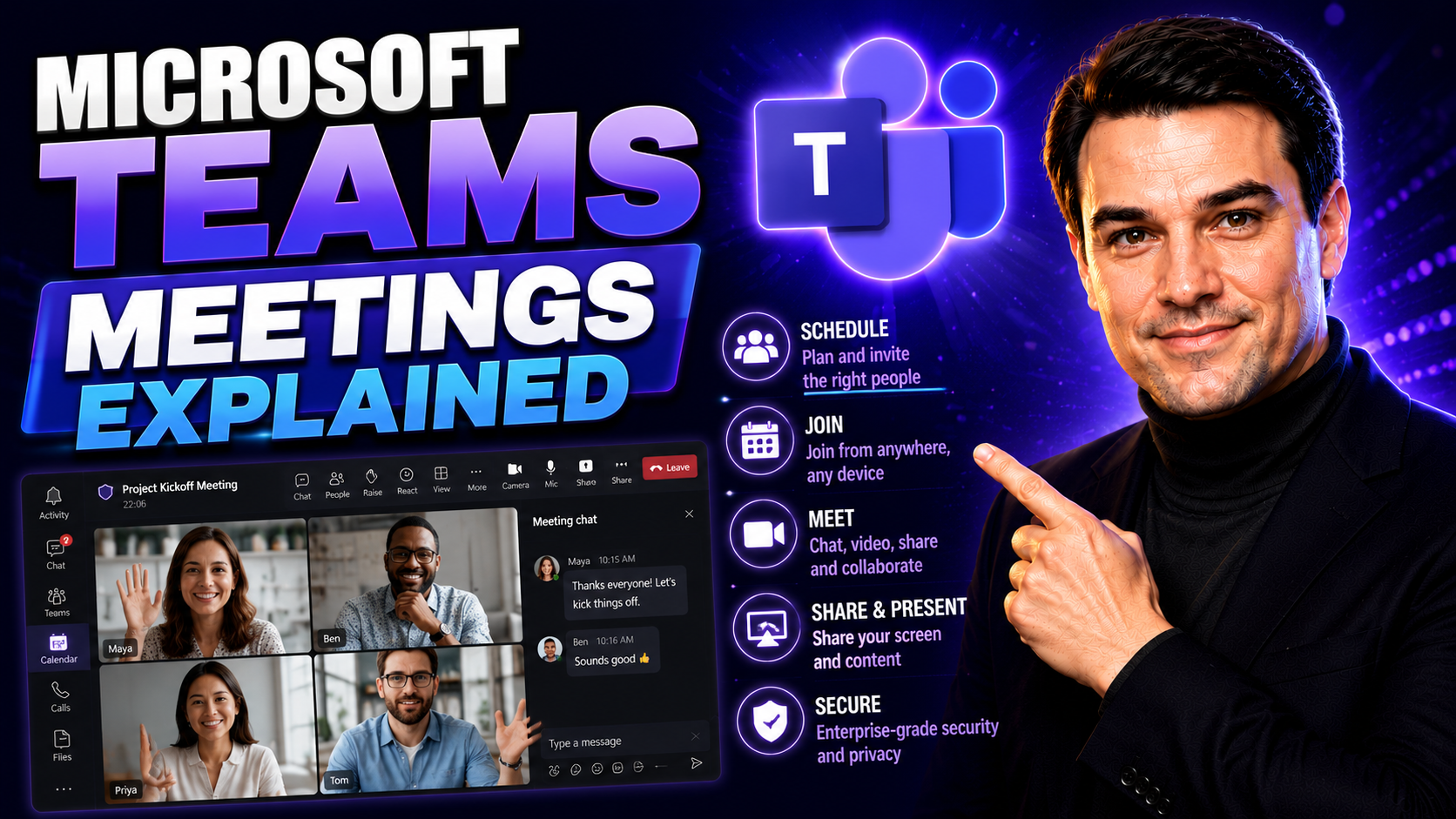
Microsoft Teams Meetings Guide
If Microsoft Teams meetings have you scratching your head, you’re in the right spot. This guide breaks down the different types of Teams meetings—from quick team check-ins to company-wide virtual events—and shows you, step by step, exactly how to jo…
May 7, 2026
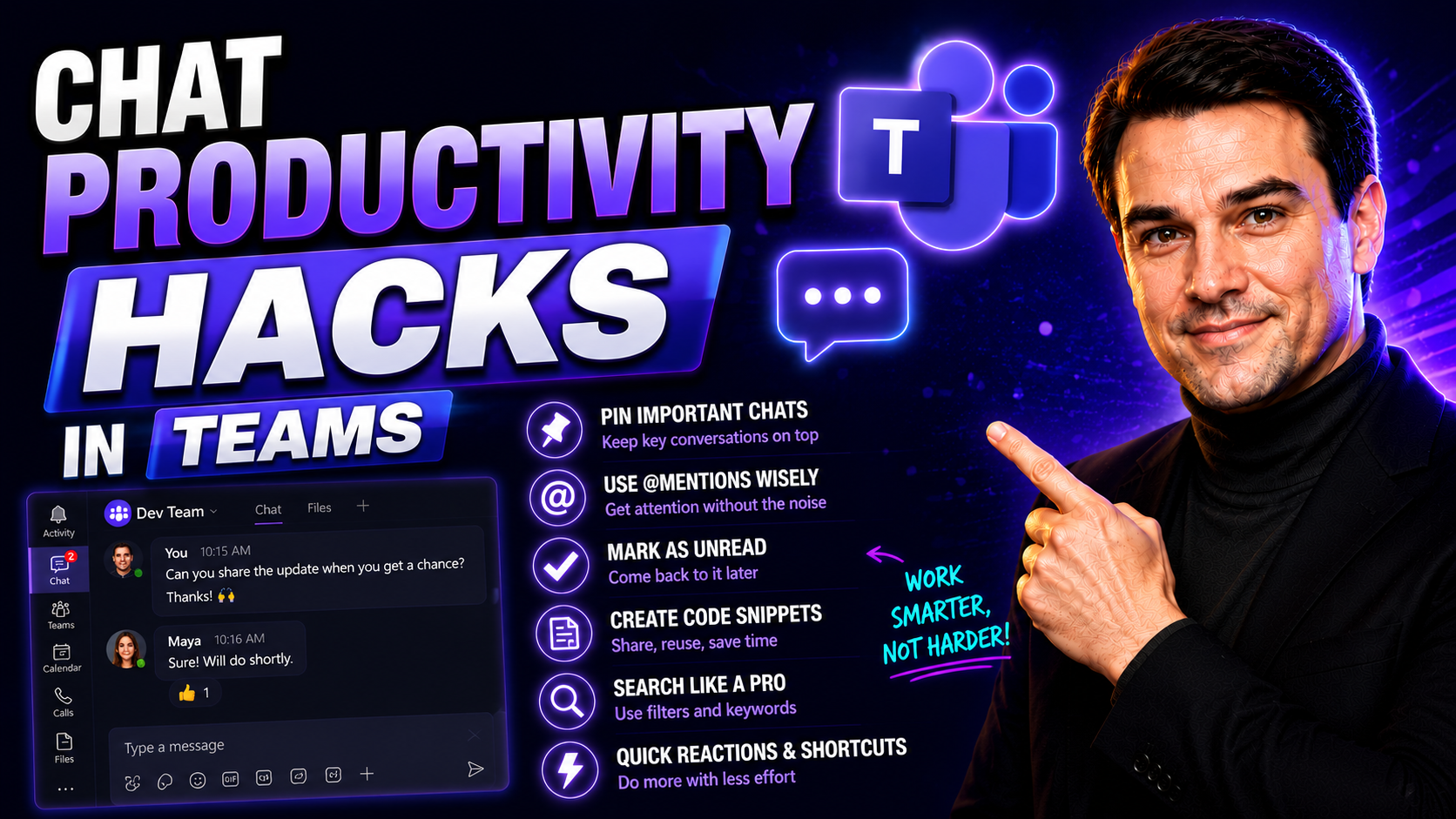
Teams Chat Productivity Guide
Today’s teams are juggling dozens of conversations, projects, and tasks at once. Chat-based AI tools like ChatGPT are stepping in to lighten the load and help organizations move fast without letting things slip through the cracks. These aren’t just …