

Work smarter, not harder, with practical tips for Microsoft 365.
From Teams and Outlook to OneDrive and Office apps, we explore new features, time-saving shortcuts, collaboration tools, and productivity workflows that help you get more done every day.
Perfect for anyone who loves efficiency and wants to make M365 work for them.
From Teams and Outlook to OneDrive and Office apps, we explore new features, time-saving shortcuts, collaboration tools, and productivity workflows that help you get more done every day.
Perfect for anyone who loves efficiency and wants to make M365 work for them.
May 18, 2026
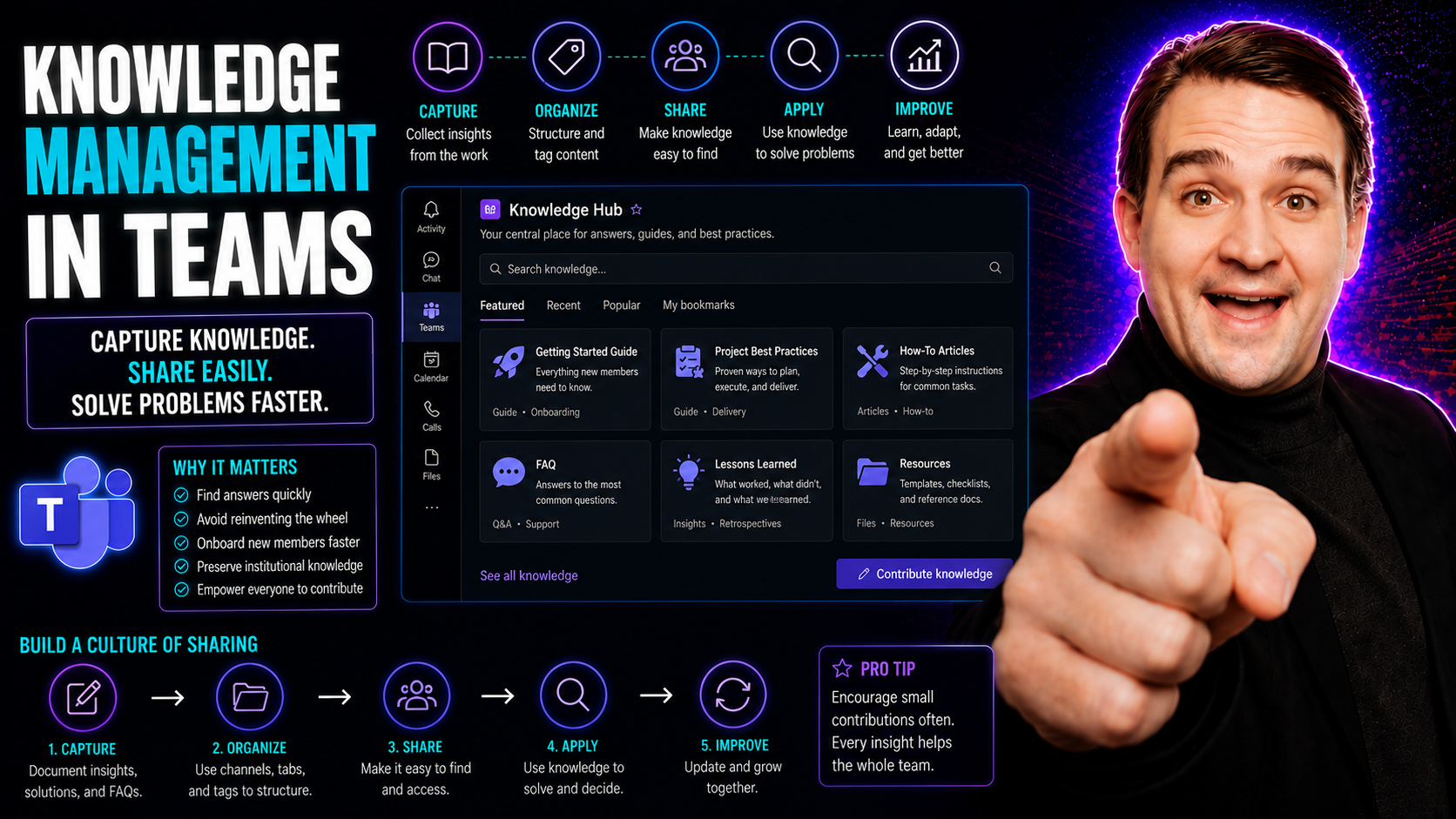
Knowledge Management in Teams: Best Practices and Integration
Knowledge management in teams is all about making sure what everyone knows, the “know-how” of a group, isn’t lost or stuck in people’s heads. The topic covers how to capture, organize, and share knowledge so day-to-day collaboration works better—and…
May 18, 2026
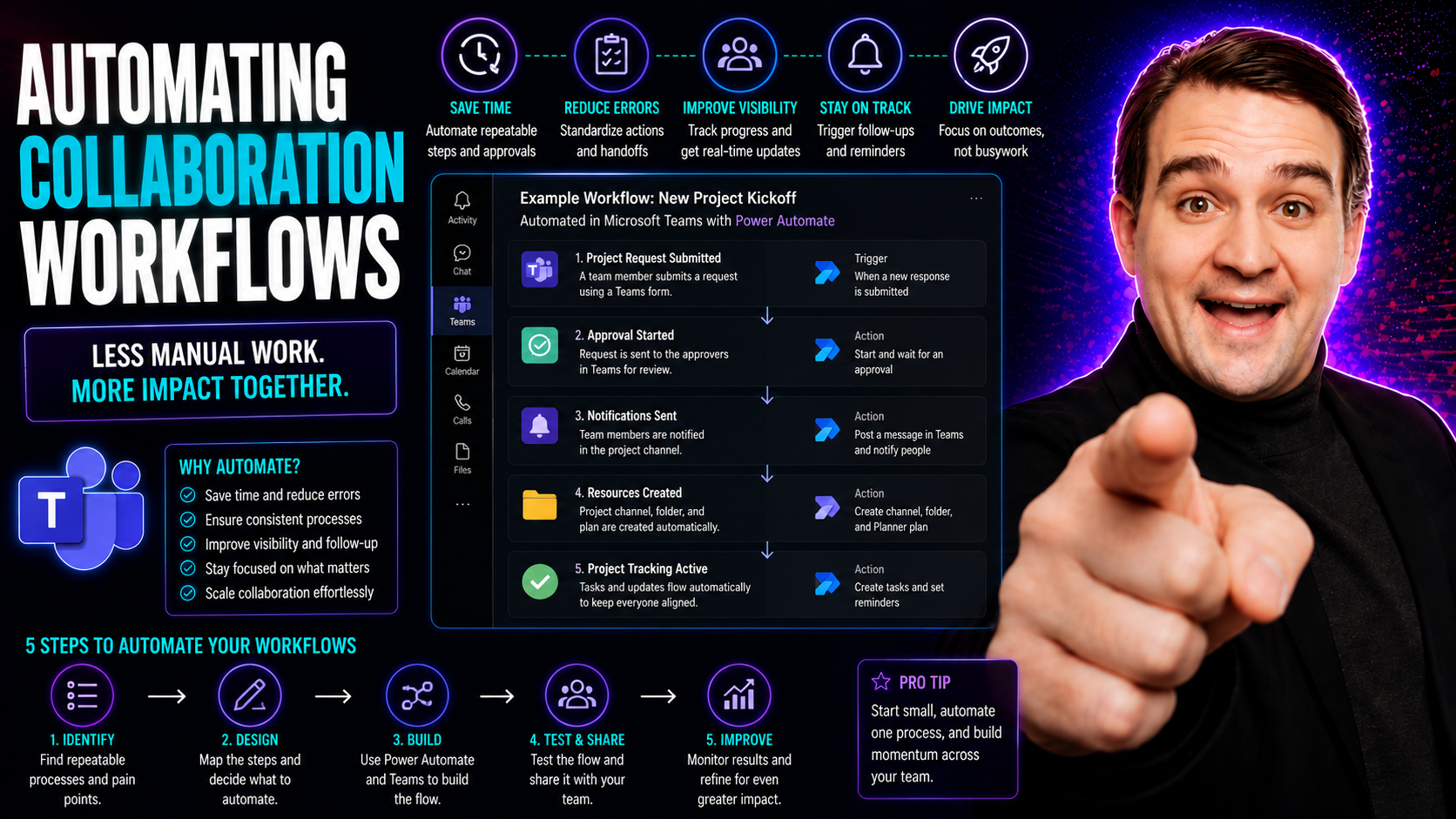
Microsoft Teams Workflow Automation: Productivity and Governance
This guide digs into the what, why, and how of automating collaboration workflows—especially for teams working with Microsoft Teams. Here’s where you find the practical steps, tools, and governance essentials that help organizations work smarter, cu…
May 18, 2026
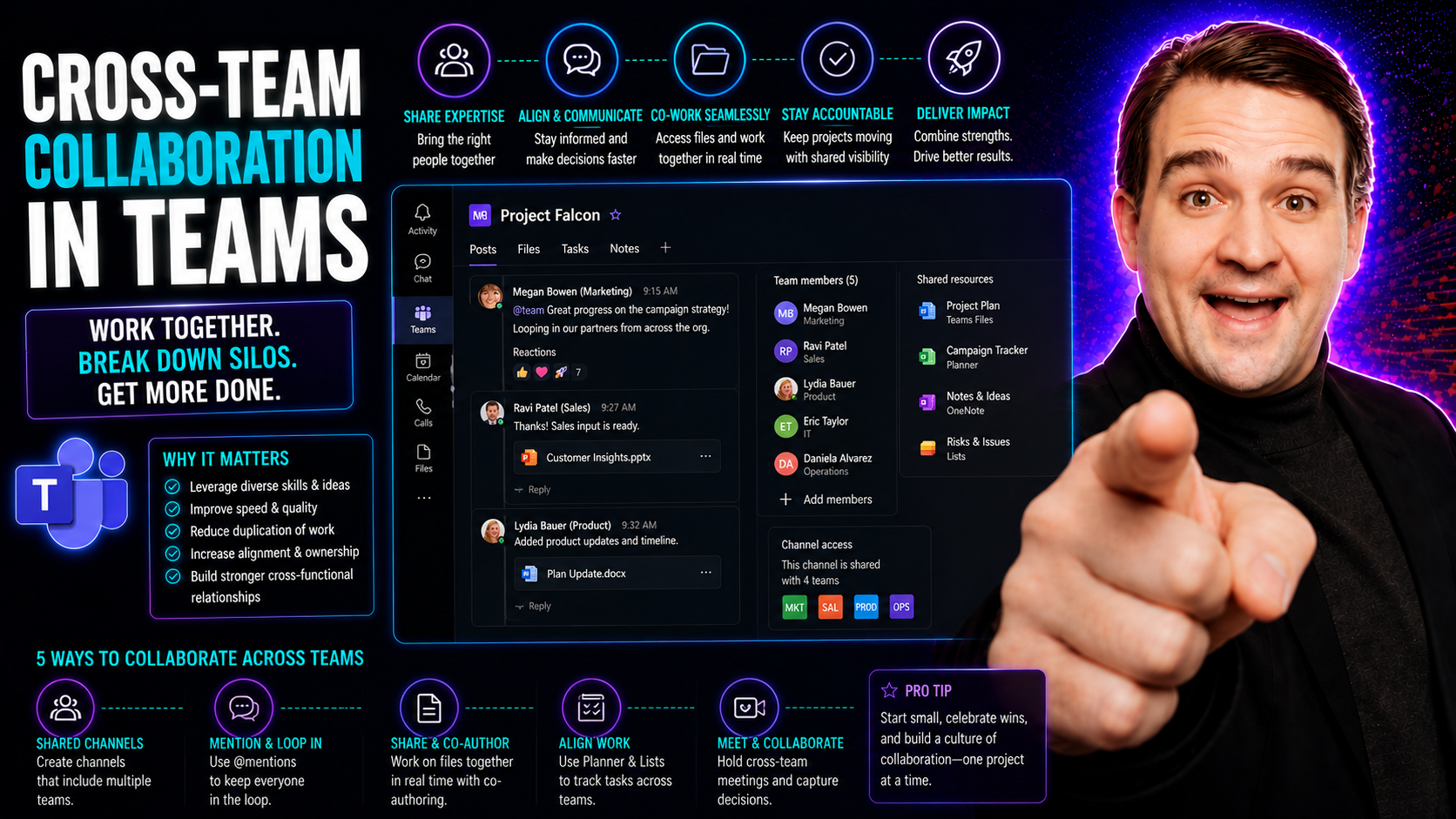
Cross-Team Collaboration: Strategies for Modern Organizations
Cross-team collaboration is a game-changer for organizations looking to work smarter, not just harder. It’s all about teams from different corners of your company teaming up—think sales, IT, finance—finding new ways to solve problems, share informat…
May 18, 2026
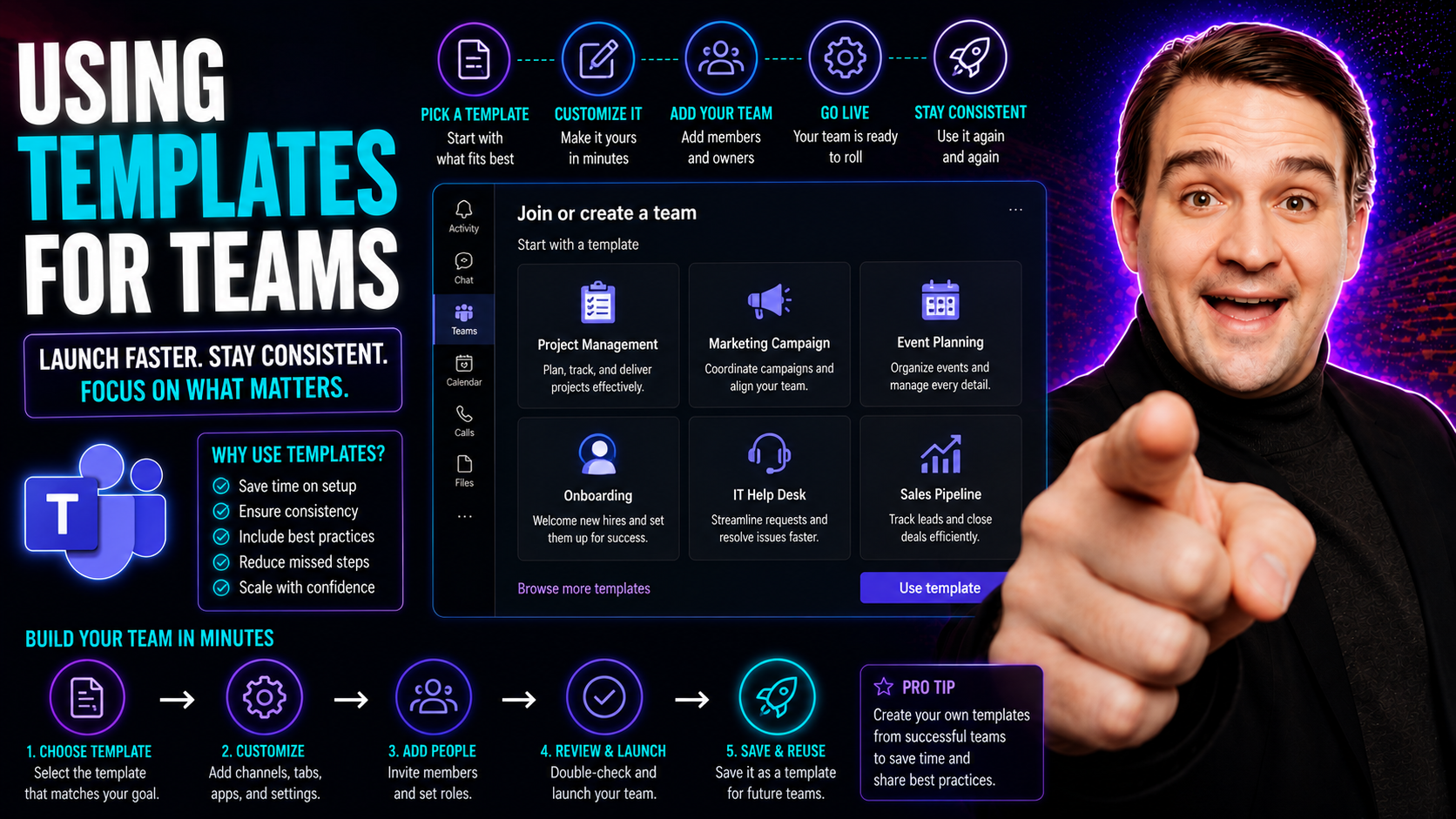
Microsoft Teams Templates: Setup and Governance Guide
If you’ve ever fumbled through setting up a new team in Microsoft Teams—copying channels, juggling permissions, or stressing over missing tabs—templates are your ticket to smooth, repeatable success. This guide will walk you through everything you n…
May 18, 2026
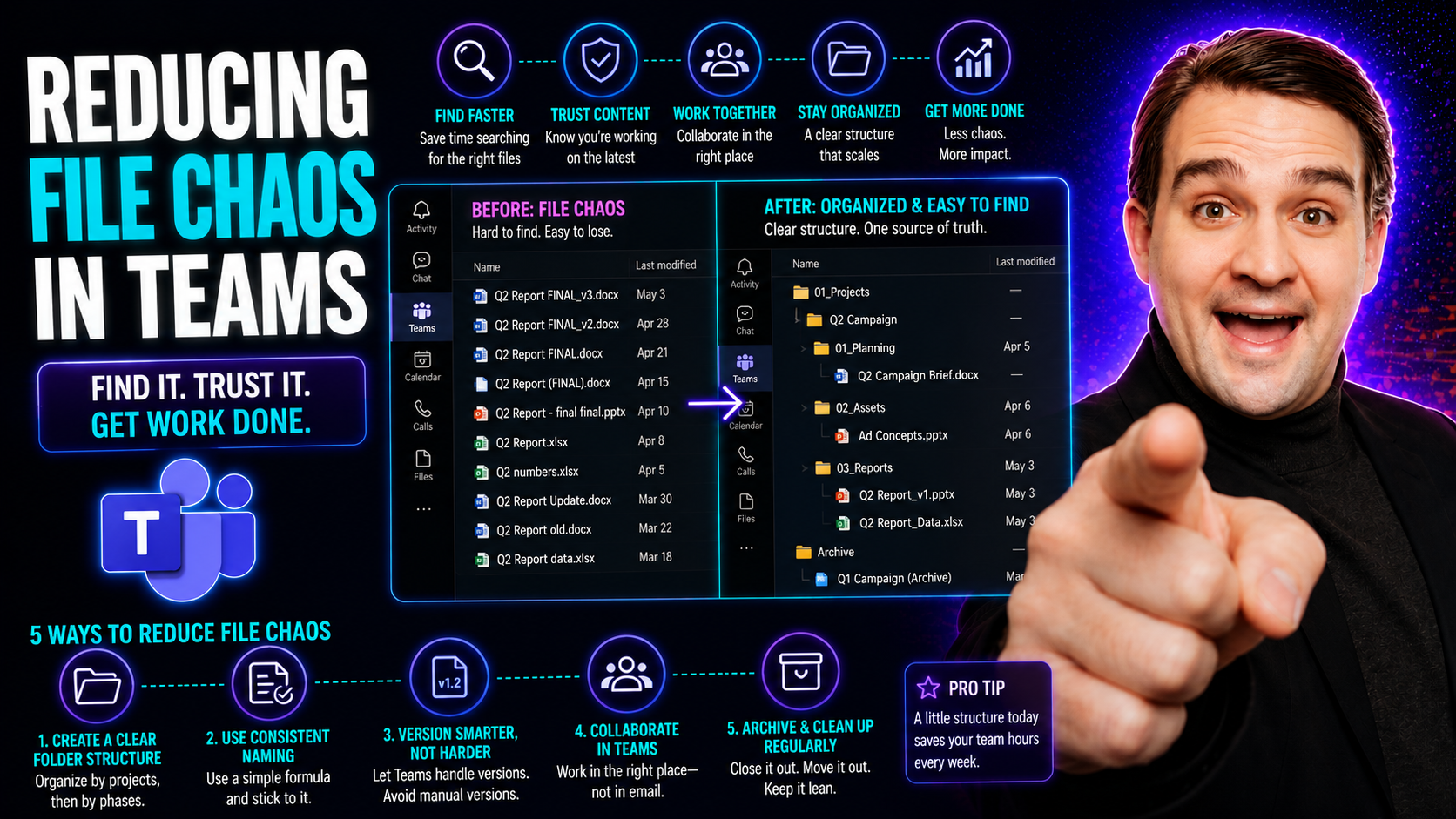
Microsoft Teams File Organization: Reduce File Chaos
If your Microsoft Teams files feel like a junk drawer—scattered, unnamed, and impossible to find—you’re not alone. File chaos in Teams shows up as missing documents, duplicated files, and team members leaving chats just to hunt for the “right” versi…
May 18, 2026
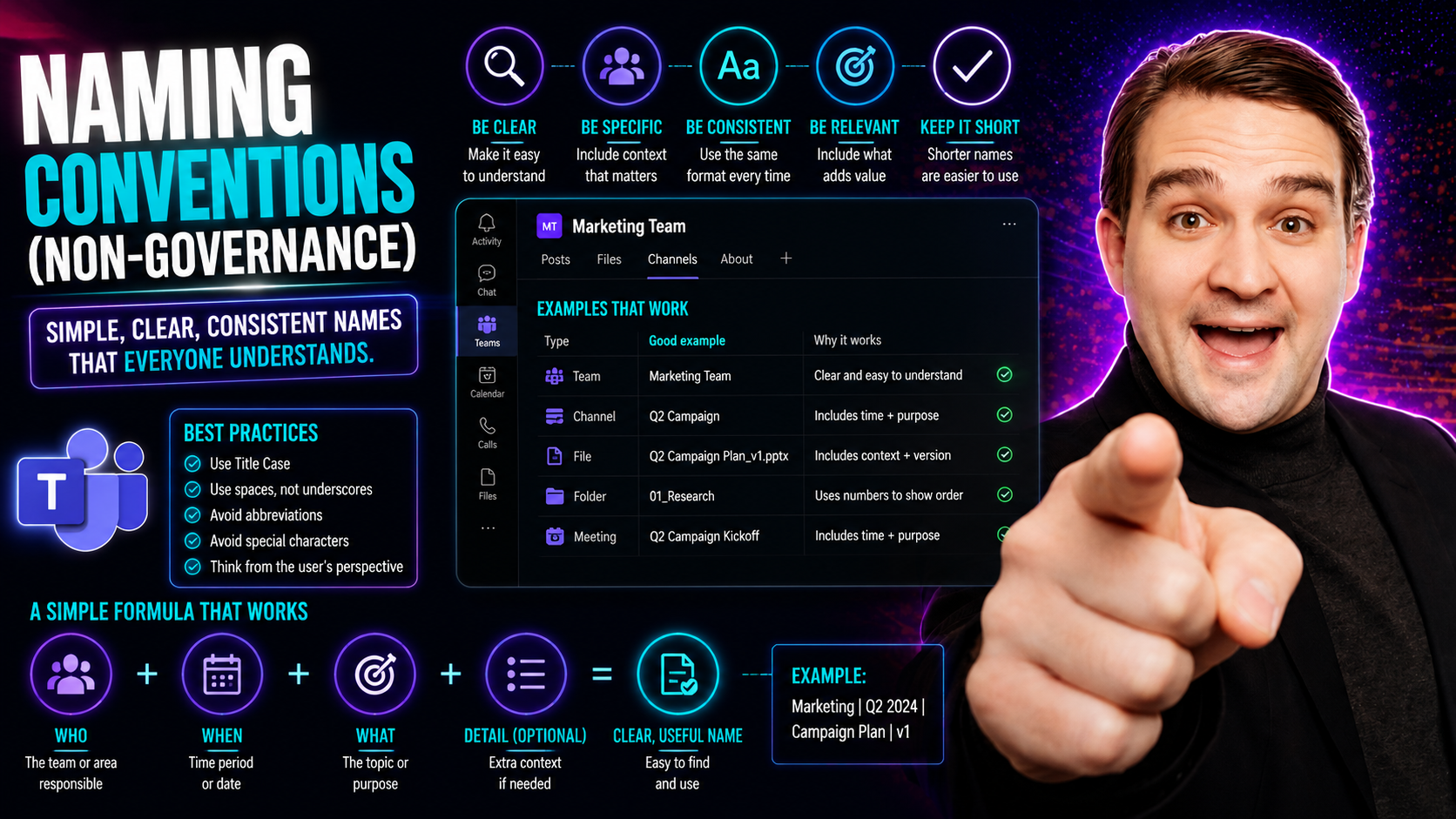
Microsoft Teams Naming Conventions: Practical Guide
Let’s set the record straight: naming conventions aren’t just nitpicking over file names. They’re the secret sauce that keeps teams, projects, and digital files from turning into complete chaos—especially in shared spaces like Microsoft Teams. A nam…
May 18, 2026
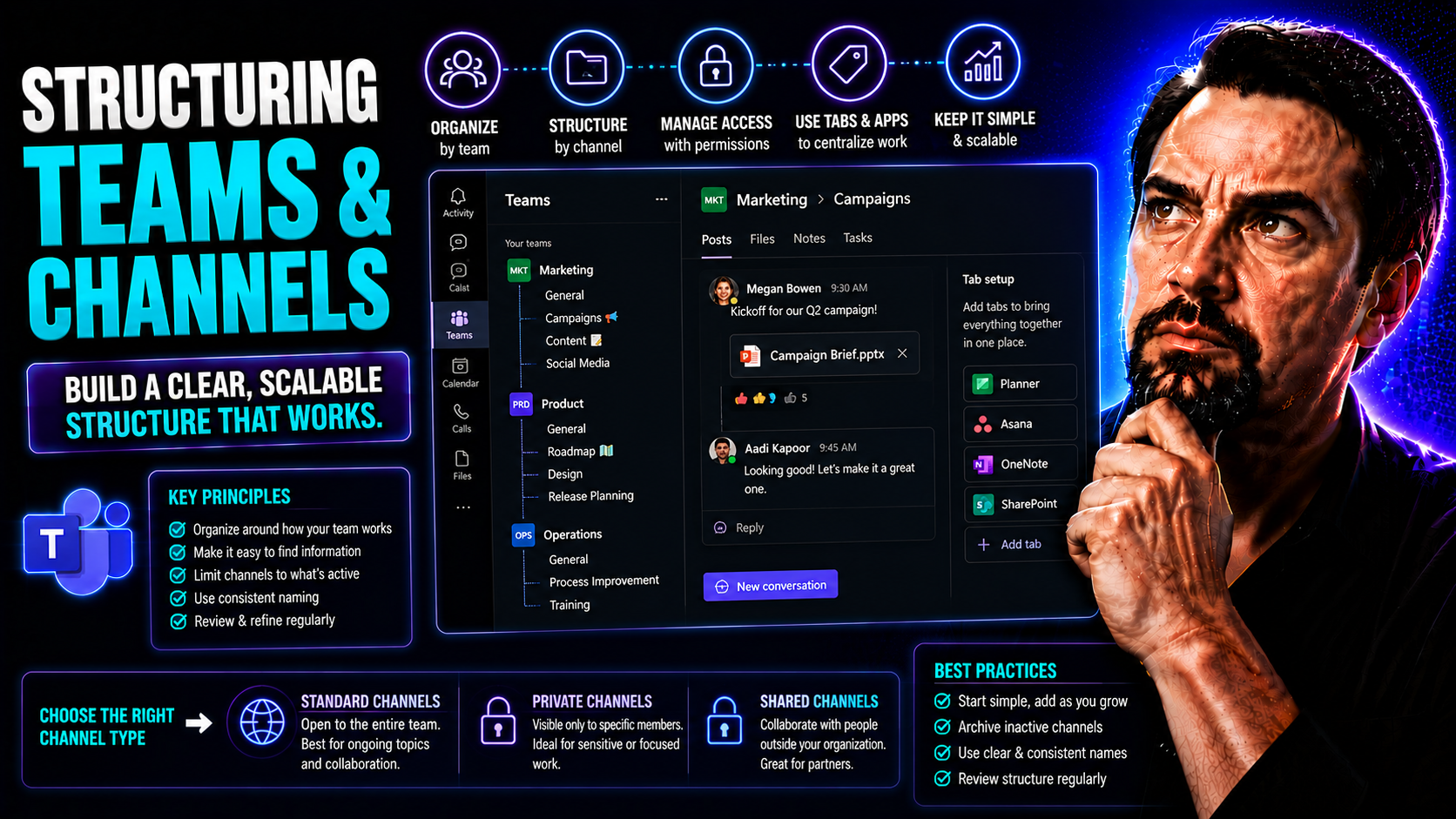
Microsoft Teams Channel Structure: Organization and Governance
This article is your go-to guide for getting the most out of Microsoft Teams by organizing your workspaces and conversations with clarity. Whether you’re building your Teams setup from scratch or fixing a messy environment, you’ll find practical str…
May 18, 2026
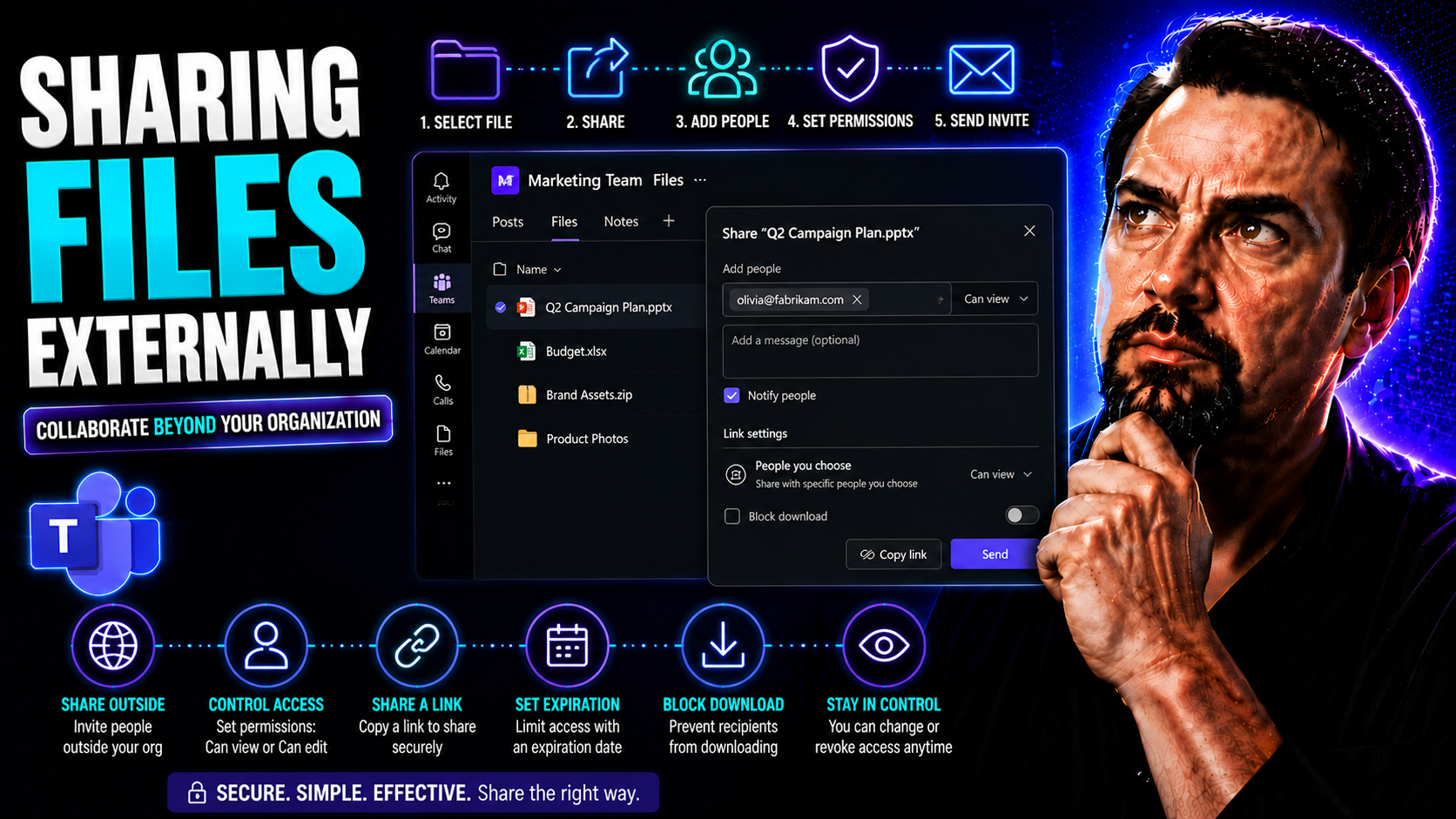
External File Sharing in Teams and SharePoint: Security Guide
Sharing files with folks outside your organization is a key part of working with partners, clients, and vendors in today’s world. Microsoft Teams and SharePoint make this possible, but there’s a whole lot more going on under the hood than just gener…
May 18, 2026
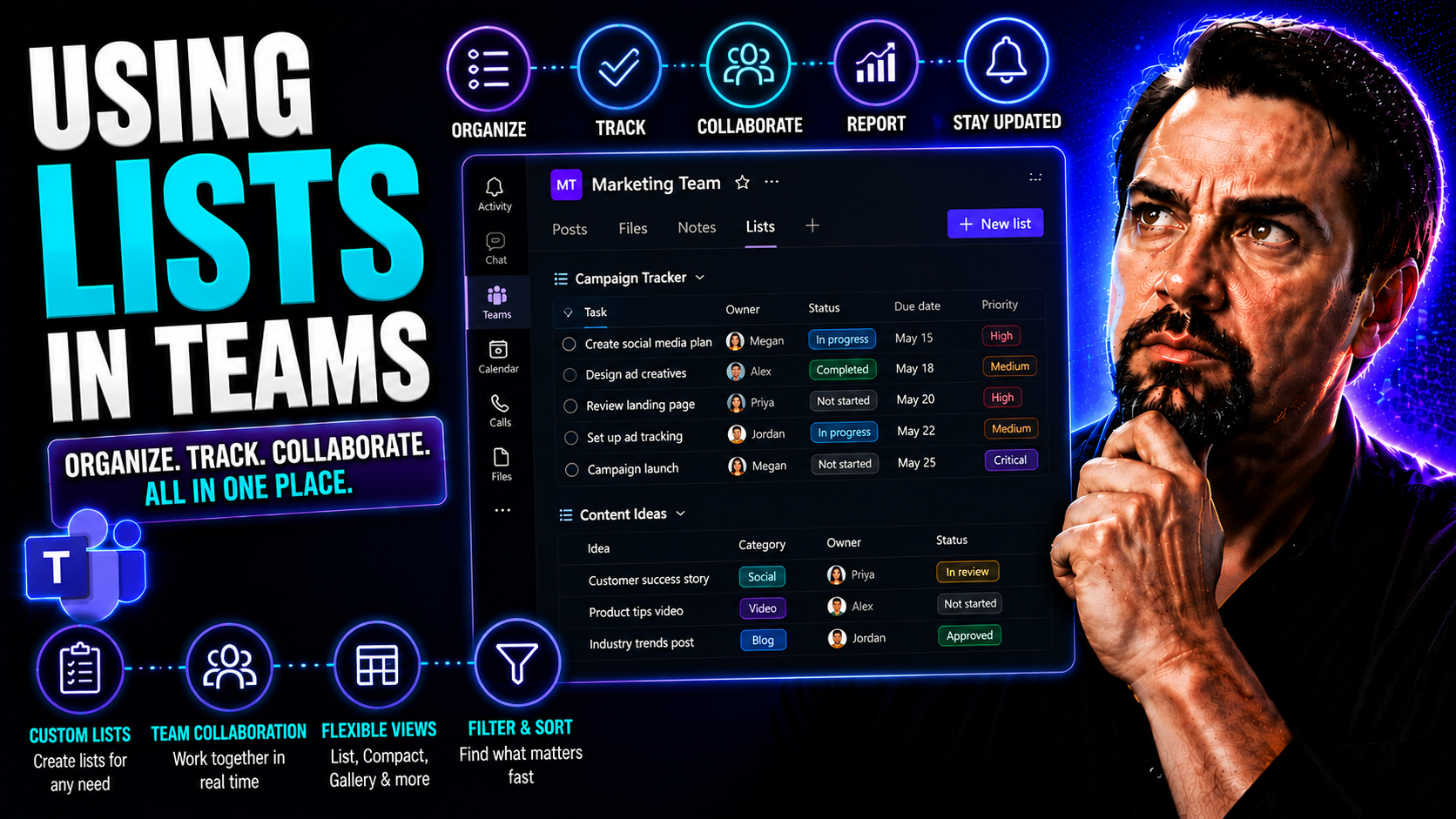
Microsoft Lists in Teams: Complete Collaboration Guide
Ready to bring some order to the chaos of teamwork? This guide gives you the inside scoop on using Microsoft Lists within Teams to run smoother projects, keep track of tasks, and make collaboration less of a headache. Whether you’re new to Teams or …
May 18, 2026
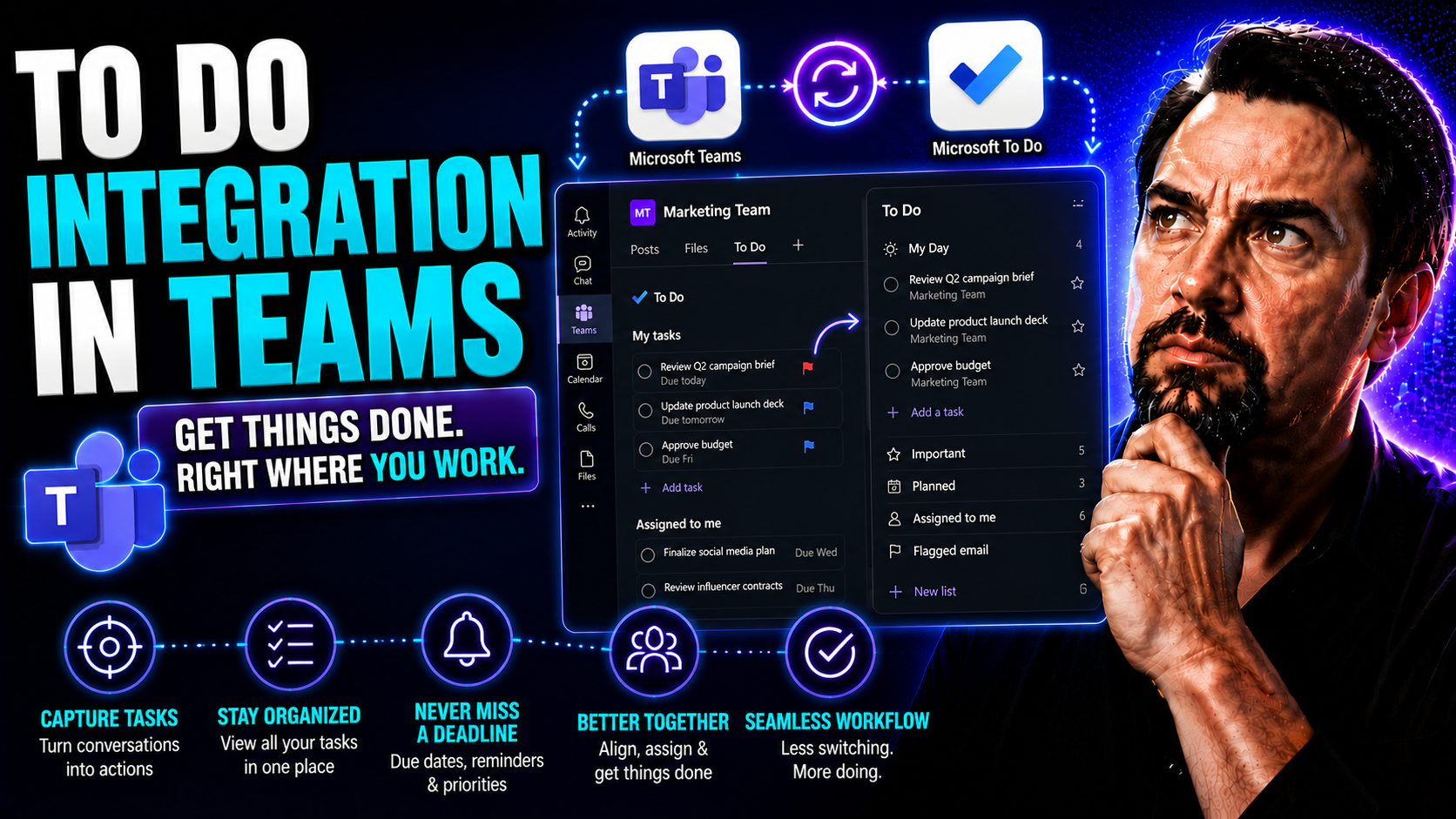
Microsoft To Do Integration: Automation and Best Practices
Welcome to your all-in-one resource for Microsoft To Do integration and automation. This guide tackles everything you need to link Microsoft To Do with other apps—whether that's Microsoft Teams, Outlook, or a third-party tool. We'll walk you through…

May 18, 2026
How to Use Loop in Teams Collaboration for Productive Workspaces
Microsoft Loop is shaking up the way you work in Microsoft Teams and the wider Microsoft 365 world. Instead of old-school files and static docs, Loop lets you and your team build out dynamic spaces where everyone can co-create, update, and manage ta…
May 18, 2026
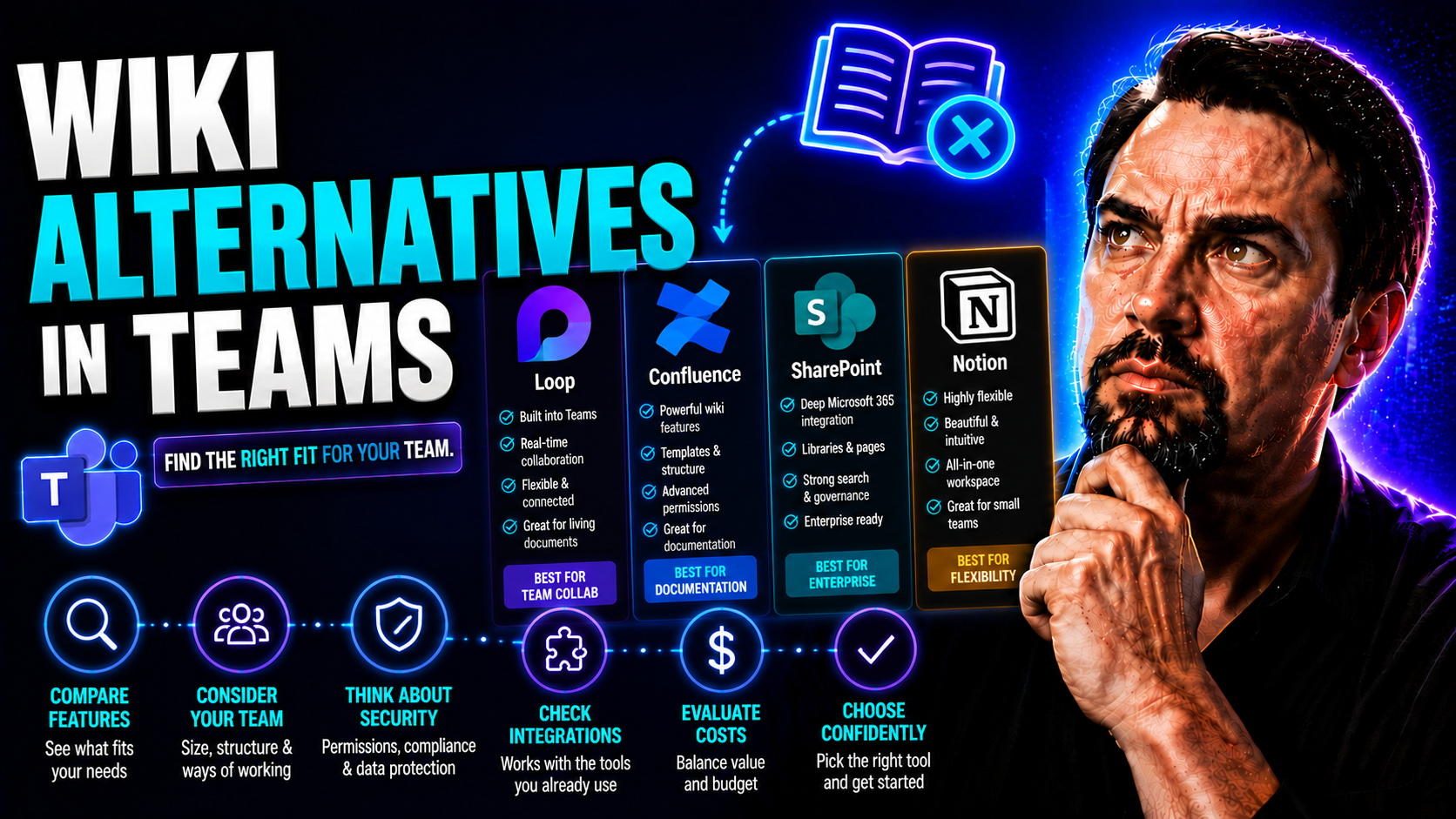
Wiki Alternatives in Teams: The Ultimate Guide for 2026 and Beyond
When Microsoft waved goodbye to the built-in Wiki feature in Teams, it left a lot of folks scratching their heads—or scrambling to copy-paste old notes before they disappeared for good. This move has pushed organizations to seek new, more future-pro…
May 18, 2026
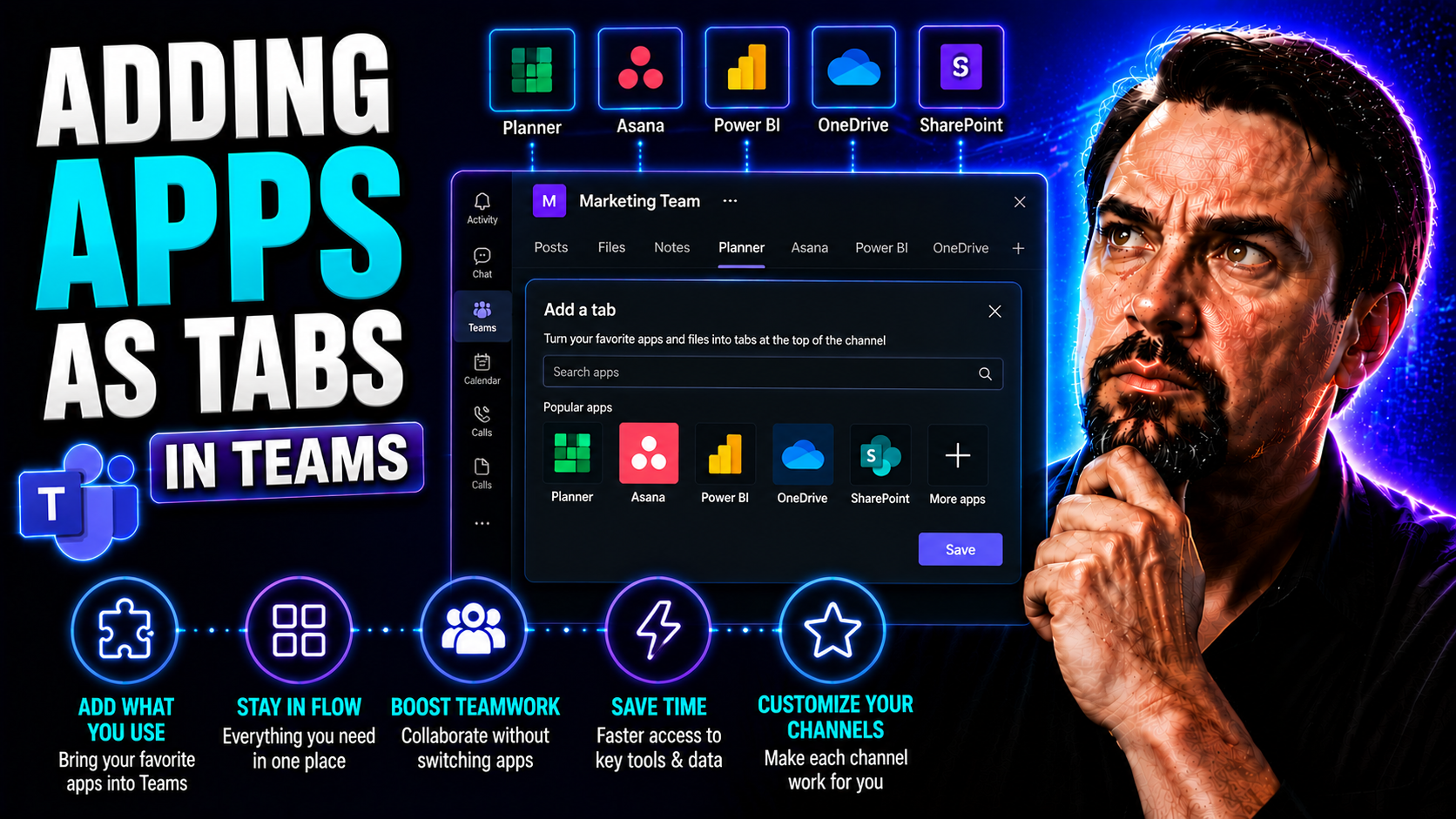
Adding Apps as Tabs in Microsoft Teams: Complete Guide
Integrating apps as tabs in Microsoft Teams turns your workspaces into interactive hubs where users can access tools, dashboards, and custom workflows—all without leaving Teams. This guide walks you through every step of the process, so whether you’…
May 18, 2026
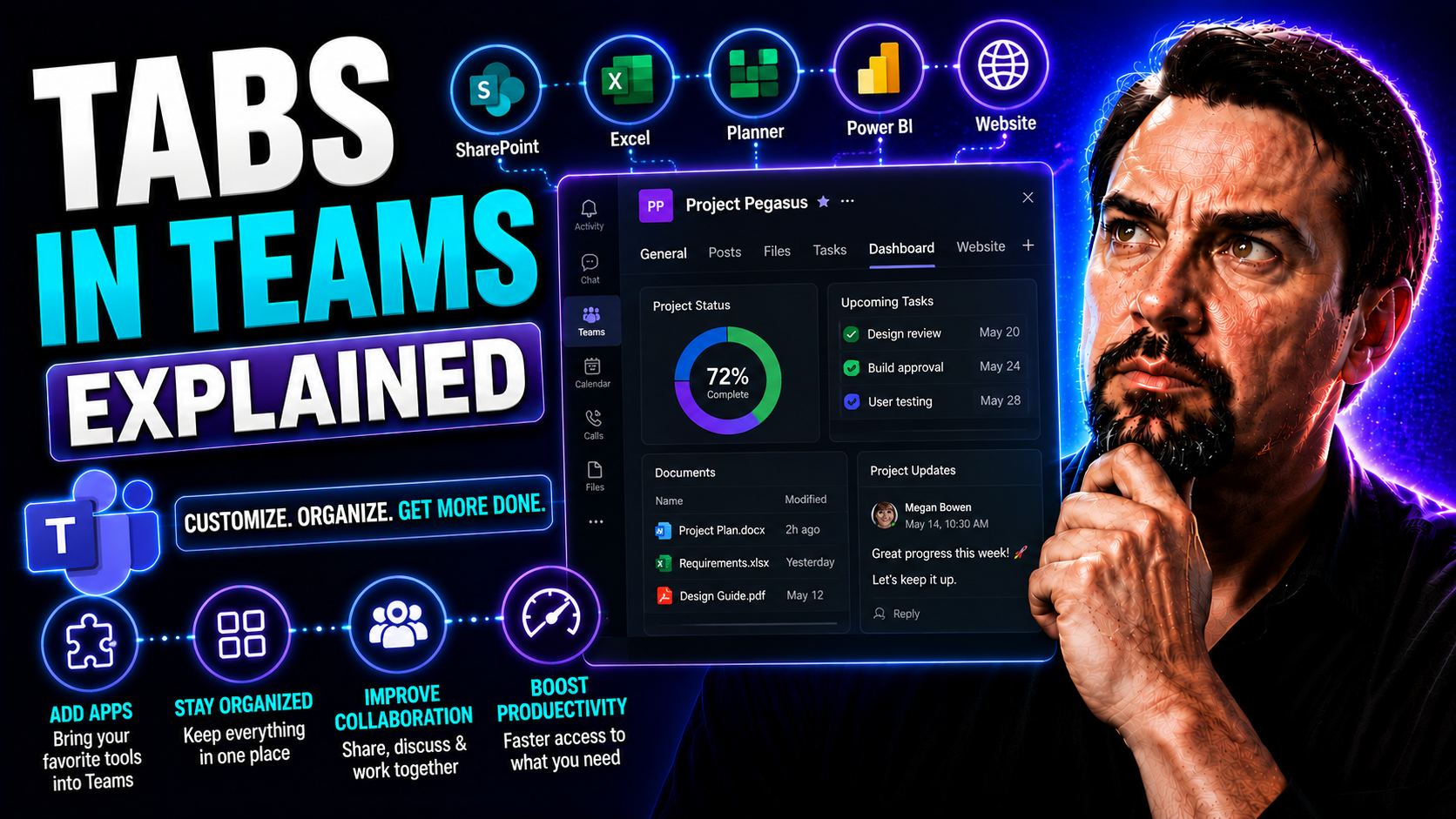
Tabs in Teams Explained: The Ultimate Guide to Smarter Collaboration
Tabs in Microsoft Teams are your shortcut to a cleaner, smarter, and more organized way to work with your team. This guide breaks down everything about tabs—from what they are and why they matter, to how you can add, use, and customize them for ever…
May 18, 2026
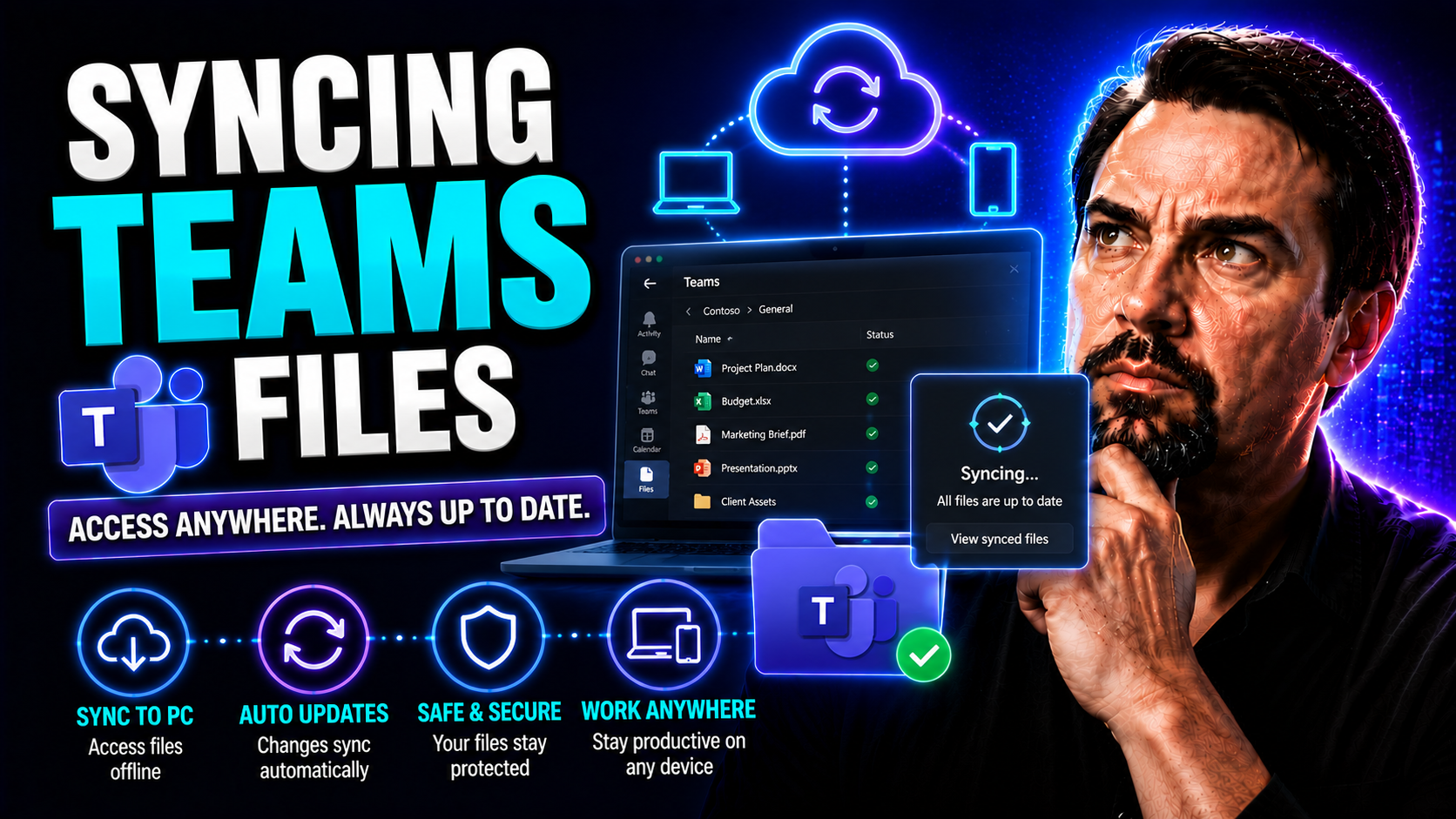
Syncing Teams Files: A Complete Guide for Microsoft Teams and SharePoint Users
This guide gives you the clearest breakdown of how to sync Microsoft Teams files to your computer, whether you’re just getting started or you’ve been managing teams and projects for years. You’ll learn every step, from what you need before installin…
May 18, 2026
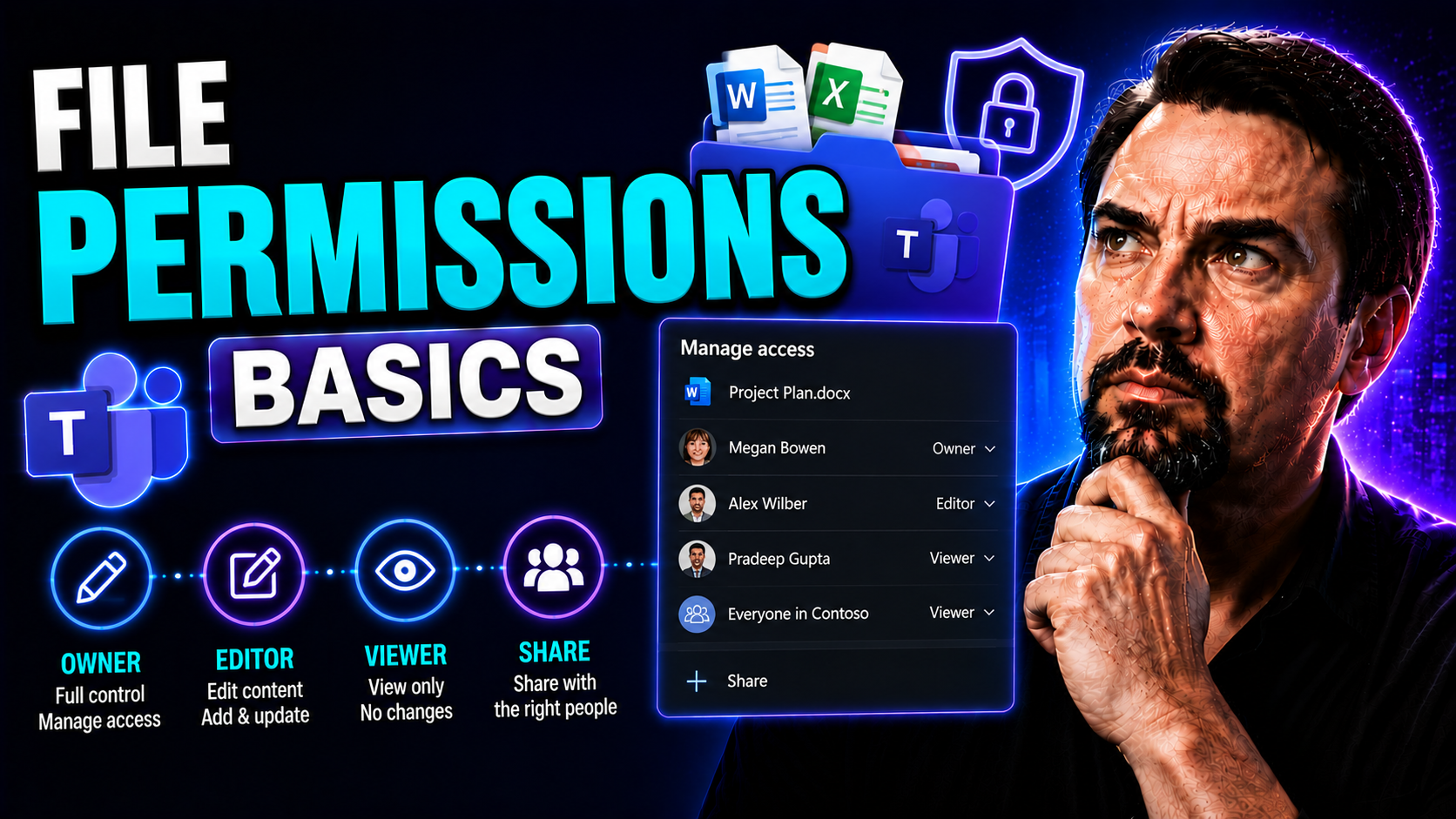
File Permissions Basics: The Ultimate Guide for Beginners
If you’re just getting started with file permissions, you’re already a step ahead in protecting your organization. File permissions are the rules that decide who can look at, change, or run your files—and they matter much more than you might think.…
May 18, 2026
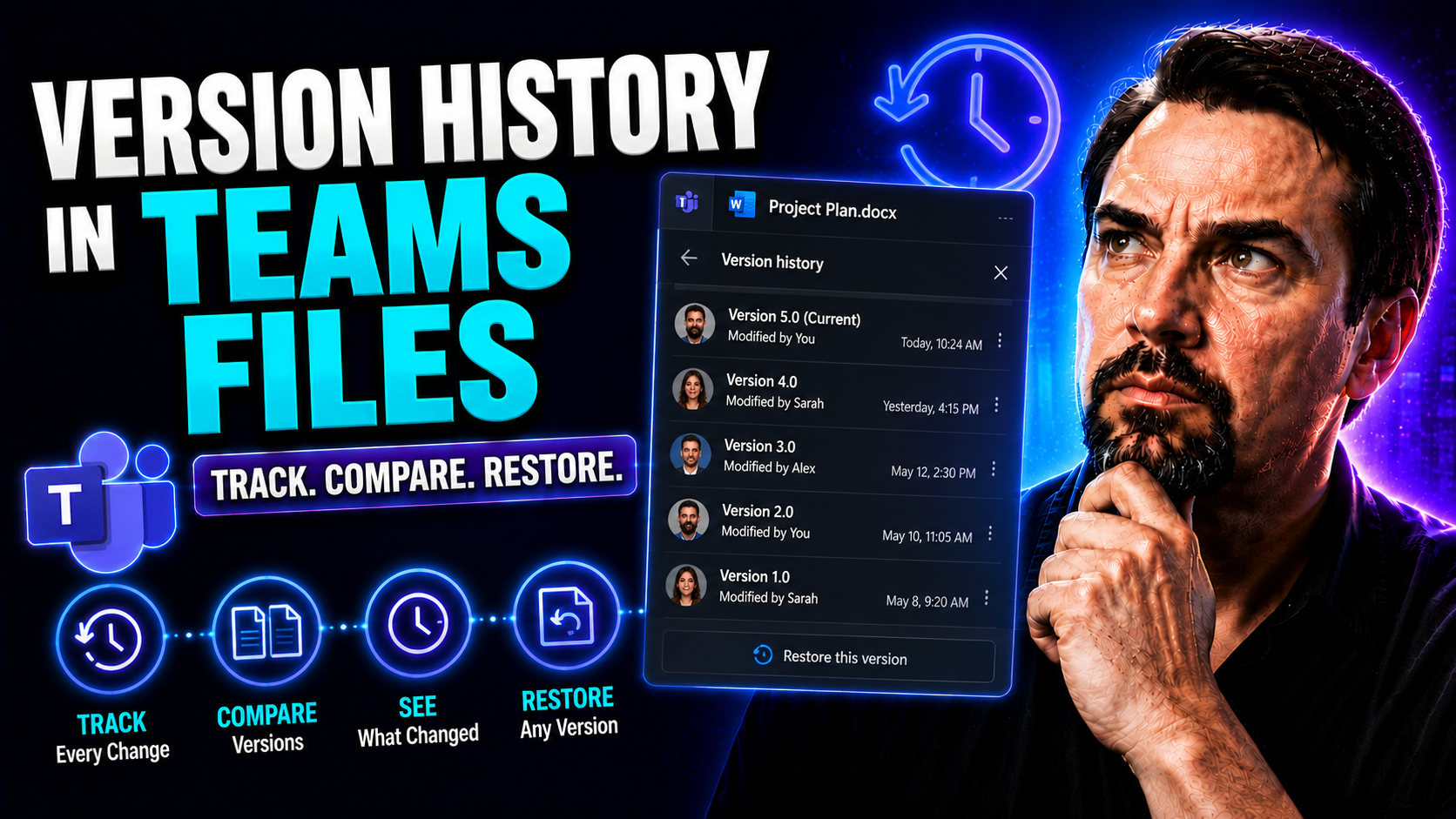
Version History in Teams Files: Everything You Need to Know
If you use Microsoft Teams to store, share, or edit documents, version history is one of the most important features you can lean on. It automatically keeps track of every major change, letting you see, restore, or compare old file versions when nee…
May 18, 2026
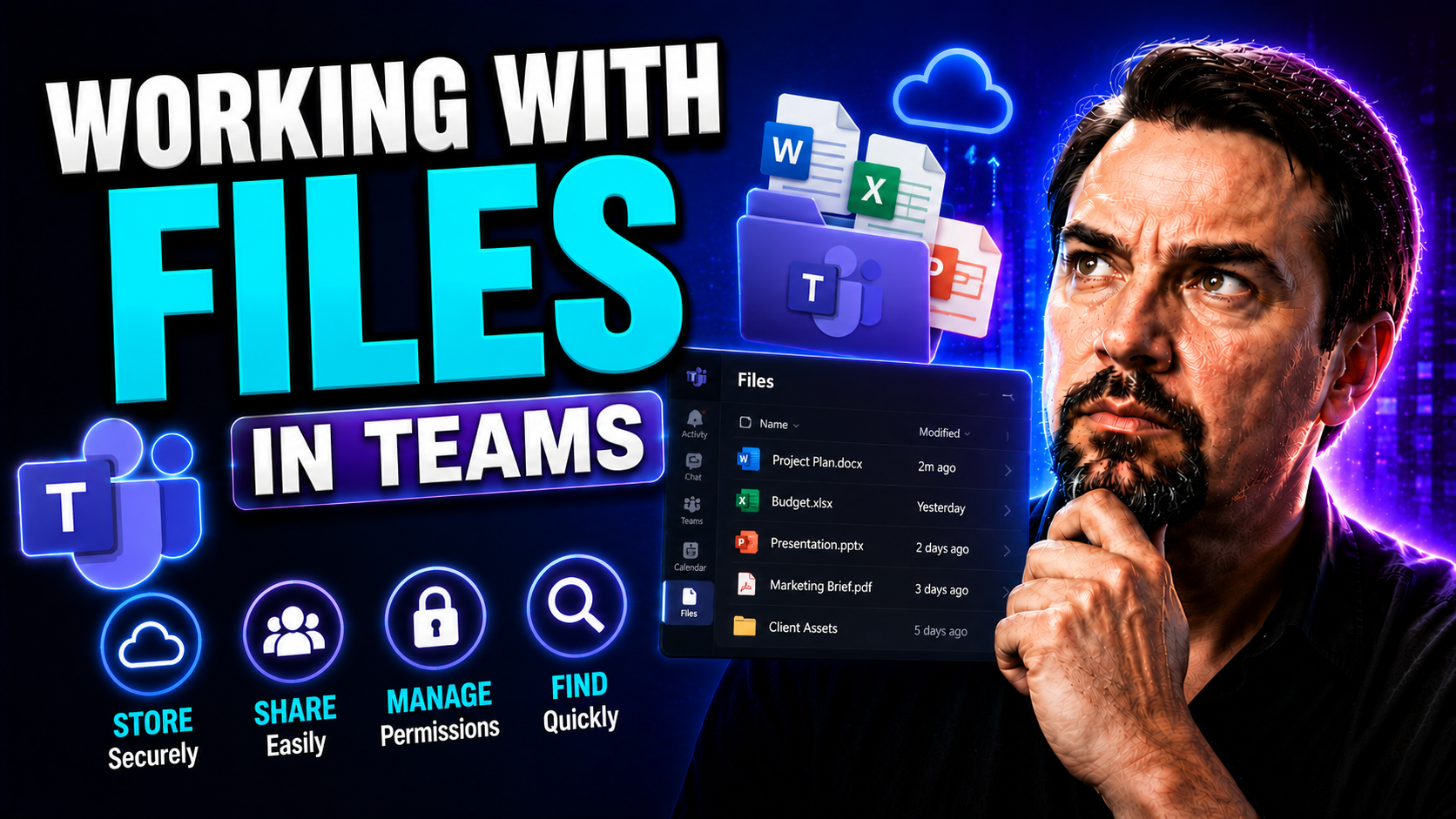
Working With Files in Teams: Complete Guide for Microsoft Teams and SharePoint
This guide gives you the full rundown on handling files in Microsoft Teams—start to finish. You’ll learn how to upload, organize, collaborate on, and manage files, using features from both Teams and SharePoint under the hood. It covers the basics, l…
May 17, 2026
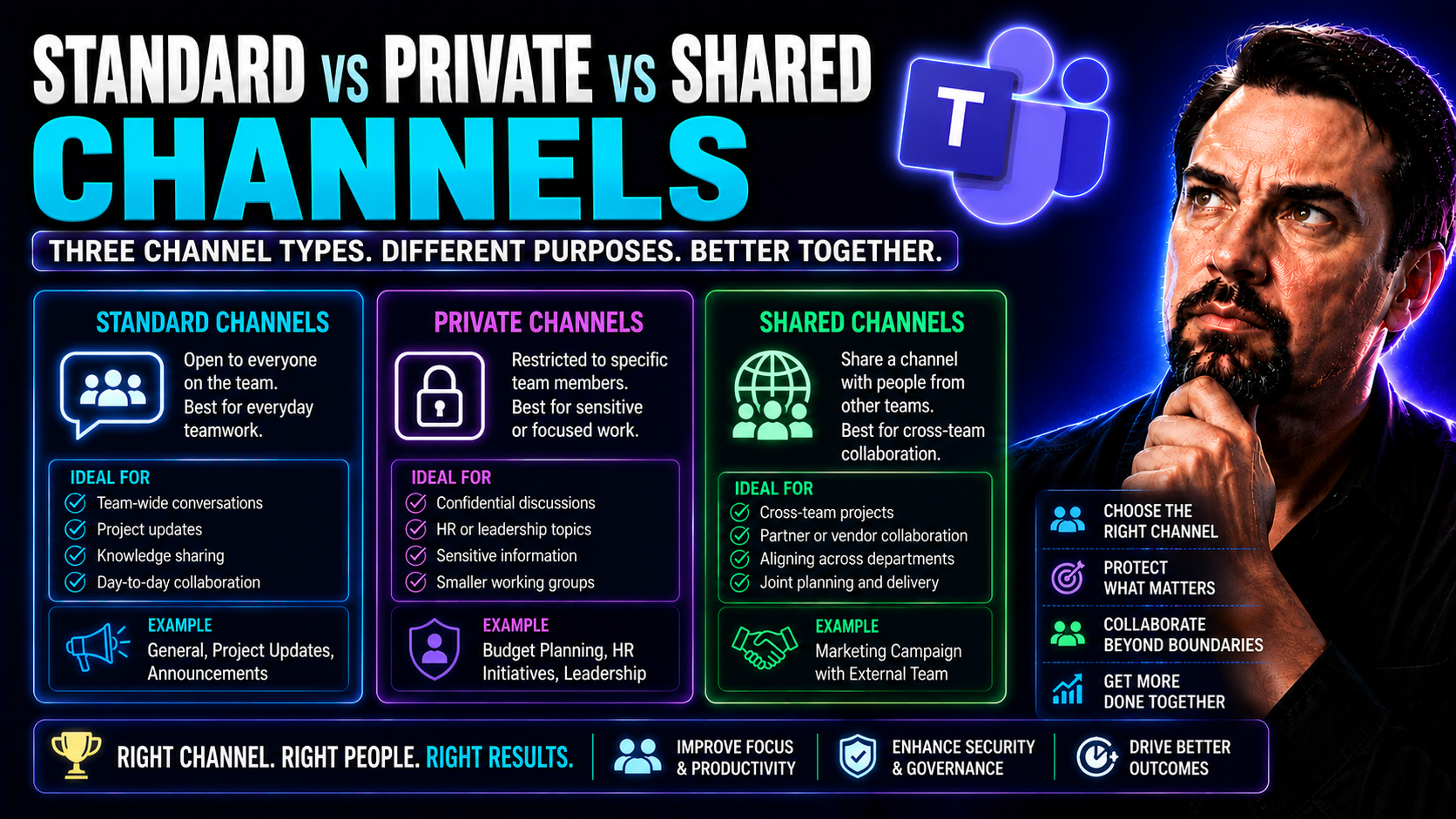
Standard vs Private vs Shared Teams Channels: Complete Guide
When it comes to Microsoft Teams, channels are at the heart of how your team communicates, shares files, and gets work done—whether you’re chatting about lunch orders or launching a company-wide project. But not all channels are created equal. In fa…
May 17, 2026
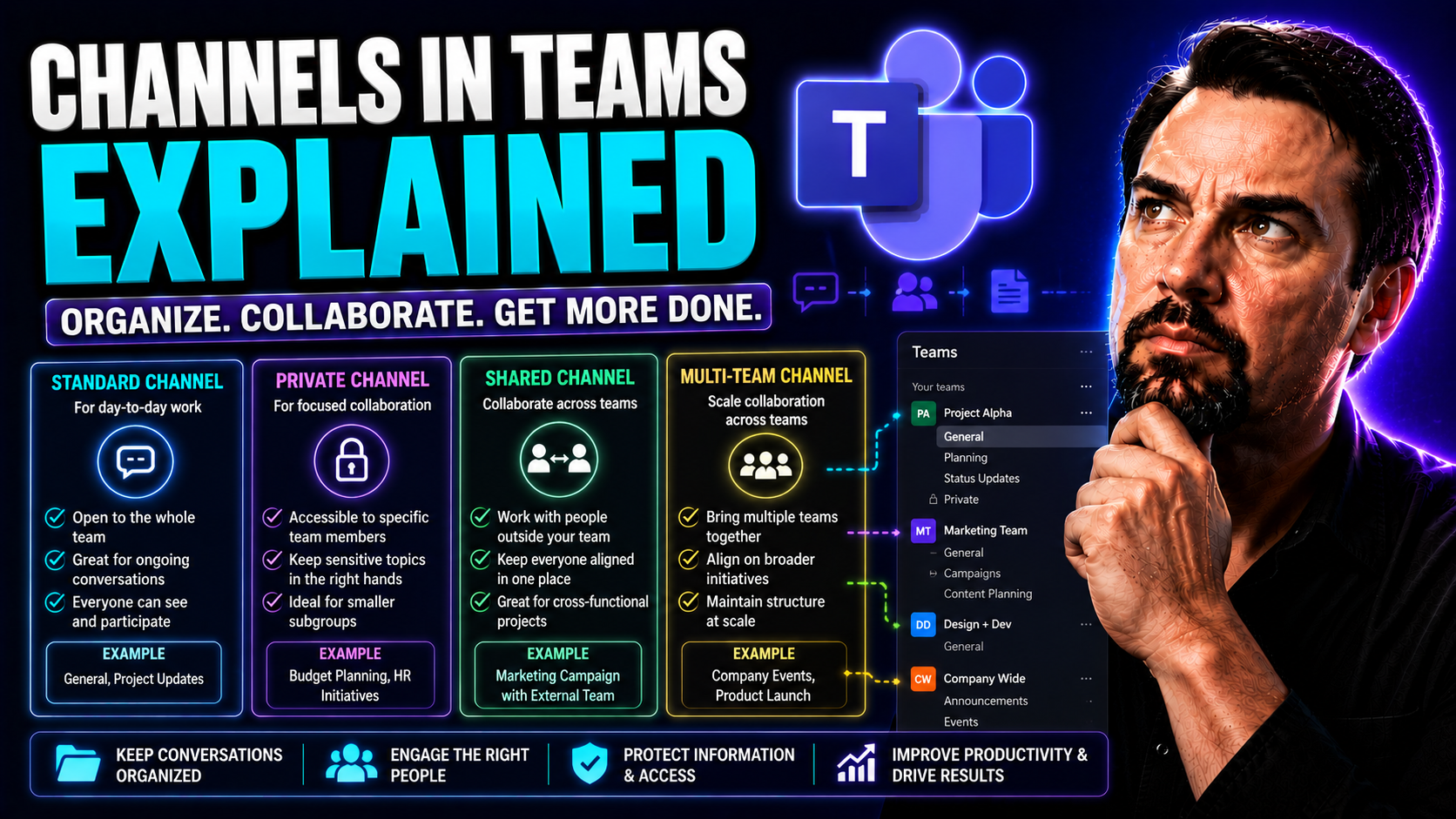
Microsoft Teams Channels Explained: Complete Guide
If you’re looking to get a solid grip on Microsoft Teams channels, you’re in the right place. This guide unpacks what channels actually do inside Teams, why they matter for real-world teamwork, and the nitty-gritty details that can save you headache…
May 17, 2026
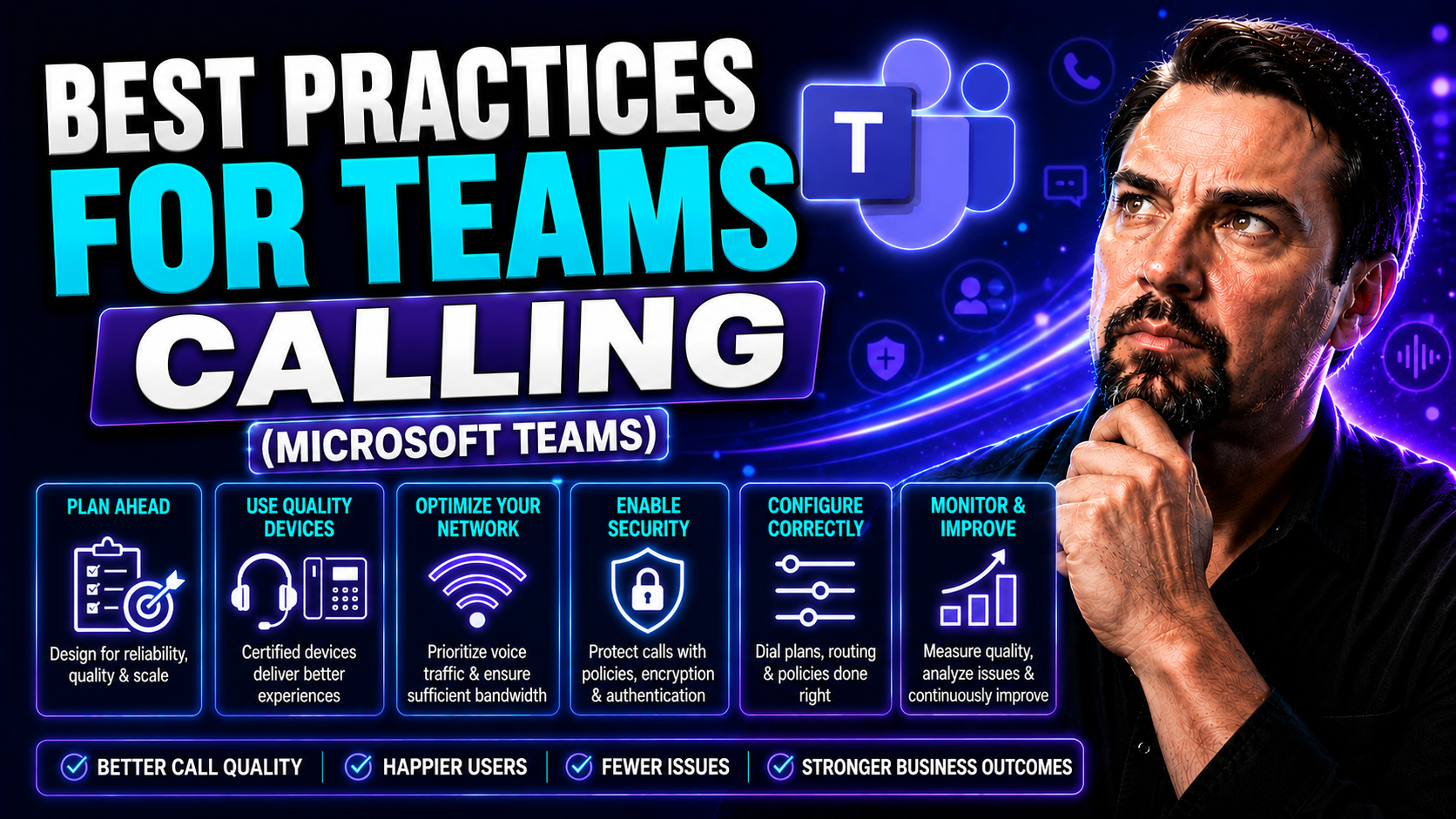
Microsoft Teams Calling Best Practices: Voice Optimization Guide
Microsoft Teams calling has moved way beyond just a fancy alternative to picking up the phone. In today’s organizations, it’s your direct line to clients, your heartbeat for remote teamwork, and a mission-critical part of daily operations. But let’s…
May 17, 2026
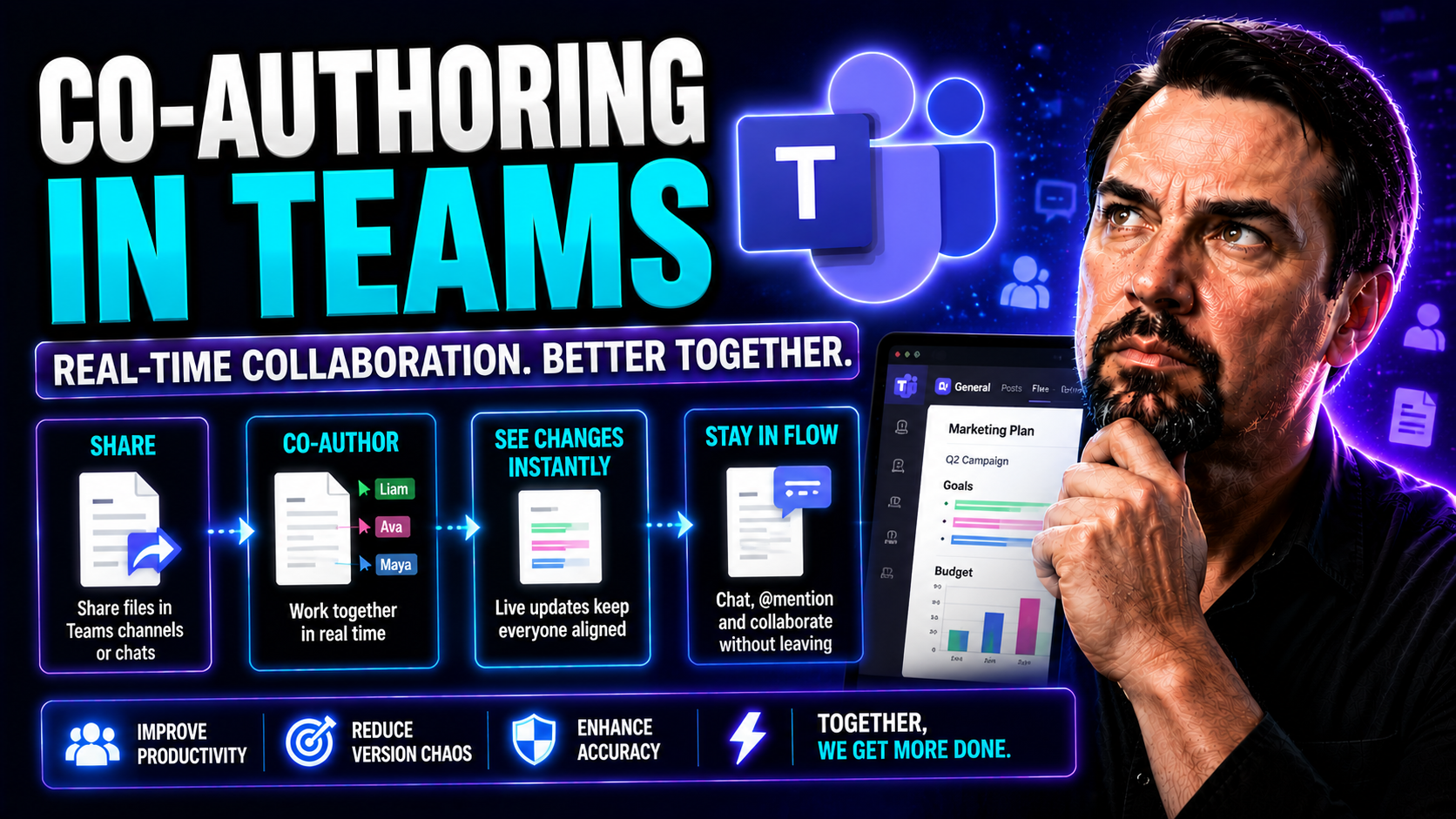
Co-Authoring in Microsoft Teams: Complete Guide
Co-authoring in Microsoft Teams puts collaboration into high gear. It lets multiple people create, edit, and review documents together in real time—making teamwork smooth, productive, and efficient. This guide walks you through what co-authoring is …

May 17, 2026
Scaling Microsoft Teams Phone: Enterprise Guide
Scaling Microsoft Teams Phone isn’t just about adding more phone lines—it’s about enabling your entire organization to communicate effortlessly, wherever people are working. As remote and hybrid workforces become the norm, a scalable Teams Phone sys…

May 17, 2026
Microsoft Teams Phone Costs: Complete Pricing Guide
If you’ve ever tried to decode the costs behind Microsoft Teams Phone, you know it can feel like reading hieroglyphics. This guide is here to clear the fog and give you the real story—no sales pitch, just straightforward answers you can use. You’ll …