

Work smarter, not harder, with practical tips for Microsoft 365.
From Teams and Outlook to OneDrive and Office apps, we explore new features, time-saving shortcuts, collaboration tools, and productivity workflows that help you get more done every day.
Perfect for anyone who loves efficiency and wants to make M365 work for them.
From Teams and Outlook to OneDrive and Office apps, we explore new features, time-saving shortcuts, collaboration tools, and productivity workflows that help you get more done every day.
Perfect for anyone who loves efficiency and wants to make M365 work for them.

May 13, 2026
Teams Phone Devices Guide
If you’re looking to make Microsoft Teams your go-to phone system at work, having the right devices is absolutely essential. Teams phone devices are purpose-built hardware—ranging from desk phones to audio peripherals—engineered for seamless, reliab…
May 13, 2026
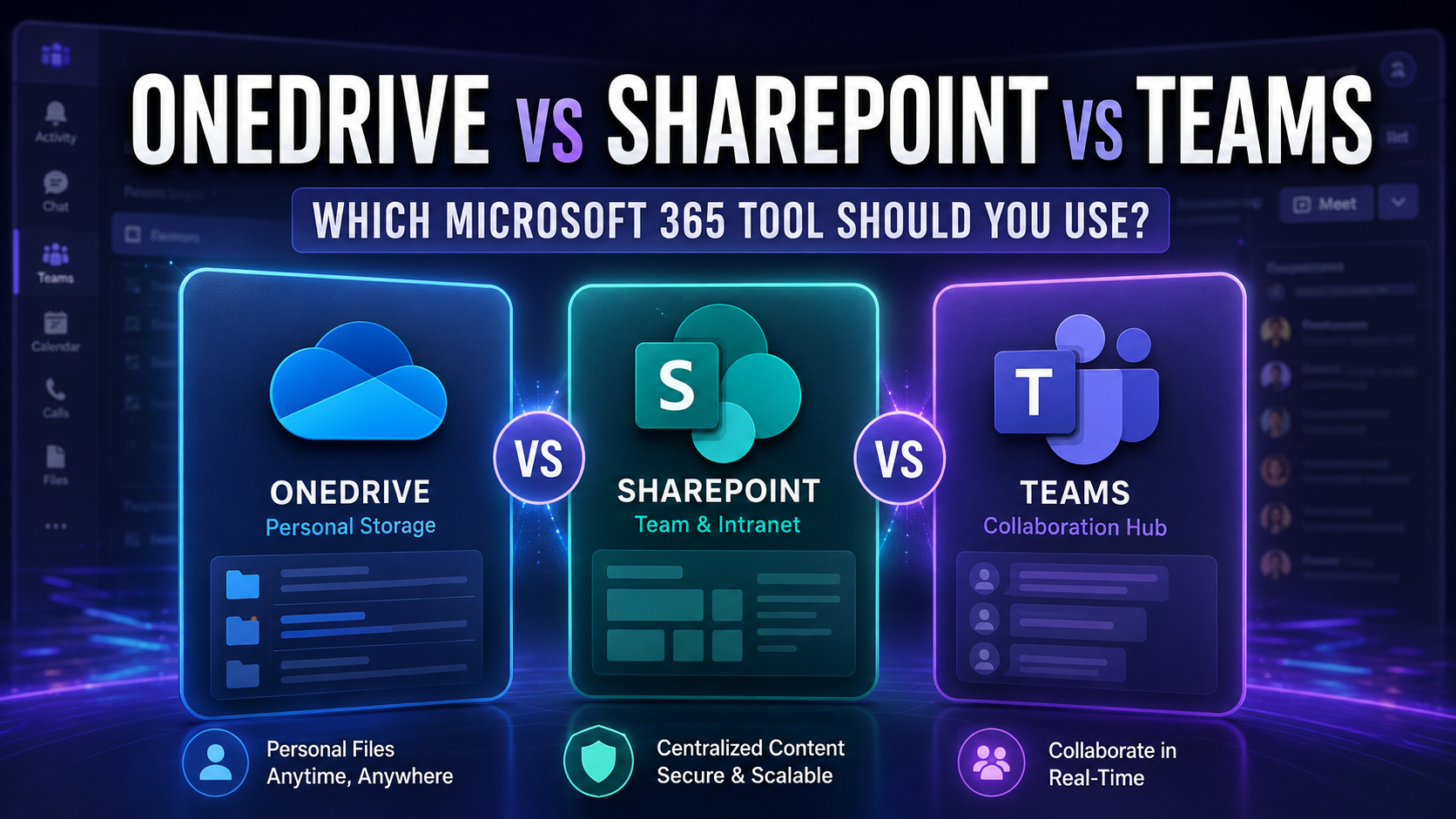
OneDrive Vs SharePoint Vs Teams Guide
Choosing between OneDrive, SharePoint, and Teams in Microsoft 365 is a challenge that keeps IT folks and business leaders up at night—right up there with stubborn printers and disappearing budget lines. Why? Each tool promises collaboration and prod…
May 13, 2026
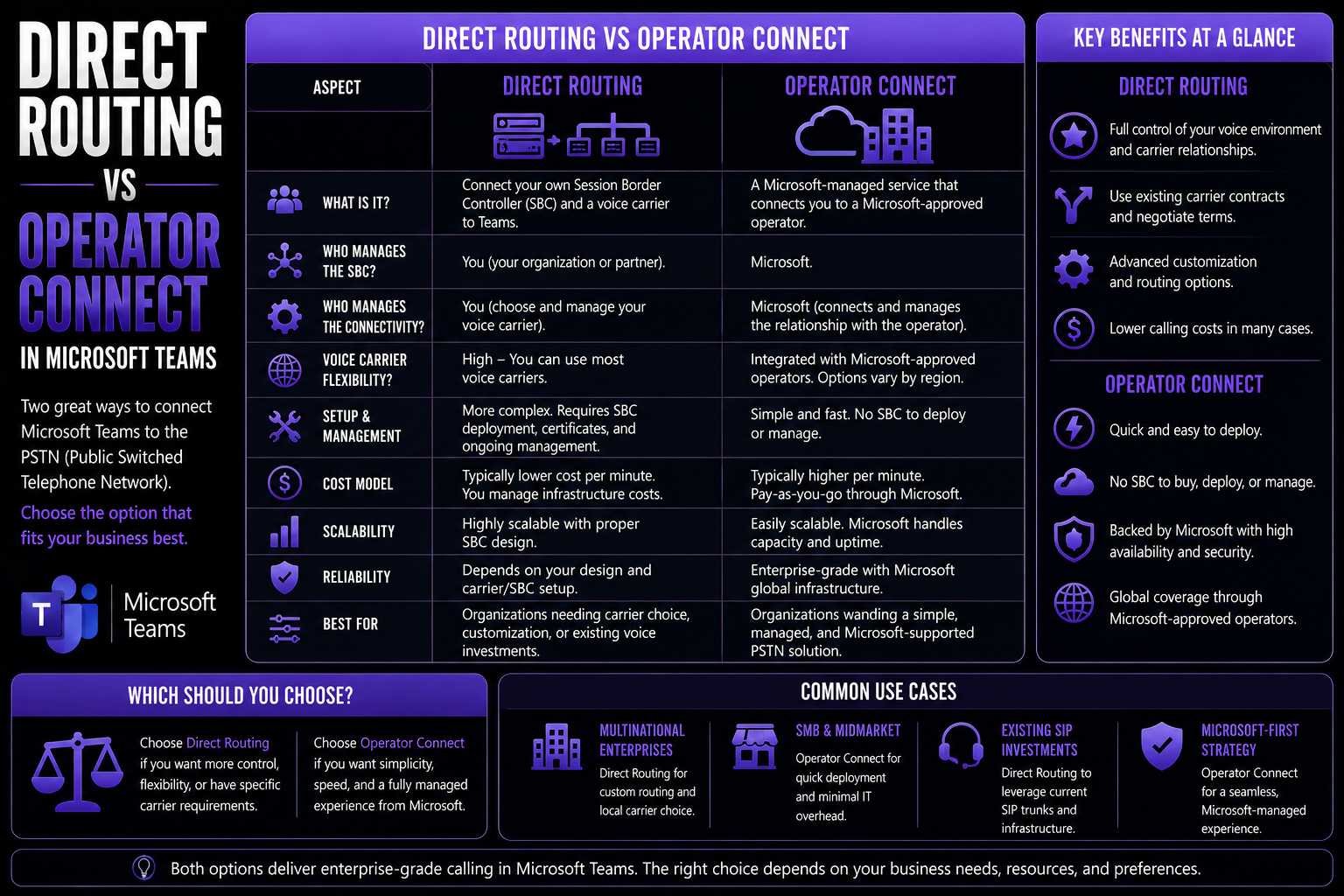
Direct Routing Vs Operator Connect Guide
Direct Routing vs Operator Connect requires a clear business scenario, accountable ownership, and practical controls. Start with the desired outcome, validate the current Microsoft capability, test with representative users, and document security, s…
May 13, 2026
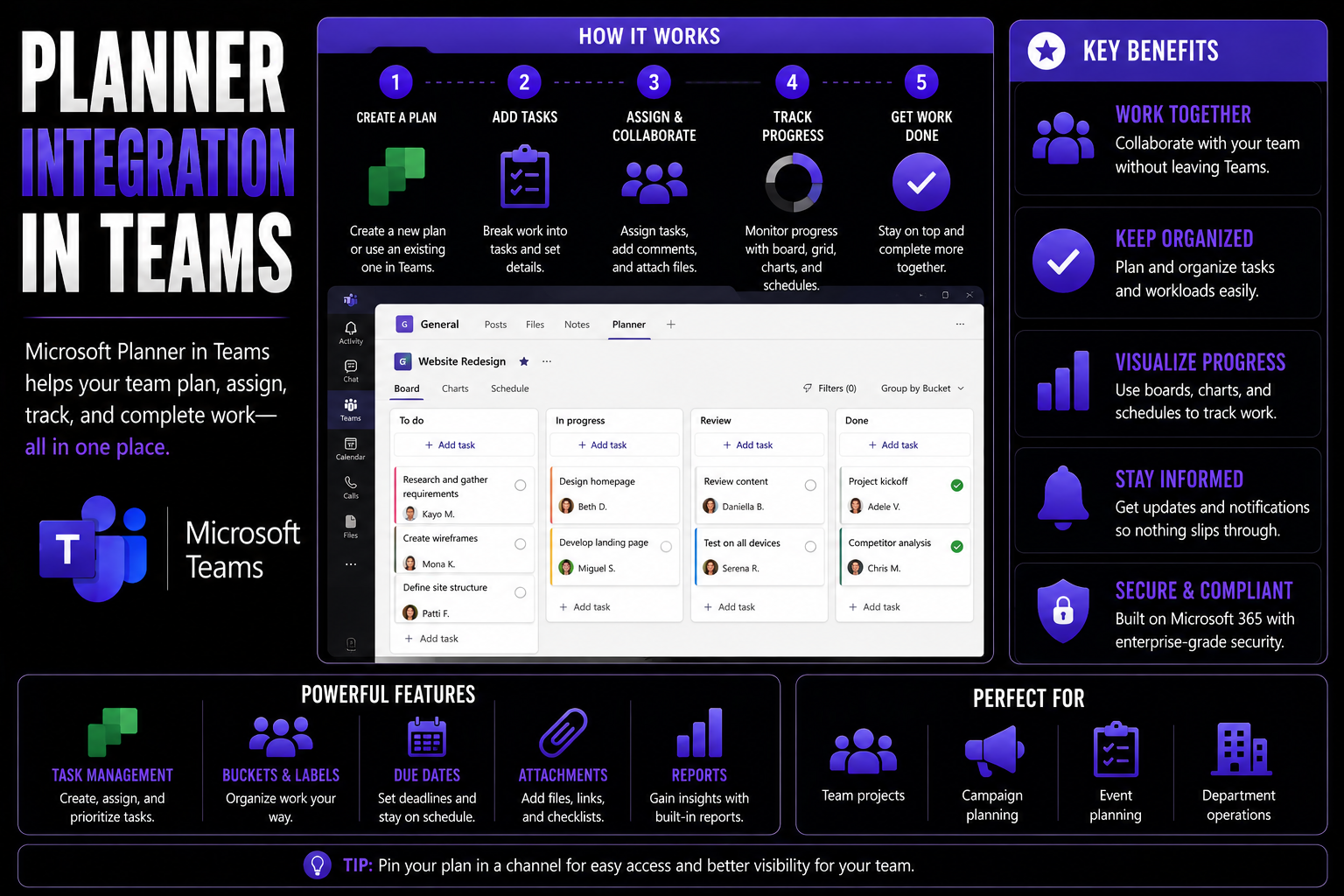
Microsoft Planner Integration Guide
If you’ve ever thought, “There must be a better way to keep project tasks, team chats, and files all in check,” you’re not alone. Planner integration is about weaving Microsoft Planner directly into your workspace—combining it with Microsoft 365 and…
May 13, 2026
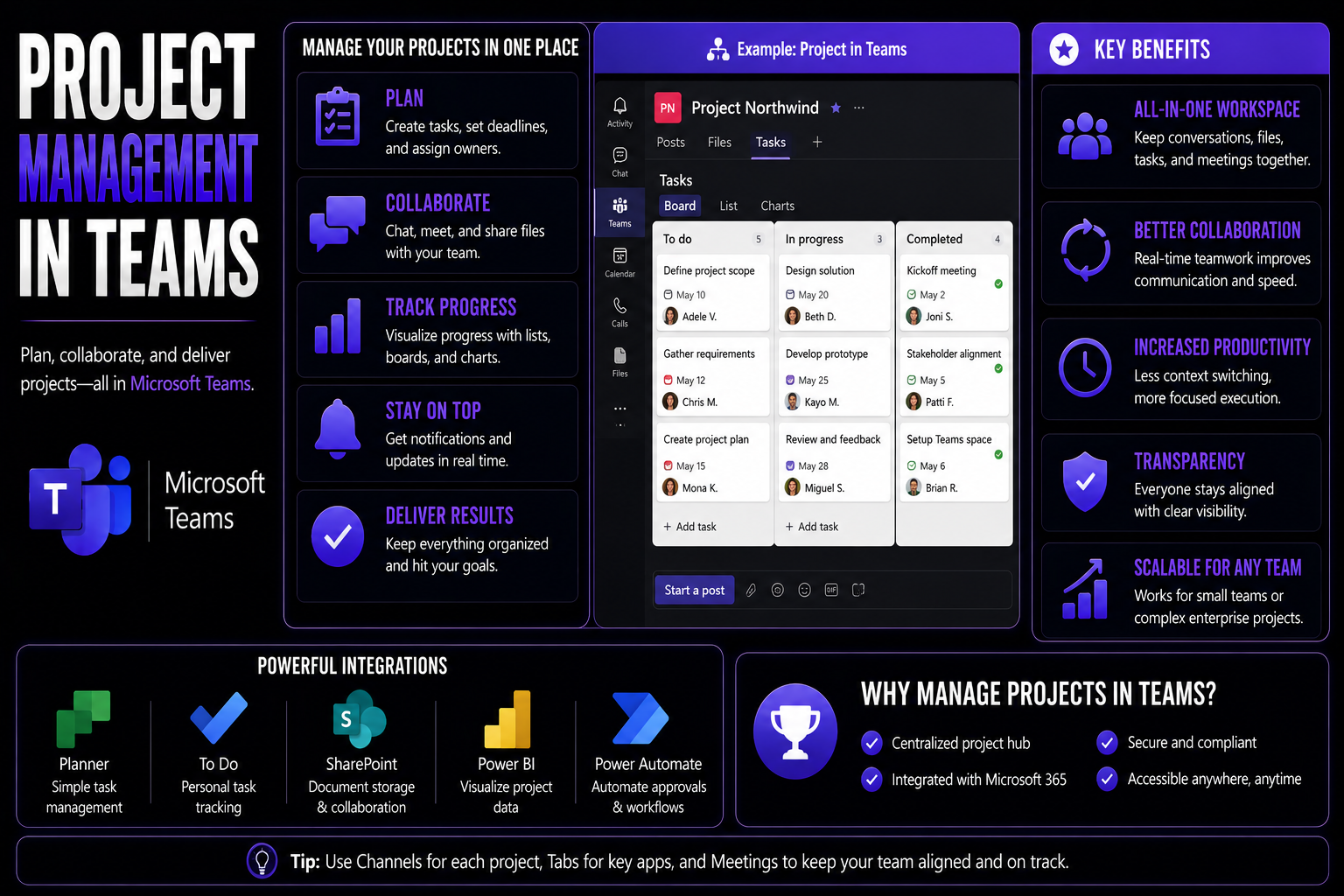
Project Management In Teams Guide
Welcome to your essential guide for managing projects in Microsoft Teams. Here, you’ll learn how to organize, plan, and execute team projects using the core capabilities of Microsoft 365. This guide tackles the most effective ways to collaborate, ma…
May 13, 2026
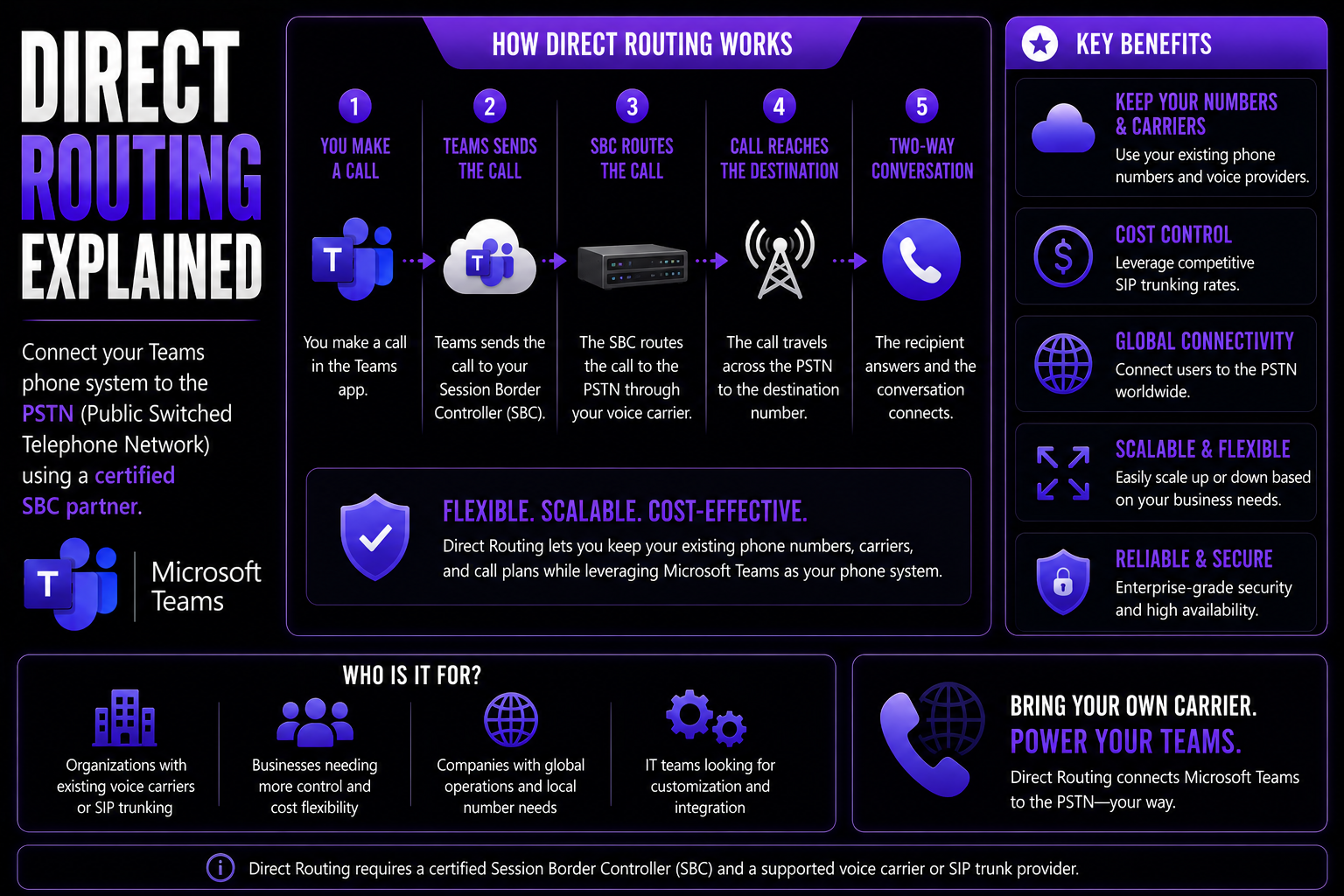
Direct Routing For Teams Guide
If you’re trying to figure out how to make Microsoft Teams work as your company’s office phone—and do it without breaking the bank—direct routing is about to become your best friend. This guide is all about taking the confusion out of direct routing…
May 13, 2026
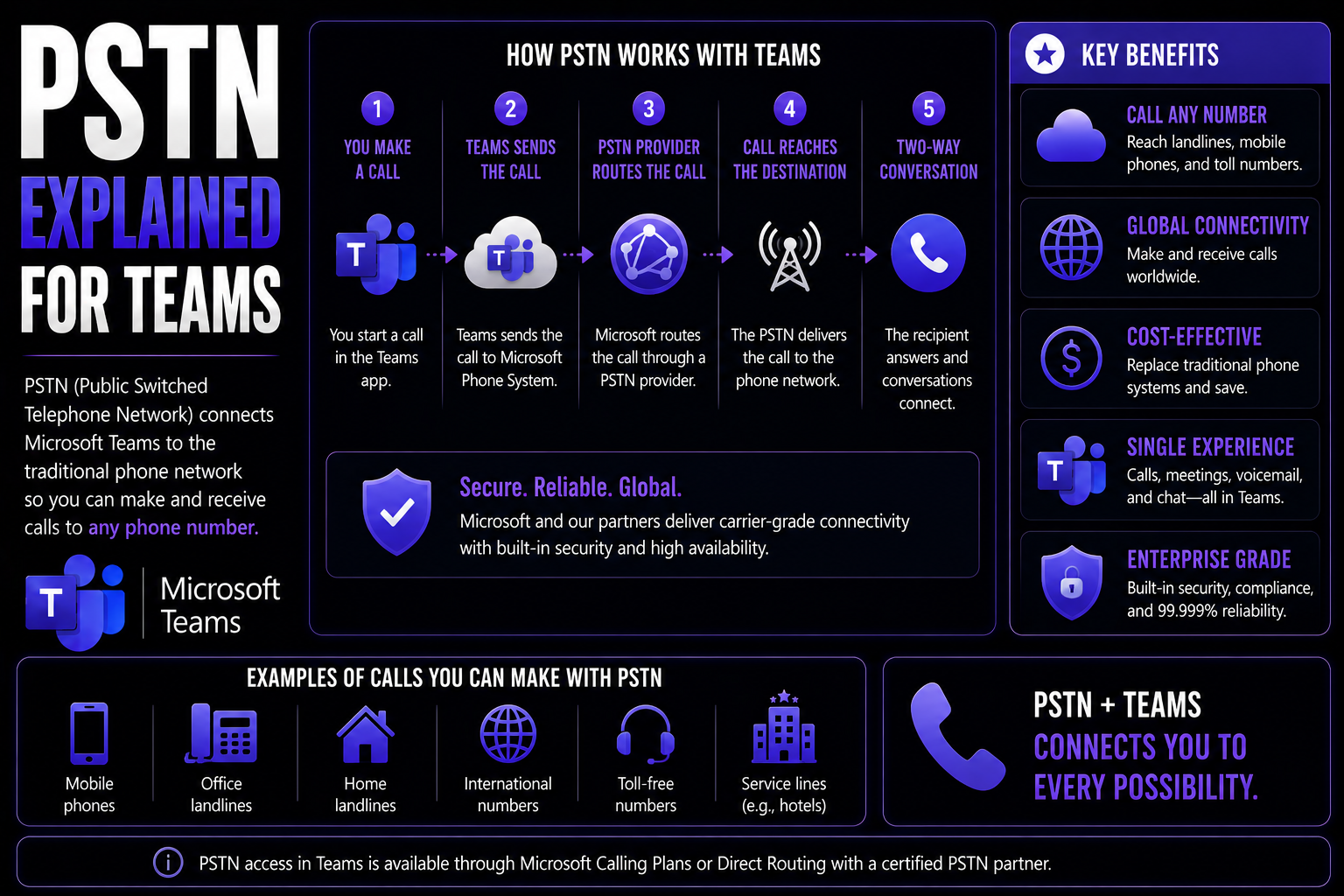
PSTN For Microsoft Teams Guide
When you hear about PSTN and Microsoft Teams working together, you’re looking at the marriage of classic telephony and modern collaboration. PSTN—short for Public Switched Telephone Network—is the original backbone of global phone calls, moving voic…
May 13, 2026
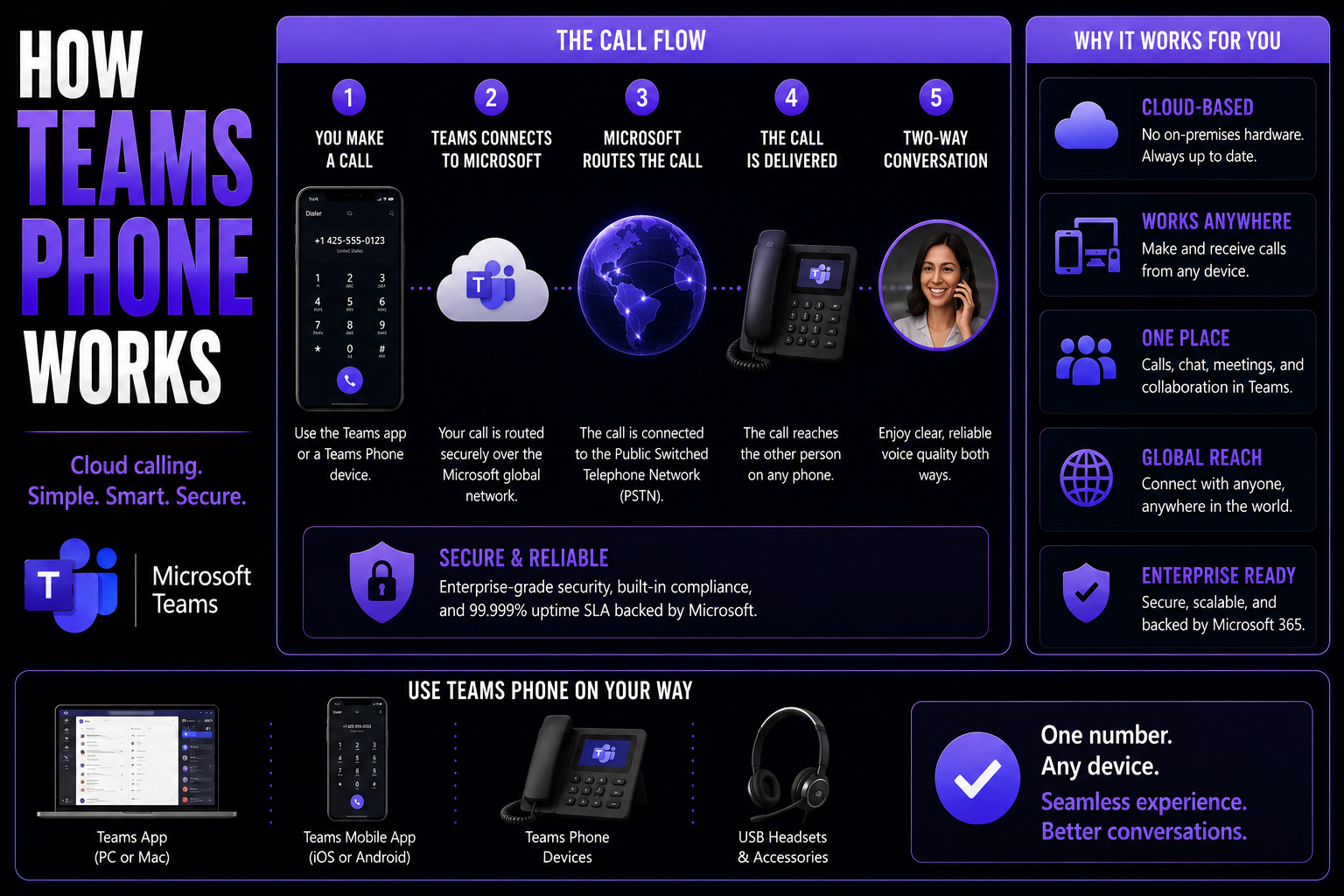
How Microsoft Teams Phone Works: Complete Guide
Microsoft Teams Phone is changing how organizations communicate, blending cloud-based calling right into your everyday Teams experience. This guide is perfect for IT leaders and business decision-makers looking to upgrade from old-school phone syste…
May 13, 2026
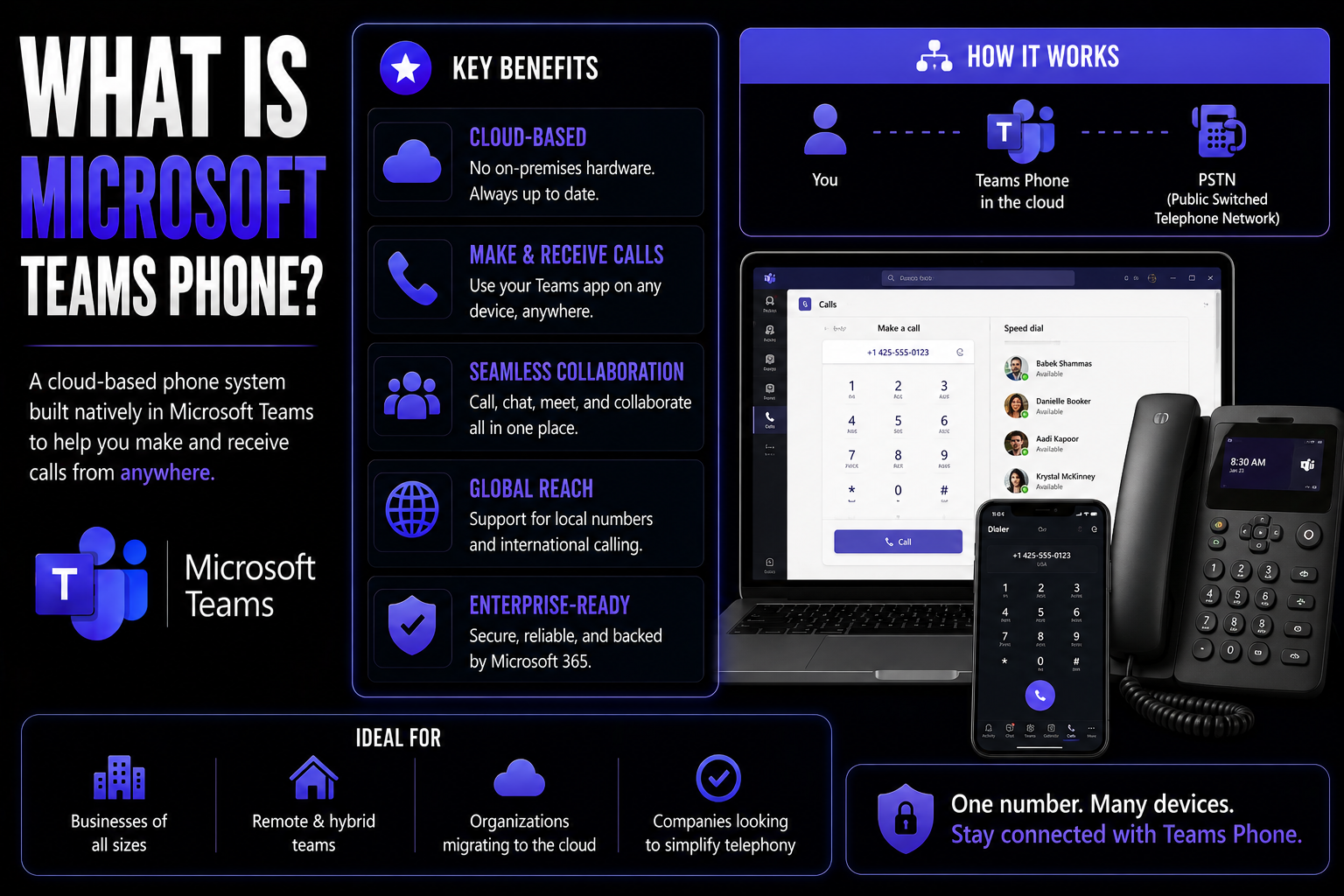
What Is Microsoft Teams Phone Guide
Microsoft Teams Phone is a cloud-based enterprise VoIP solution that transforms the familiar Teams app into your organization's modern phone system. Instead of relying on bulky, old-school desk phones or an on-premises PBX, Teams Phone lets you make…
May 13, 2026
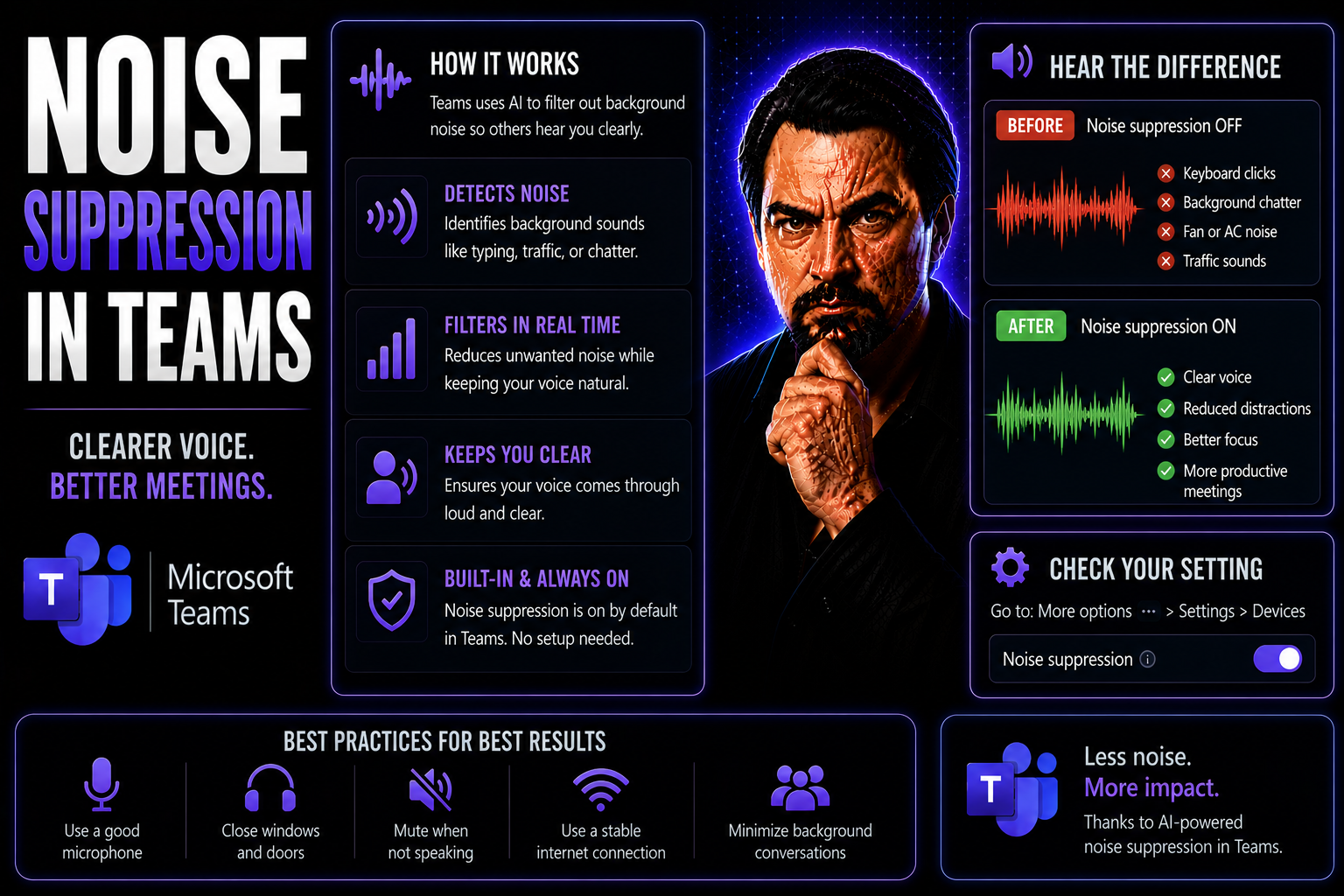
Noise Suppression in Teams: Guide for Clearer Meetings
Quick Answer: To use noise suppression in Teams, choose the noise-suppression setting in the Teams audio-device settings before or during a meeting, then test it with your actual headset and environment. Use a reliable microphone and quiet workspace…
May 13, 2026
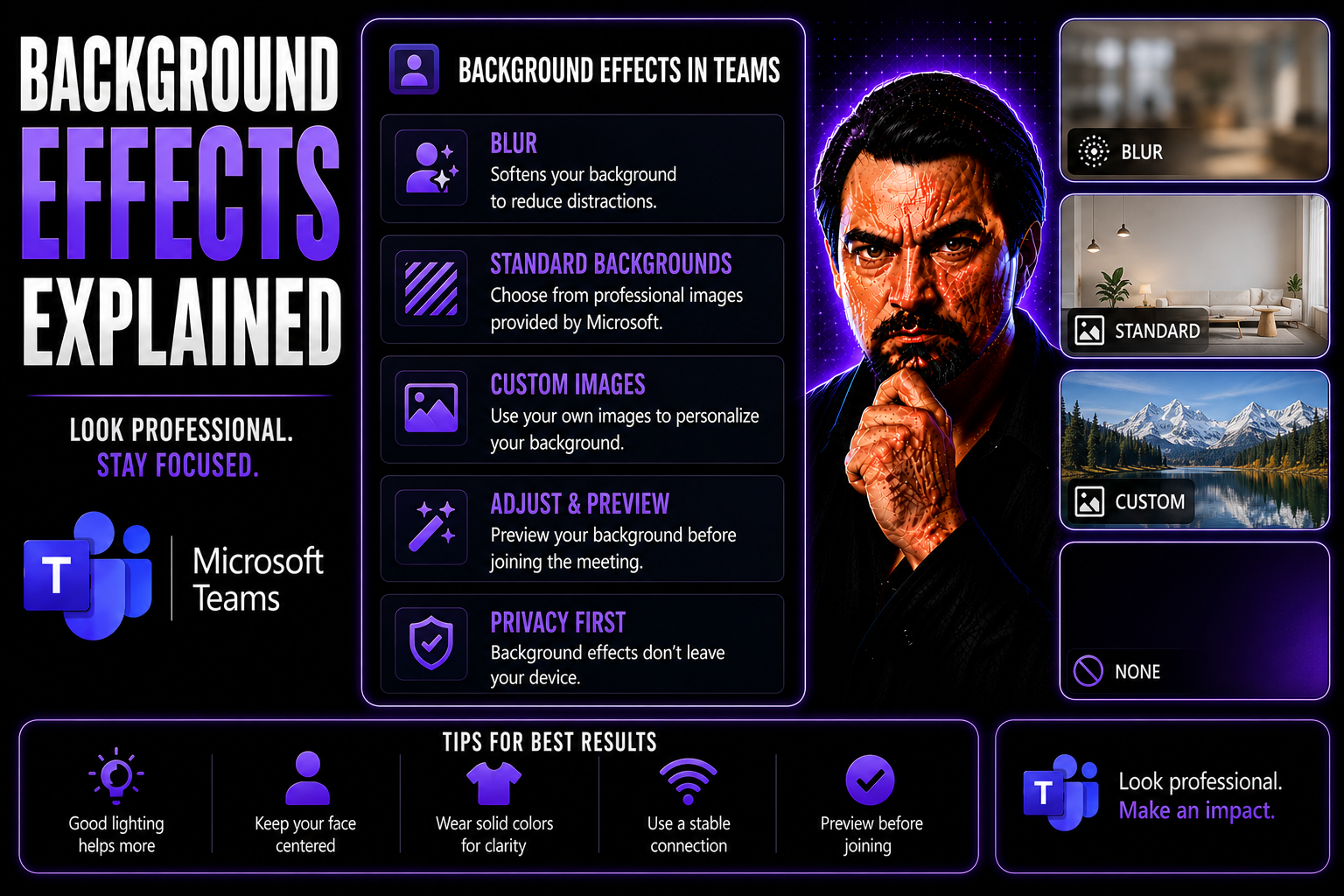
Background Effects Explained: Comprehensive Guide for Digital and Print Platforms
Think of this guide as your go-to playbook for making backgrounds work in both digital and print. We break down the ins and outs of background effects, whether you’re designing a business presentation, spicing up a flyer, or hosting a video call on …
May 13, 2026
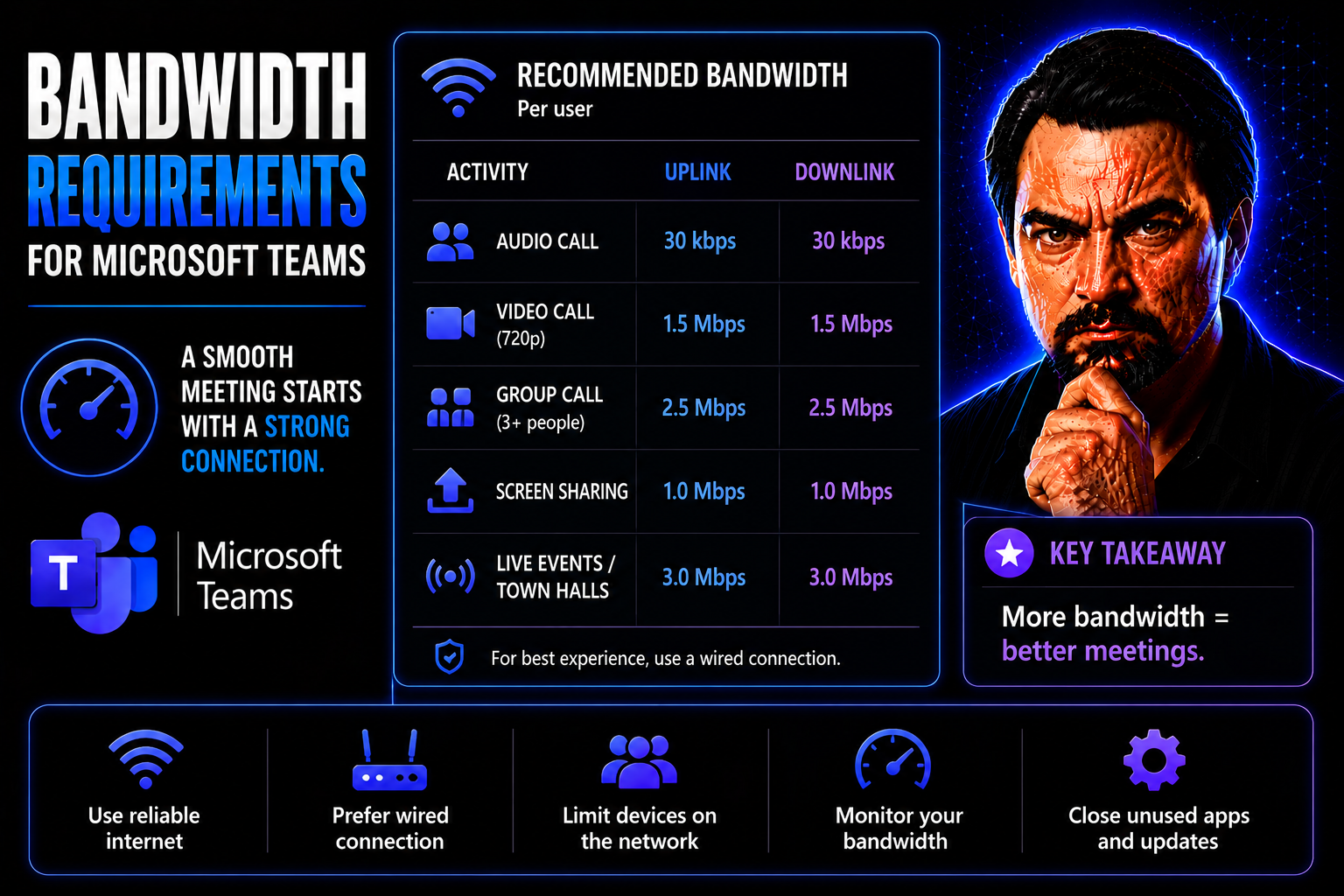
Bandwidth Requirements Explained: The Complete Guide for Microsoft Teams and Digital Workplaces
Quick Answer: Microsoft Teams bandwidth requirements depend on the meeting, calling, video, screen-sharing, and device scenarios your users actually run. Plan for the expected experience, test representative sites and home networks, prioritise real-…
May 13, 2026
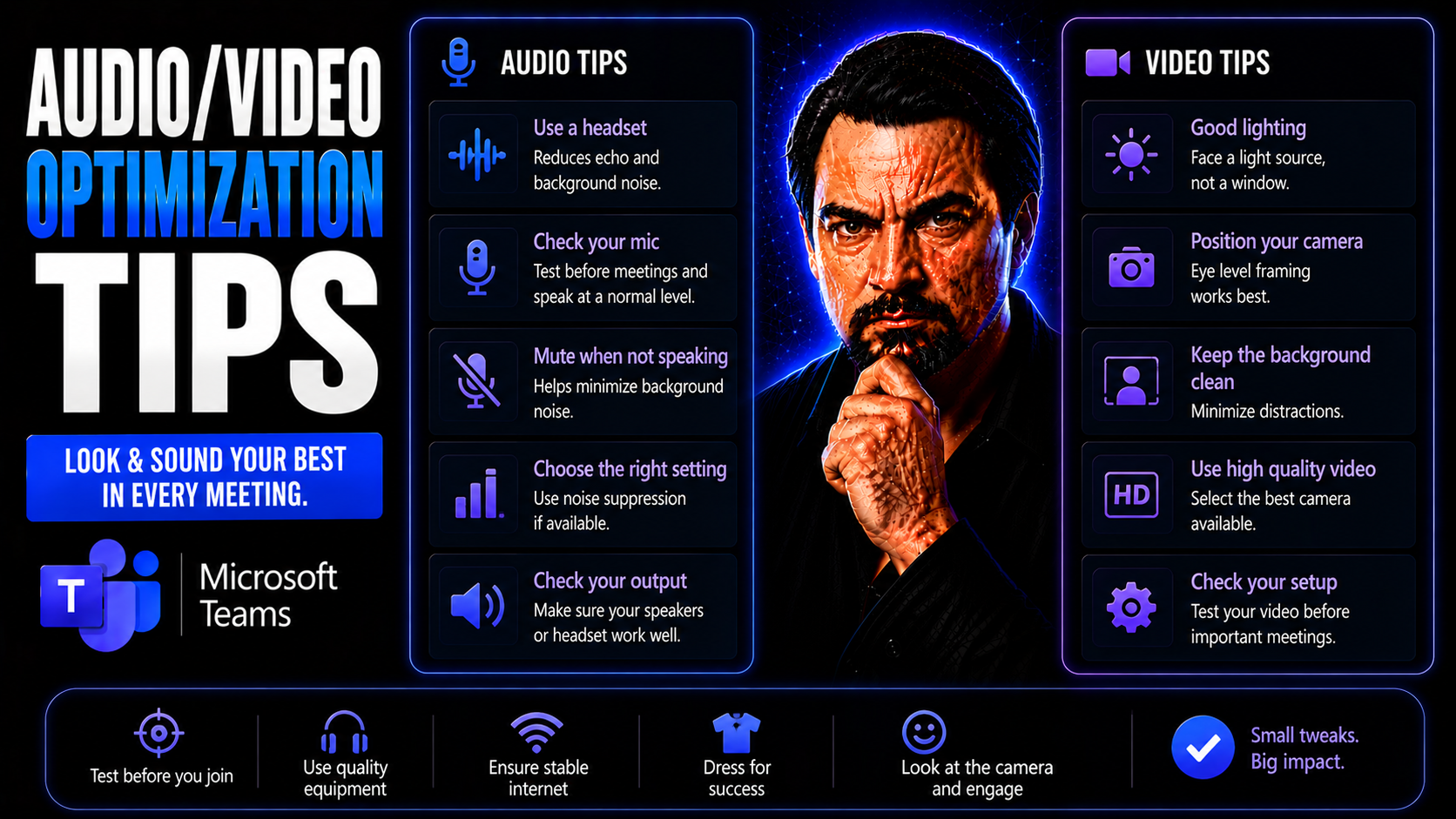
Audio and Video Optimization Tips for Microsoft Teams and Online Content
Audio and video quality is a game-changer in Microsoft Teams meetings, webinars, and any online content you put out for work. When your voice comes through clear and your video is crisp, people pay attention. Blurry audio, odd echoes, or distracting…
May 13, 2026
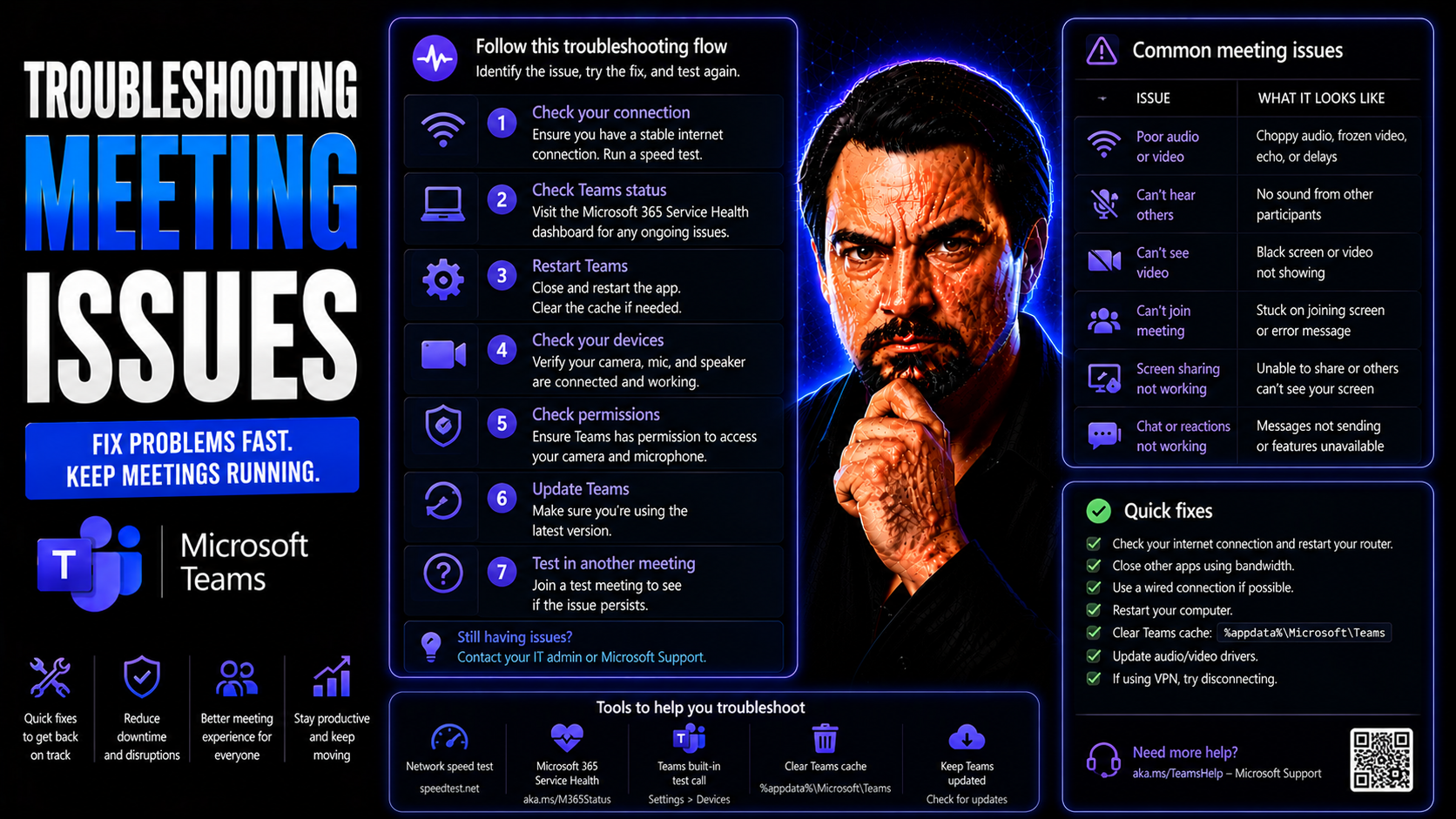
Troubleshooting Meeting Issues: Comprehensive Guide for Microsoft Teams and Virtual Platforms
Troubleshooting meeting issues in today’s virtual world isn’t just about fixing what’s broken—it’s about making sure your teams can communicate smoothly and keep working without interruptions. This comprehensive guide helps you quickly identify, dia…
May 13, 2026
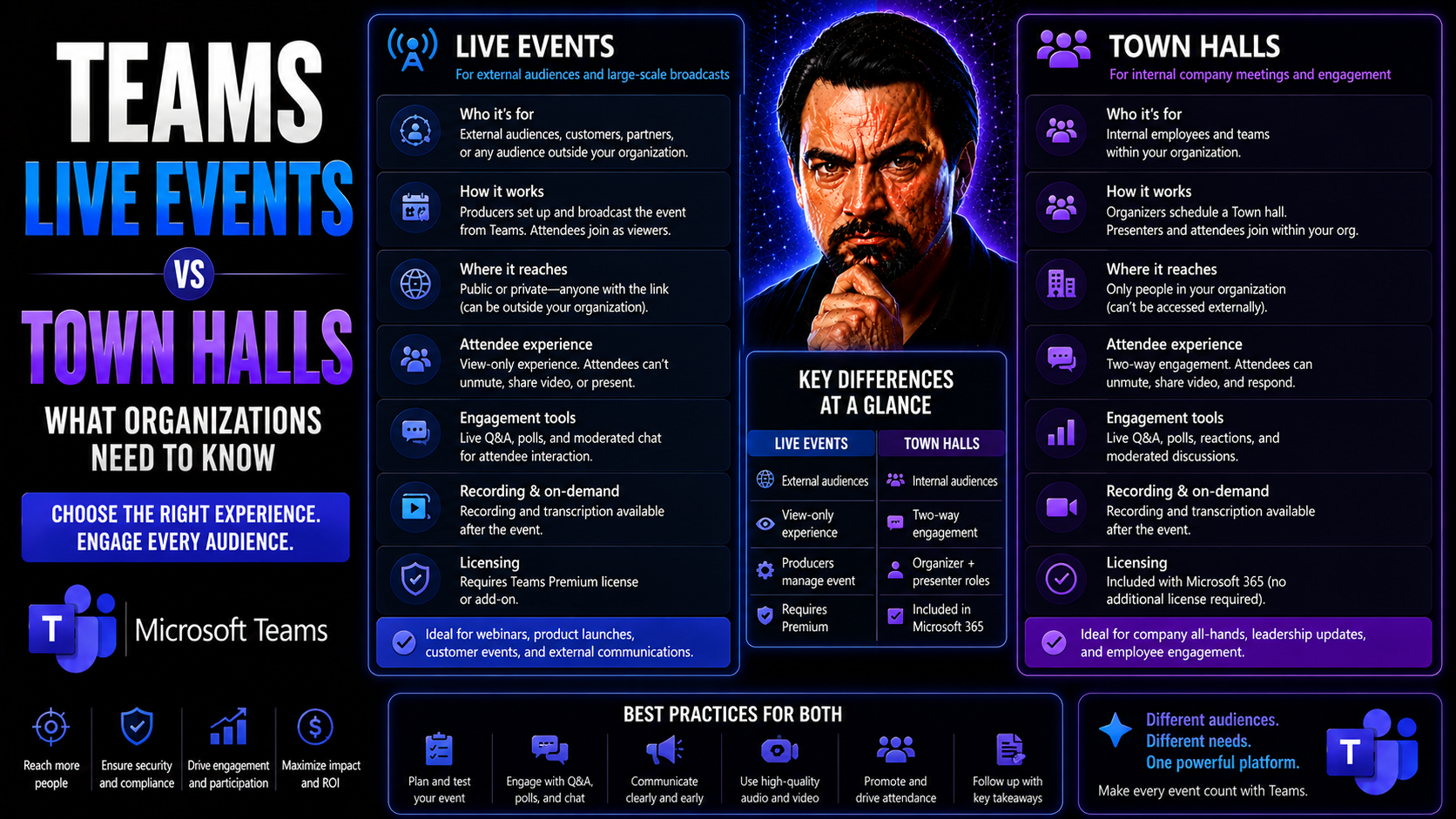
Teams Live Events vs Town Halls: What Organizations Need to Know
If your organization uses Microsoft Teams for big internal meetings or company-wide communications, there’s a major change on the horizon: Teams Live Events are riding off into the sunset, and Town Halls are taking their place. This isn’t just a nam…
May 13, 2026
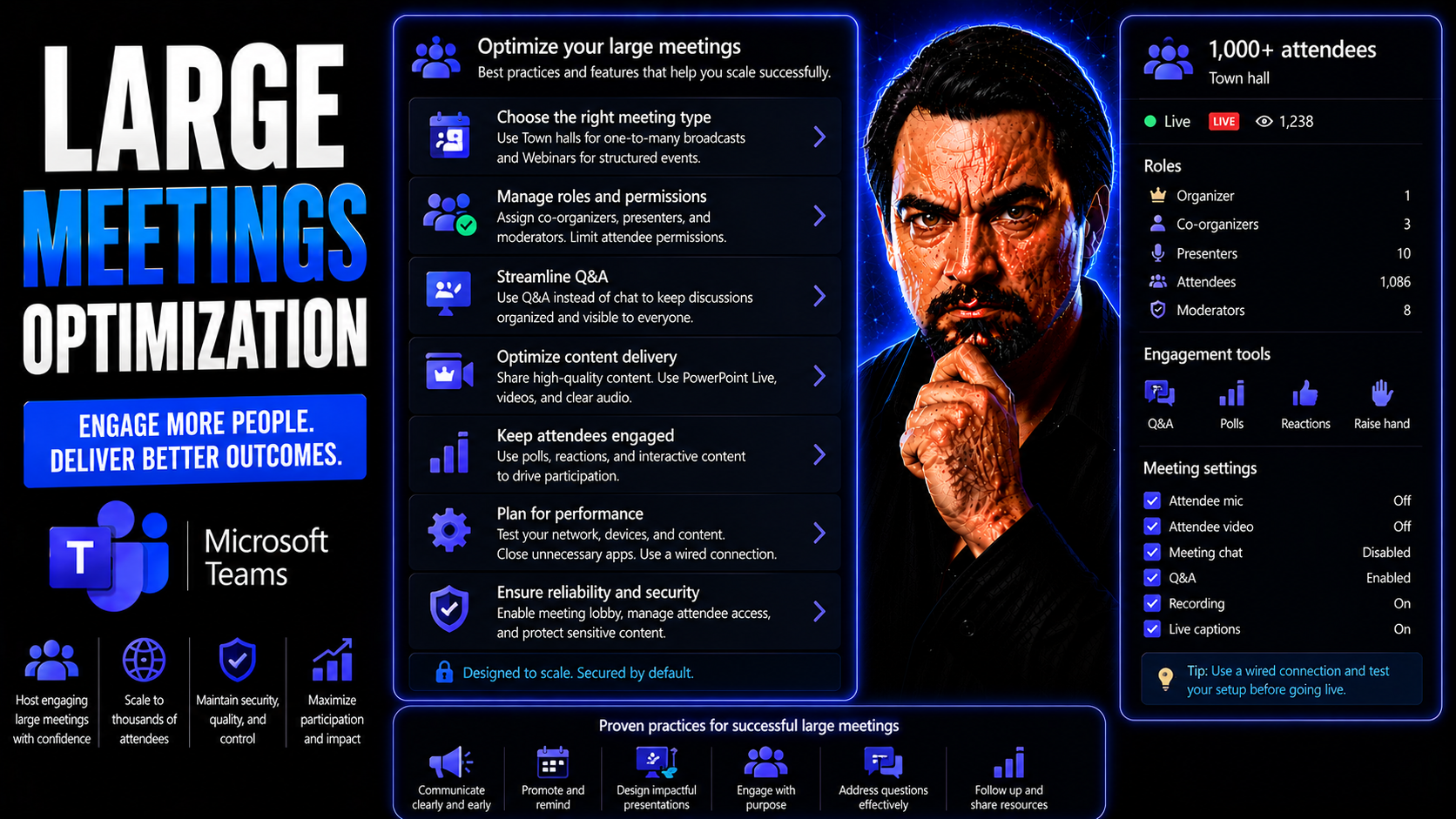
Large Meetings Optimization: Strategies for Effective Collaboration at Scale
Large meetings, especially in today’s hybrid and rapidly expanding organizations, can feel like trying to herd cats in a busy city park. More people, more technology, and more complex projects mean meetings are much bigger and more frequent than the…
May 13, 2026
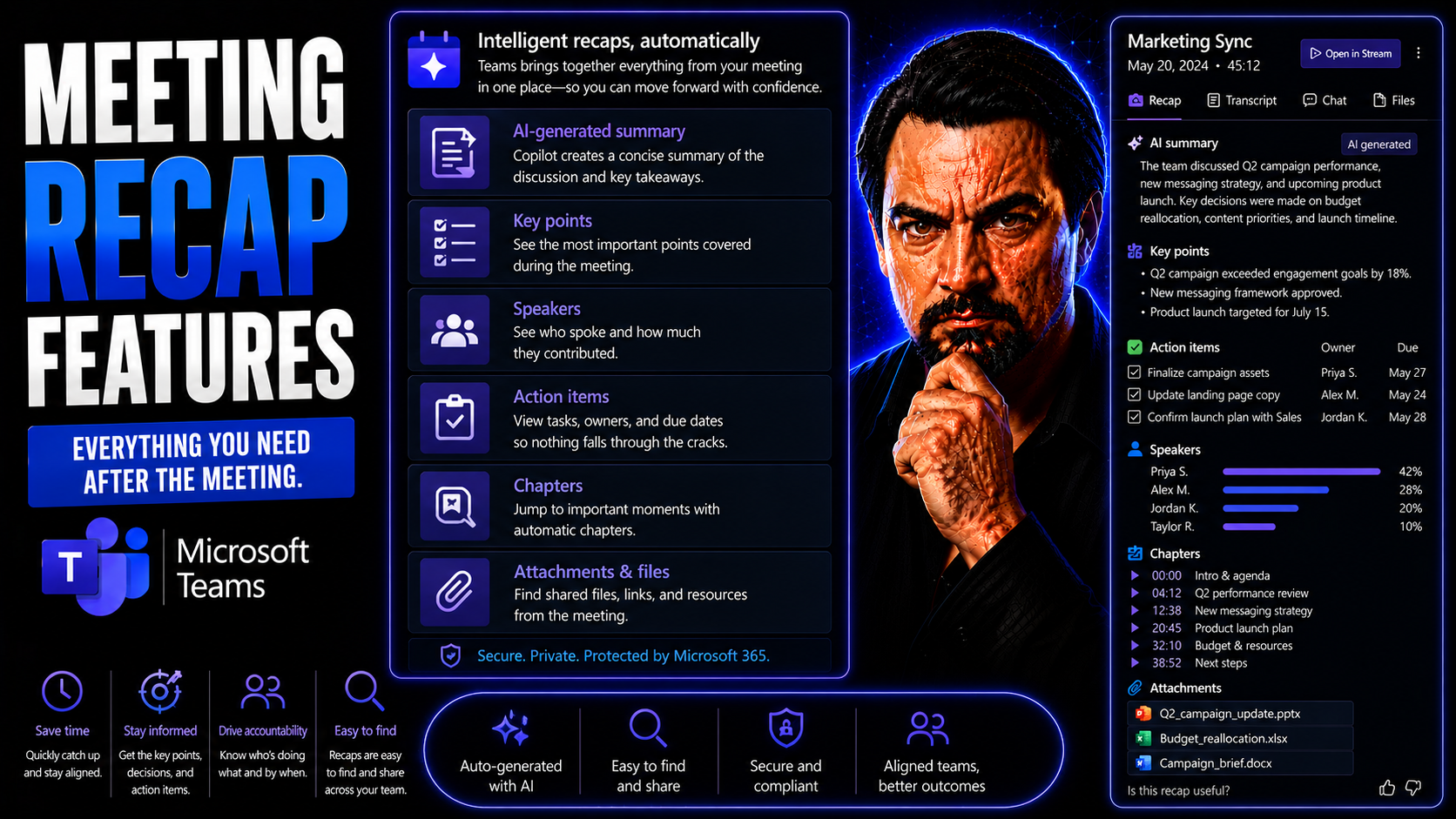
Essential Meeting Recap Features in Microsoft Teams
Microsoft Teams meeting recap features are more than just digital notetaking—they’re your shortcut to turning every conversation into real action. Teams uses AI to capture meeting details, summarize action items, and deliver structured insights, whe…
May 13, 2026
AI-Generated Meeting Notes: The Ultimate Guide for Microsoft Teams
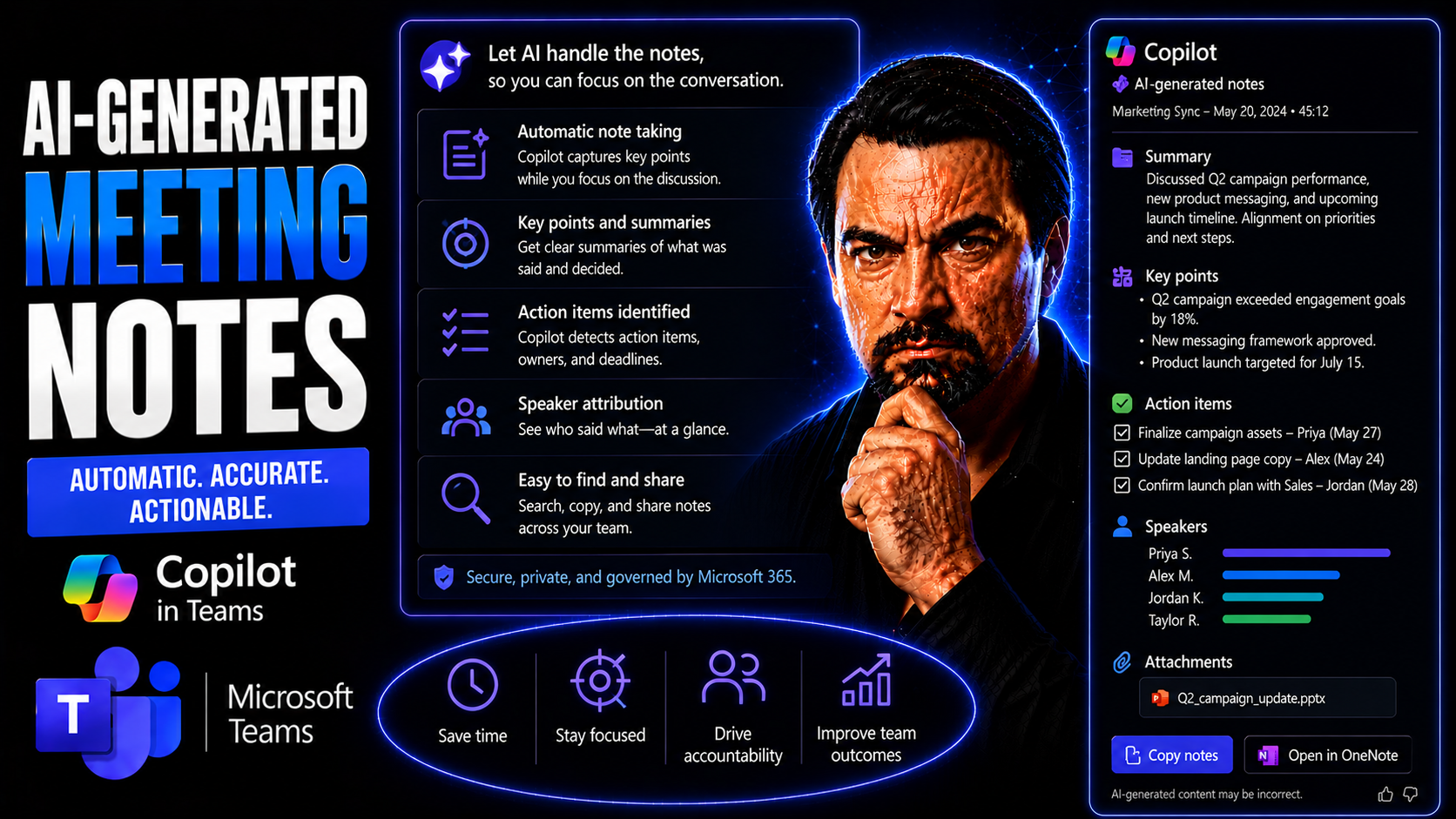
AI-Generated Meeting Notes: The Ultimate Guide for Microsoft TeamsQuick answer: Learn how AI-generated meeting notes work in Microsoft Teams, including Copilot, transcription, privacy, action items, and human review.AI-generated meeting notes in Tea…
May 13, 2026
Copilot In Teams Meetings Guide
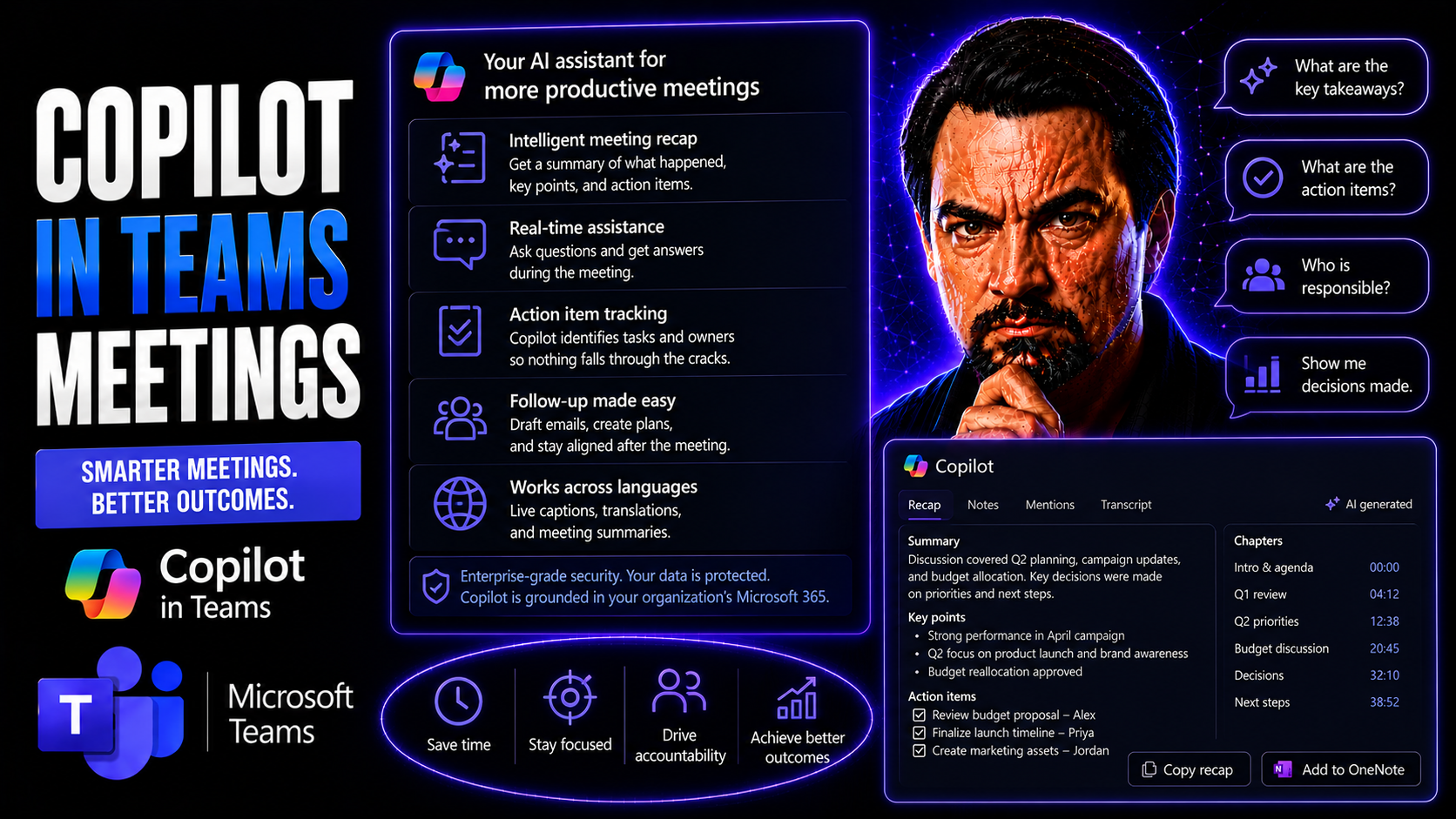
Microsoft Copilot is quickly turning into the secret sauce for making Microsoft Teams meetings smoother, smarter, and more productive. This AI assistant works directly within the Teams experience—capturing notes, summarizing discussions, and even he…
May 13, 2026
Microsoft Teams Meeting Recordings Guide
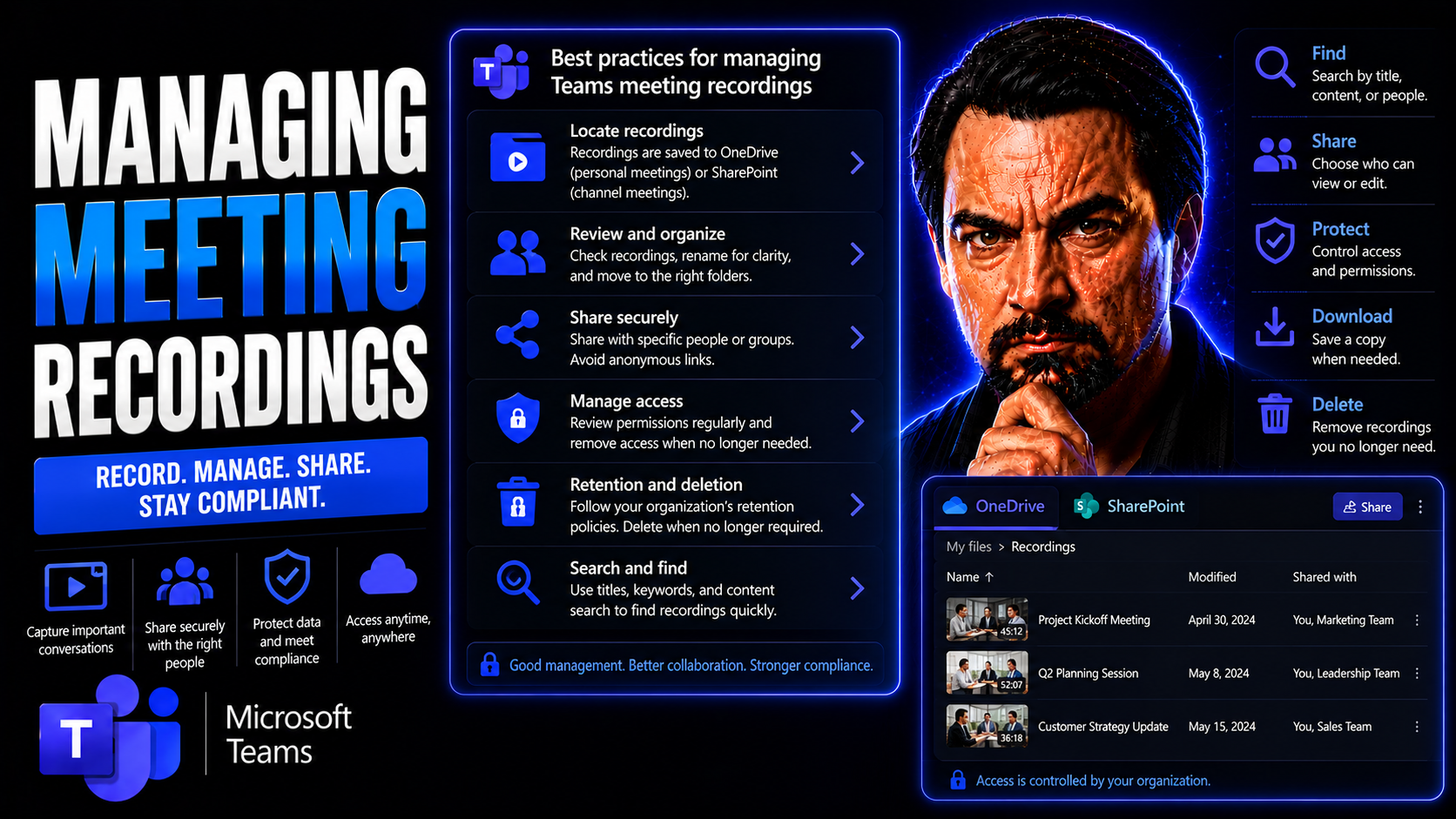
Quick Answer: To manage Microsoft Teams meeting recordings, decide before the meeting who may record, where the recording is stored, who may access or share it, and how long it should be retained. After recording, verify permissions, notify attendee…
May 13, 2026
Teams Recording Storage Guide
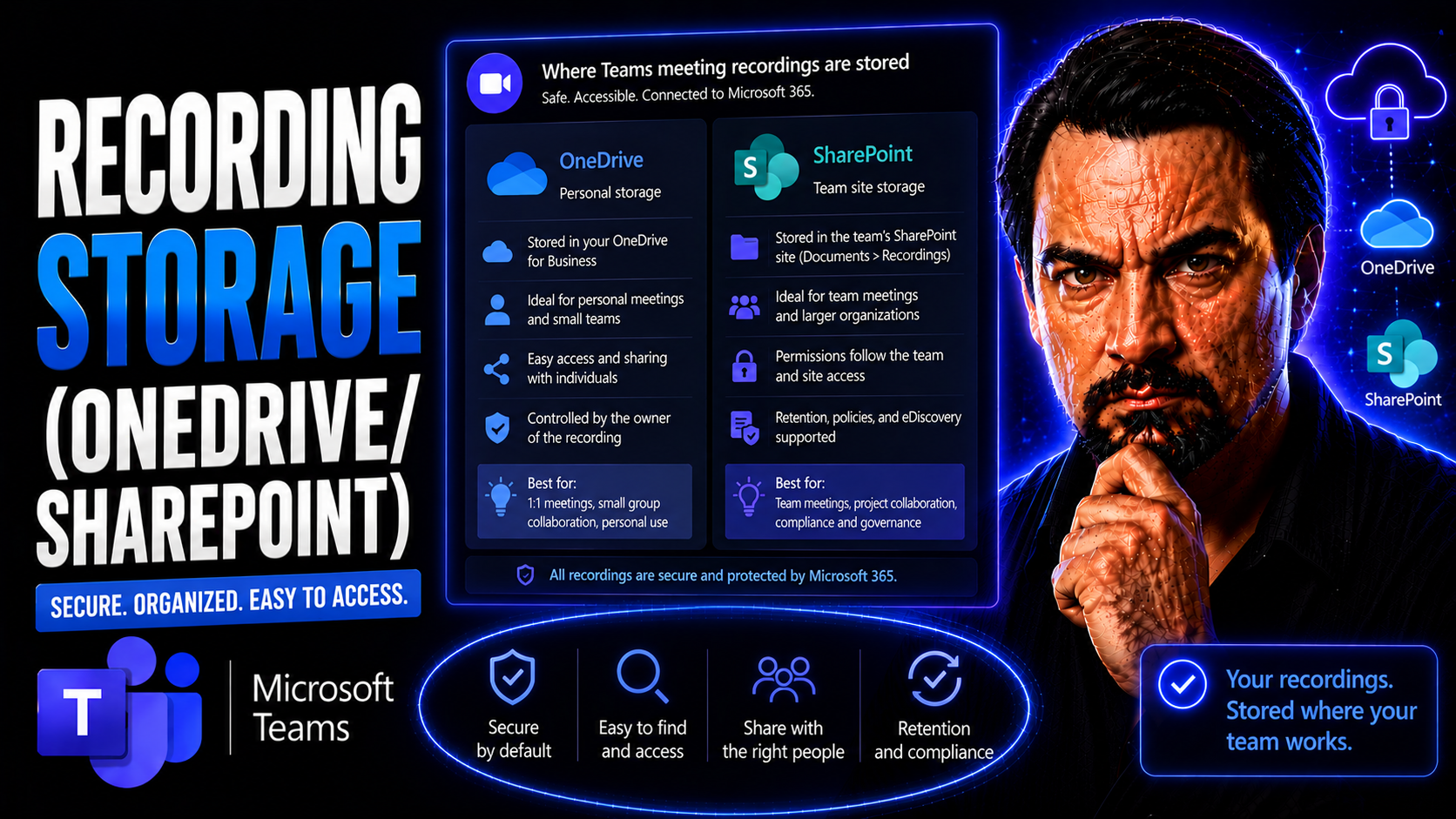
Teams recording storage needs a clear business scenario, supported Microsoft 365 configuration, and accountable ownership. Start with the user outcome, verify current Microsoft guidance, test the approach with representative users, and document the …
May 13, 2026
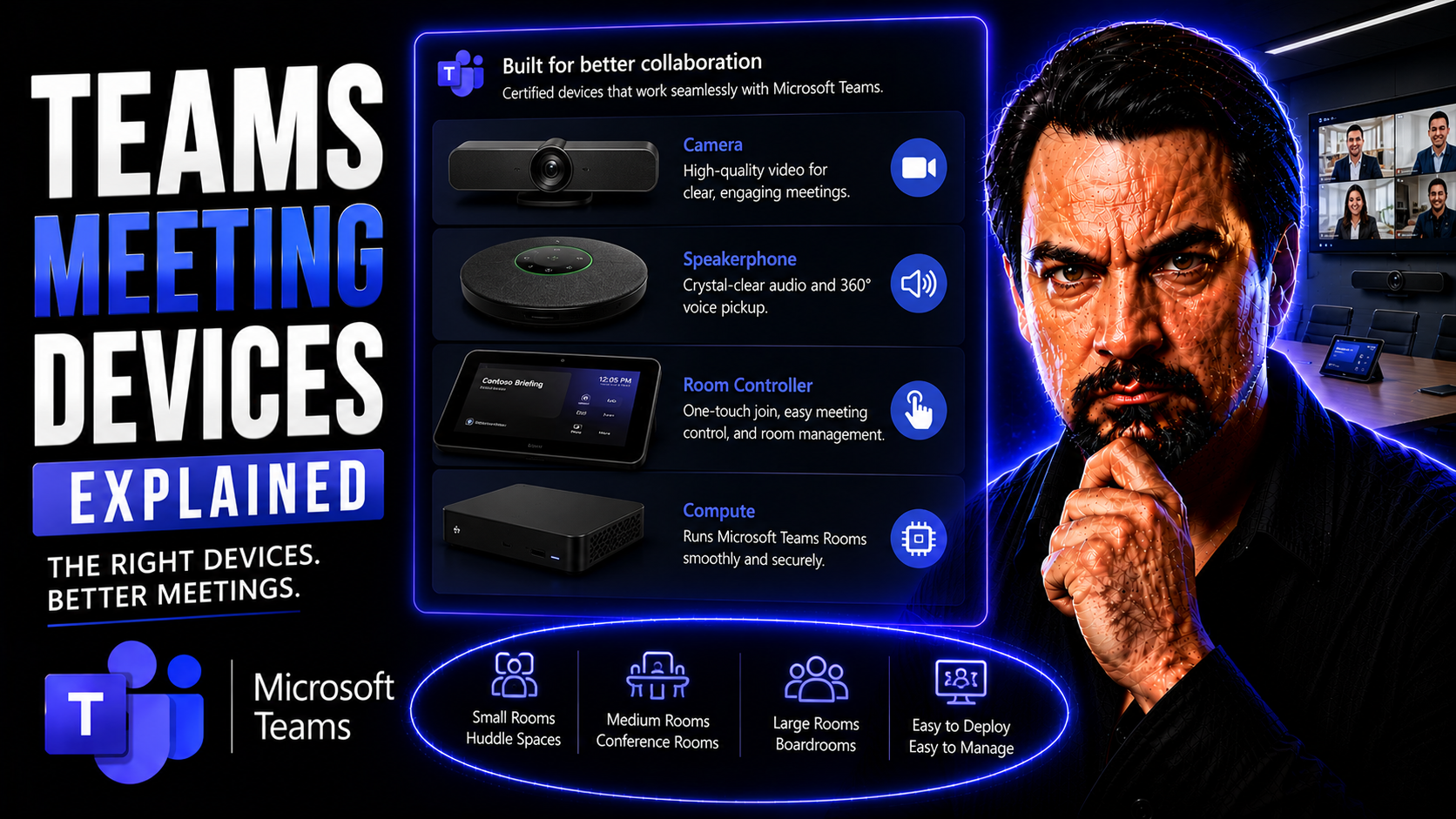
Teams Meeting Devices Guide
This guide takes the mystery out of Teams meeting devices and Microsoft Teams Rooms. Whether you’re weighing your options for office video gear or planning a new conference setup, you’ll get the clarity you need on how hardware and software mesh tog…
May 13, 2026
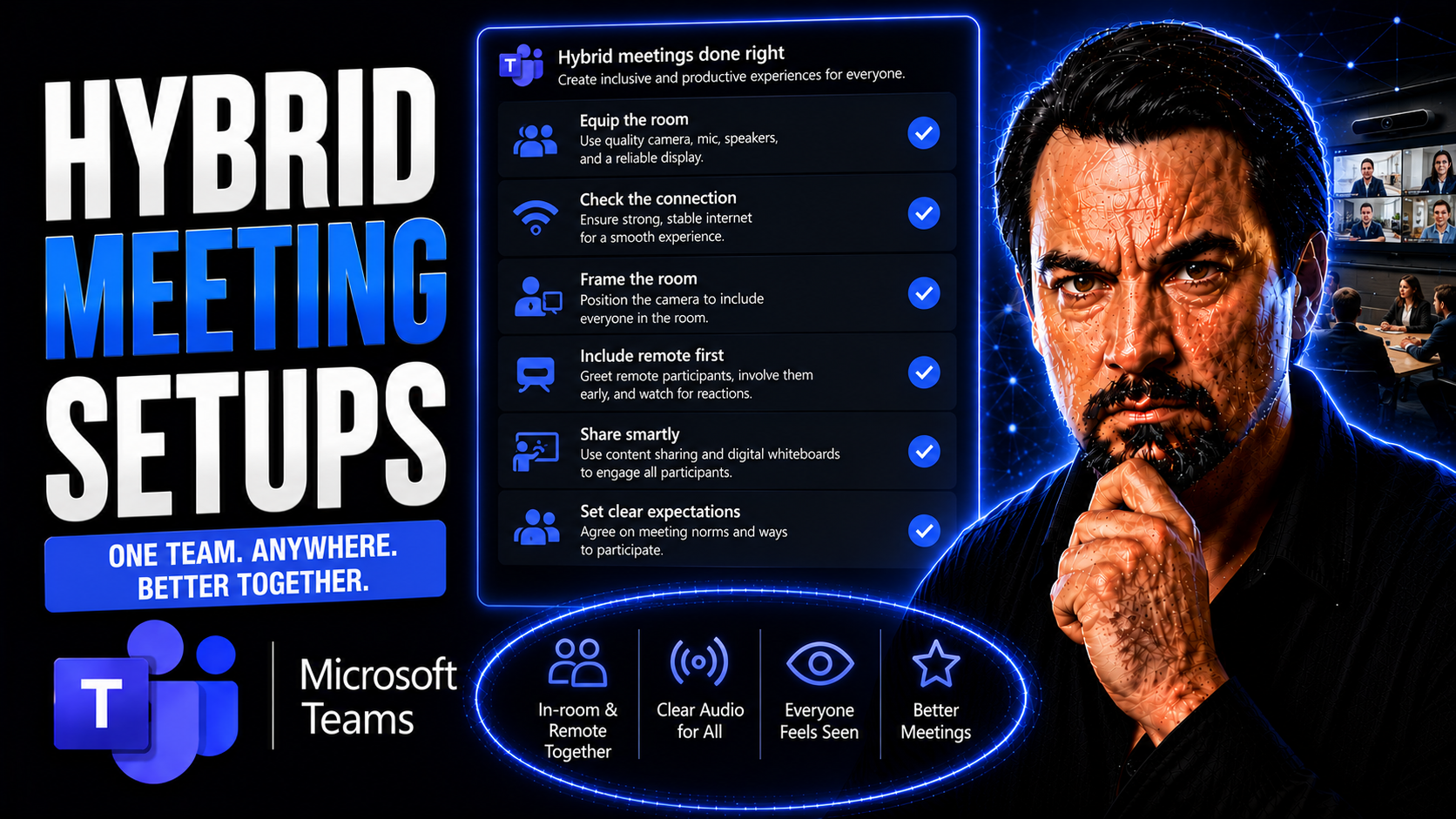
Hybrid Meeting Setups Guide
Hybrid meeting setups have quickly become a mainstay for businesses that blend remote and on-site work. These systems bring together people in a physical meeting room and those joining virtually, making everyone part of the same conversation—no matt…
May 13, 2026
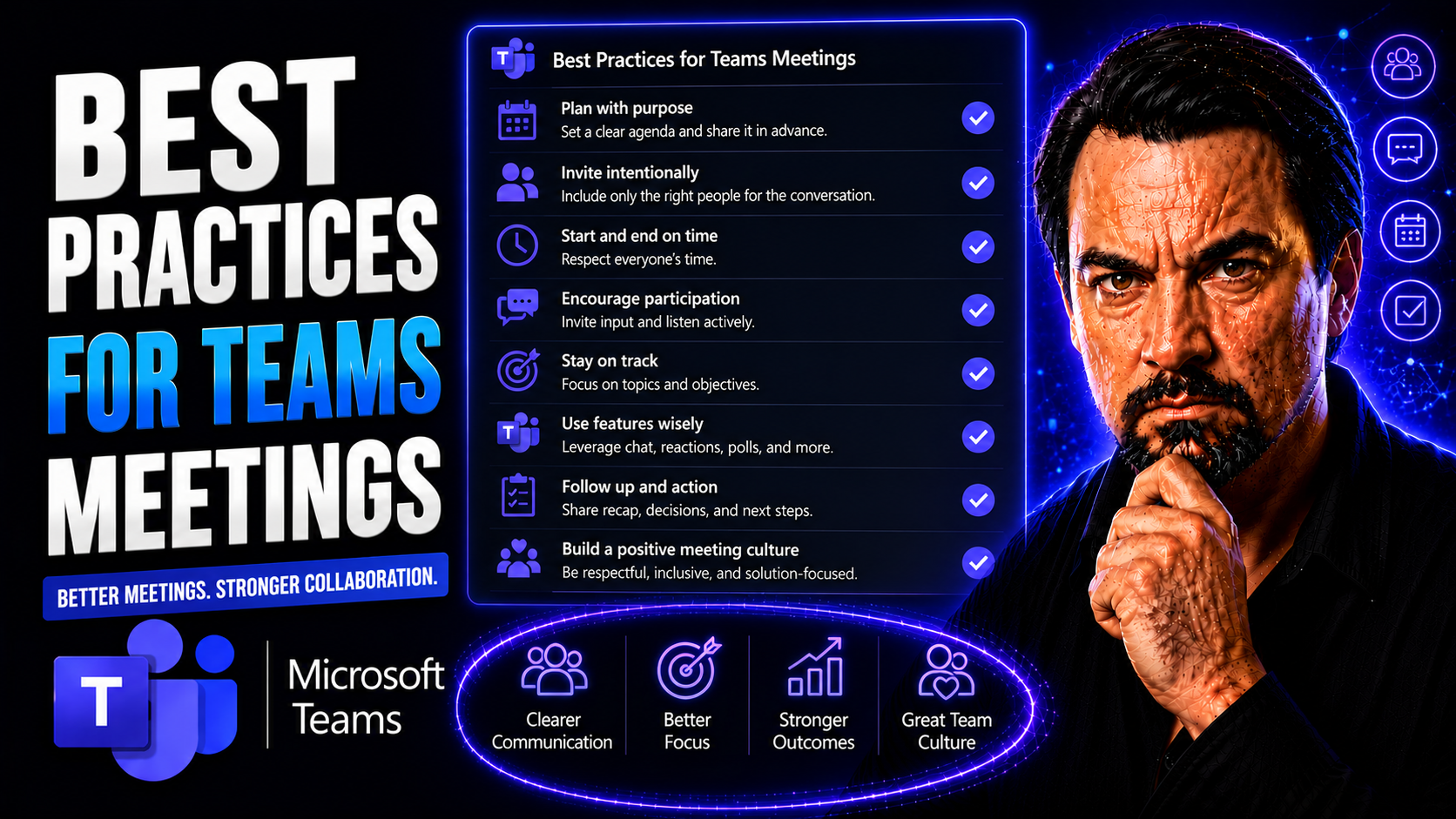
Microsoft Teams Meeting Best Practices Guide
Effective Microsoft Teams meetings are the backbone of productive teams—whether you’re in a buzzing office, working from home, or managing classroom discussions. In today’s world, Teams has become the go-to platform for collaboration, project update…