

Work smarter, not harder, with practical tips for Microsoft 365.
From Teams and Outlook to OneDrive and Office apps, we explore new features, time-saving shortcuts, collaboration tools, and productivity workflows that help you get more done every day.
Perfect for anyone who loves efficiency and wants to make M365 work for them.
From Teams and Outlook to OneDrive and Office apps, we explore new features, time-saving shortcuts, collaboration tools, and productivity workflows that help you get more done every day.
Perfect for anyone who loves efficiency and wants to make M365 work for them.
May 19, 2026
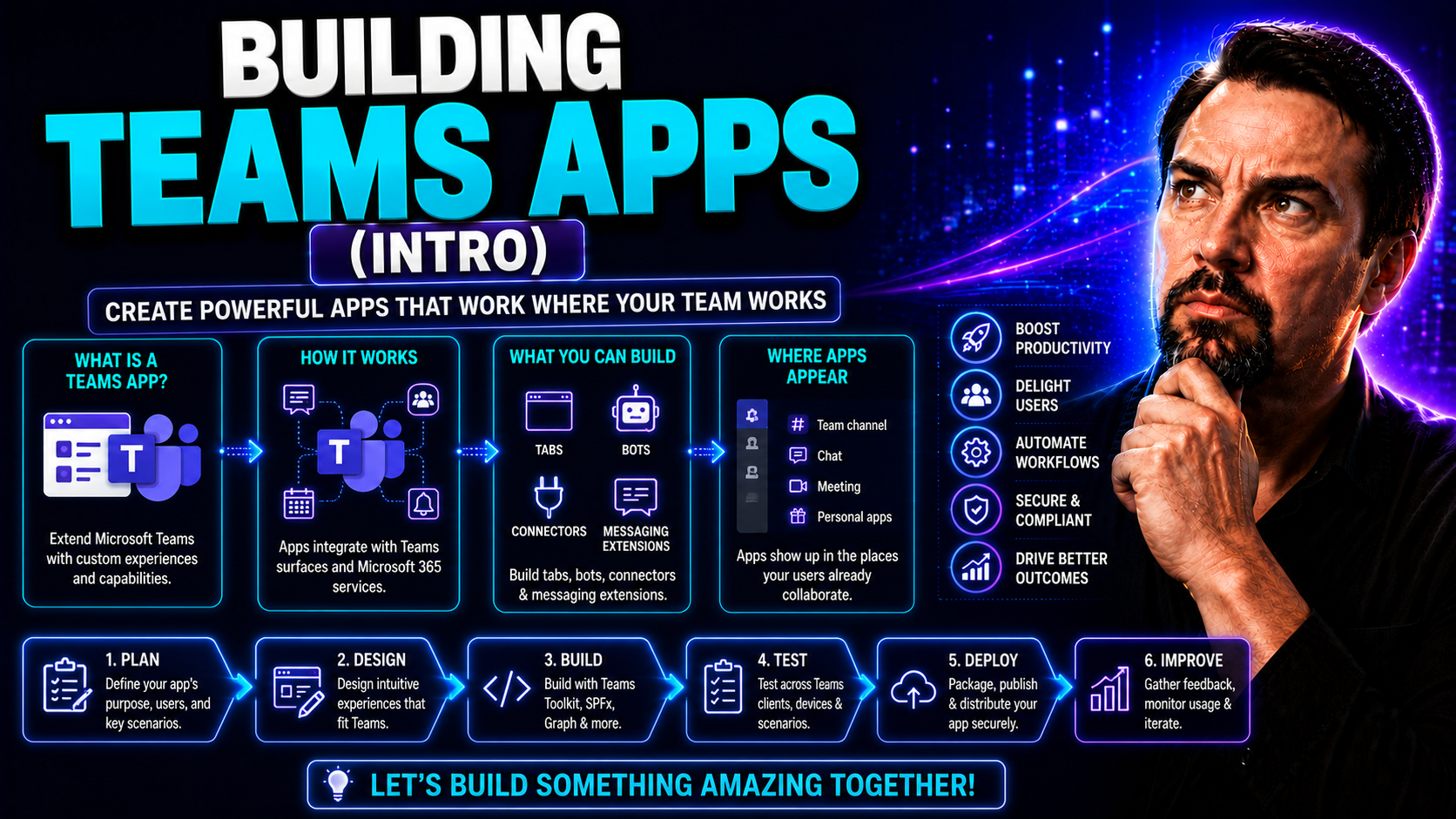
Building Teams Apps: An Introduction for Beginners
Building apps for Microsoft Teams means you can take your team's digital workspace to the next level. Instead of relying only on what's out of the box, Teams apps let you add custom tools, interactive dashboards, bots, and more—right where people al…
May 19, 2026
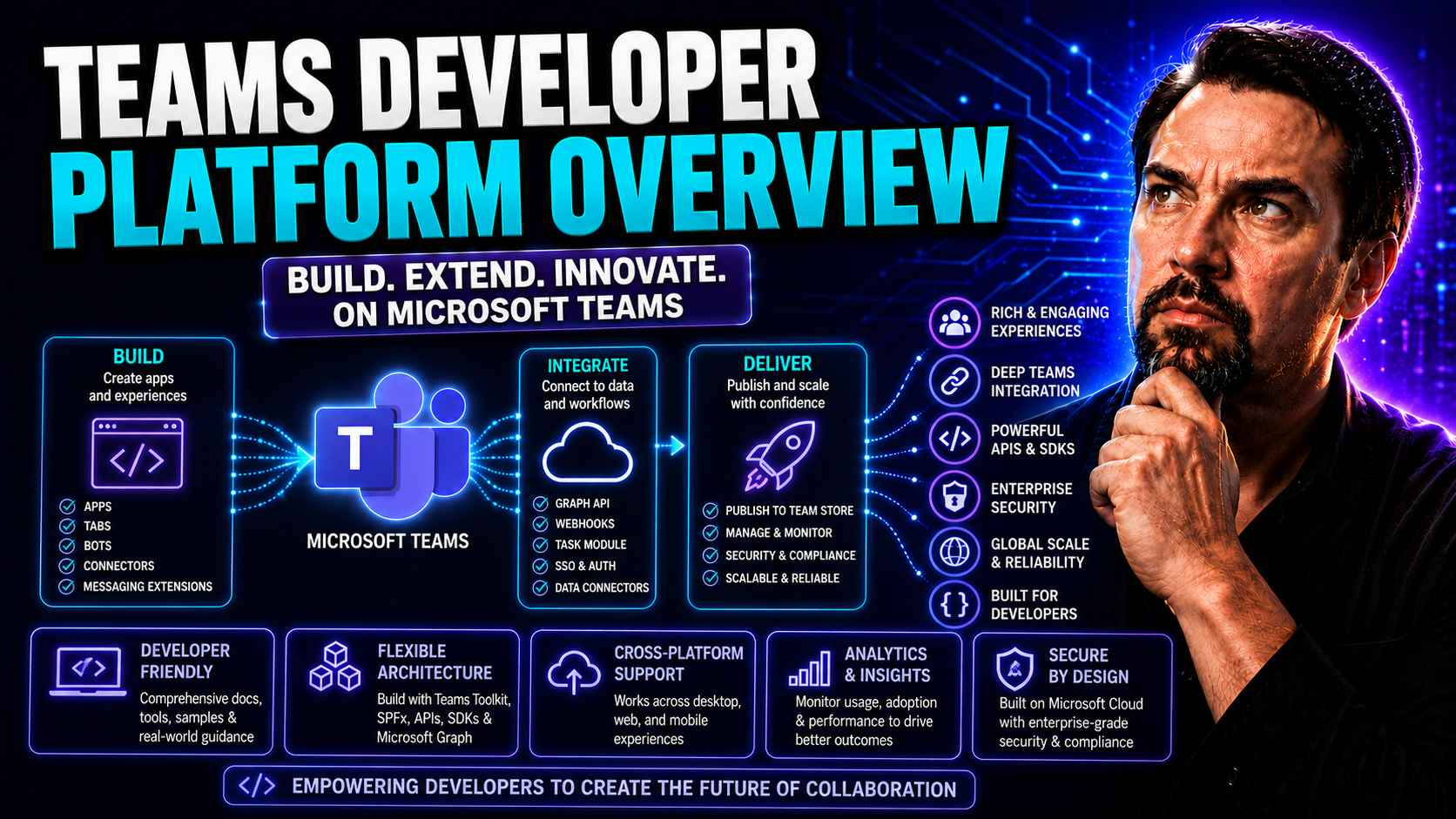
Microsoft Teams Developer Platform Overview
The Microsoft Teams Developer Platform is your ticket to building custom apps, workflows, and AI-driven experiences directly inside Microsoft Teams. It’s designed for IT pros, enterprise developers, and solution architects looking to extend what Tea…
May 19, 2026
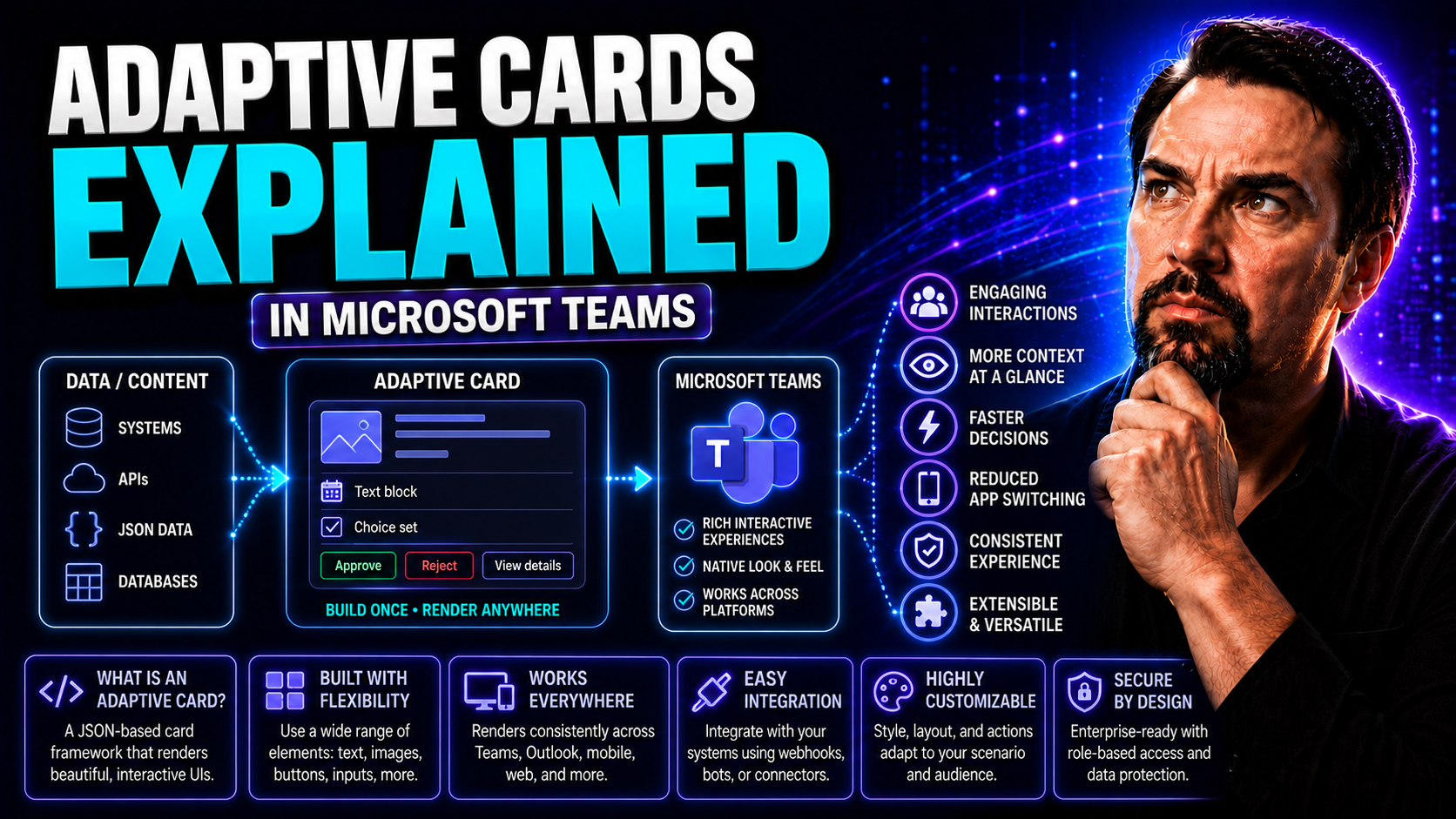
Adaptive Cards Explained: The Future of Dynamic Collaboration in Microsoft Teams
If you've spent any time managing workflows or communications inside Microsoft Teams, you've likely run into static messages that leave you wishing for more. Enter Adaptive Cards—interactive, portable snippets of content that go way beyond simple al…
May 19, 2026
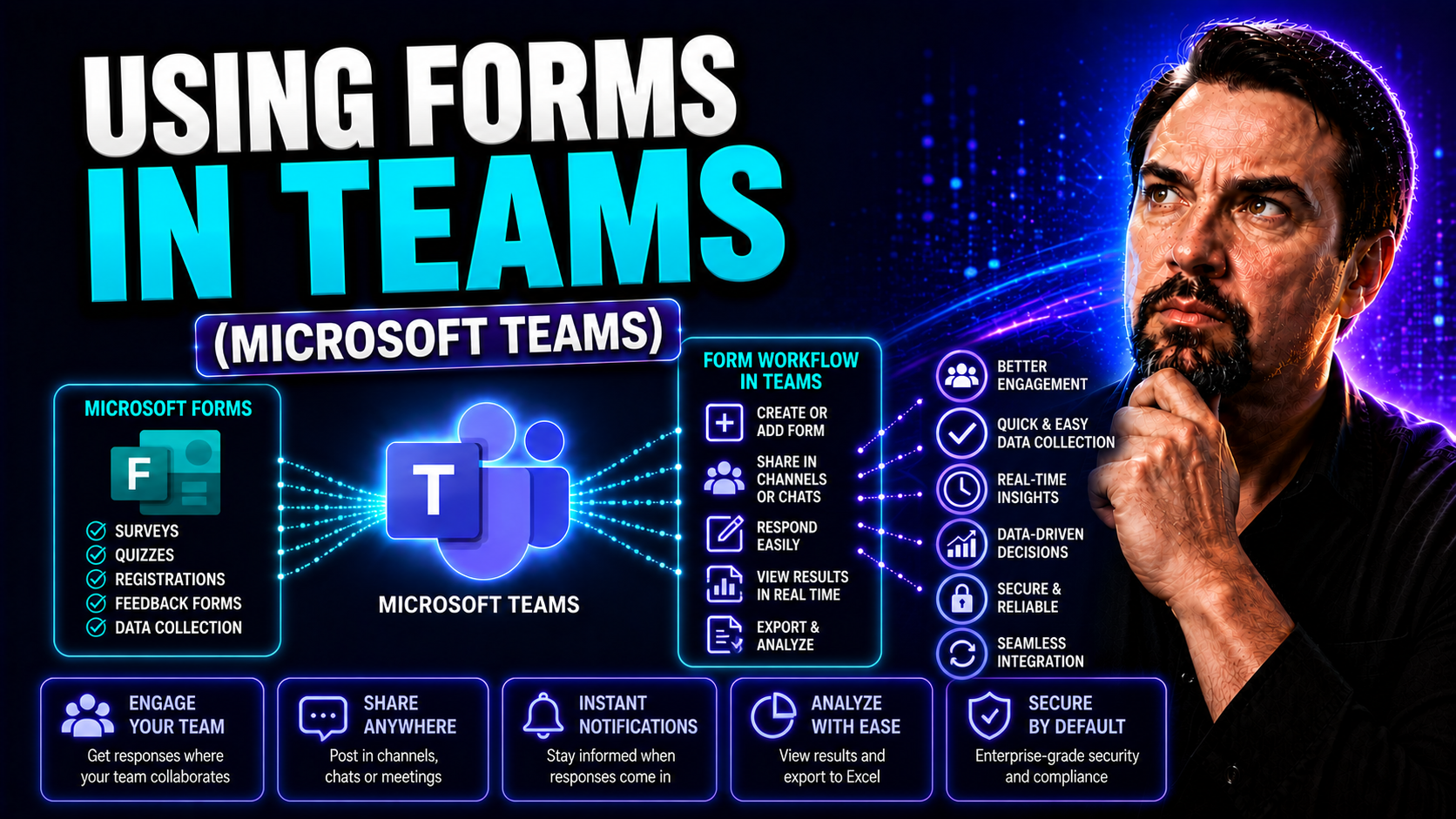
Using Forms in Teams: A Complete Guide for Collaborative Work
Looking to make team collaboration smoother, faster, and more organized? Microsoft Forms in Teams is like bringing the suggestion box, survey clipboard, and quick poll straight into your digital workspace—minus the messy handwriting. This guide cove…
May 19, 2026
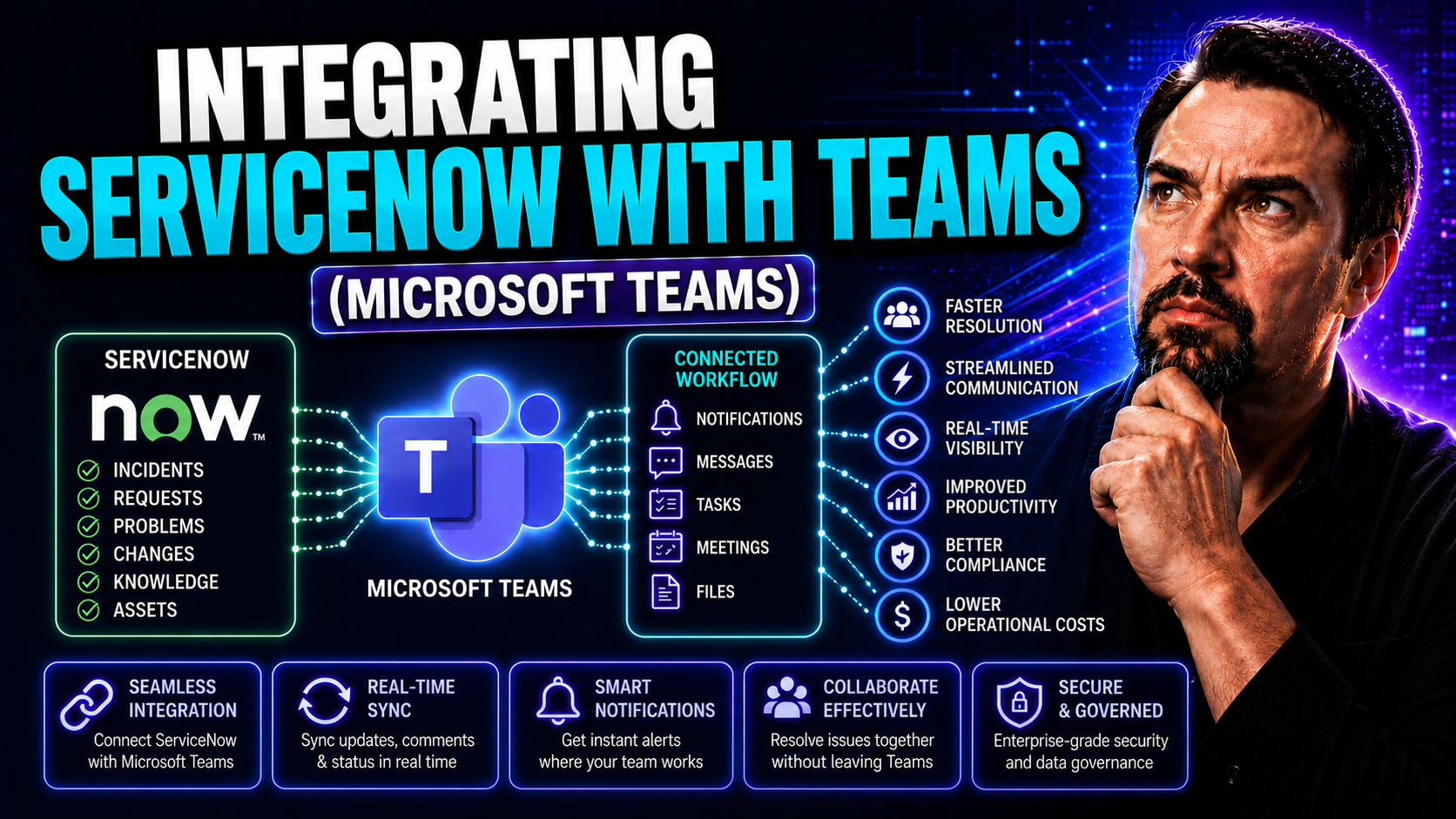
Integrating ServiceNow with Teams: A Complete Guide
Bringing ServiceNow and Microsoft Teams together isn’t just a tech project—it’s a game-changer for how your organization gets work done. This guide shows you exactly how to connect these platforms, making it easier to automate support, collaborate i…
May 19, 2026
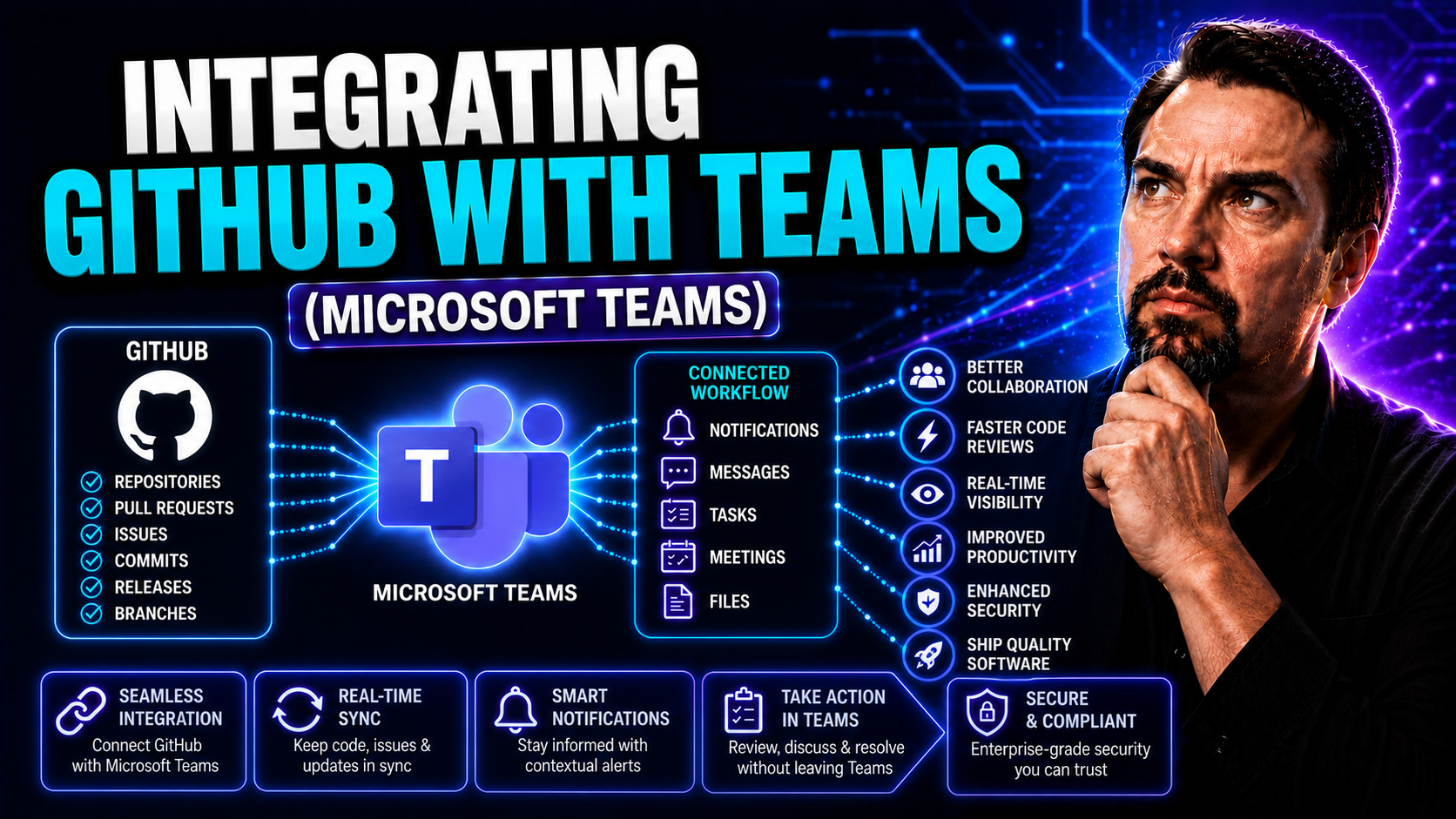
Integrating GitHub with Teams for Better Collaboration
If your team spends half their day flipping between GitHub and Microsoft Teams, you’re not alone—juggling apps is normal, but not always productive. Integrating GitHub directly with Teams takes some of that busywork off your plate. It lets developer…
May 19, 2026
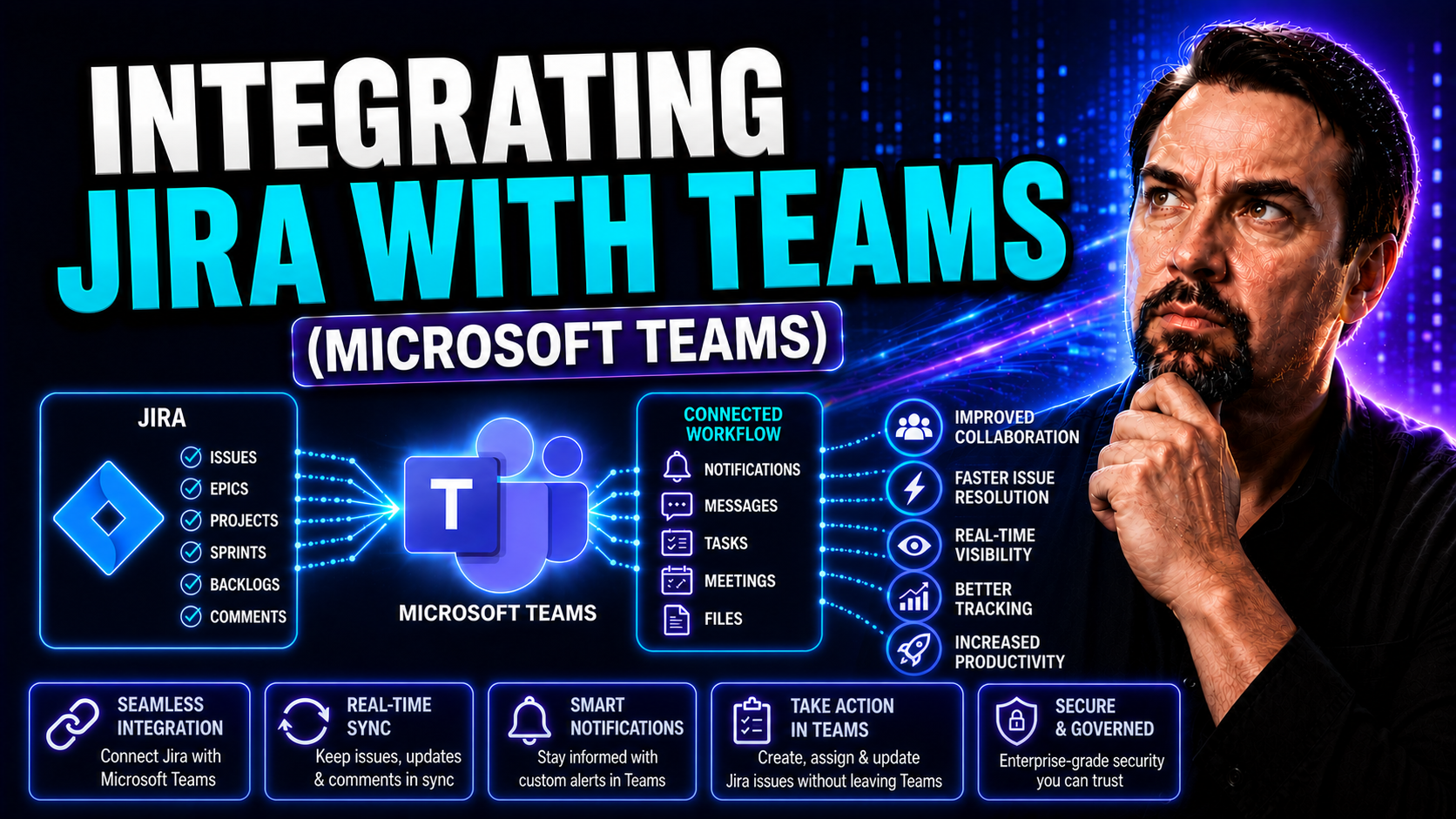
Integrating Jira with Microsoft Teams: The Complete Guide
Wondering how to bring your Jira issues and projects closer to your workflow in Microsoft Teams? This guide walks you through everything you need to know about integrating Jira with Microsoft Teams, from the basics to advanced features. You’ll find …
May 19, 2026
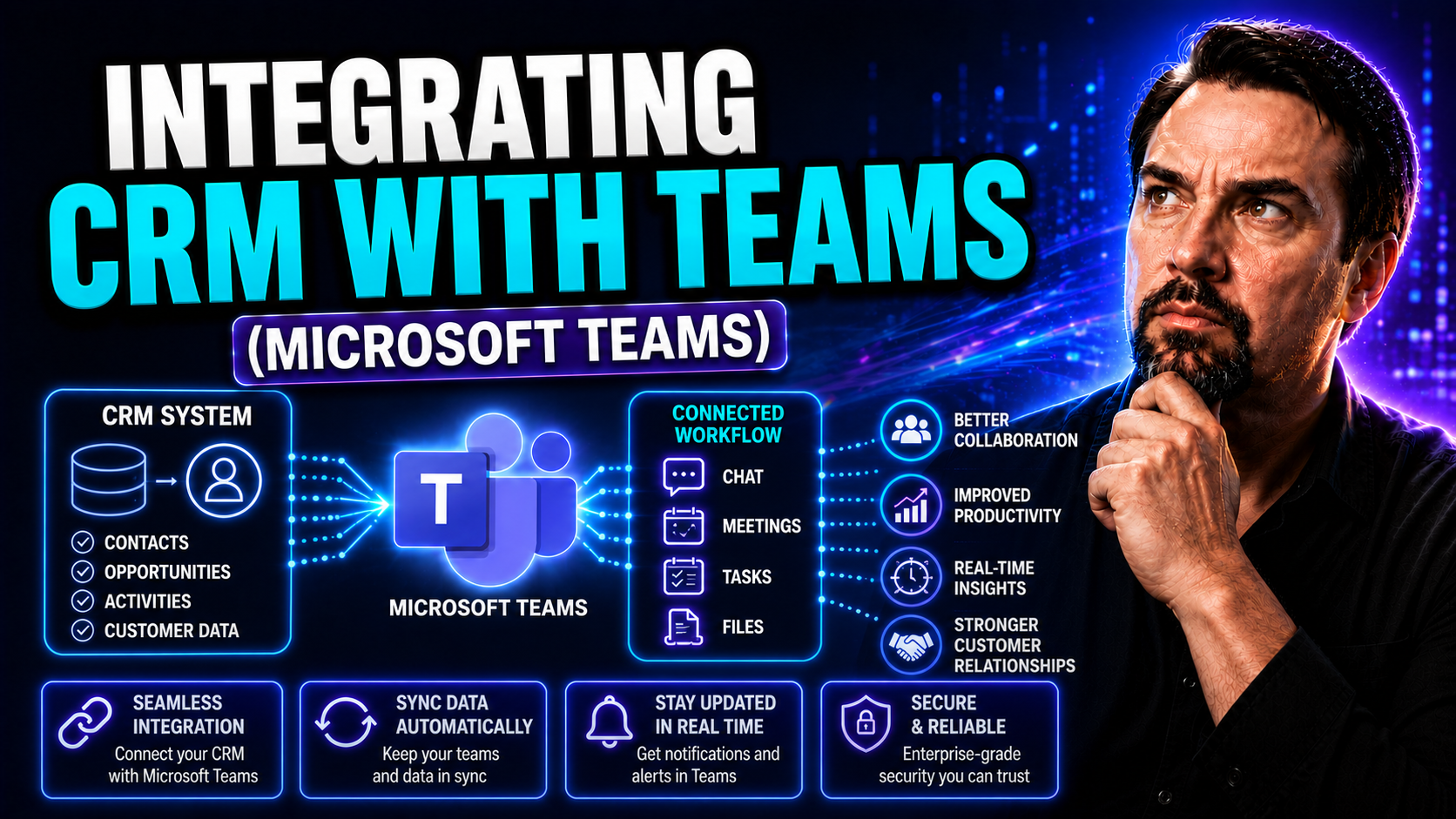
Integrating CRM With Teams: The Complete Guide
Integrating your CRM with Microsoft Teams is more than just a tech trend—it's a necessity for modern organizations aiming to streamline communication, boost productivity, and stay competitive. By combining CRM platforms with the collaborative power …
May 18, 2026
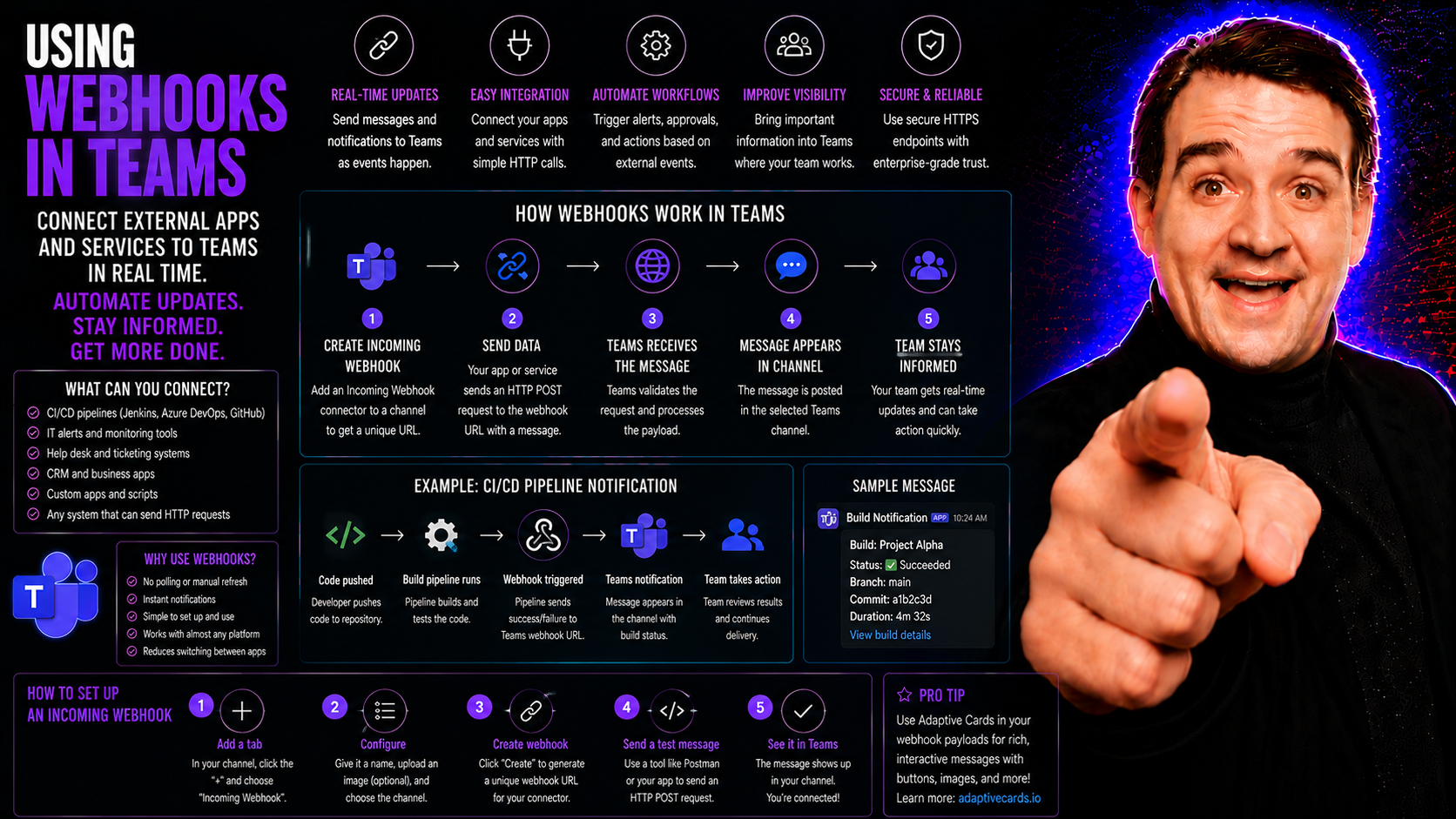
Using Webhooks in Teams: A Complete Guide
If you’re looking to supercharge your Microsoft Teams experience, webhooks are where it’s at. This guide goes all-in on showing you how to use webhooks to connect external apps, automate updates, and send information right into your Teams channels—n…
May 18, 2026
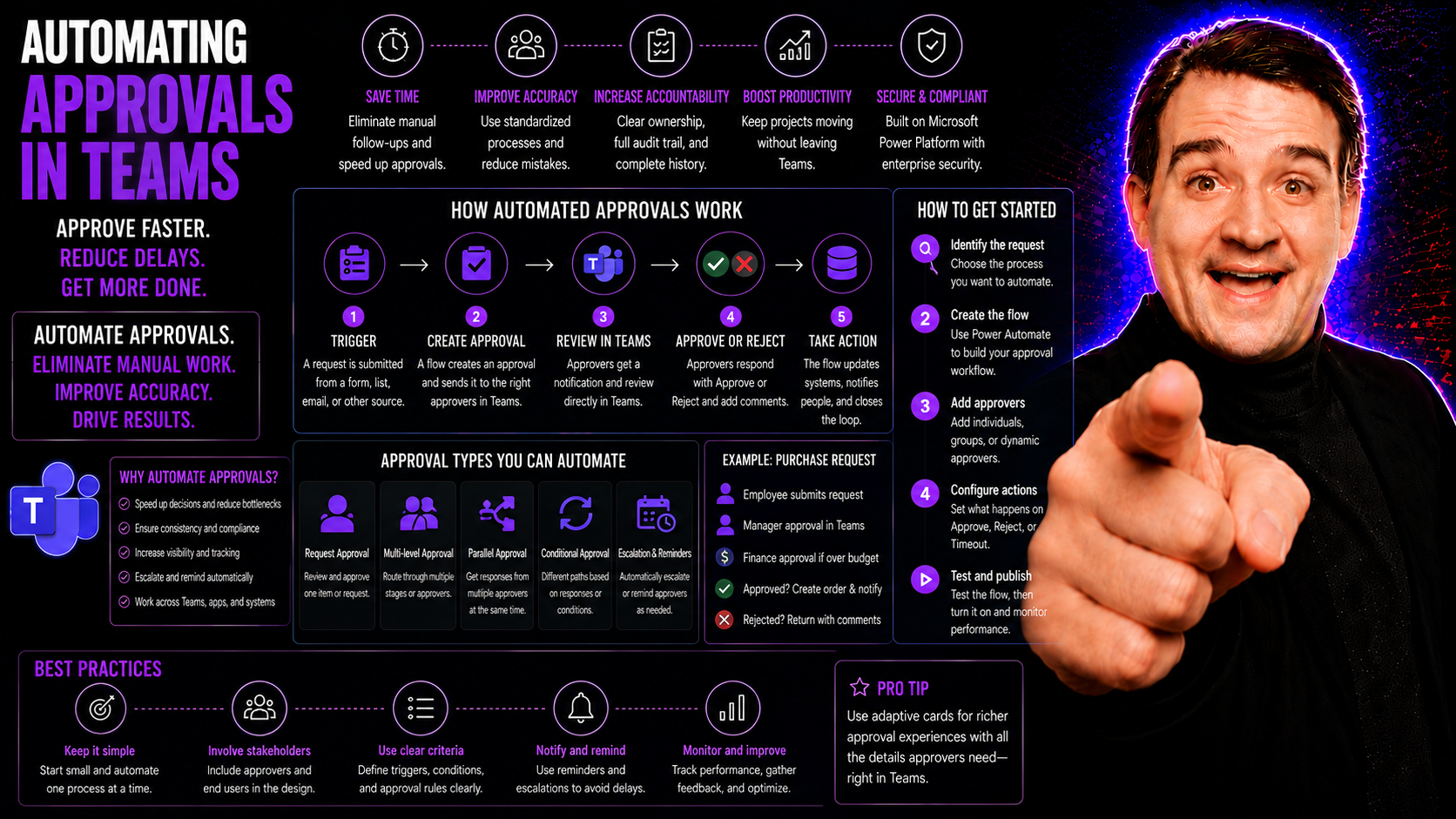
Automating Approvals in Teams: The Complete Guide
To automate approvals in Teams, define the request type, approver, decision deadline, and audit requirement first. Then use the Approvals app or a Power Automate flow to route requests, capture decisions, notify people, and store the outcome. Start …
May 18, 2026
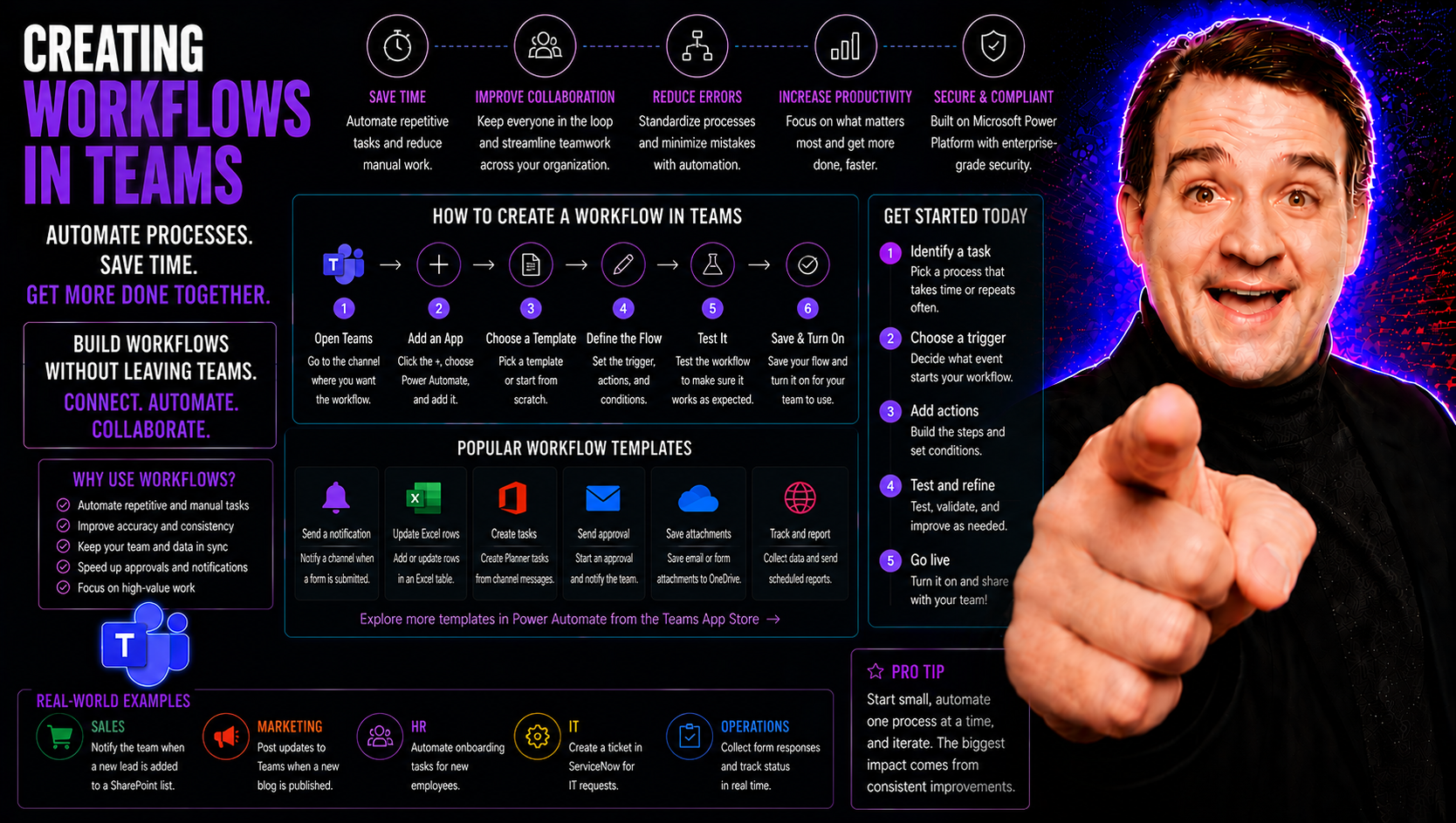
Creating Workflows in Teams: A Complete Guide
Automating your daily tasks in Microsoft Teams using workflows is one of the best ways to make teamwork easier and more streamlined. Workflows let your team set up step-by-step processes, so routine jobs run themselves—no more hunting down approvals…
May 18, 2026
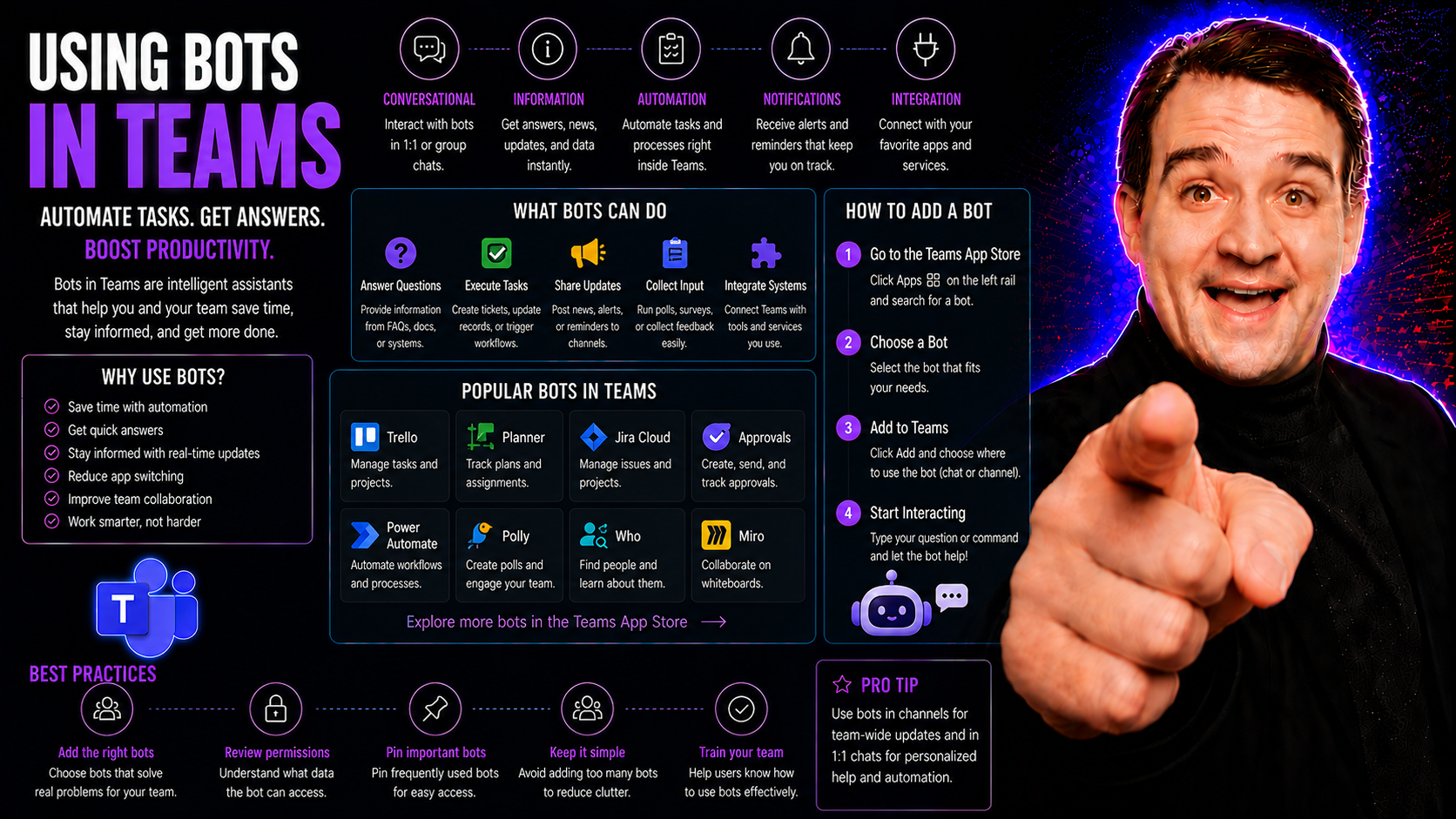
Using Bots in Teams: The Ultimate Guide for Modern Workplaces
Digital transformation isn’t just a buzzword—it’s reality for organizations that want to stay sharp. As remote and hybrid work take center stage, tools that boost collaboration, automate tasks, and reinforce governance aren’t just "nice to have." Th…
May 18, 2026
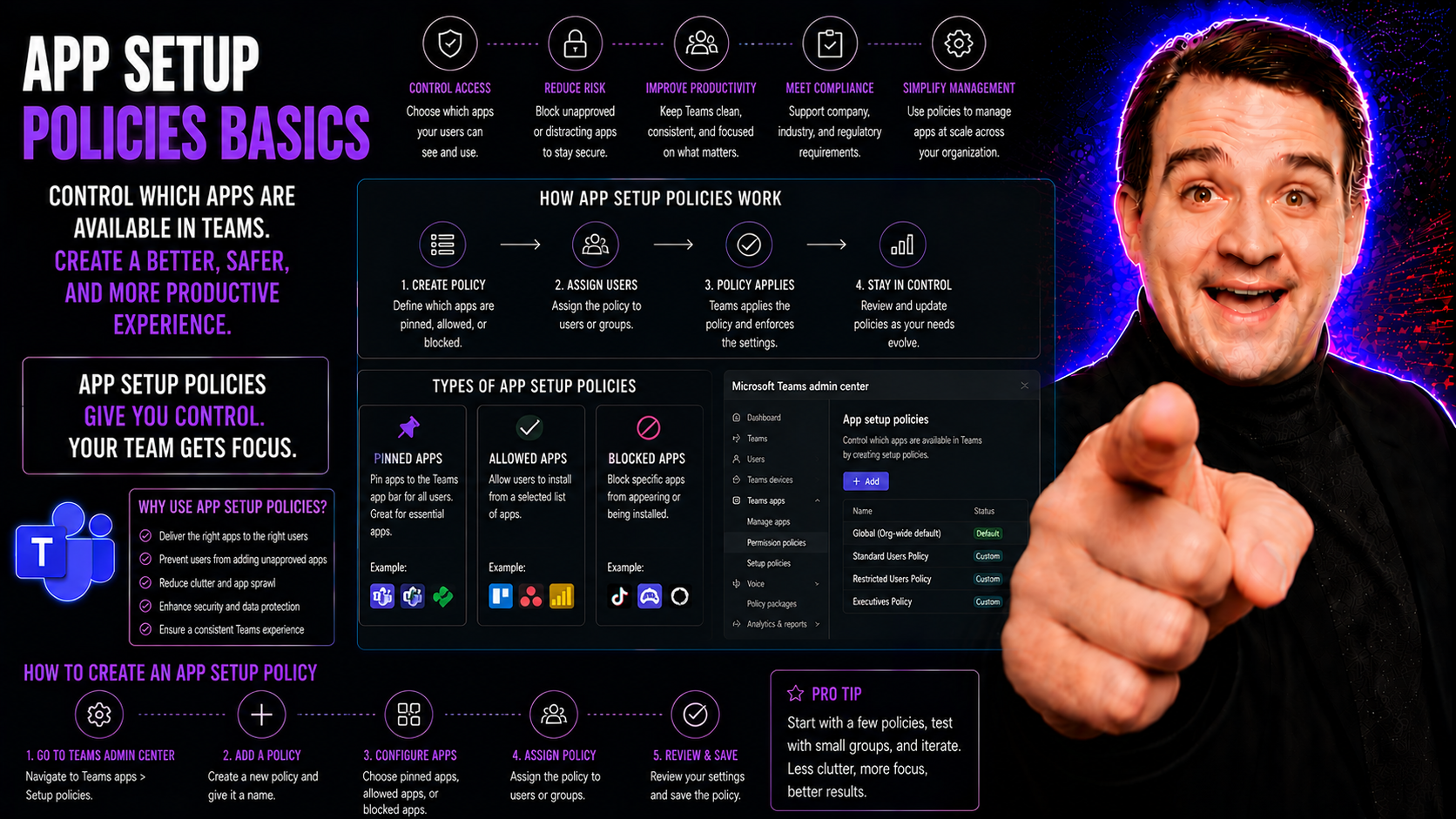
App Setup Policies Basics for Microsoft Teams
App setup policies in Microsoft Teams are tools that let IT administrators control which apps show up automatically for users and in what order. Basically, they act as a way to ‘pre-load’ Teams with the specific apps your people need, right where th…
May 18, 2026
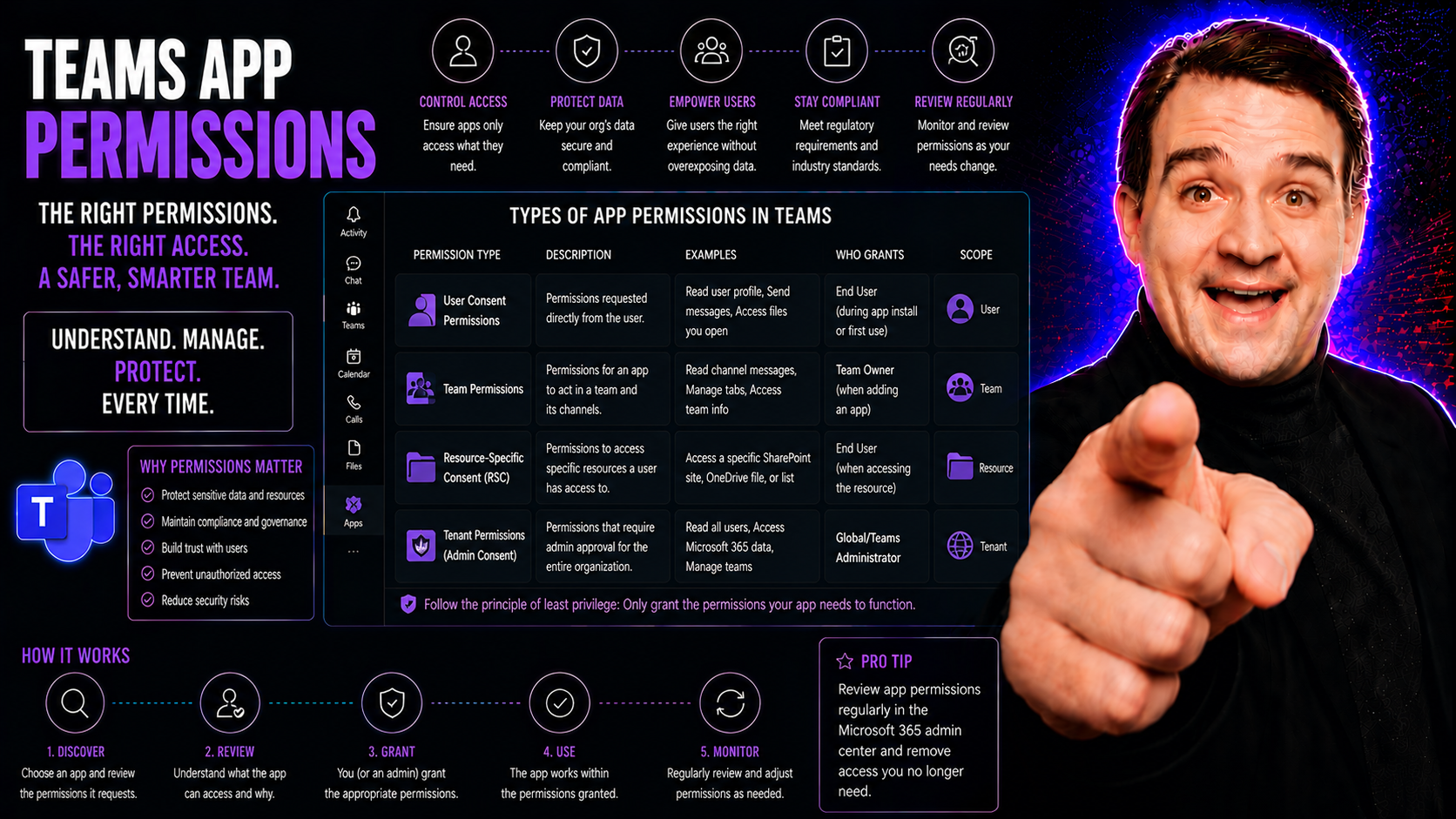
Understanding Teams App Permissions
Teams app permissions control what apps inside Microsoft Teams can do and what data they can access. Think about them like the locks and keys for every door in your Teams environment. If the right keys get into the wrong hands, your data—and your or…
May 18, 2026
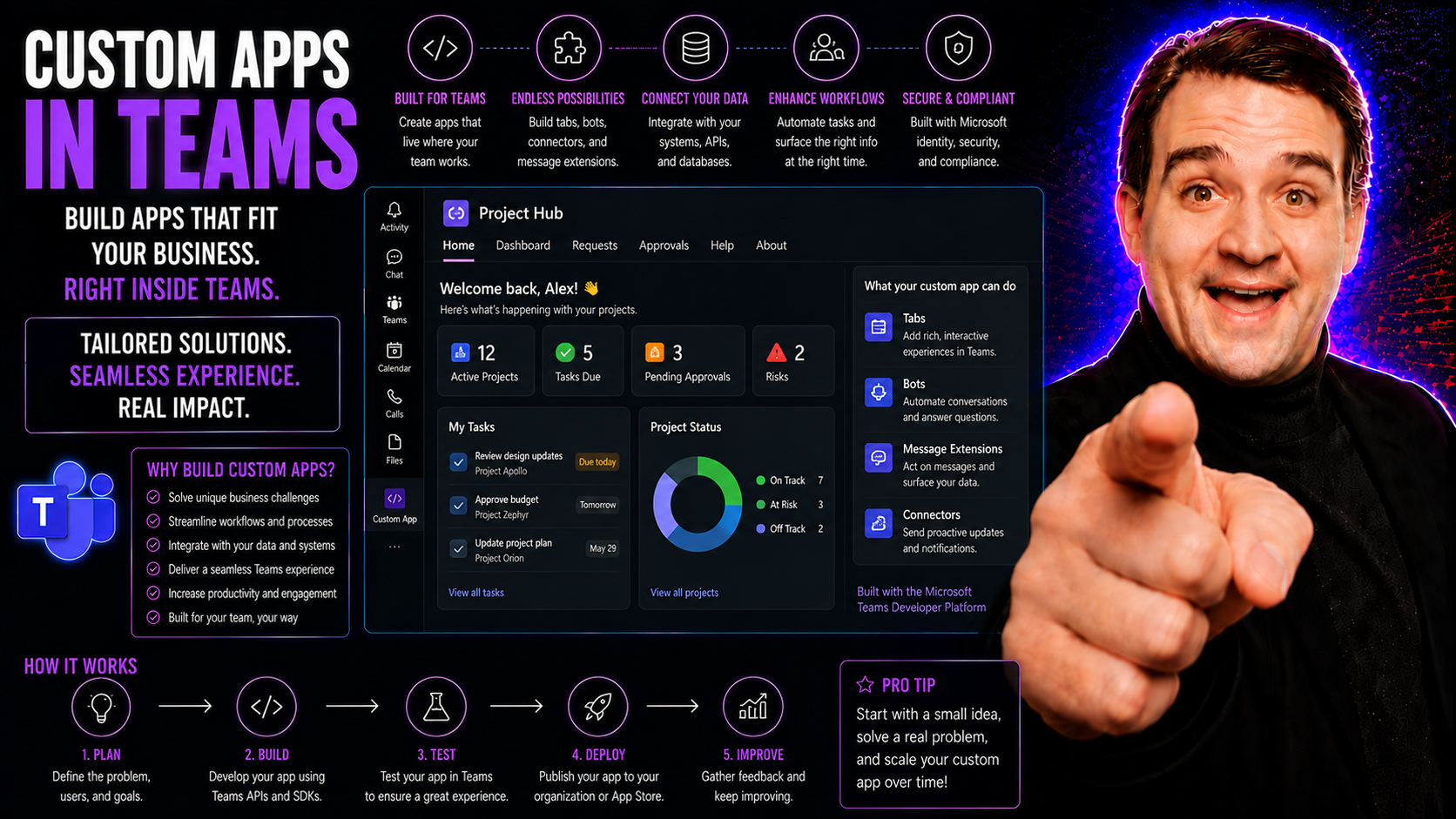
Custom Apps in Teams: The Complete Guide
Microsoft Teams has easily outgrown its reputation as just another chat or meeting tool. Sure, it starts strong with calls and messaging, but its real power comes alive when you bring in custom apps. These apps let organizations tailor Teams into a …
May 18, 2026
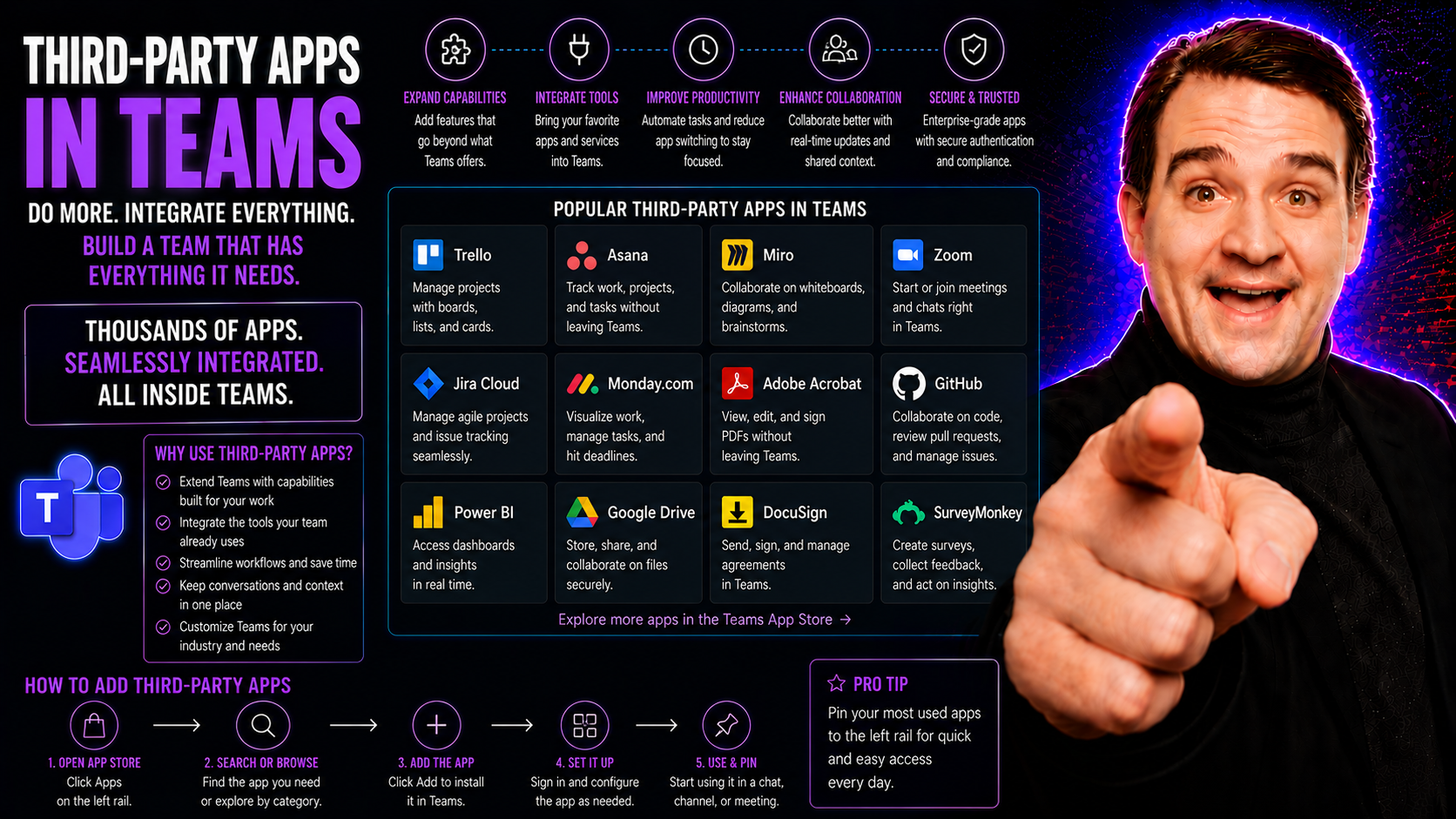
Understanding Third-Party Apps in Teams
Third-party apps in Microsoft Teams are like extra hands and brains for your workspace, designed to fill in the gaps and make your day smoother. They aren’t made by Microsoft, but they fit right into Teams, plugging in new tools and features with ju…
May 18, 2026
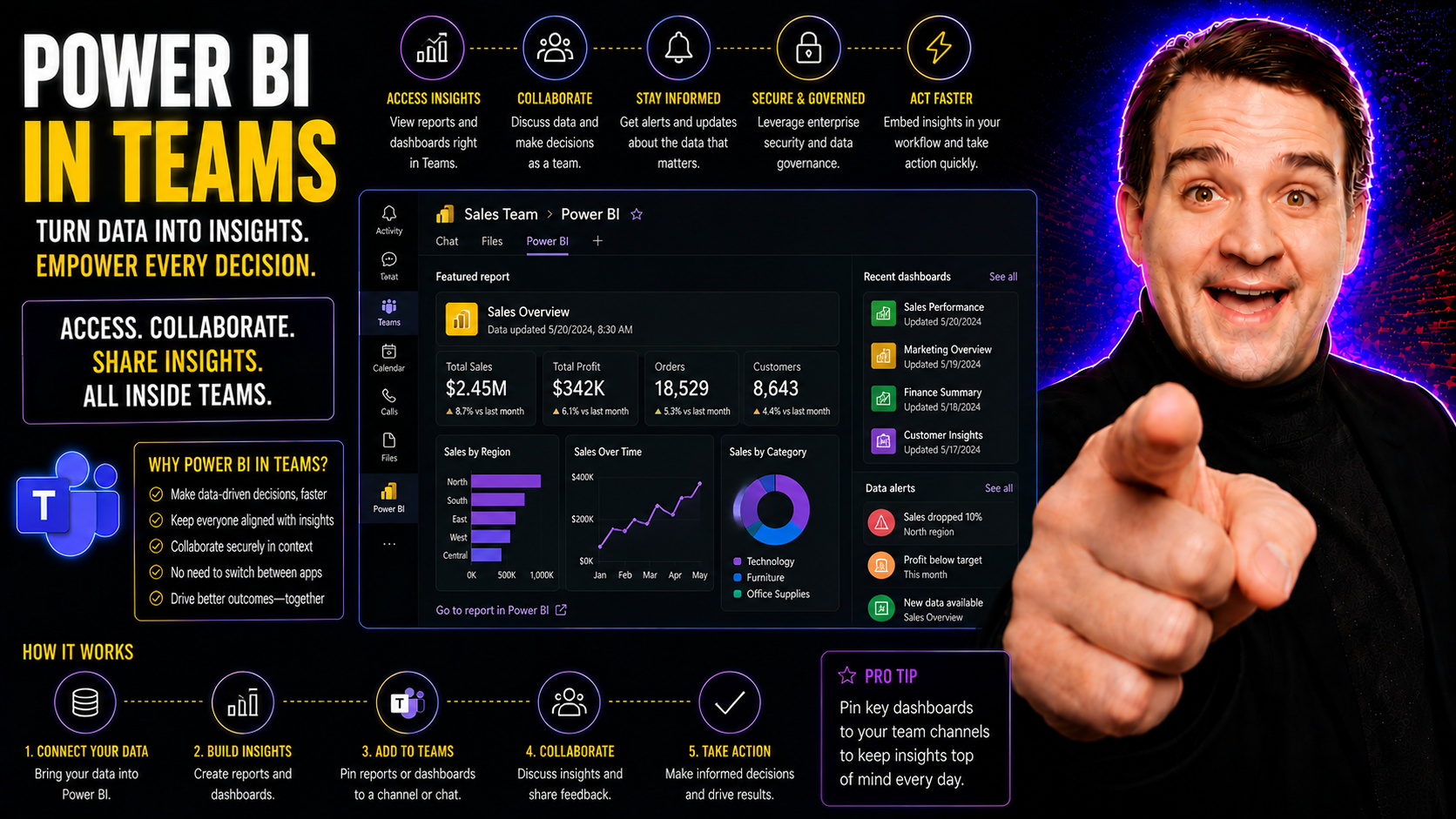
Getting Started With Power BI in Teams
Bringing Power BI into Microsoft Teams lets your organization analyze and discuss data where teamwork happens—right inside the Teams interface. This integration makes it much easier for teams to base decisions on up-to-the-minute analytics without b…
May 18, 2026
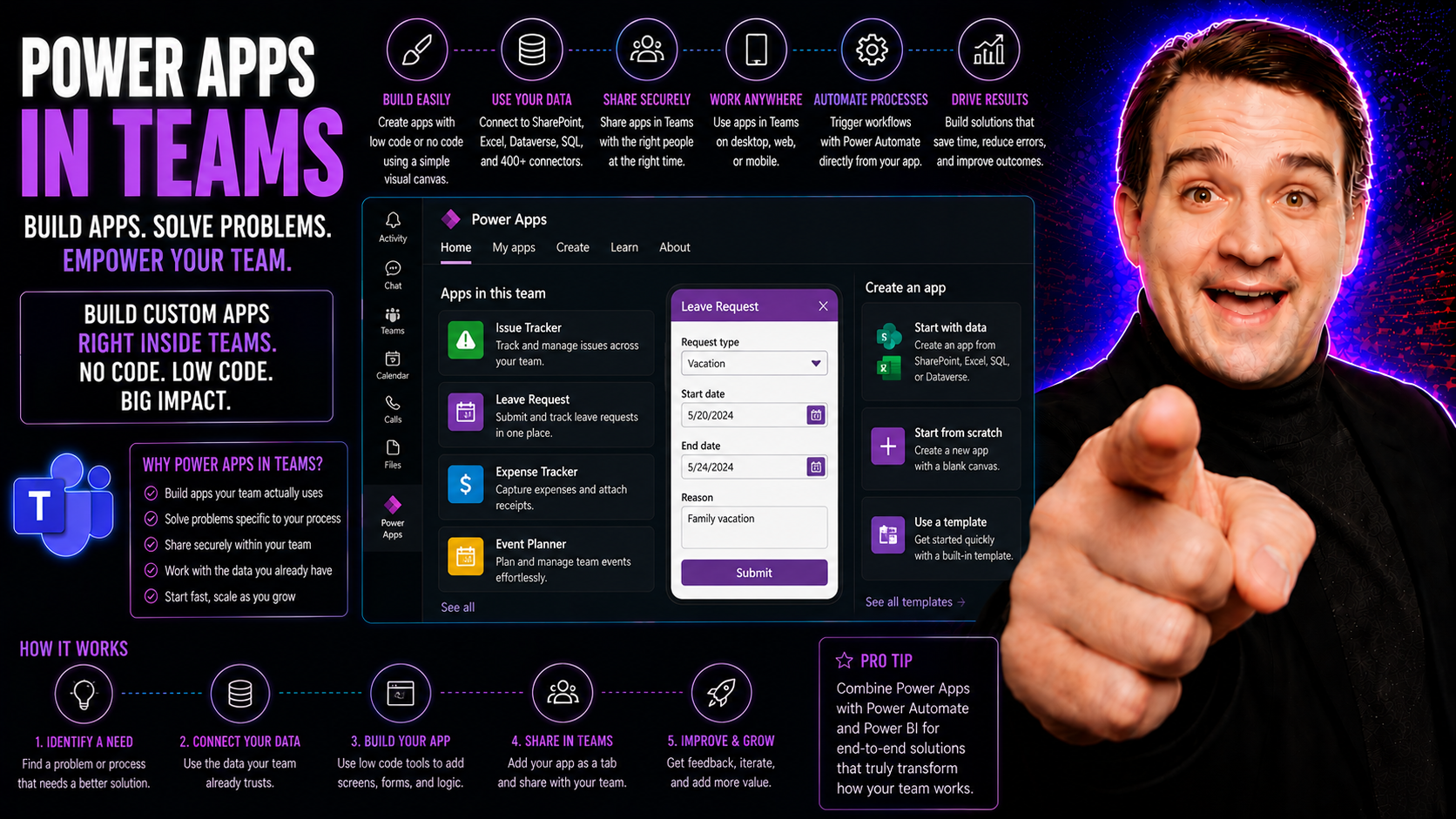
Power Apps in Teams: The Essential Guide
If you're working in Microsoft Teams and want productivity that actually sticks, bringing Power Apps into the mix can give your team a huge boost. This guide covers everything you need to know about using Power Apps within Microsoft Teams, from setu…
May 18, 2026
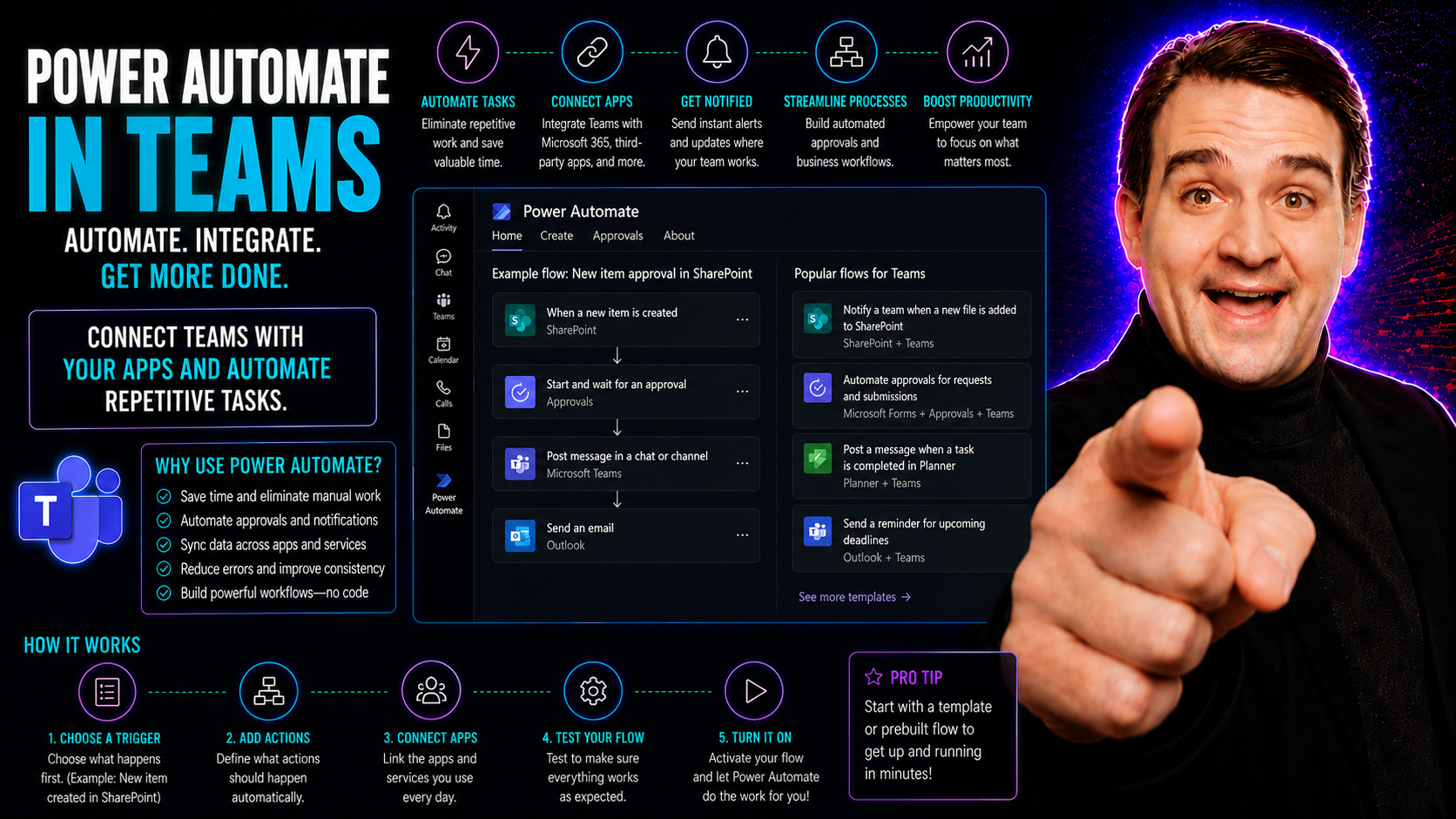
What Is Power Automate in Microsoft Teams?
Quick Answer: Power Automate in Microsoft Teams lets teams create and run workflows for notifications, approvals, data collection, and repeatable tasks. Begin with a simple, owned process, document the trigger, data, permissions, exceptions, and app…
May 18, 2026
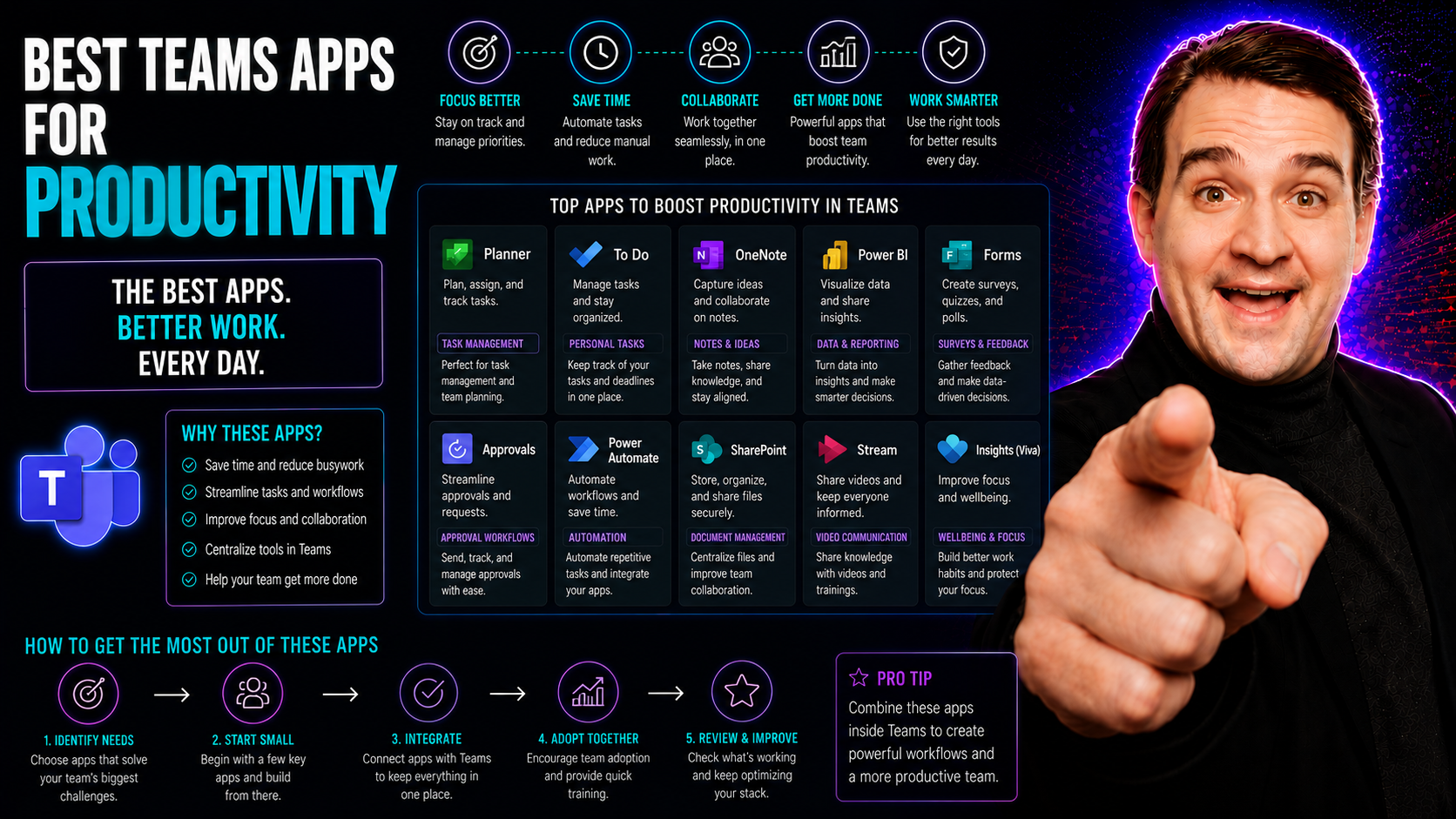
Best Microsoft Teams Apps for Productivity
Let’s cut right to it: Microsoft Teams isn’t just about basic meetings and chat anymore. With remote and hybrid work a fact of life, decision-makers are looking for every edge to keep teams productive—and connected. If you’re trying to turn Teams in…
May 18, 2026
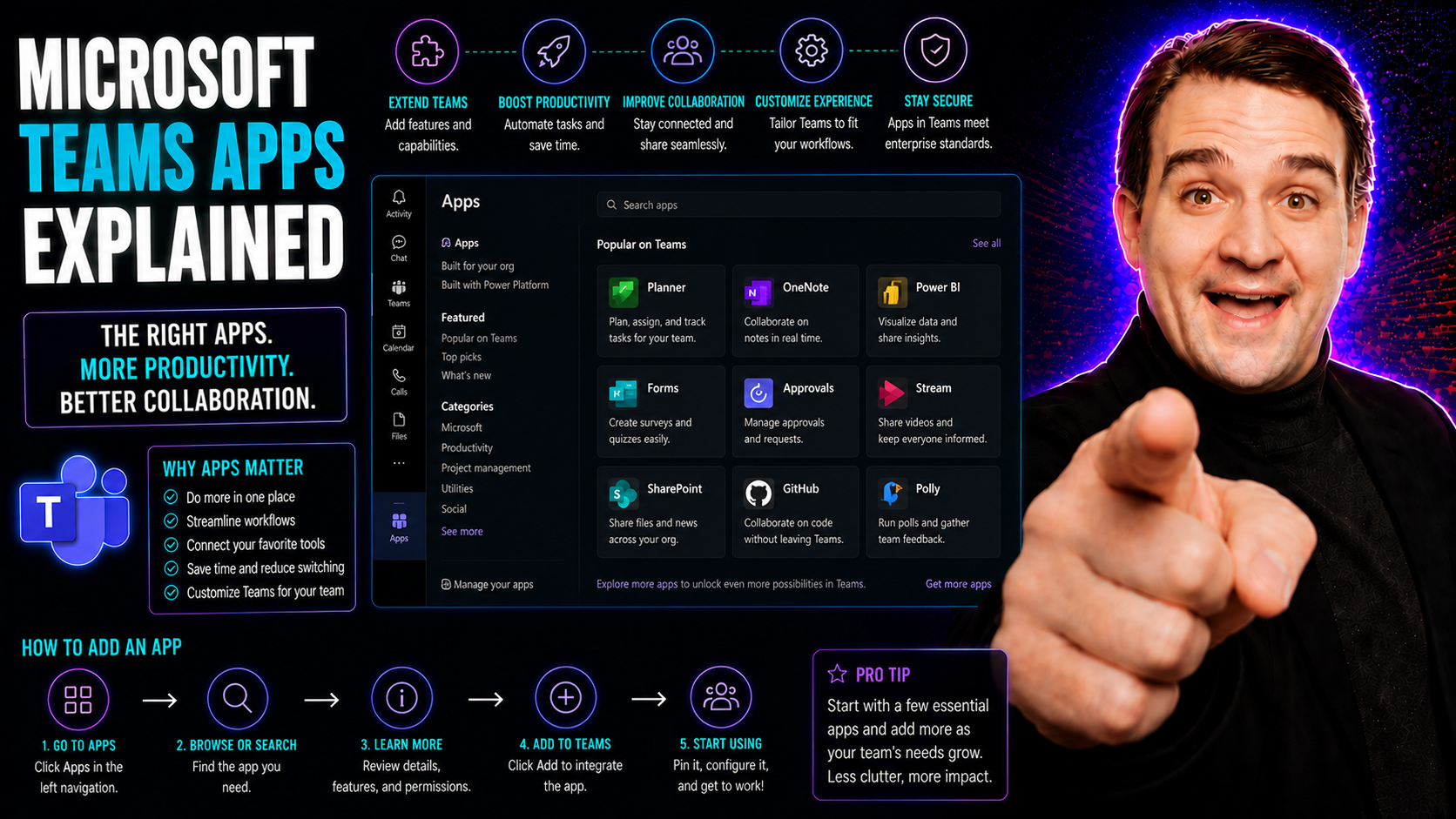
Microsoft Teams Apps Explained: Integrations and Governance
Microsoft Teams has grown into far more than a simple chat or meeting tool—it’s the collaboration nerve center for countless organizations. At the heart of this transformation are Microsoft Teams apps, which let you bring powerful business logic, es…
May 18, 2026
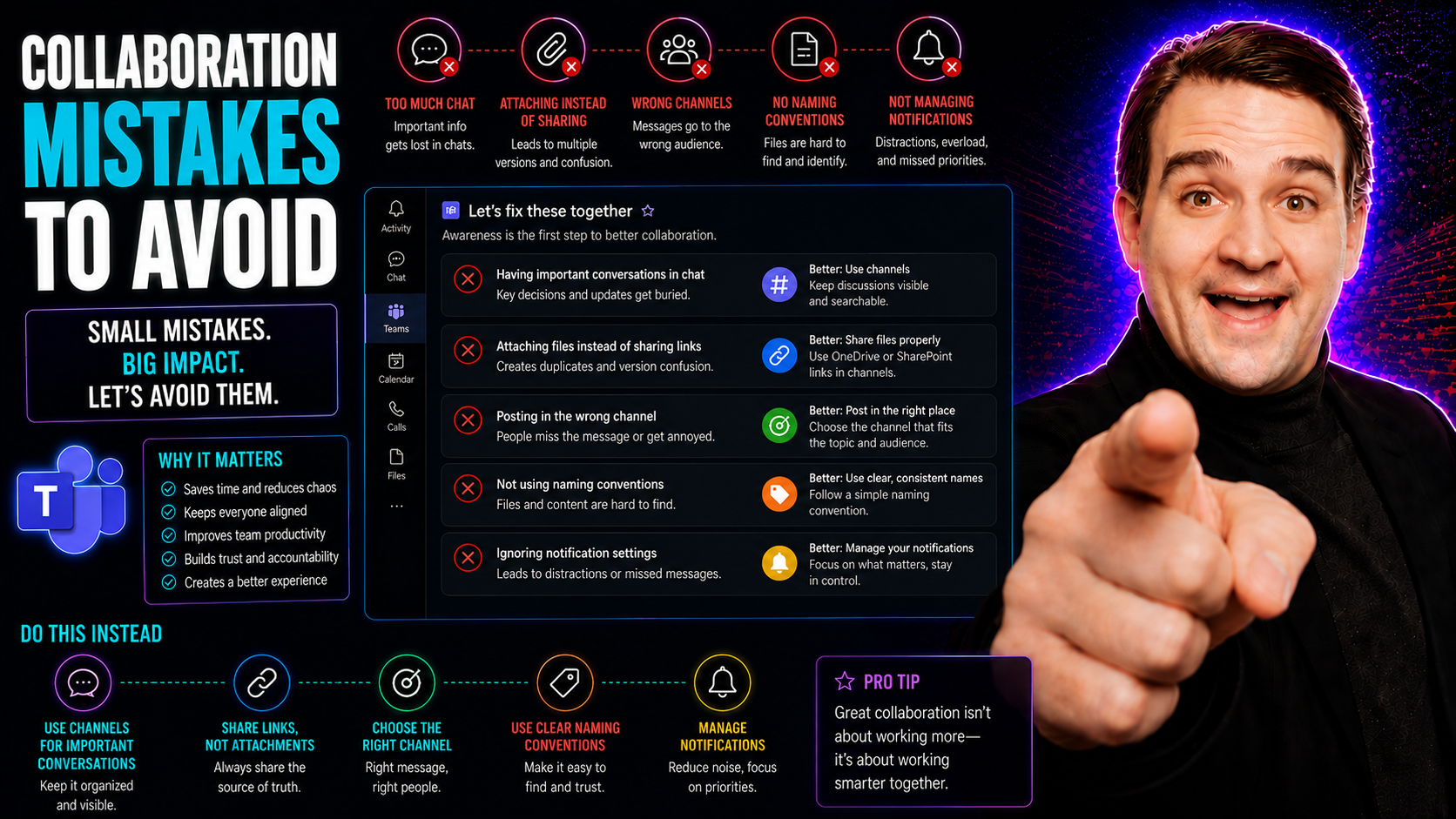
Microsoft Teams Collaboration Mistakes: What to Avoid
When you’re looking to get the most out of Microsoft Teams, you’ve got to know what not to do just as much as what to do. Collaboration mistakes—like unclear roles, endless meetings, or spreading work across a tangle of disconnected tools—can quietl…
May 18, 2026
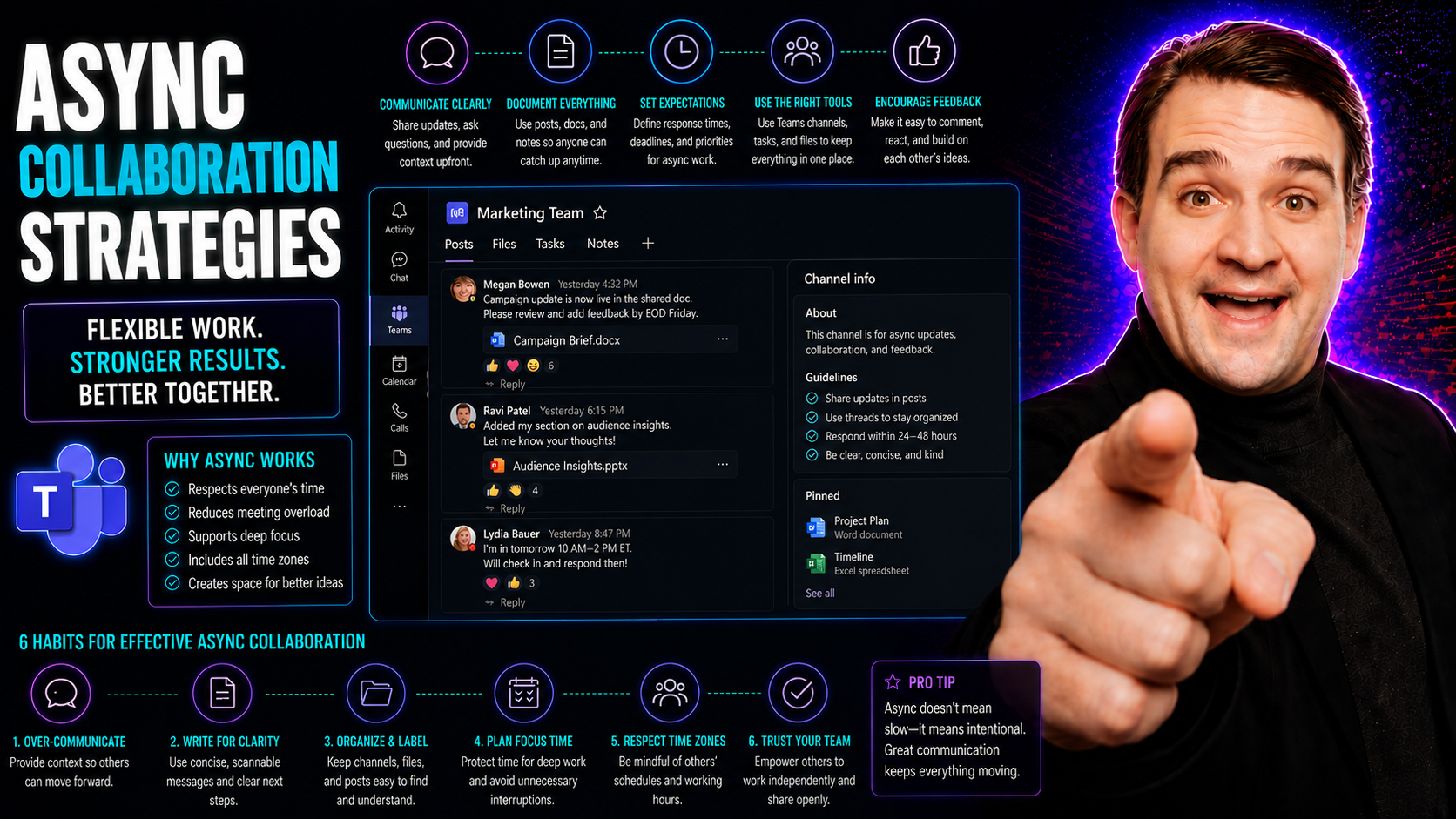
Async Collaboration in Microsoft Teams: Strategies and Best Practices
You know how it is—remote and hybrid work are here to stay, and the old way of hustling from meeting to meeting just can’t keep up. This guide lays out exactly why asynchronous collaboration strategies matter right now, and how they make work smooth…
May 18, 2026
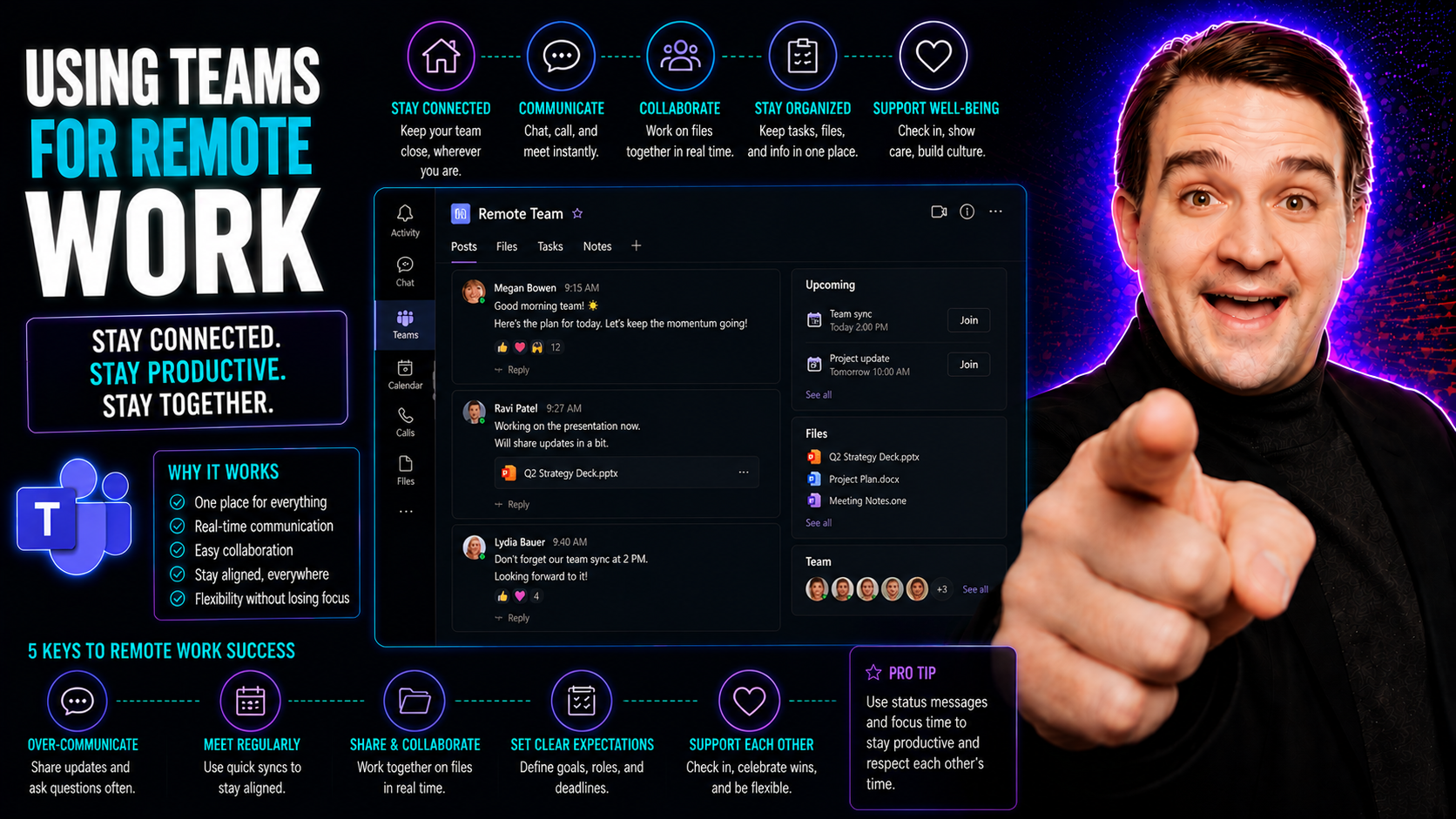
Using Microsoft Teams for Remote Work: Practical Guide
Remote work has become more than just a trend—it's how modern businesses keep rolling, even when folks aren’t sitting in the same building. That’s where Microsoft Teams comes into play. Teams is a powerful digital platform, built to help people work…