Turn your real-world experience into part of the show.

Blog Posts

April 26, 2026

Conditional Access Bypass Scenarios: Understanding and Preventing Modern Identity Threats

Conditional access is the front line of defense for managing who can get into your Microsoft 365 or Azure environment and under what circumstances. Whenever someone logs in or tries to access resources, conditional access policies decide if they get…


View more
April 26, 2026

How Conditional Access Uses Defender Signals to Protect Microsoft Environments

Conditional Access in Microsoft Entra is the bouncer at the front door—it decides if you get in, what you get access to, and under what conditions. By bringing in signals from Microsoft Defender, it’s not just checking your ID; it’s also checking if…

View more
April 26, 2026

Conditional Access with Intune Integration: Complete Security Guide

This guide is your step-by-step roadmap to understanding, configuring, and squeezing the most out of Conditional Access with Microsoft Intune. Here, you’ll find direct answers and actionable strategies for controlling how devices and users access yo…

View more
April 26, 2026

Conditional Access for the Remote Workforce: Defending Modern Work from Anywhere

If there’s anything you can count on in today’s workplace, it’s that no one’s sitting in the same spot for long. Remote and hybrid work have become the new normal, unlocking a level of flexibility office folks only used to dream about. But with all …

View more
April 26, 2026

Zero Trust Conditional Access Architecture: Foundations, Implementation, and Microsoft Best Practices

Let’s face it: the old castle-and-moat way of securing your network is done. In a world where your users, data, and apps are everywhere, a fresh mindset is a must—and that’s where zero trust conditional access architecture comes in. With cyberattack…

View more
April 26, 2026

Conditional Access for Service Accounts in Microsoft Entra ID: The Essential Guide

Quick Answer: Conditional Access for service accounts requires careful classification first: identify whether an account is a user-based automation account, workload identity, emergency account, or legacy dependency. Use the least-risk design for ea…

View more
April 26, 2026

Conditional Access for Guest Users in Microsoft Entra

Quick Answer: To secure external users, create Conditional Access for guests in Microsoft Entra ID, target guest and external user accounts, require the appropriate authentication and device controls, and exclude emergency access accounts. Start in …

View more
April 26, 2026

Conditional Access for Admins

You’ve got critical admin accounts running the show in Microsoft 365 and Azure, and let’s face it—these are a prime target for attacks. Conditional Access is your line of defense, building real security controls that fit right into daily admin work.…

View more
April 26, 2026

Phishing-Resistant MFA

If you’re serious about protecting digital identities, phishing-resistant multi-factor authentication (MFA) isn’t just nice to have—it’s non-negotiable. This guide gives you the full scoop on phishing-resistant MFA, focusing on Microsoft environment…

View more
April 26, 2026

Block All Except Trusted Locations

Securing Microsoft 365 has become a high-stakes game, and one of the most effective plays is the “block all except trusted locations” strategy. At its core, this approach only allows access to your organization’s Microsoft 365 resources from network…

View more
April 24, 2026

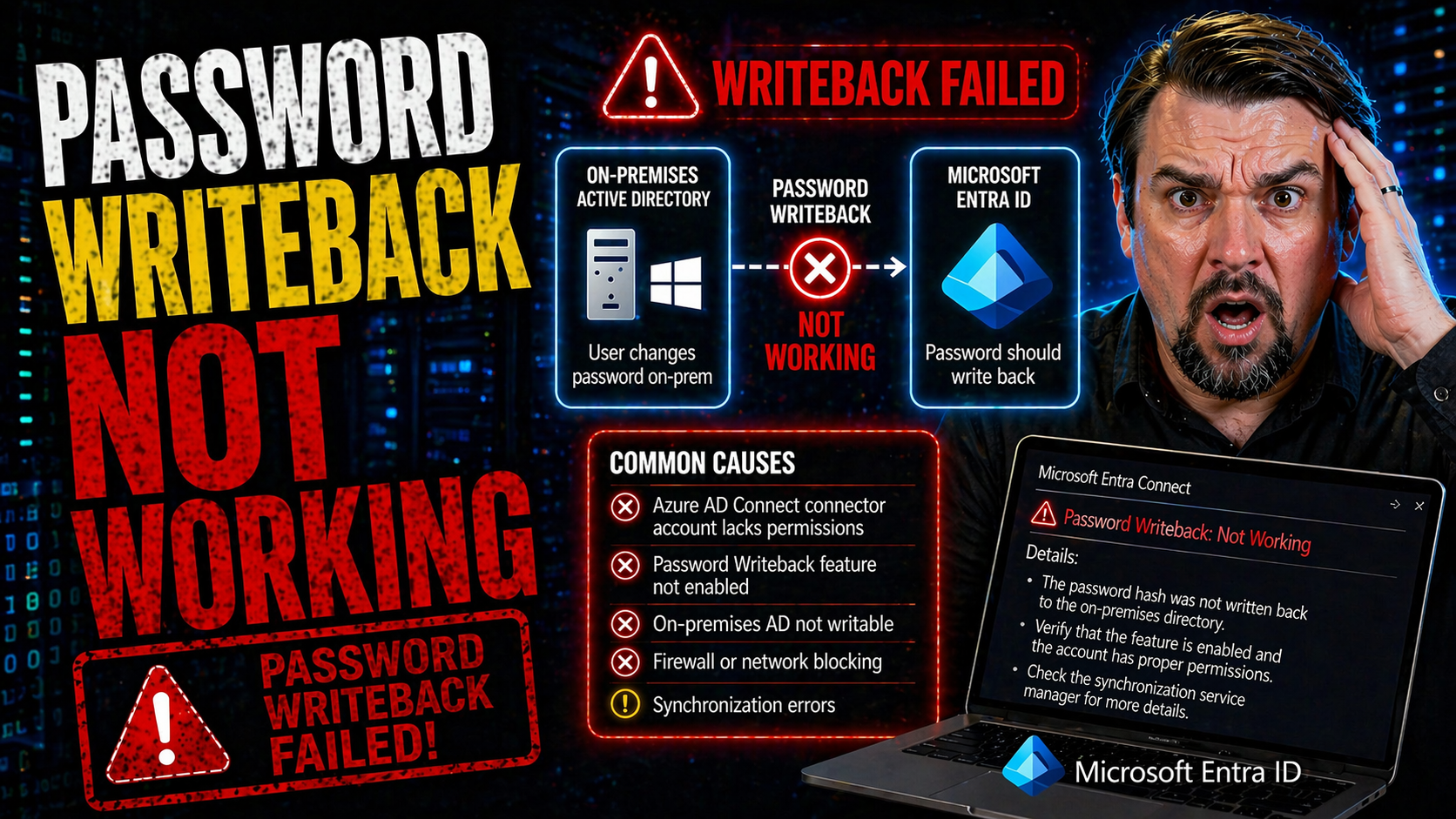
Password Writeback Troubleshooting

Password writeback issues can throw a wrench into your hybrid identity operations, especially in environments running Microsoft Entra ID, Azure AD Connect, and classic on-premises Active Directory. This guide is your all-in-one resource for resolvin…

View more
April 24, 2026

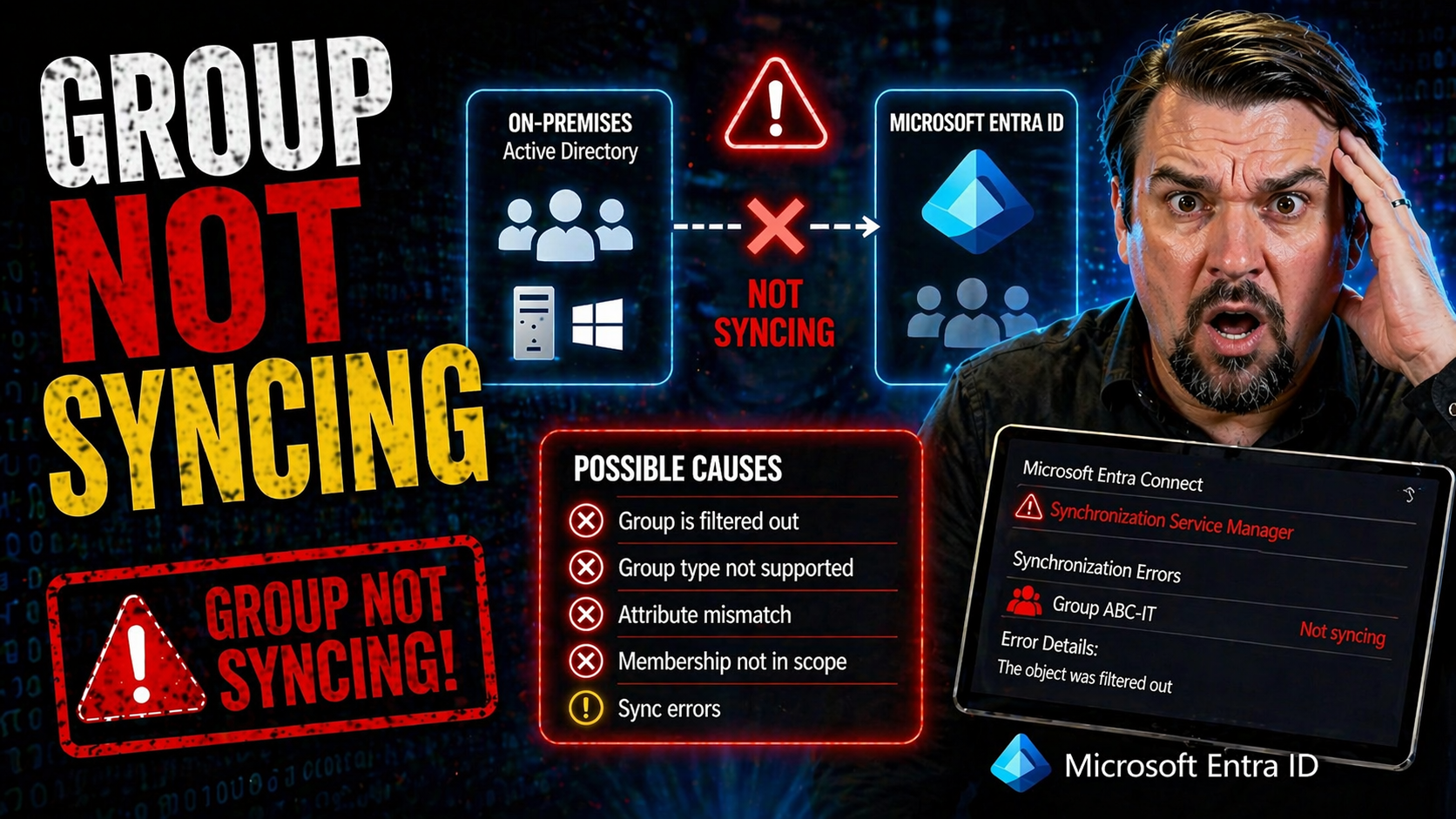
Group Sync Troubleshooting

When your groups stop syncing between on-premises Active Directory and cloud platforms like Microsoft 365 or VMware Identity Manager, you can run into all kinds of headaches. Group sync failures can mean users lose access to key apps, your security …

View more
April 24, 2026

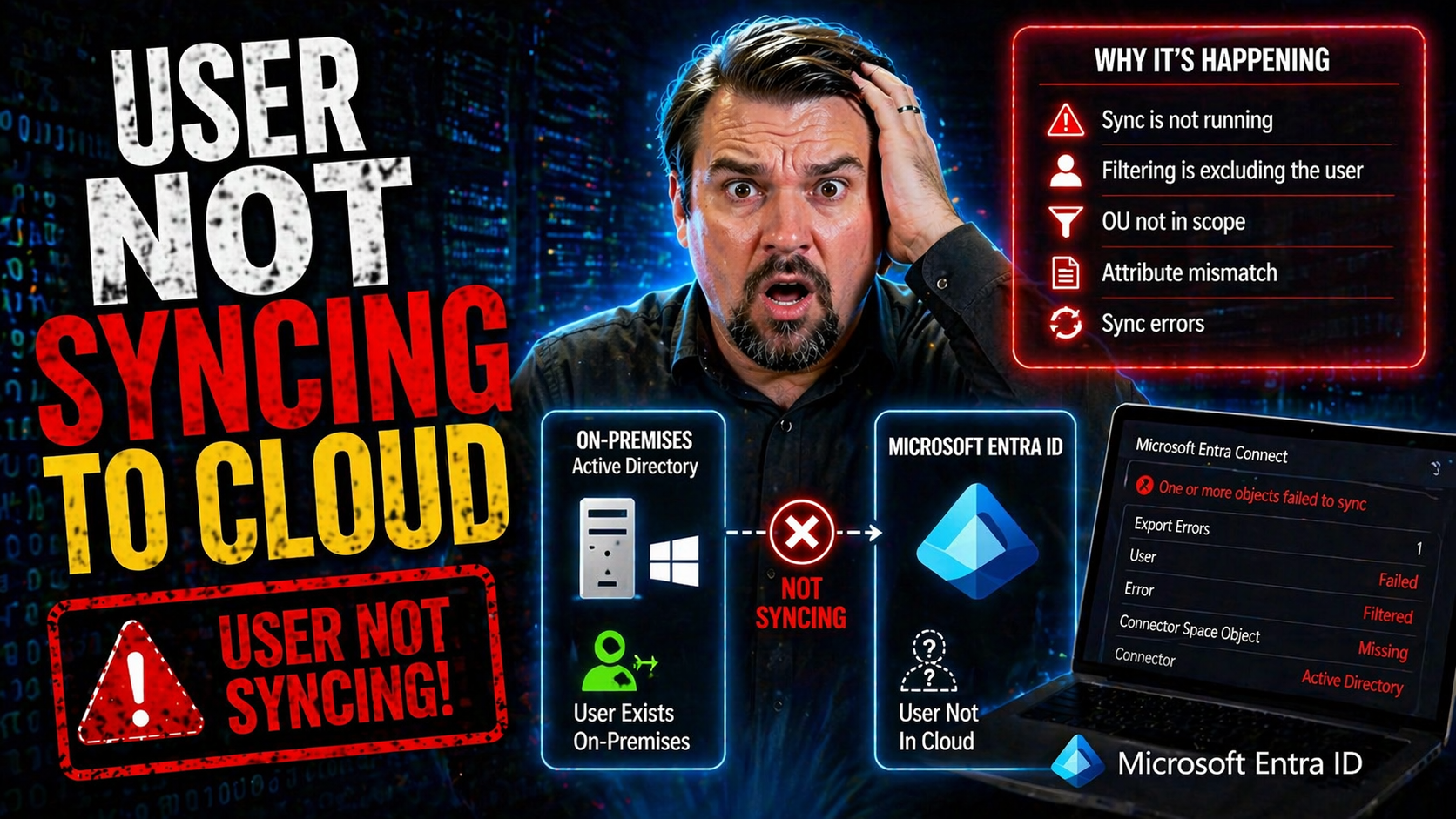
User Sync Troubleshooting

If you’ve landed here, you’re likely wrestling with the all-too-familiar struggle of user accounts not showing up in the Microsoft cloud. Whether it’s a missing user in Microsoft Entra ID, an incomplete hybrid AD sync, or a single stubborn account t…

View more
April 24, 2026

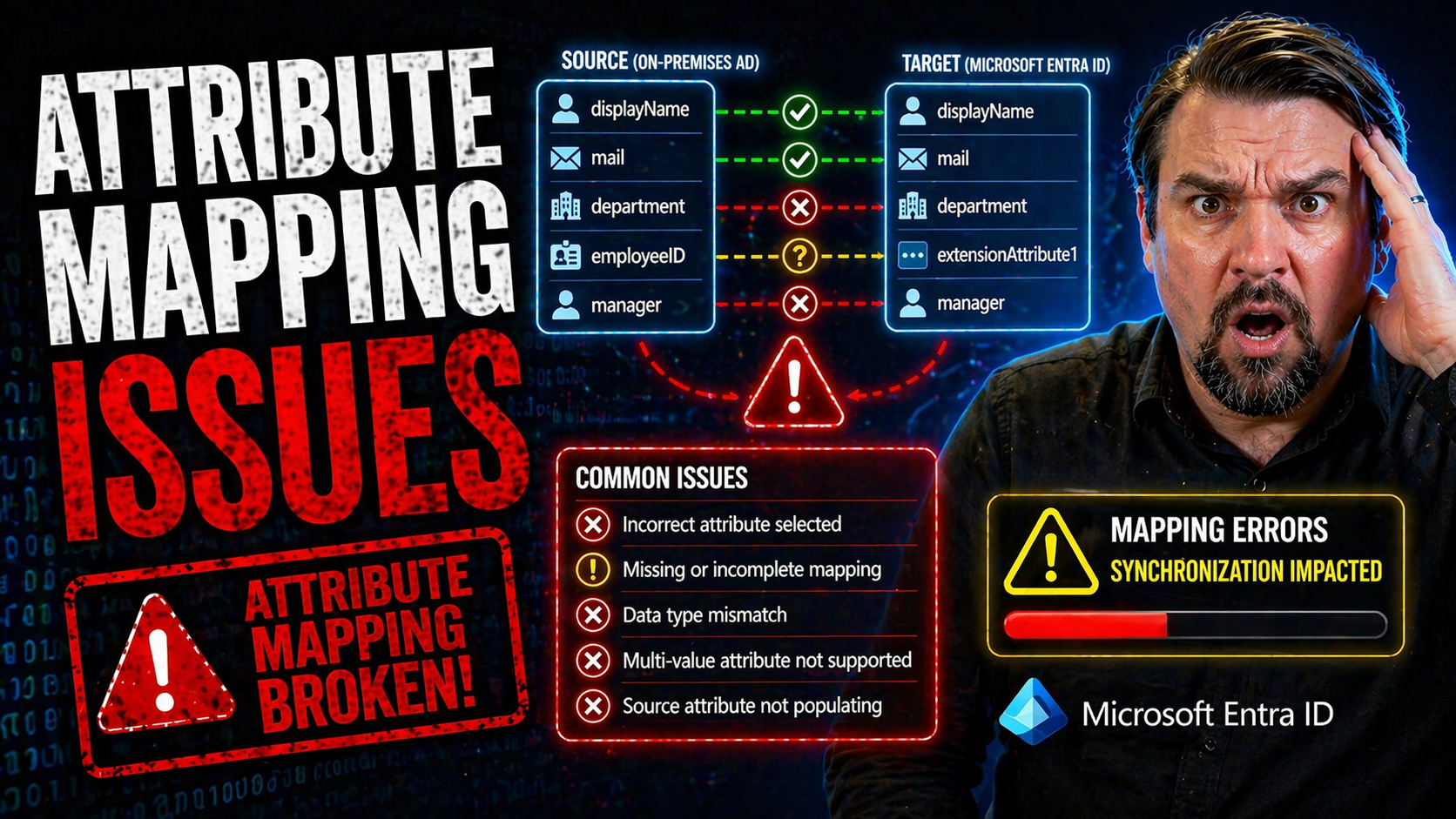
Entra ID Attribute Mapping

Attribute mapping is what keeps your digital house in order: it’s the glue that links the right people to the right resources, policies, and permissions—no matter if you’re running on-premises Active Directory, Microsoft Entra ID, or a bit of both. …

View more
April 24, 2026

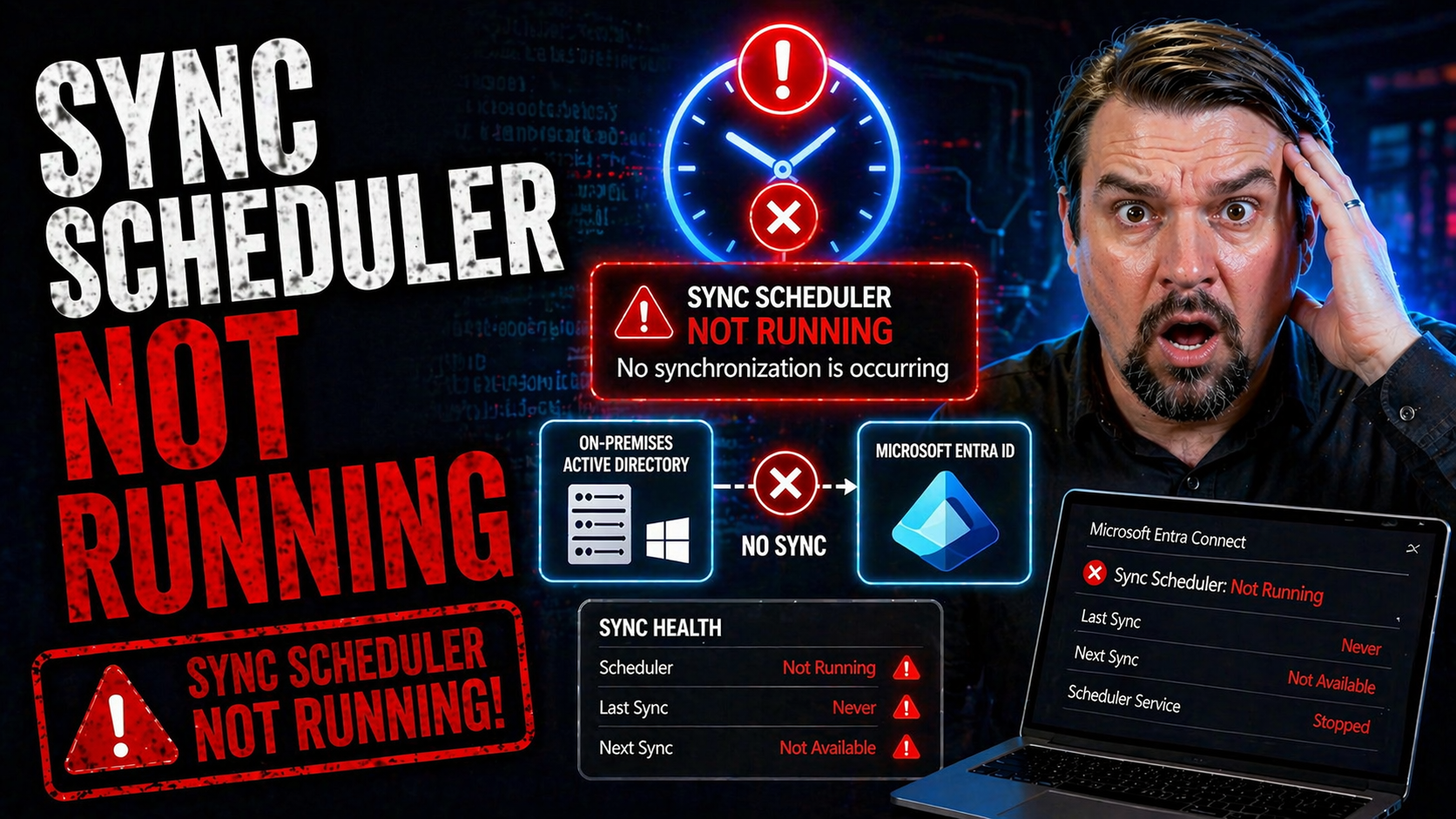
Microsoft 365 Sync Scheduler

If your Microsoft 365 environment’s sync scheduler stops running, it can throw your whole directory out of whack. This guide is built for IT professionals who need straightforward answers—whether your issue is a one-time hiccup or a recurring proble…

View more
April 24, 2026

Entra Connect Staging Mode

If you're responsible for Microsoft Entra ID and Active Directory, one thing's for sure: downtime is never an option. This guide is your go-to resource for understanding—then solving—the quirks and complications that come with Entra Connect staging …

View more
April 24, 2026

Named Location Not Working in Entra ID

named location not working requires a clear business scenario, approved access and data boundaries, and accountable ownership. Start with the intended outcome, validate current Microsoft guidance, test with representative users, and document the dec…

View more
April 24, 2026

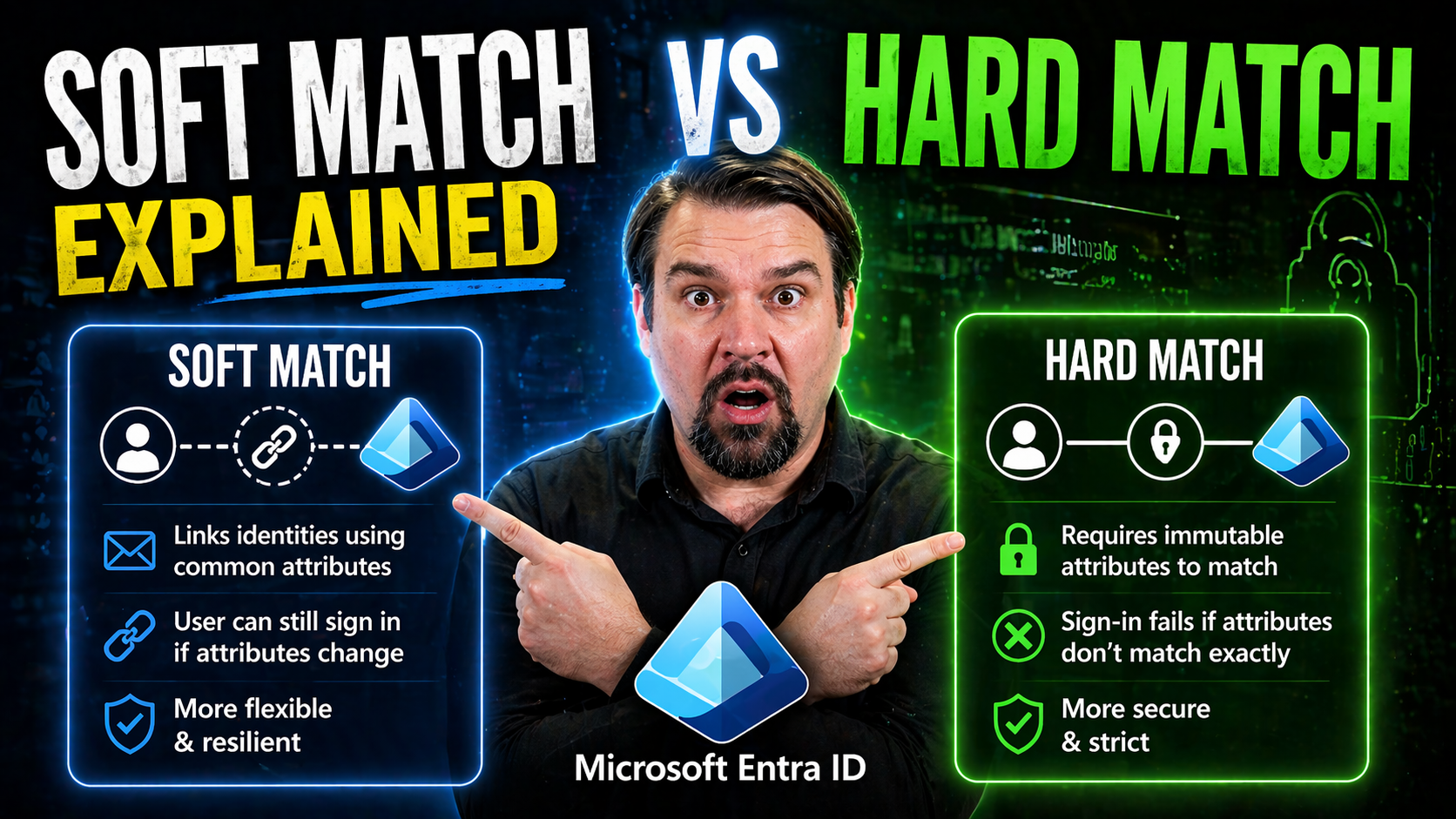
Soft Match vs Hard Match

In a Microsoft hybrid environment, keeping your users’ identities in sync between on-premises Active Directory and Azure Active Directory (Azure AD) is a big deal. Without a reliable way to match people up—from the old-school server to the cloud—you…

View more
April 24, 2026

Microsoft Entra Location Detection

Ever notice your device says you're miles away from where you actually are? You're not alone—wrong location detection happens way more often than you'd think, and it's not just a tech hiccup. This kind of mix-up can prevent you from logging into Mic…

View more
April 24, 2026

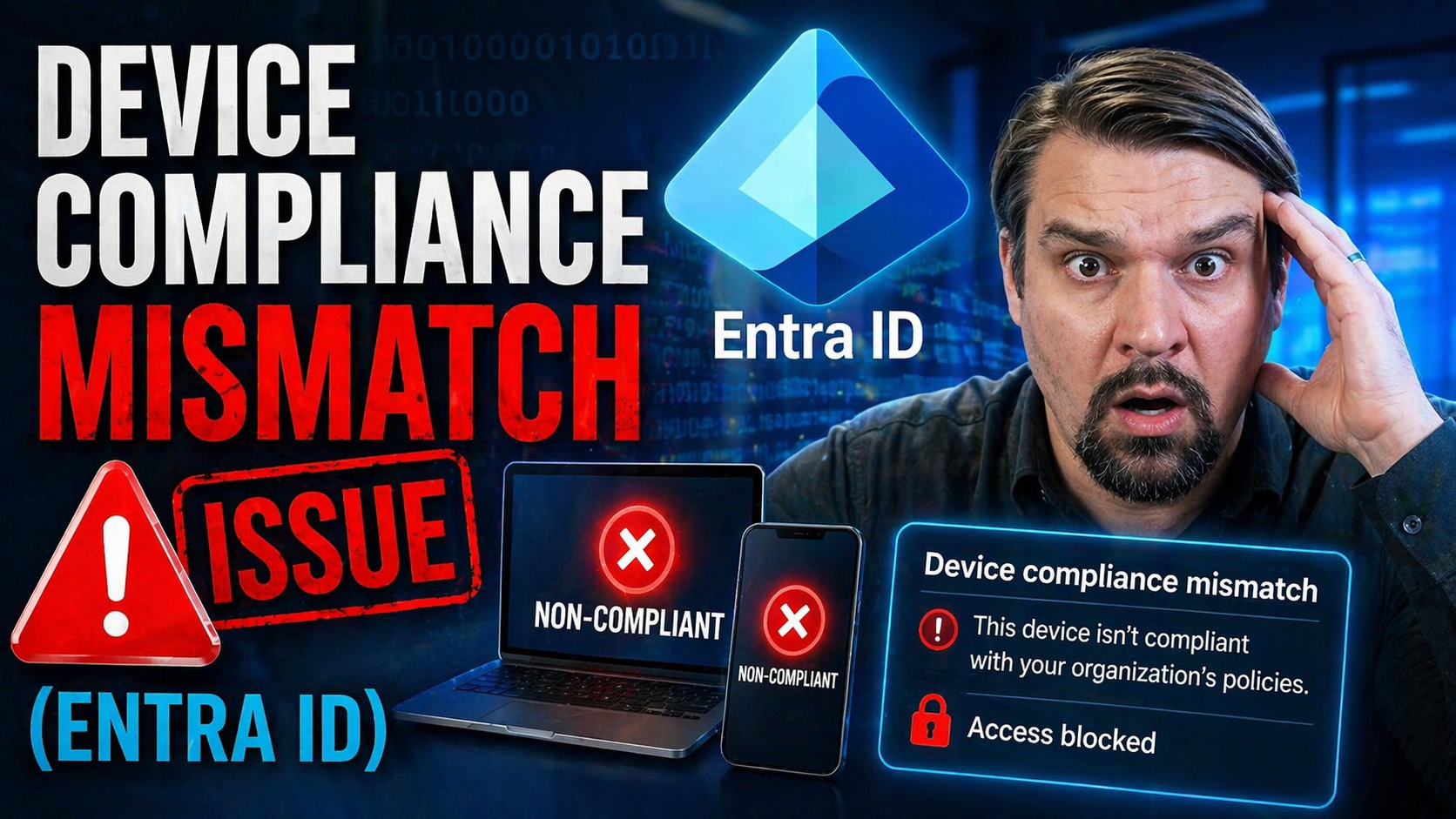
Intune Device Compliance Mismatch

Device compliance mismatch is one of those headaches that can sneak up on anyone using Microsoft Intune—even the most diligent IT admins. You set everything up, follow the checklist, and still, some device pops up with that dreaded ‘Not Compliant’ l…

View more
April 24, 2026

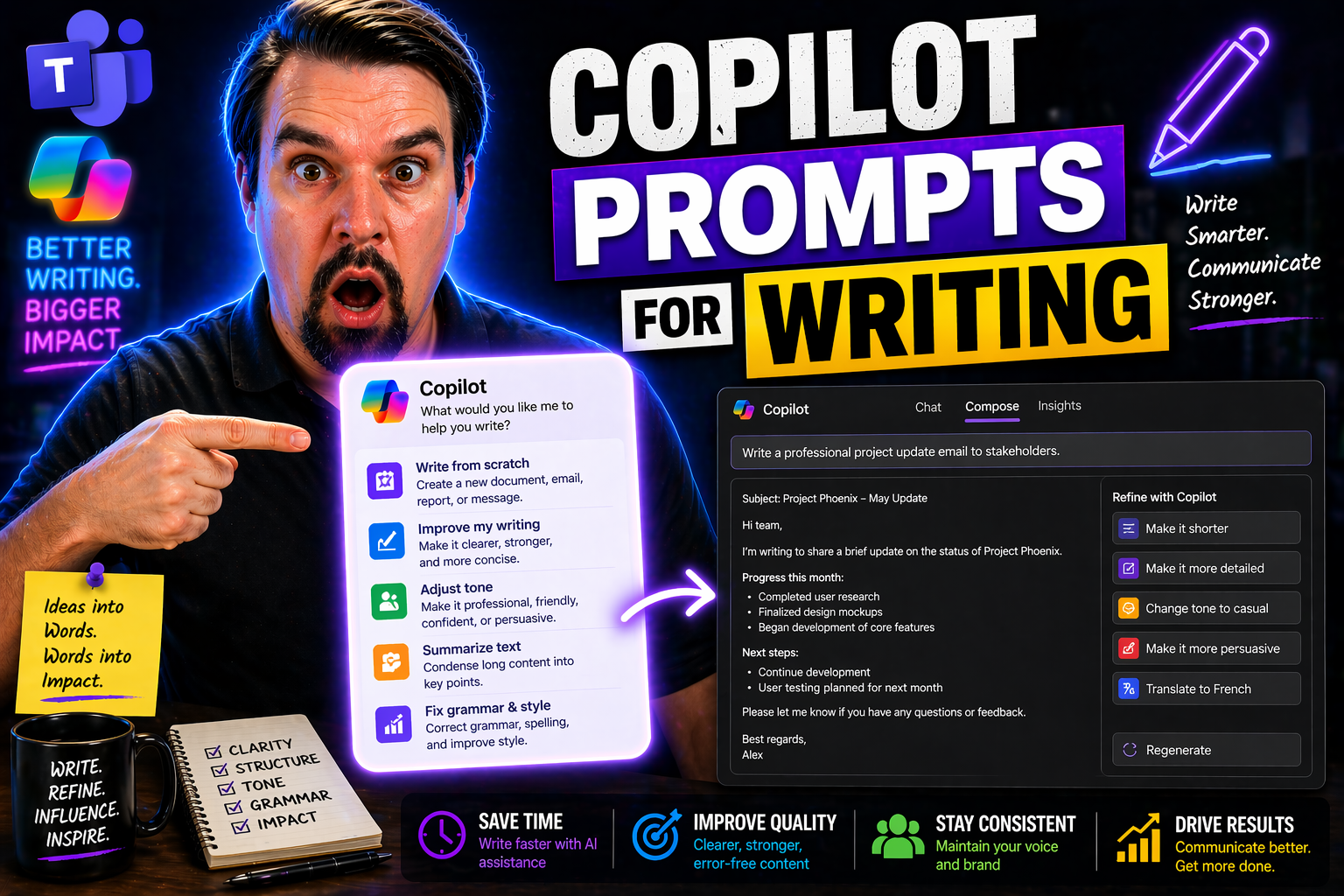
Copilot Prompts for Writing

This guide covers how to master Copilot prompts for writing in Microsoft 365 apps, helping you create clearer, more effective business communications with less fuss. You’ll learn practical techniques for prompt engineering, workflow integration, and…

View more
April 24, 2026

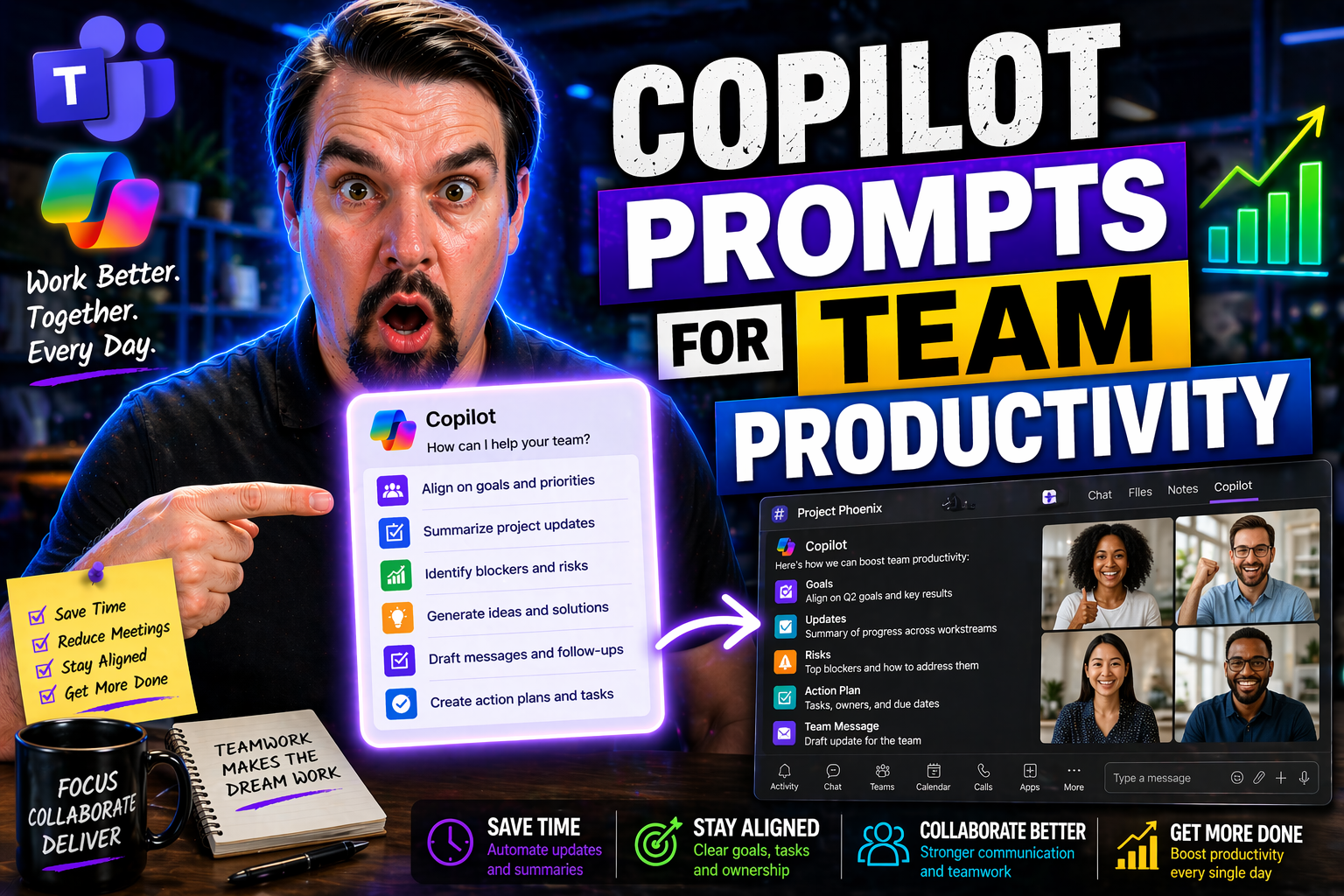
Copilot Prompts for Team Productivity

This comprehensive guide explores how to craft and leverage Microsoft Copilot prompts to maximize team productivity, streamline communication, and drive better results across collaborative projects. You'll get clear strategies for writing prompts th…

View more
April 24, 2026

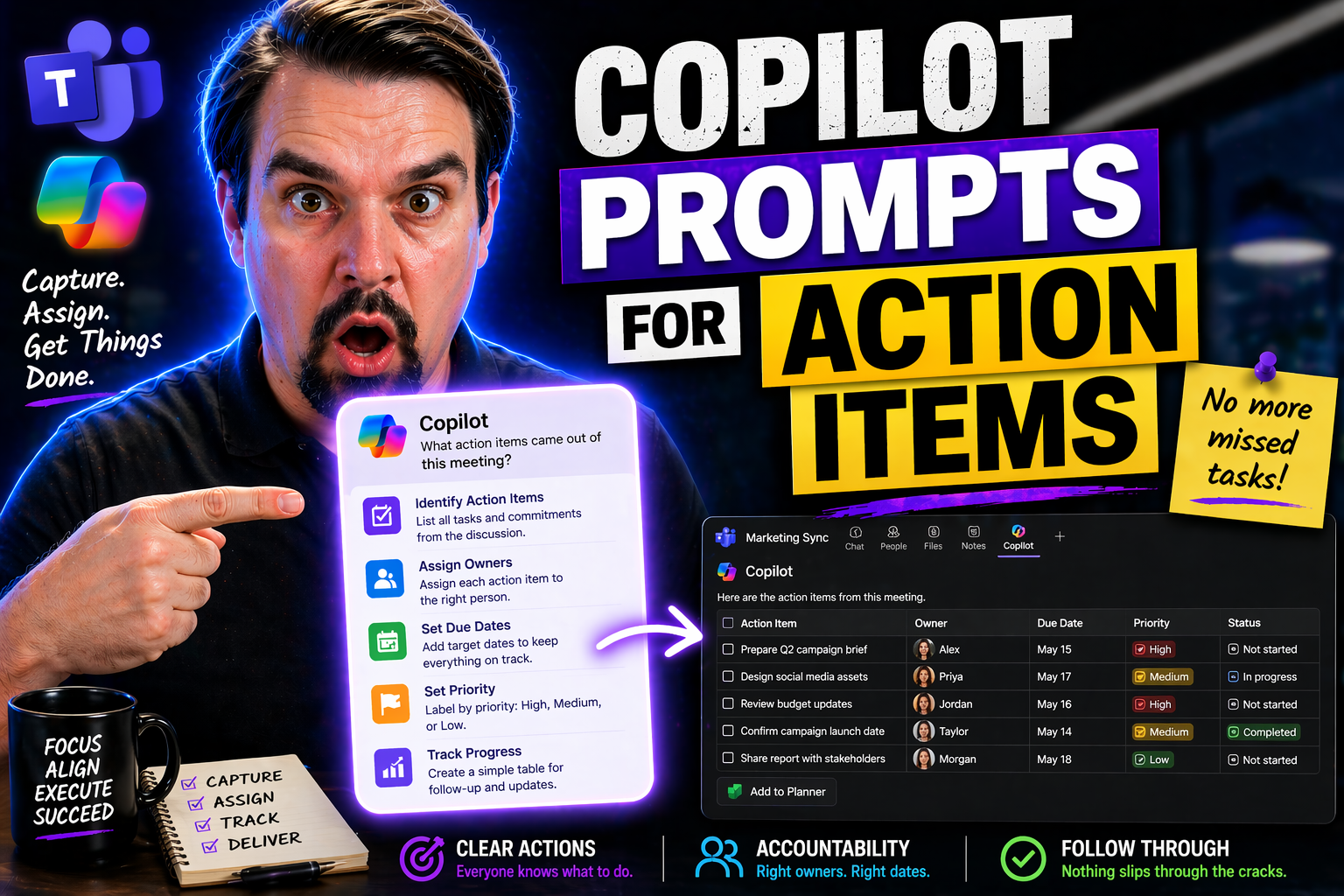
Copilot Prompts for Action Items

This guide gives you everything you need to know about using Microsoft Copilot prompts to handle action items like a pro. You’ll dive into the practical steps for managing, assigning, and following up on tasks—whether those items pop up in your emai…

View more
April 24, 2026

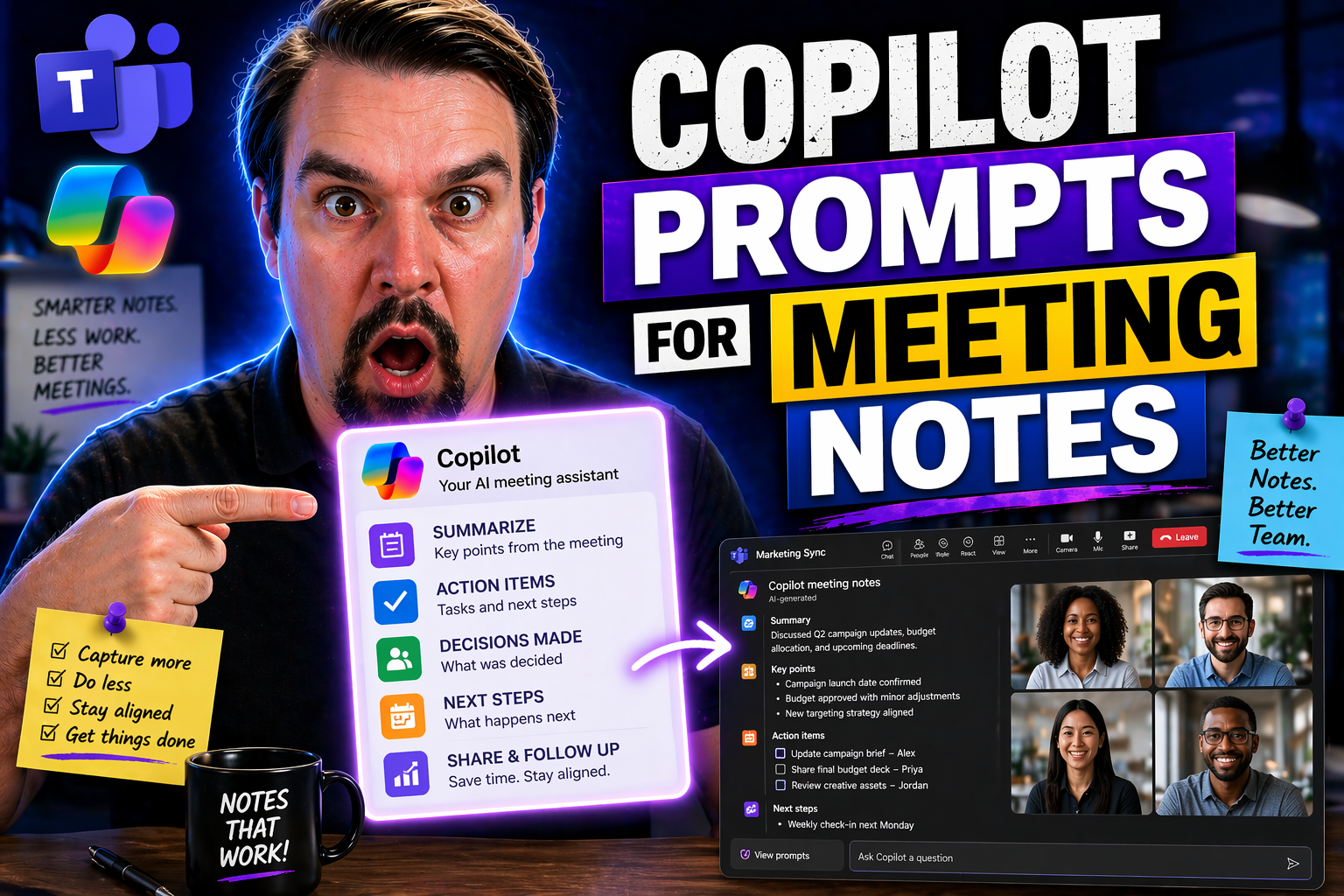
Copilot Prompts for Meeting Notes

This comprehensive guide walks you through how to master Copilot prompts for meeting notes using Microsoft 365 apps. Whether you're aiming for accurate, actionable notes in real time or after meetings, you’ll find strategies for making the most of C…

View more