Turn your real-world experience into part of the show.

Blog Posts

May 11, 2026

Screen Sharing In Microsoft Teams Guide
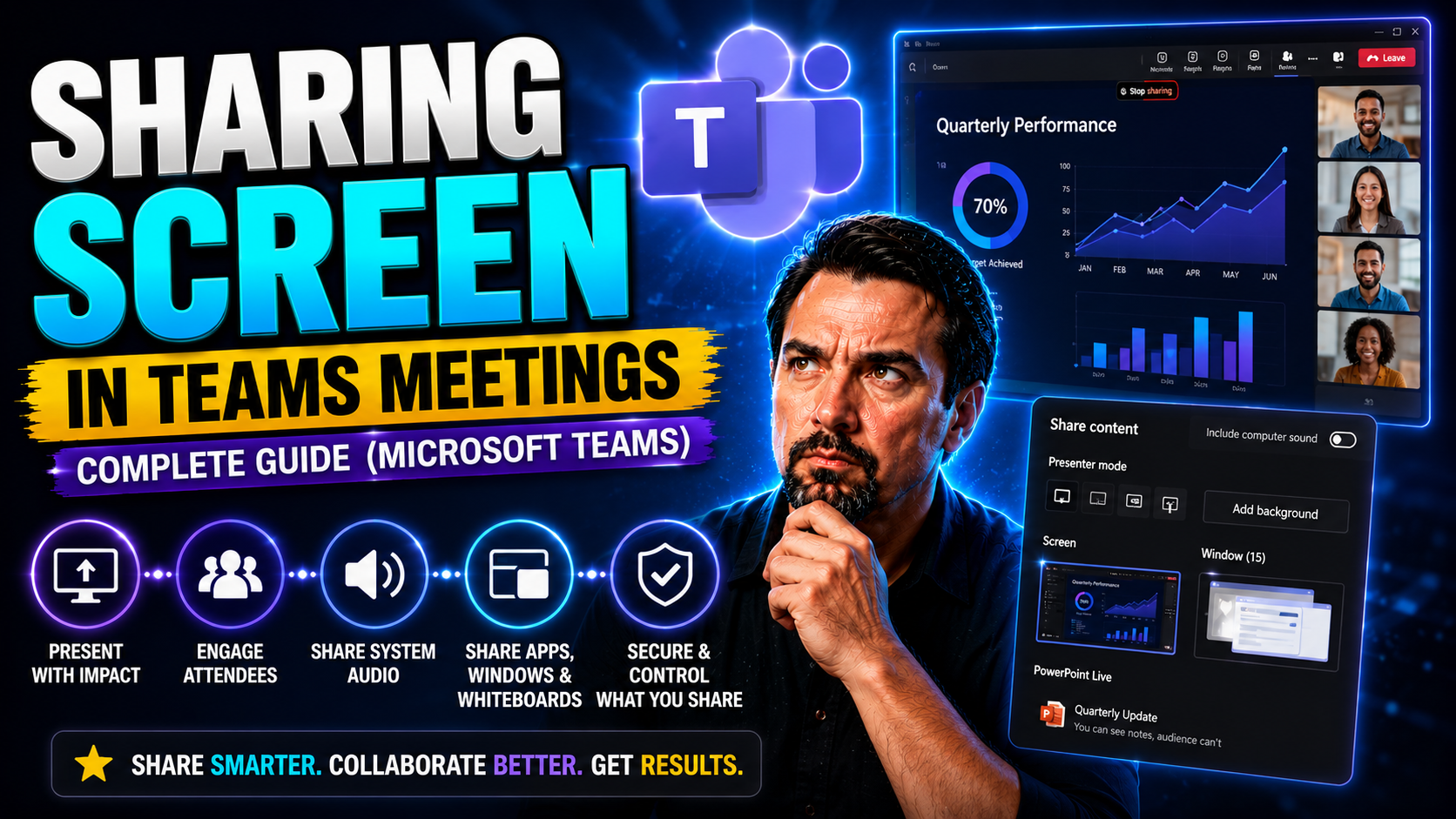
Quick Answer: To share your screen in Microsoft Teams, join the meeting, select Share, choose the screen, window, or content you intend to present, then confirm that sensitive notifications and unrelated windows are not visible. Test audio sharing s…
View more
May 11, 2026

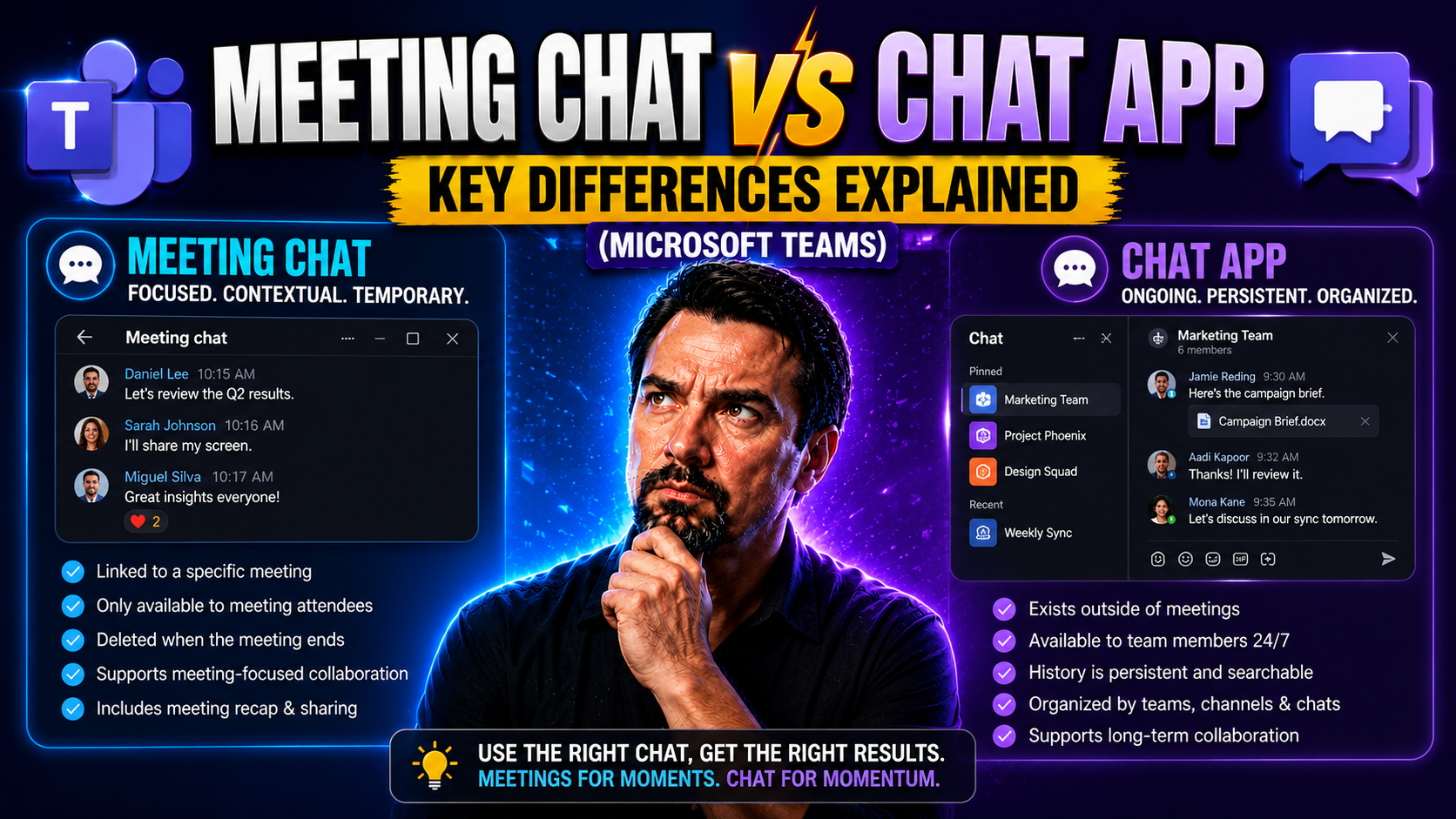
Teams Meeting Chat Vs Chat Guide

The line between meeting chat and dedicated chat apps gets blurry in today’s hybrid work world. When you join a video conference on Zoom, Google Meet, or Microsoft Teams, there’s often a chat window where folks drop questions, share quick links, or …

View more
May 11, 2026

Teams Webinars Vs Meetings Guide

When you’re deciding between webinars and meetings, it’s all about understanding how each format works best for your goals. Webinars are designed for delivering structured presentations to a large group—think of it as a virtual stage, with hosts spe…

View more
May 11, 2026

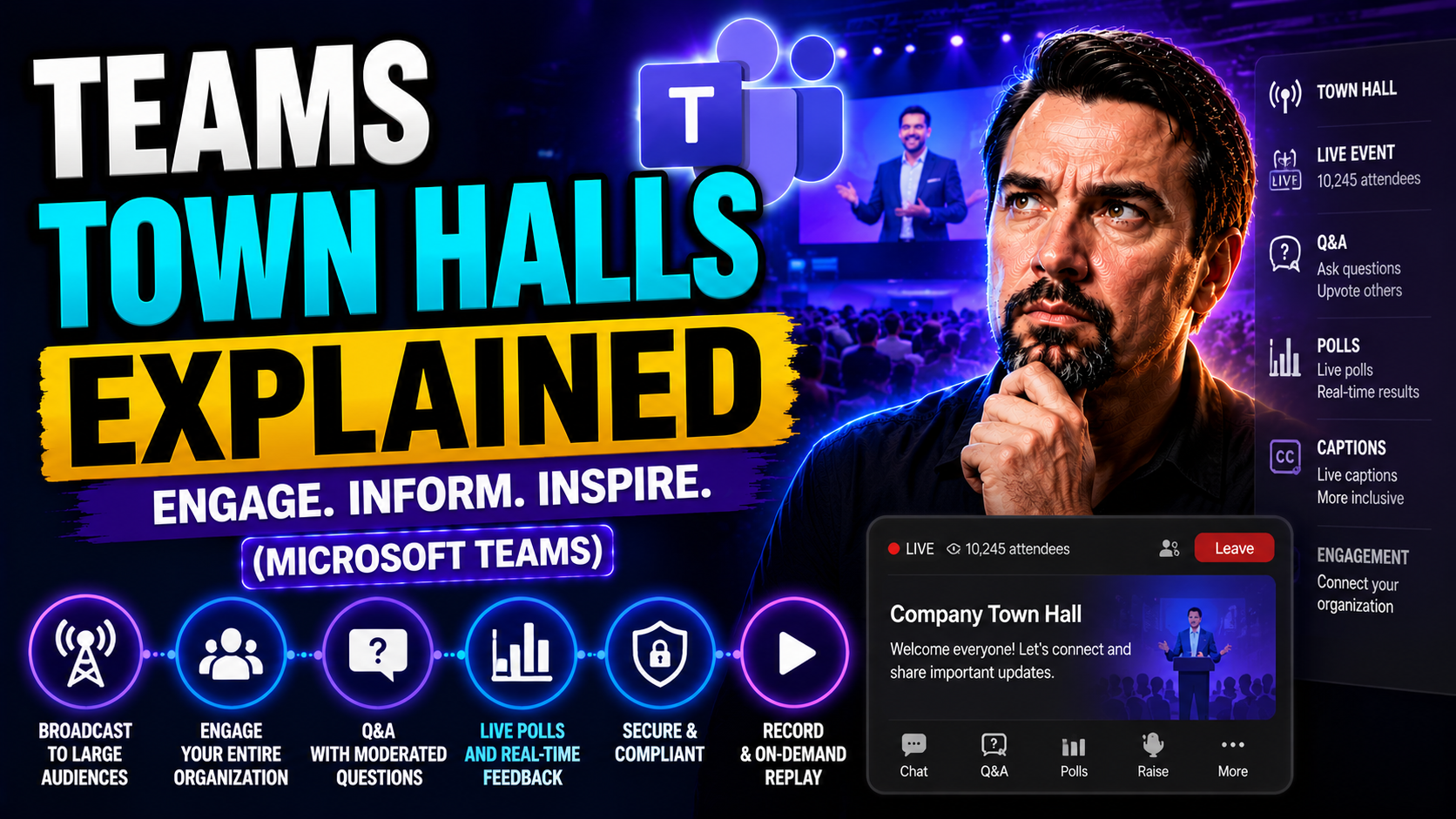
Microsoft Teams Town Halls Guide

When your company needs to get everyone on the same page, Microsoft Teams town halls are the way to do it. These aren’t your average meetings; they’re built for organization-wide broadcasting, milestone updates, and direct conversations between lead…

View more
May 11, 2026

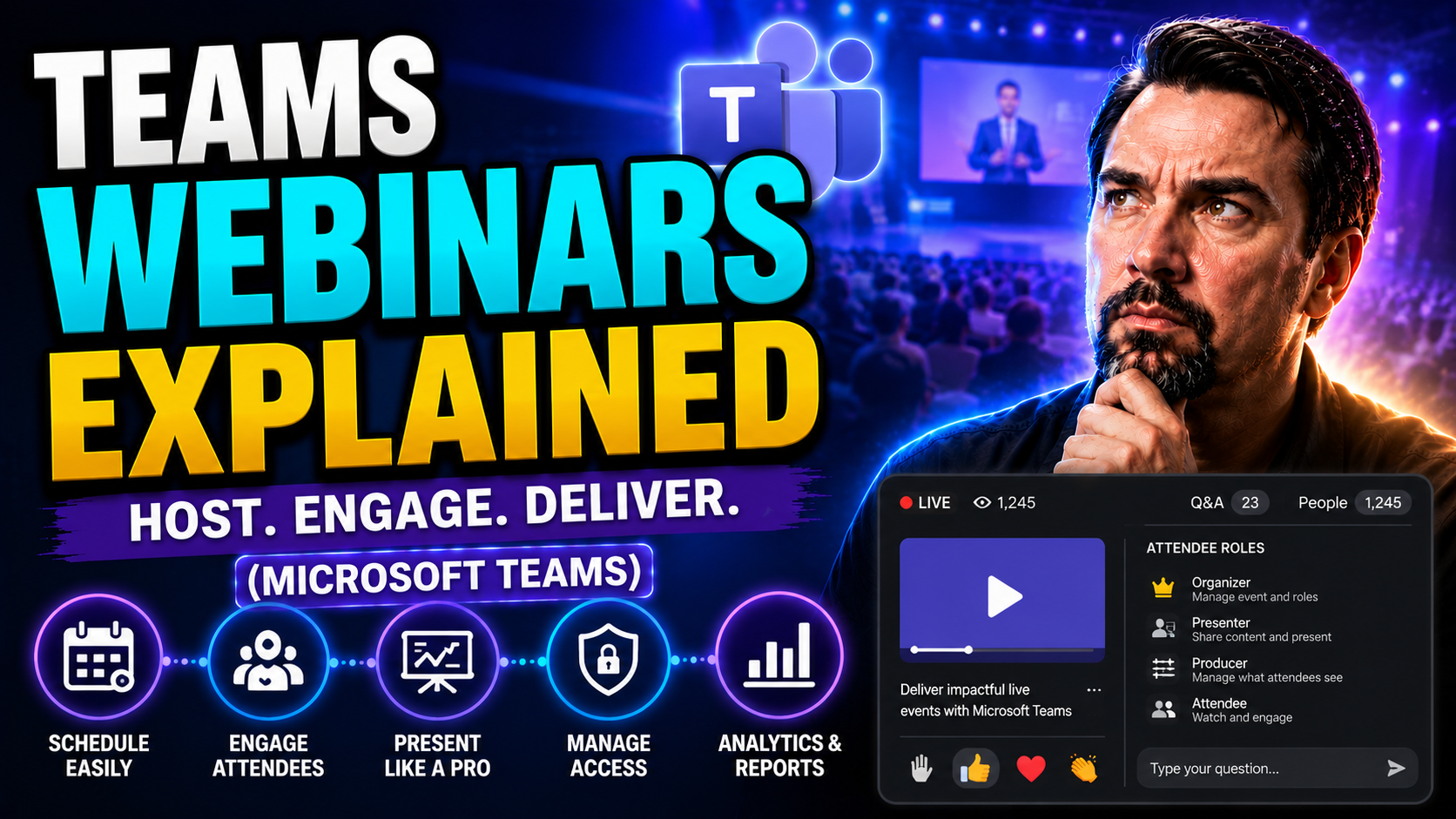
Microsoft Teams Webinars: Complete Guide for 2026

Quick Answer: To run a Microsoft Teams webinar, schedule a webinar from Teams or Outlook, set the event details and registration options, assign presenter roles, then test the attendee experience before sending invitations. Use a webinar when you ne…

View more
May 11, 2026

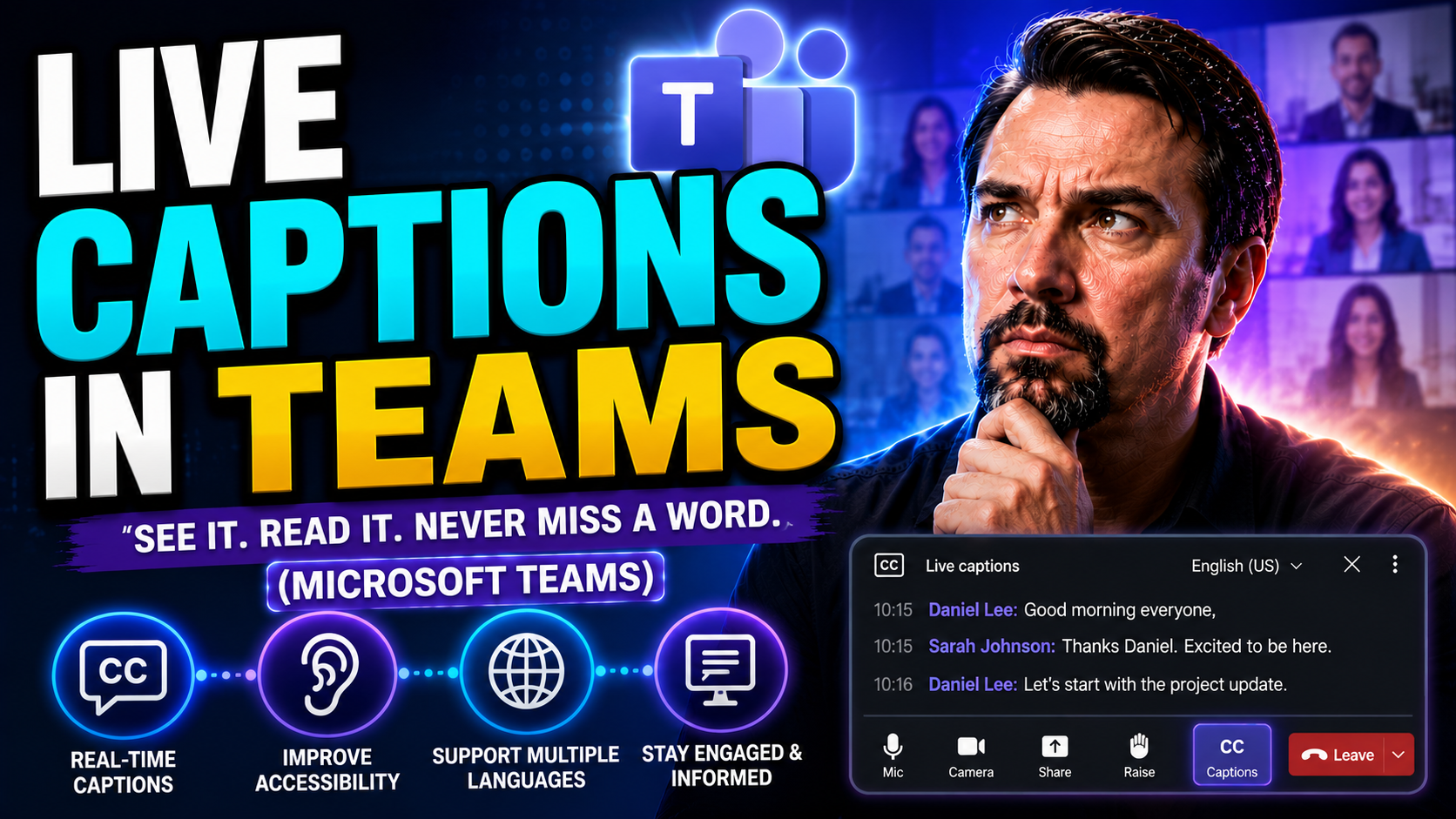
Live Captions In Teams Guide

To use live captions in Microsoft Teams, join a meeting, open More actions, select Language and speech, then turn on live captions and choose the spoken language when available. Captions help participants follow discussion in real time, but meeting …

View more
May 11, 2026

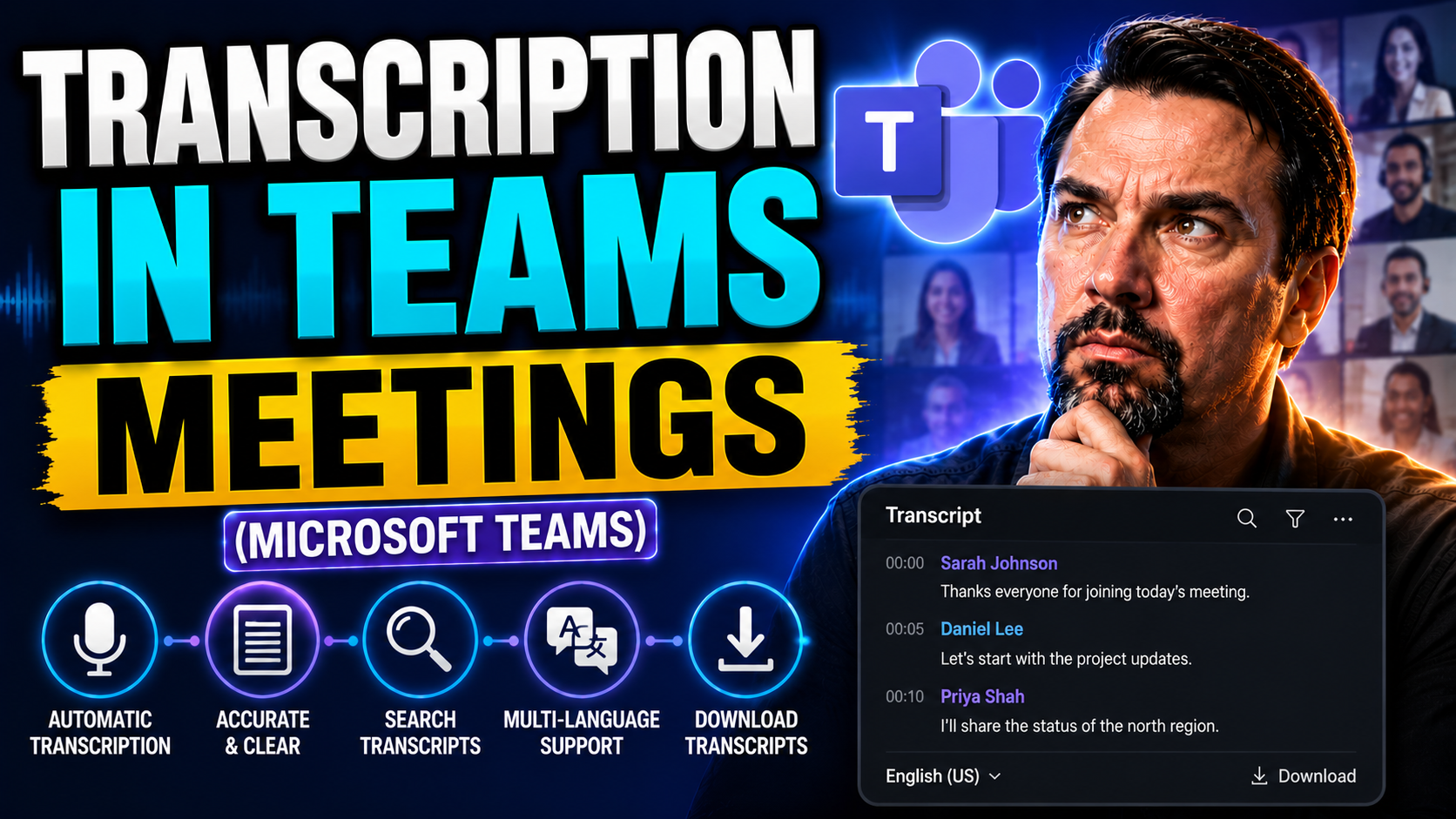
Teams Meeting Transcription Guide

Meeting transcripts in Microsoft Teams have changed the way people capture discussions, decisions, and action items. This guide gives you the lowdown on everything Teams transcription, from turning it on to making sure your transcripts actually tell…

View more
May 11, 2026

Teams Meeting Recording Guide

If you’ve ever had a meeting where someone said, “Did anybody get that?” then you already know why meeting recording matters. This guide digs deep into recording meetings—especially with Microsoft Teams—and how proper governance transforms every rec…

View more
May 11, 2026

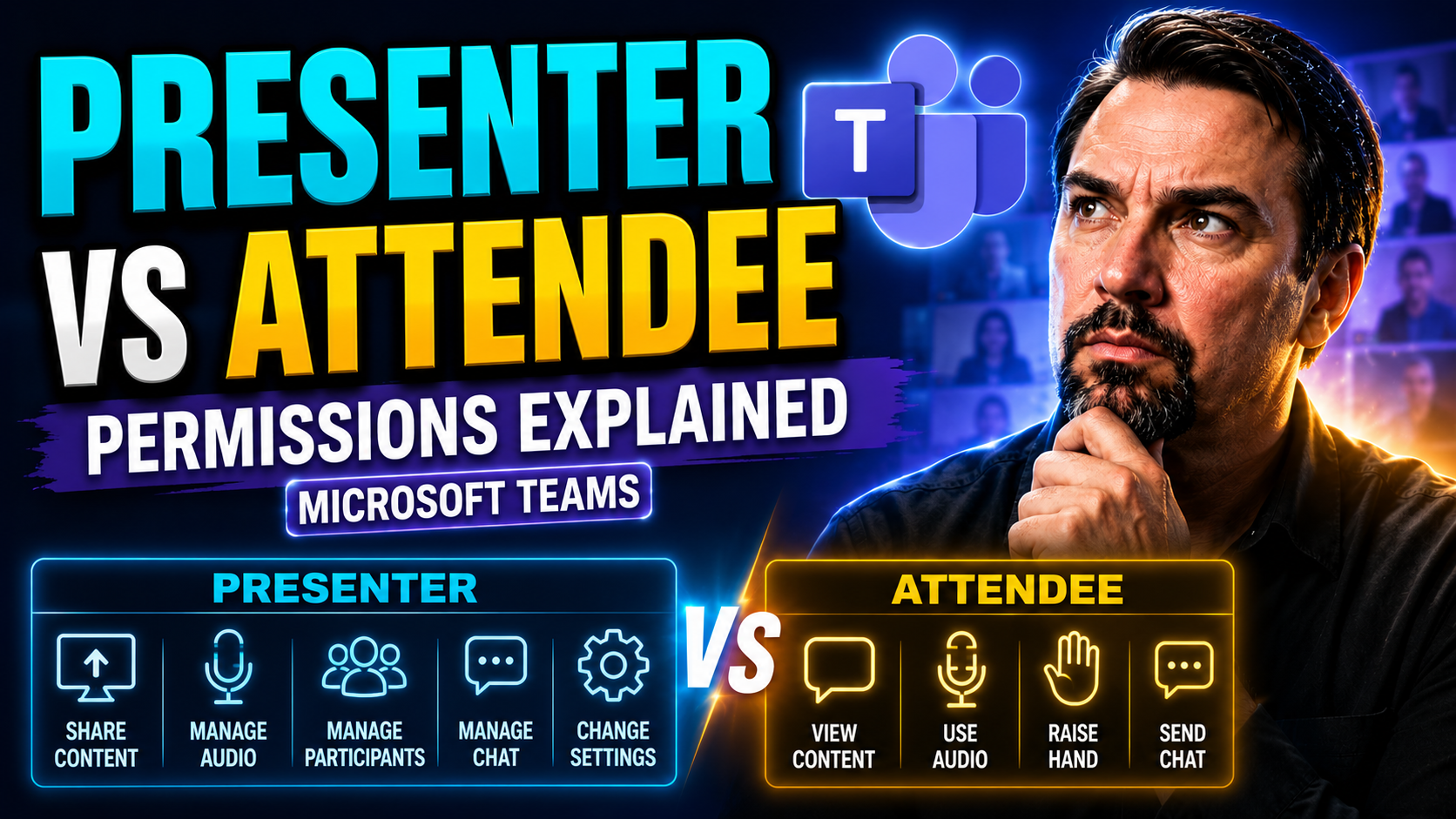
Teams Presenter Vs Attendee Permissions Guide

Microsoft Teams meetings revolve around two core roles: presenter and attendee. Understanding the difference between these roles helps ensure every meeting runs smoothly, securely, and stays on topic. Presenters have extended permissions—they can sh…

View more
May 11, 2026

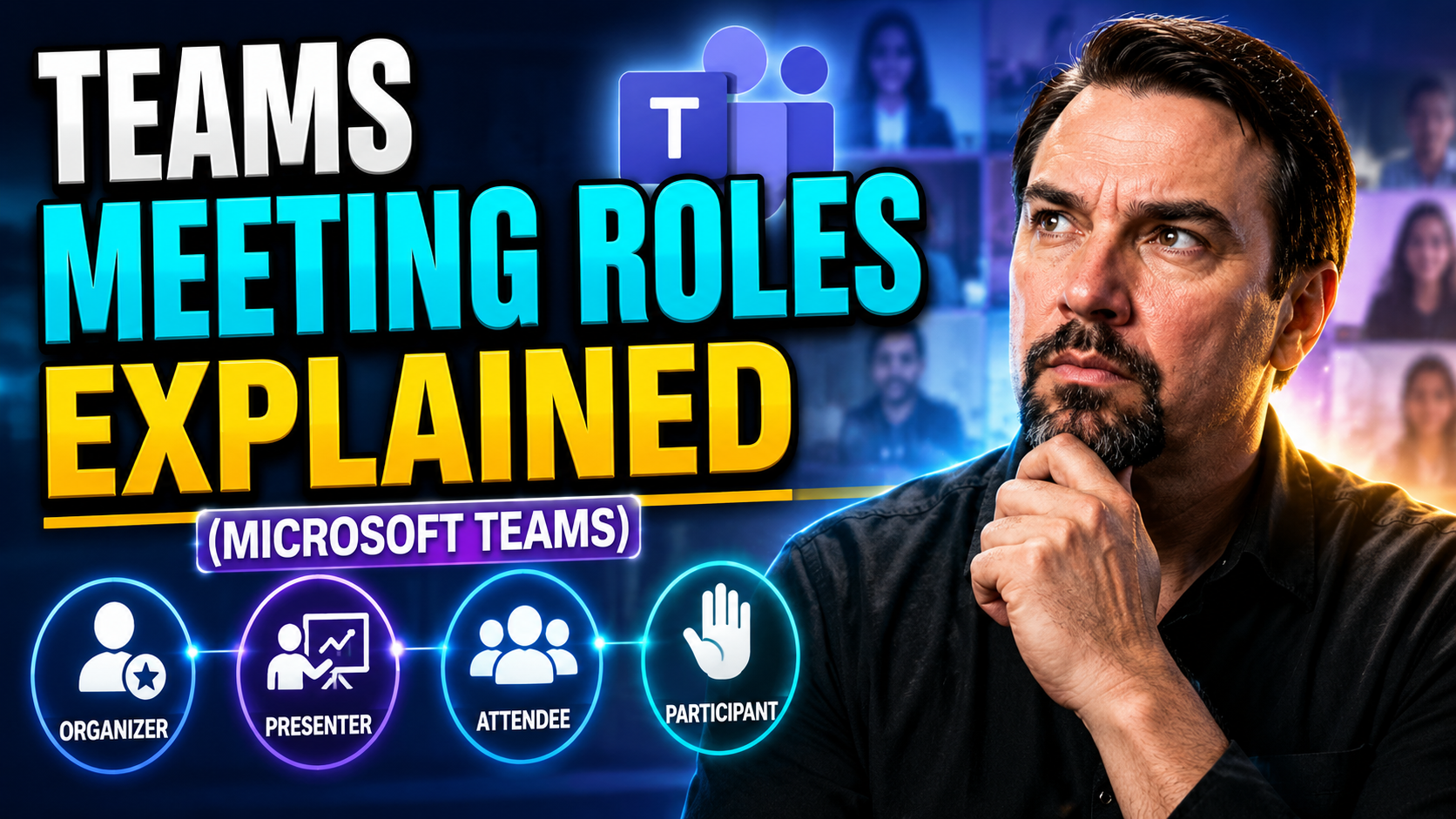
Teams Meeting Roles Guide

Teams meeting roles should be designed around a clear business scenario, accountable ownership, and the appropriate Microsoft 365 controls. Start with the intended outcome, validate permissions and policy settings, test with representative users, an…

View more
May 7, 2026

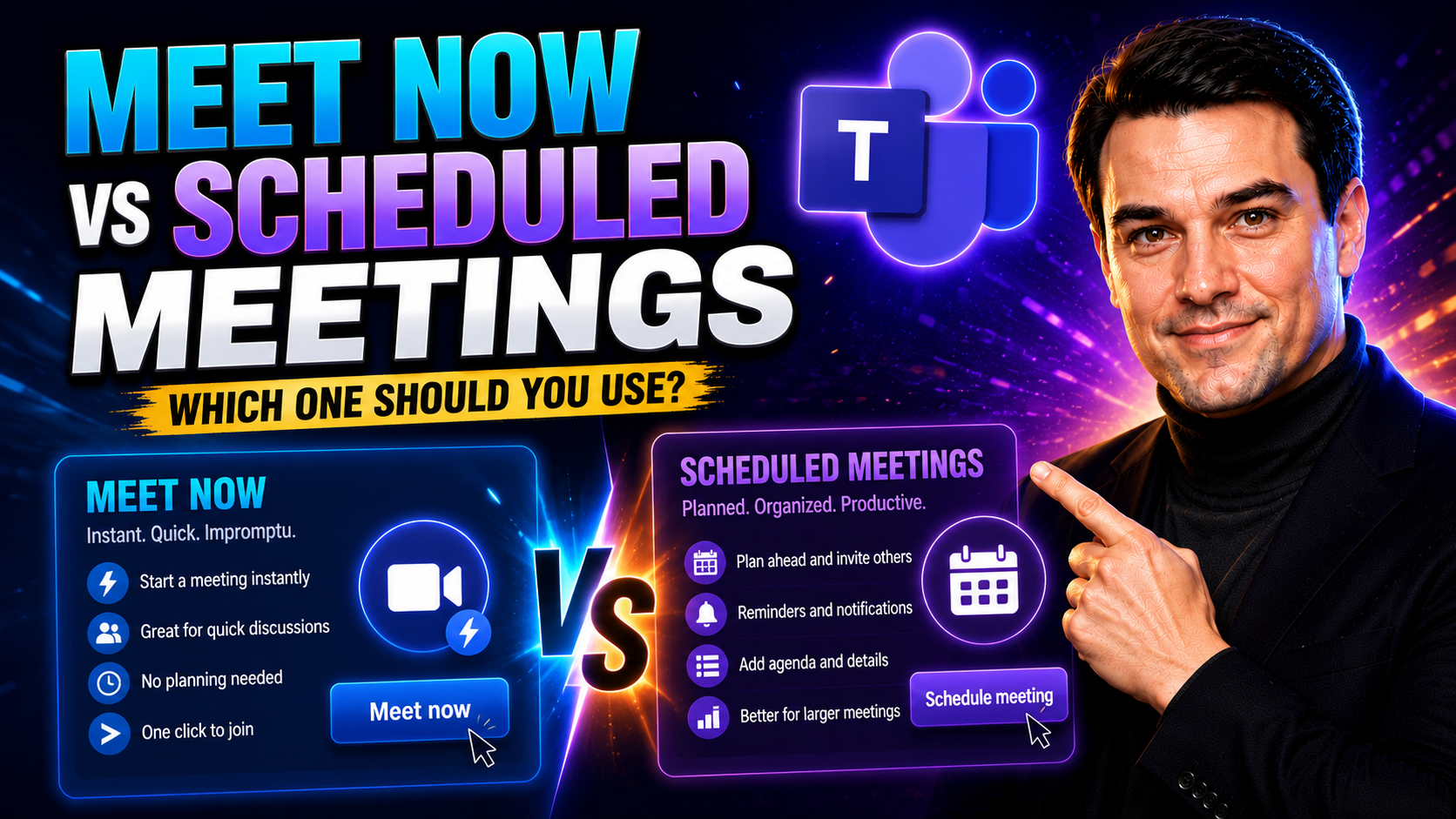
Meet Now Vs Scheduled Teams Meetings Guide

If you've ever wondered when to click “Meet Now” or when to send out a formal calendar invite in Microsoft Teams, you're not alone. Picking the right meeting type can mean the difference between a productive session and a bunch of confused faces sta…

View more
May 7, 2026

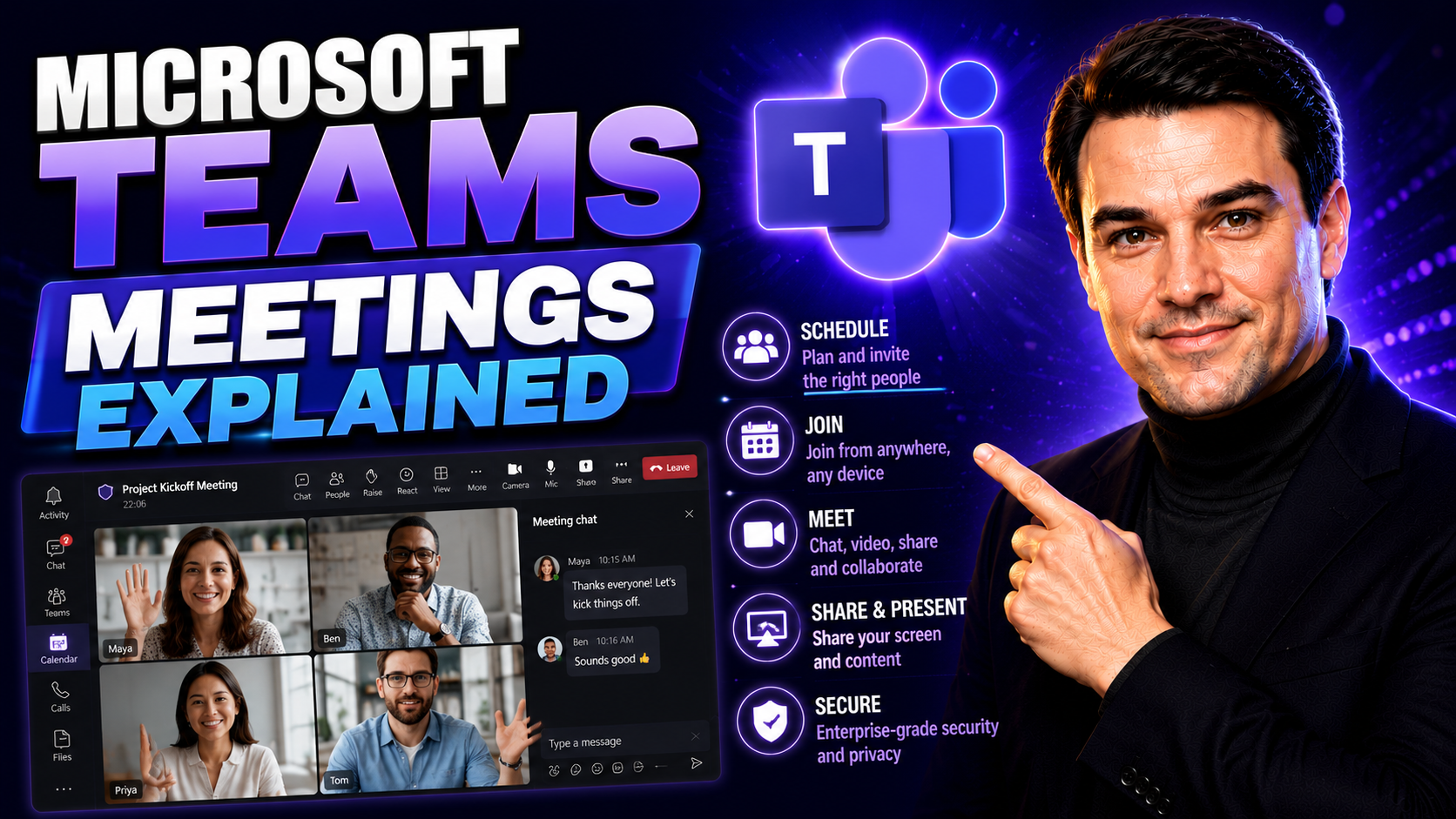
Microsoft Teams Meetings Guide

If Microsoft Teams meetings have you scratching your head, you’re in the right spot. This guide breaks down the different types of Teams meetings—from quick team check-ins to company-wide virtual events—and shows you, step by step, exactly how to jo…

View more
May 7, 2026

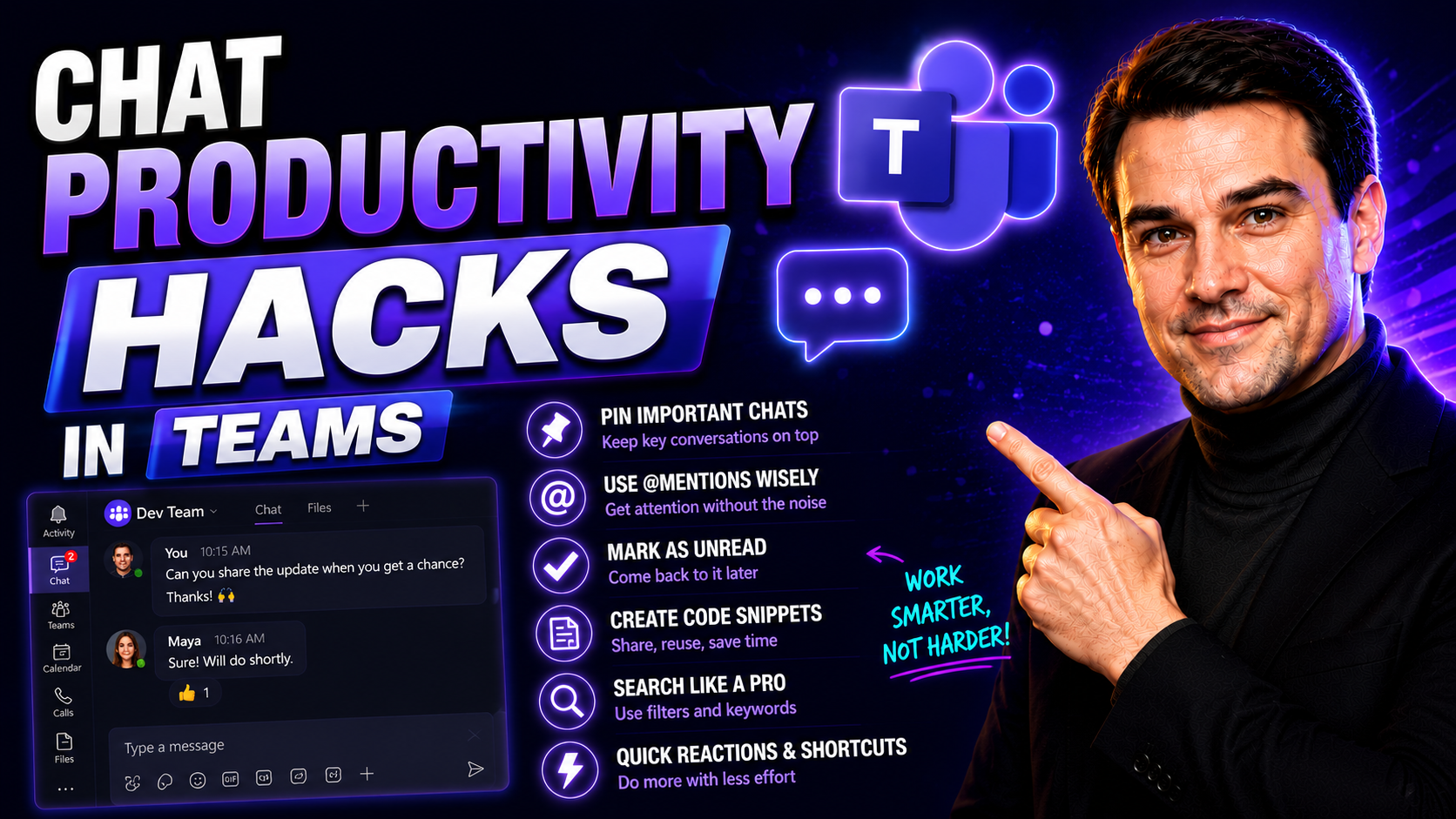
Teams Chat Productivity Guide

Today’s teams are juggling dozens of conversations, projects, and tasks at once. Chat-based AI tools like ChatGPT are stepping in to lighten the load and help organizations move fast without letting things slip through the cracks. These aren’t just …

View more
May 7, 2026

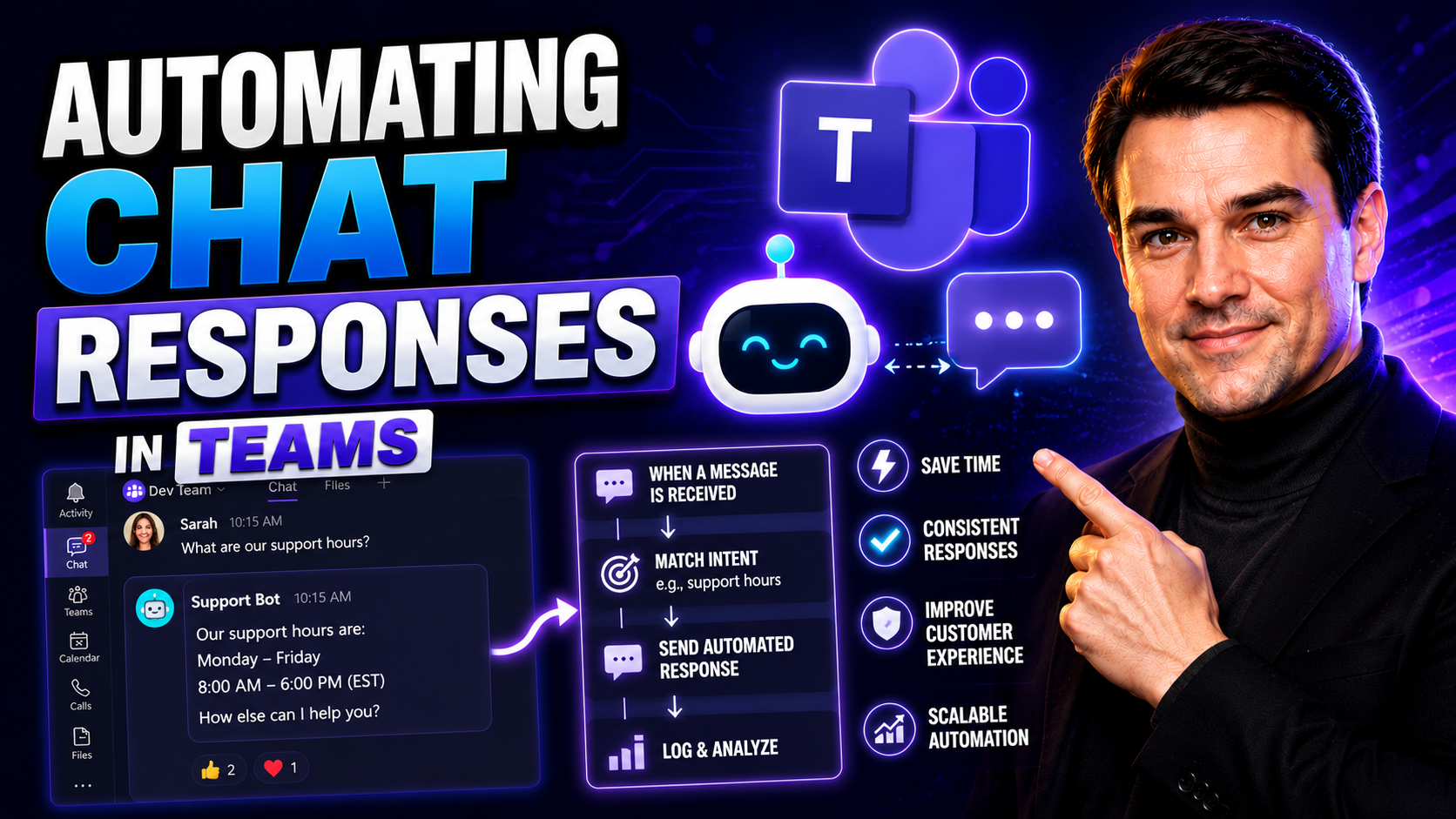
Automating Chat Responses: Unlocking Efficiency and Engagement in Microsoft Teams

Automating chat responses has quickly become a game-changer in modern business—especially when you’re working with Microsoft Teams and SharePoint. With AI-driven chatbots and workflow automations, teams get instant, personalized support without alwa…

View more
May 7, 2026

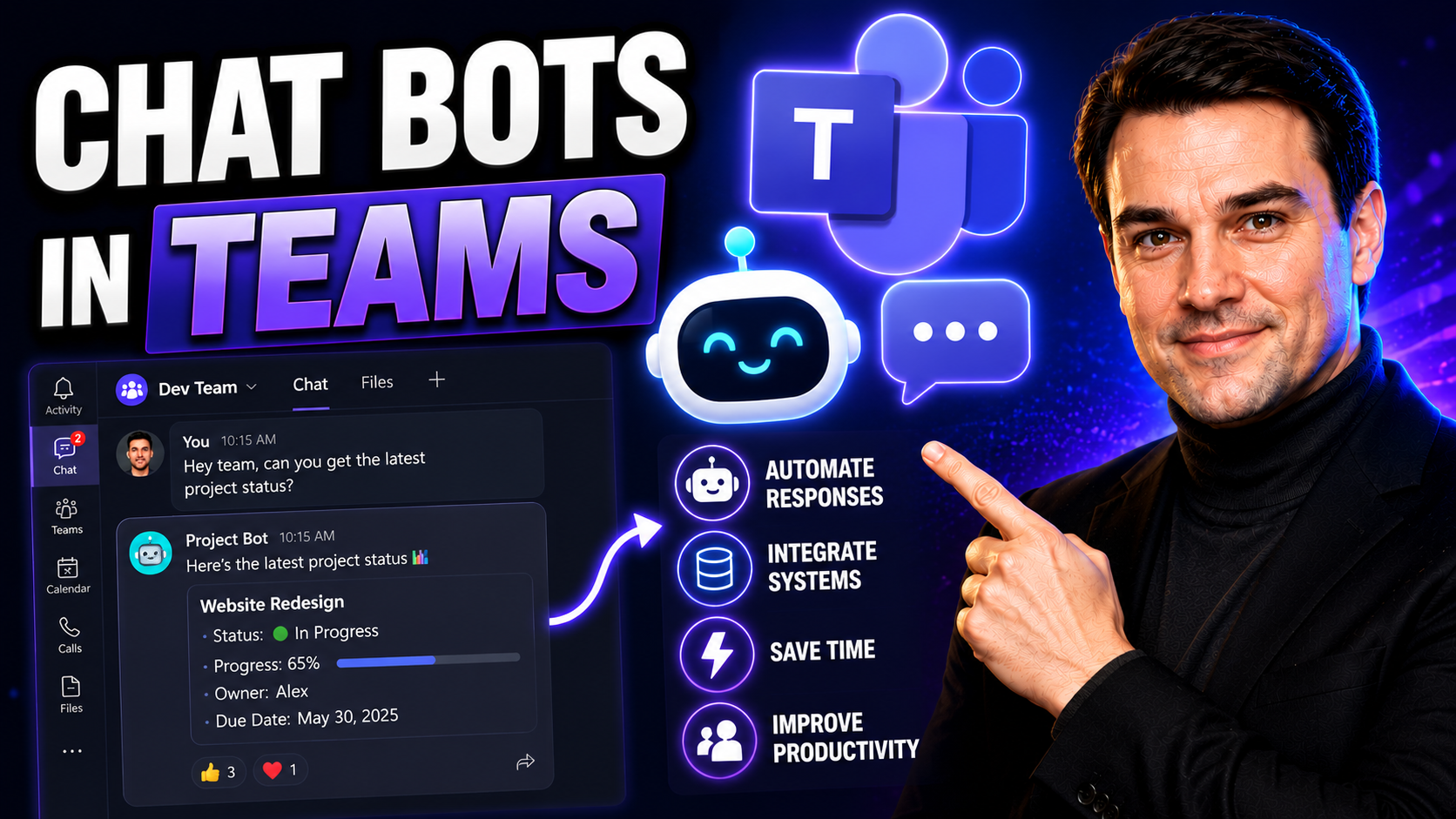
Chat Bots in Teams: Enhancing Productivity and Collaboration

If you need to cut down on wasted clicks, scattered conversations, or manual follow-ups, chat bots in Microsoft Teams can change the game. These bots are digital co-workers—always available, never tired, ready to answer questions, automate repetitiv…

View more
May 7, 2026

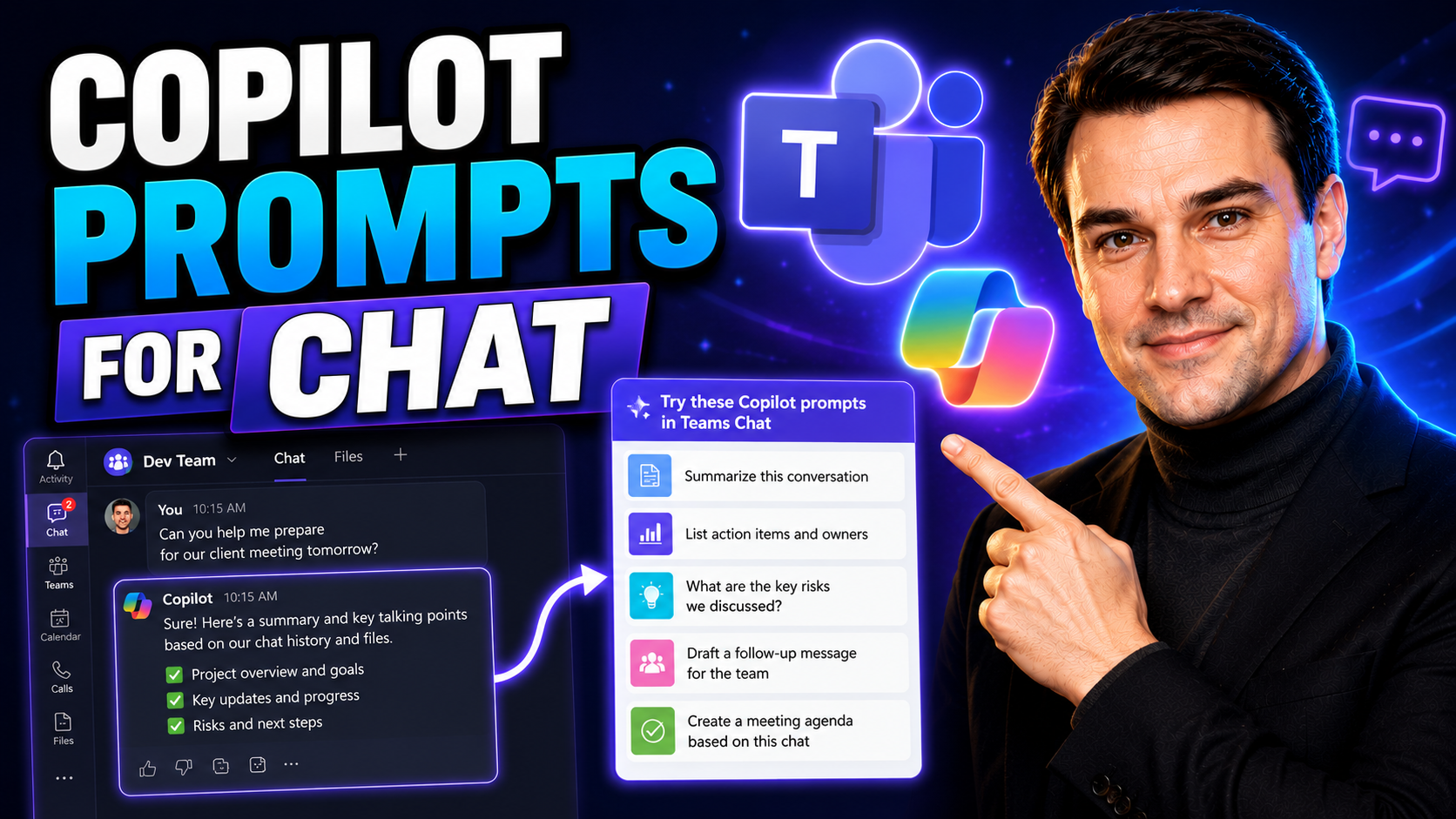
Master Copilot Prompts for Chat in Microsoft 365 and Teams

If you’ve ever wished your work tools could read your mind or help you juggle ten things at once, Microsoft 365 Copilot chat is as close as it gets. Copilot brings AI-powered prompts directly into Microsoft Teams and your favorite Microsoft 365 apps…

View more
May 7, 2026

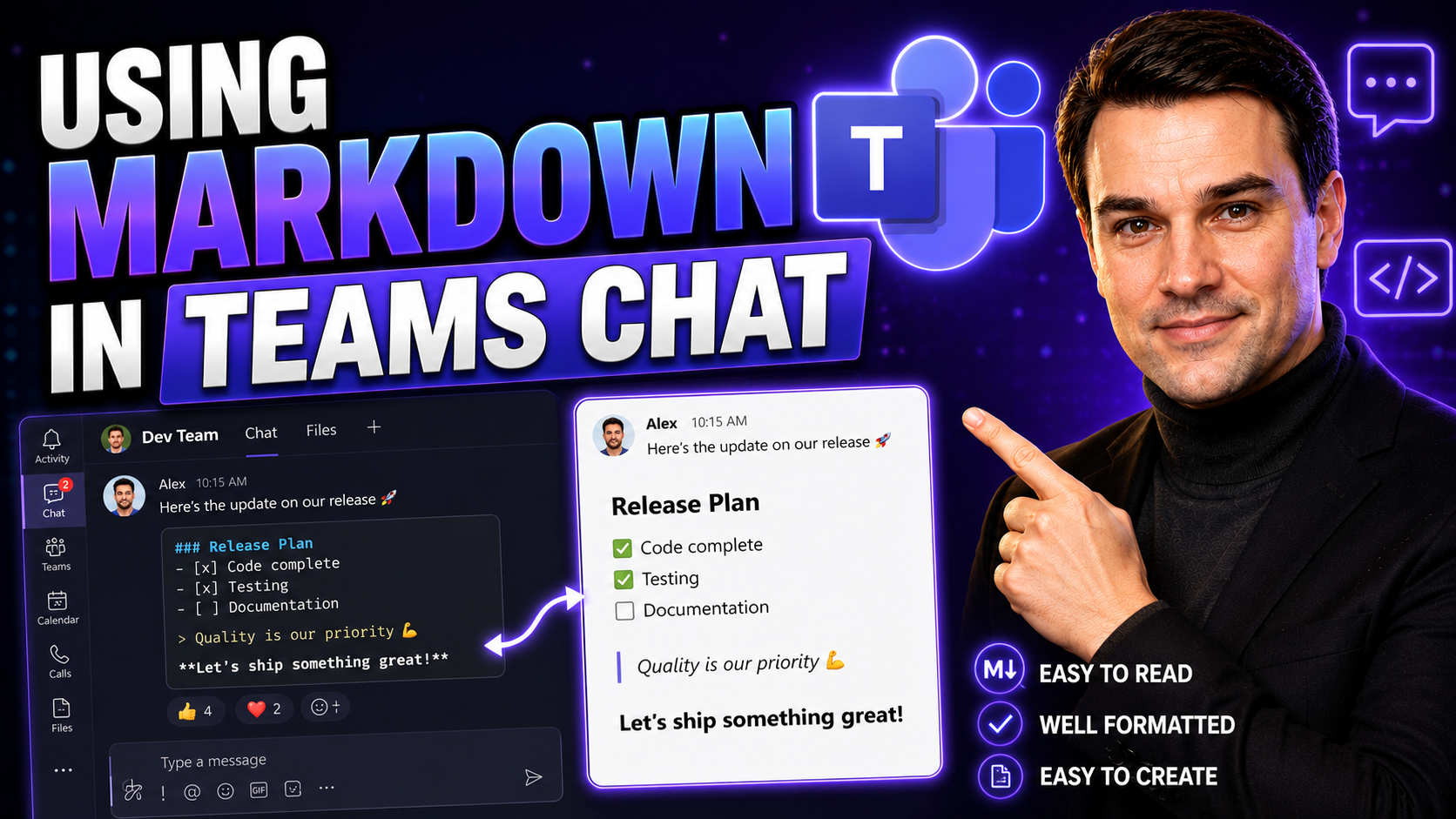
Using Markdown in Teams Chat: What Every User Should Know

Markdown in Teams chat lets you format messages with headings, lists, emphasis, links, code-style text, and quotes, helping longer updates stay readable. Use formatting for structure rather than decoration: lead with the decision or request, use sho…

View more
May 7, 2026

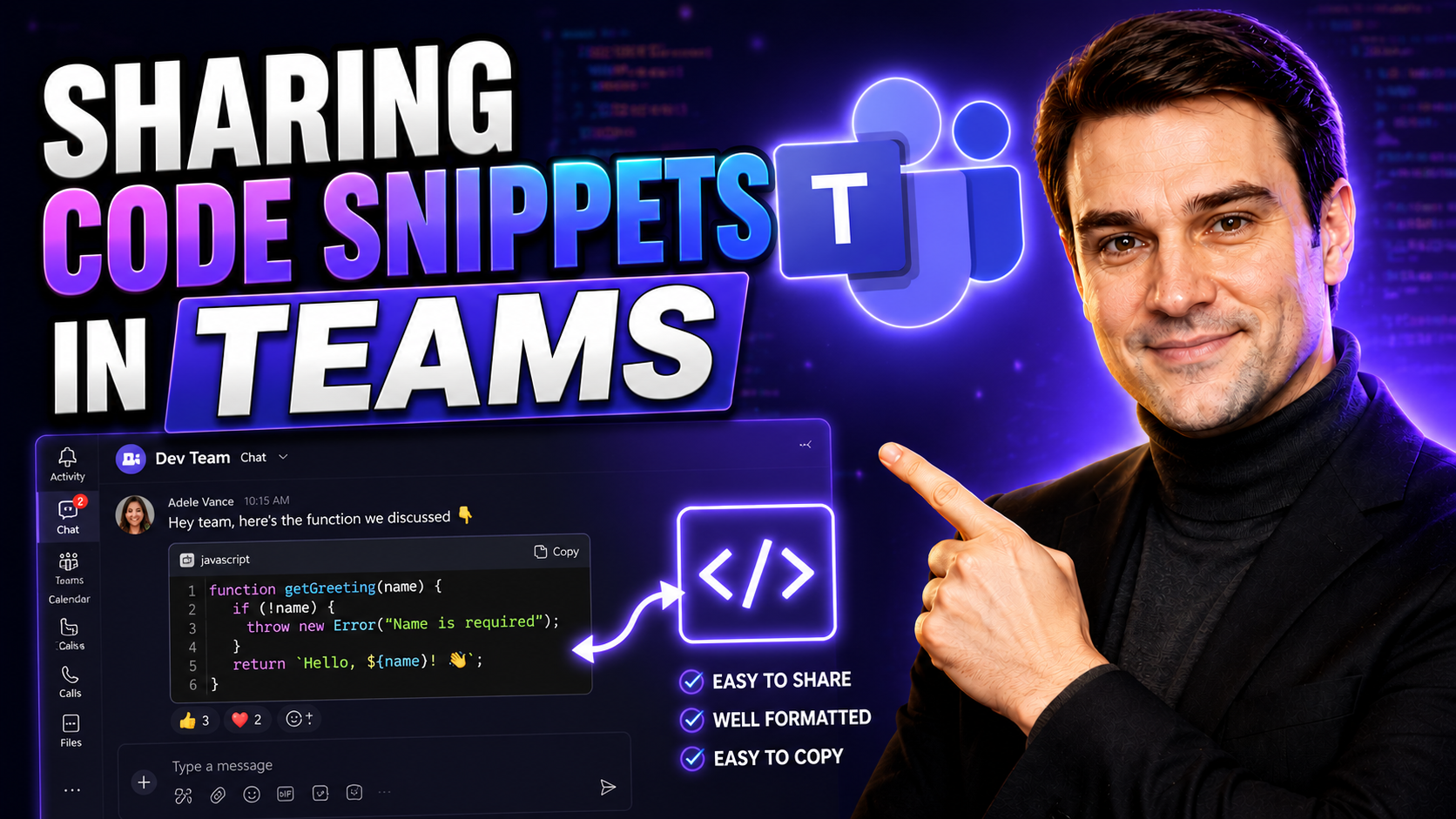
Sharing Code Snippets in Teams for Effective Collaboration

If you’re working in tech, chances are you’ve wrestled with pasting a chunk of code into a chat and hoping your team “gets it.” Sharing code snippets in Microsoft Teams is a game-changer for group projects—whether you’re squashing bugs, sharing solu…

View more
May 7, 2026

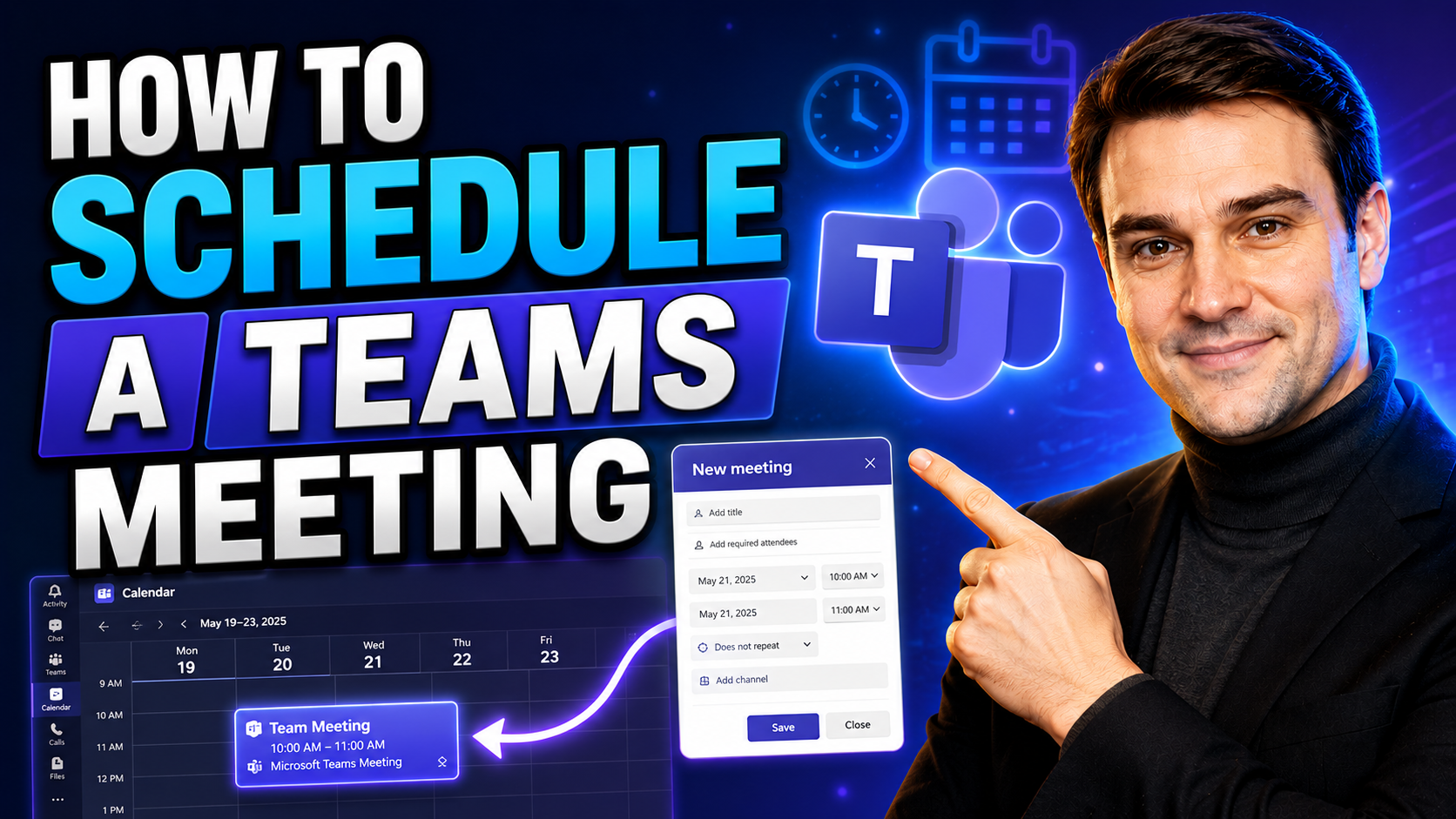
How to Schedule a Teams Meeting Step-by-Step

Quick Answer: To schedule a Microsoft Teams meeting, open Calendar, select New event, add attendees, date and time, enable Teams meeting if needed, then select Save or Send. Use the meeting options to control lobby, presenter, recording, and guest a…

View more
May 7, 2026

breakout rooms in teams

This all-in-one guide unlocks everything you need to know about breakout rooms in Microsoft Teams. Breakout rooms let you split your meeting into smaller groups, making real teamwork possible—whether it’s brainstorming, private discussions, or train…

View more
May 4, 2026

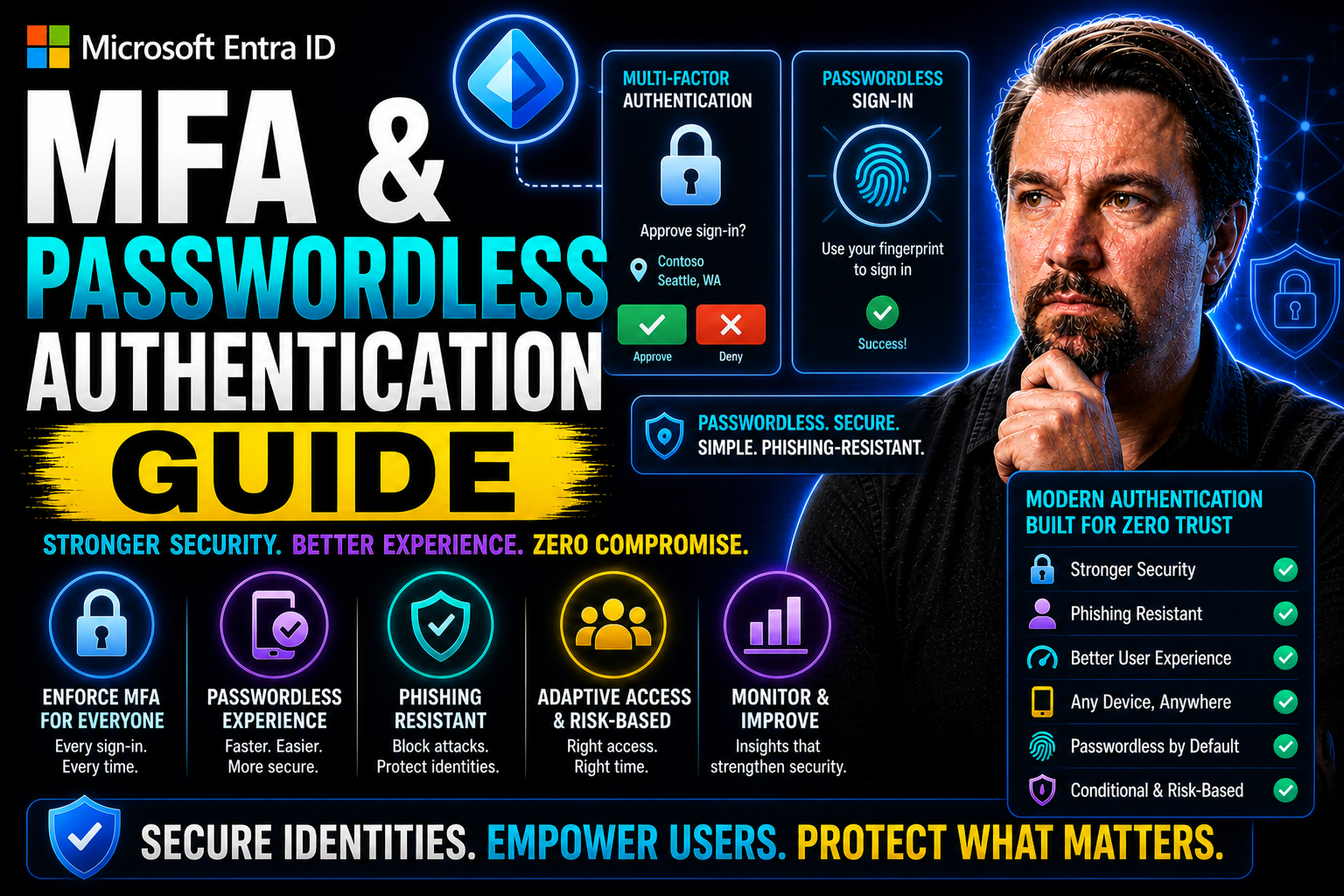
MFA and Passwordless Authentication Guide for Modern Enterprises

If you've been itching to finally break up with passwords, you came to the right place. This guide is your crash course on multi-factor authentication (MFA) and the world of passwordless authentication. We’re talking about real, working solutions—no…

View more
May 4, 2026

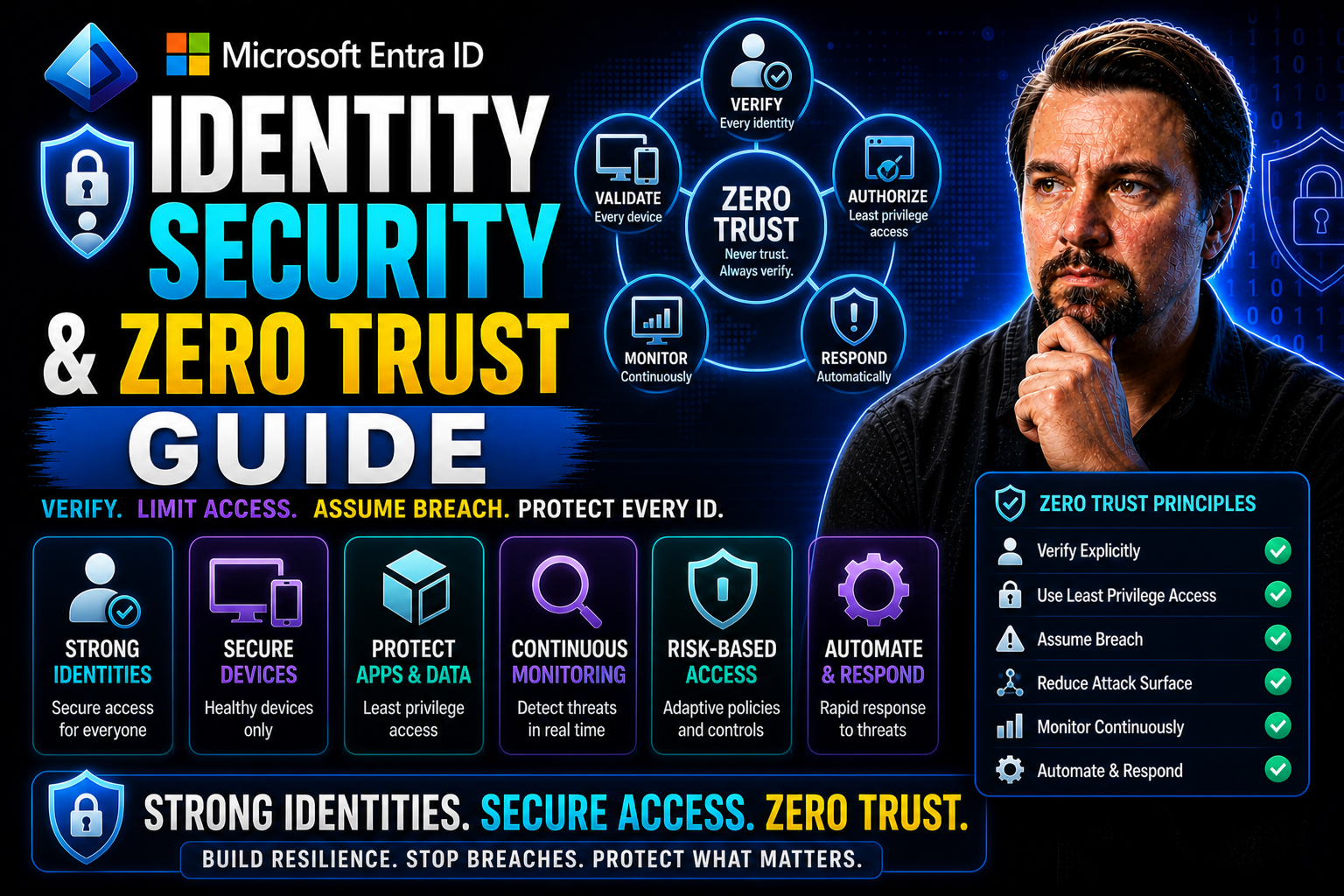
Identity Security and Zero Trust Guide

This guide gives you a clear path through the world of identity security and the Zero Trust framework. Here, you’ll find straight talk and actionable tactics to help you rethink security for both modern digital environments and old-school networks. …

View more
May 4, 2026

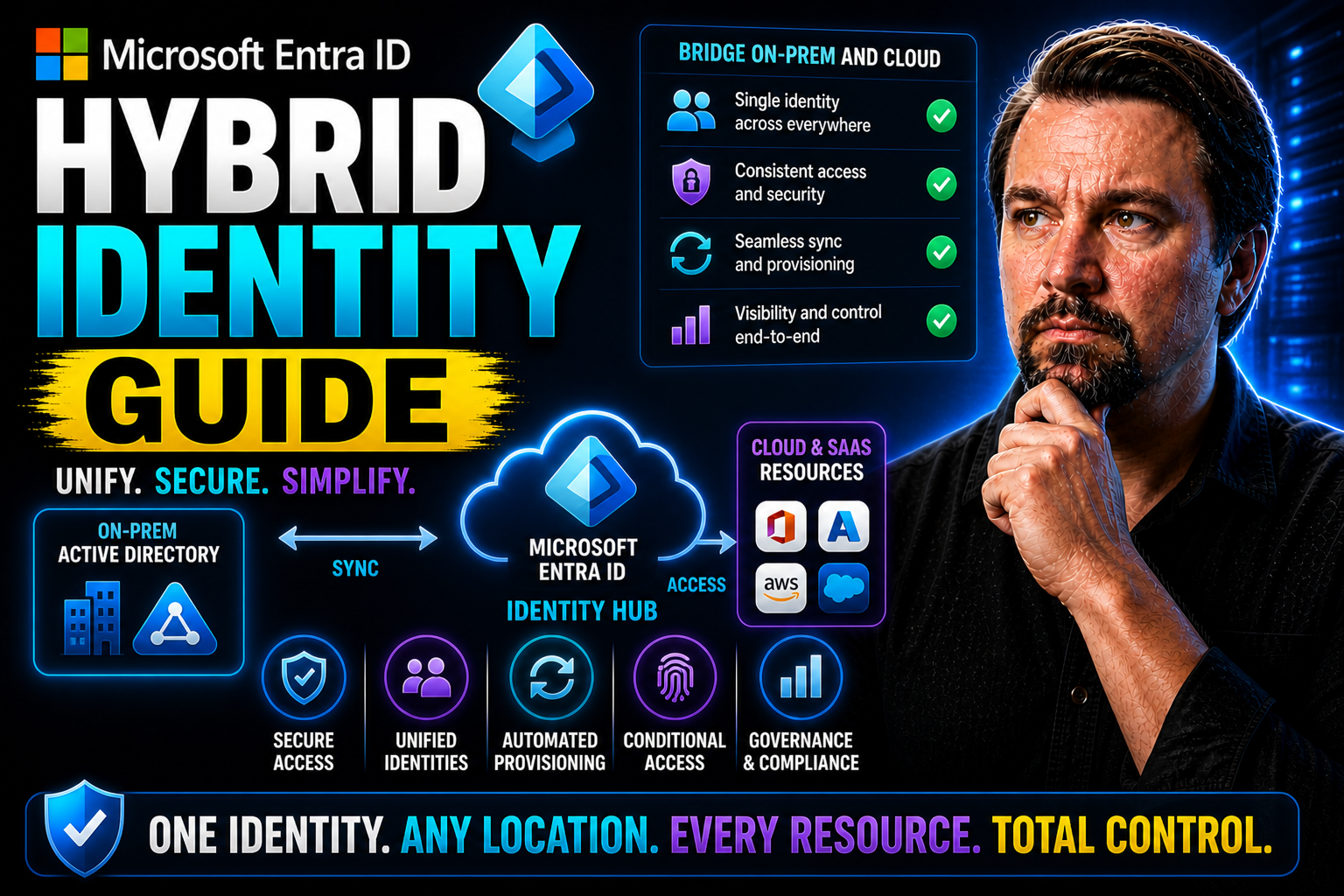
Hybrid Identity Guide for Microsoft Entra and On-Premises AD

Hybrid identity is one of those topics that’s only gotten more important as businesses blend old-school on-premises setups with next-generation cloud solutions. This guide lays it all out—whether you’re running things with familiar Active Directory …

View more
May 4, 2026

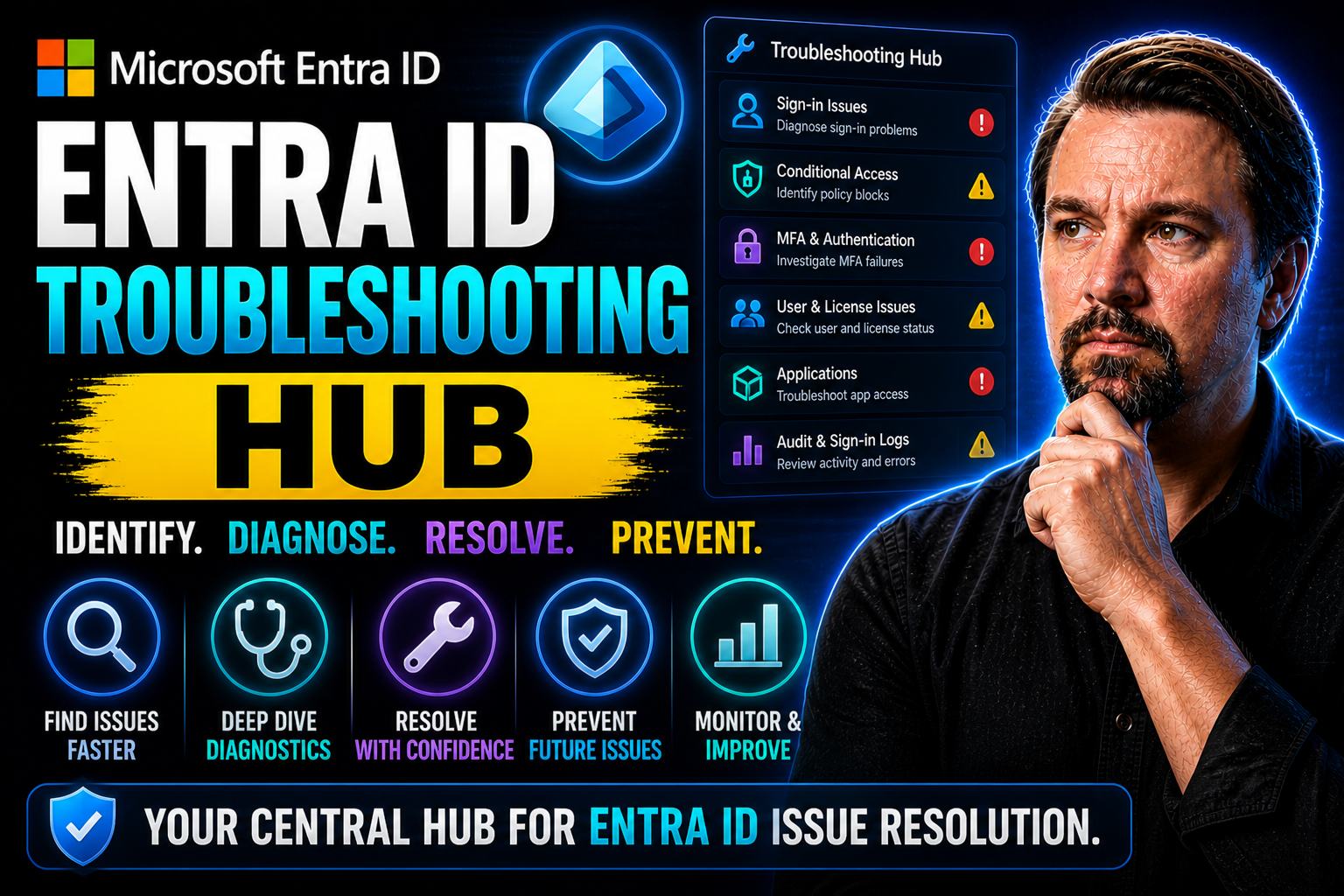
Microsoft Entra ID Troubleshooting Hub

If you’re wrangling Microsoft Entra ID—formerly Azure AD—you know things don’t always go smooth. This hub is built for you, the admin in the trenches, looking for straight talk and actual steps to fix what’s holding your users back. You’ll find real…

View more