Turn your real-world experience into part of the show.

Blog Posts

May 13, 2026

Bandwidth Requirements Explained: The Complete Guide for Microsoft Teams and Digital Workplaces
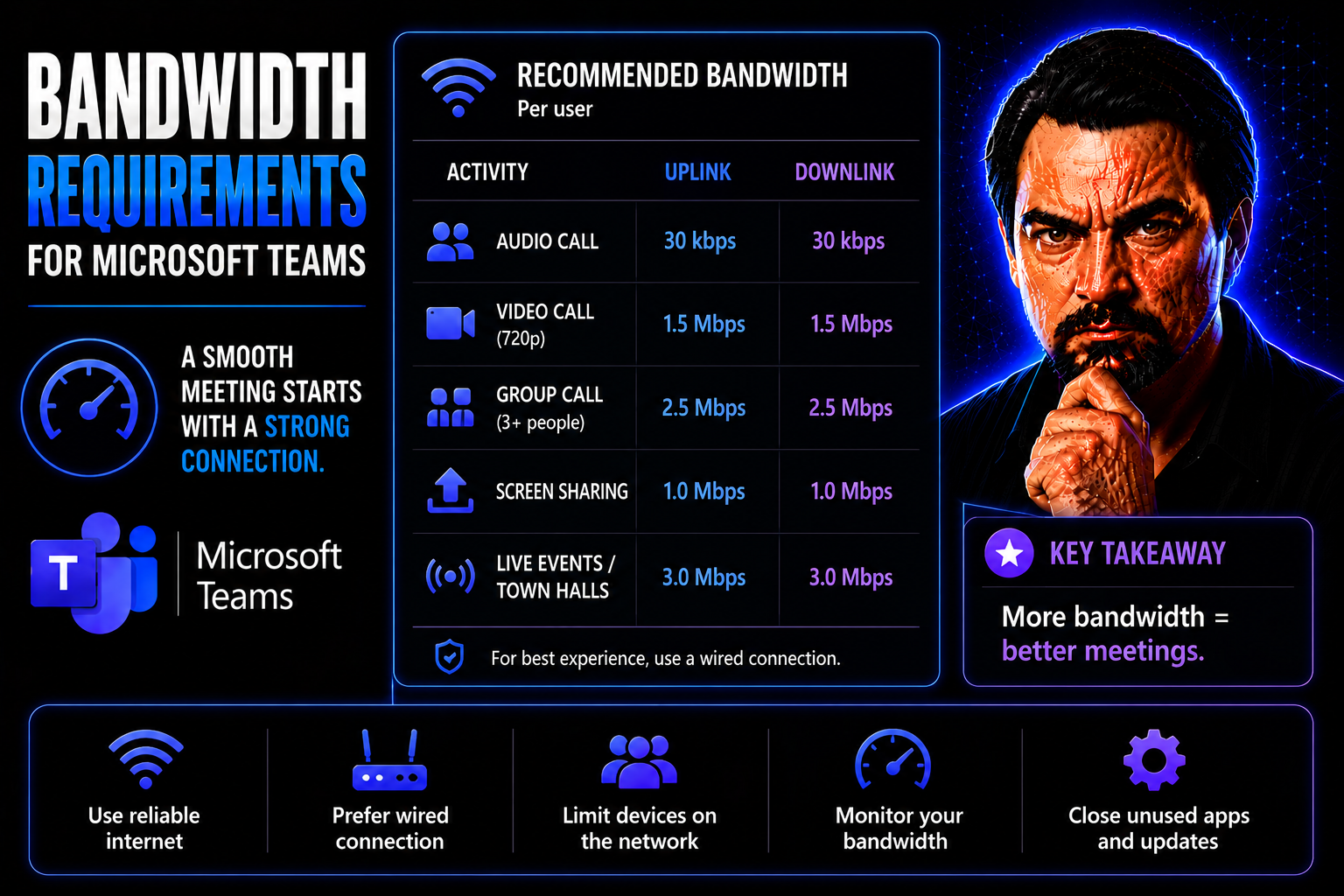
Quick Answer: Microsoft Teams bandwidth requirements depend on the meeting, calling, video, screen-sharing, and device scenarios your users actually run. Plan for the expected experience, test representative sites and home networks, prioritise real-…
View more
May 13, 2026

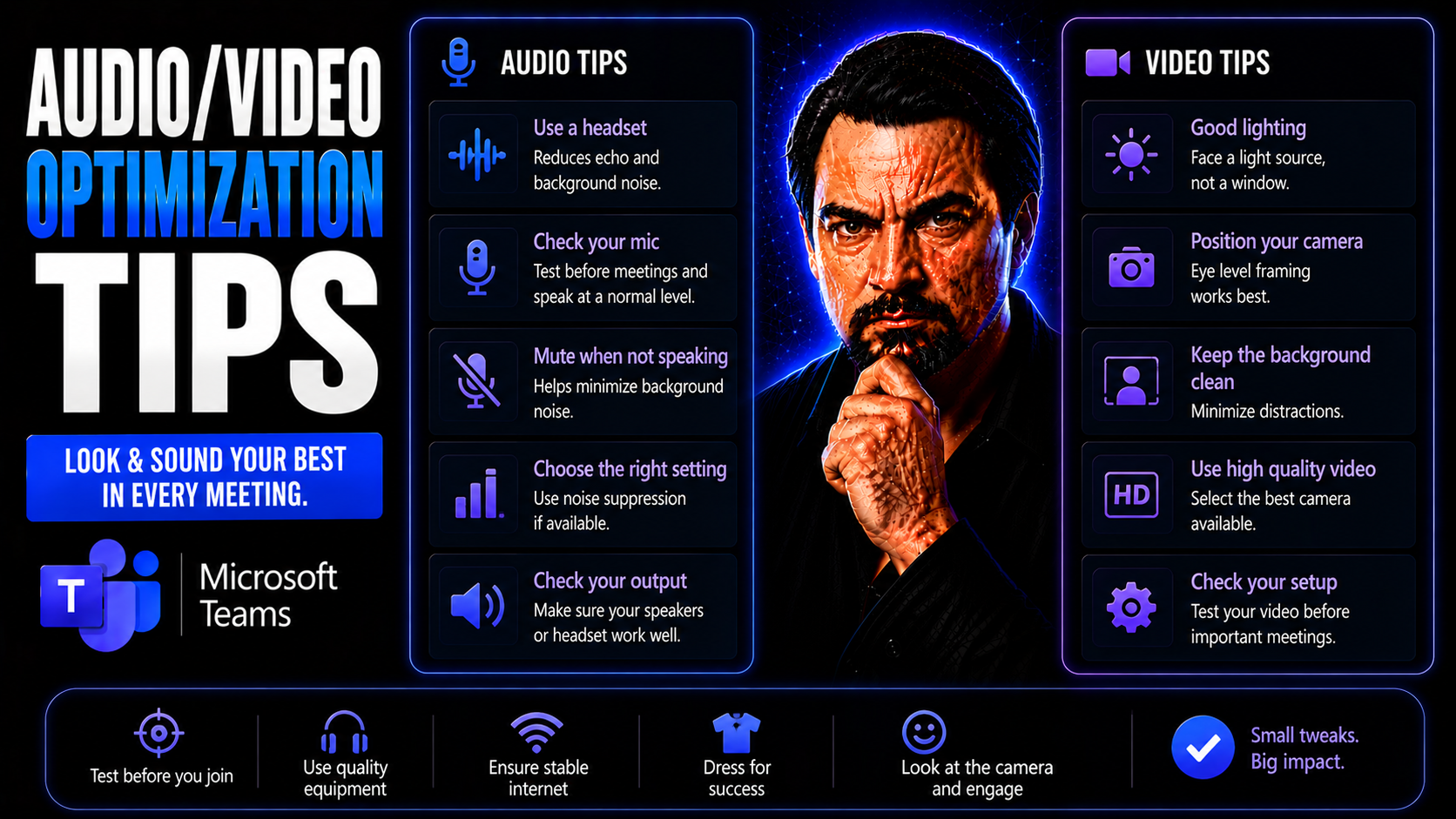
Audio and Video Optimization Tips for Microsoft Teams and Online Content

Audio and video quality is a game-changer in Microsoft Teams meetings, webinars, and any online content you put out for work. When your voice comes through clear and your video is crisp, people pay attention. Blurry audio, odd echoes, or distracting…

View more
May 13, 2026

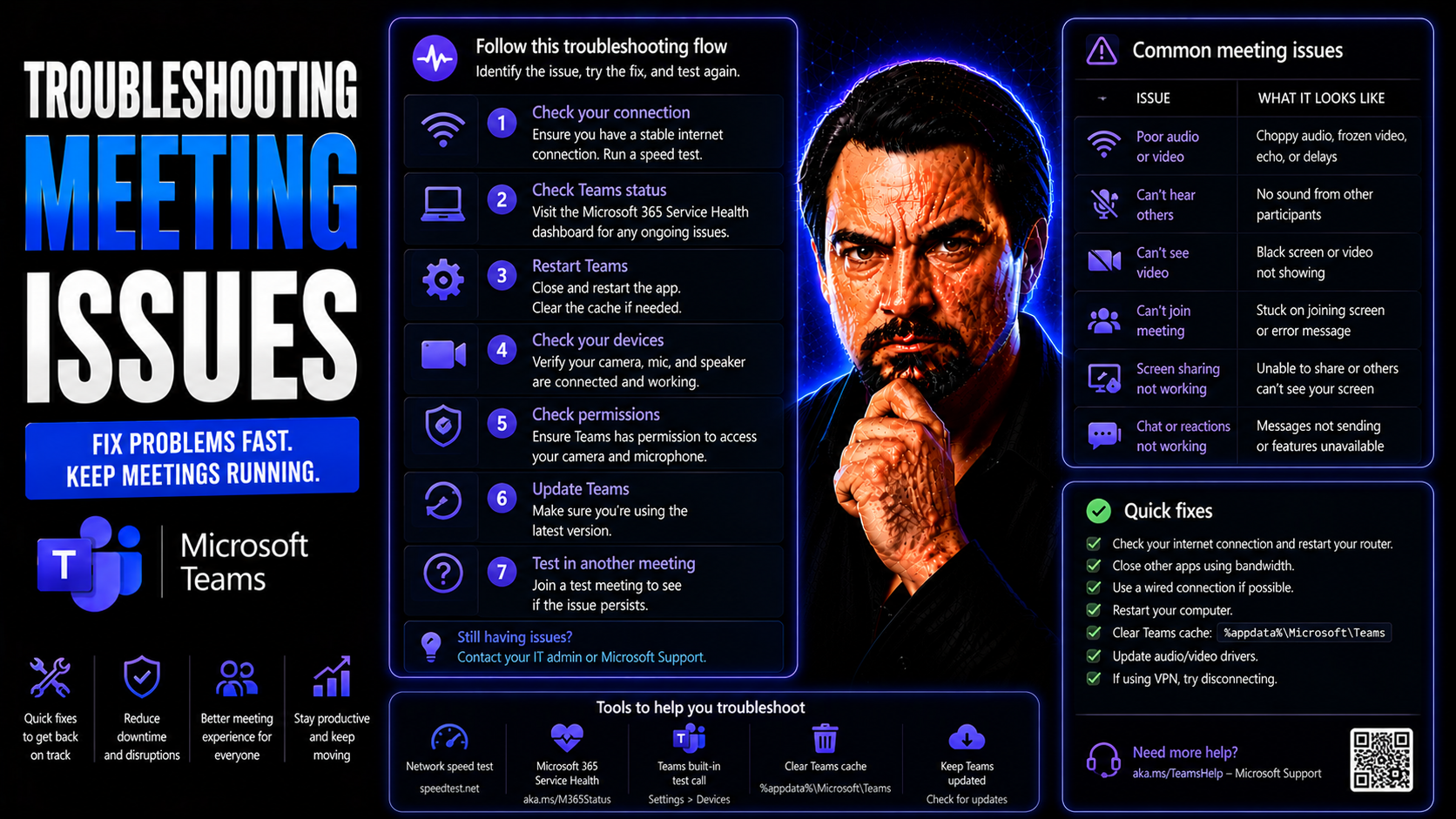
Troubleshooting Meeting Issues: Comprehensive Guide for Microsoft Teams and Virtual Platforms

Troubleshooting meeting issues in today’s virtual world isn’t just about fixing what’s broken—it’s about making sure your teams can communicate smoothly and keep working without interruptions. This comprehensive guide helps you quickly identify, dia…

View more
May 13, 2026

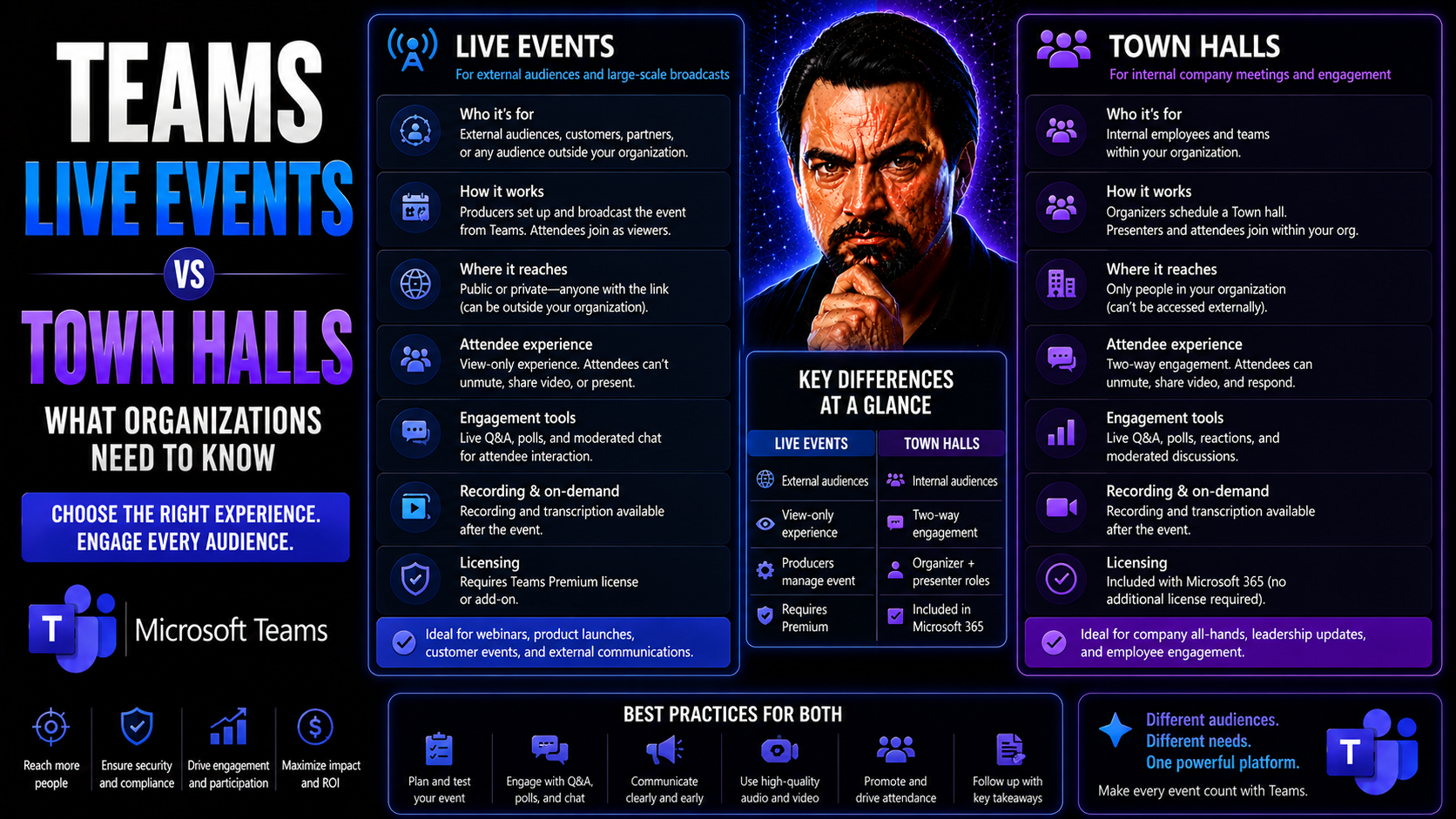
Teams Live Events vs Town Halls: What Organizations Need to Know

If your organization uses Microsoft Teams for big internal meetings or company-wide communications, there’s a major change on the horizon: Teams Live Events are riding off into the sunset, and Town Halls are taking their place. This isn’t just a nam…

View more
May 13, 2026

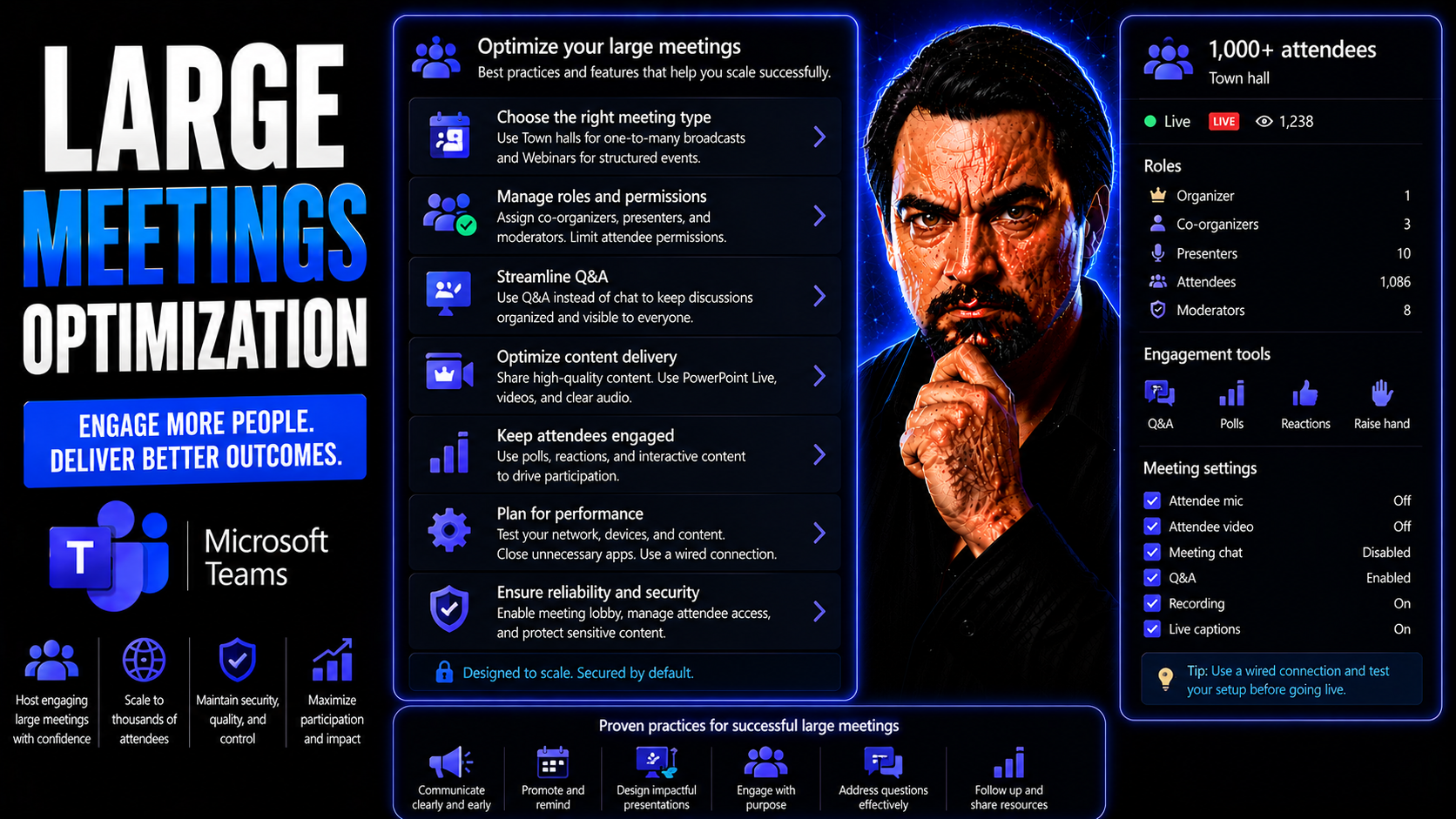
Large Meetings Optimization: Strategies for Effective Collaboration at Scale

Large meetings, especially in today’s hybrid and rapidly expanding organizations, can feel like trying to herd cats in a busy city park. More people, more technology, and more complex projects mean meetings are much bigger and more frequent than the…

View more
May 13, 2026

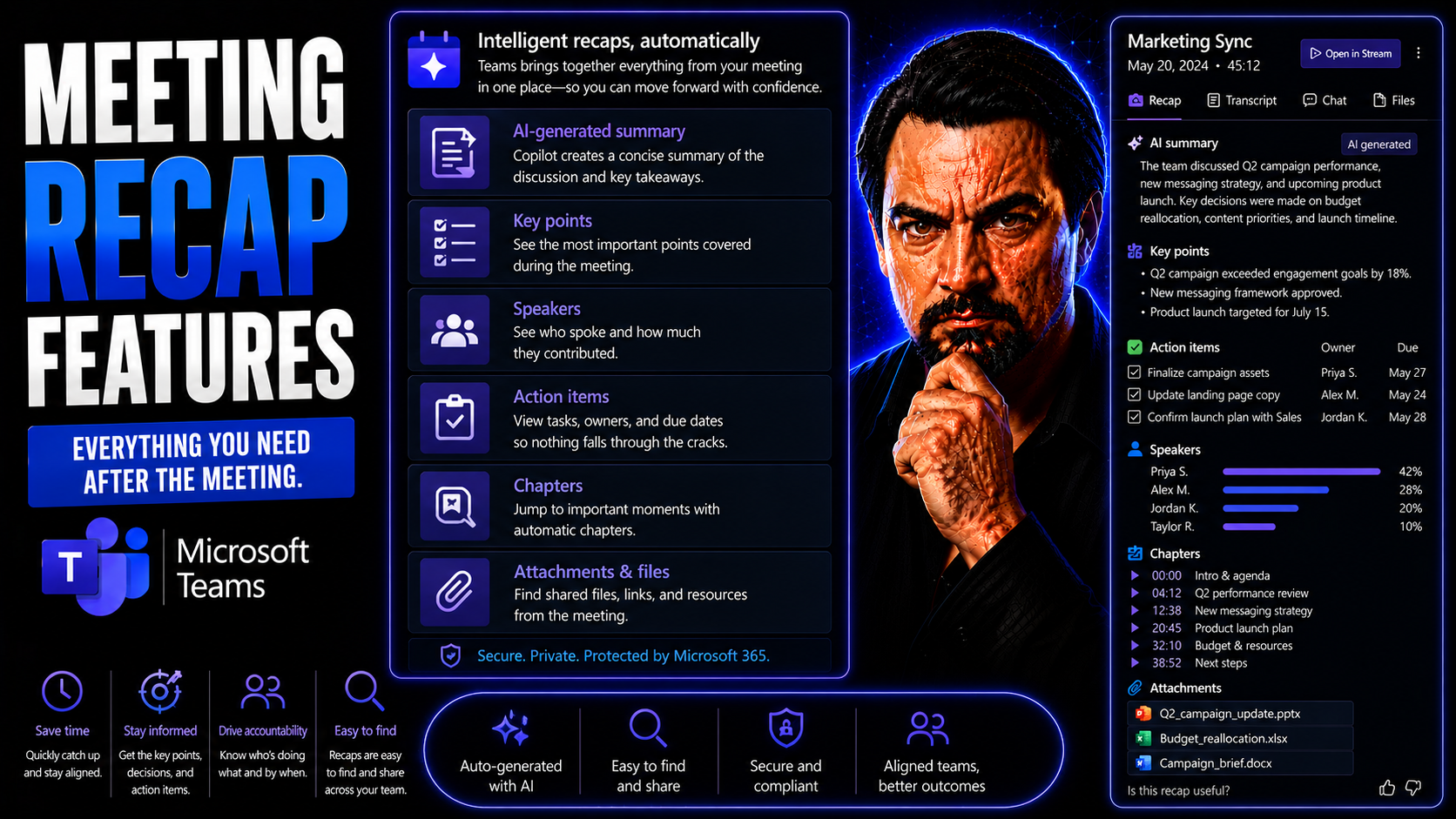
Essential Meeting Recap Features in Microsoft Teams

Microsoft Teams meeting recap features are more than just digital notetaking—they’re your shortcut to turning every conversation into real action. Teams uses AI to capture meeting details, summarize action items, and deliver structured insights, whe…

View more
May 13, 2026

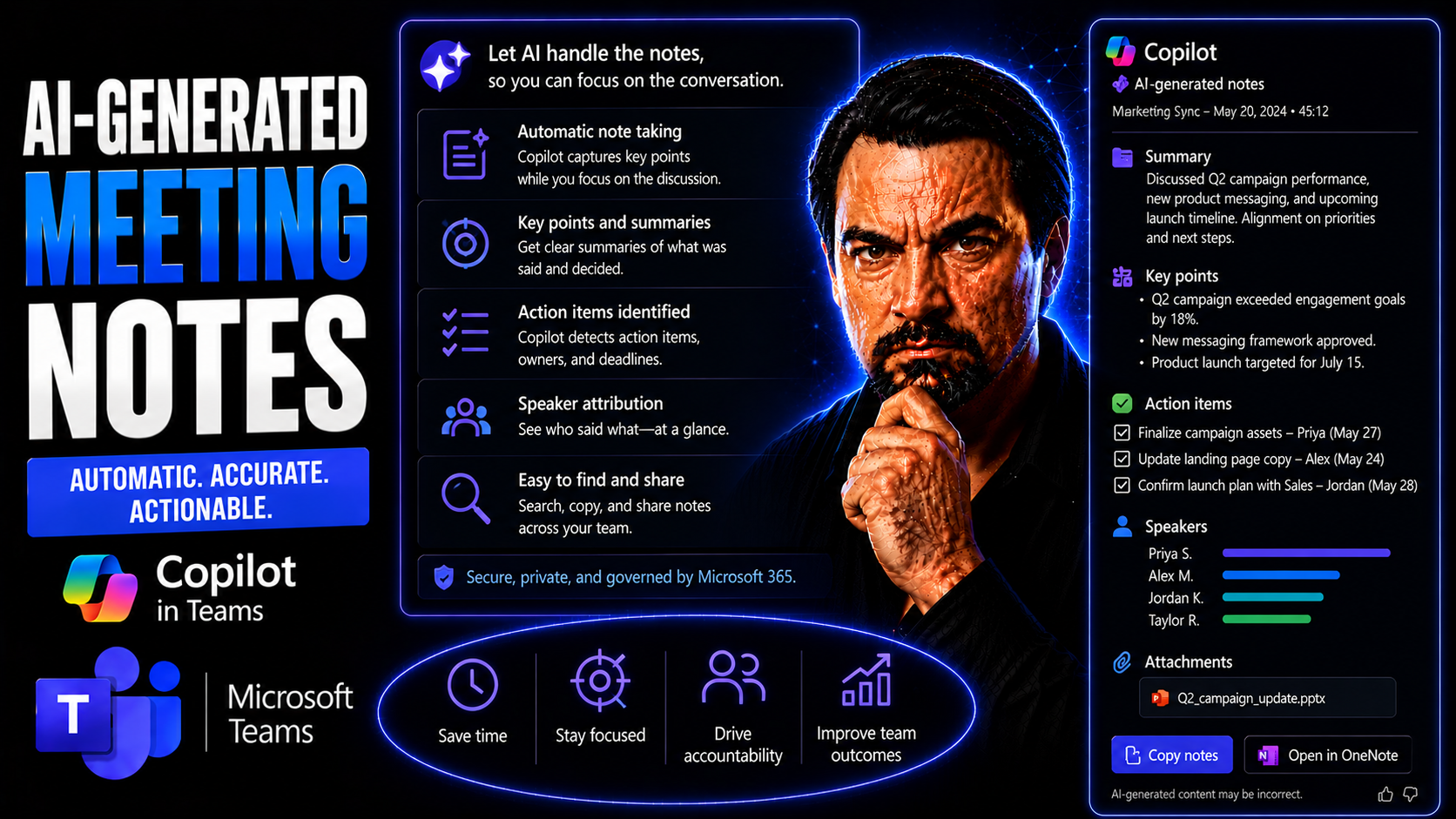
AI-Generated Meeting Notes: The Ultimate Guide for Microsoft Teams

AI-Generated Meeting Notes: The Ultimate Guide for Microsoft TeamsQuick answer: Learn how AI-generated meeting notes work in Microsoft Teams, including Copilot, transcription, privacy, action items, and human review.AI-generated meeting notes in Tea…

View more
May 13, 2026

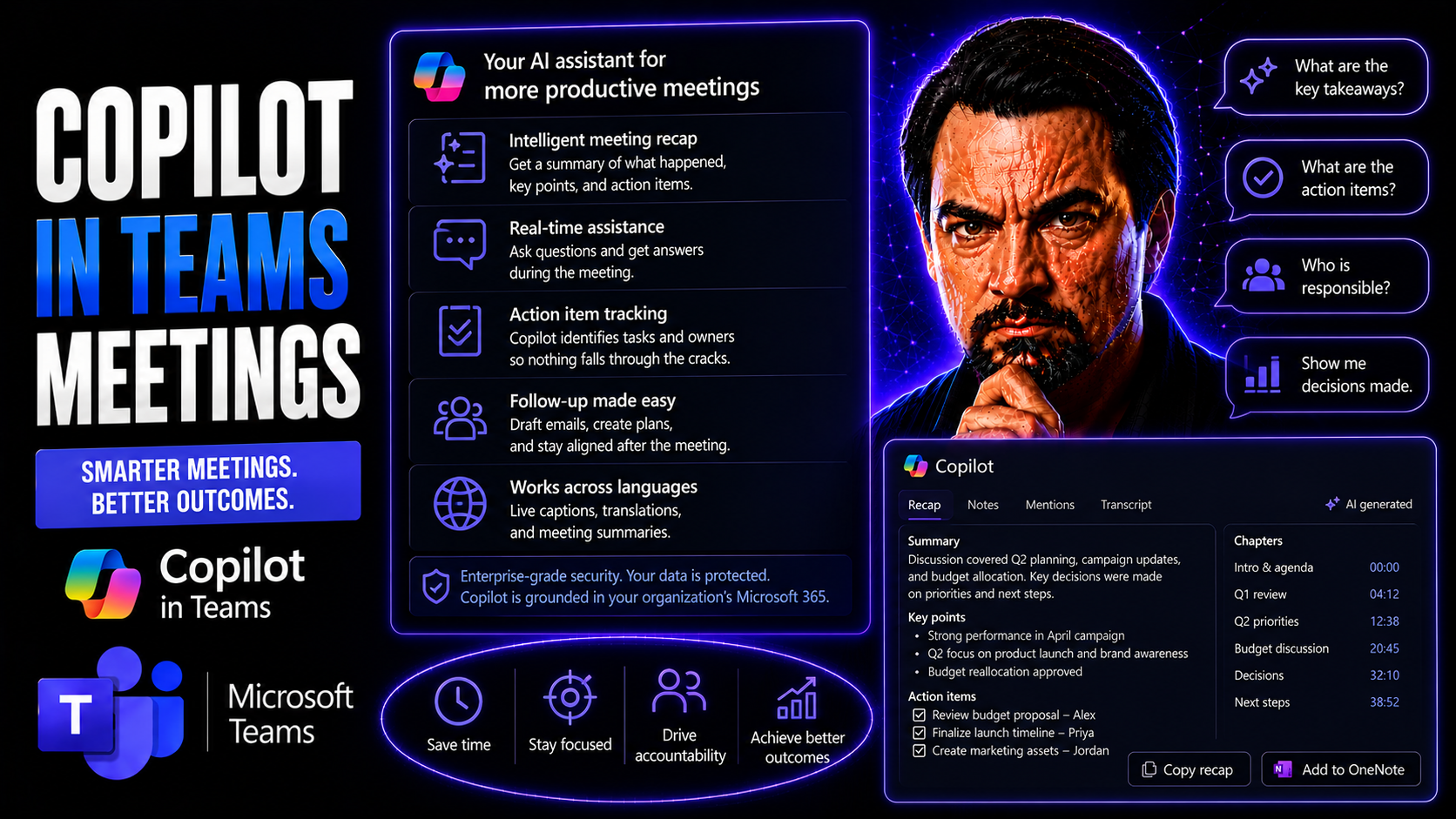
Copilot In Teams Meetings Guide

Microsoft Copilot is quickly turning into the secret sauce for making Microsoft Teams meetings smoother, smarter, and more productive. This AI assistant works directly within the Teams experience—capturing notes, summarizing discussions, and even he…

View more
May 13, 2026

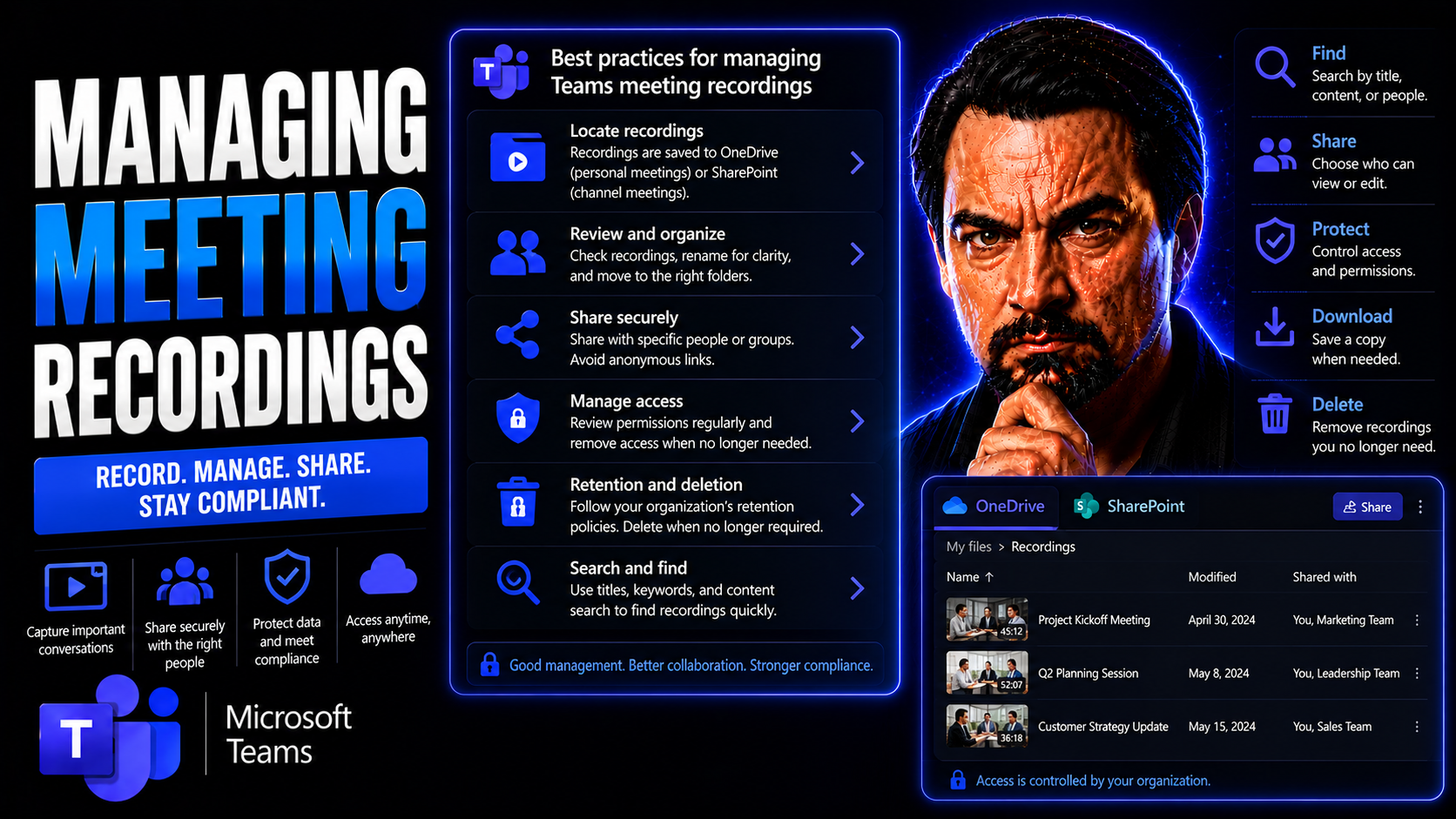
Microsoft Teams Meeting Recordings Guide

Quick Answer: To manage Microsoft Teams meeting recordings, decide before the meeting who may record, where the recording is stored, who may access or share it, and how long it should be retained. After recording, verify permissions, notify attendee…

View more
May 13, 2026

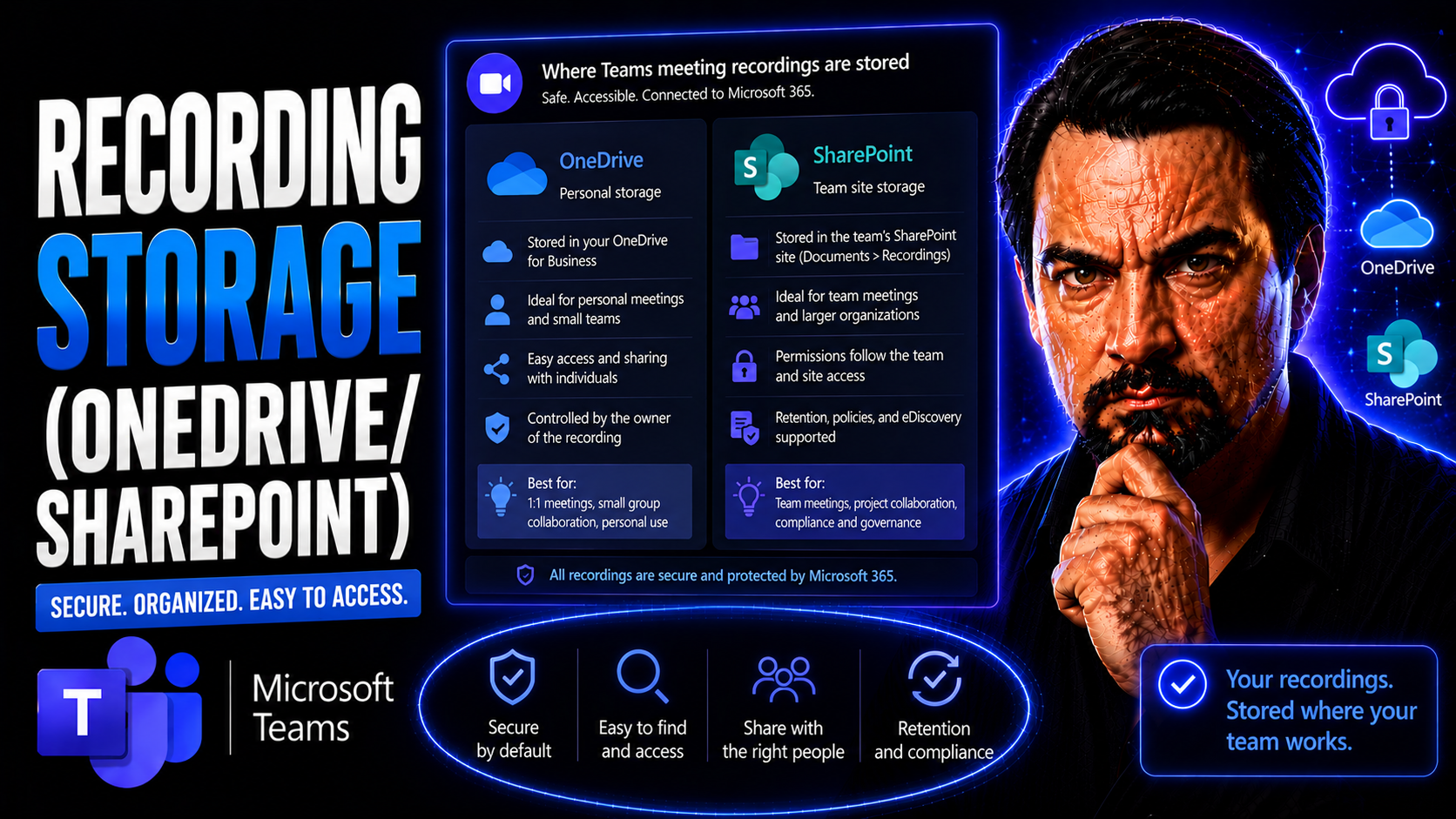
Teams Recording Storage Guide

Teams recording storage needs a clear business scenario, supported Microsoft 365 configuration, and accountable ownership. Start with the user outcome, verify current Microsoft guidance, test the approach with representative users, and document the …

View more
May 13, 2026

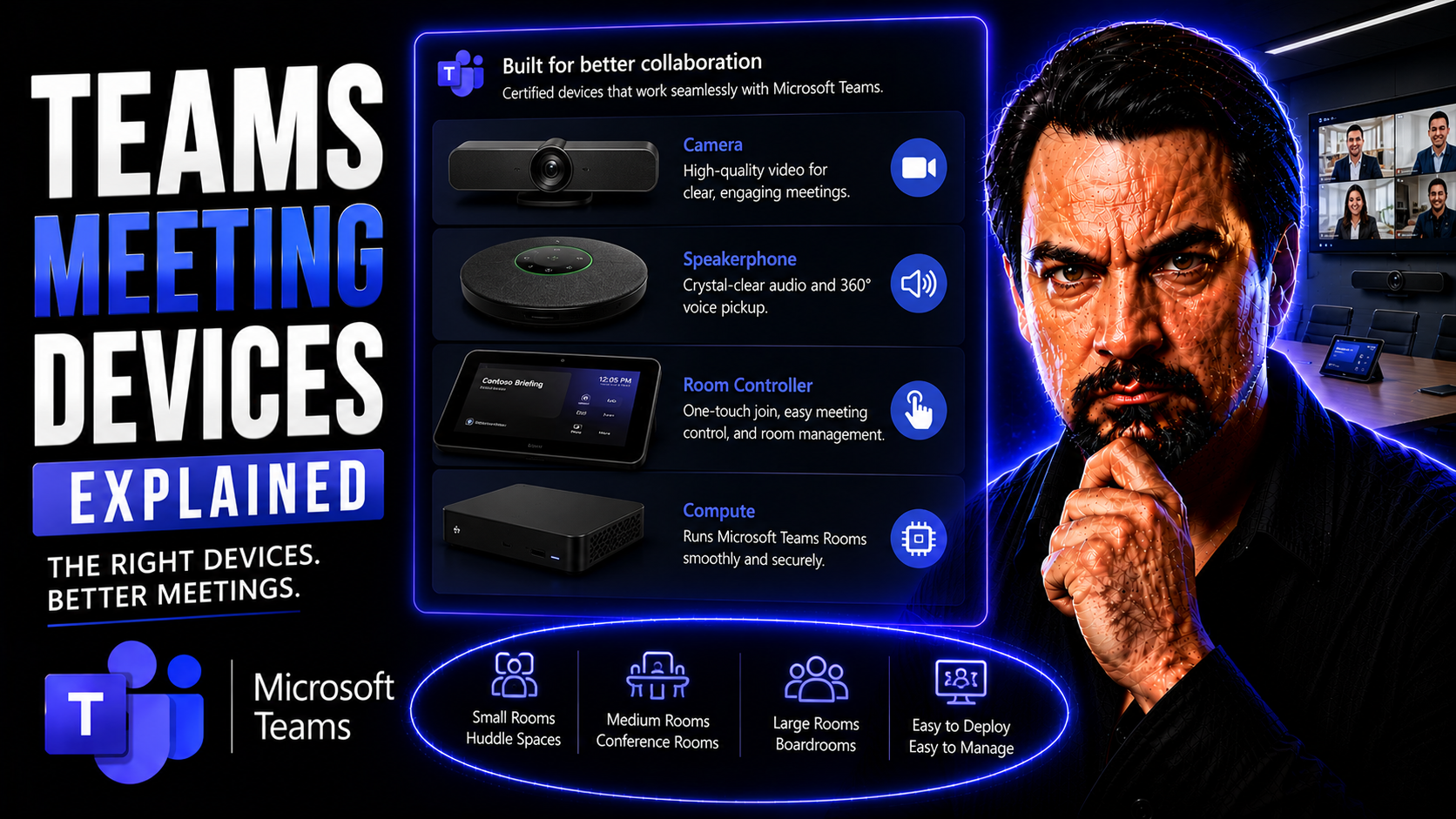
Teams Meeting Devices Guide

This guide takes the mystery out of Teams meeting devices and Microsoft Teams Rooms. Whether you’re weighing your options for office video gear or planning a new conference setup, you’ll get the clarity you need on how hardware and software mesh tog…

View more
May 13, 2026

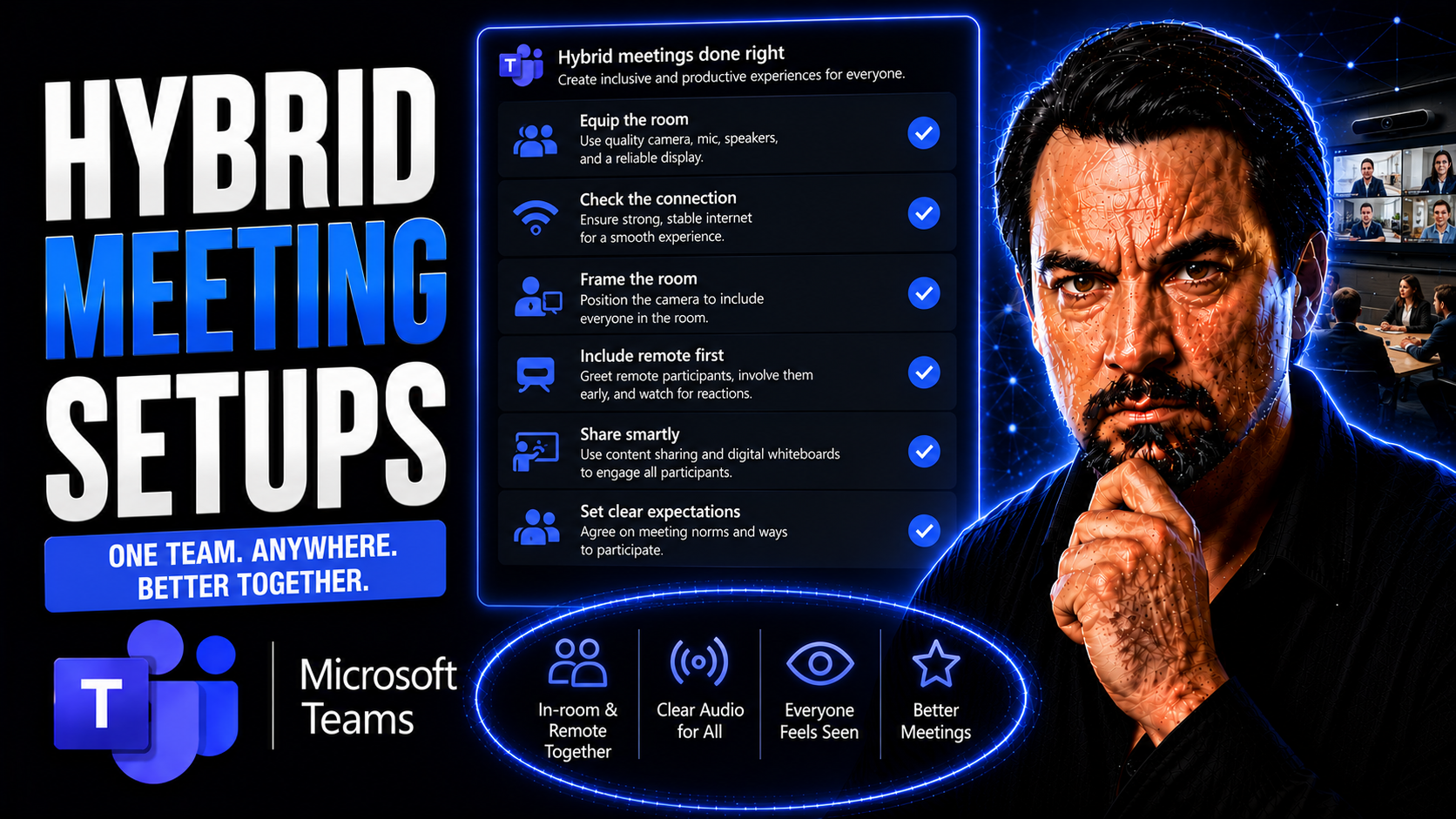
Hybrid Meeting Setups Guide

Hybrid meeting setups have quickly become a mainstay for businesses that blend remote and on-site work. These systems bring together people in a physical meeting room and those joining virtually, making everyone part of the same conversation—no matt…

View more
May 13, 2026

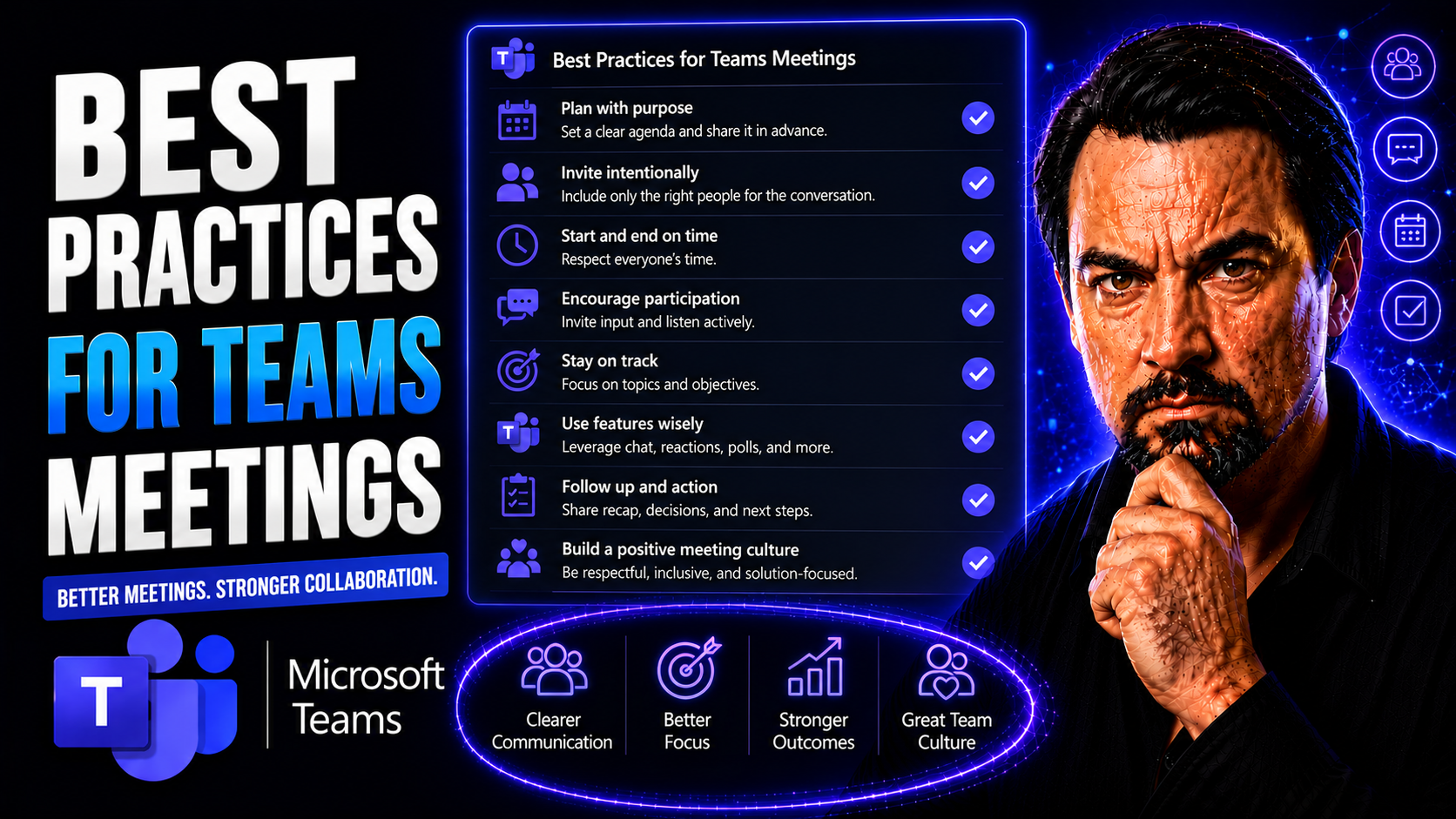
Microsoft Teams Meeting Best Practices Guide

Effective Microsoft Teams meetings are the backbone of productive teams—whether you’re in a buzzing office, working from home, or managing classroom discussions. In today’s world, Teams has become the go-to platform for collaboration, project update…

View more
May 13, 2026

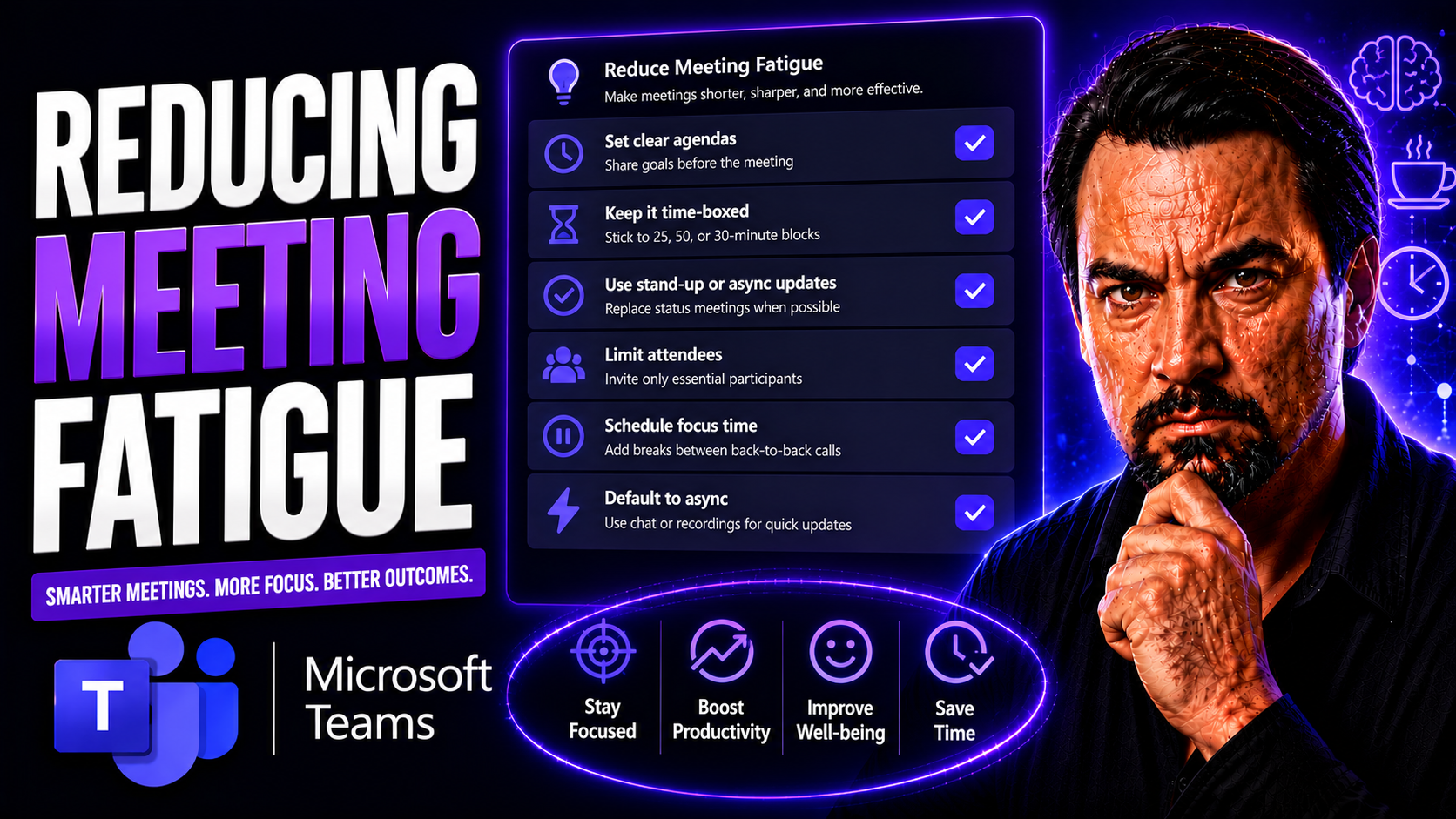
Microsoft Teams Meeting Fatigue Guide

Meeting fatigue is the mental and physical exhaustion that comes from too many or ineffective meetings—a challenge that’s exploded with the rise of remote work. In Microsoft Teams, where meetings are just a click away, it’s all too easy to feel stre…

View more
May 13, 2026

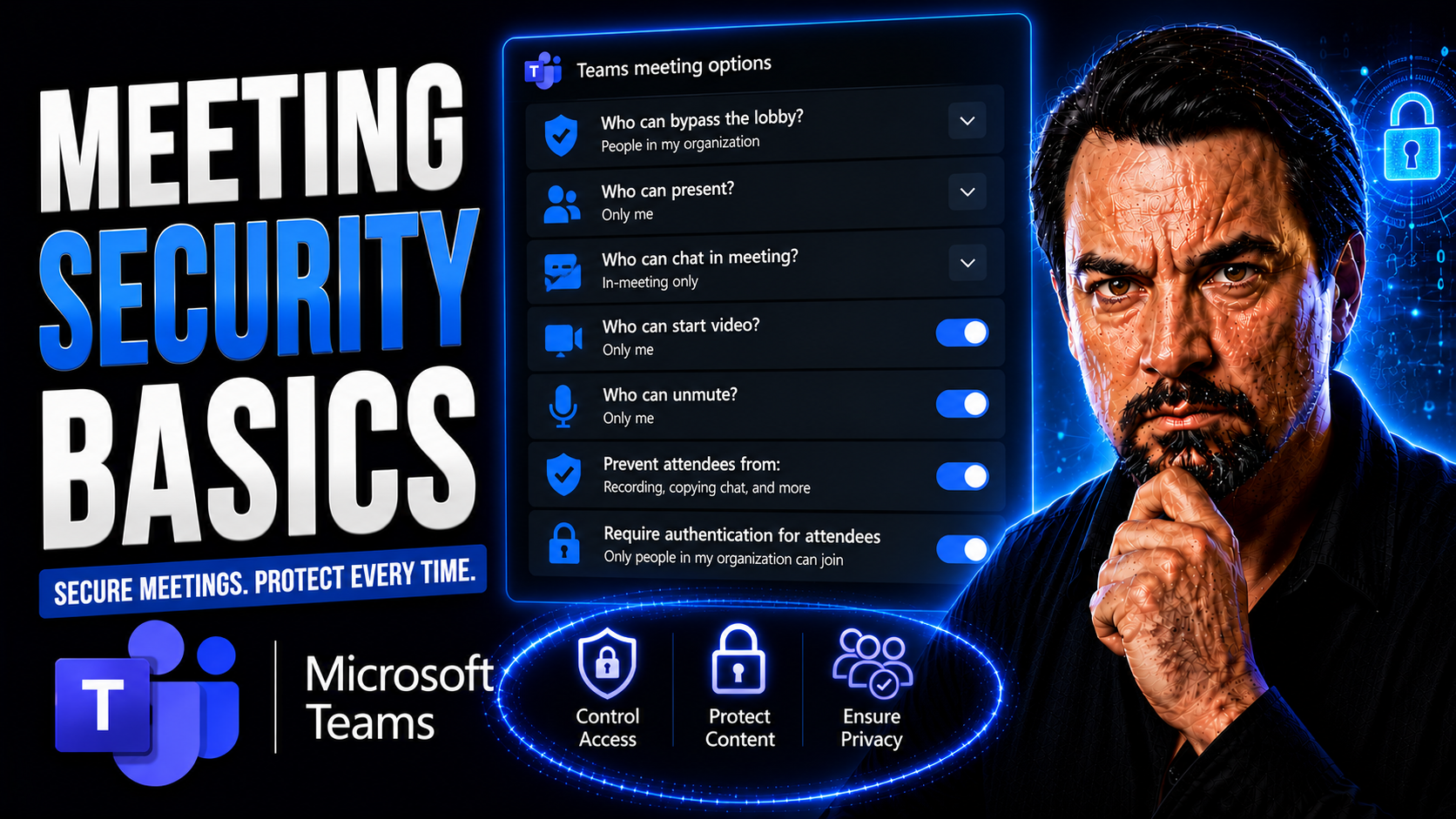
Teams Meeting Security Guide

Meeting security isn’t just a checklist item—it’s the difference between safe working and a potential data catastrophe. In today’s world, where Microsoft Teams and other platforms are standard for business collaboration, every virtual or hybrid meet…

View more
May 13, 2026

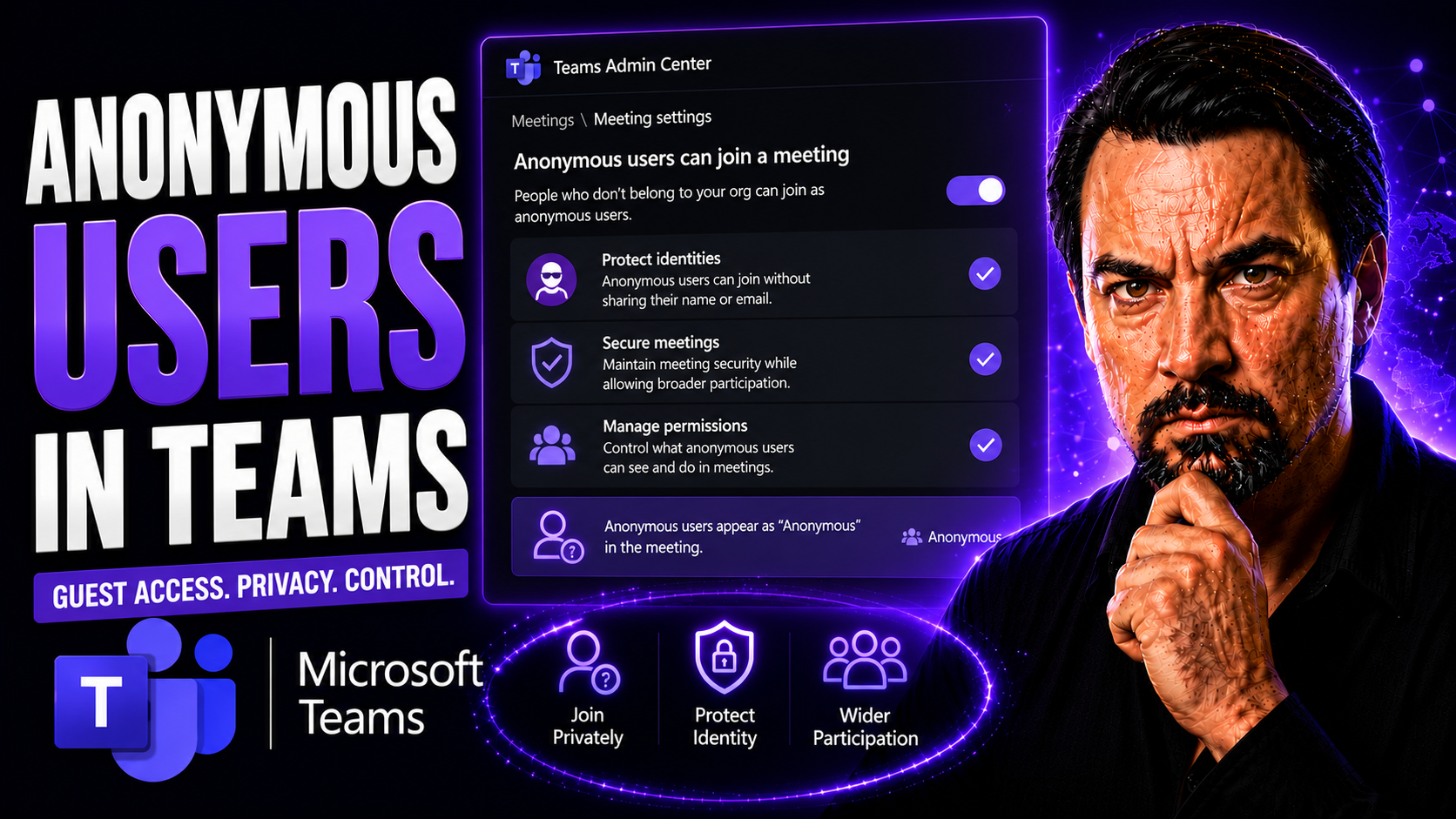
Anonymous Users In Teams Meetings Guide

Anonymous users in Teams meetings can join without a signed-in organisational account when the meeting and tenant settings allow it. Organisers should decide whether anonymous access is needed, use the lobby to control admission, avoid sharing sensi…

View more
May 13, 2026

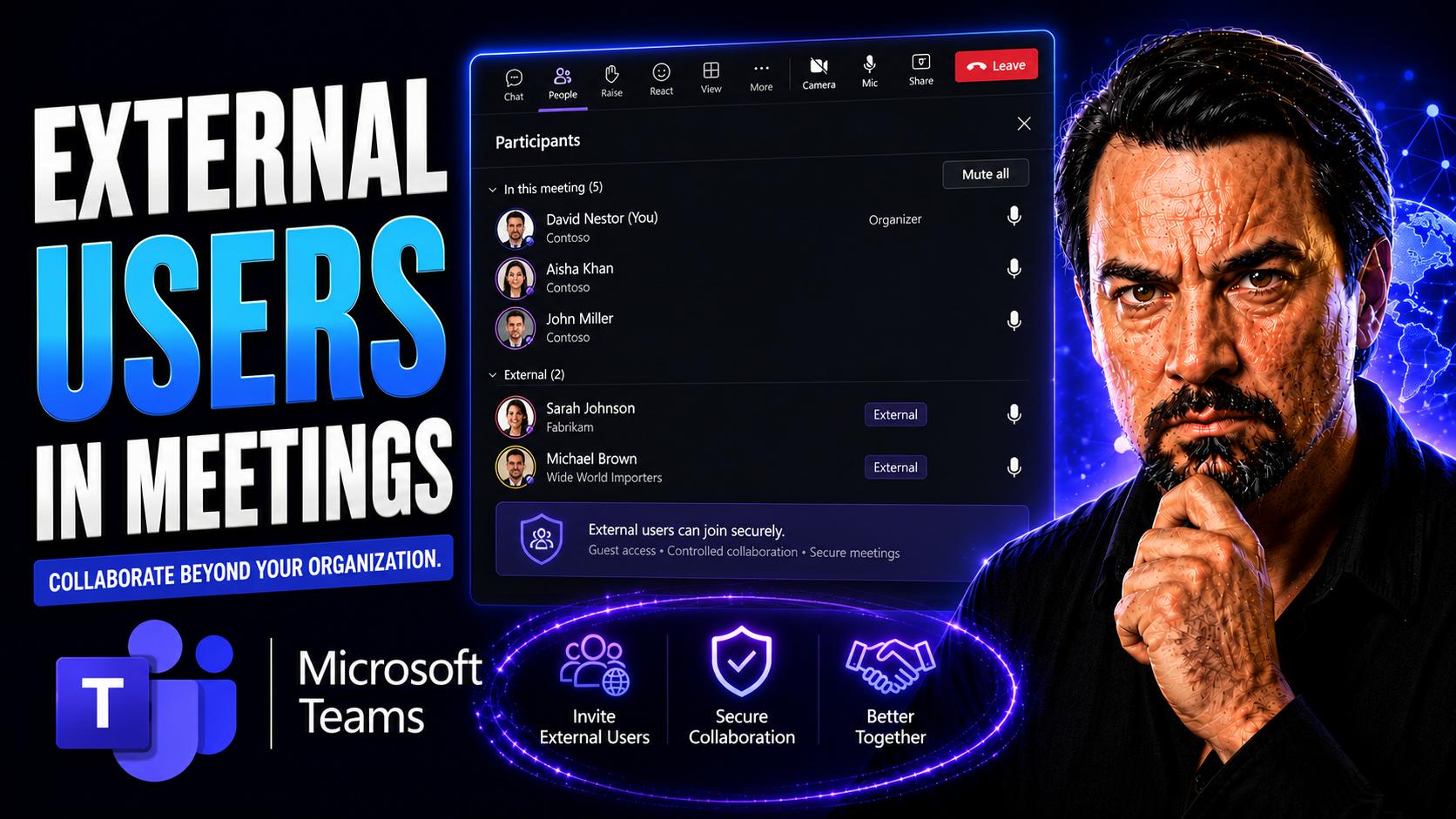
External Users In Teams Meetings Guide

External collaboration in Microsoft Teams meetings is now part of everyday business, but it brings a new set of challenges. When you open your digital doors to clients, vendors, or partners, things like security, governance, and user experience beco…

View more
May 13, 2026

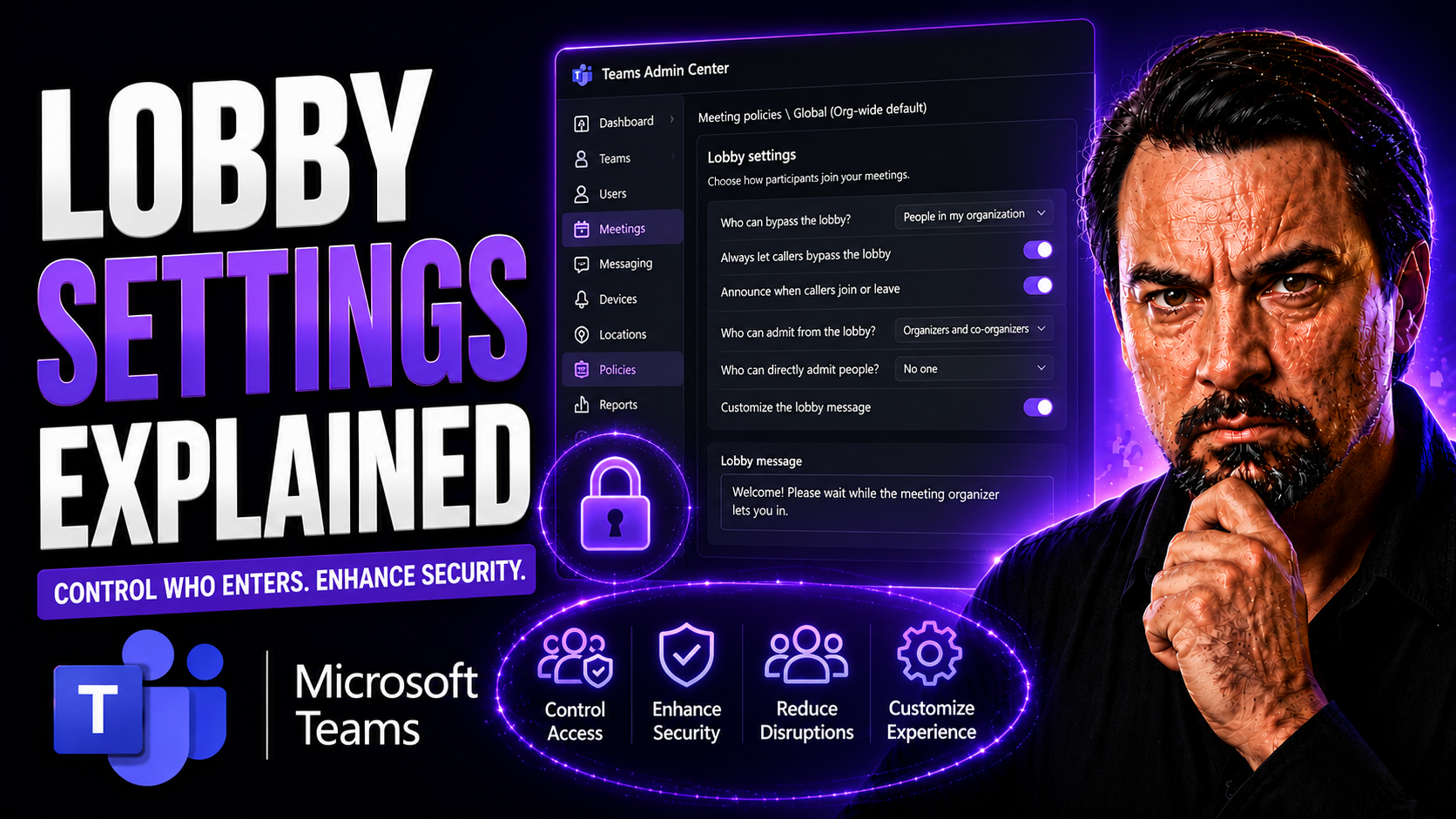
Teams Lobby Settings Guide

If you've ever found yourself asking, "Who decides who gets into my Teams meeting and when?"—you’re not alone. Microsoft Teams lobby settings are at the center of this modern workplace gatekeeping. This guide will walk you through everything you nee…

View more
May 13, 2026

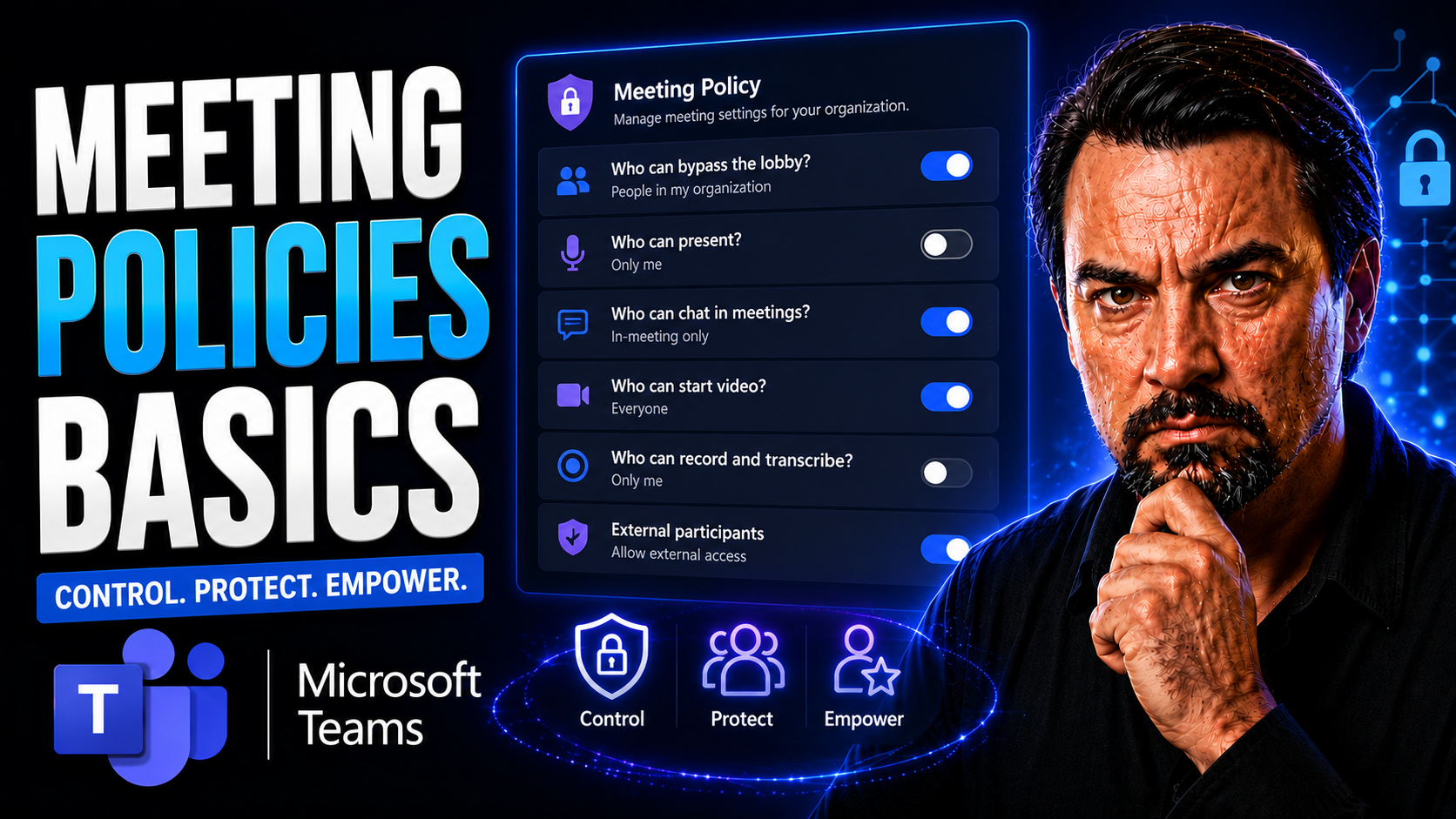
Teams Meeting Policies Guide

When you're looking to run meetings that actually get stuff done, you need more than just a calendar invite. This guide digs into the basics of meeting policies—what they are, why they matter, and how they bring real order and focus to both in-perso…

View more
May 13, 2026

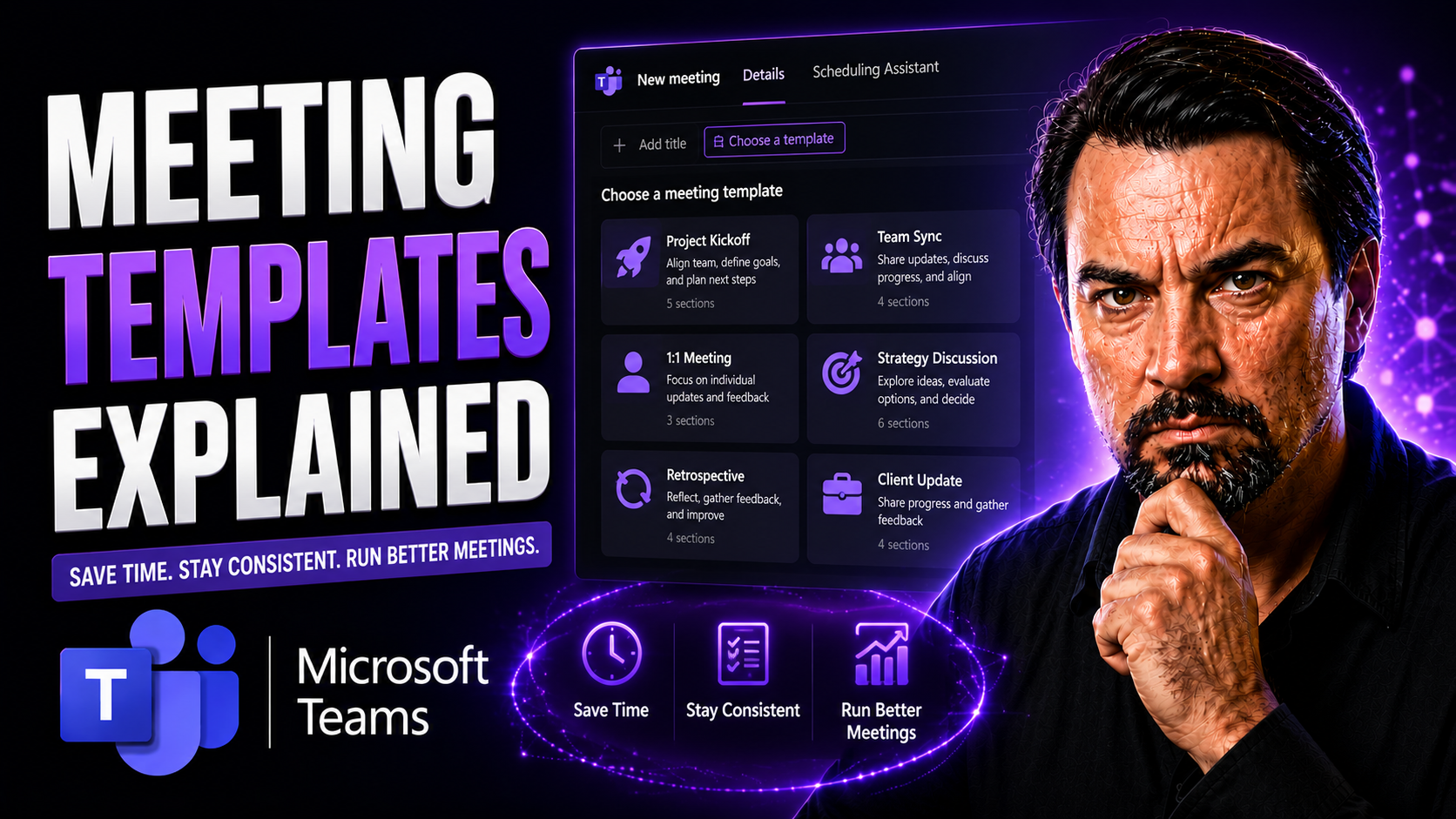
Teams Meeting Templates Guide

Let’s be honest: most meetings eat up time without getting much done. Meeting templates flip that script, helping you plan with purpose and guide your team to real results—especially when you’re using Microsoft Teams. Meeting templates are blueprin…

View more
May 13, 2026

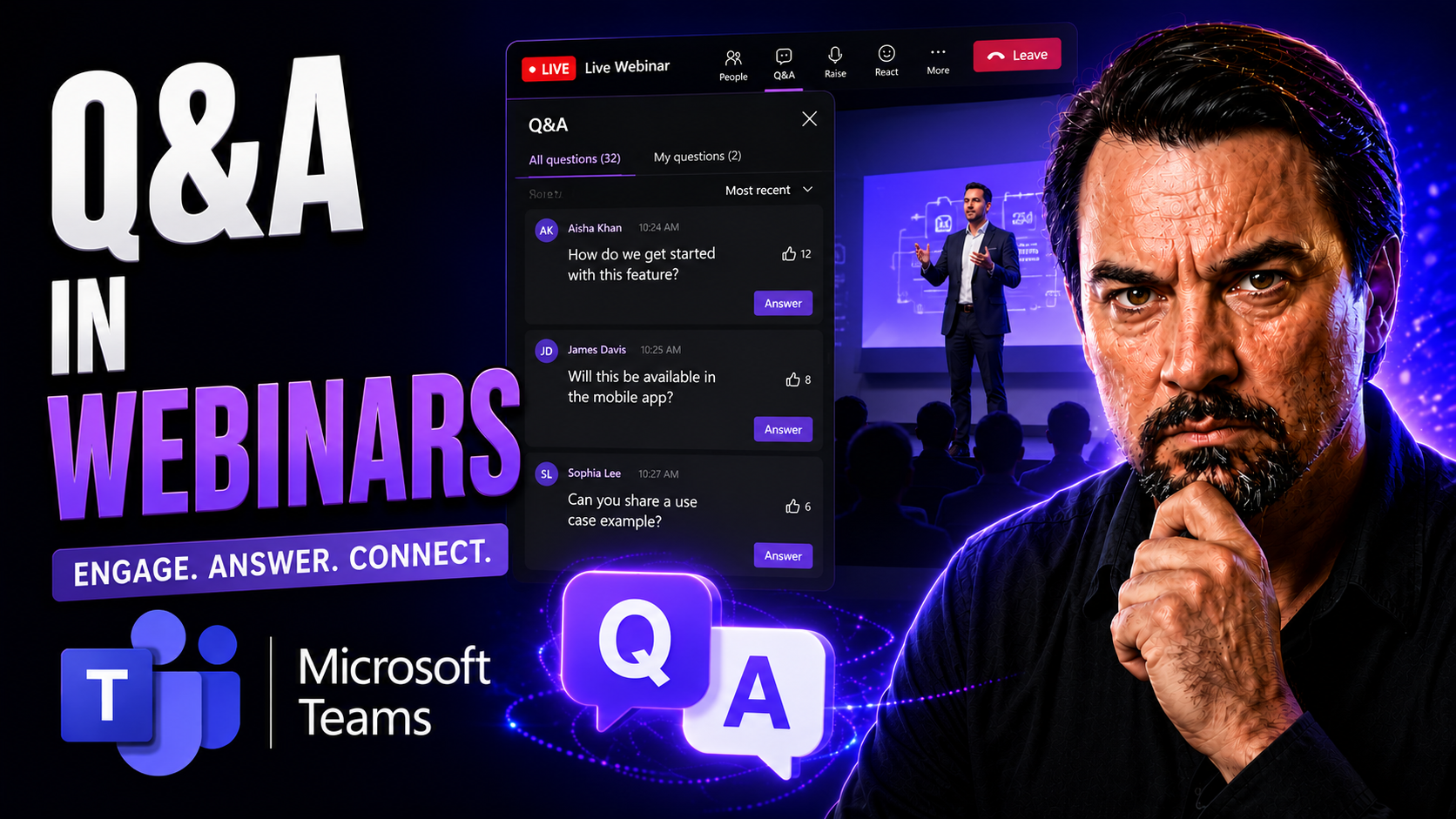
Webinar Q&A Best Practices Guide

Great webinars aren’t just about slick slides and rehearsed speeches—they’re about genuine interaction. The question and answer (Q&A) segment is where engagement comes alive, helping hosts connect with their attendees and dig into what really matter…

View more
May 13, 2026

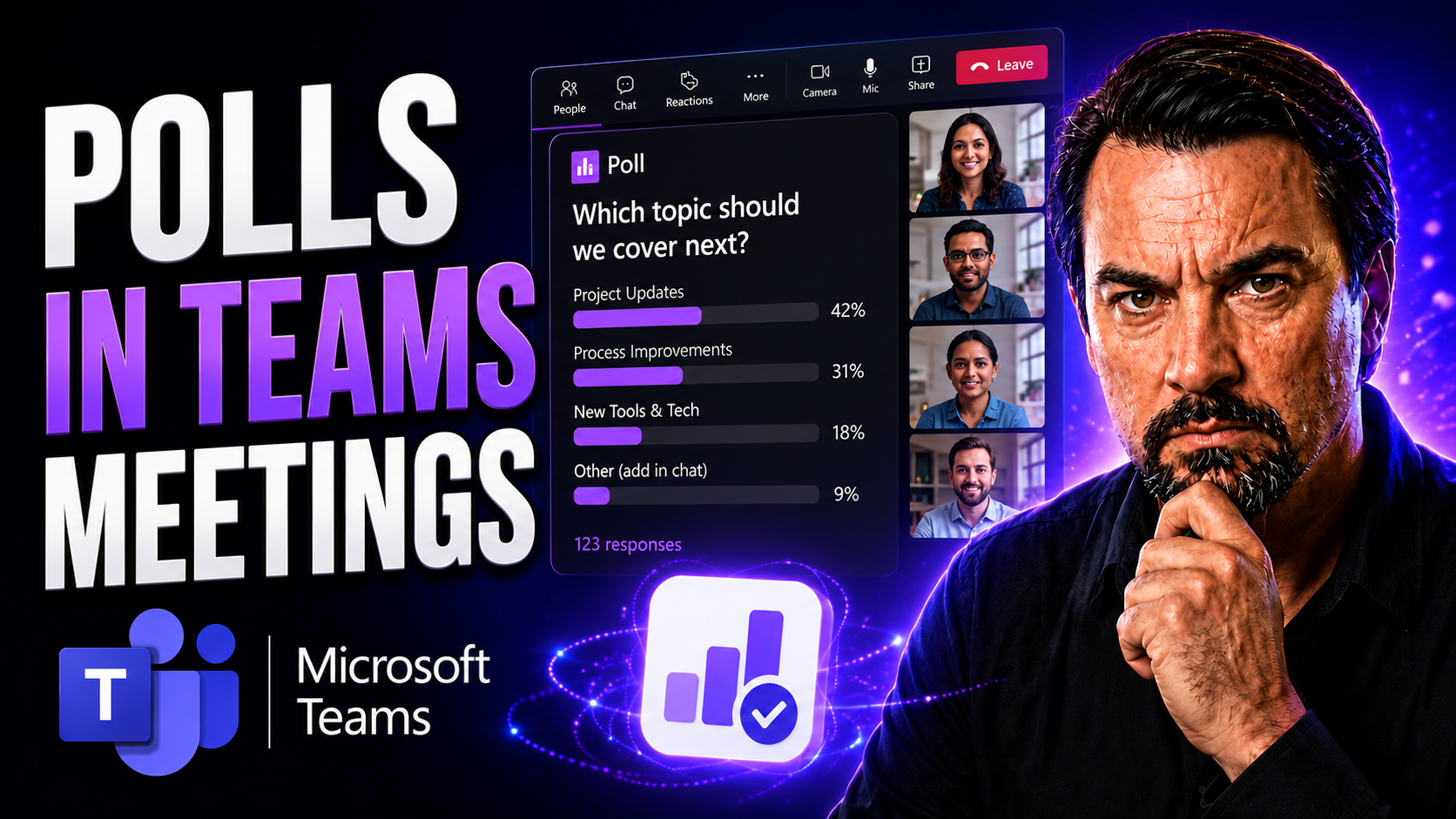
Polls In Teams Meetings Guide

Polls in Microsoft Teams meetings open up a world where everyone gets heard, not just the loudest voices. They’re more than just quick surveys—they’re a hands-on way to boost participation, get feedback on-the-spot, and keep meetings sharp and on-tr…

View more
May 13, 2026

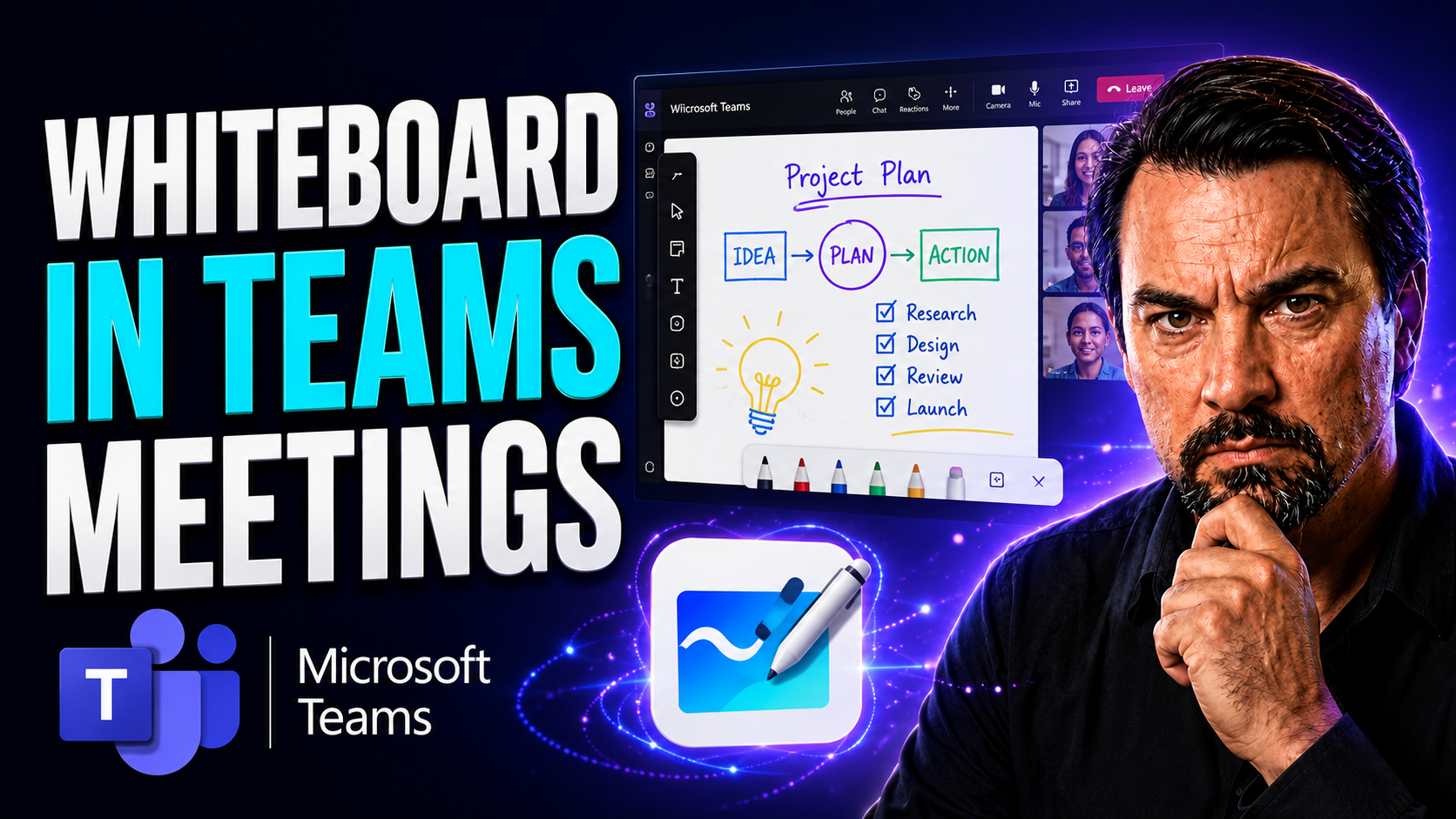
Microsoft Teams Whiteboard Guide

Quick Answer: To use Microsoft Teams Whiteboard in a meeting, join the meeting, select Share, choose Microsoft Whiteboard, and start adding notes, drawings, or templates with participants. Check meeting policies and guest permissions if the Whiteboa…

View more
May 13, 2026

PowerPoint Live In Teams Guide

PowerPoint Live is the next level for sharing presentations inside Microsoft Teams. Instead of old-school screen sharing where everyone just stares at your desktop, PowerPoint Live lets you run fully interactive presentations made for remote and hyb…

View more