

Work smarter, not harder, with practical tips for Microsoft 365.
From Teams and Outlook to OneDrive and Office apps, we explore new features, time-saving shortcuts, collaboration tools, and productivity workflows that help you get more done every day.
Perfect for anyone who loves efficiency and wants to make M365 work for them.
From Teams and Outlook to OneDrive and Office apps, we explore new features, time-saving shortcuts, collaboration tools, and productivity workflows that help you get more done every day.
Perfect for anyone who loves efficiency and wants to make M365 work for them.
May 21, 2026
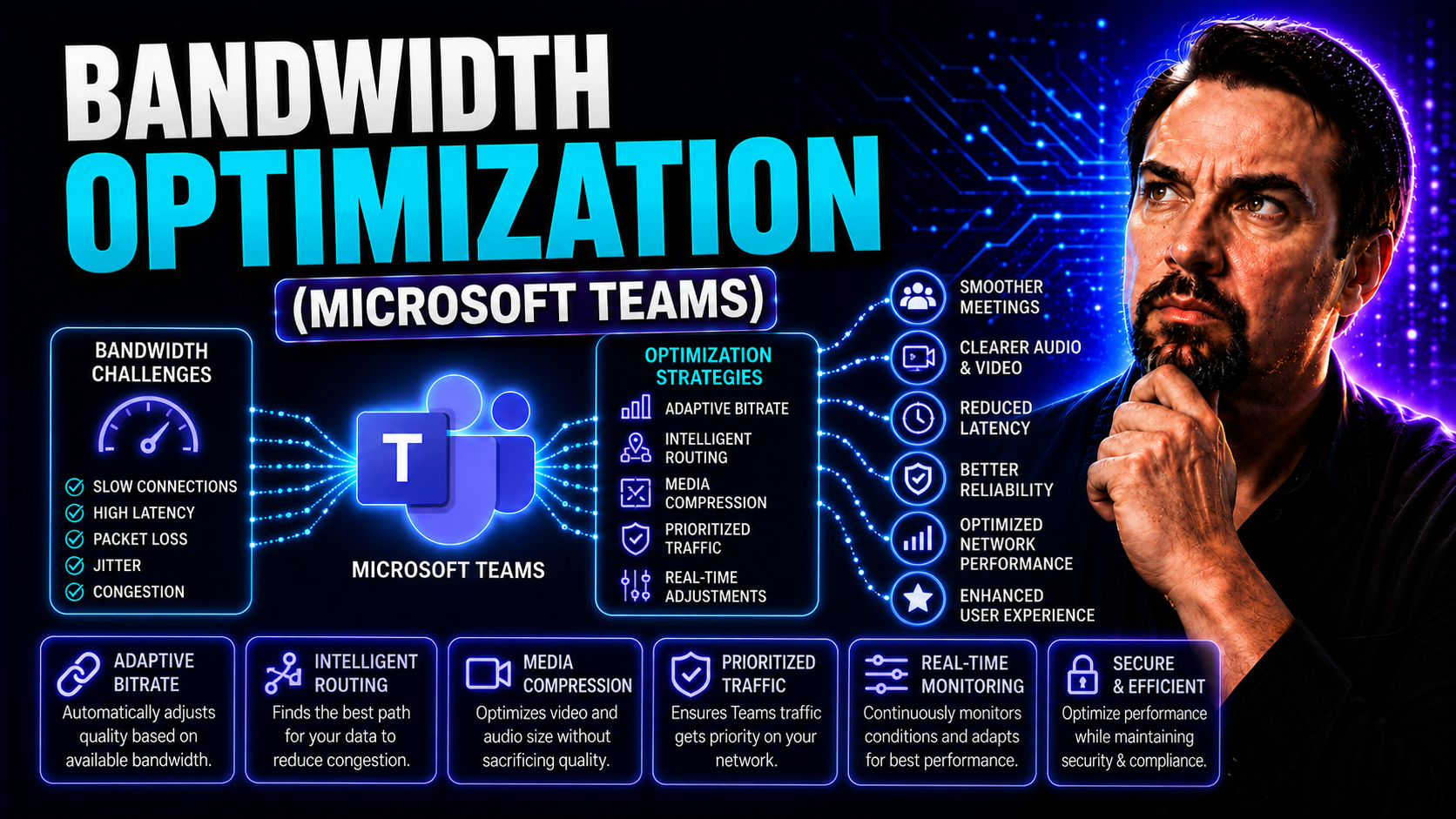
Bandwidth Optimization: Strategies for Effective Microsoft Teams Collaboration
Bandwidth optimization has become the heartbeat of productive digital workplaces, especially for organizations running Microsoft Teams and SharePoint. As remote and hybrid workforces skyrocket, strained network connections and rising data demands th…
May 21, 2026
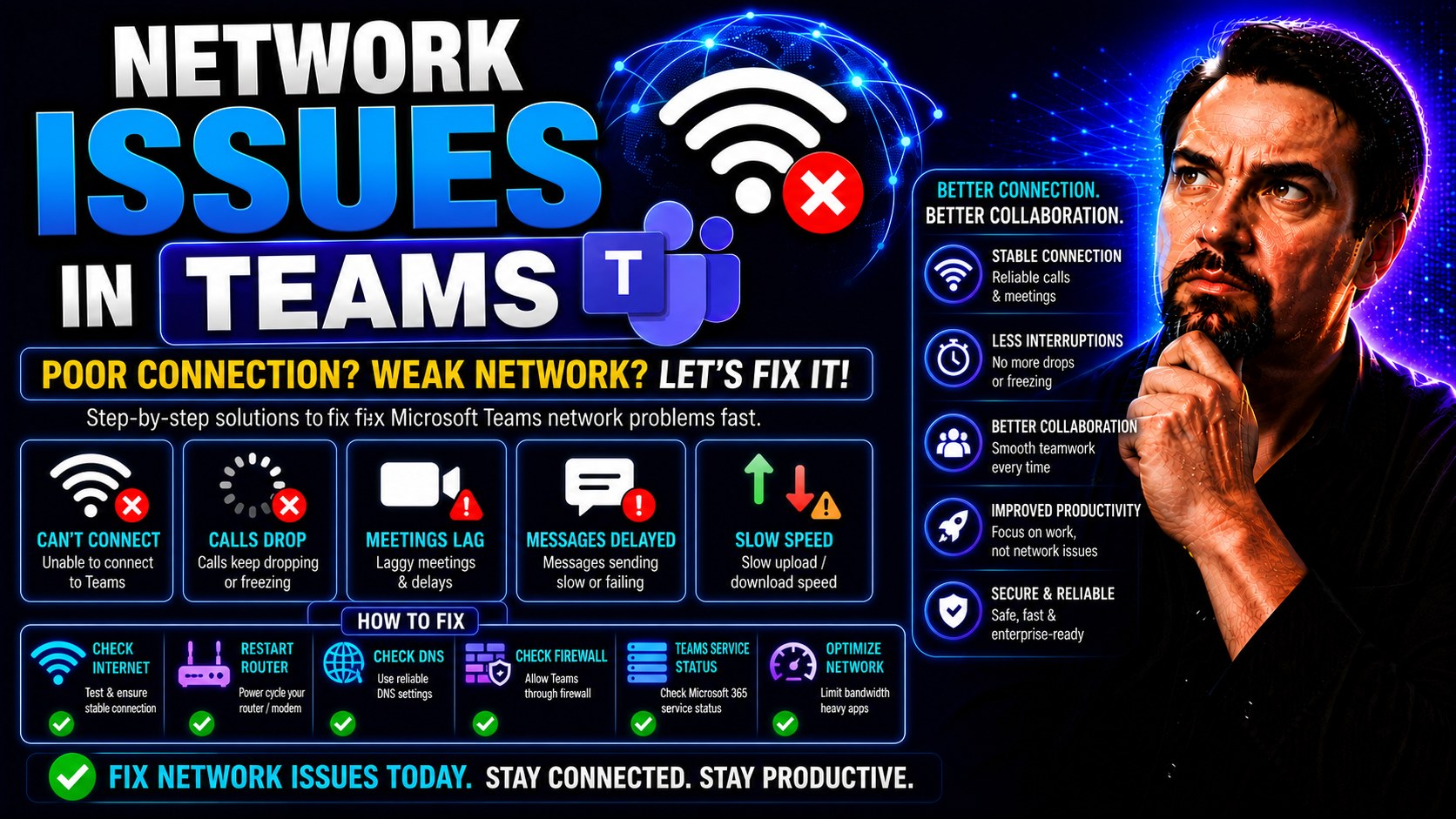
Troubleshooting Network Issues in Microsoft Teams
Teams network troubleshooting needs a clear business scenario, accountable ownership, and validated security and user-impact decisions. Start with the intended outcome, assess the supported Microsoft 365 capabilities, test with representative users,…
May 21, 2026
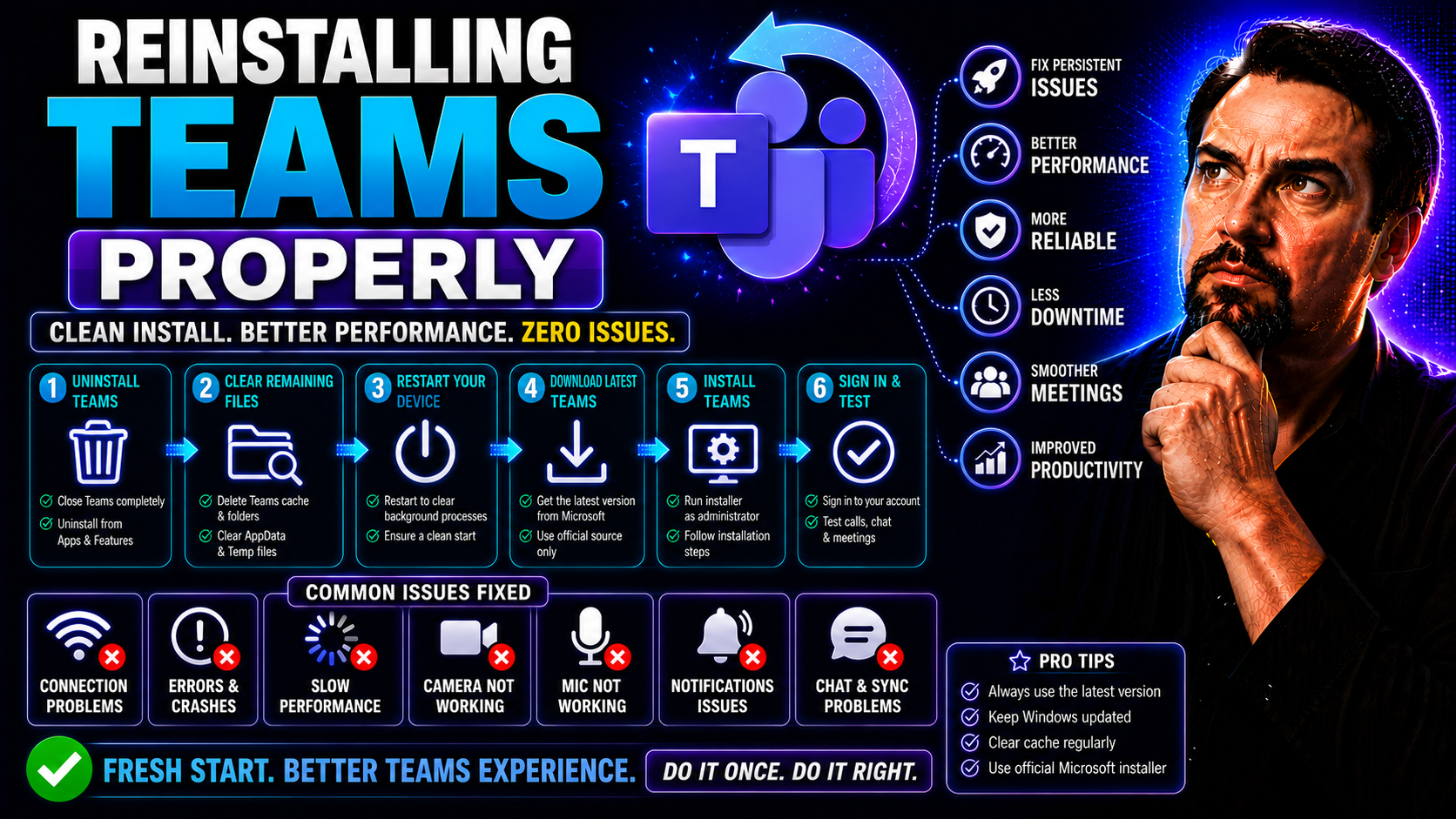
Complete Guide to Reinstalling Teams Properly
Reinstalling Microsoft Teams might sound straightforward, but if you don’t do it right, you can run into all sorts of headaches—like stubborn errors, missing settings, or weird login problems. This guide shows you step-by-step how to cleanly uninsta…
May 21, 2026
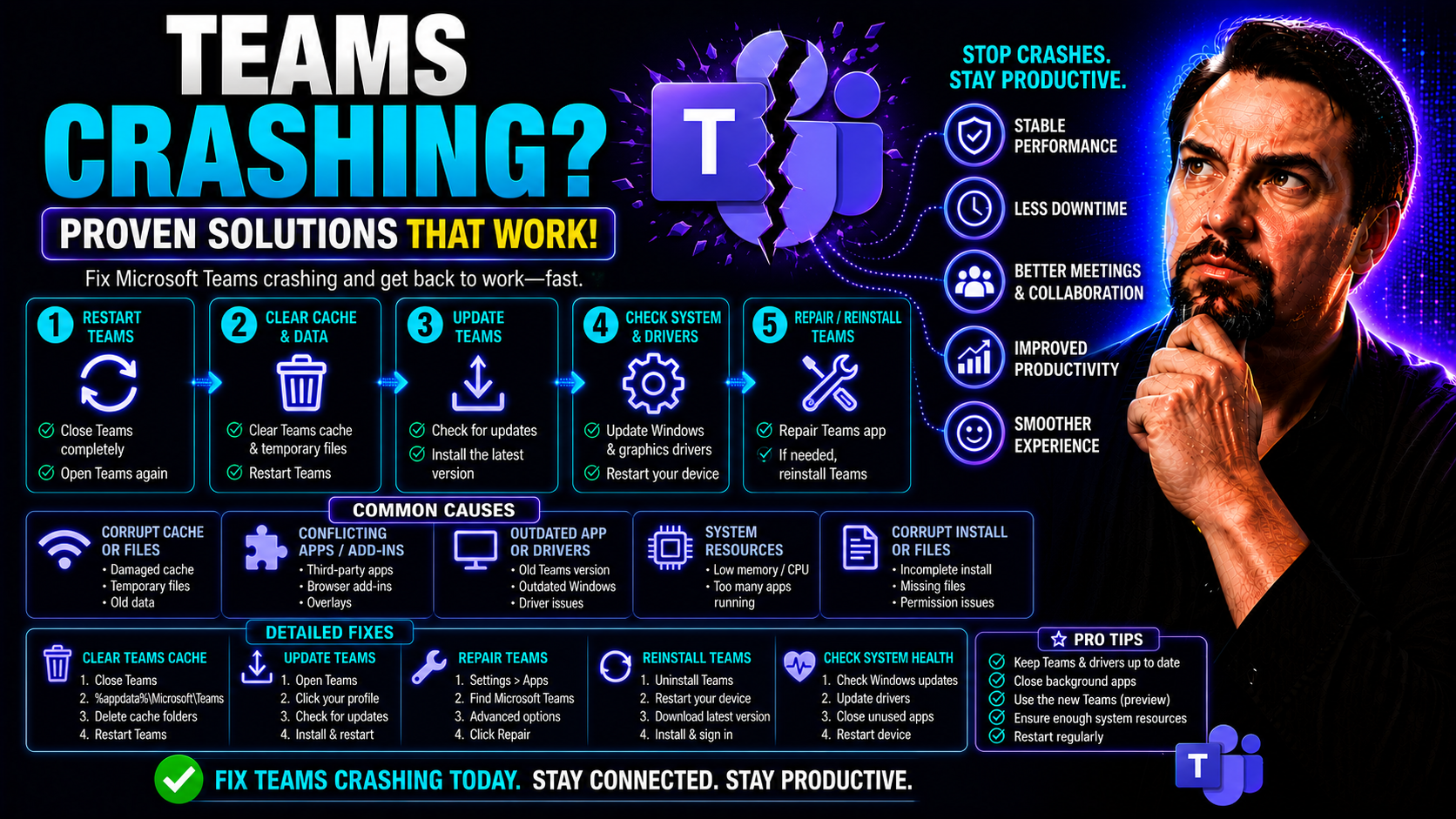
Effective Solutions for Teams Crashing: Fix Microsoft Teams App Instability
To fix Microsoft Teams crashing, first update the Teams client and operating system, restart the device, check the service health status, and isolate whether the issue affects desktop, web, or mobile. If the problem continues, collect the error deta…
May 21, 2026
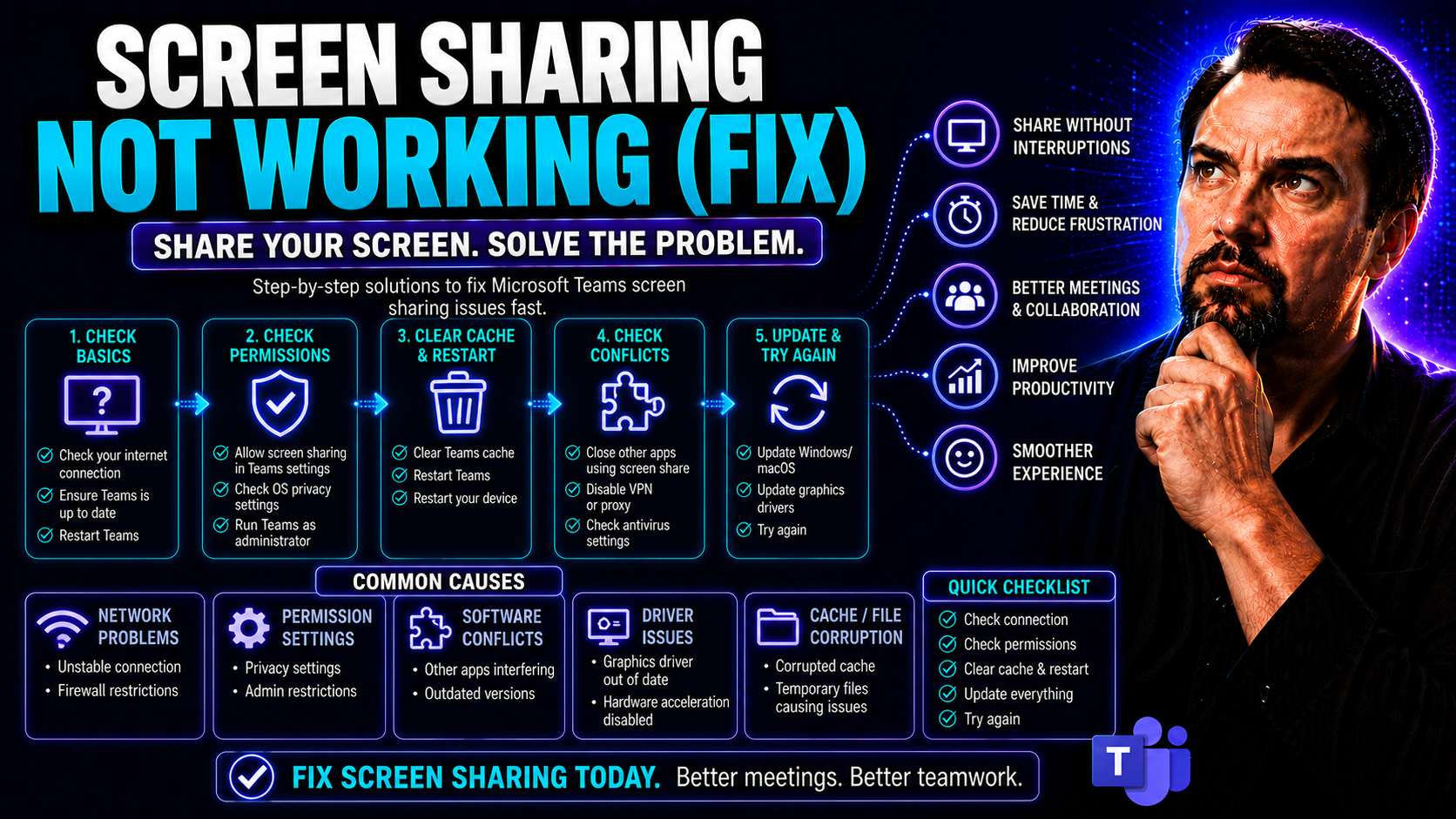
Fix Screen Sharing Not Working: Comprehensive Troubleshooting Guide
If screen sharing stops working in Microsoft Teams, Zoom, or Google Meet, it’s more than just a minor headache—it can shut down productivity for everyone. This guide makes fixing screen sharing problems straightforward and practical. Whether you’re …
May 21, 2026
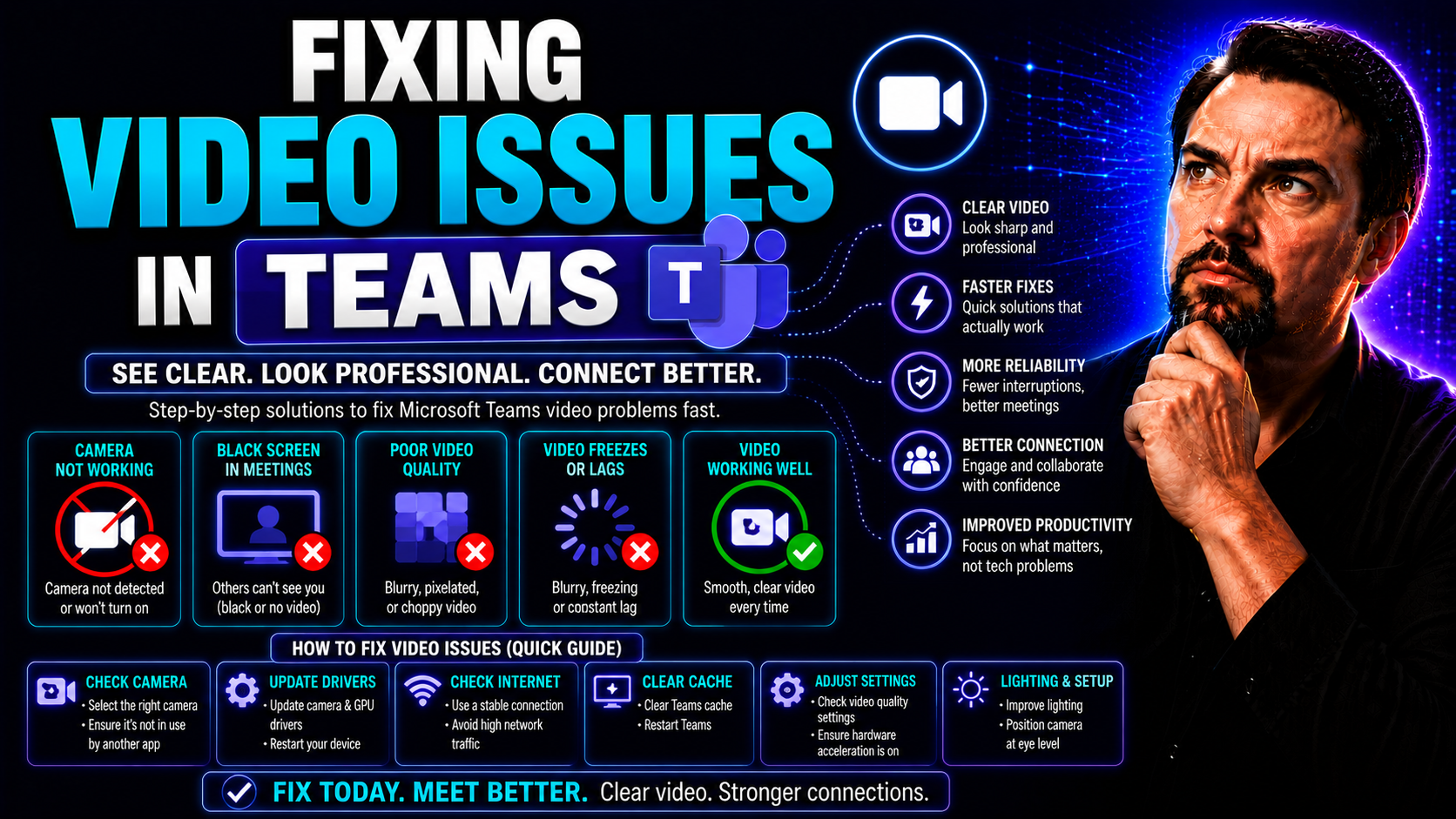
Fixing Video Issues in Teams: Step-by-Step Troubleshooting Guide
If your Microsoft Teams video isn’t working, you’re not alone—problems like missing cameras, flickering feeds, or “no signal” messages happen to just about everyone at some point. Whether you’re a seasoned IT pro or new to company video calls, this …
May 21, 2026
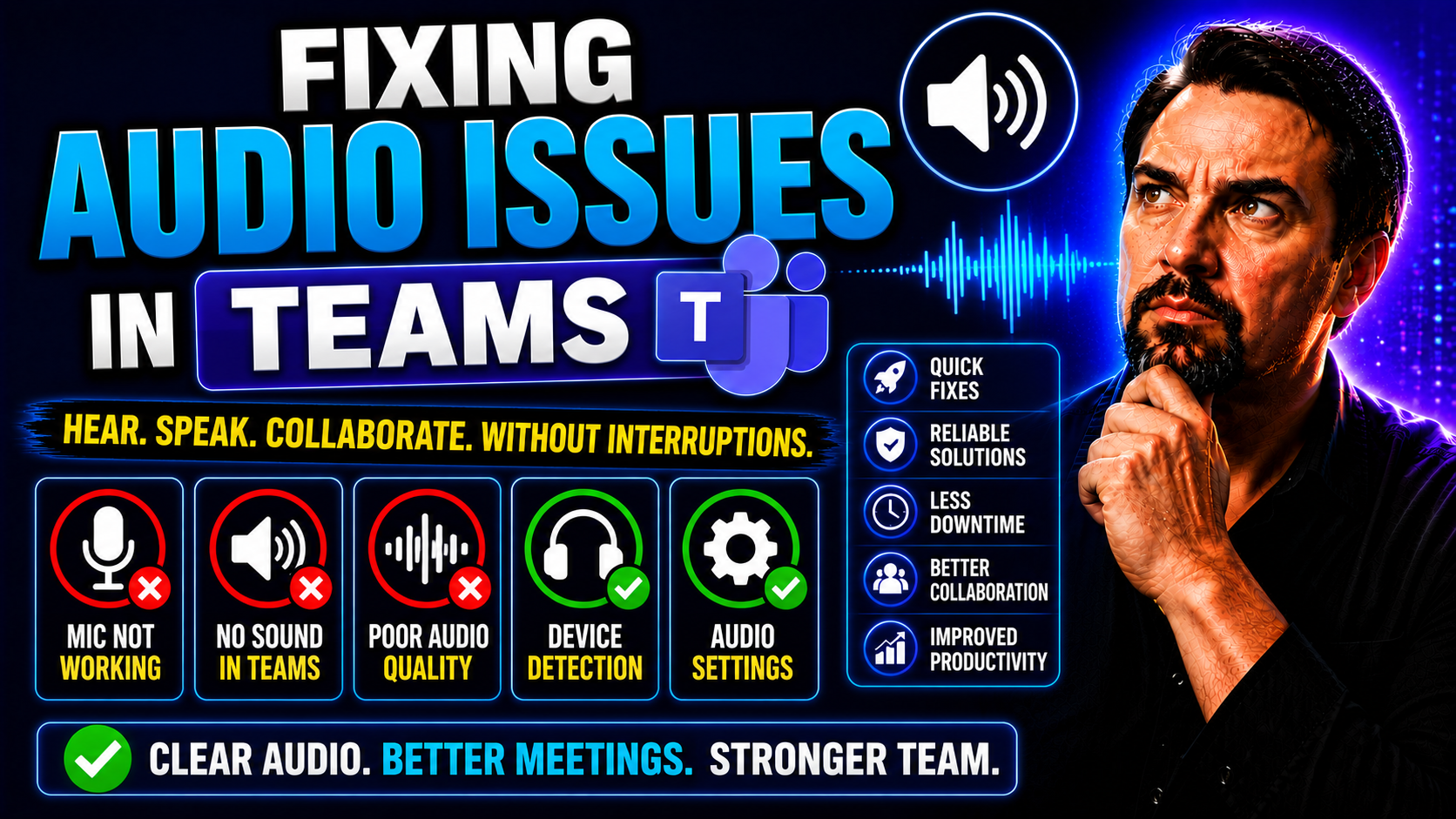
Fixing Audio Issues in Teams: A Complete Guide to Crystal Clear Meetings
This comprehensive guide is all about getting your Microsoft Teams audio right—the first time, every time. You’ll find strategies for setting up your devices before a meeting, in-the-moment fixes for audio troubles, and advanced tricks for dealing w…
May 21, 2026
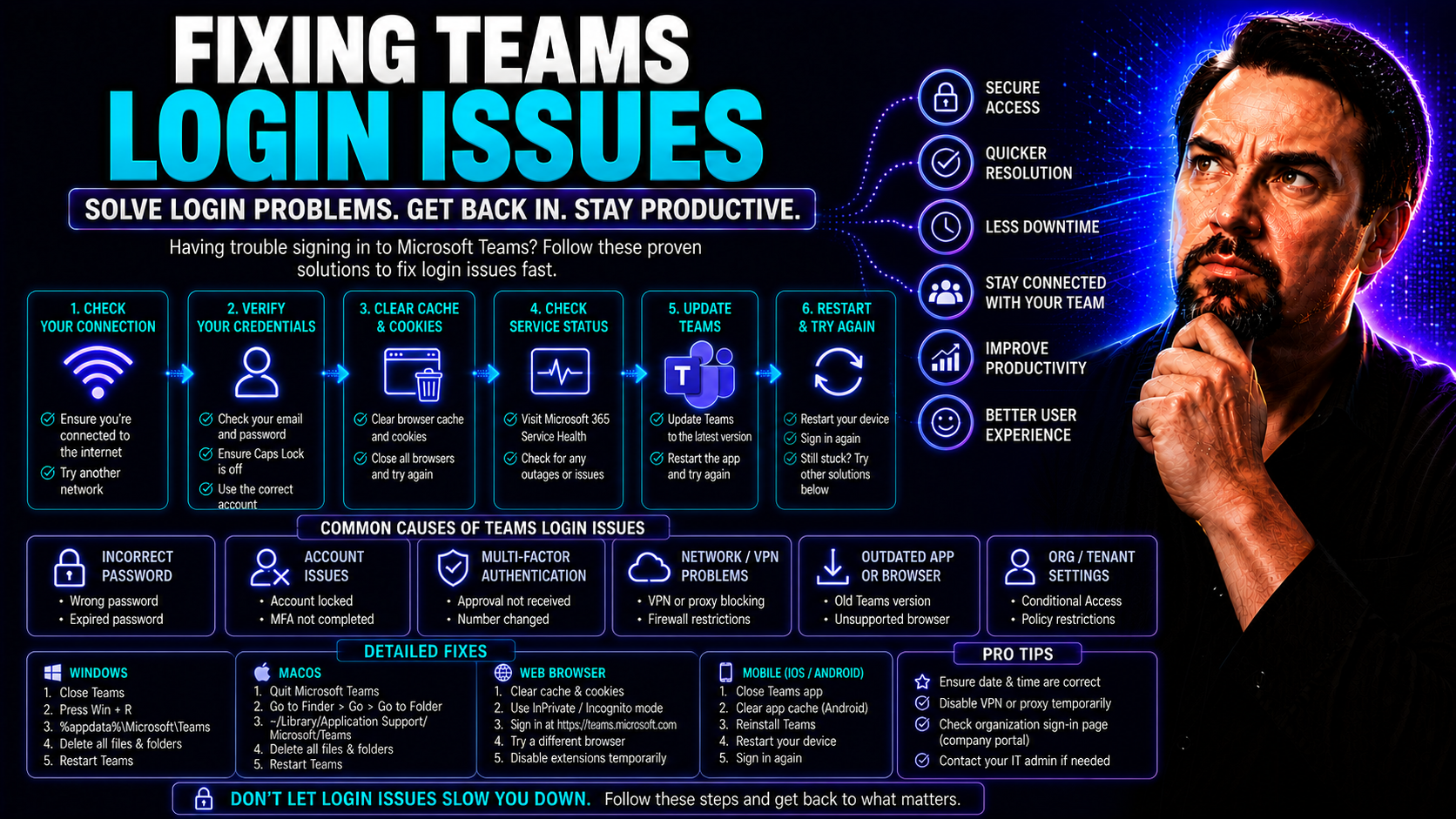
Fixing Teams Login Issues: The Essential Guide for Microsoft Teams Users
If you’ve ever been stuck staring at a spinning Teams login screen, you already know: Teams sign-in problems can bring the whole workday to a standstill. Microsoft Teams is crucial for meetings, messaging, and collaboration, but even a small login g…
May 21, 2026
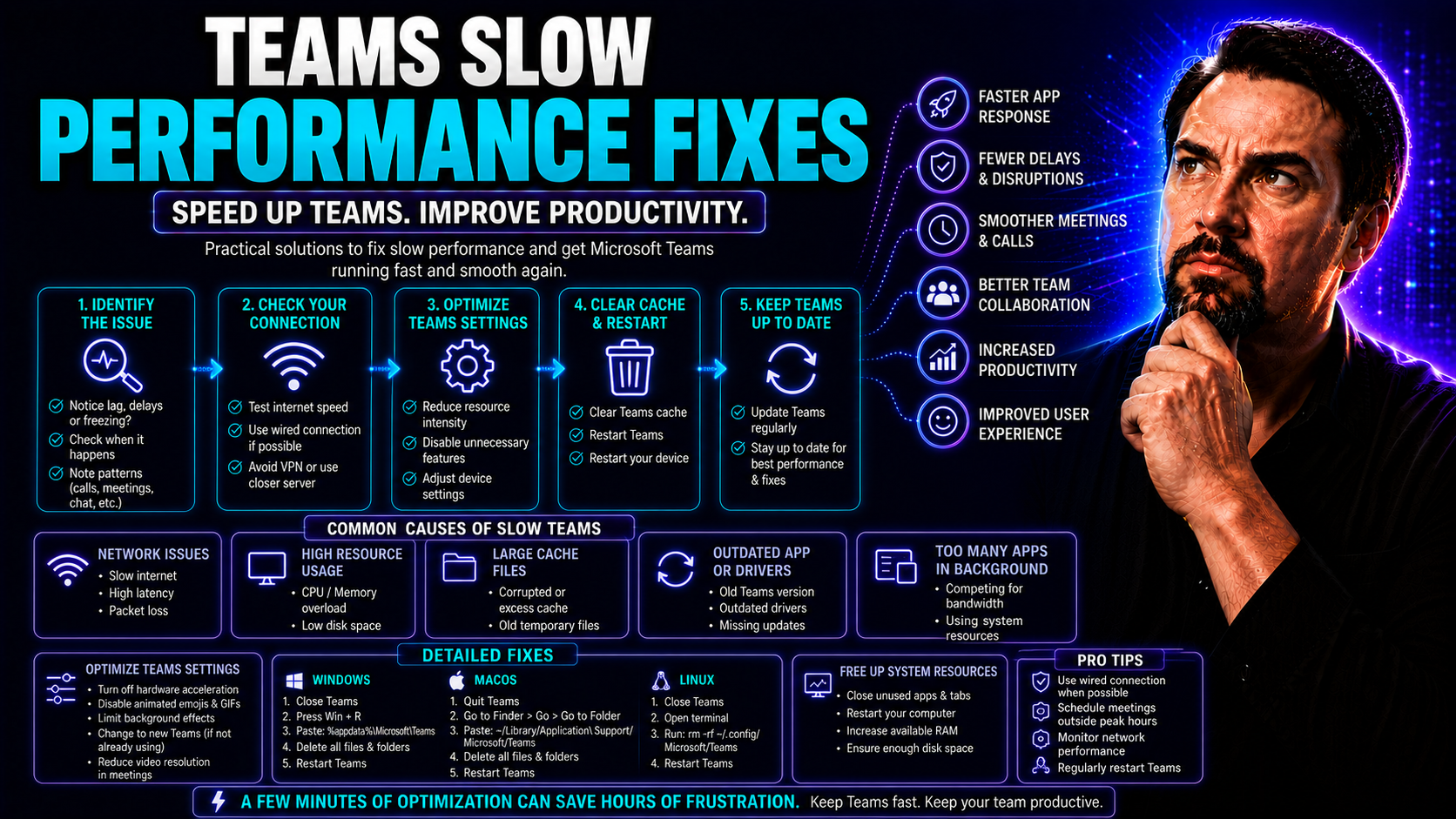
Teams Slow Performance Fixes: The Complete Guide for Microsoft Teams Users
Microsoft Teams is essential to how many companies collaborate and communicate, but few things are more frustrating than when it grinds to a halt or takes ages to load. This guide is your no-nonsense map for tackling Microsoft Teams slowness, whethe…
May 21, 2026
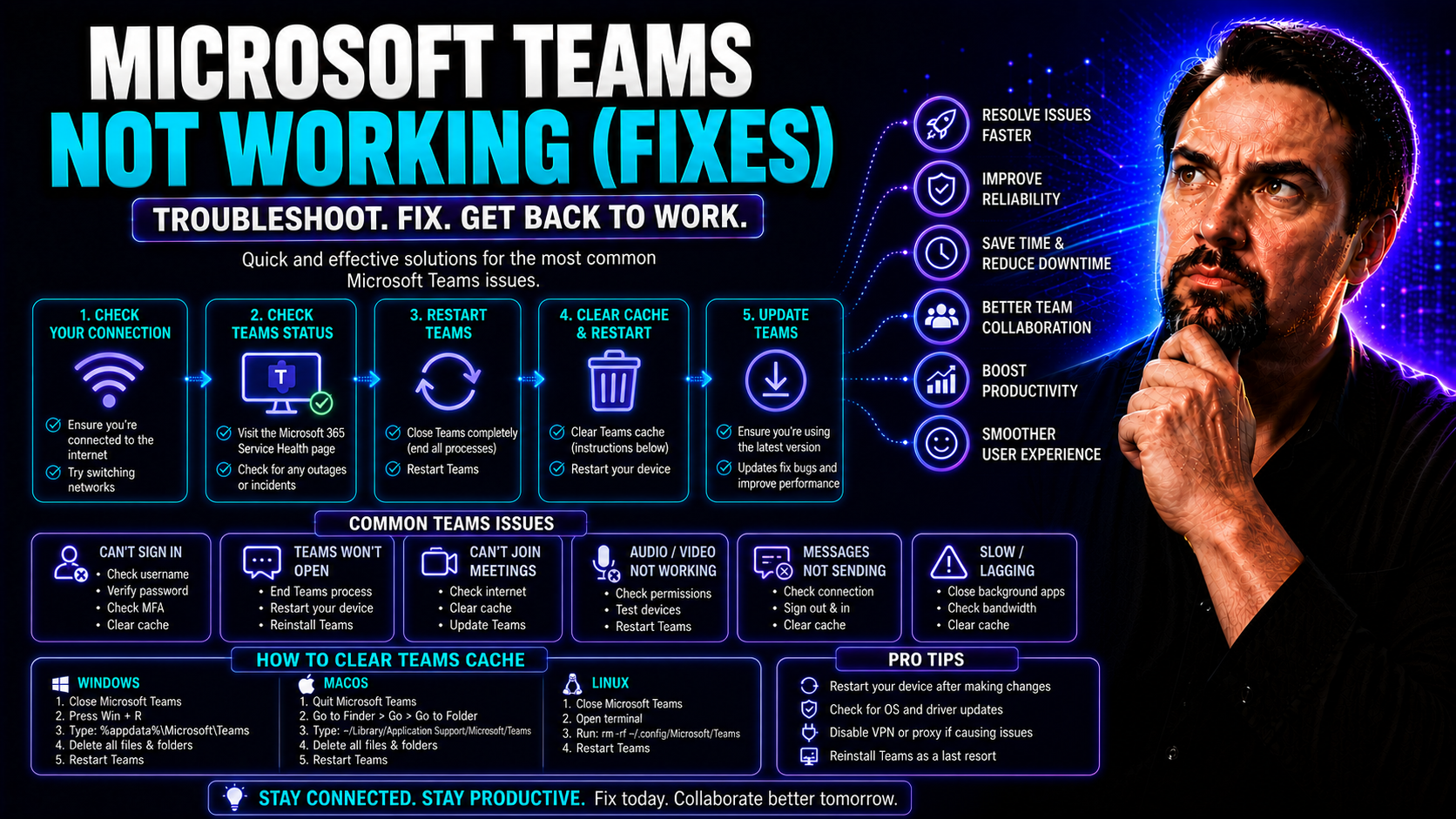
Microsoft Teams Not Working? Top Fixes and Troubleshooting Guide
This article is your one-stop shop for troubleshooting Microsoft Teams when things go sideways. Whether you’re dealing with login headaches, app breakdowns, or missing features, you’ll find proven solutions organized by problem type. The guide cover…
May 21, 2026
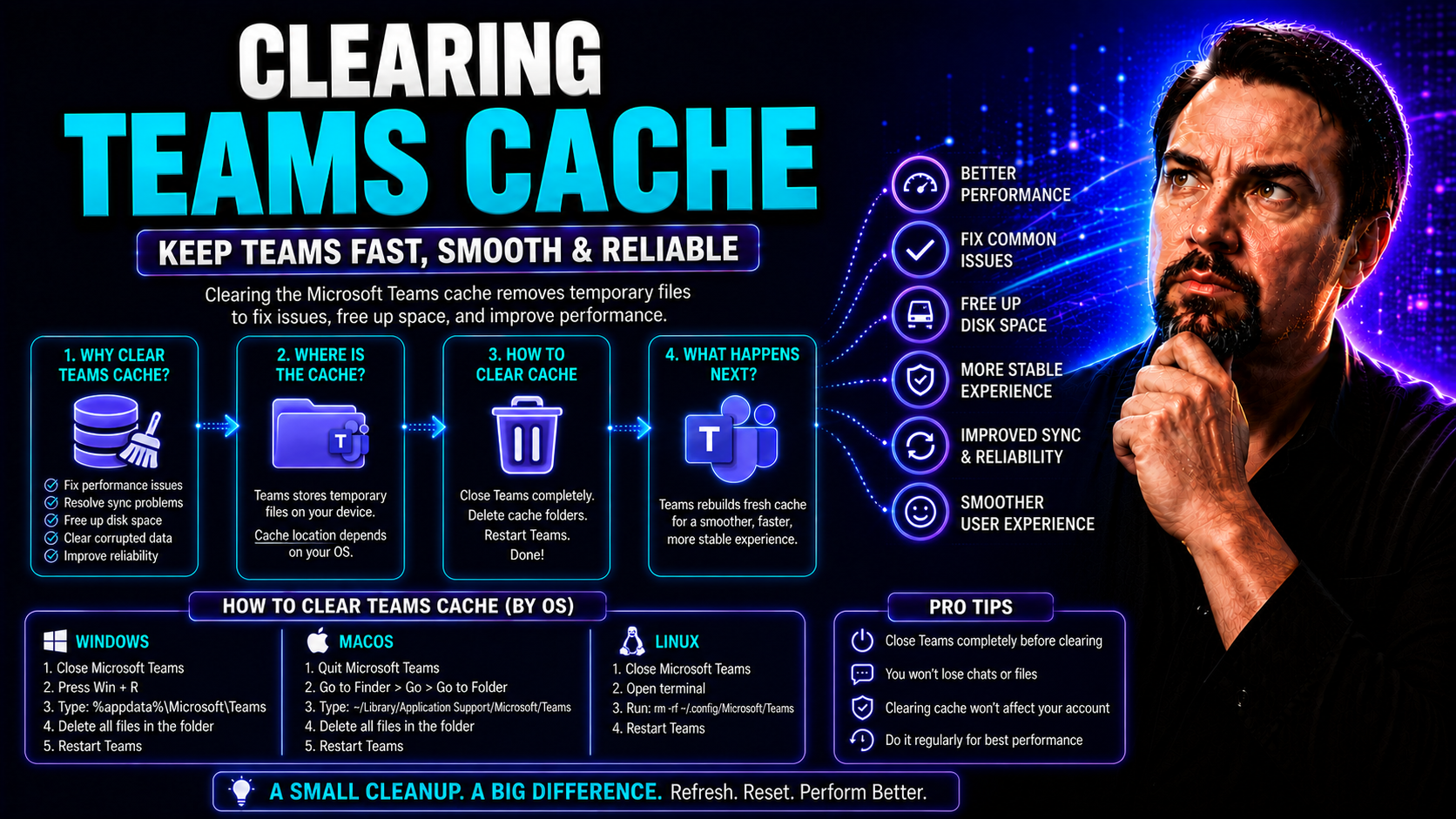
Clearing Teams Cache: The Complete Guide for Microsoft Teams Users
The Microsoft Teams app is a daily must-have for work, school, or staying in touch with family. But when Teams acts up—like slow loading or weird glitches—clearing the cache is often the quick fix you need. This guide walks you through why cleaning …
May 21, 2026
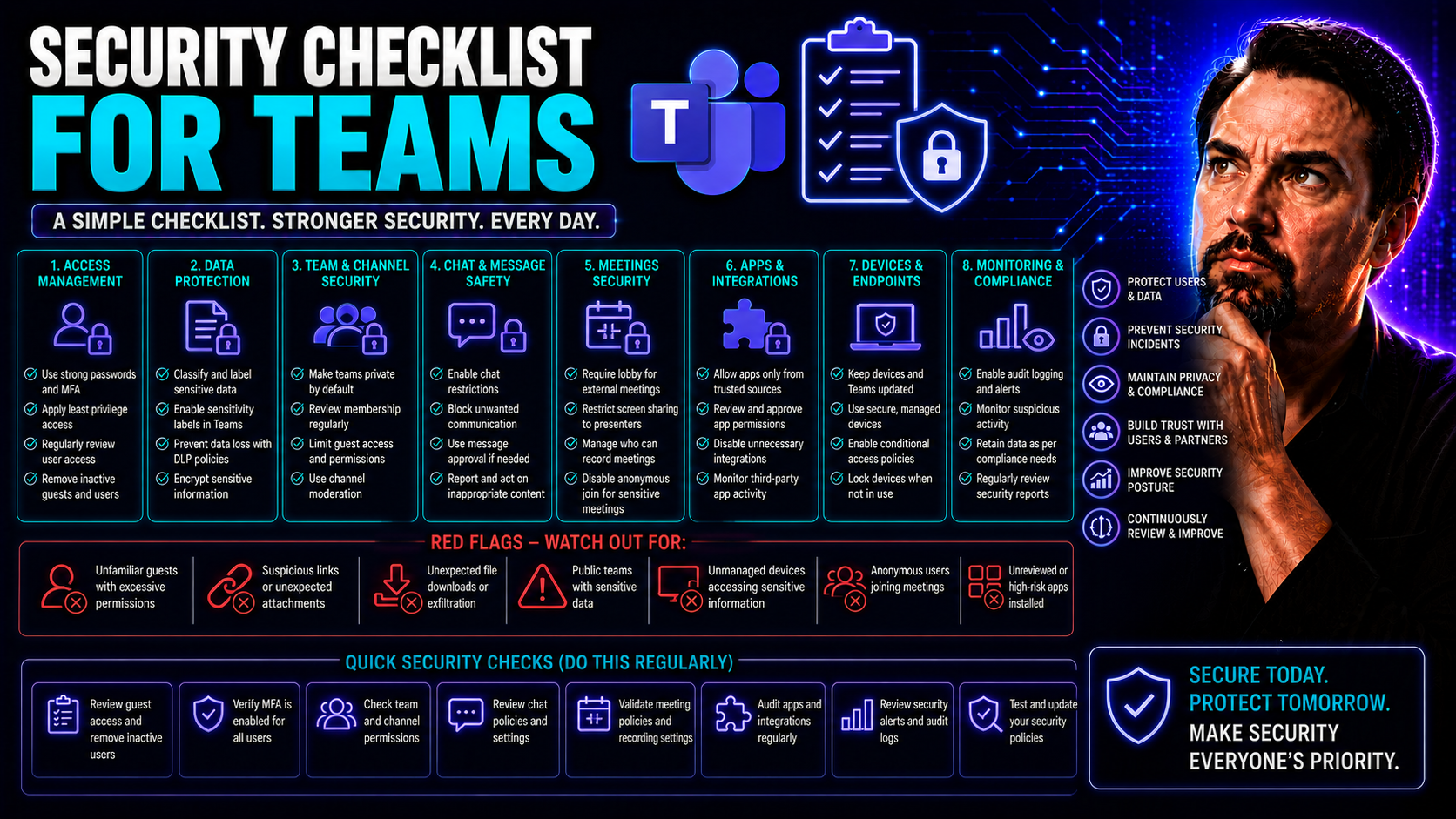
Security Checklist for Teams: A Complete Framework for Microsoft 365 and SharePoint Environments
When it comes to safeguarding your organization’s collaboration tools, there’s no room for “set it and forget it.” Microsoft Teams and SharePoint are central to how businesses operate today, but without a structured security checklist, things can sp…
May 21, 2026
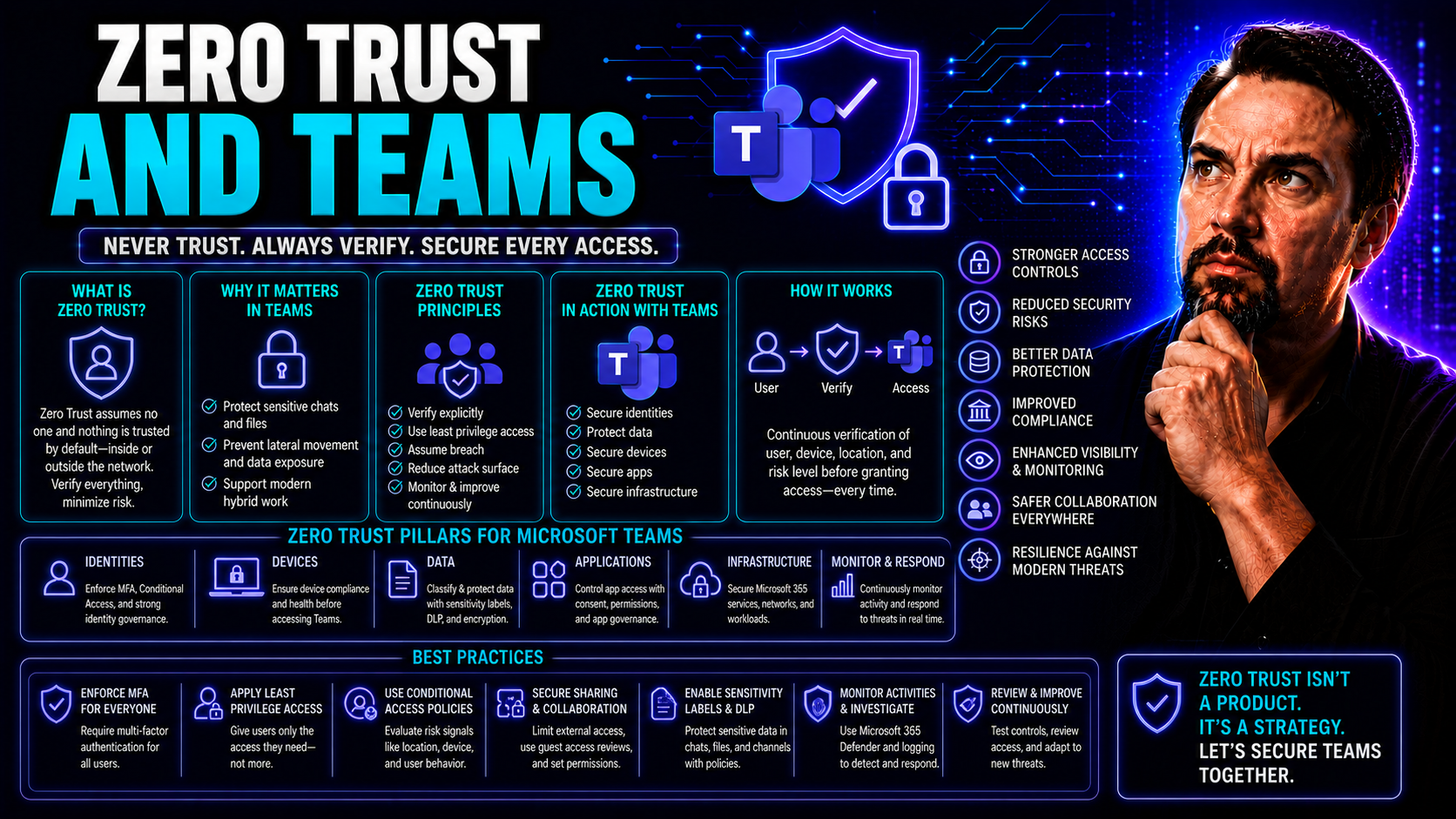
Zero Trust and Teams: Building Security and Trust for Modern Collaboration
Zero trust isn’t just a new buzzword—it’s a game-changer for teams trying to work securely in our always-online world. For organizations using Microsoft Teams and SharePoint, zero trust means rethinking who and what gets access, how collaboration ha…
May 21, 2026
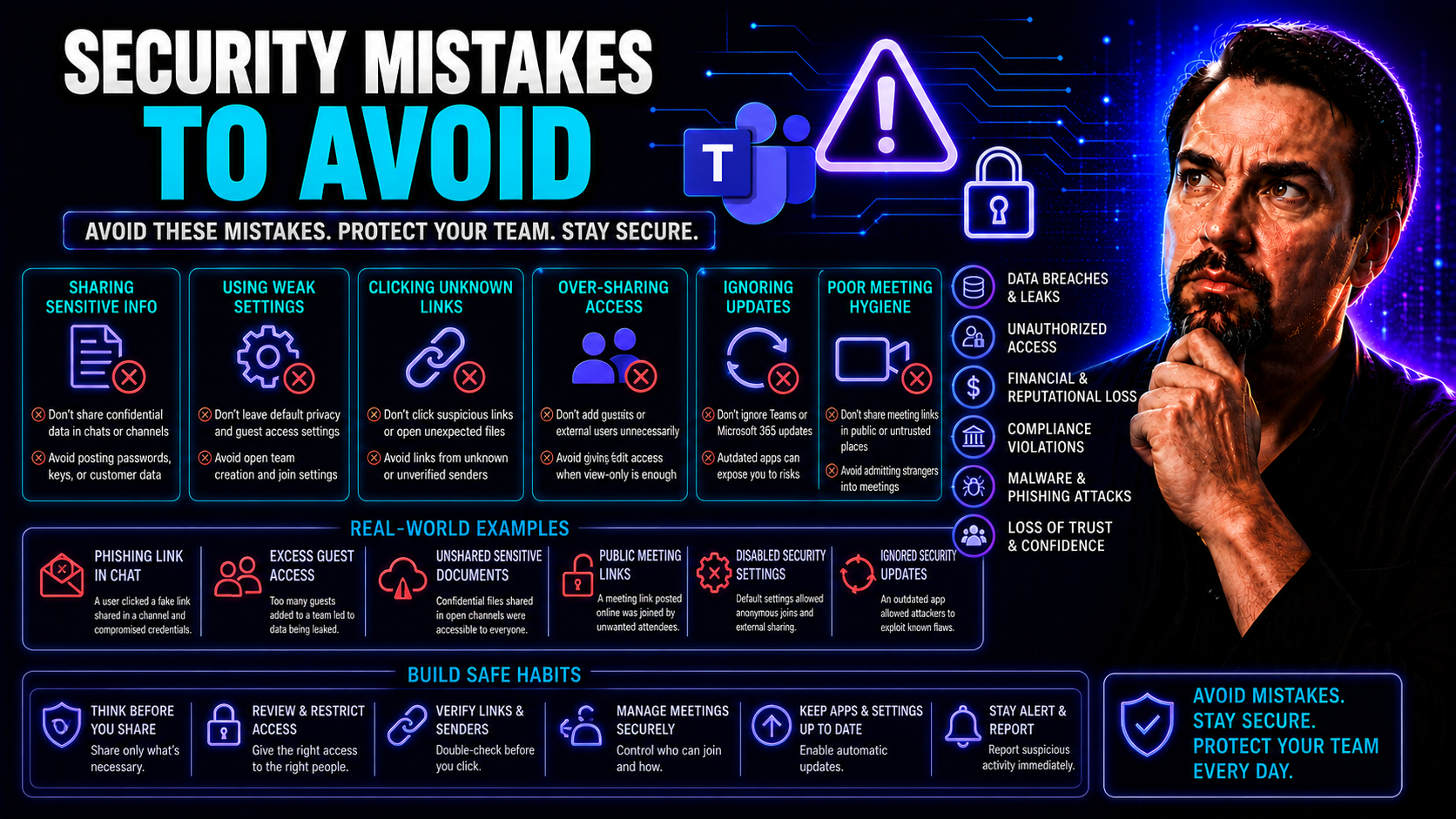
Security Mistakes to Avoid: Protecting Your Digital and Physical Environments
It only takes one small mistake—clicking a suspicious link or forgetting to update your software—for your data or business to be at risk. In today’s world, the lines between digital and physical security get blurry, especially with tools like Micros…
May 21, 2026
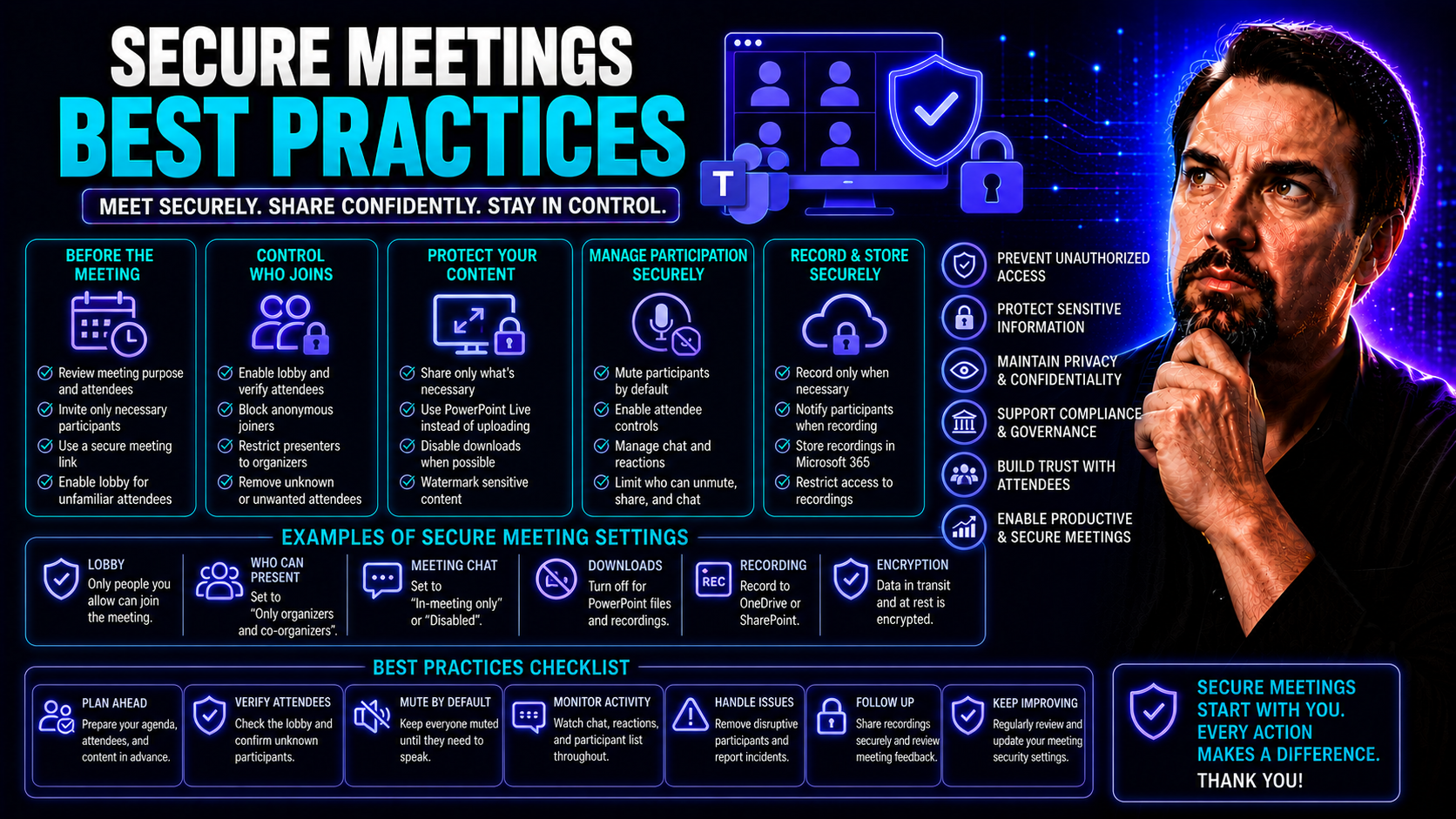
Secure Meetings Best Practices for Microsoft Teams and Beyond
Keeping your virtual meetings secure isn’t just a nice-to-have—it’s non-negotiable these days. Sensitive business, customer, and personal information regularly gets shared across platforms like Microsoft Teams. If you don’t protect that data, you ri…
May 21, 2026
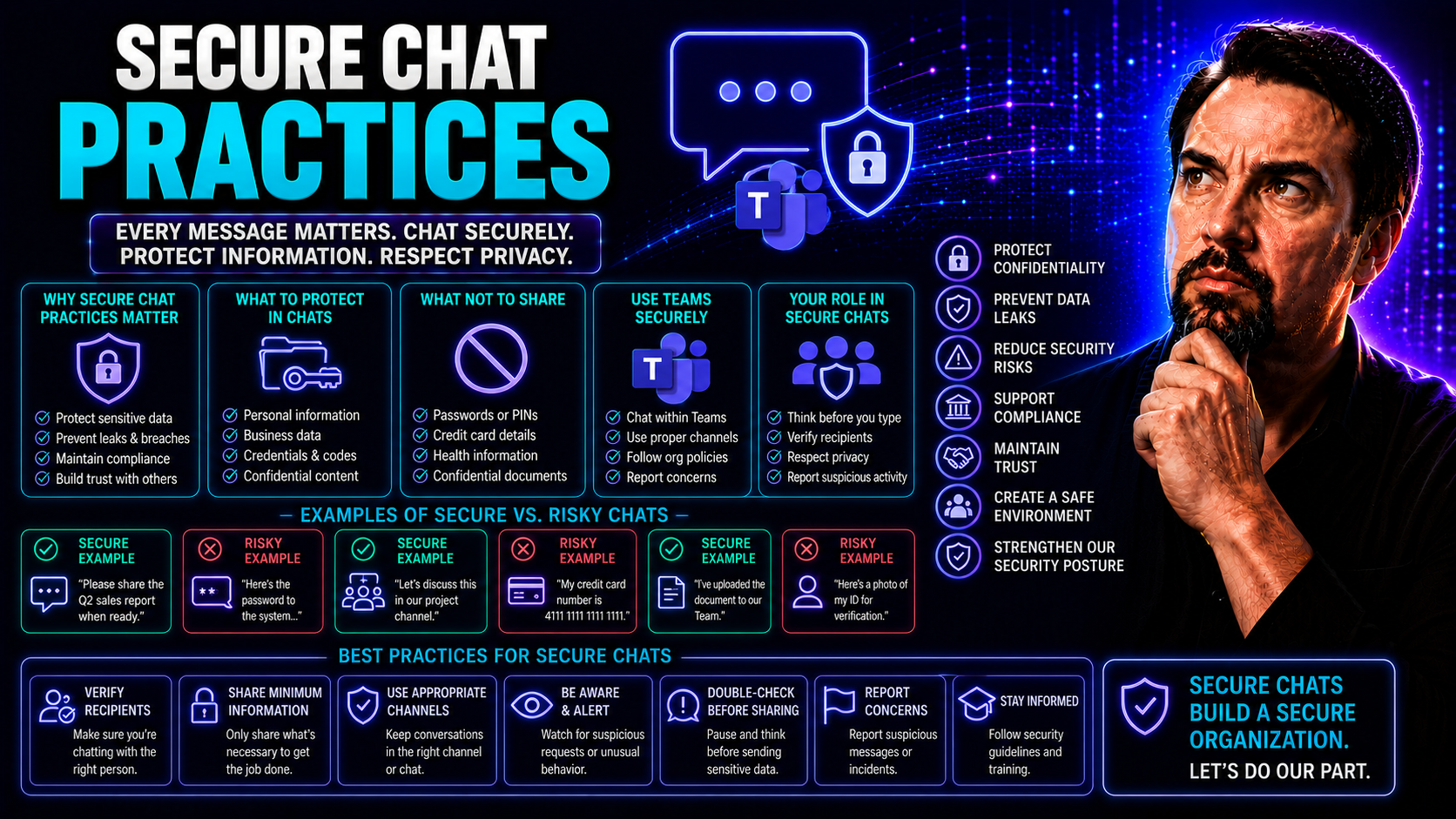
Secure Chat Practices: Essential Principles for Protected Communication
Keeping conversations secure isn't just a nice-to-have—it's a must in today’s world. With sensitive data flying back and forth in industries like healthcare, finance, and law, secure chat practices help keep organizations out of trouble and ahead of…
May 21, 2026
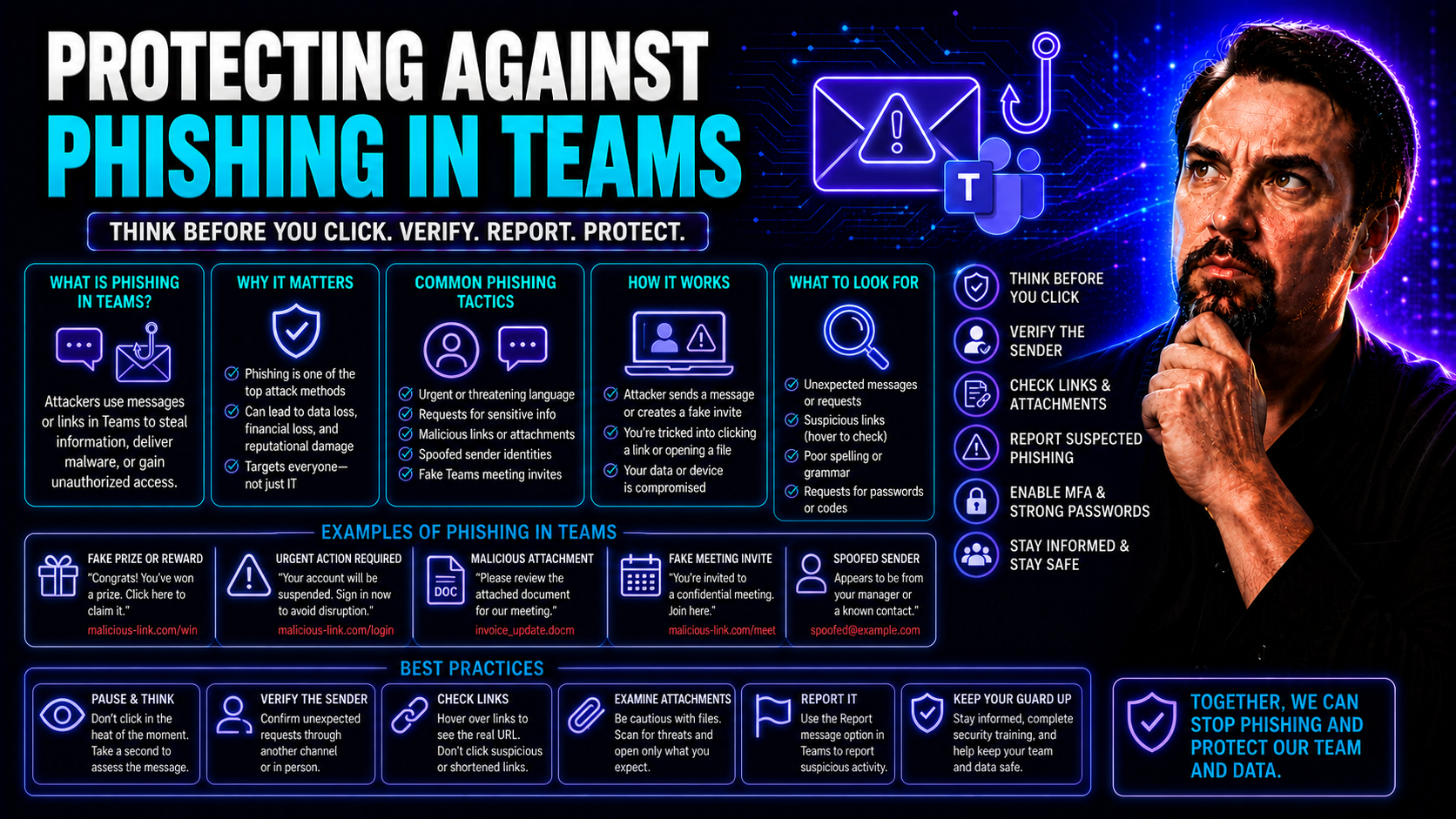
Protecting Against Phishing in Teams: Comprehensive Strategies for Microsoft Teams Security
If you depend on Microsoft Teams every day, you're probably dealing with more than just chat messages and virtual meetings. Phishing attacks are increasingly showing up right where you work, hiding behind what looks like regular collaboration. This …
May 21, 2026
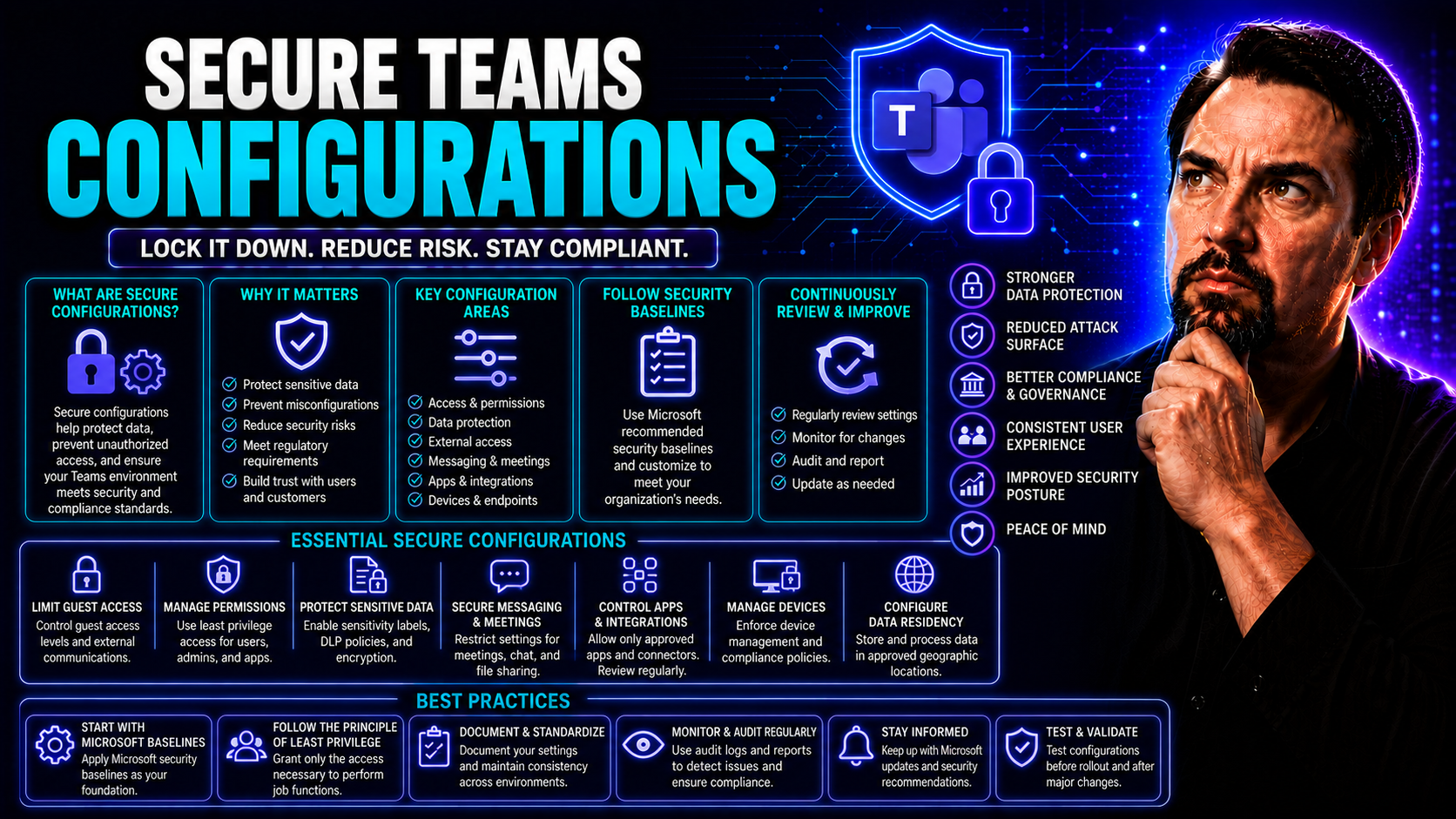
Secure Teams Configurations: Complete Guide for Microsoft Teams Governance
If you want to keep your organization's data safe, smooth out your workflows, and meet all those pesky compliance rules, then securing your Microsoft Teams setup is the bedrock. Getting the configurations just right isn’t about locking things down a…
May 21, 2026
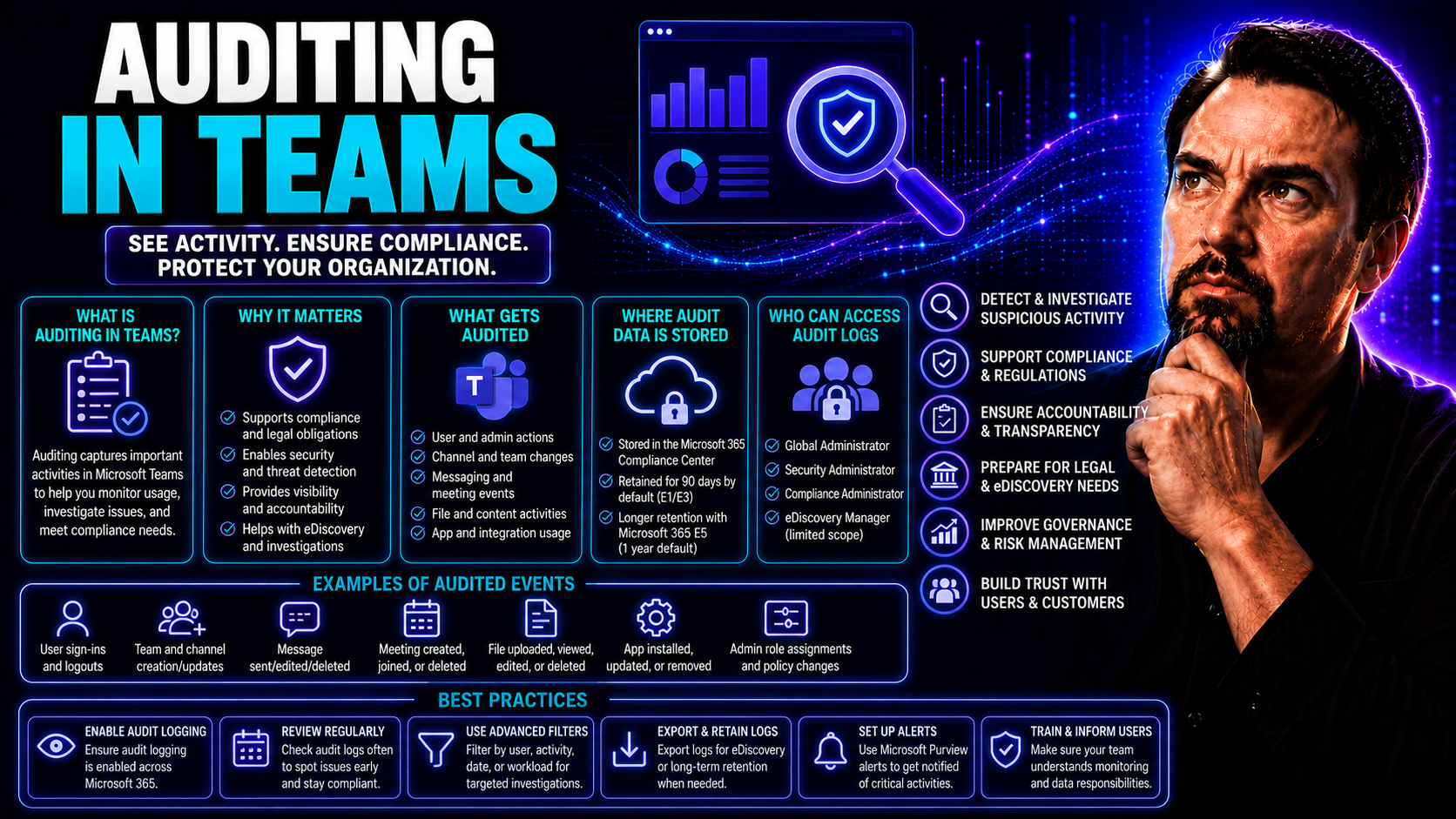
Auditing in Teams: Complete Guide to Monitoring Microsoft Teams Activities
Microsoft Teams lets your organization communicate, share files, and collaborate—but with all that activity, keeping an eye on what’s happening behind the scenes is a must. That’s where auditing comes in. With the right monitoring in place, you can …
May 21, 2026
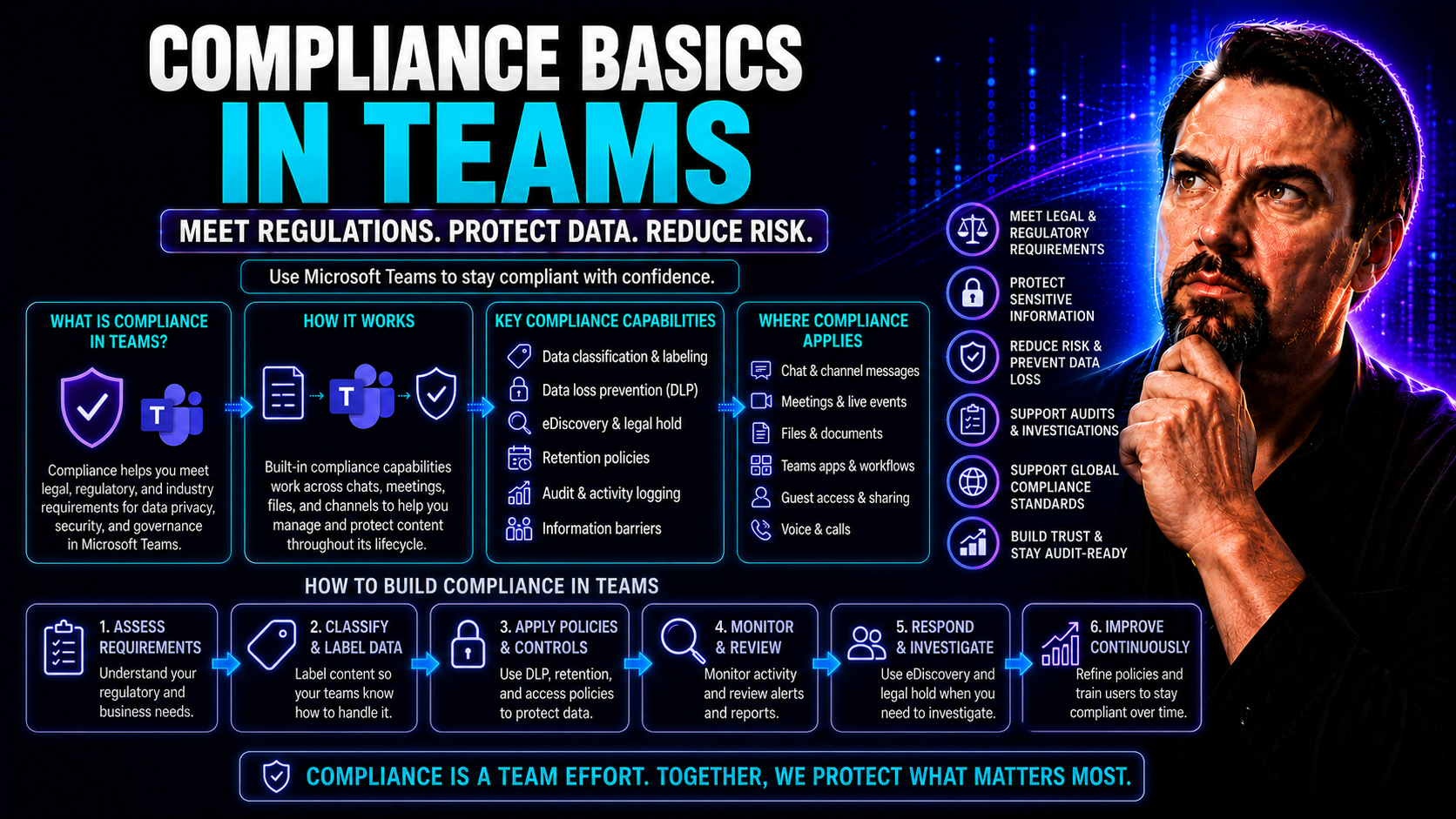
Compliance Basics in Teams: What Every Organization Needs to Know
Compliance isn’t just a nice-to-have when you’re working in digital collaboration tools like Microsoft Teams—it’s a non-negotiable. As organizations share sensitive information, messages, and documents all day long, the risks of getting it wrong are…
May 21, 2026
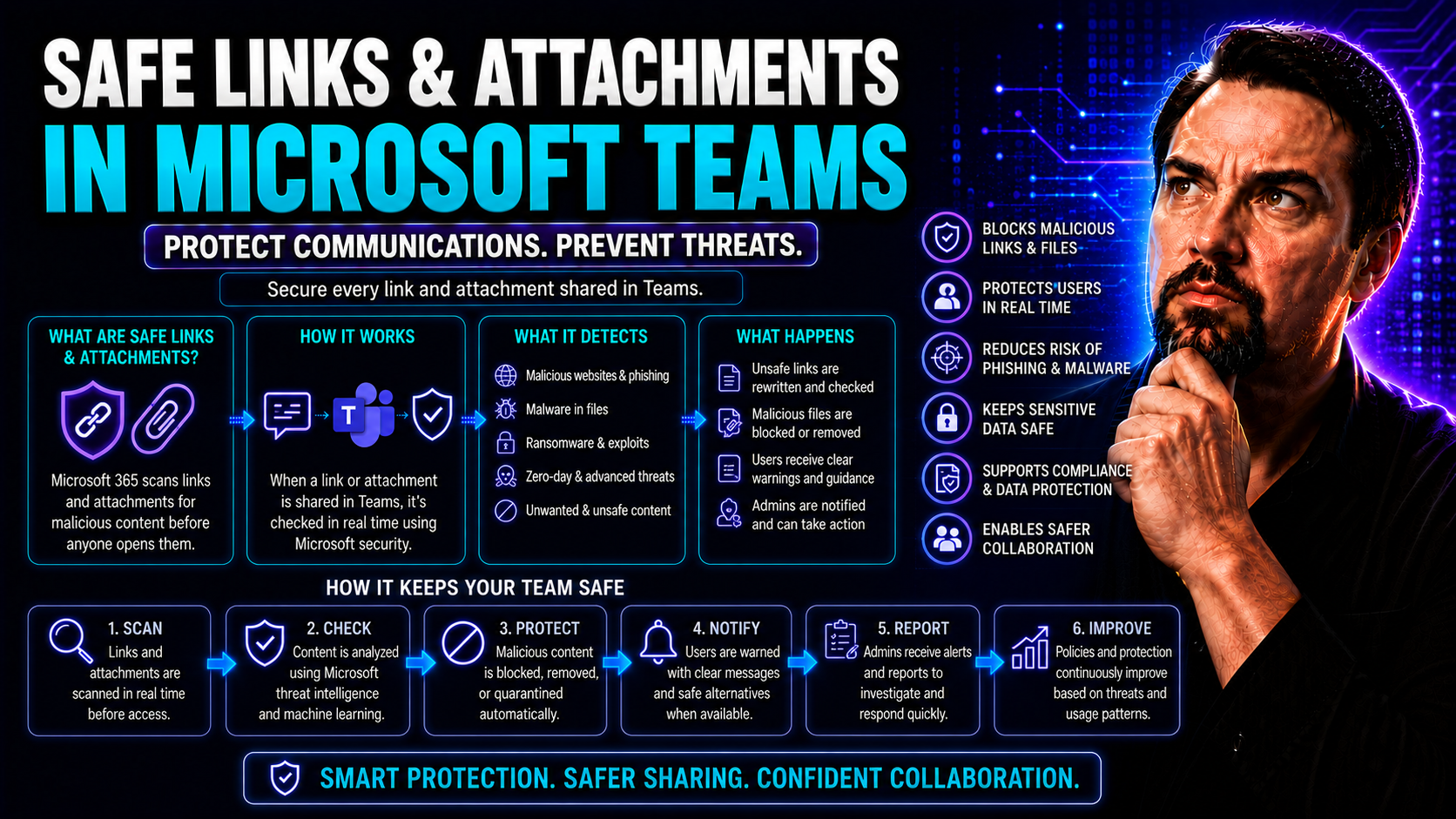
Understanding Safe Links and Attachments in Microsoft 365
If you’re running a business on Microsoft 365, protecting your users from risky links and shady attachments isn’t optional—it’s absolutely necessary. The number of scams, phishing tricks, and malware attacks flying around these days is no joke. That…
May 21, 2026
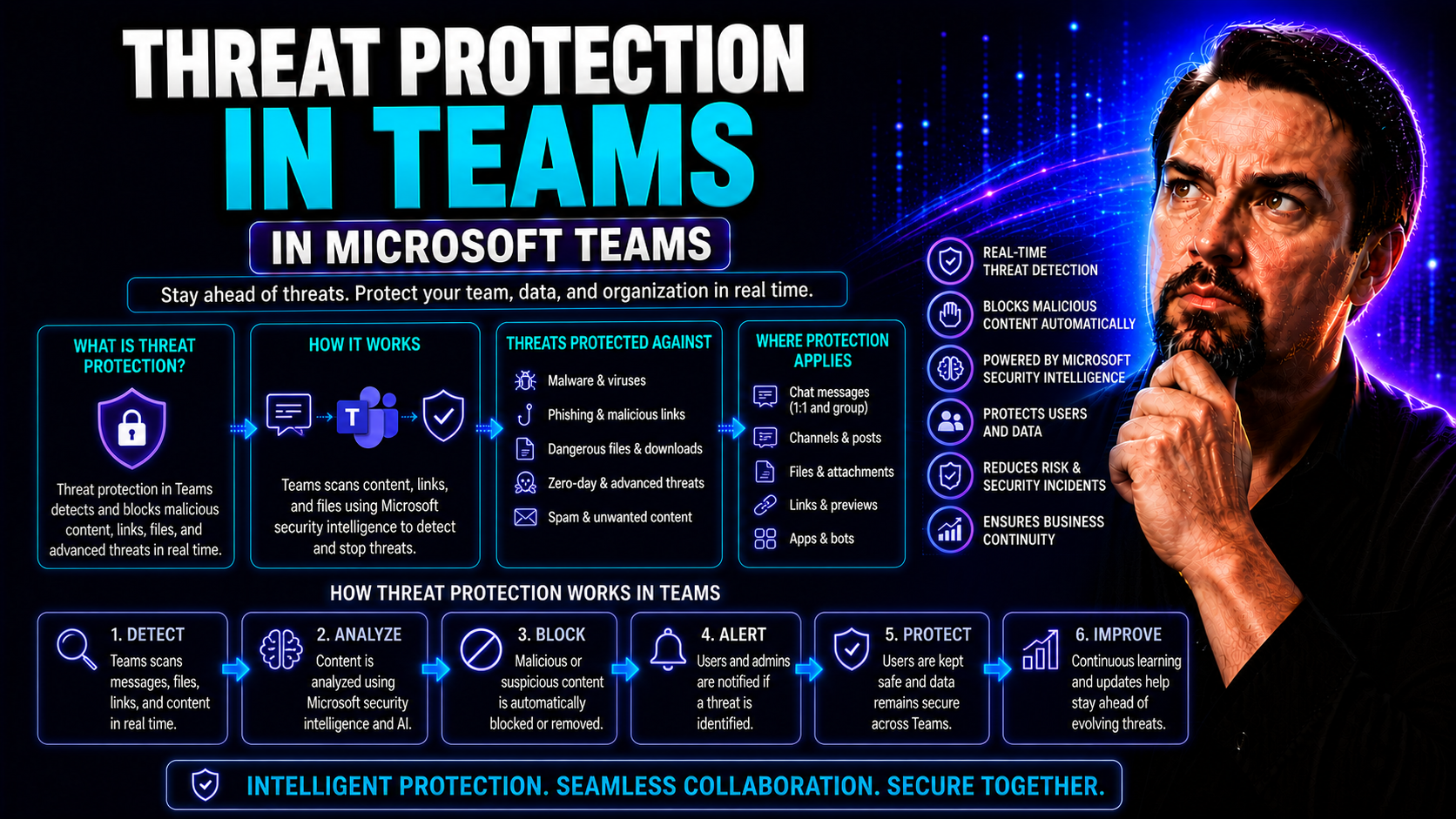
Threat Protection in Teams: Safeguarding Collaboration in a Modern Workforce
Threat protection in Microsoft Teams isn’t just a trendy topic—it’s a real-world issue for businesses navigating the challenges of a digital-first workplace. As hybrid and remote work become the norm, Teams has anchored itself at the heart of organi…
May 21, 2026
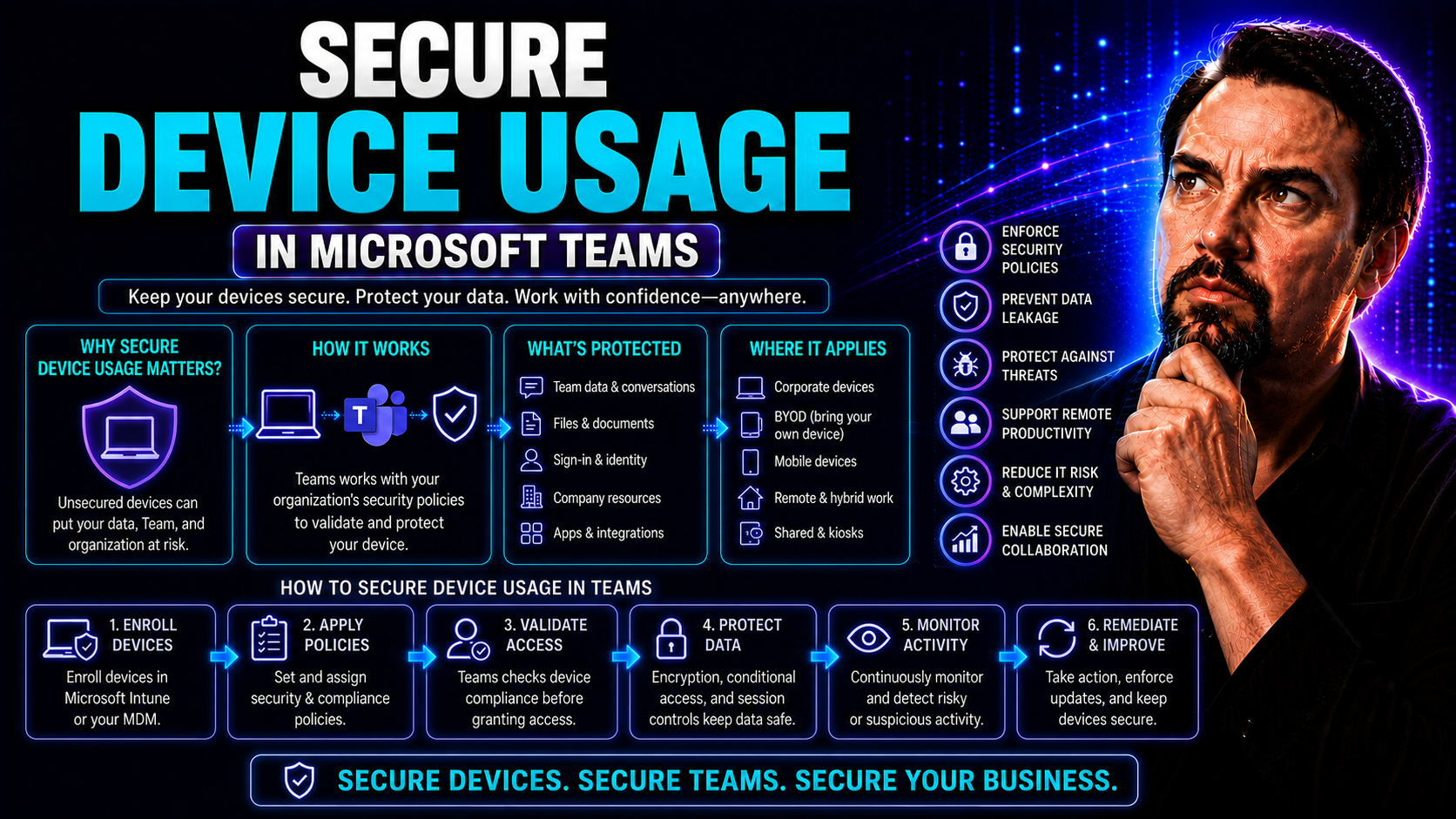
Secure Device Usage: Essential Guide for Safer Work and Home Technology
In a world where every device seems to buzz, ping, or glow at you, securing your tech is more than just a good habit—it’s a basic requirement. From smart thermostats in your living room to the laptop you use for Microsoft Teams meetings at work, eve…
May 21, 2026
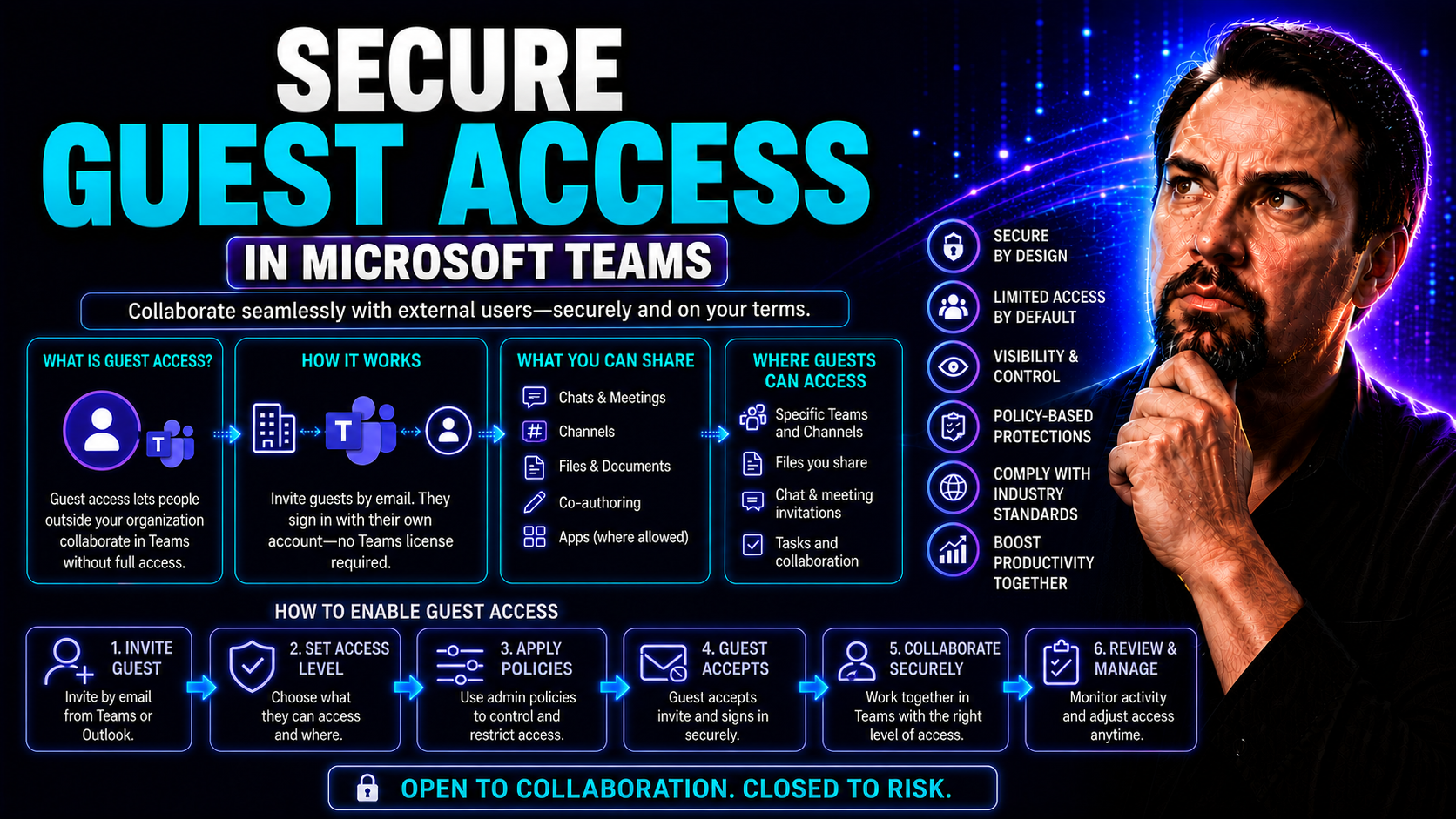
Secure Guest Access: Best Practices and Strategies for Microsoft Teams and SharePoint
Secure guest access means opening your digital doors—without leaving the back window wide open. In Microsoft Teams and SharePoint environments, letting guests in isn’t just about convenience; it’s about protecting your organization’s data, reputatio…