

Work smarter, not harder, with practical tips for Microsoft 365.
From Teams and Outlook to OneDrive and Office apps, we explore new features, time-saving shortcuts, collaboration tools, and productivity workflows that help you get more done every day.
Perfect for anyone who loves efficiency and wants to make M365 work for them.
From Teams and Outlook to OneDrive and Office apps, we explore new features, time-saving shortcuts, collaboration tools, and productivity workflows that help you get more done every day.
Perfect for anyone who loves efficiency and wants to make M365 work for them.
May 20, 2026
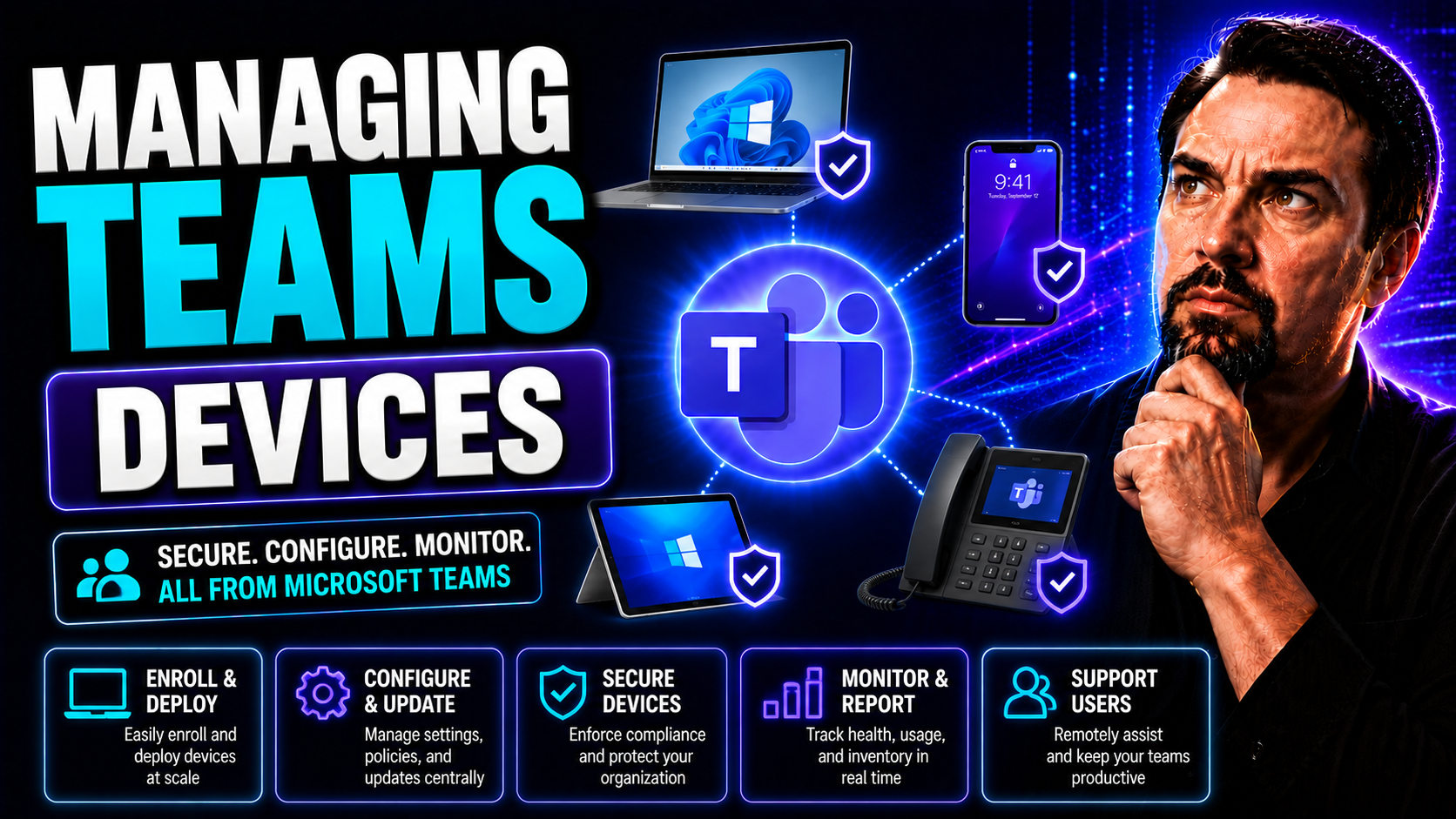
Microsoft Teams Device Management: Admin Guide
Managing Teams devices isn’t just about handing out a few headsets and hoping for the best. In today’s remote and hybrid workplaces, Microsoft Teams-enabled devices—from phones to room systems—are at the heart of how your folks meet, call, and colla…
May 20, 2026
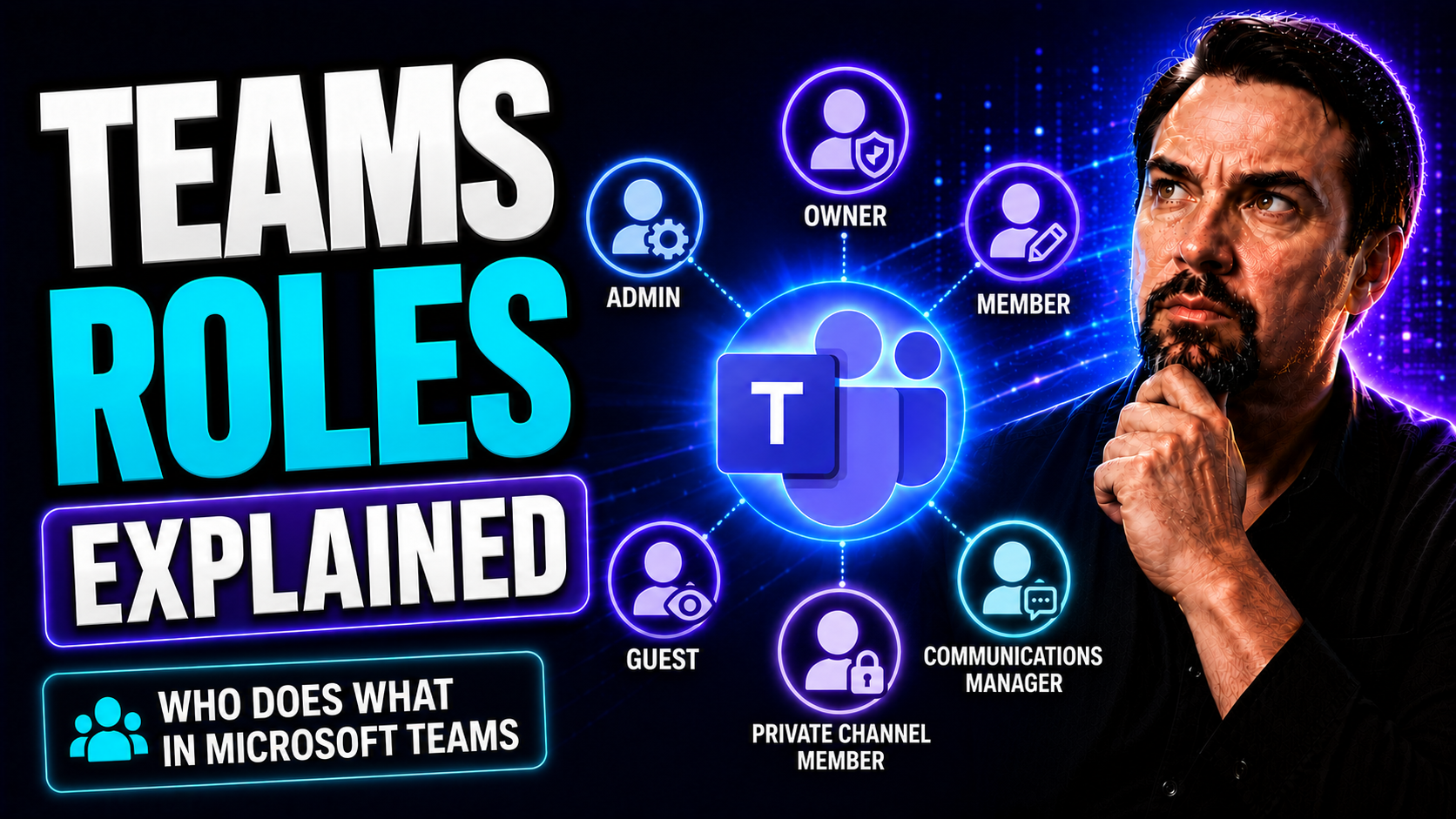
Microsoft Teams Roles Explained: Owners, Members and Admins
In today’s business world, teamwork isn’t just about throwing people together and hoping for the best. To get actual results, you need clear team roles—and that’s just as true in the digital workplace as it is face-to-face. This guide breaks down wh…
May 20, 2026
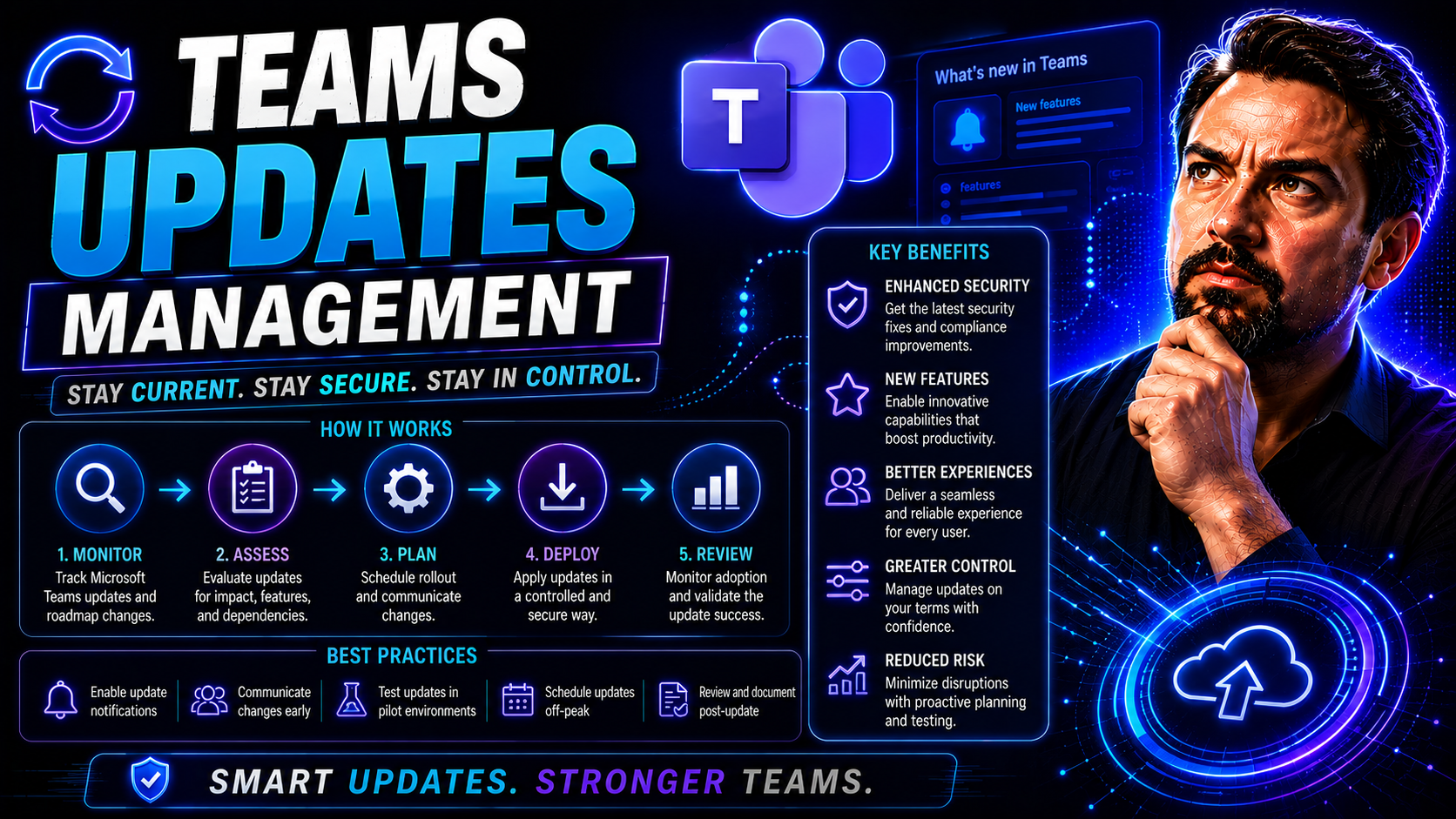
Microsoft Teams Updates Management: Admin Guide
Keeping Microsoft Teams updated across your entire organization isn’t just a technical checkbox—it’s ground zero for secure, smooth, and productive collaboration. Updates don’t just deliver bug fixes and features; they reinforce compliance and secur…
May 20, 2026
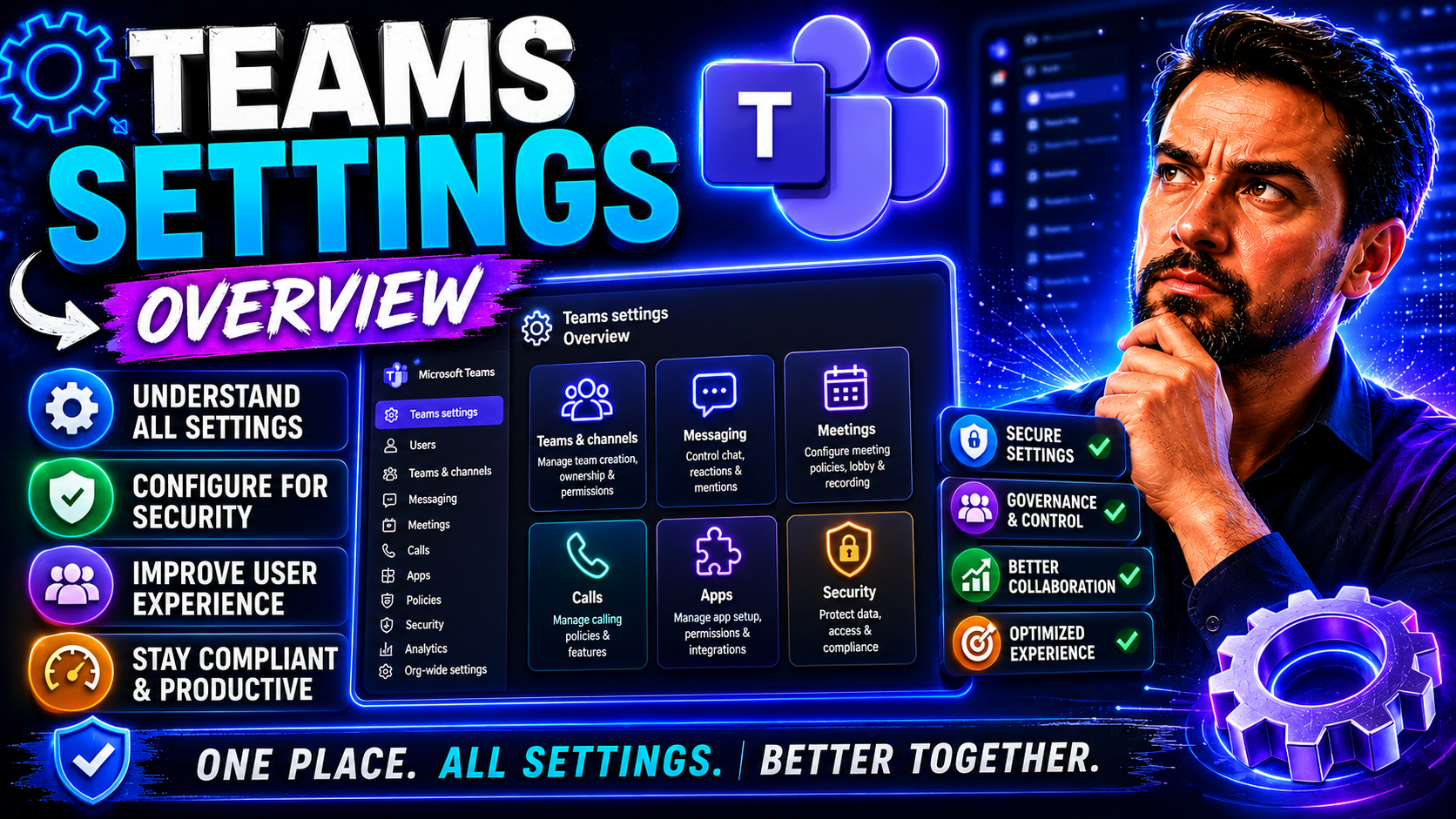
Microsoft Teams Settings Explained: Complete Admin and User Guide
Microsoft Teams brings together chat, meetings, files, and apps in one place—but let’s be real, the real magic happens when you nail your settings. This guide covers every core setting you’ll ever need, from making sure your notifications don’t driv…
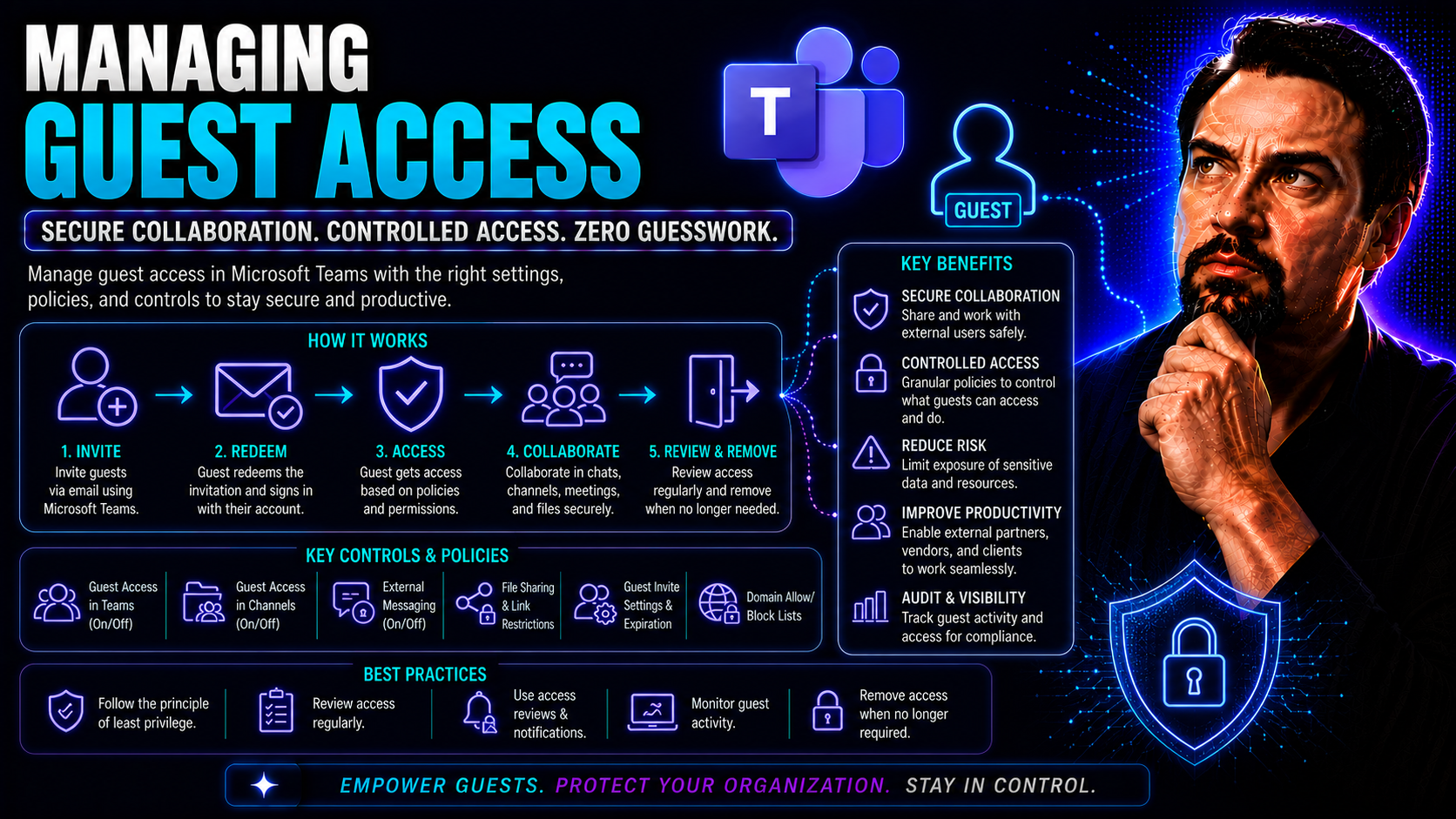
May 20, 2026
Microsoft 365 Guest Access: Secure Collaboration Guide
Let’s not sugarcoat it: guest access in Microsoft 365 is a blessing and a potential headache rolled into one. On the one hand, it lets you bring in clients, vendors, and partners right where the work happens in Teams and SharePoint. On the other, it…
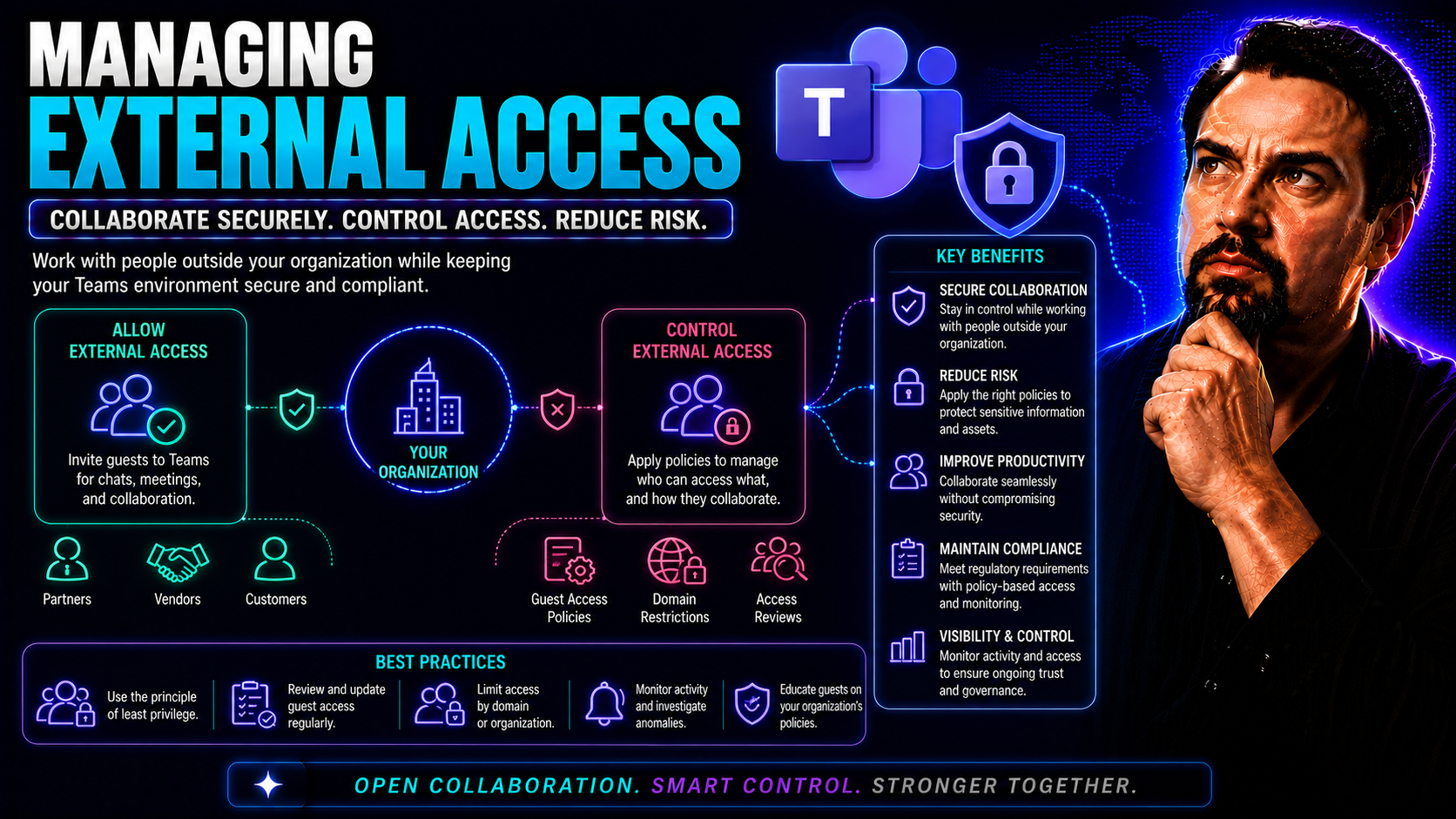
May 20, 2026
Microsoft Teams External Access: Secure Collaboration Guide
Managing external access isn’t just another box to check—it’s a foundational part of secure, efficient collaboration in today’s world of Microsoft Teams and SharePoint. You want to empower your teams, welcome in outside partners, and keep projects m…
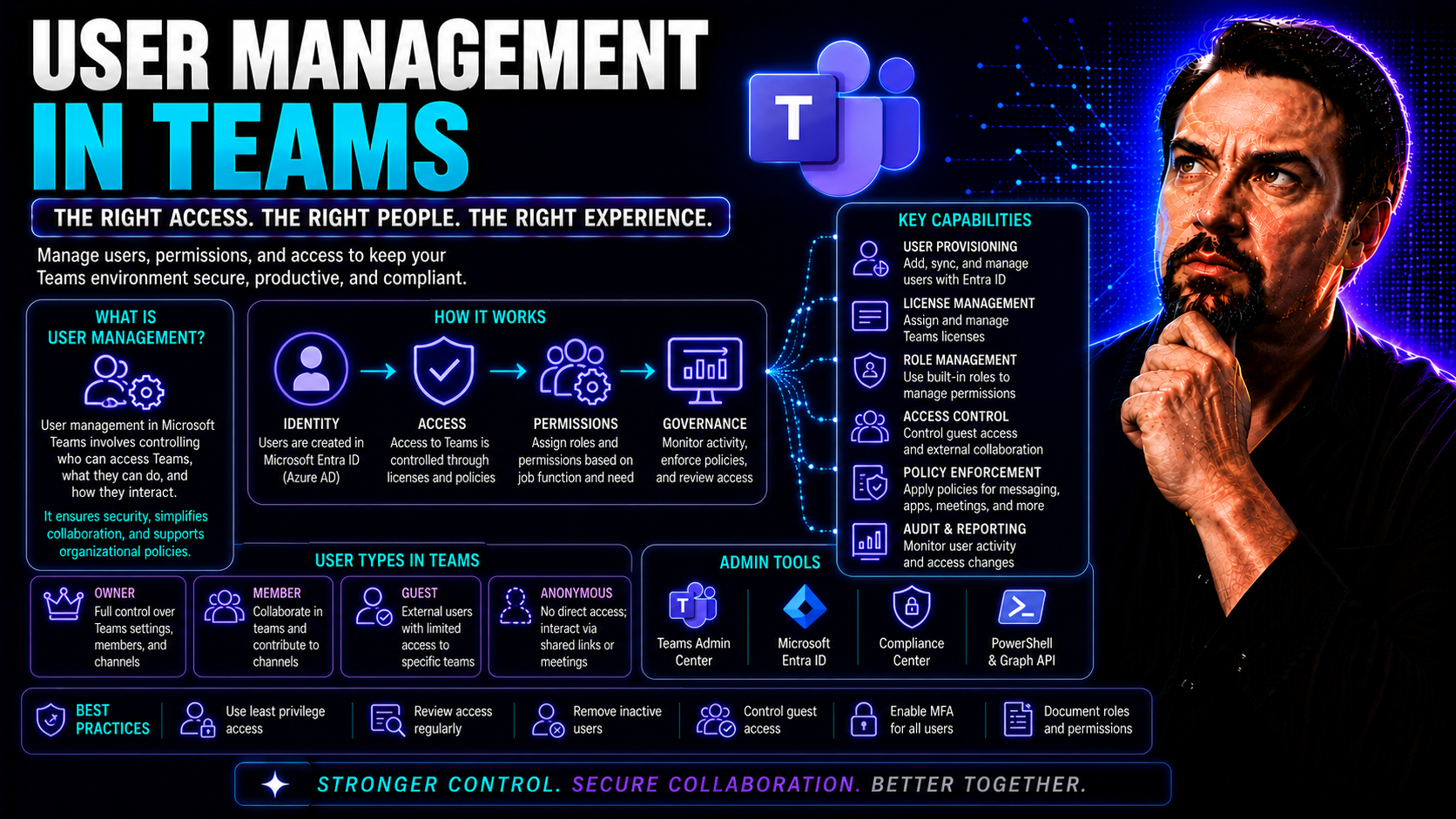
May 20, 2026
Microsoft Teams User Management: Access and Governance Guide
Managing who can do what in Microsoft Teams isn’t just clicking a few boxes—it’s the foundation of secure, productive teamwork. This guide lays out what you need to know about making sure every user lands in the right place, gets the access they nee…
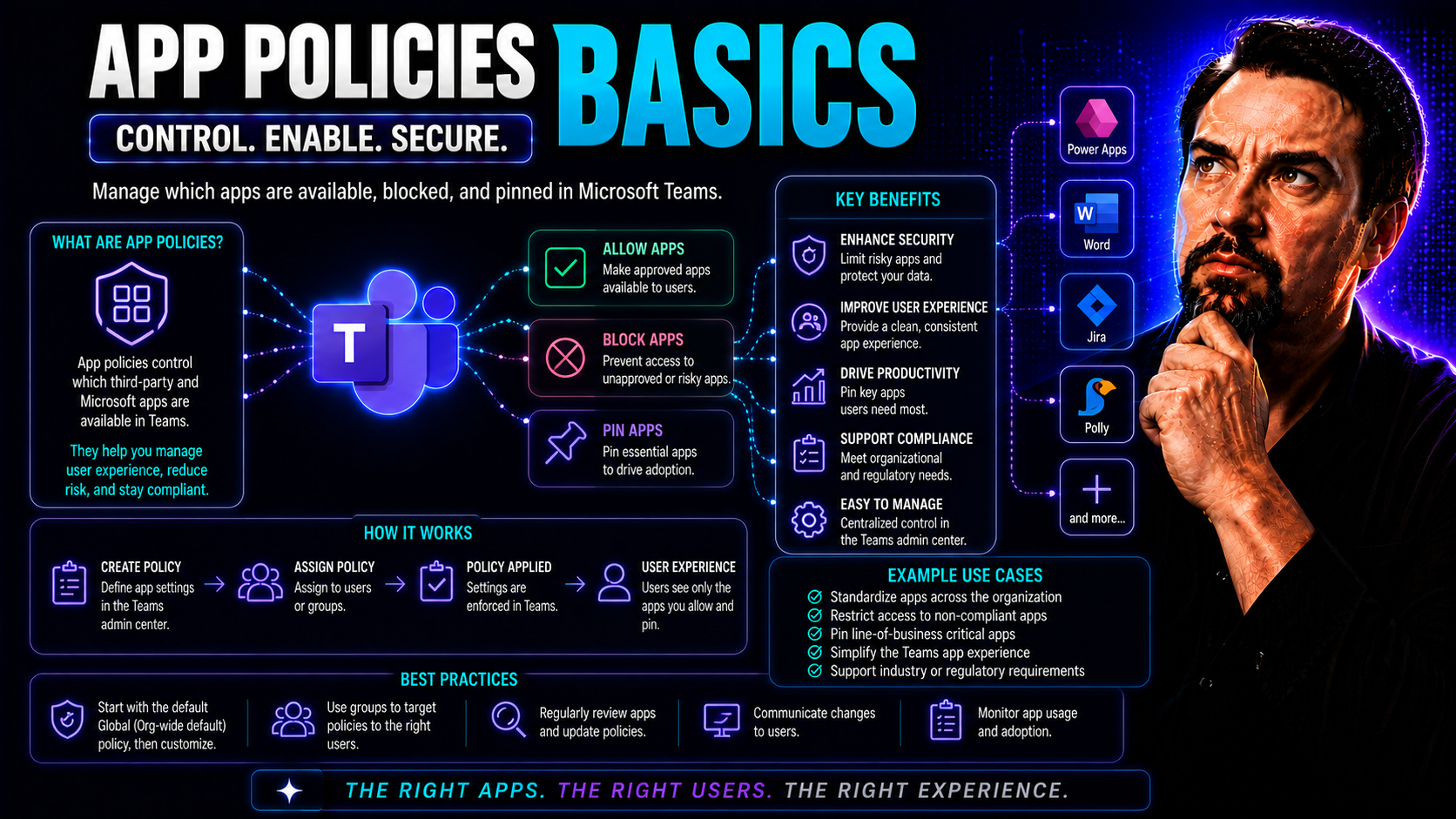
May 20, 2026
Microsoft Teams App Policies: Secure Governance Guide
App protection policies are the backbone of a safe and effective collaboration environment in today's businesses—especially when you rely on cloud platforms like Microsoft Teams or SharePoint. These policies work quietly behind the scenes, but they'…
May 20, 2026
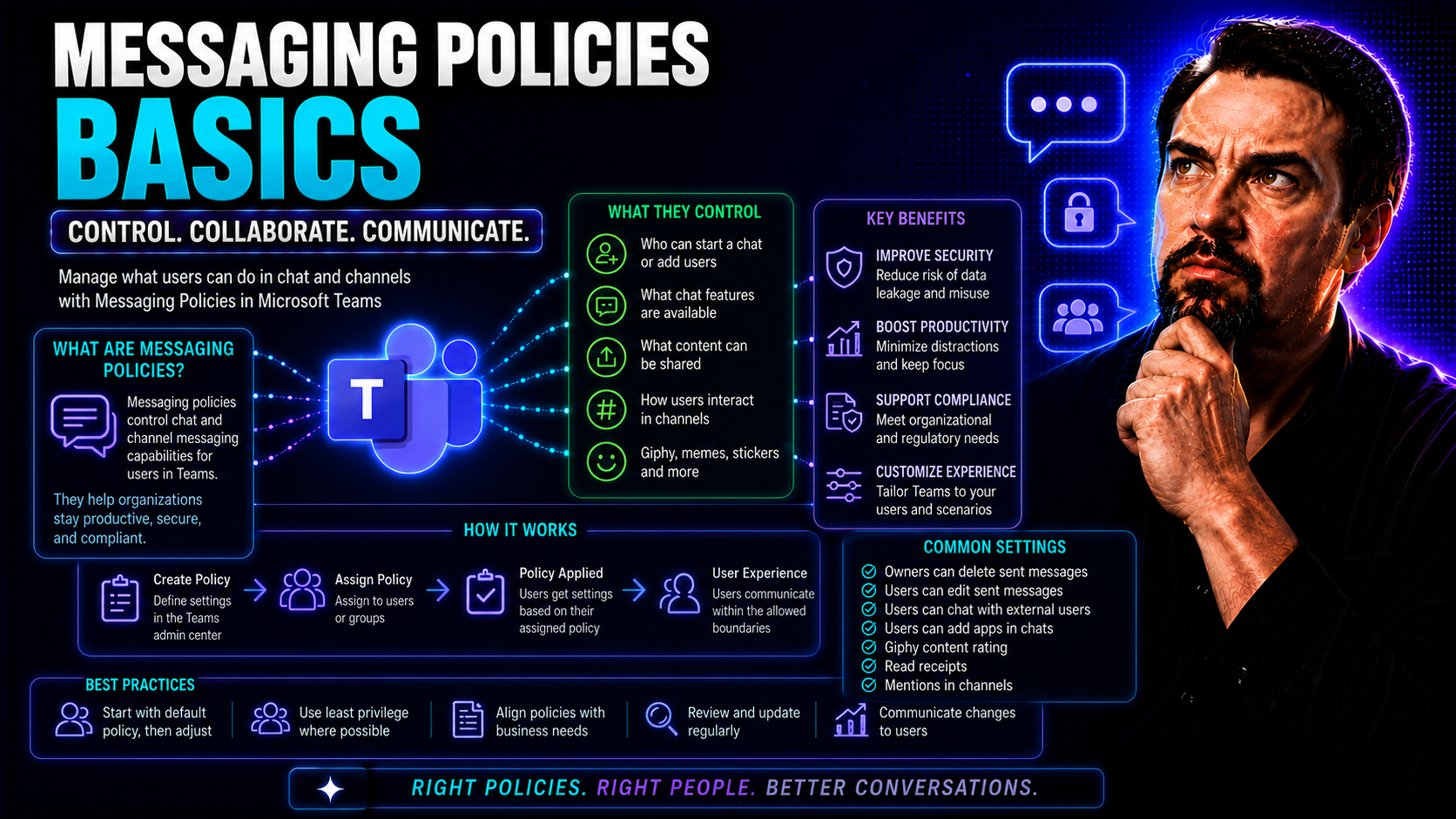
Microsoft Teams Messaging Policies: Admin Guide
Messaging policies in Microsoft Teams control what users can do in chats, channel conversations, and group messages. If you’re responsible for Teams in your organization, figuring out messaging policies isn’t just about toggling a few settings—it’s …
May 20, 2026
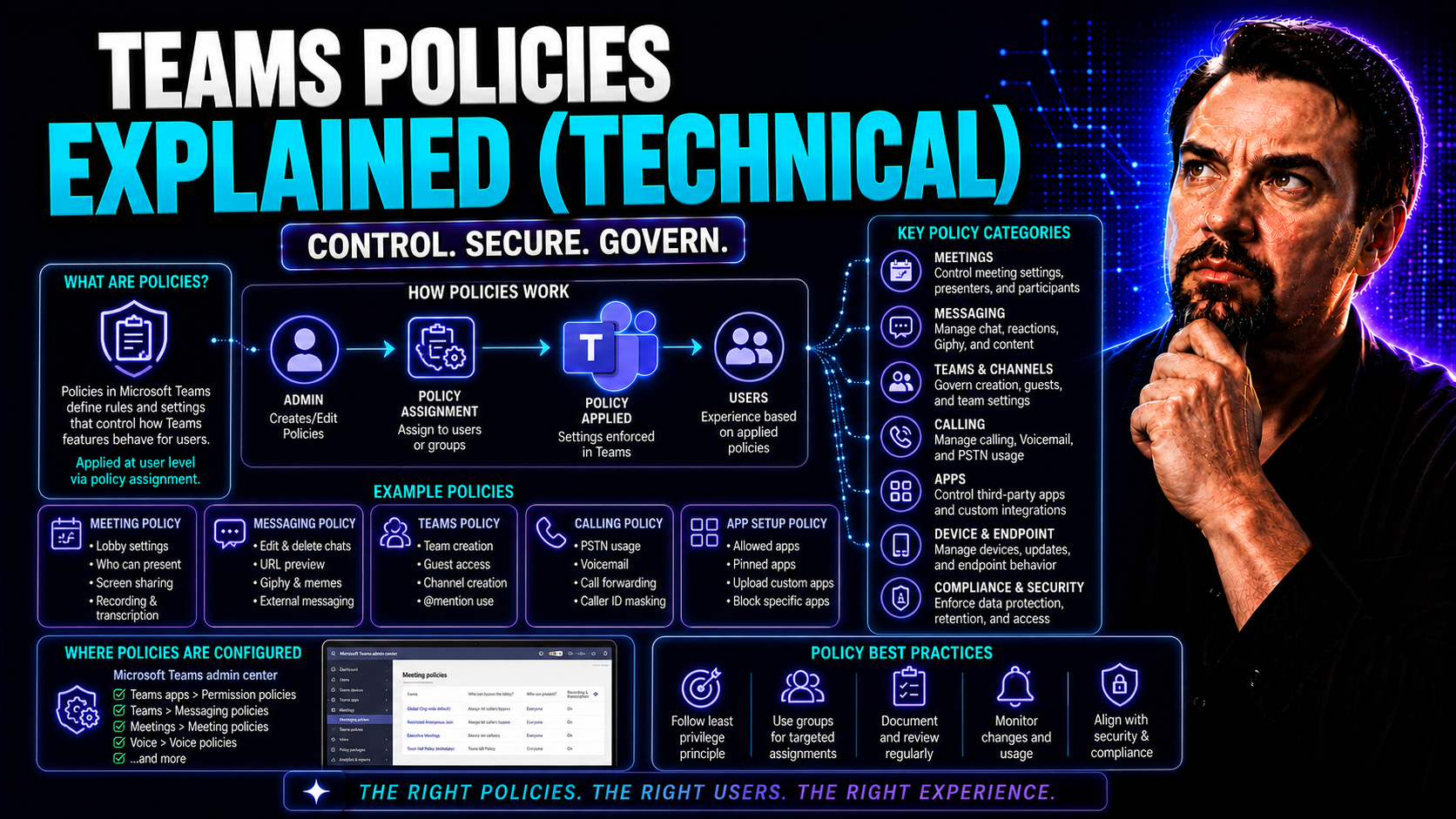
Microsoft Teams Policies Explained: Governance Guide
If you want Microsoft Teams to run smoothly and stay secure while supporting how your organization actually works, you can’t ignore the policies that drive the whole experience. Teams policies lay down the law—what users are allowed to do, how data …
May 20, 2026
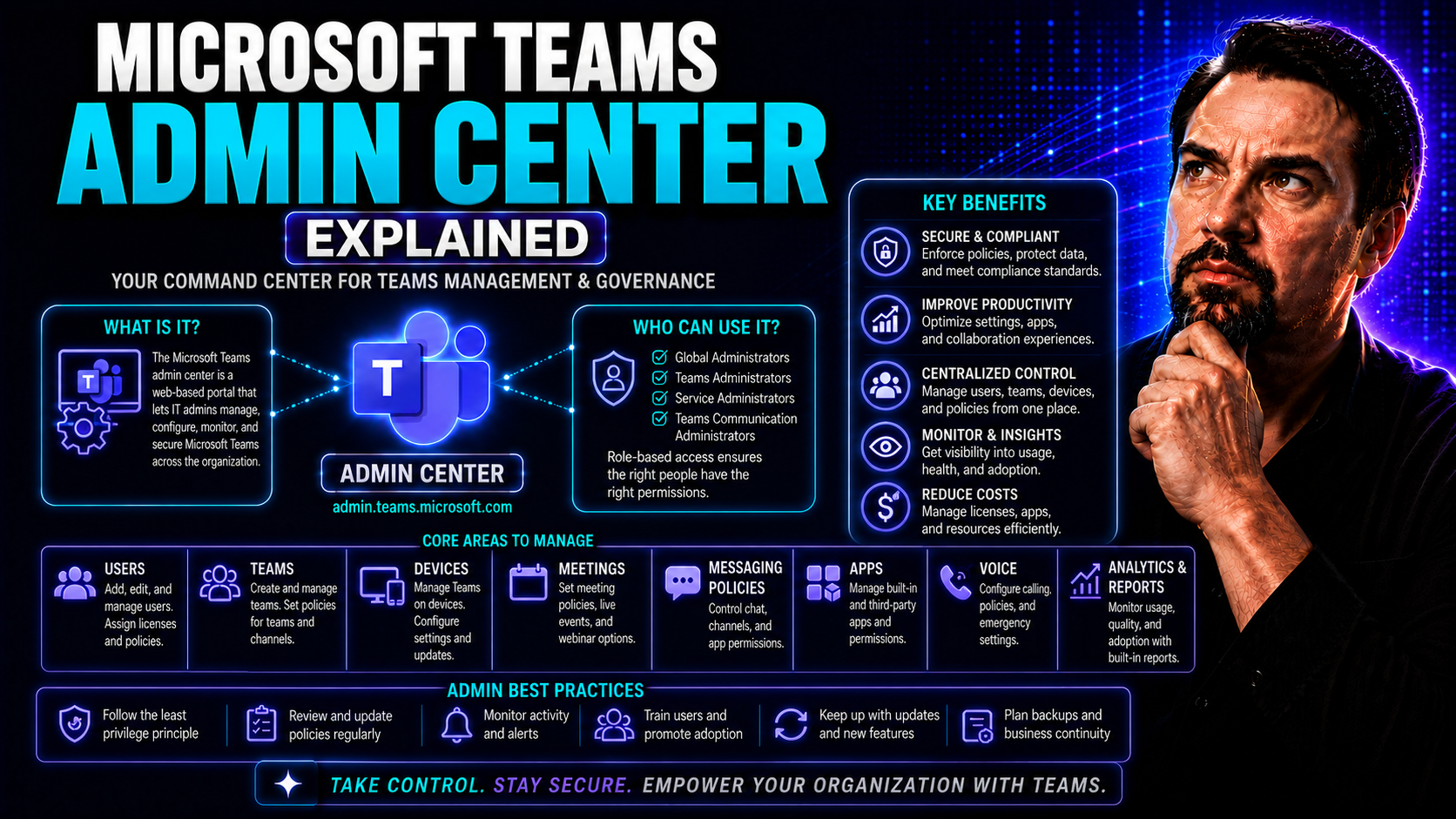
Microsoft Teams Admin Center: Complete IT Admin Guide
If you’re in charge of Microsoft Teams at your organization, you need the right tools for the job. The Microsoft Teams Admin Center is your command post, giving you one centralized location to manage how Teams works, who can do what, and how data is…
May 20, 2026
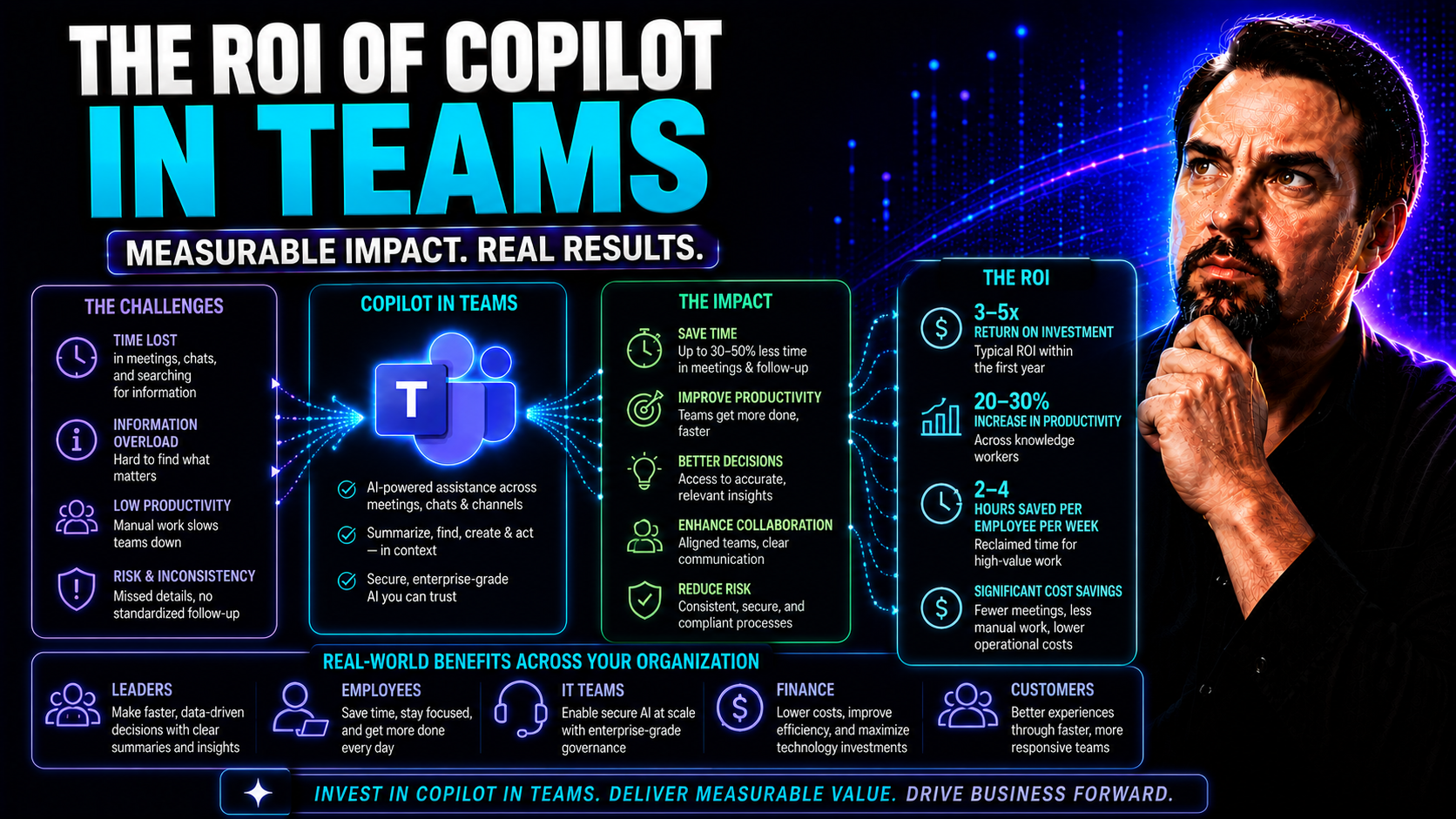
ROI of Copilot in Teams: Real Business Impact and What to Expect
Microsoft Copilot in Teams is turning heads for a reason. Organizations are seeing it as much more than another AI buzzword; it's a real lever for driving productivity, improving employee satisfaction, and achieving tangible cost savings. The talk i…
May 20, 2026
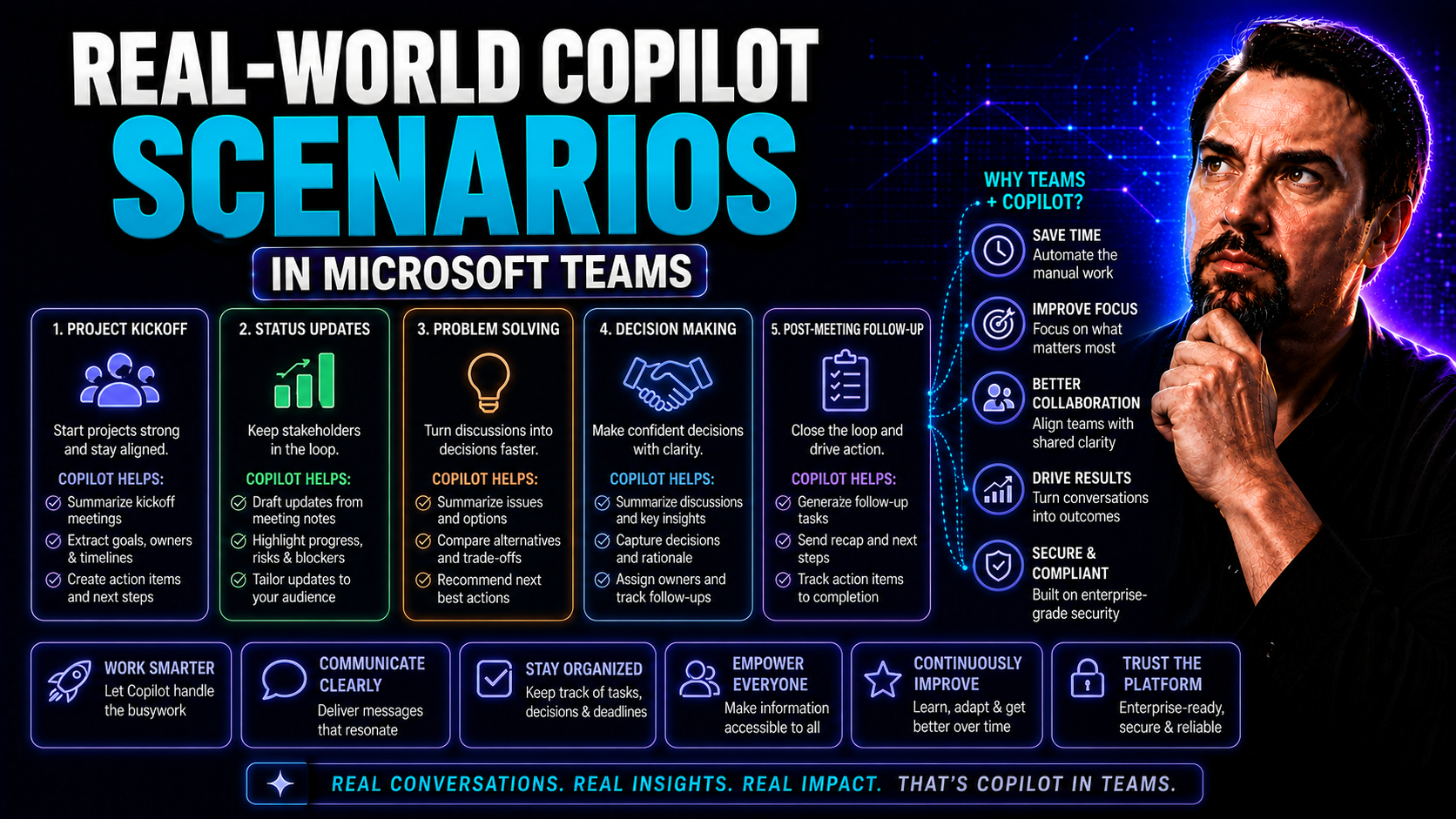
Real-World Copilot Scenarios for Microsoft Teams and Microsoft 365
In today's workplace, Microsoft 365 Copilot is shaking up how organizations get things done, especially when it comes to Microsoft Teams. Copilot blends generative AI with the apps you already rely on—like Word, Excel, Outlook, and Teams—to offer au…
May 20, 2026
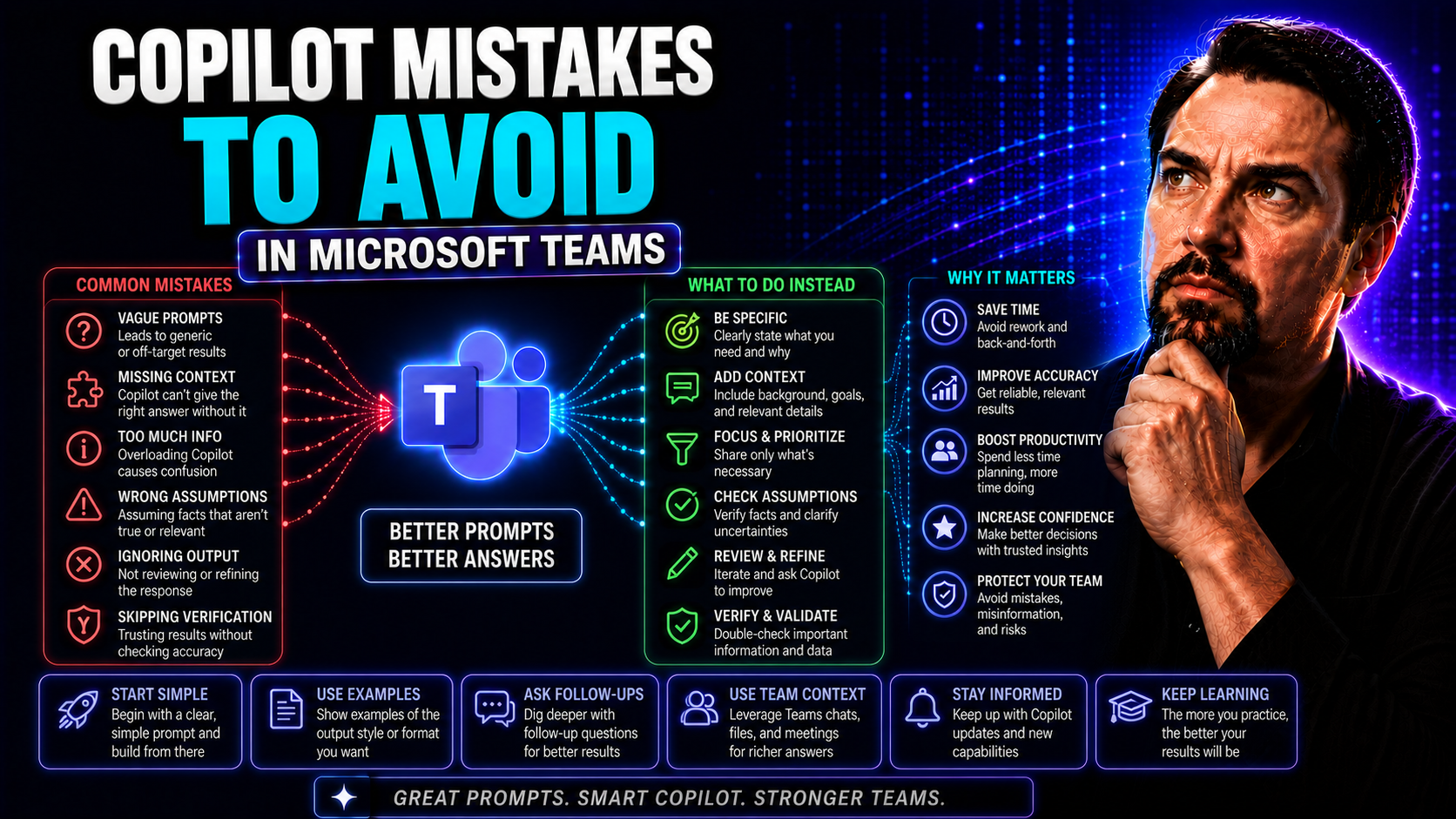
Copilot Mistakes to Avoid for Microsoft Teams and SharePoint Success
This guide arms you with everything you need to avoid the biggest mistakes people make when rolling out Microsoft Copilot in Microsoft Teams, SharePoint, and across Microsoft 365. Whether you’re a power user, an admin, or just someone sick of wrestl…
May 20, 2026
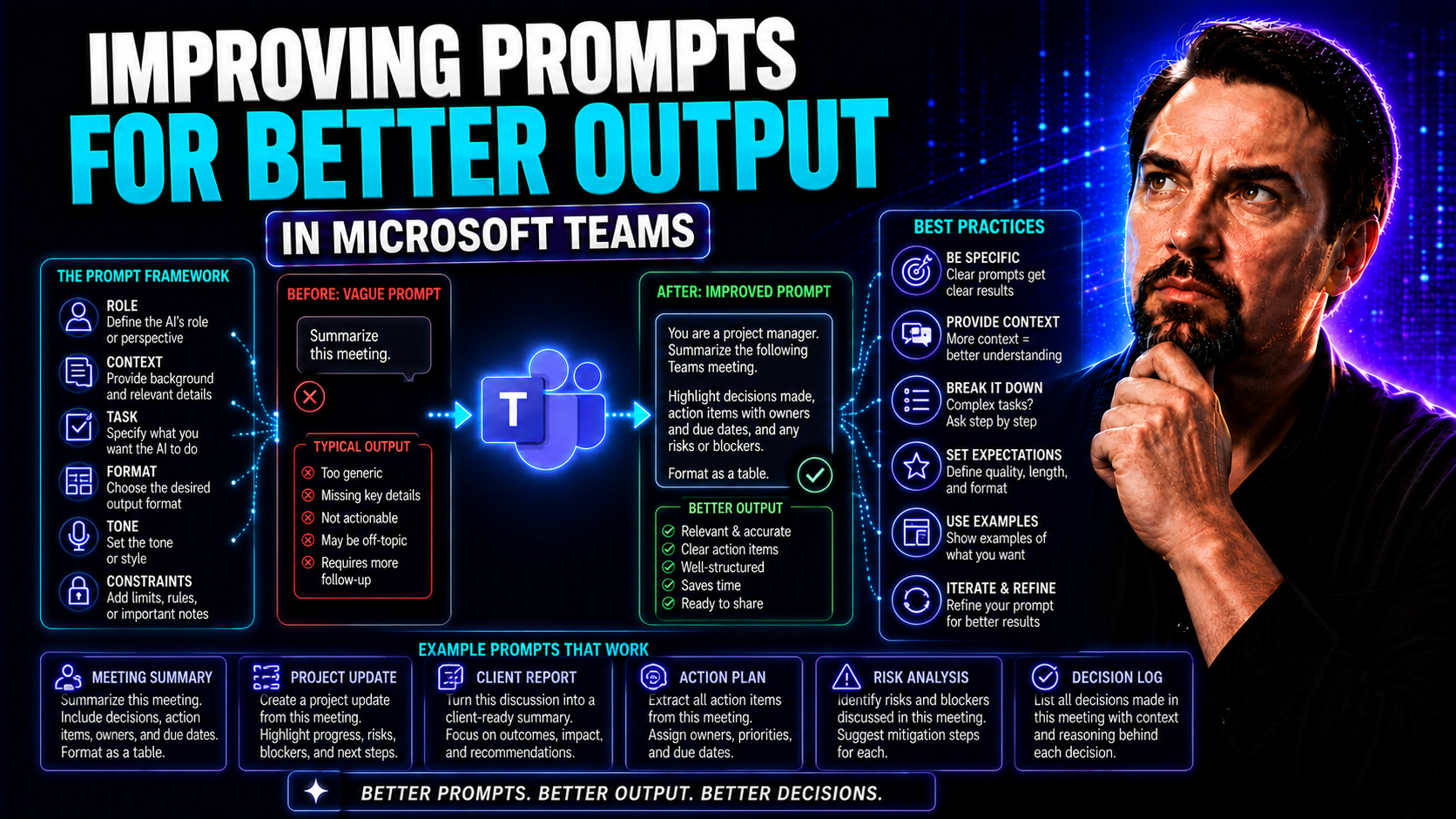
Improving Prompts for Better Output: Strategies for Microsoft Teams and Copilot Success
If you’ve ever asked an AI the same question twice and gotten two very different answers, you know prompting isn’t just about asking—it’s about asking right. In fast-paced business environments like Microsoft Teams, effective prompt engineering shap…
May 20, 2026
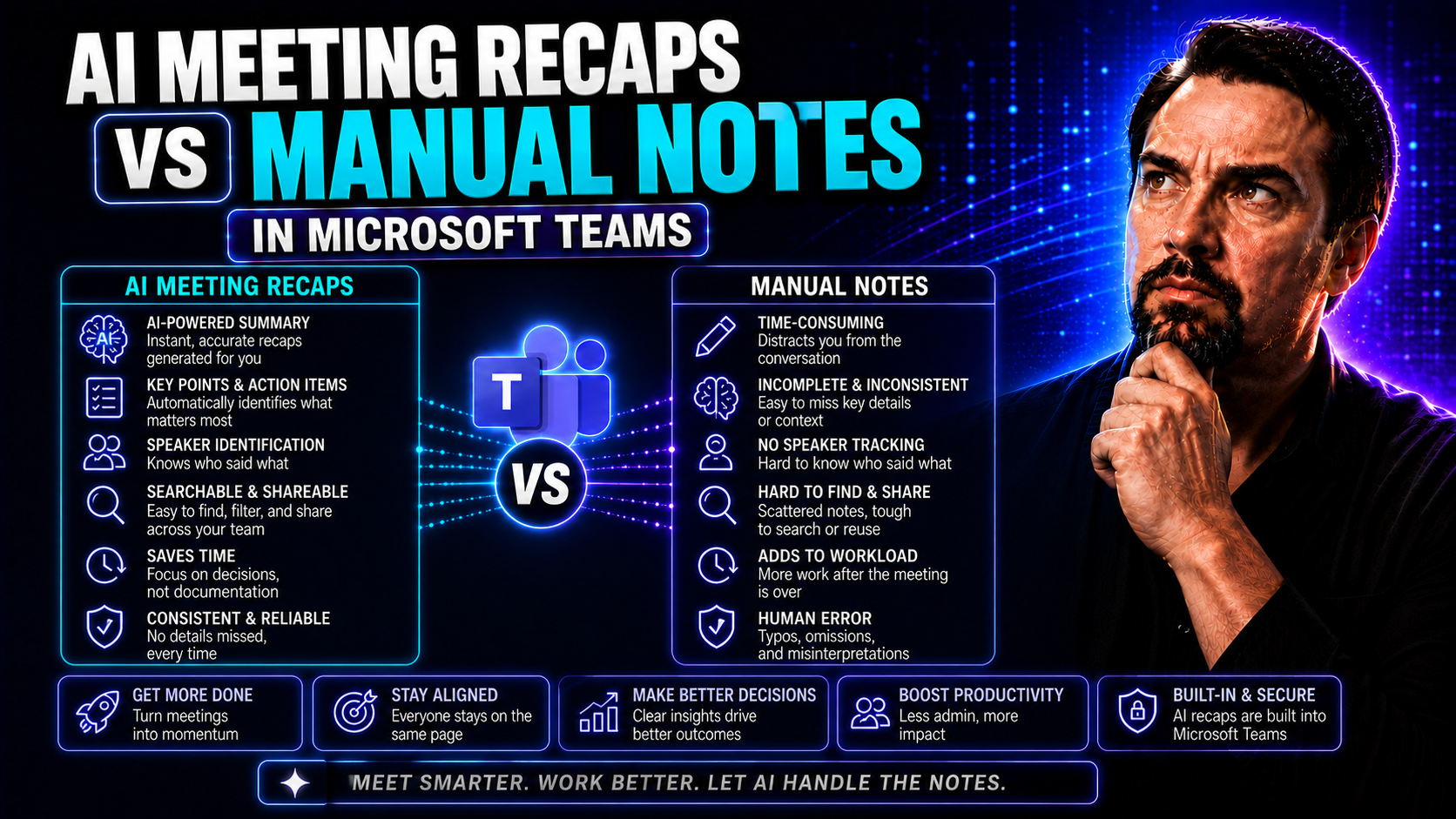
AI Meeting Recaps vs Manual Notes: What Teams Need to Know
The way your team documents meetings can make or break your follow-up and future planning. Until recently, manual note-taking was the default—somebody scribbled, some tried to remember, but good luck finding consensus or lost details later. These da…
May 20, 2026
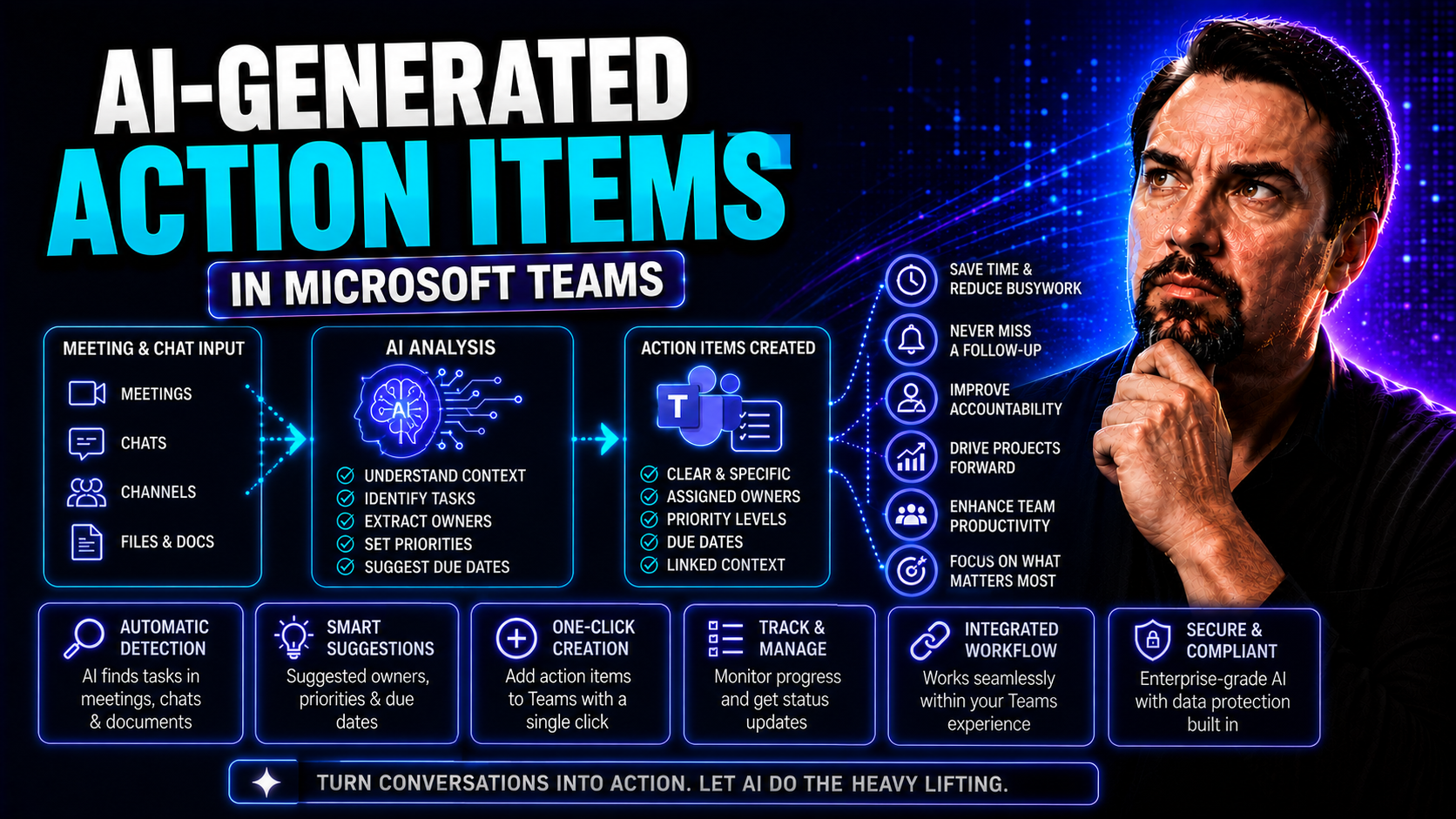
AI-Generated Action Items: Boosting Team Productivity in Microsoft Teams
AI-generated action items are turning a lot of heads these days, especially in workplaces using Microsoft Teams. Think of them as your personal note-taker, but dialed up with a smart AI that listens in on meetings, grabs the important tasks, and org…
May 19, 2026
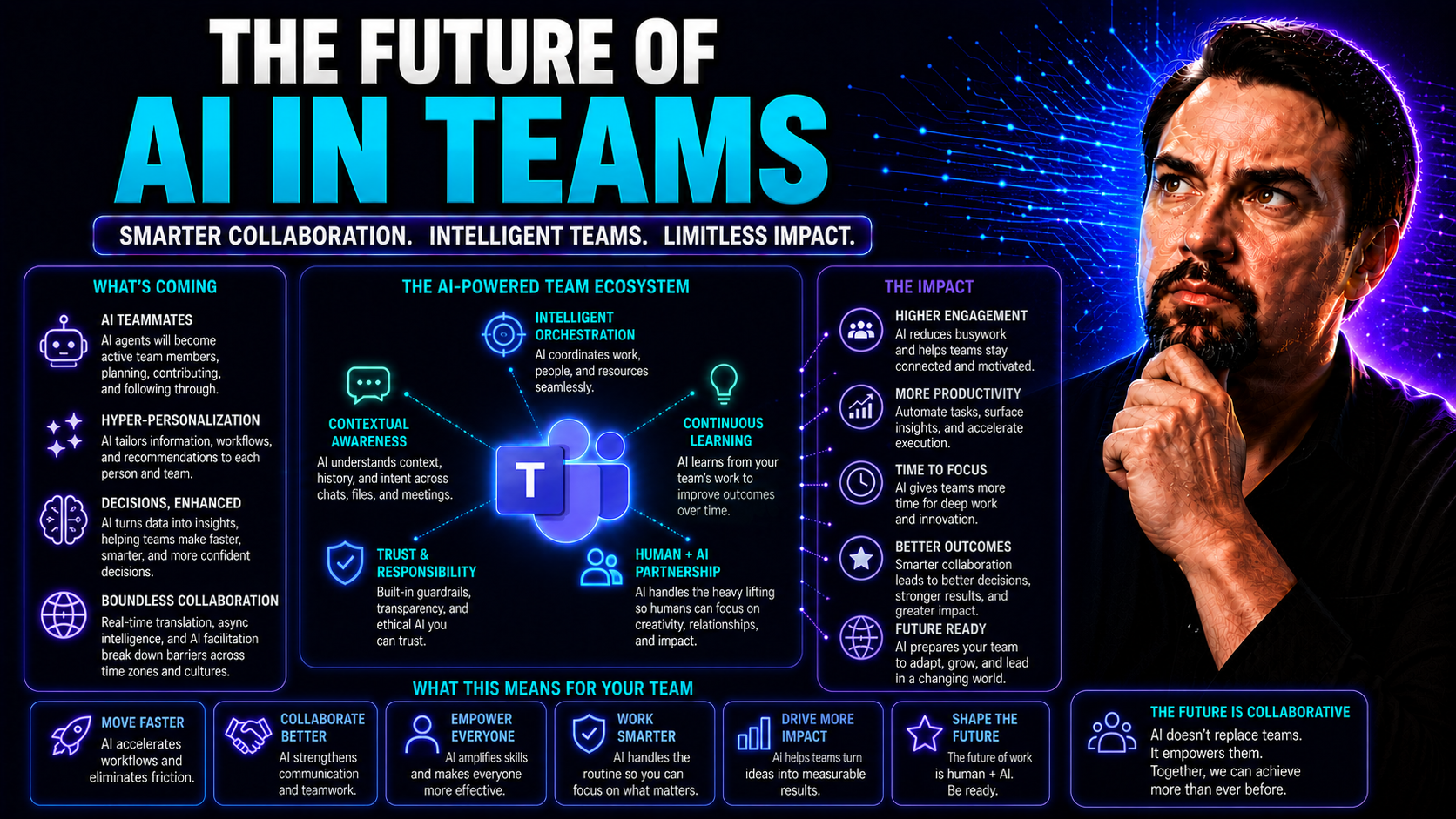
The Future of AI in Teams: Transforming Collaboration and Productivity
Artificial intelligence isn't just a buzzword—it's quickly becoming the backbone of how teams collaborate, solve problems, and make decisions. Especially inside platforms like Microsoft Teams, AI-driven tools are turning ordinary meetings and chats …
May 19, 2026
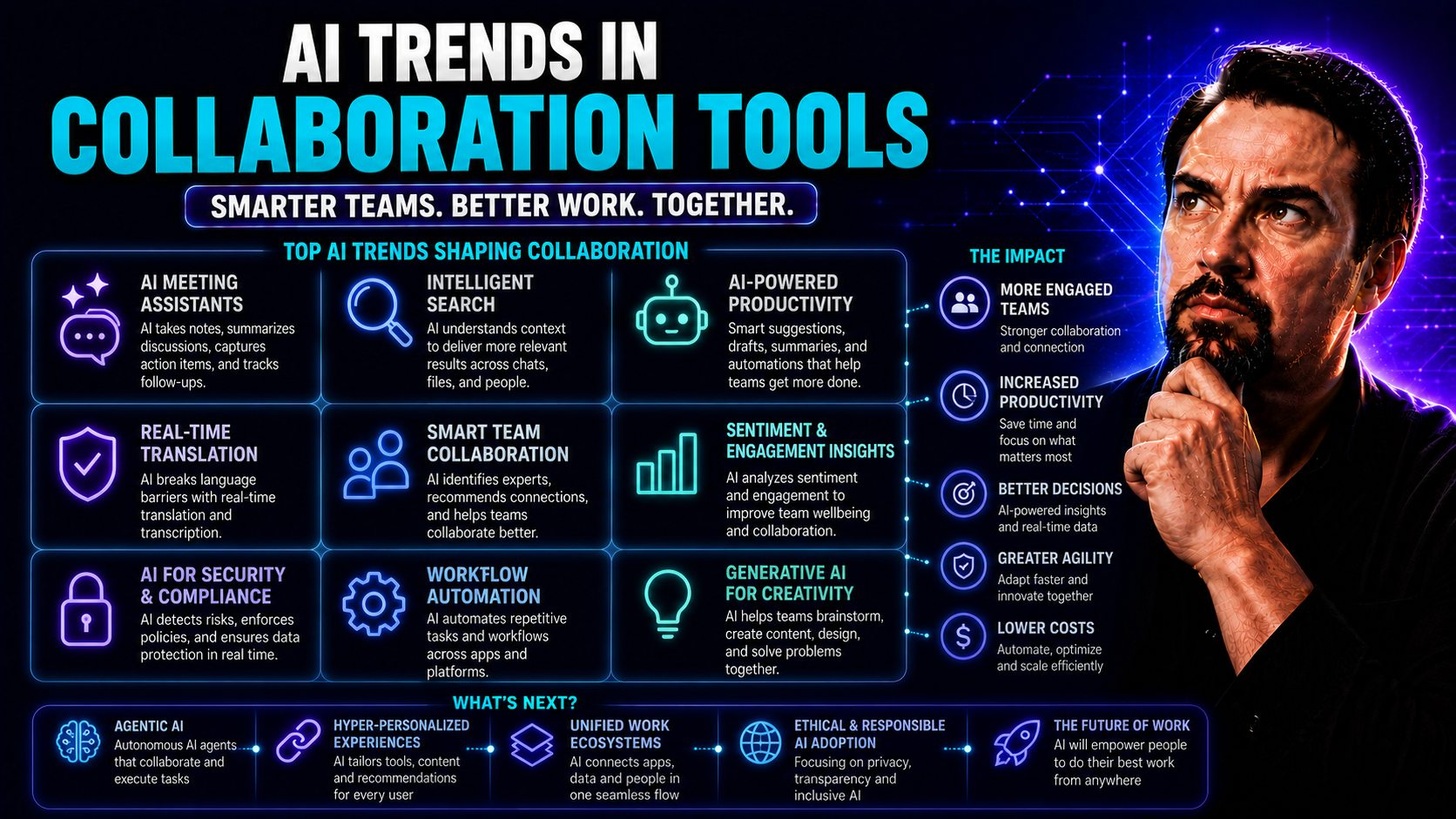
AI Trends in Collaboration Tools: Unlocking Teamwork and Innovation
Artificial intelligence is shaking up the way people work together, plain and simple. In the world of collaboration tools, AI has moved from wishful thinking to real, working features that make teamwork more efficient, intuitive, and yes, a whole lo…
May 19, 2026
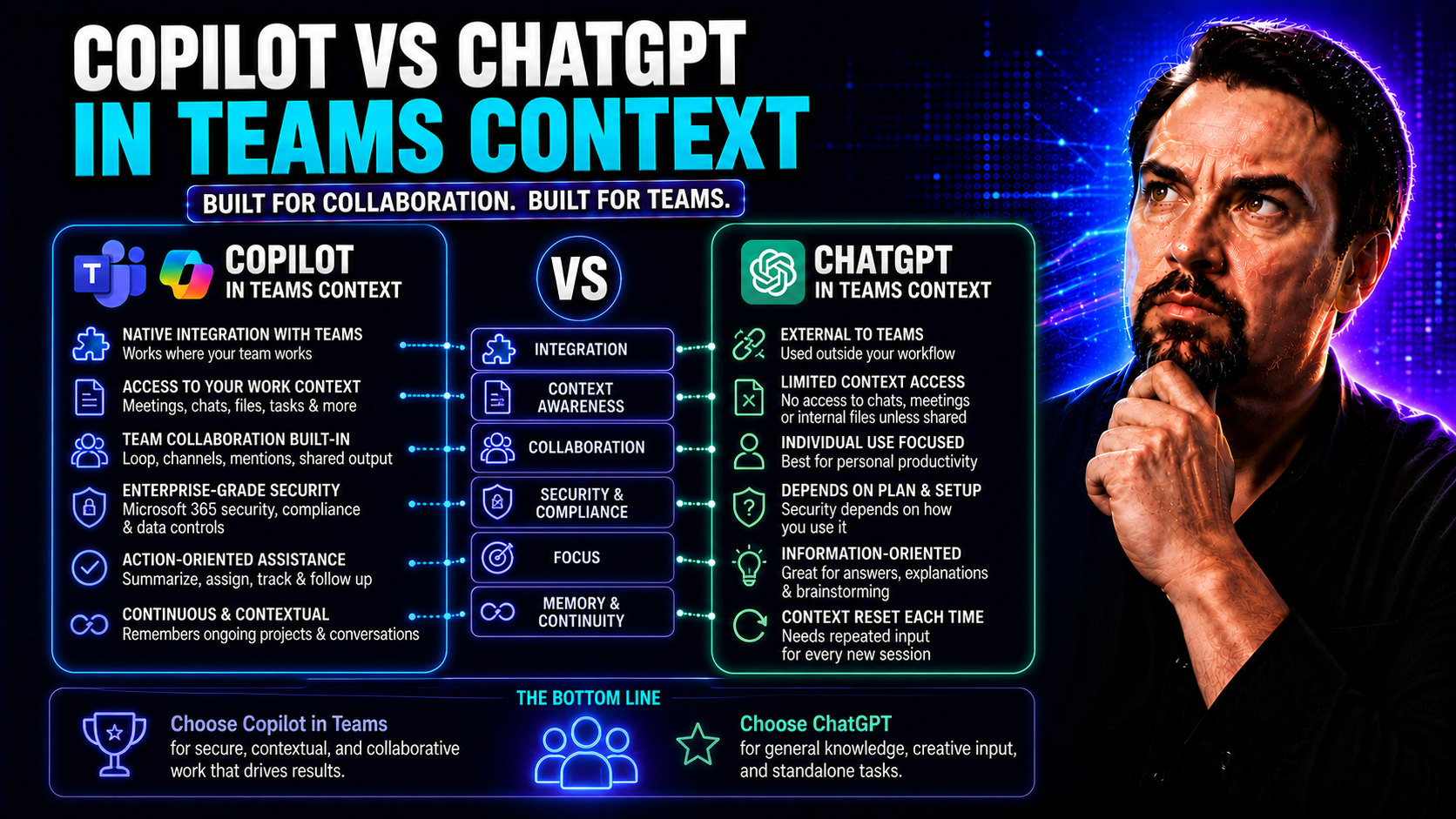
Copilot vs ChatGPT: Choosing the Best AI for Microsoft Teams Collaboration
When it comes to modern teamwork, choosing the right AI companion can make your Microsoft Teams environment either smart and efficient or just another tool in the pile. This article digs deep into the comparison between Microsoft Copilot and ChatGPT…
May 19, 2026
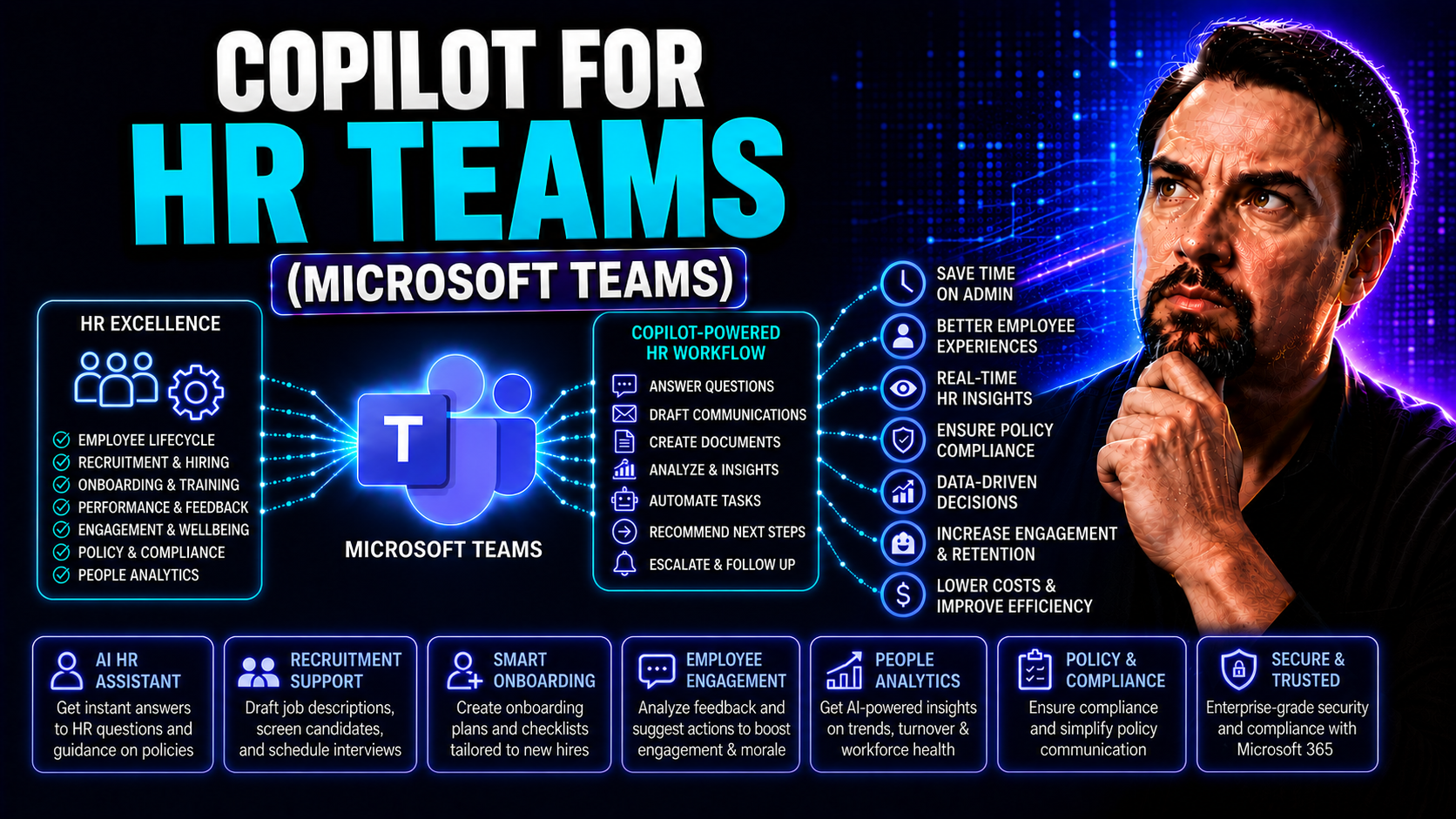
Microsoft Copilot for HR: Use Cases, Benefits and Governance
Microsoft Copilot for HR teams is shaking things up in a big way. By plugging artificial intelligence directly into Microsoft 365, Teams, and SharePoint, Copilot enables HR departments to get a lot more done—without losing the human touch. Think fas…
May 19, 2026
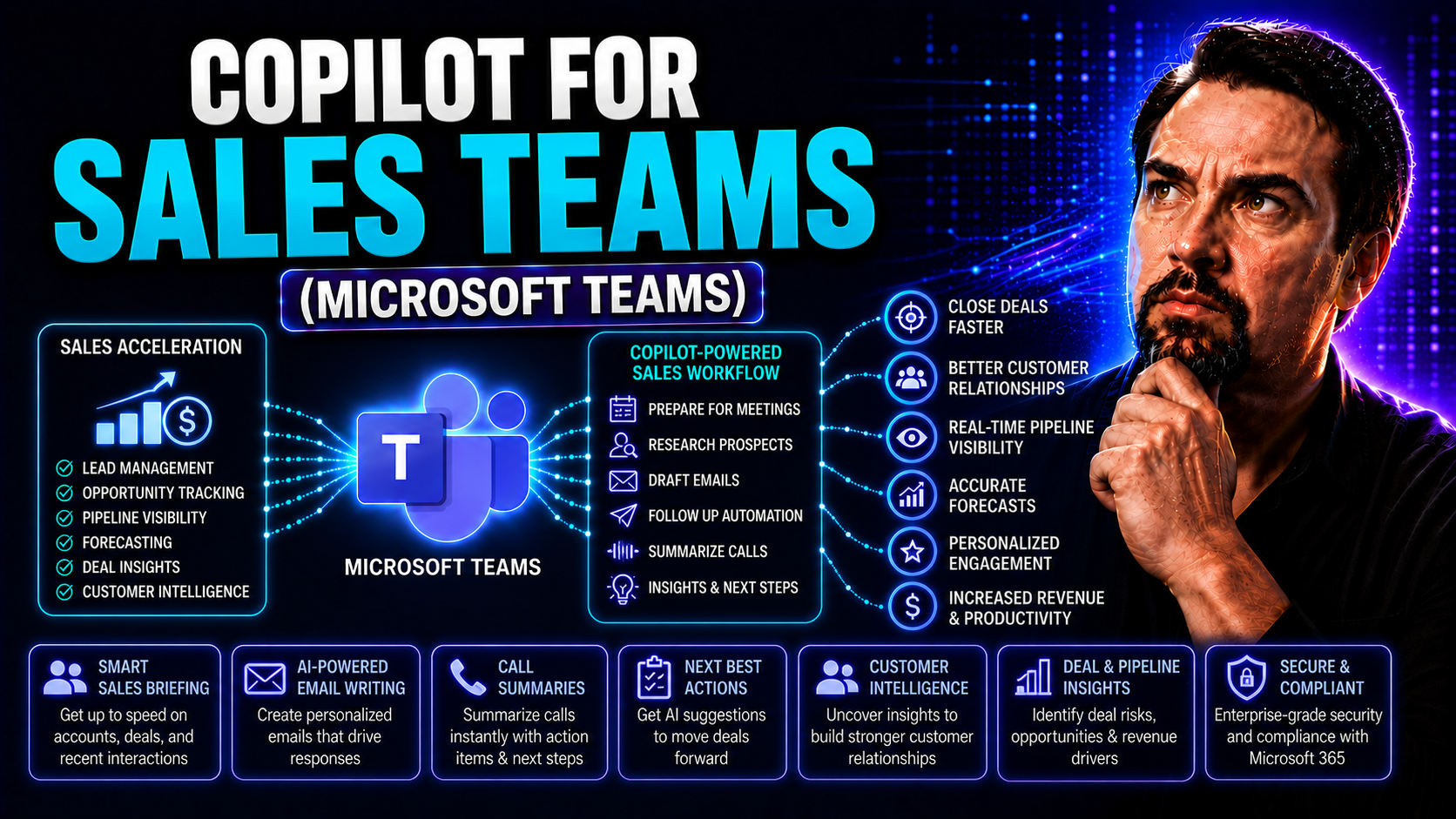
Microsoft Copilot for Sales: Complete Use Case and Deployment Guide
Sales moves fast—real fast. That’s why this guide is all about equipping sales teams with the right tools for the job. Microsoft 365 Copilot brings AI smarts right into your existing workflow, helping sales professionals work quicker, engage custome…
May 19, 2026
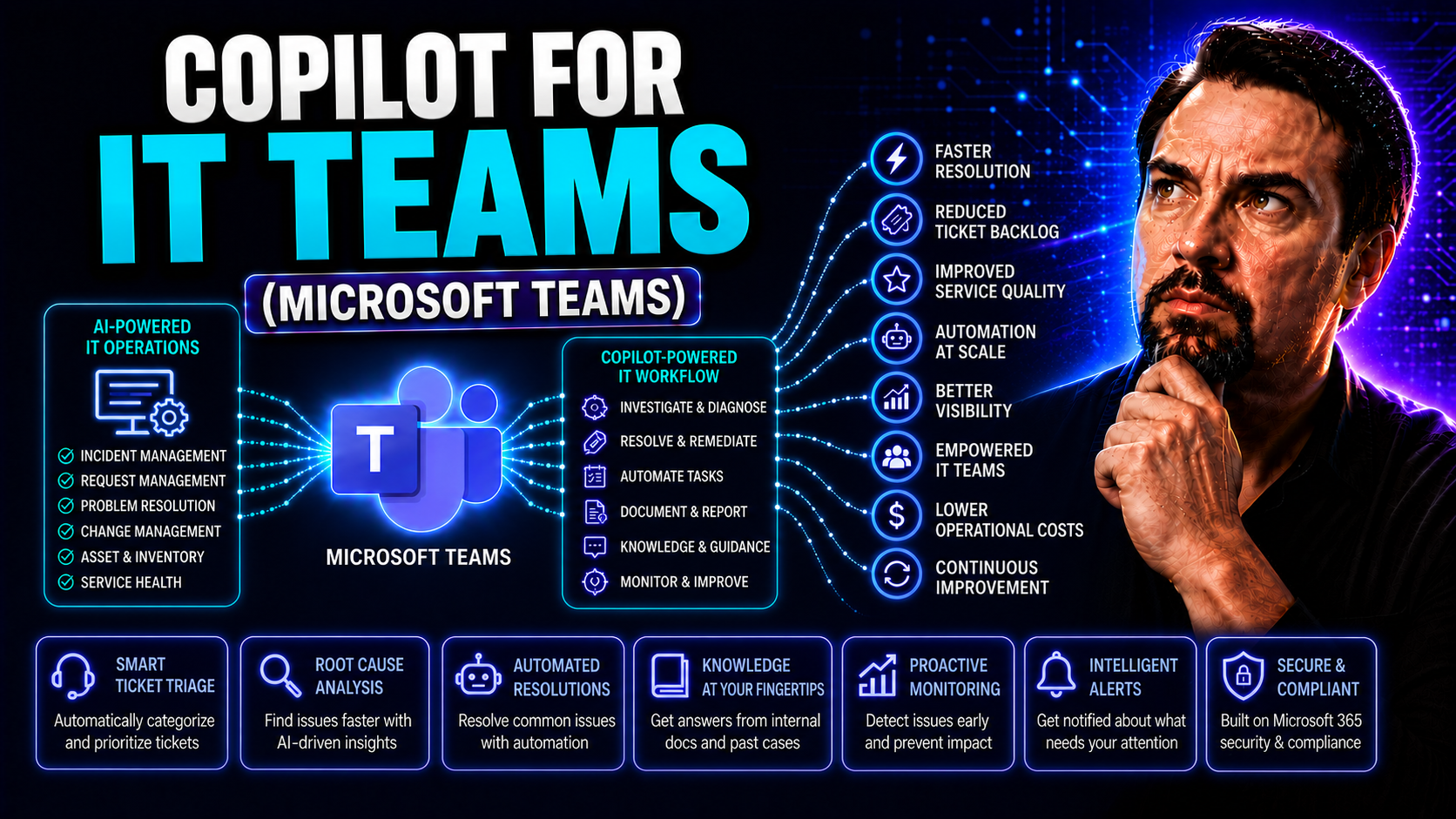
Microsoft Copilot for IT Teams: Deployment, Security and Admin Guide
Welcome to your one-stop guide for rolling out and running Copilot in Microsoft Teams and across the entire Microsoft 365 suite. Here, you’ll find everything an IT team needs to deploy, secure, and fine-tune Copilot for maximum value. From licensing…
May 19, 2026
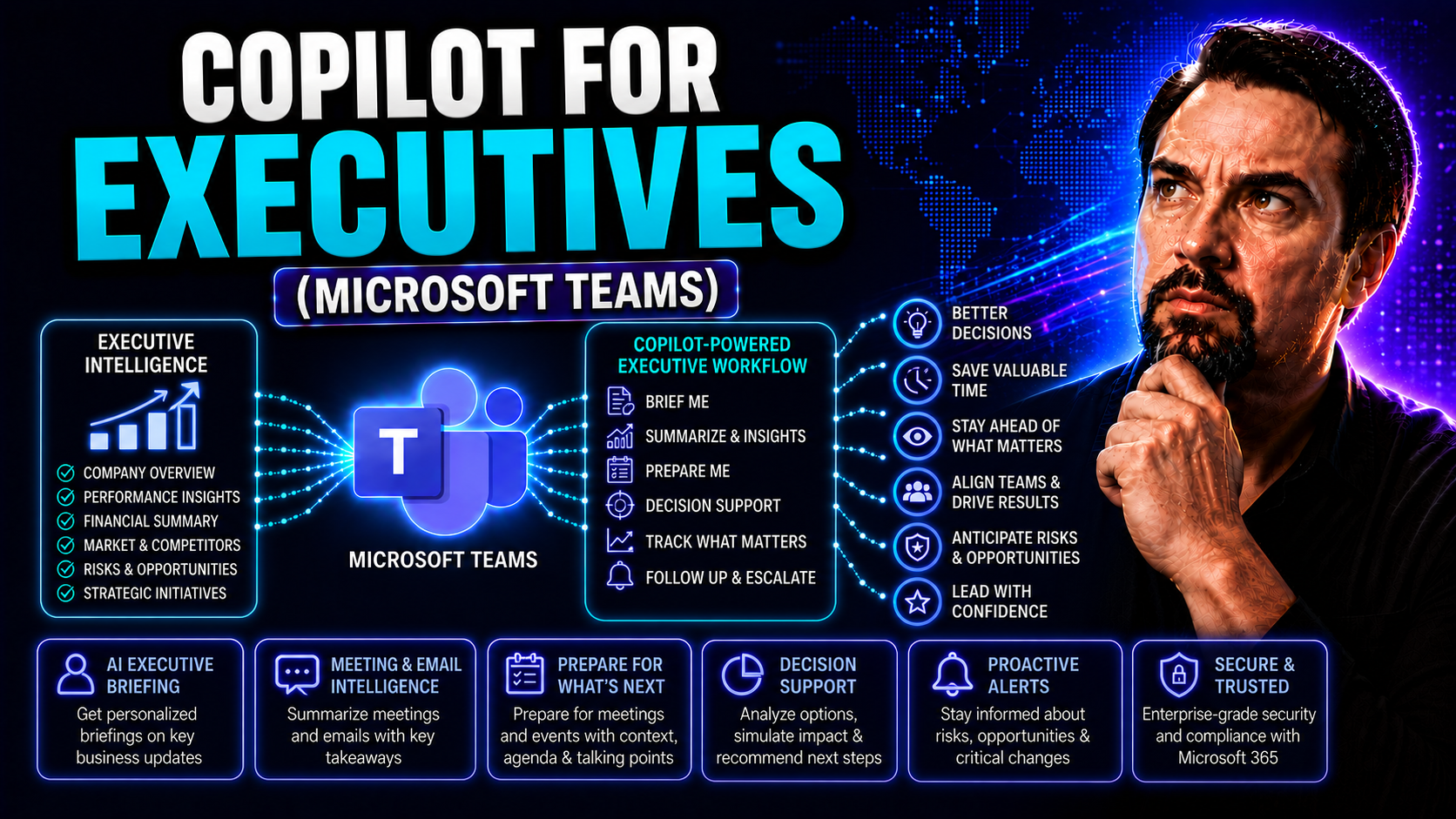
Microsoft Copilot for Executives: Strategy, ROI and Governance
AI-driven copilots are quickly becoming must-have tools for today’s executive teams. With the relentless pace of business, leaders need more than just traditional productivity apps—they need AI that understands how they work, adapts to their priorit…