Turn your real-world experience into part of the show.

Blog Posts

May 21, 2026

Secure Meetings Best Practices for Microsoft Teams and Beyond
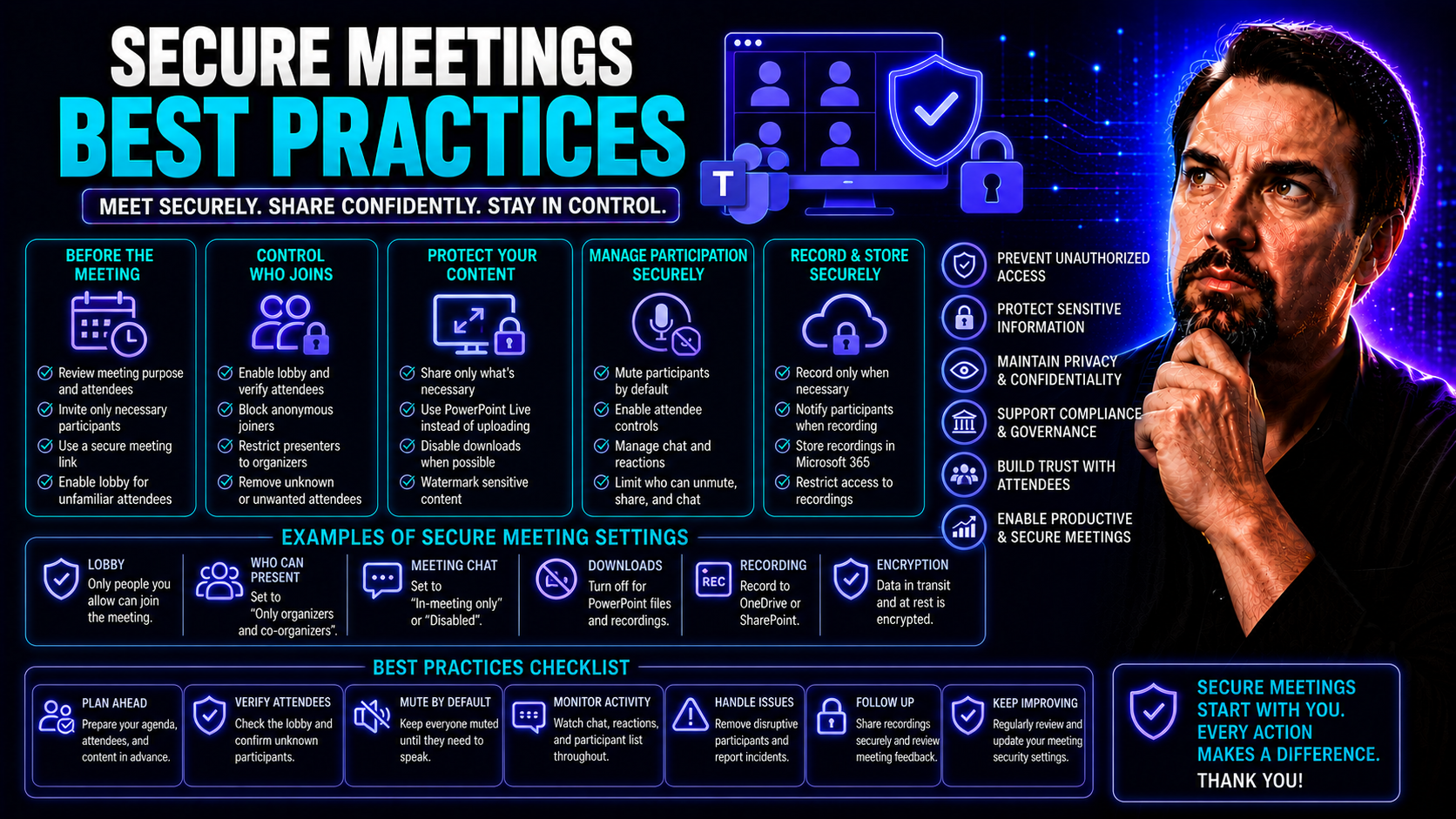
Keeping your virtual meetings secure isn’t just a nice-to-have—it’s non-negotiable these days. Sensitive business, customer, and personal information regularly gets shared across platforms like Microsoft Teams. If you don’t protect that data, you ri…
View more
May 21, 2026

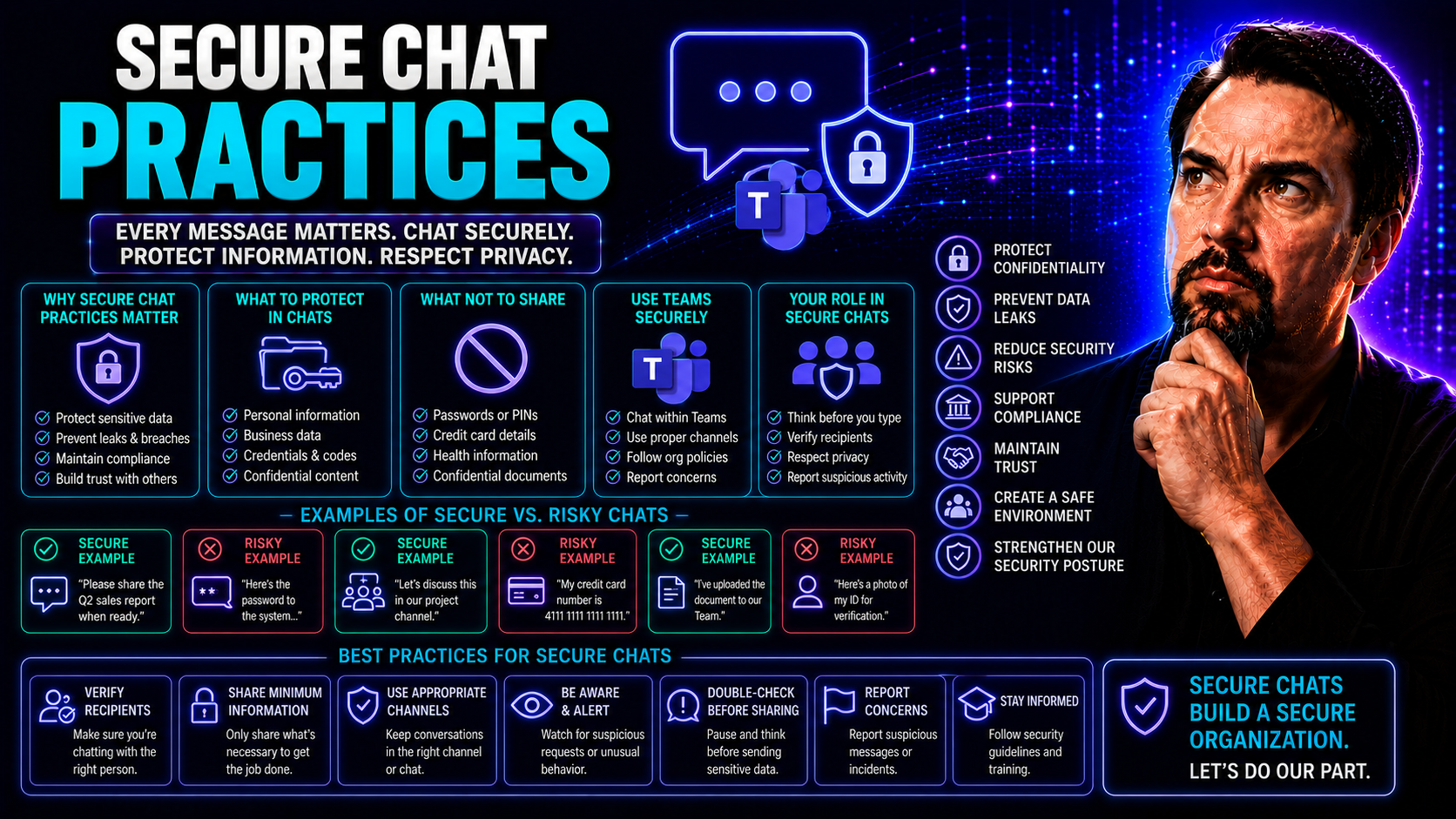
Secure Chat Practices: Essential Principles for Protected Communication

Keeping conversations secure isn't just a nice-to-have—it's a must in today’s world. With sensitive data flying back and forth in industries like healthcare, finance, and law, secure chat practices help keep organizations out of trouble and ahead of…

View more
May 21, 2026

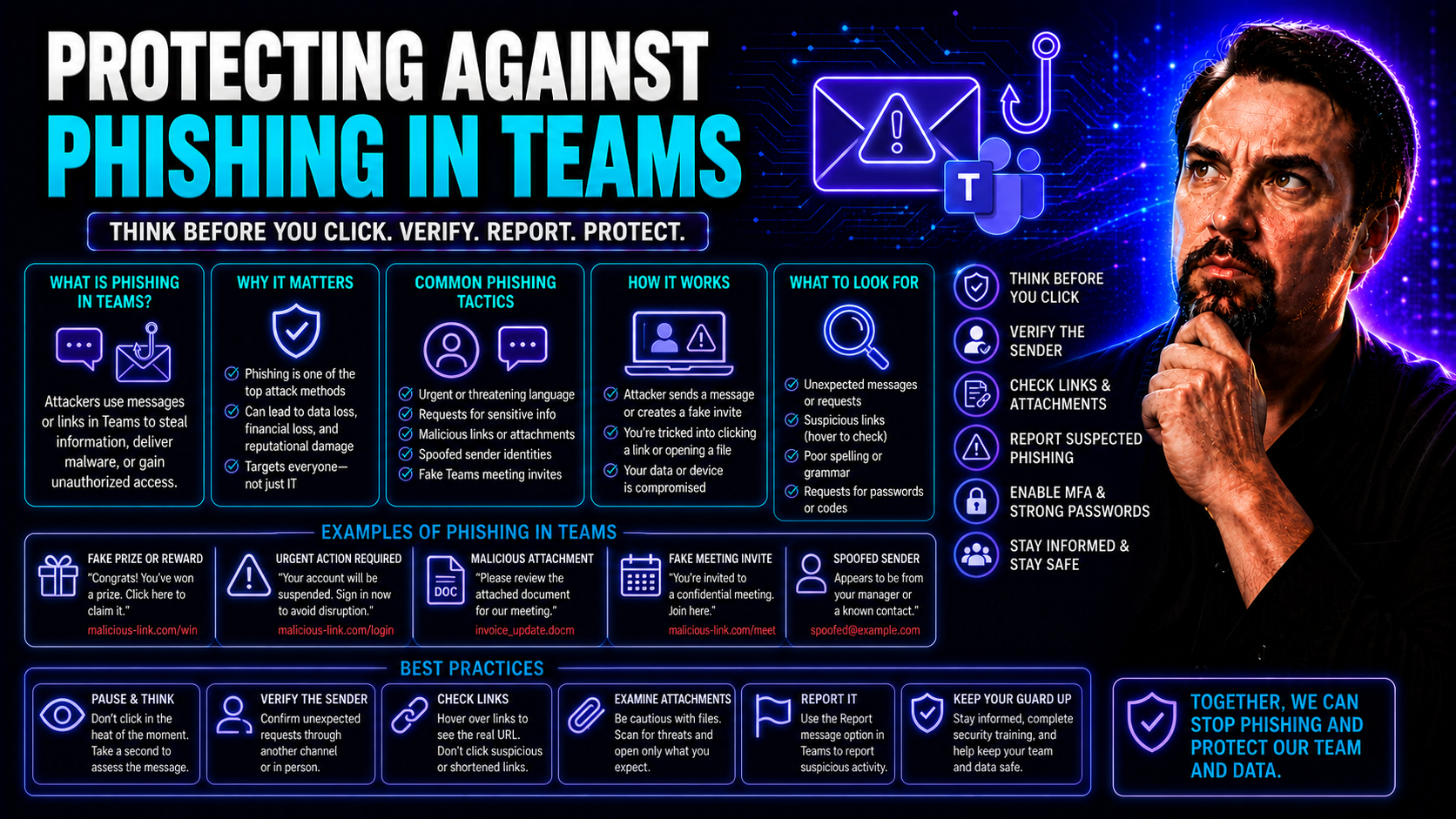
Protecting Against Phishing in Teams: Comprehensive Strategies for Microsoft Teams Security

If you depend on Microsoft Teams every day, you're probably dealing with more than just chat messages and virtual meetings. Phishing attacks are increasingly showing up right where you work, hiding behind what looks like regular collaboration. This …

View more
May 21, 2026

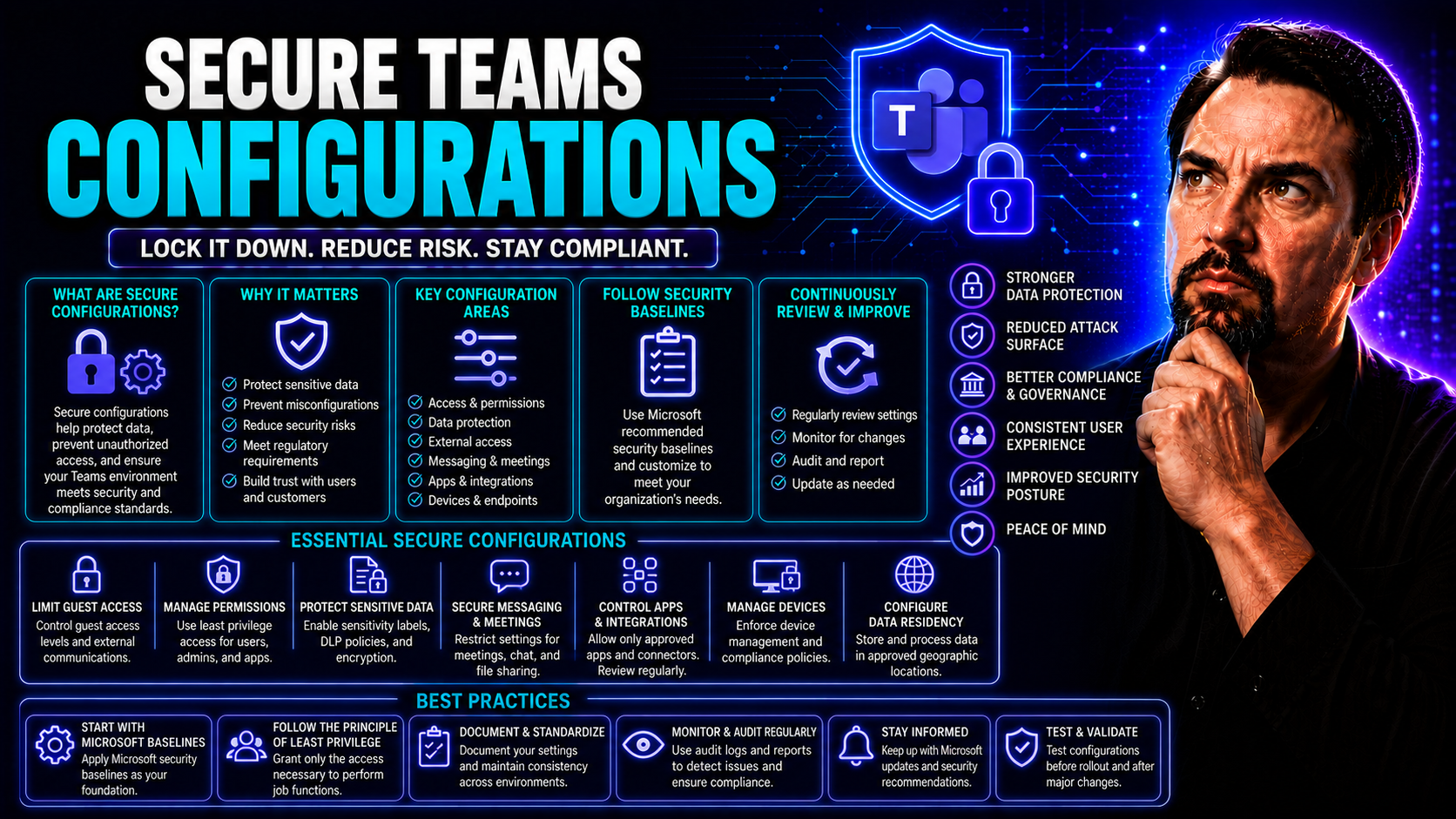
Secure Teams Configurations: Complete Guide for Microsoft Teams Governance

If you want to keep your organization's data safe, smooth out your workflows, and meet all those pesky compliance rules, then securing your Microsoft Teams setup is the bedrock. Getting the configurations just right isn’t about locking things down a…

View more
May 21, 2026

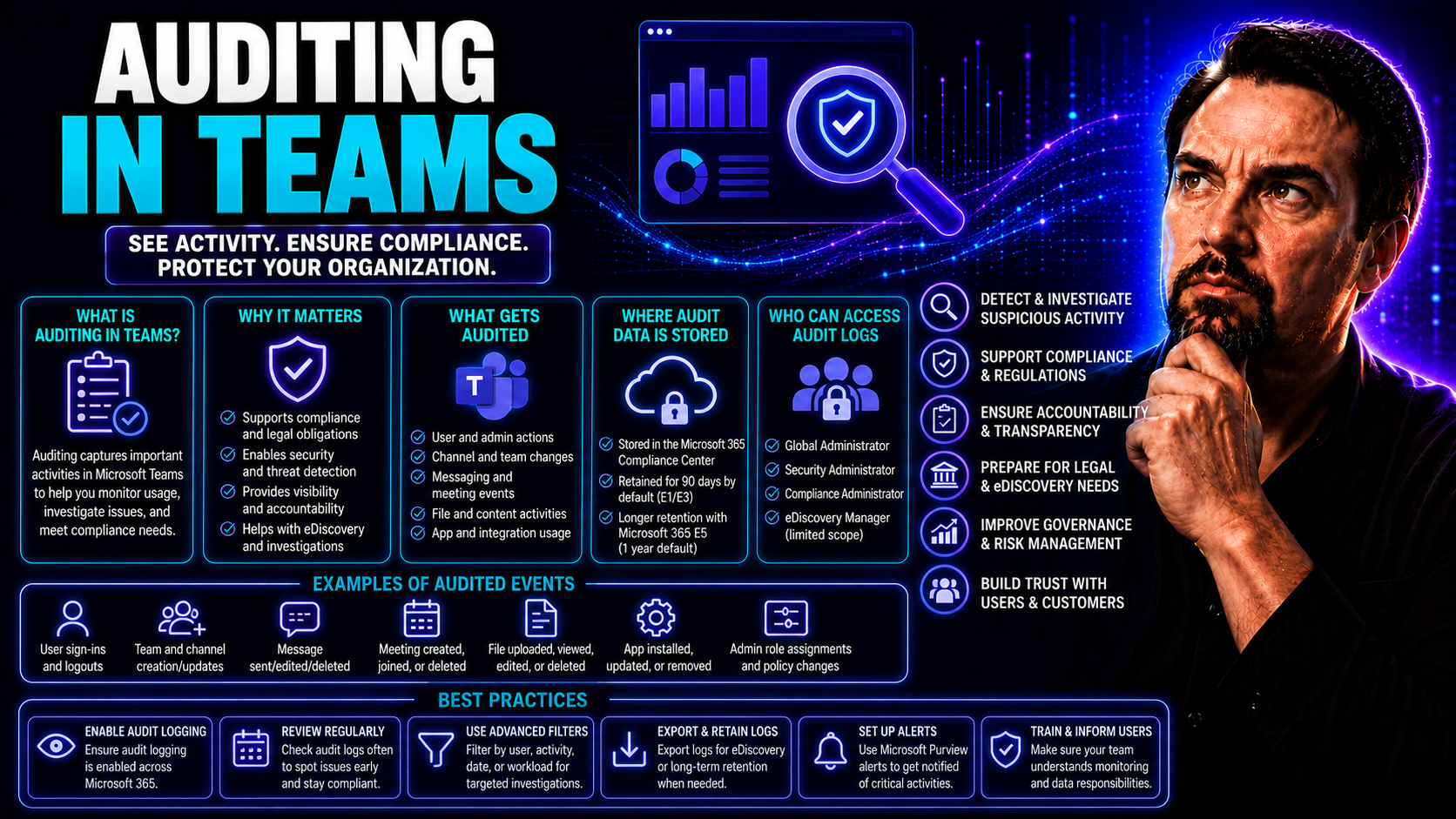
Auditing in Teams: Complete Guide to Monitoring Microsoft Teams Activities

Microsoft Teams lets your organization communicate, share files, and collaborate—but with all that activity, keeping an eye on what’s happening behind the scenes is a must. That’s where auditing comes in. With the right monitoring in place, you can …

View more
May 21, 2026

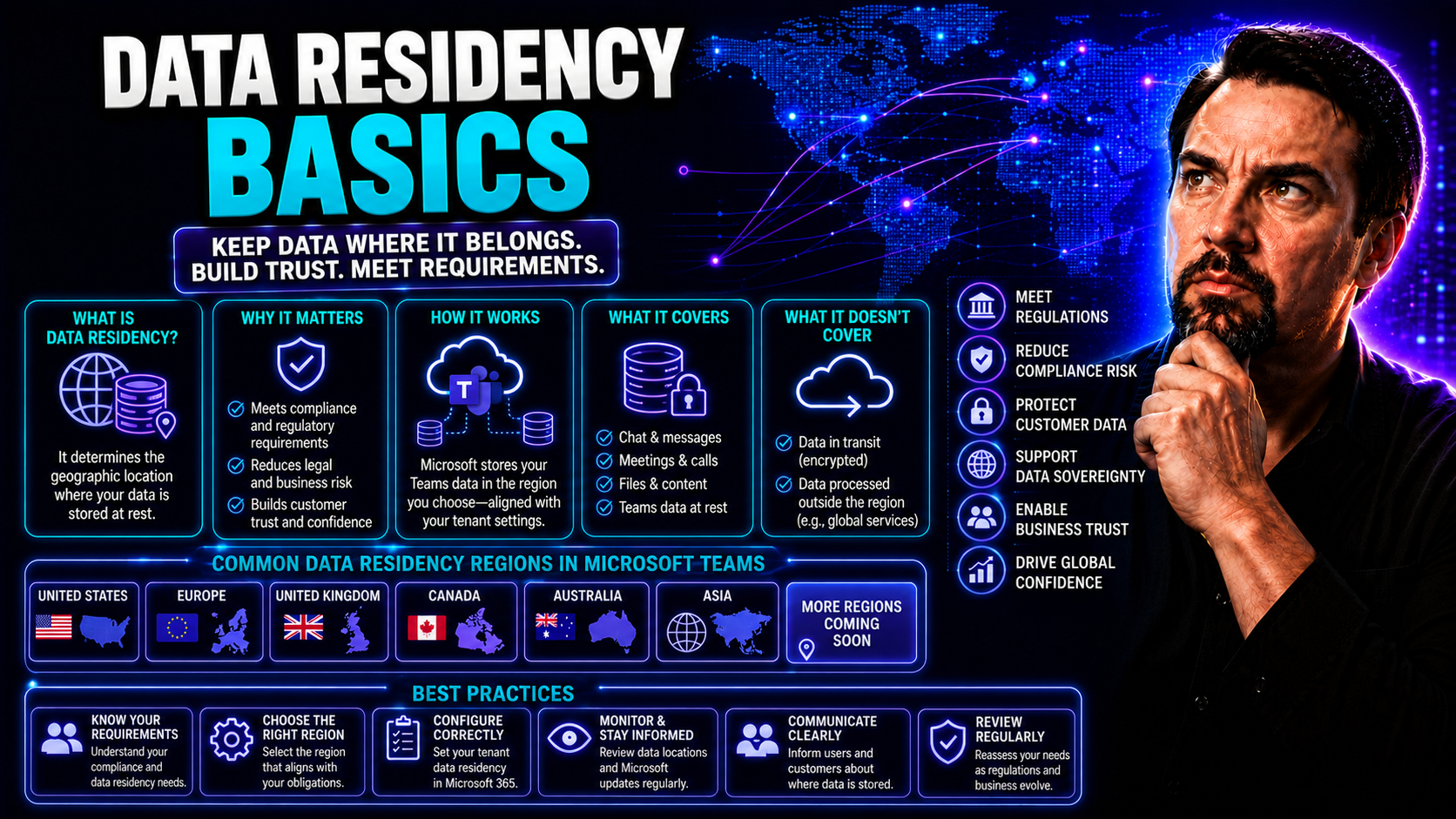
Data Residency Basics: What Every Microsoft Teams Administrator Needs to Know

Data residency isn’t just a buzzword—it’s the rules of the game when you’re running Microsoft Teams or SharePoint in today’s cloud-first world. As organizations move more conversations, files, and business secrets online, questions about where that …

View more
May 21, 2026

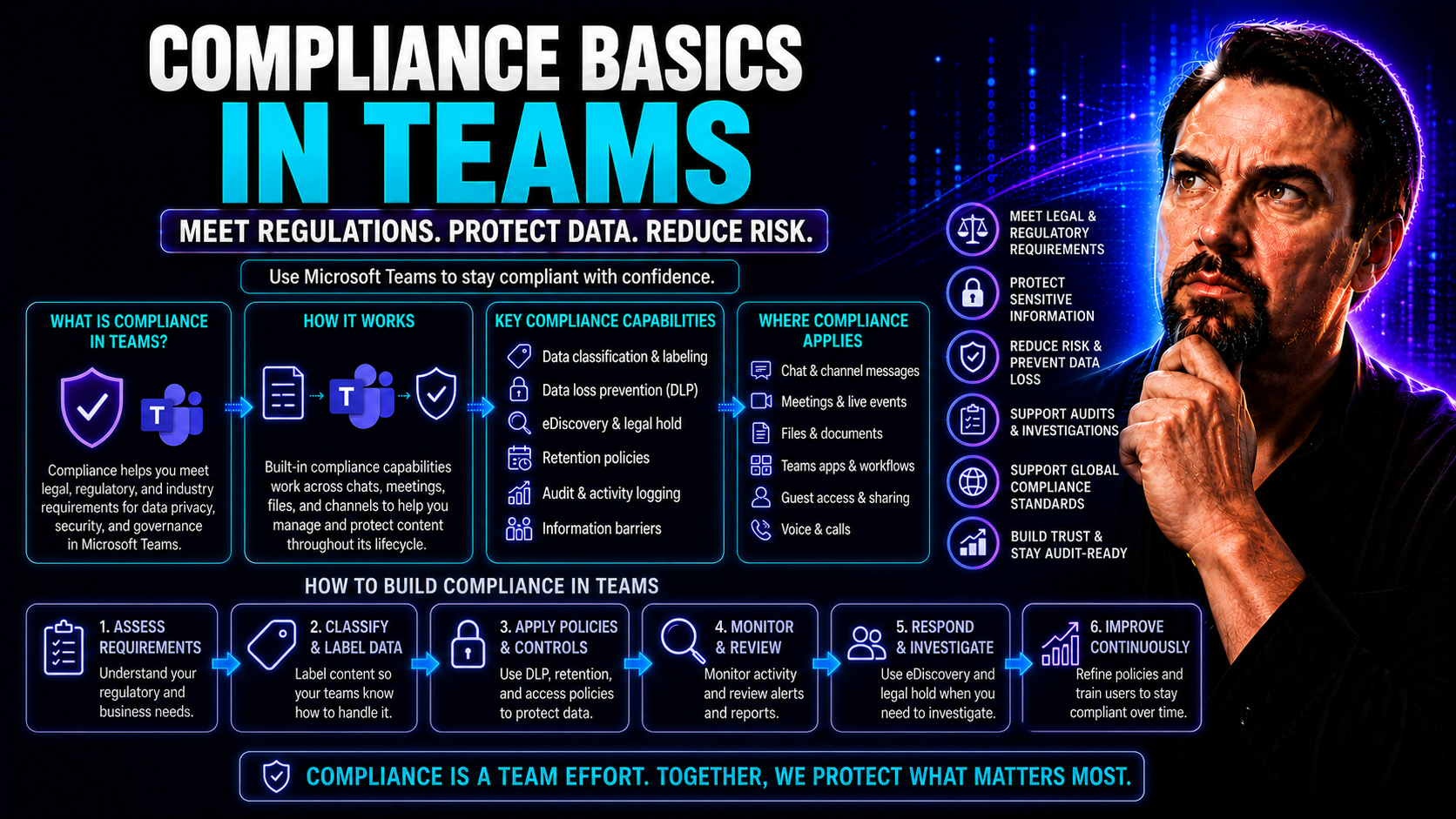
Compliance Basics in Teams: What Every Organization Needs to Know

Compliance isn’t just a nice-to-have when you’re working in digital collaboration tools like Microsoft Teams—it’s a non-negotiable. As organizations share sensitive information, messages, and documents all day long, the risks of getting it wrong are…

View more
May 21, 2026

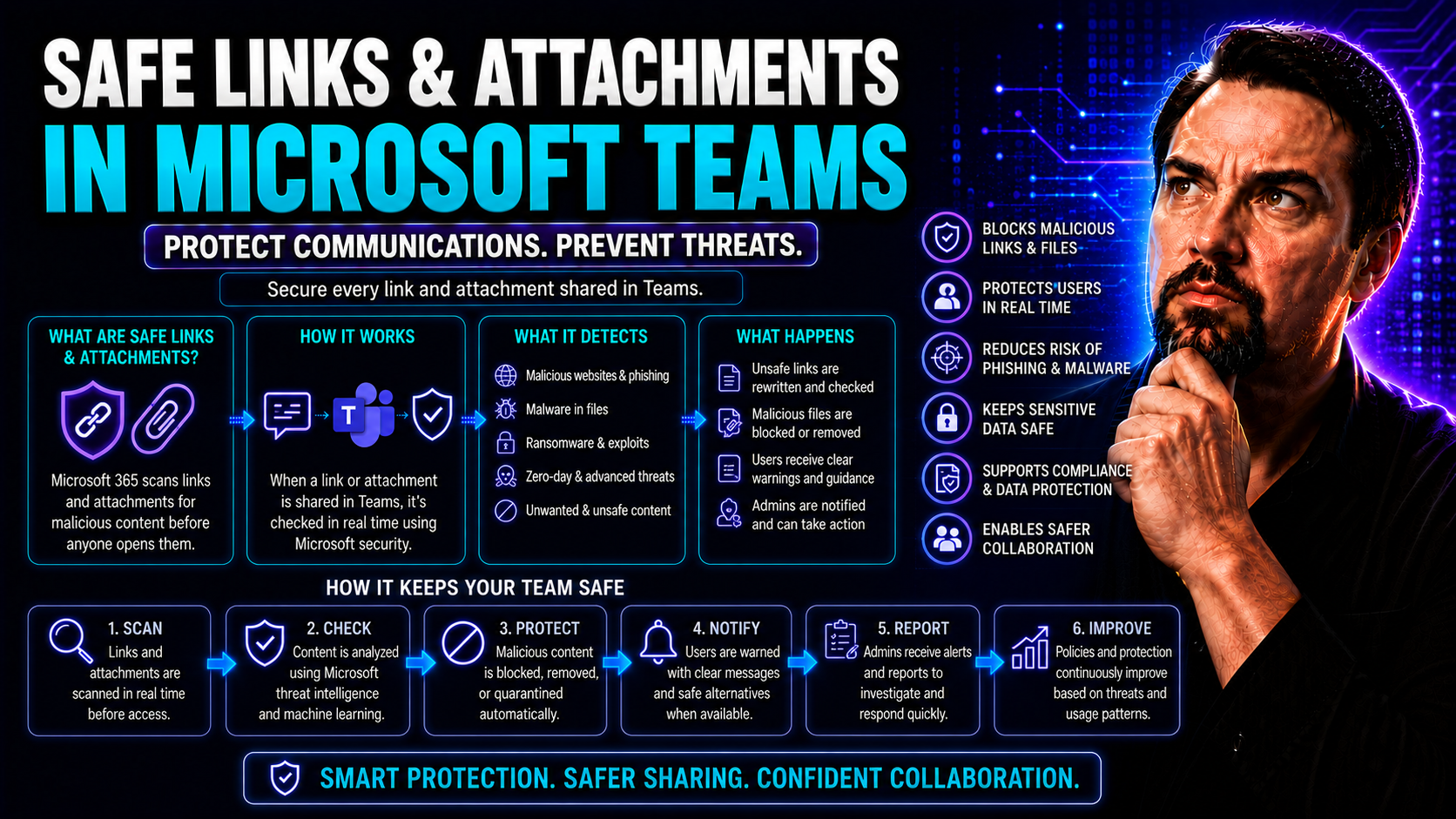
Understanding Safe Links and Attachments in Microsoft 365

If you’re running a business on Microsoft 365, protecting your users from risky links and shady attachments isn’t optional—it’s absolutely necessary. The number of scams, phishing tricks, and malware attacks flying around these days is no joke. That…

View more
May 21, 2026

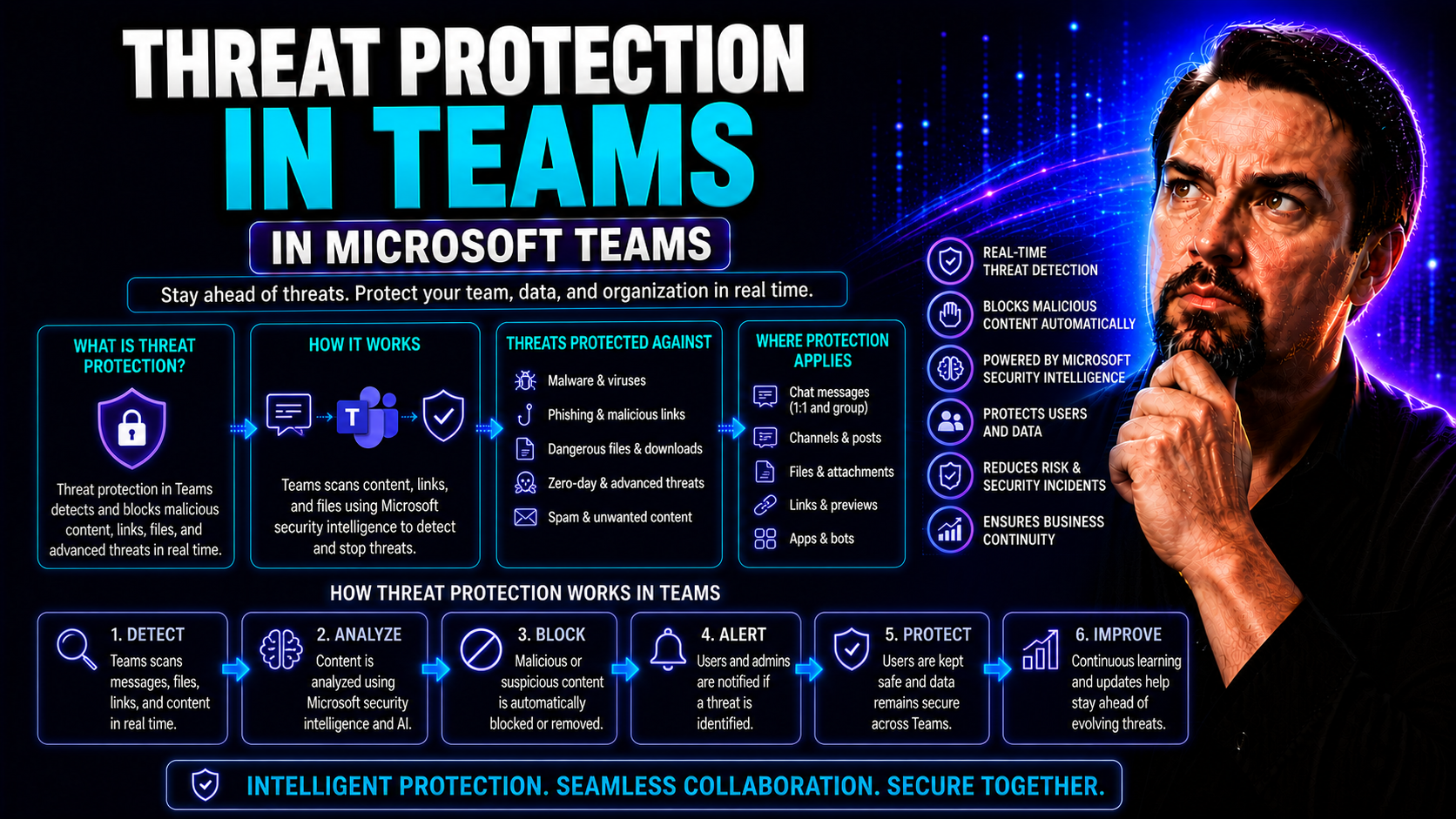
Threat Protection in Teams: Safeguarding Collaboration in a Modern Workforce

Threat protection in Microsoft Teams isn’t just a trendy topic—it’s a real-world issue for businesses navigating the challenges of a digital-first workplace. As hybrid and remote work become the norm, Teams has anchored itself at the heart of organi…

View more
May 21, 2026

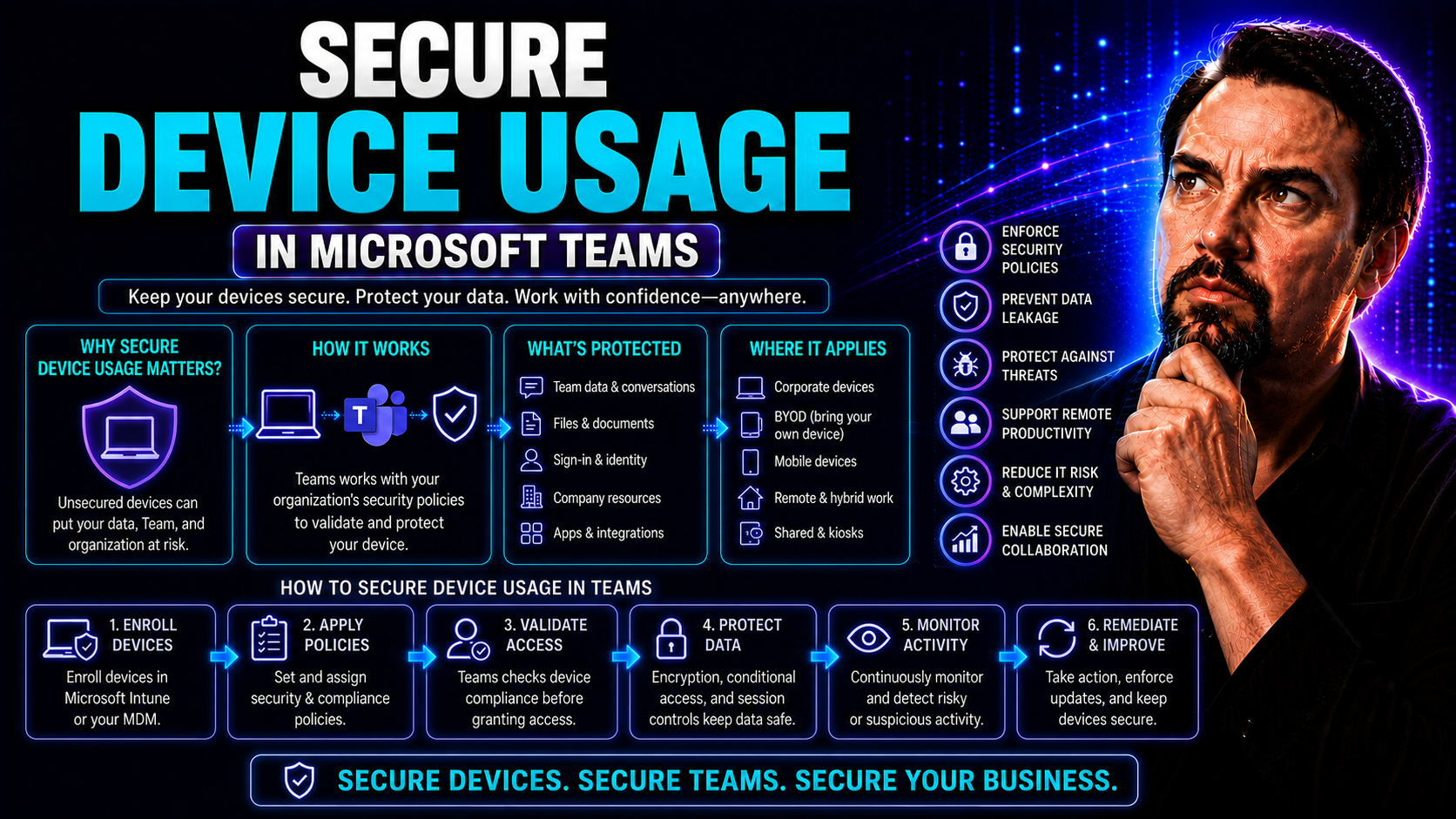
Secure Device Usage: Essential Guide for Safer Work and Home Technology

In a world where every device seems to buzz, ping, or glow at you, securing your tech is more than just a good habit—it’s a basic requirement. From smart thermostats in your living room to the laptop you use for Microsoft Teams meetings at work, eve…

View more
May 21, 2026

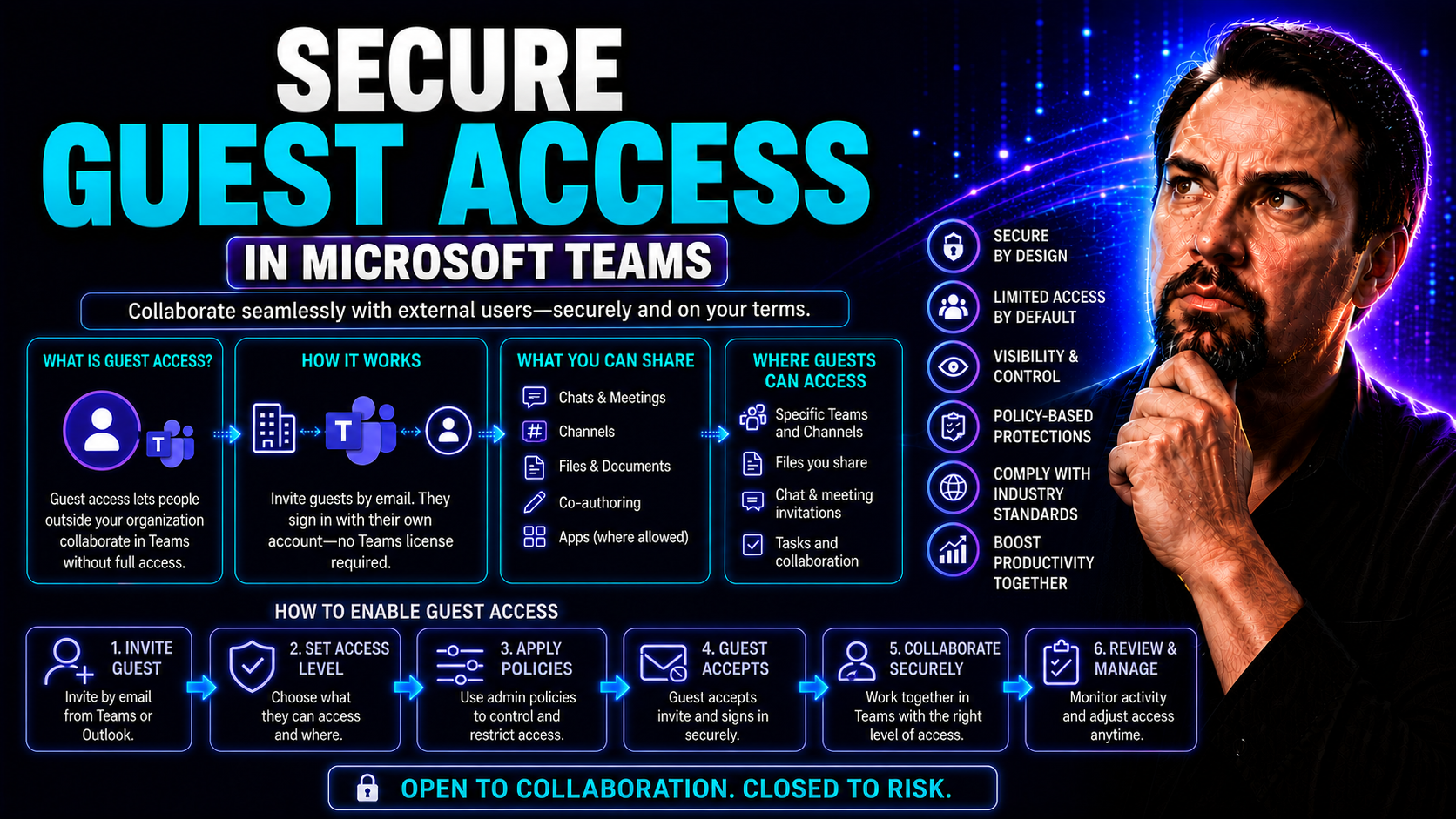
Secure Guest Access: Best Practices and Strategies for Microsoft Teams and SharePoint

Secure guest access means opening your digital doors—without leaving the back window wide open. In Microsoft Teams and SharePoint environments, letting guests in isn’t just about convenience; it’s about protecting your organization’s data, reputatio…

View more
May 21, 2026

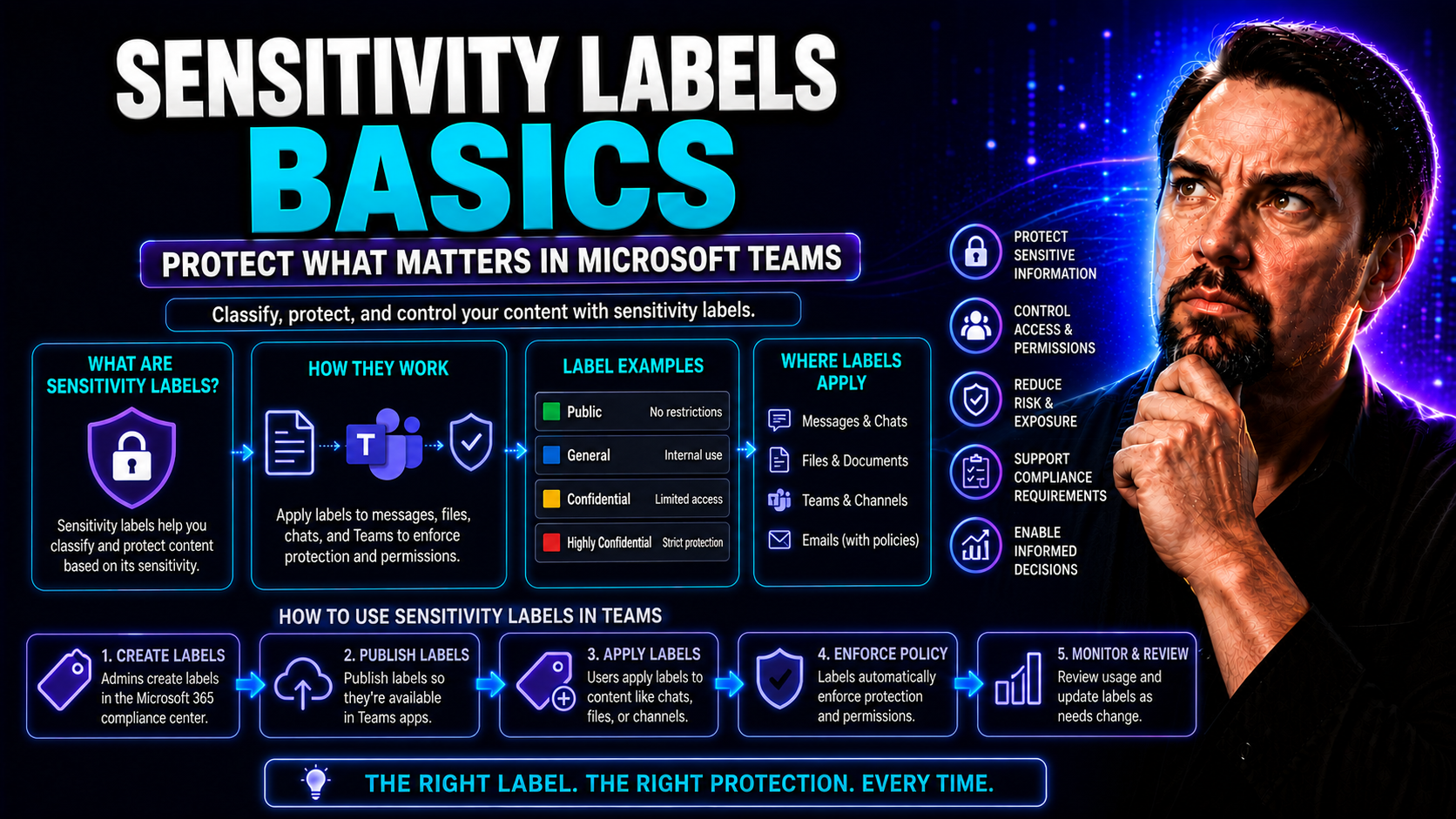
Sensitivity Labels Basics: A Complete Guide for Microsoft 365 and Teams

If you’re looking for a straightforward guide to sensitivity labels in Microsoft 365 and Teams, you’re in the right place. Sensitivity labels aren’t just another buzzword—they’re a powerful way to keep your organization’s data safe, organized, and e…

View more
May 20, 2026

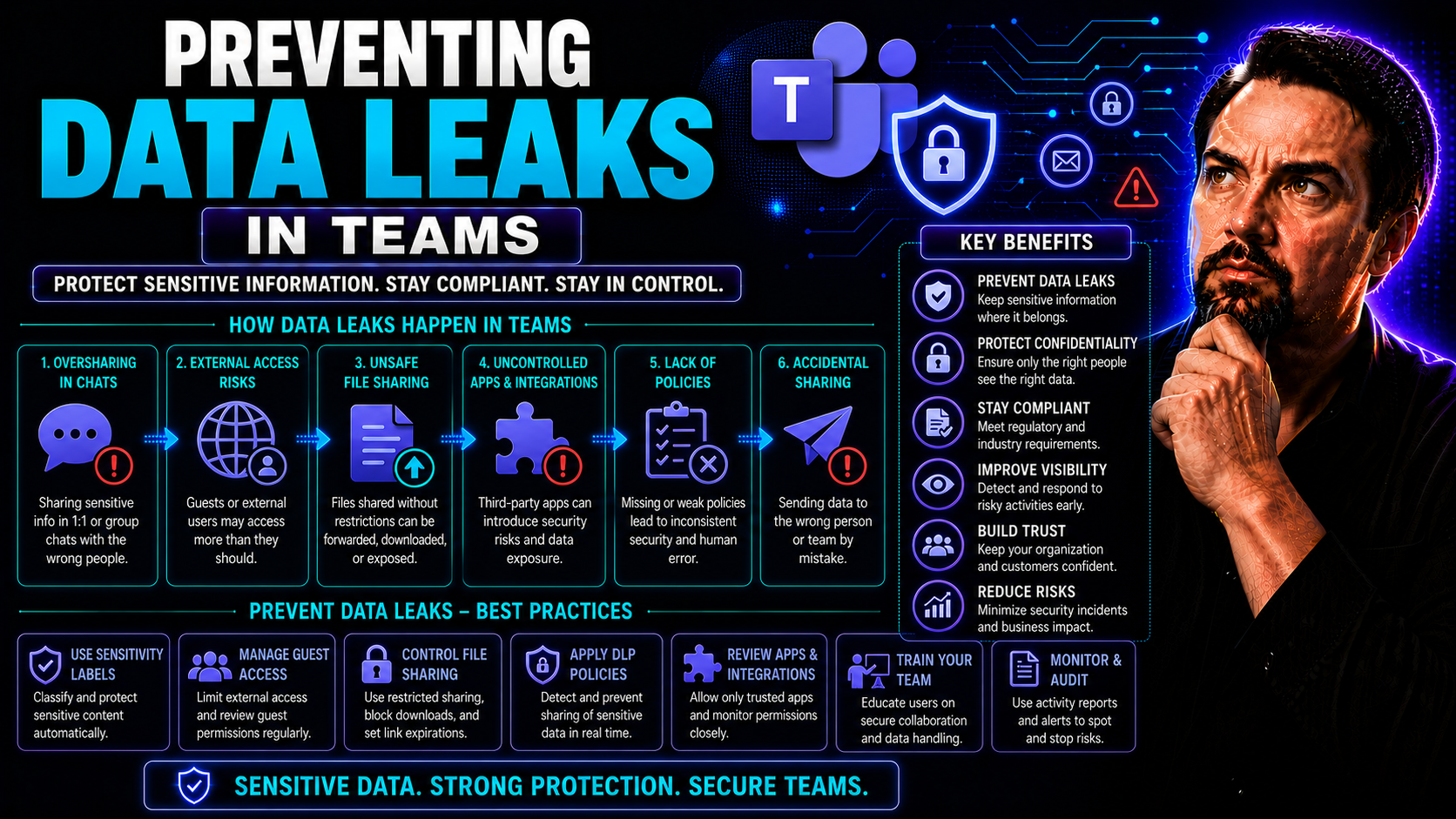
Preventing Data Leaks in Teams: Strategies for Secure Collaboration

Data leaks aren’t just IT headaches—they’re one of the fastest ways to put your organization’s trust, reputation, and even bottom line on the chopping block. As Microsoft Teams and other collaboration tools reshape the way we share information, the …

View more
May 20, 2026

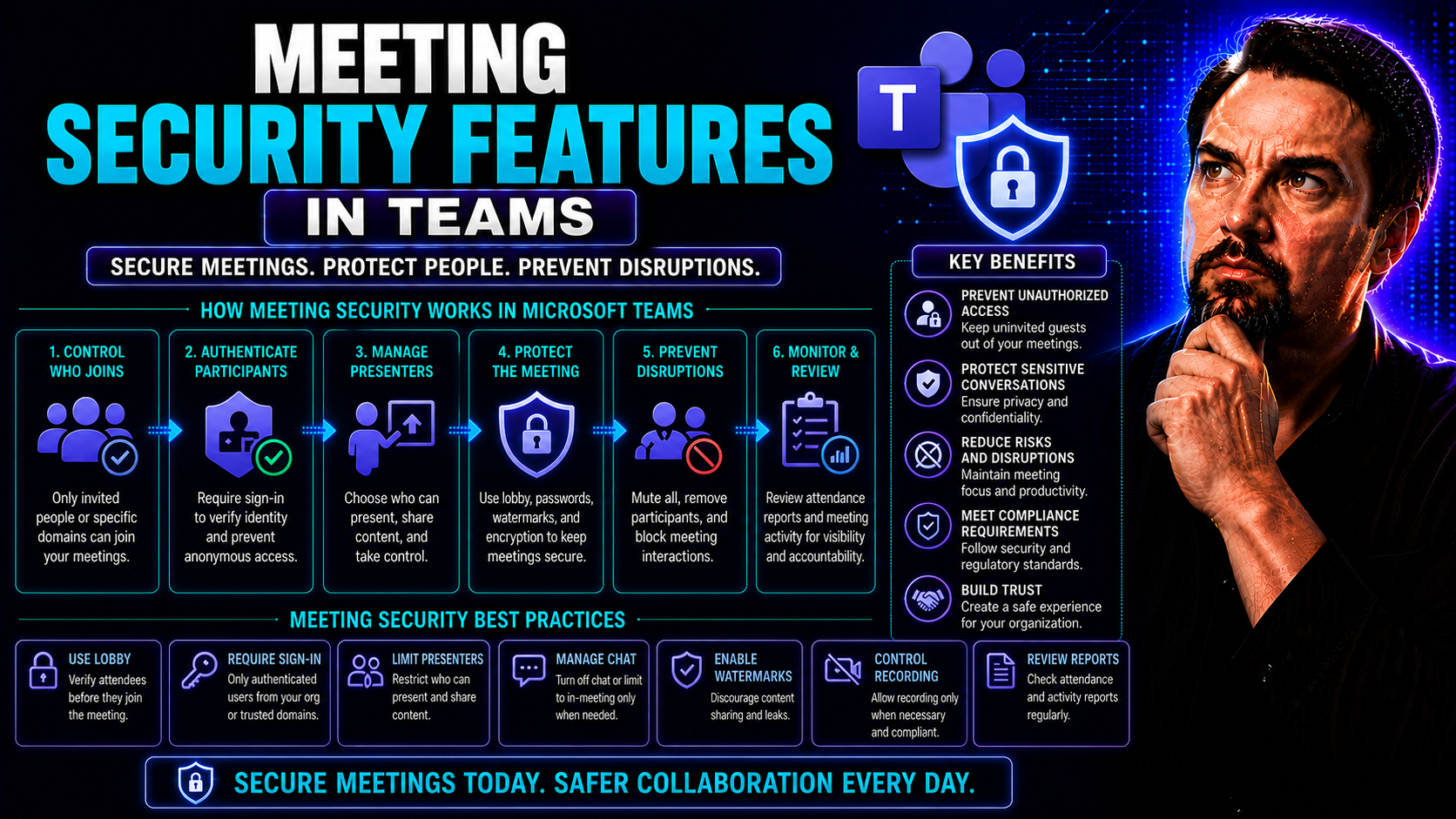
Meeting Security Features: Complete Guide to Securing Virtual Collaboration

Virtual meetings have become the beating heart of modern collaboration, but with that convenience comes a whole set of new risks. Hackers, data leaks, and reputation blowouts are all threats lurking just a click away. This guide walks you through th…

View more
May 20, 2026

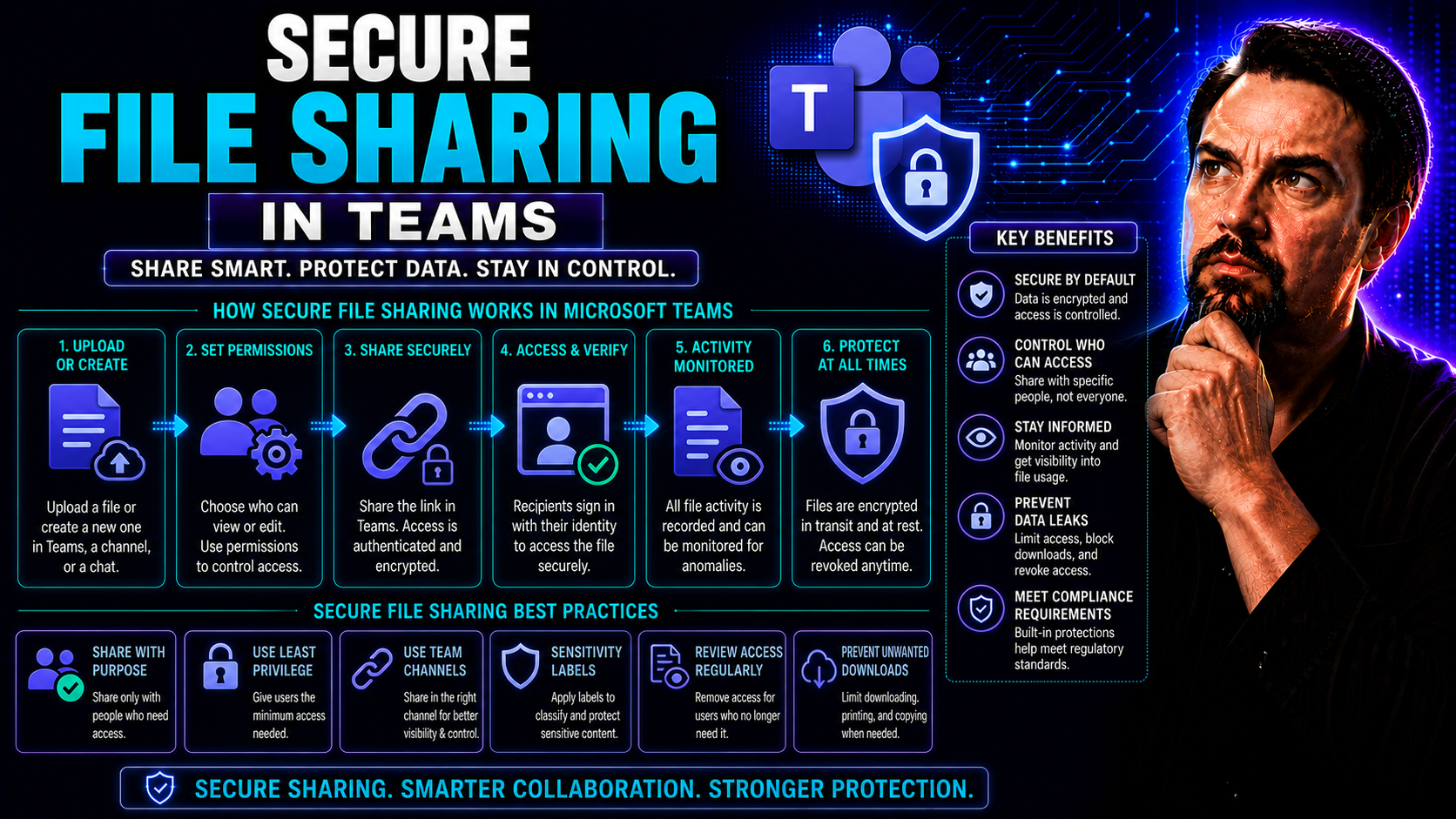
Secure File Sharing in Teams: Complete Guide for Microsoft 365 Organizations

Secure file sharing in Microsoft Teams isn't just a handy feature—it's critical for protecting your organization's data and reputation. This guide shows you how to lock things down without locking out collaboration. You’ll discover the best practice…

View more
May 20, 2026

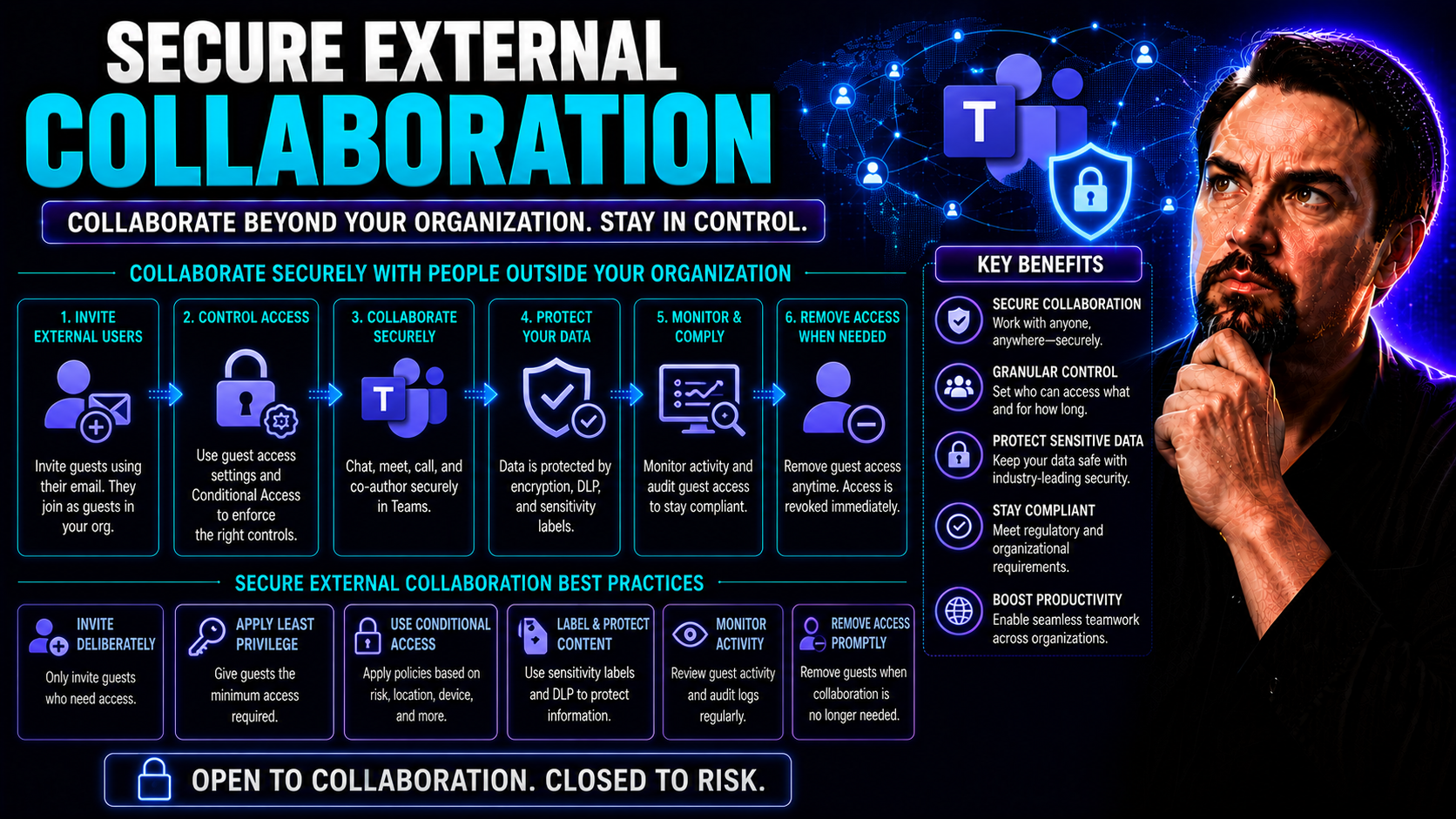
Secure External Collaboration: Strategies for Today’s Digital Workplace

Securing external collaboration is no longer just an IT problem—it’s a frontline business need. Modern organizations have to work hand-in-hand with partners, vendors, and clients, but they can’t afford to gamble with sensitive data. That’s why tools…

View more
May 20, 2026

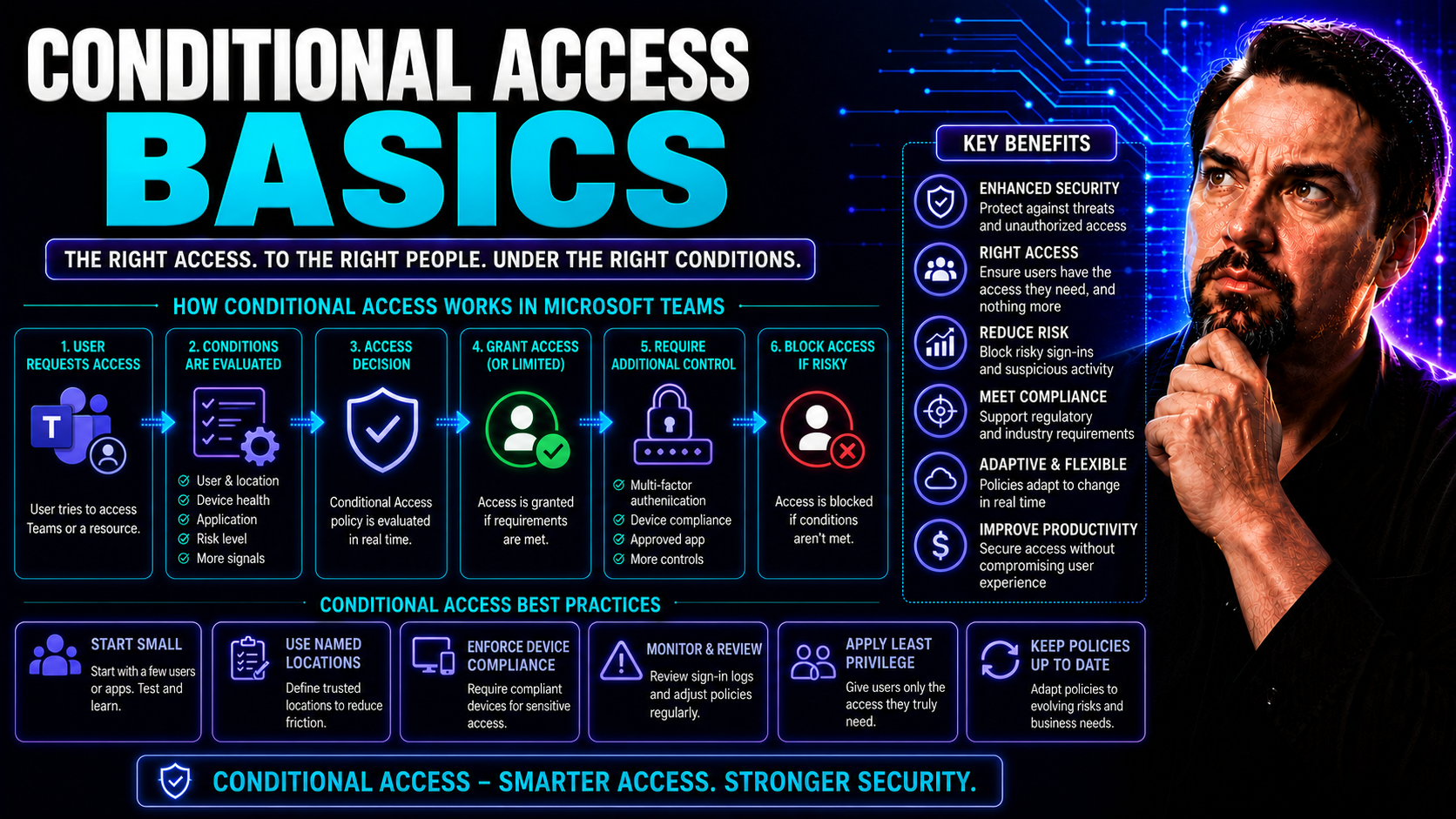
Conditional Access Basics: Building a Zero-Trust Foundation in Microsoft 365

Conditional access has quickly become the backbone of security in Microsoft 365. It’s what stands between your organization’s precious data and opportunistic attackers, whether they show up outside your front door or slip in quietly through a forgot…

View more
May 20, 2026

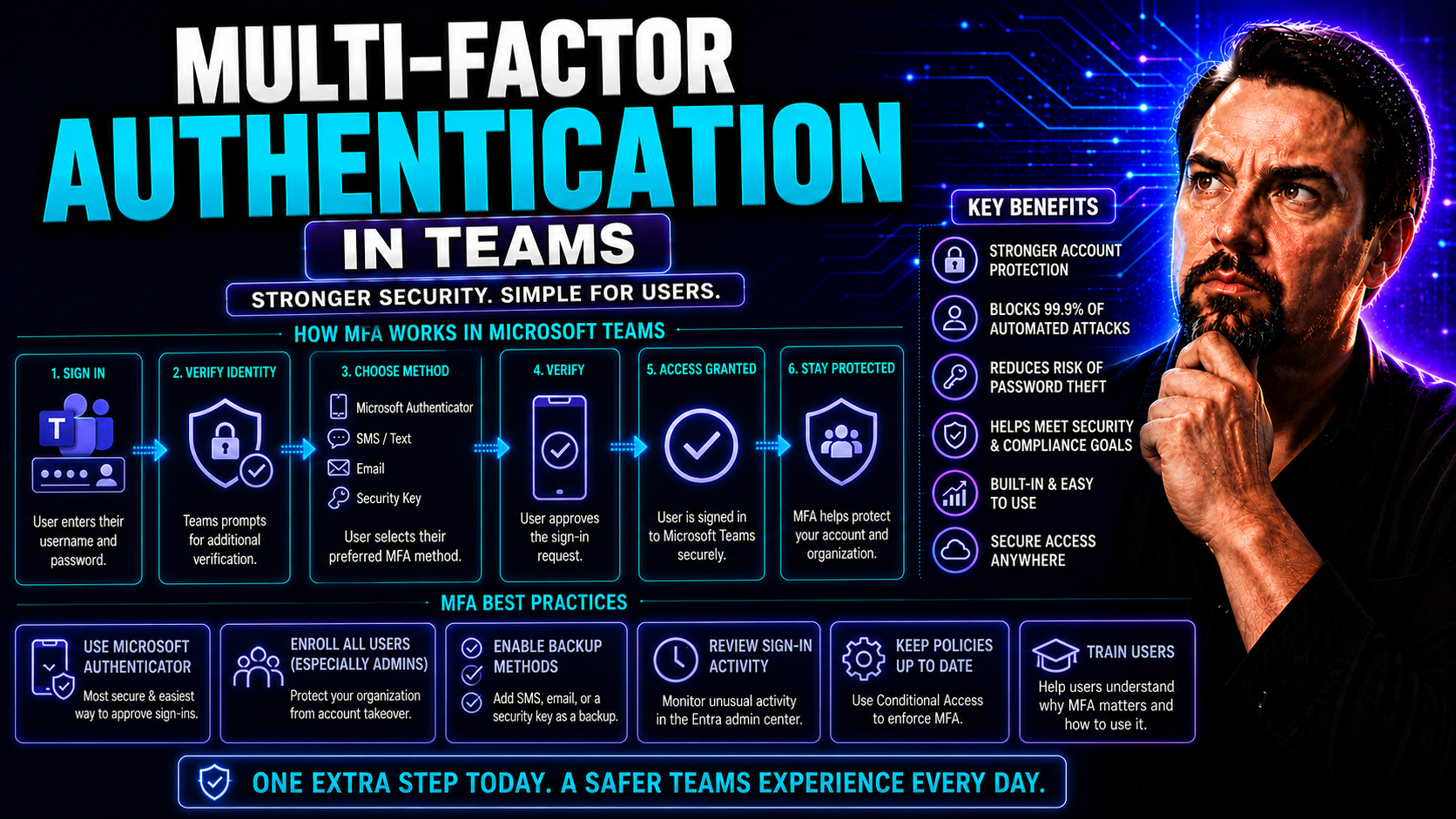
Multi-Factor Authentication in Teams: Complete Implementation Guide

Securing your Microsoft Teams environment isn’t just about passwords anymore—multi-factor authentication (MFA) is now a must-have. This guide lays out everything you need to know about setting up, managing, and supporting MFA for Teams, whether you’…

View more
May 20, 2026

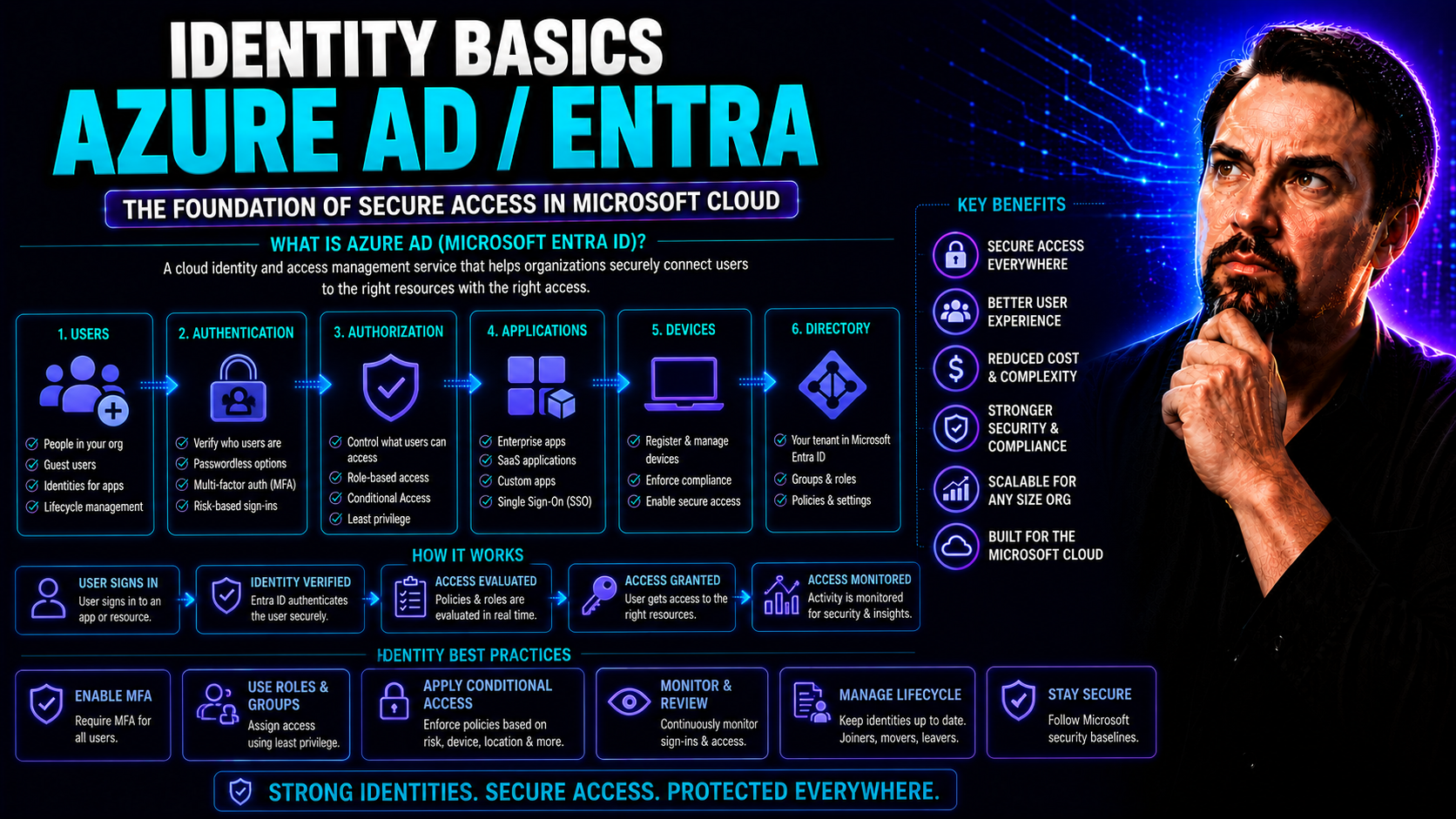
Identity Basics with Microsoft Entra ID and Azure AD: A Complete Guide

Microsoft Entra ID—formerly known as Azure Active Directory (Azure AD)—is the backbone of identity and access management for organizations running in the cloud, on-premises, or a mix of both. As your digital business expands, so does the need to con…

View more
May 20, 2026

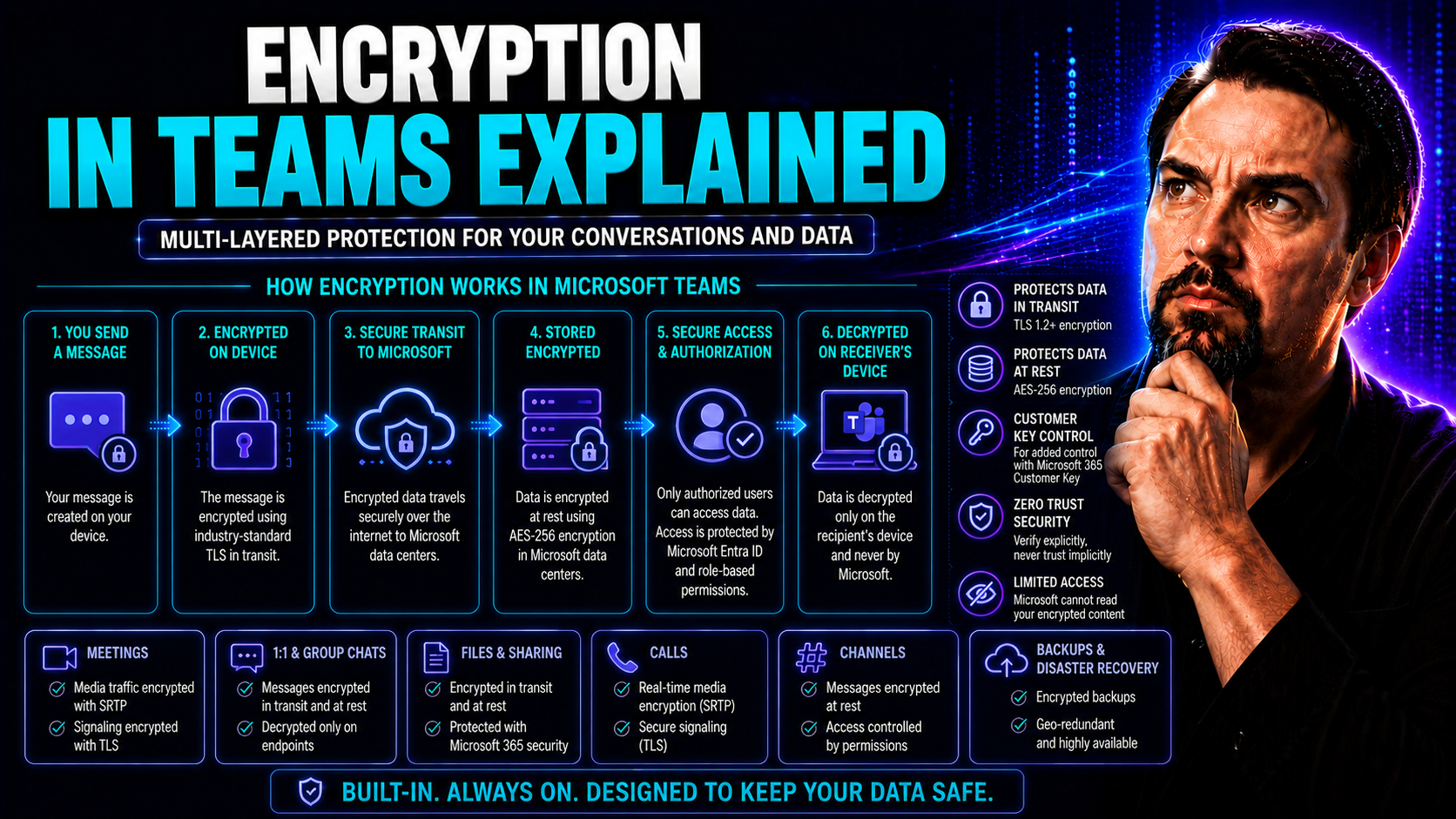
Encryption in Teams Explained: What Every Organization Needs to Know

If your organization relies on Microsoft Teams, encrypting your communication is not just a tech buzzword—it’s a necessity for protecting sensitive information and avoiding compliance headaches. Teams has rolled out end-to-end encryption (E2EE) as a…

View more
May 20, 2026

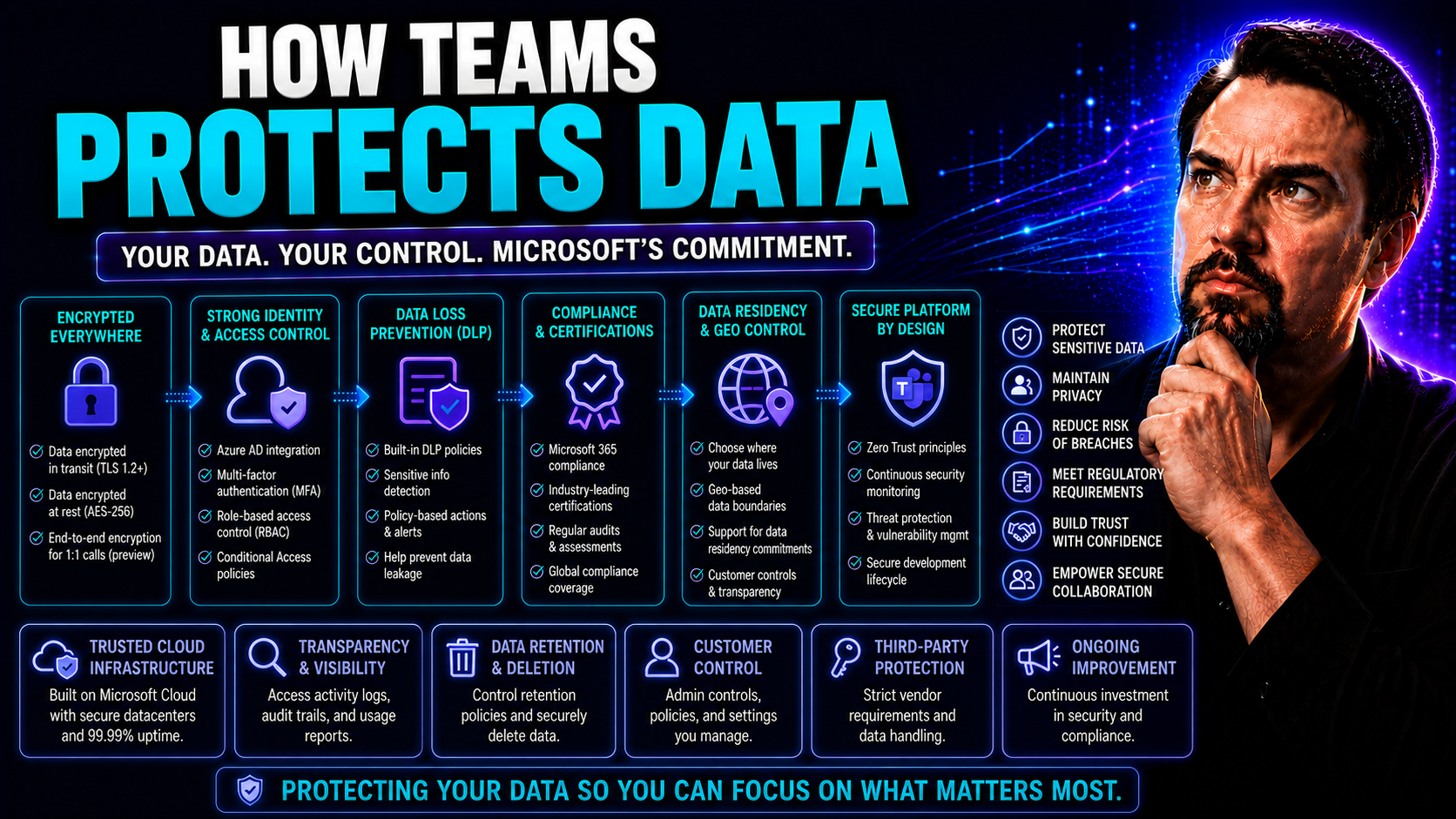
How Teams Protects Data: Complete Guide for Microsoft Teams Security

Let’s face it—these days, Microsoft Teams is where your most important work conversations happen, files get shared, and company secrets float around with just a few clicks. That’s why keeping your data protected isn’t an optional upgrade, it’s non-n…

View more
May 20, 2026

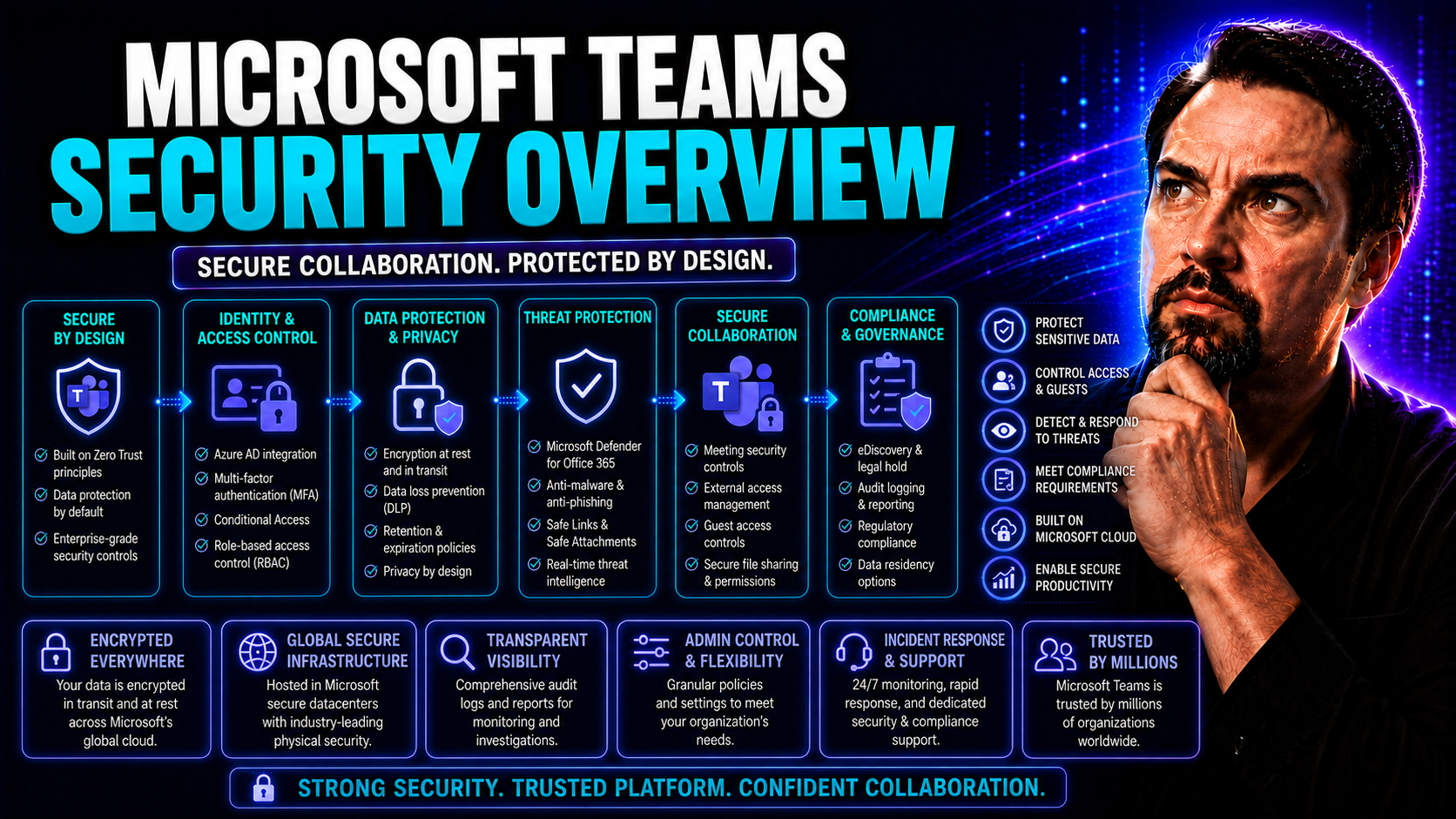
Microsoft Teams Security Overview: Safeguarding Collaboration in the Modern Workplace

When you put all your workplace collaboration in the cloud, security has to be rock-solid. Microsoft Teams is more than just video calls and chat—it’s a central nervous system for your organization’s data, conversations, and sensitive files. That’s …

View more
May 20, 2026

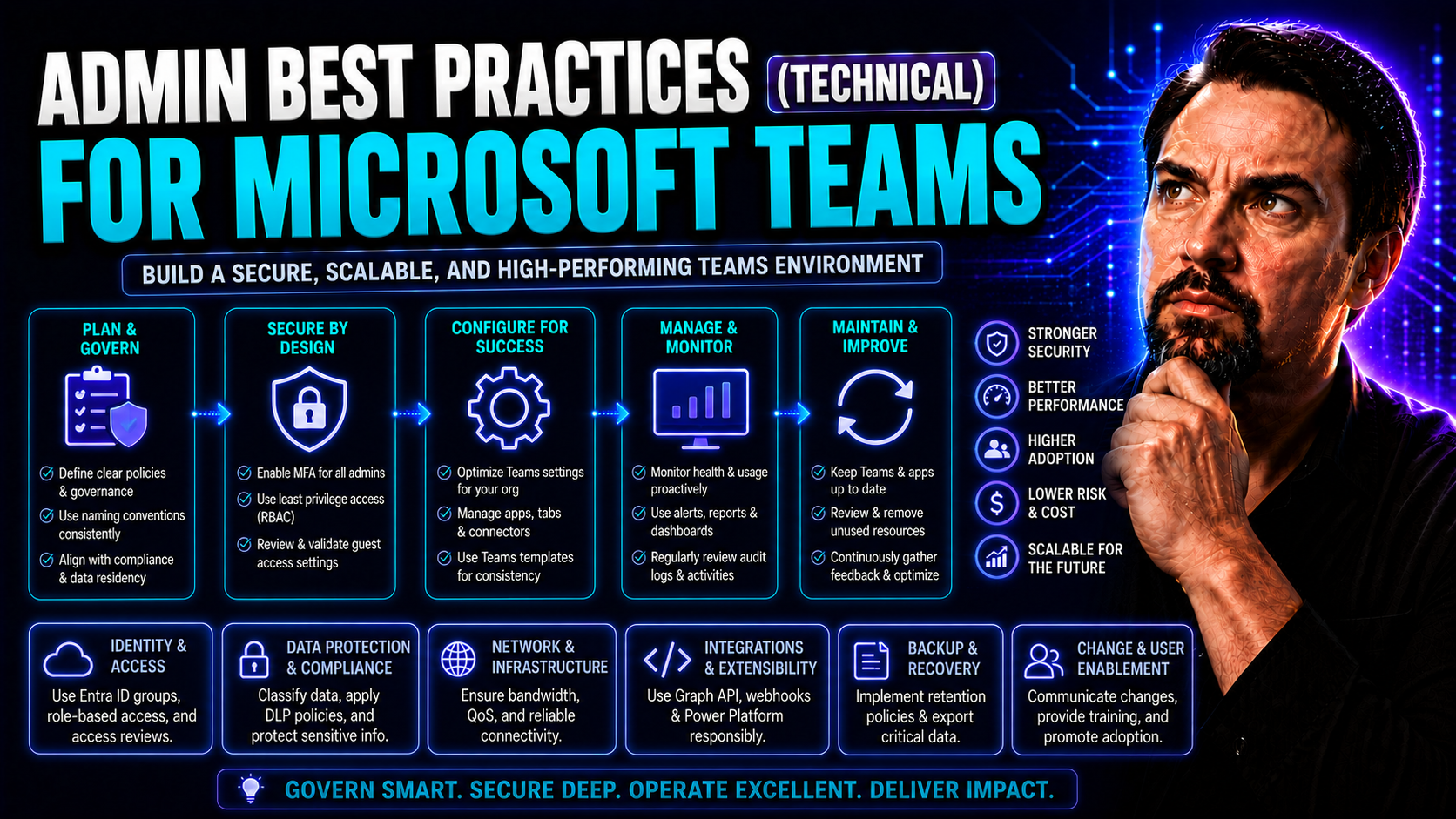
Admin Best Practices for Secure Microsoft Teams and SharePoint Environments

Securing Microsoft Teams, SharePoint, and your broader Microsoft 365 environment is no light task—especially when it comes to admin accounts. A single admin action can either lock down your systems or unwittingly open the door to attackers. That’s w…

View more
May 20, 2026

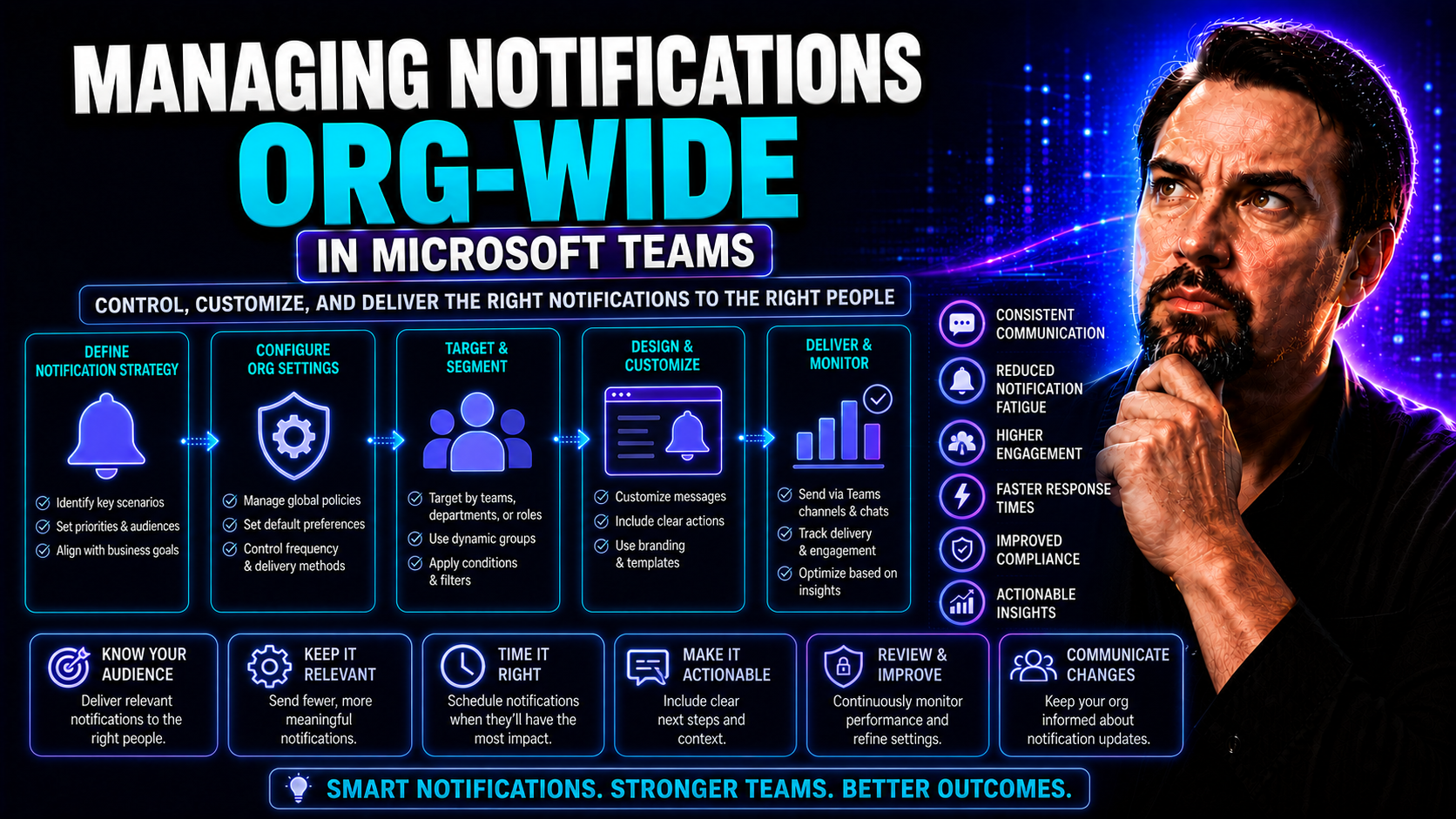
Managing Notifications Org-Wide in Microsoft Teams: The Complete Guide

If you’re struggling to tame the flood of pings, dings, and banners in Microsoft Teams across your organization, you’re in the right place. This guide is your playbook for wrangling notifications at scale, whether you’re running a lean IT shop or st…

View more