

Work smarter, not harder, with practical tips for Microsoft 365.
From Teams and Outlook to OneDrive and Office apps, we explore new features, time-saving shortcuts, collaboration tools, and productivity workflows that help you get more done every day.
Perfect for anyone who loves efficiency and wants to make M365 work for them.
From Teams and Outlook to OneDrive and Office apps, we explore new features, time-saving shortcuts, collaboration tools, and productivity workflows that help you get more done every day.
Perfect for anyone who loves efficiency and wants to make M365 work for them.
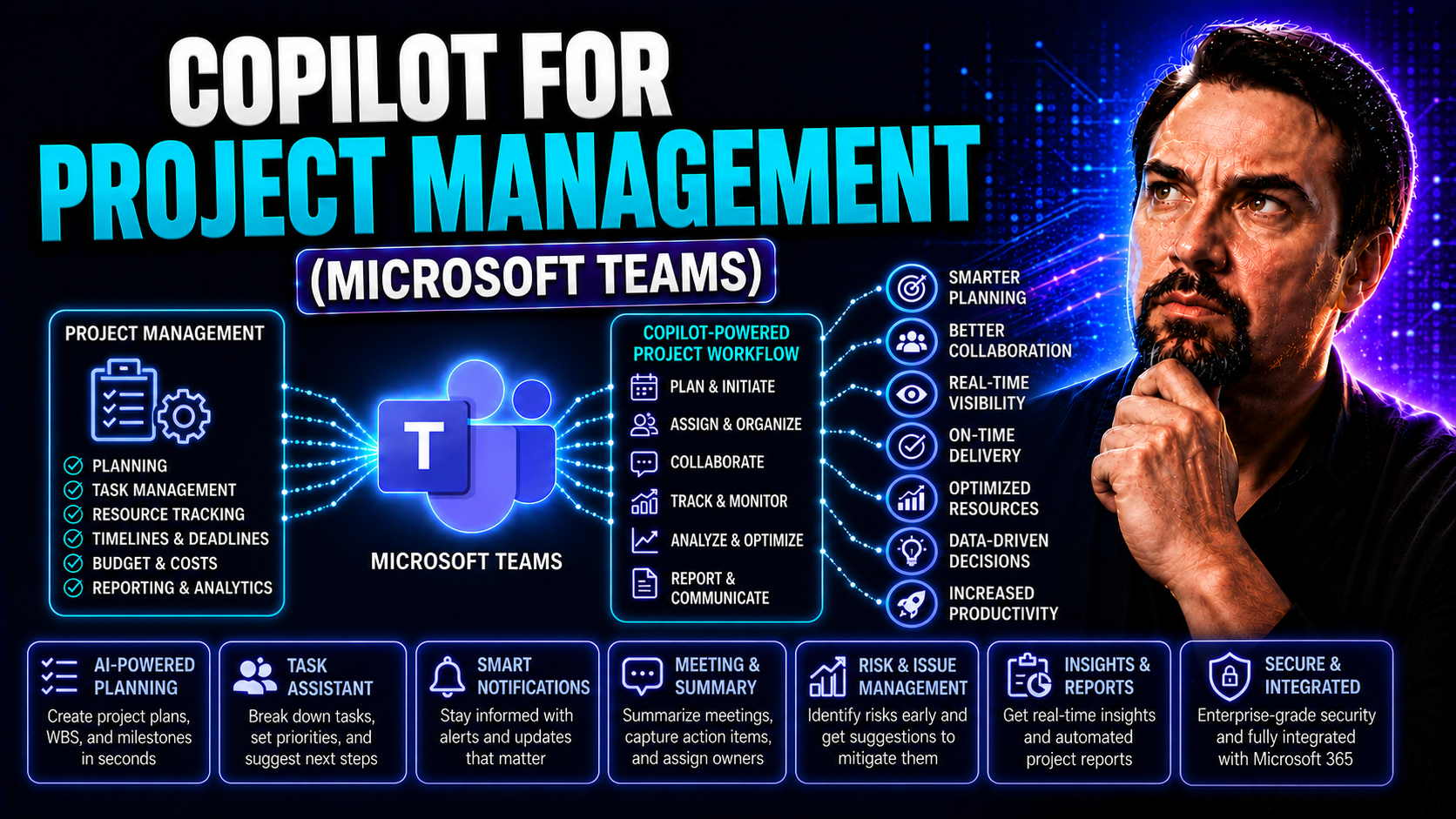
May 19, 2026
Microsoft Copilot for Project Management: Use Cases and Best Practices
Microsoft Copilot for project management isn’t just about another tool in your IT lineup—it’s like bringing a smart, tireless coworker into your team, one that knows the Microsoft 365 ropes inside and out. Copilot weaves AI throughout your workplace…
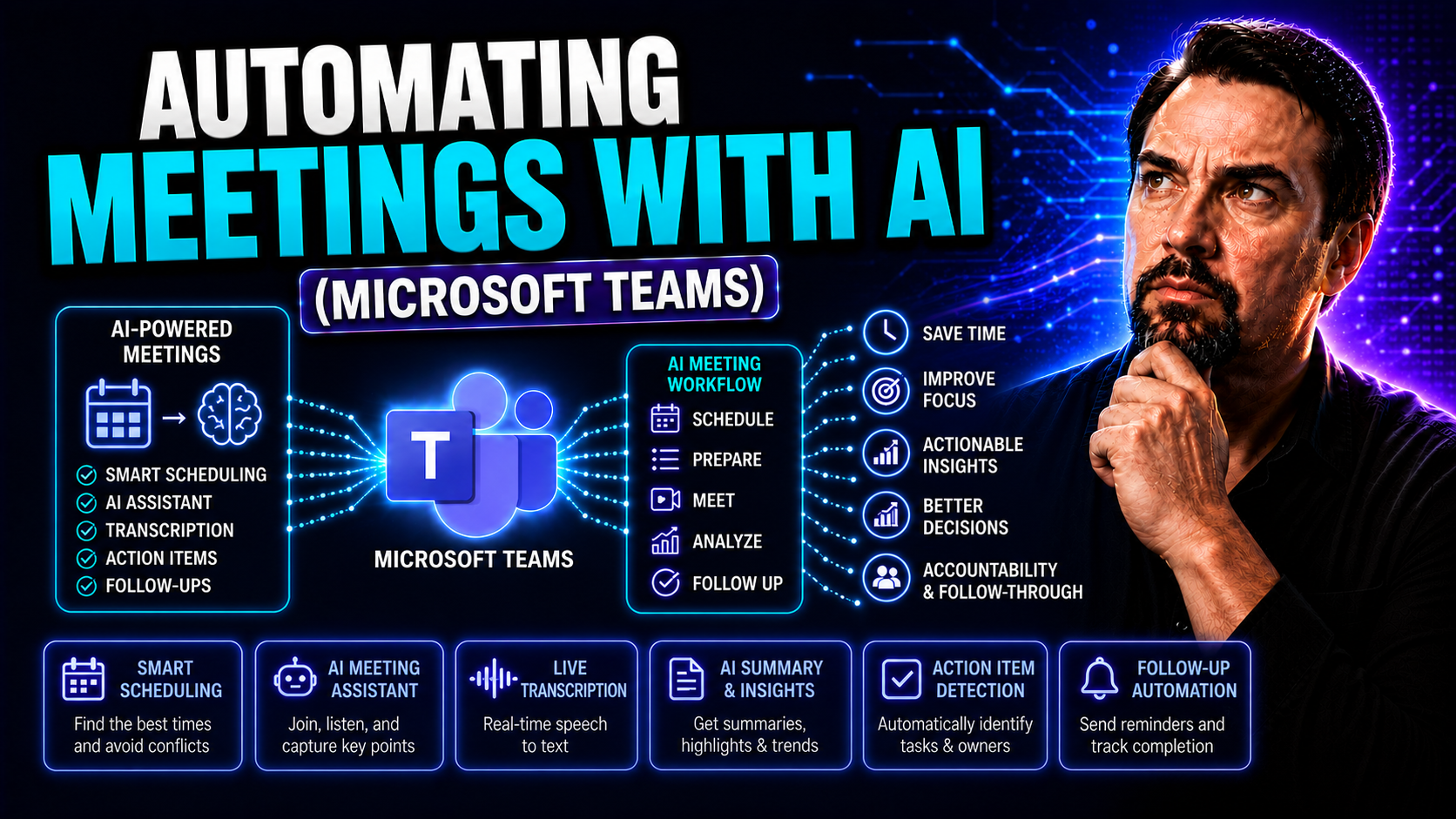
May 19, 2026
AI Meeting Automation in Microsoft Teams: Tools and Best Practices
If you’ve ever felt buried by never-ending meetings, you’re not alone. Modern organizations—especially those using Microsoft Teams—are turning to artificial intelligence (AI) to clean up the chaos. Automating meetings with AI is about more than just…
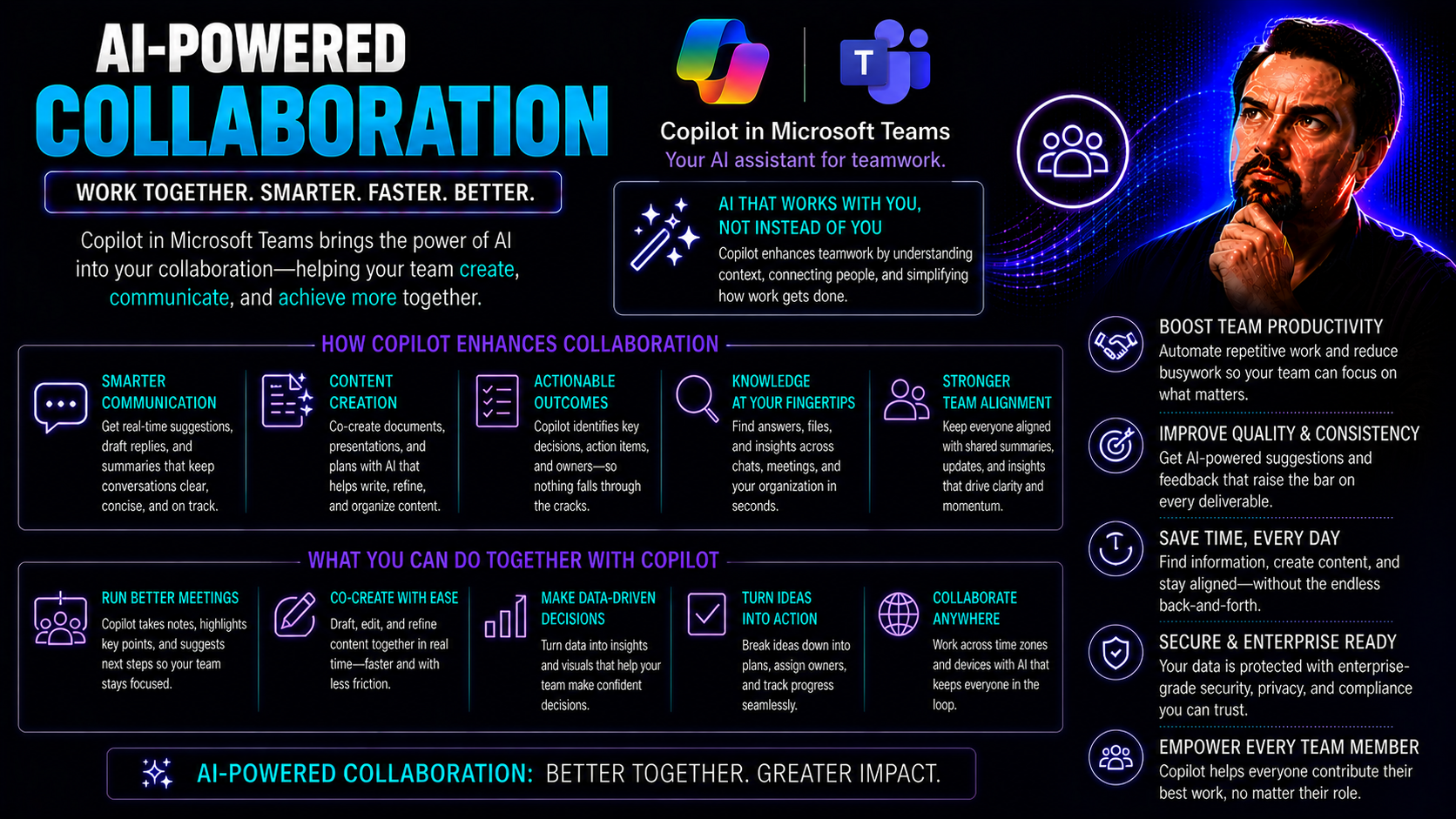
May 19, 2026
AI-Powered Collaboration: Microsoft Teams Productivity Guide
AI-powered collaboration is changing the game for how teams get things done. Today, most folks aren’t just looking for basic chats and document sharing—they want tools that boost productivity, keep everyone connected, and spark new ideas regardless …
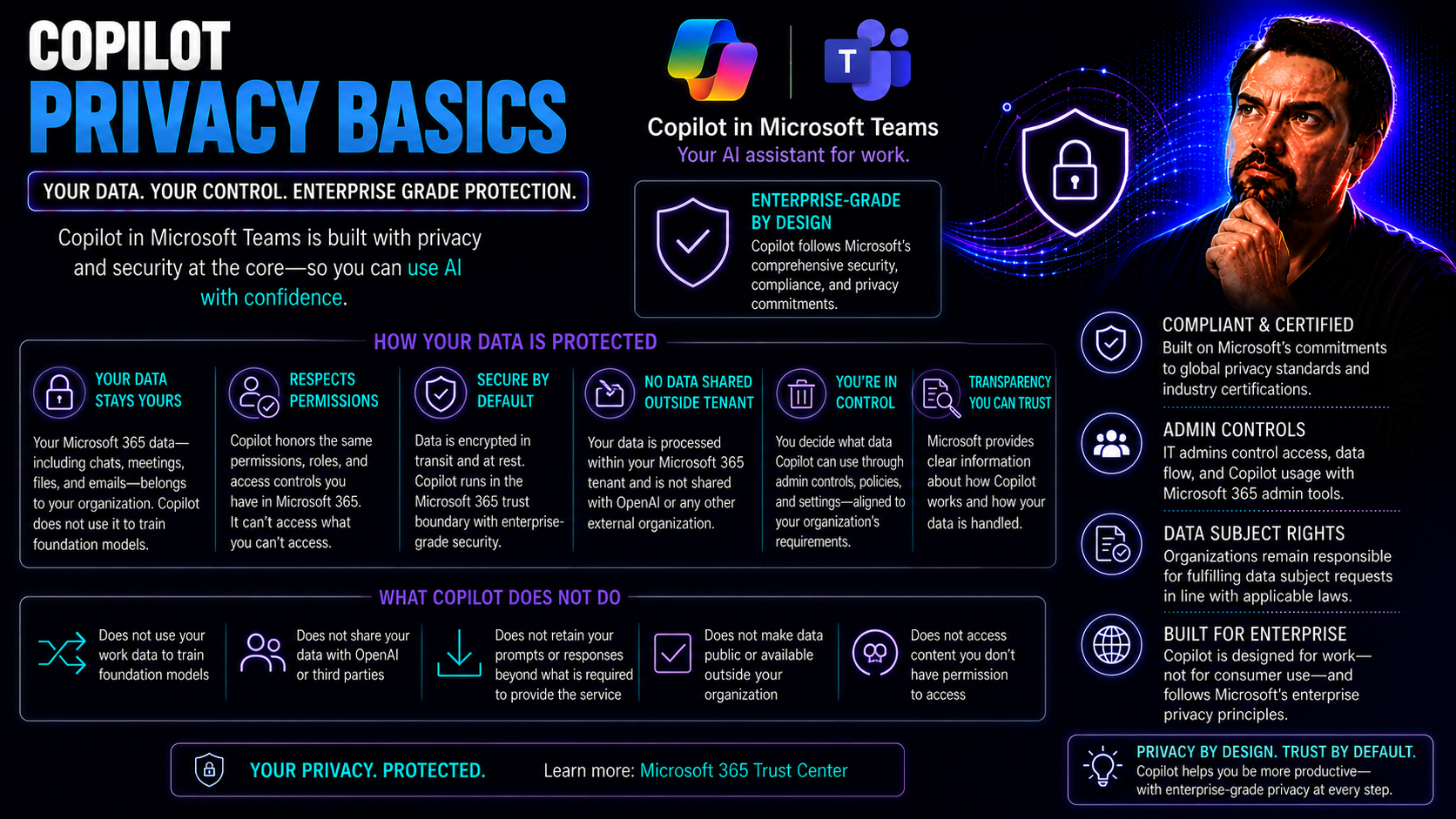
May 19, 2026
Microsoft Copilot Privacy: Data Protection and Governance Guide
If you’re using Microsoft Copilot in Teams or SharePoint, you probably want to know exactly what’s happening with your data and privacy—fair enough. This guide breaks down the key privacy and security basics you need to keep Copilot safe for daily b…
May 19, 2026
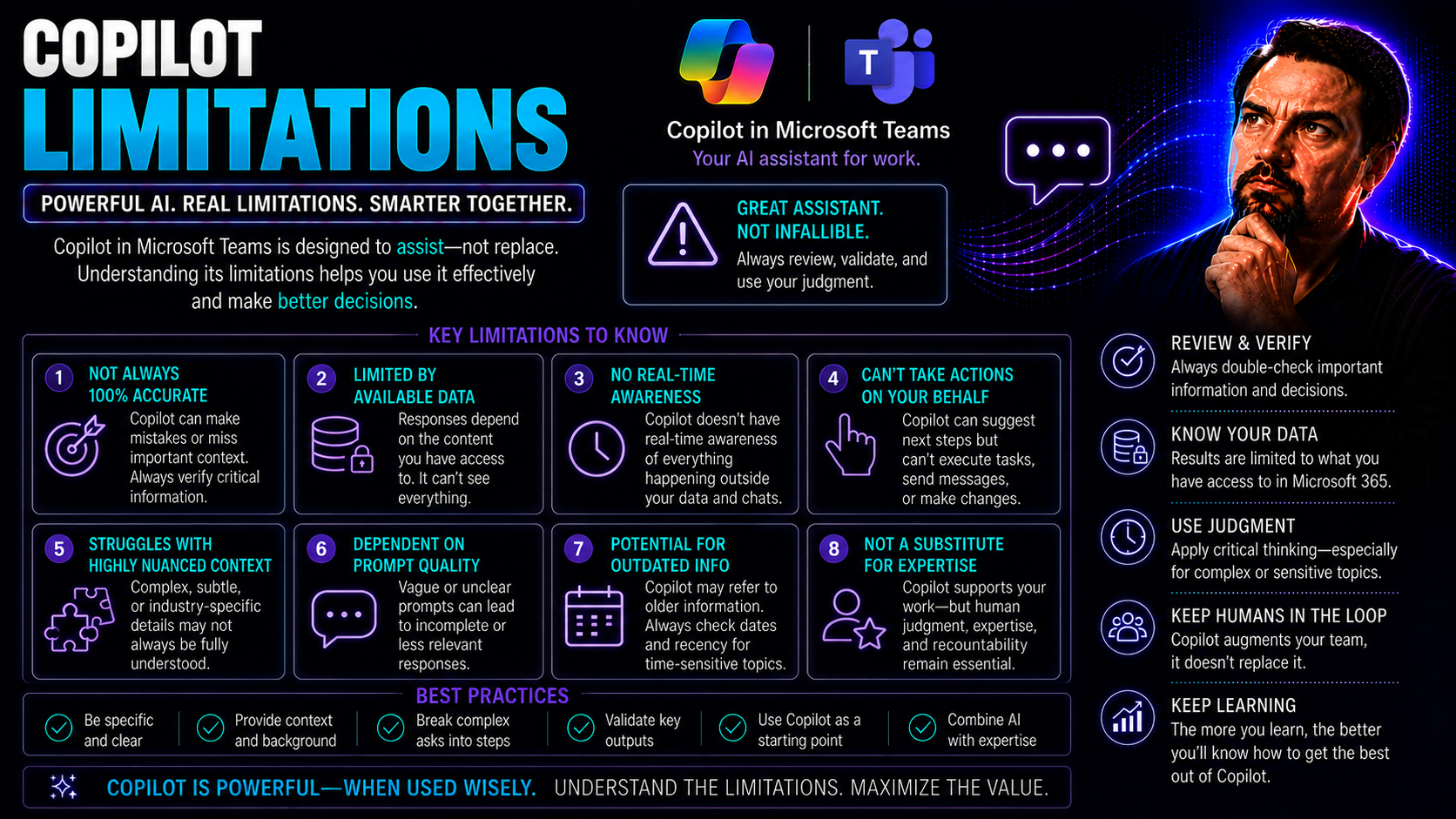
Microsoft Copilot Limitations: Enterprise Risks and Gaps
When it comes to adopting Copilot across Microsoft 365, Teams, and GitHub, most organizations expect a smooth ride and a productivity transformation. But here’s the reality check: Copilot, as impressive as it looks in the sales deck, still has a bun…
May 19, 2026
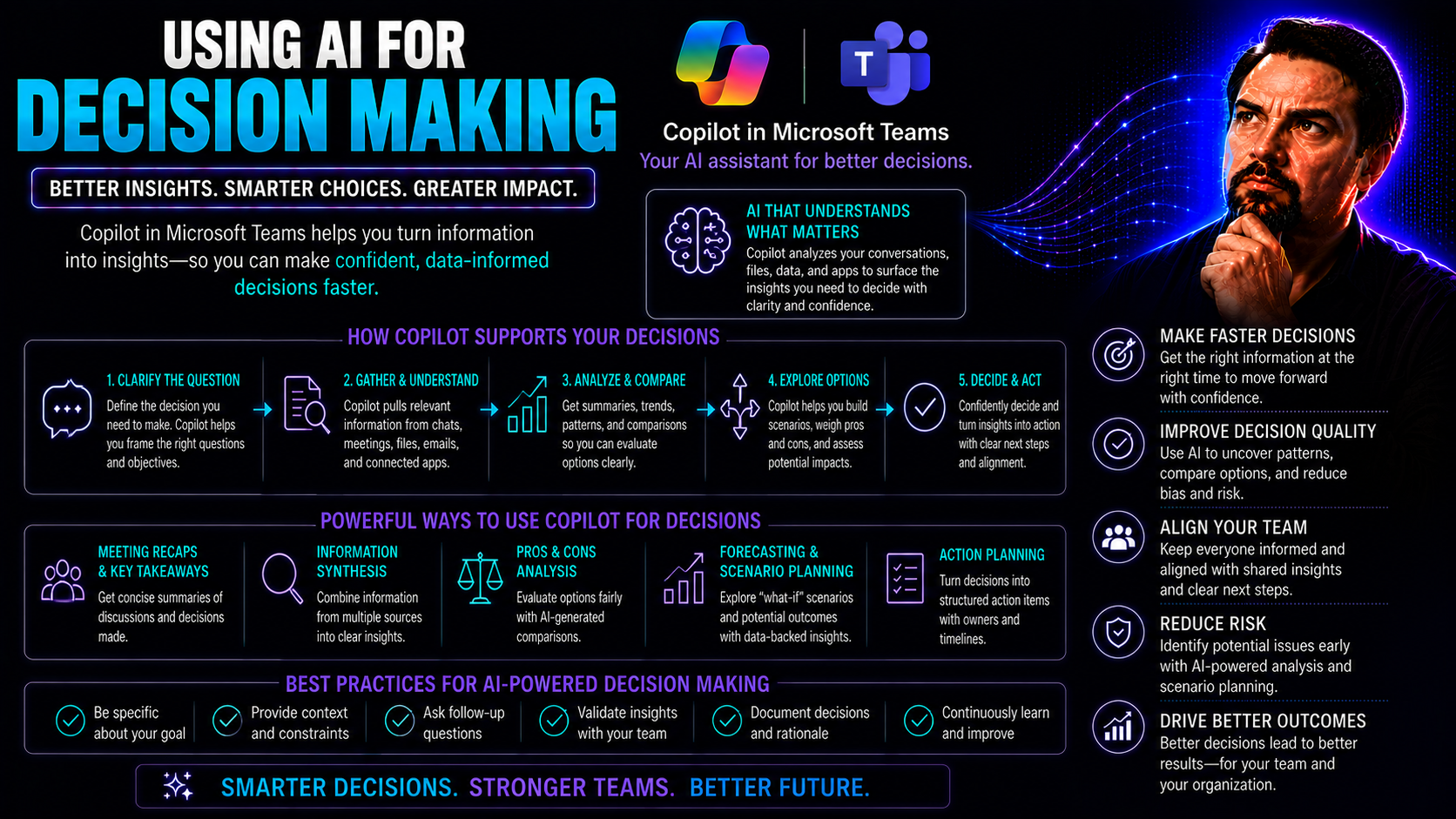
AI for Decision-Making: Best Practices, Risks and Governance
Artificial intelligence is changing the way organizations make decisions—from daily operations right up to strategic planning. Instead of relying solely on gut instinct, teams now combine human expertise with machine intelligence to drive smarter, f…
May 19, 2026
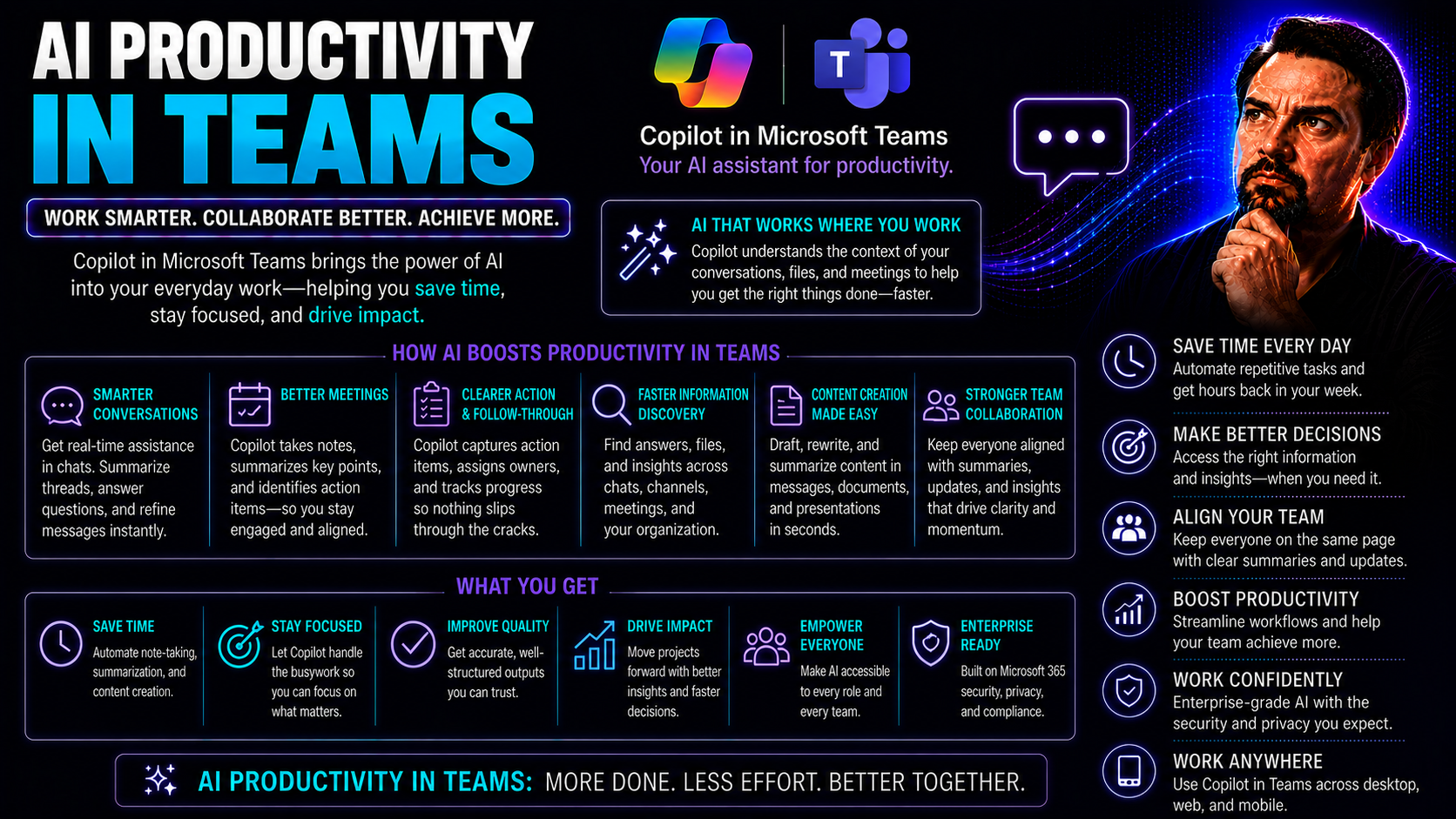
AI Productivity in Microsoft Teams: Use Cases and Best Practices
Artificial intelligence has shifted from buzzword status to real-world impact—especially when it comes to how teams work together. In today's competitive and fast-moving business landscape, tools powered by AI are transforming the way groups get thi…
May 19, 2026
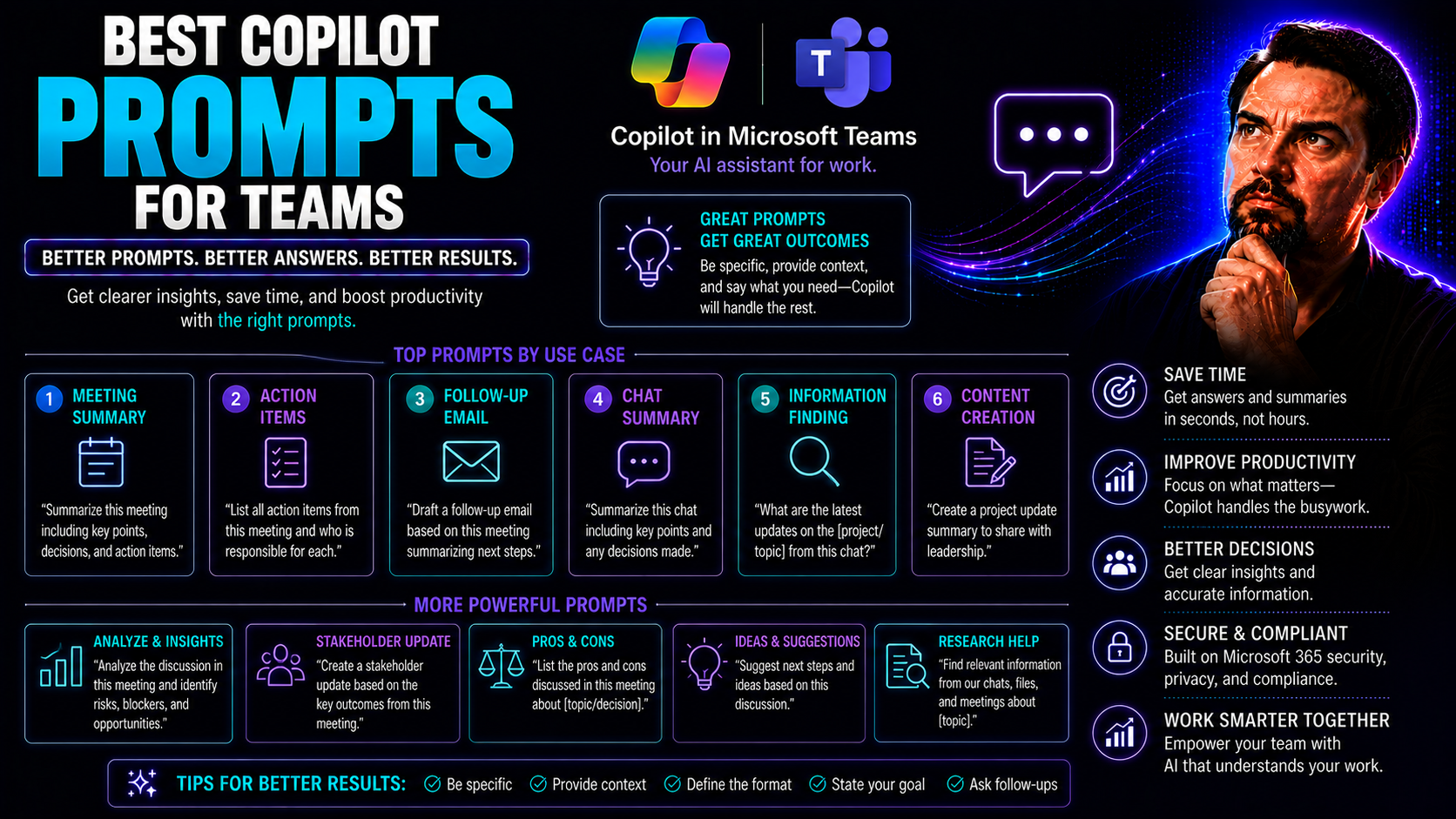
Best Copilot Prompts for Teams: Practical Prompt Guide
When you’re trying to get more done as a team, Microsoft Copilot can be a game-changer—if you know what to ask it. In simple terms, Copilot is your AI teammate that helps automate tasks, summarize meetings, and organize projects inside Microsoft 365…
May 19, 2026
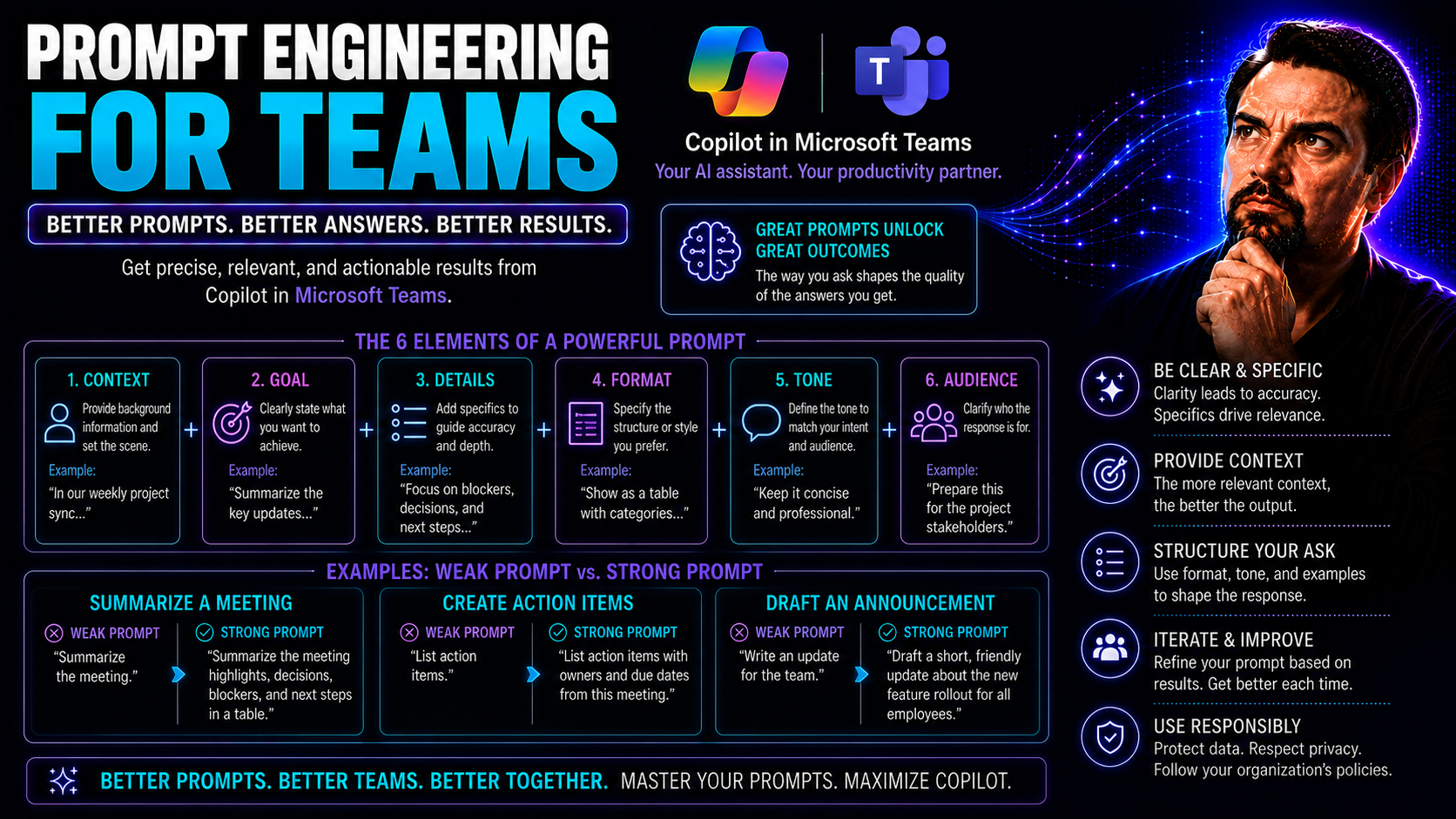
Prompt Engineering for Microsoft Teams: Complete Guide
If your team is dabbling in artificial intelligence and using Microsoft Teams, you’ll want to get your hands on this guide. Here, we break down prompt engineering—the strategy behind crafting instructions for AI that actually deliver the results you…
May 19, 2026
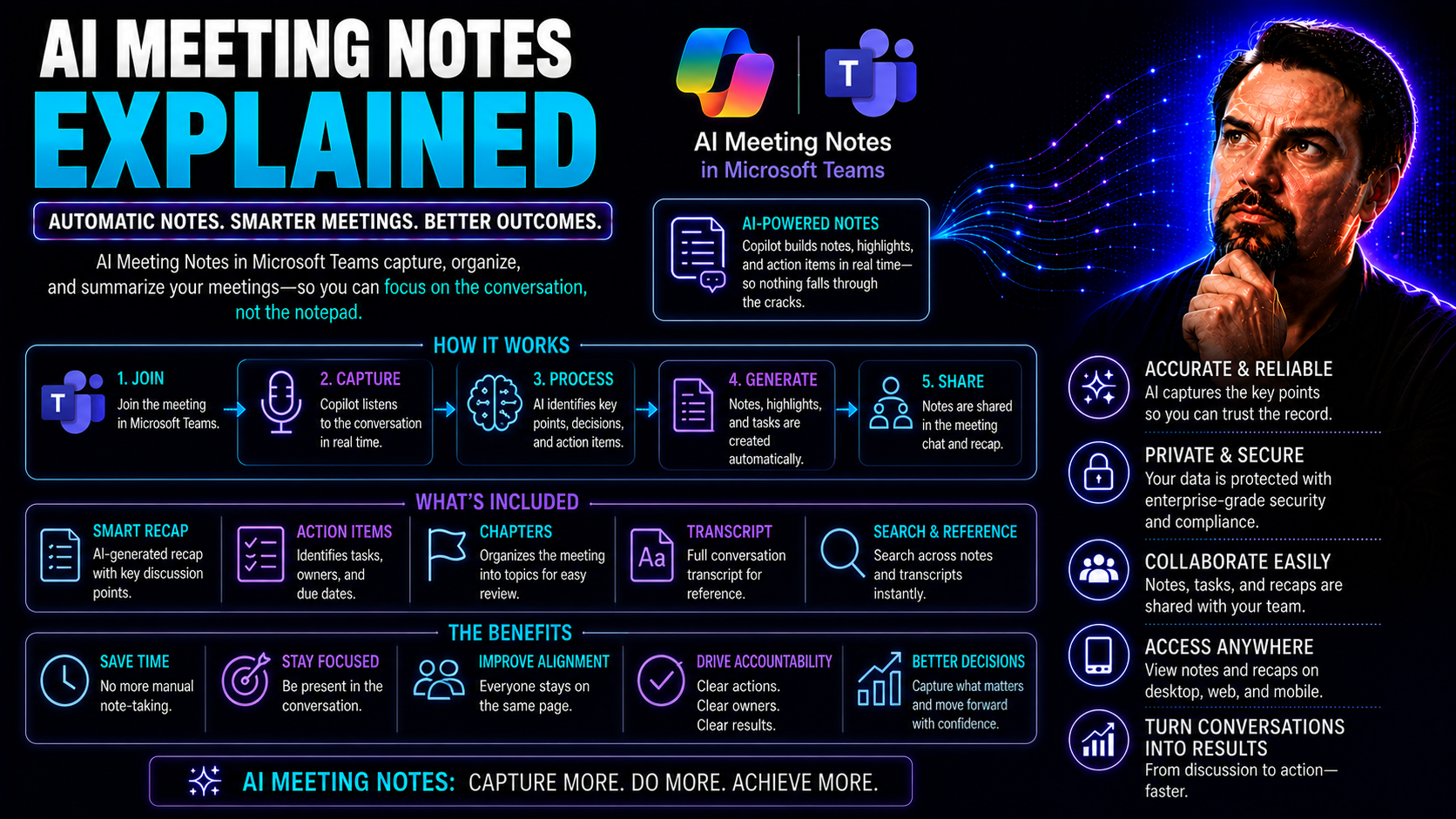
AI Meeting Notes in Microsoft Teams: Complete Guide
AI meeting notes in Teams can improve productivity when the use case, approved data access, and human accountability are defined first. Start with a small scenario, validate current Microsoft 365 capabilities and policies, test with representative u…
May 19, 2026
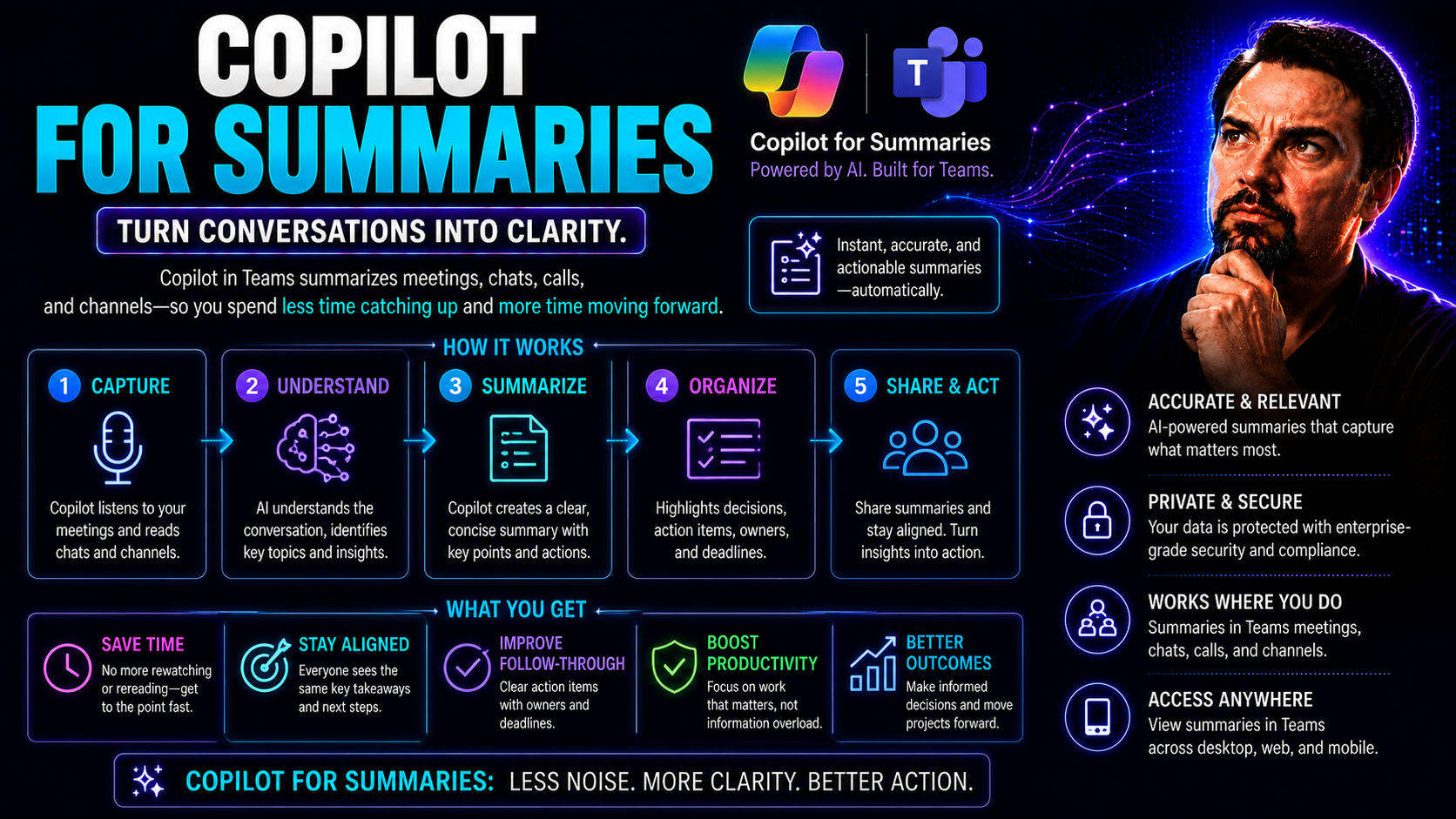
Microsoft Copilot Meeting Summaries: Recaps and Action Items
Microsoft Copilot turns the idea of staying on top of endless meetings, chats, and shared documents from a headache into a simple part of your workflow. As an AI assistant deeply built into Microsoft Teams and Microsoft 365 apps, Copilot automatical…
May 19, 2026
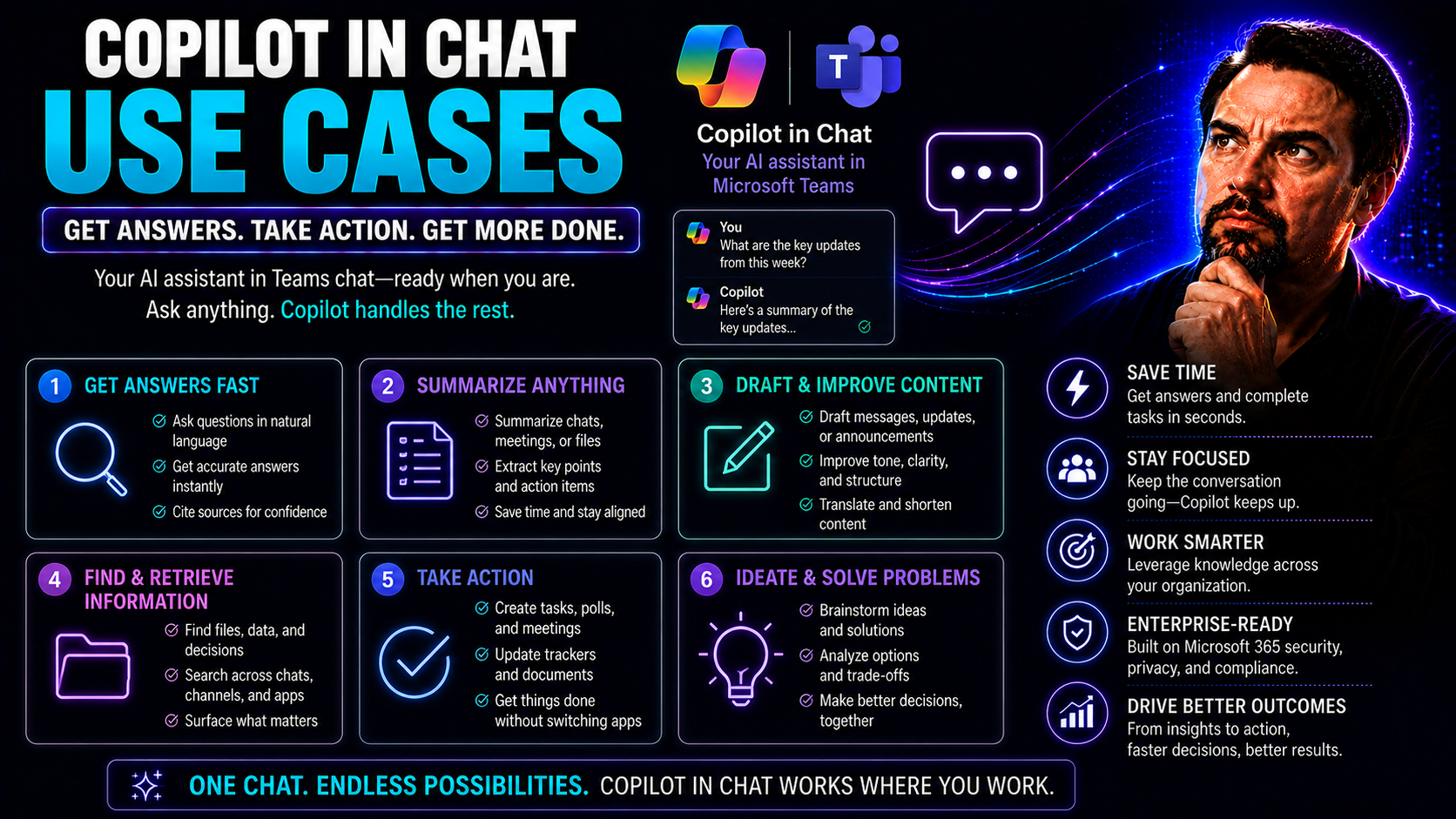
Copilot in Teams Chat: Use Cases and Productivity Guide
You want to get more done in your workday—faster, easier, and with fewer headaches. Copilot in chat is your new sidekick across Microsoft 365, especially in Microsoft Teams, helping you meet those goals head-on. This guide digs into real-world ways …
May 19, 2026
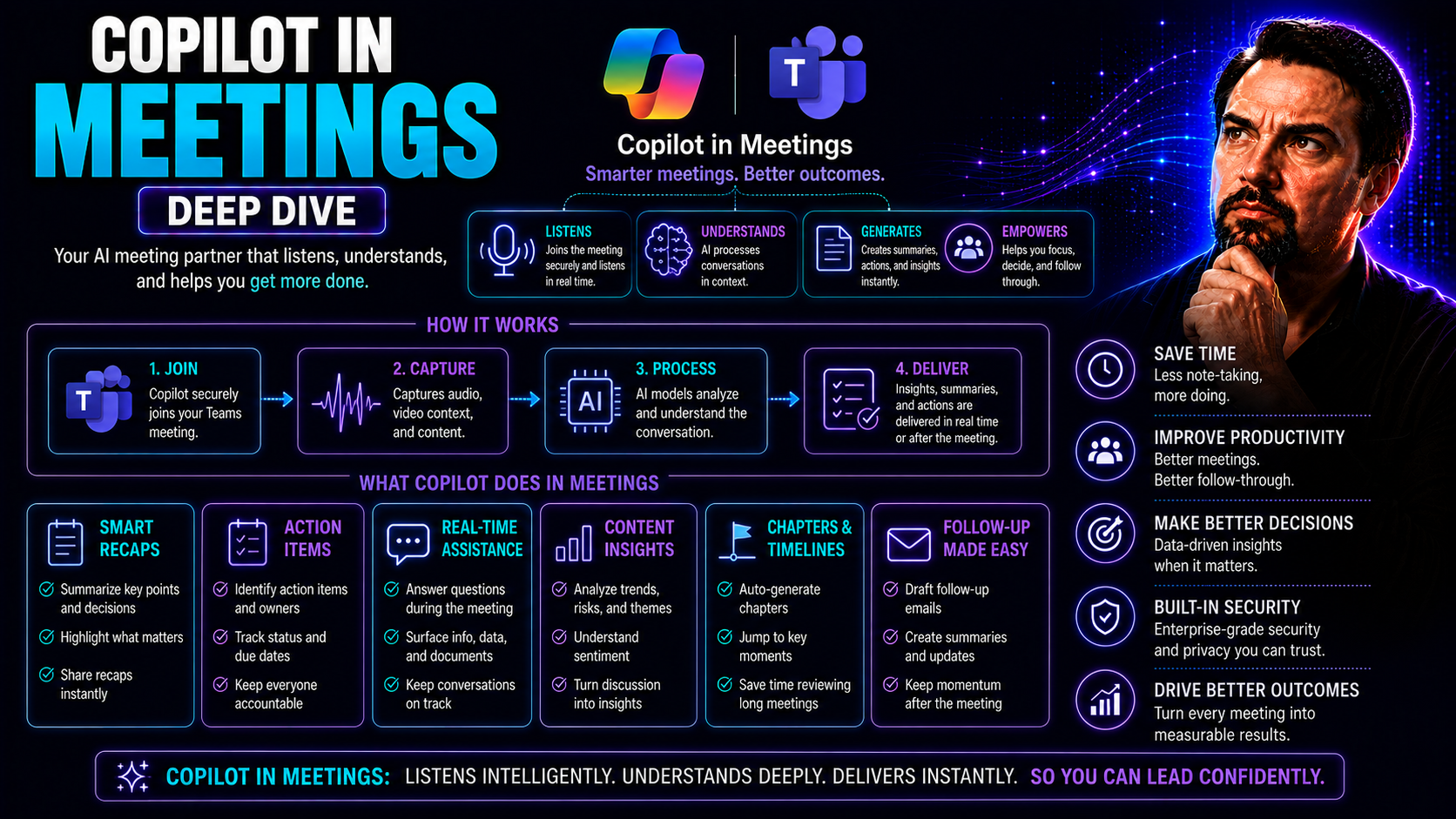
Copilot in Teams Meetings: Features, Use Cases and Governance
Microsoft Copilot is changing the way you get things done in Teams meetings. You’re getting an AI-powered assistant that isn’t just another tech buzzword—it’s here to work for you, taking meeting productivity and collaboration to a whole new level. …
May 19, 2026
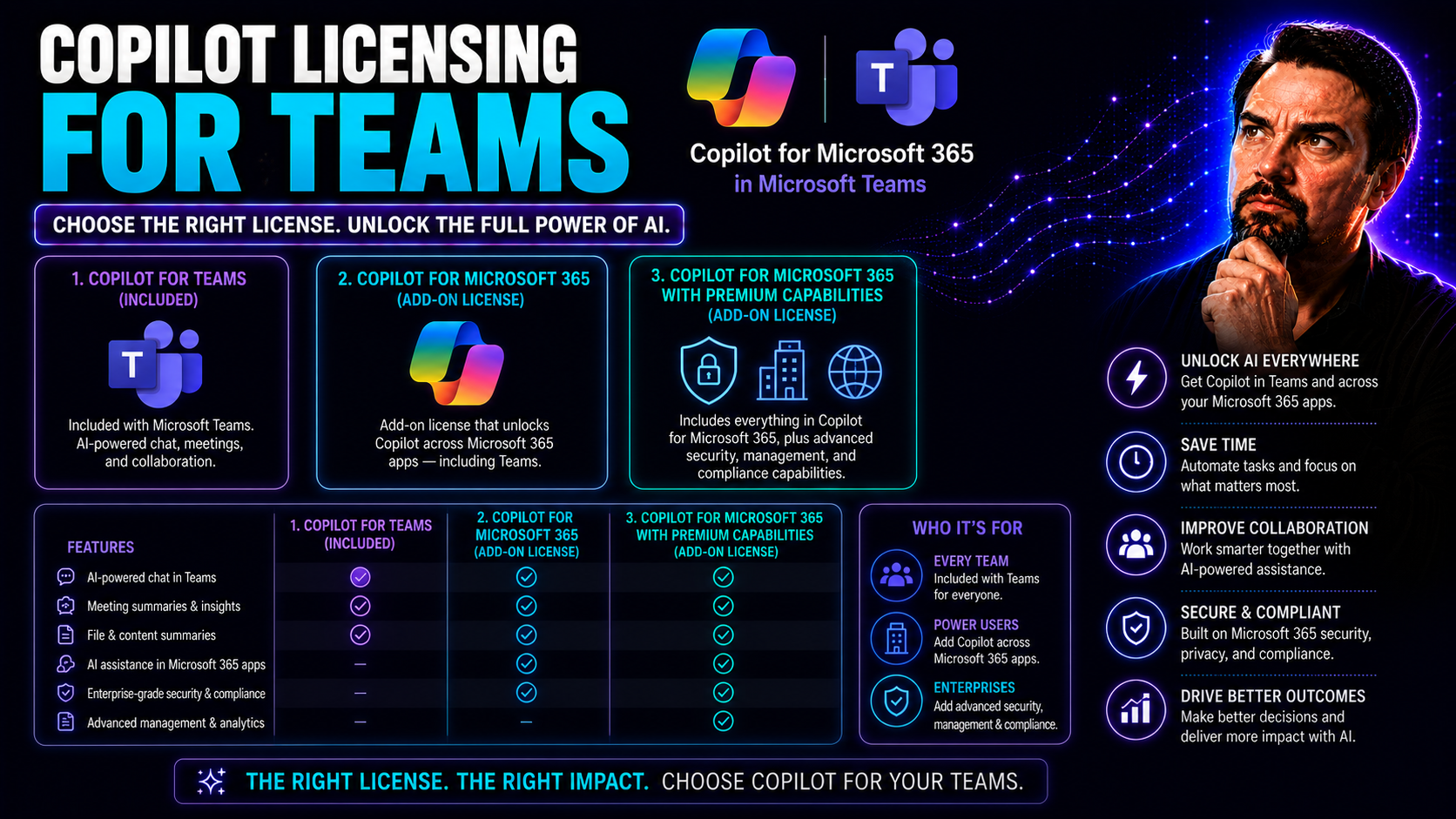
Microsoft Copilot Licensing for Teams: Plans, Costs and Requirements
Ready to get a grip on Copilot licensing for your teams? This guide is for you. Here, you’ll find everything US-based organizations need to know about bringing AI-powered productivity to Microsoft Teams—without the headache. From understanding which…
May 19, 2026
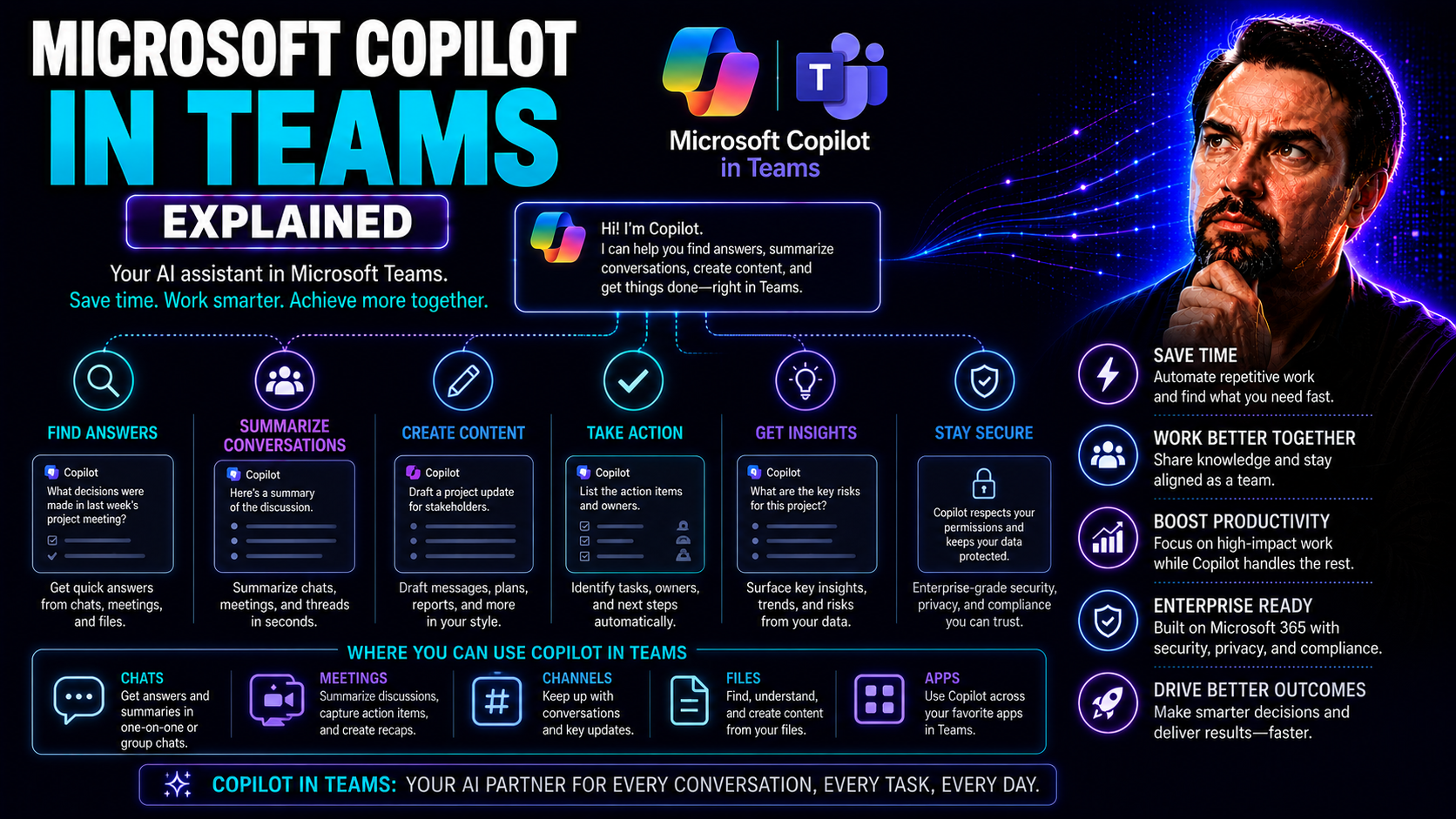
Microsoft Copilot in Teams: Features, Use Cases and Security
Microsoft Copilot in Teams is shaking things up for how you get work done. If you’re used to digging through chat threads or sitting through endless meetings, Copilot brings lightning-fast AI smarts right where you need them. This isn’t about robots…
May 19, 2026
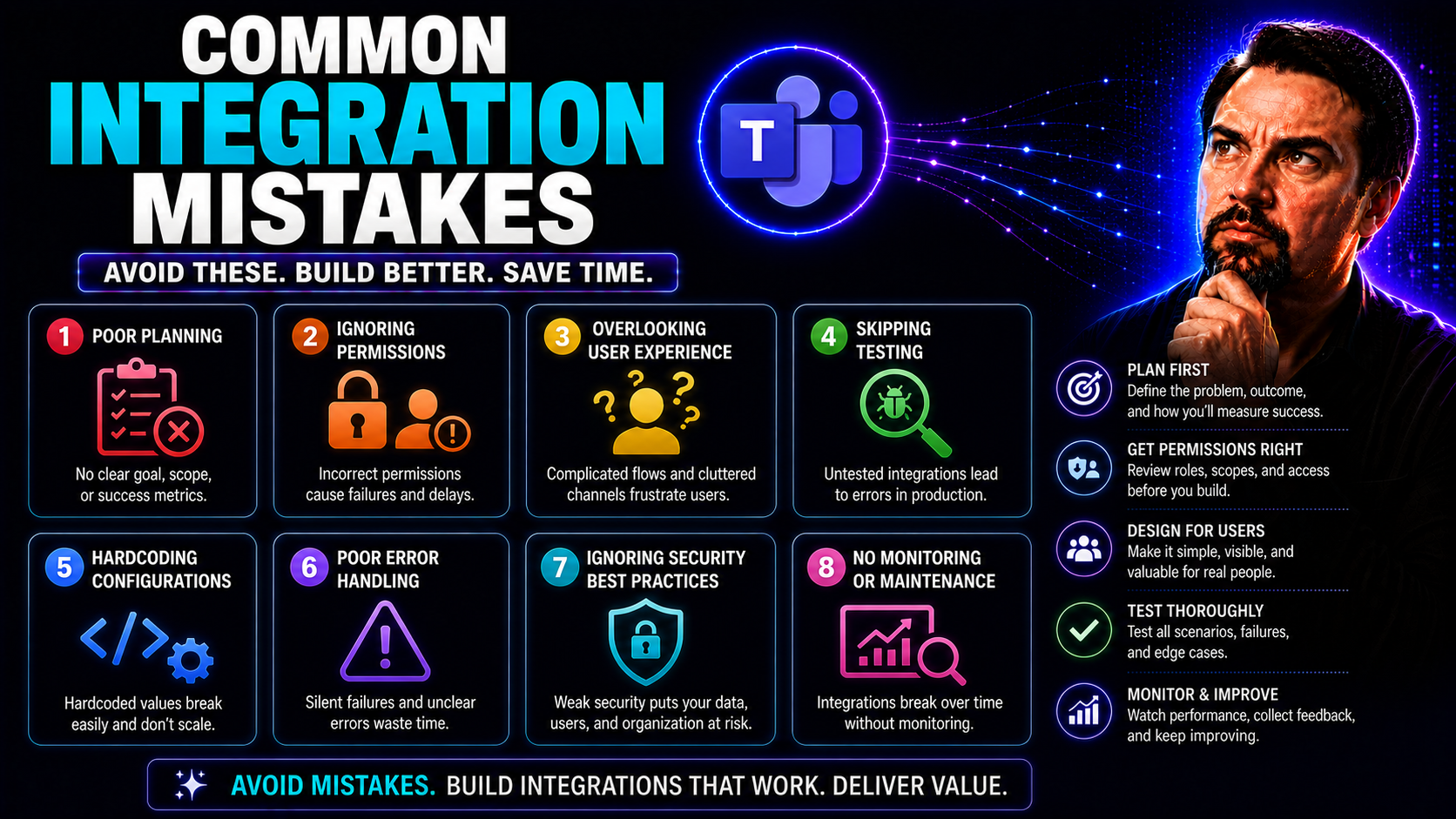
Common Microsoft Integration Mistakes: Causes and Fixes
Integration: it looks smooth on paper, but most folks—students, data pros, or anyone automating reports in tools like Microsoft Teams—run into the same tripwires again and again. Small math slips or notation confusion can turn an accurate answer int…
May 19, 2026
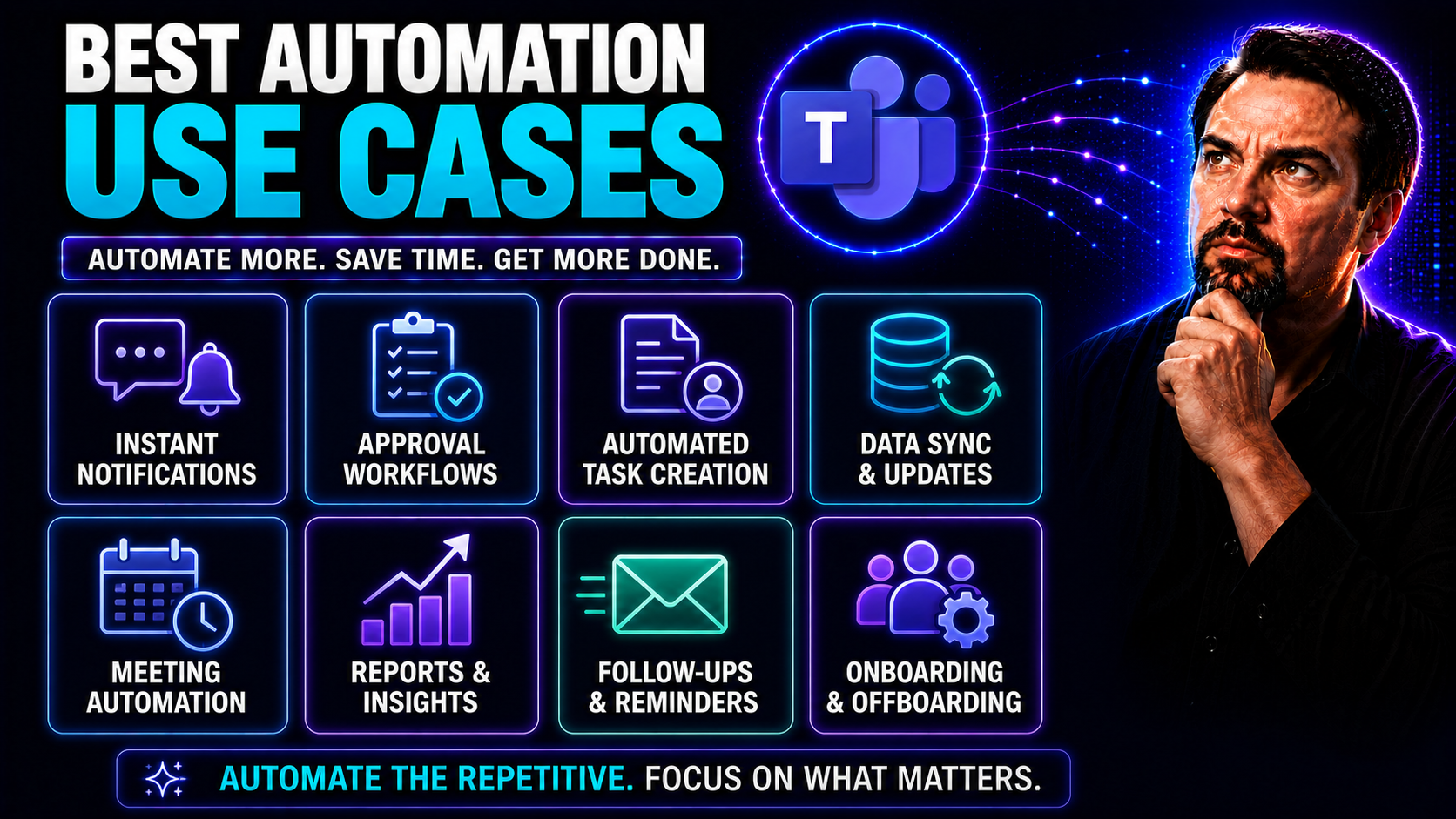
Best Microsoft 365 Automation Use Cases: Practical Guide
Quick Answer: The best Microsoft 365 automation use cases are repeatable, rules-based processes with clear owners, measurable outcomes, and manageable exceptions. Start with a high-volume task such as approvals, onboarding, notifications, or data co…
May 19, 2026
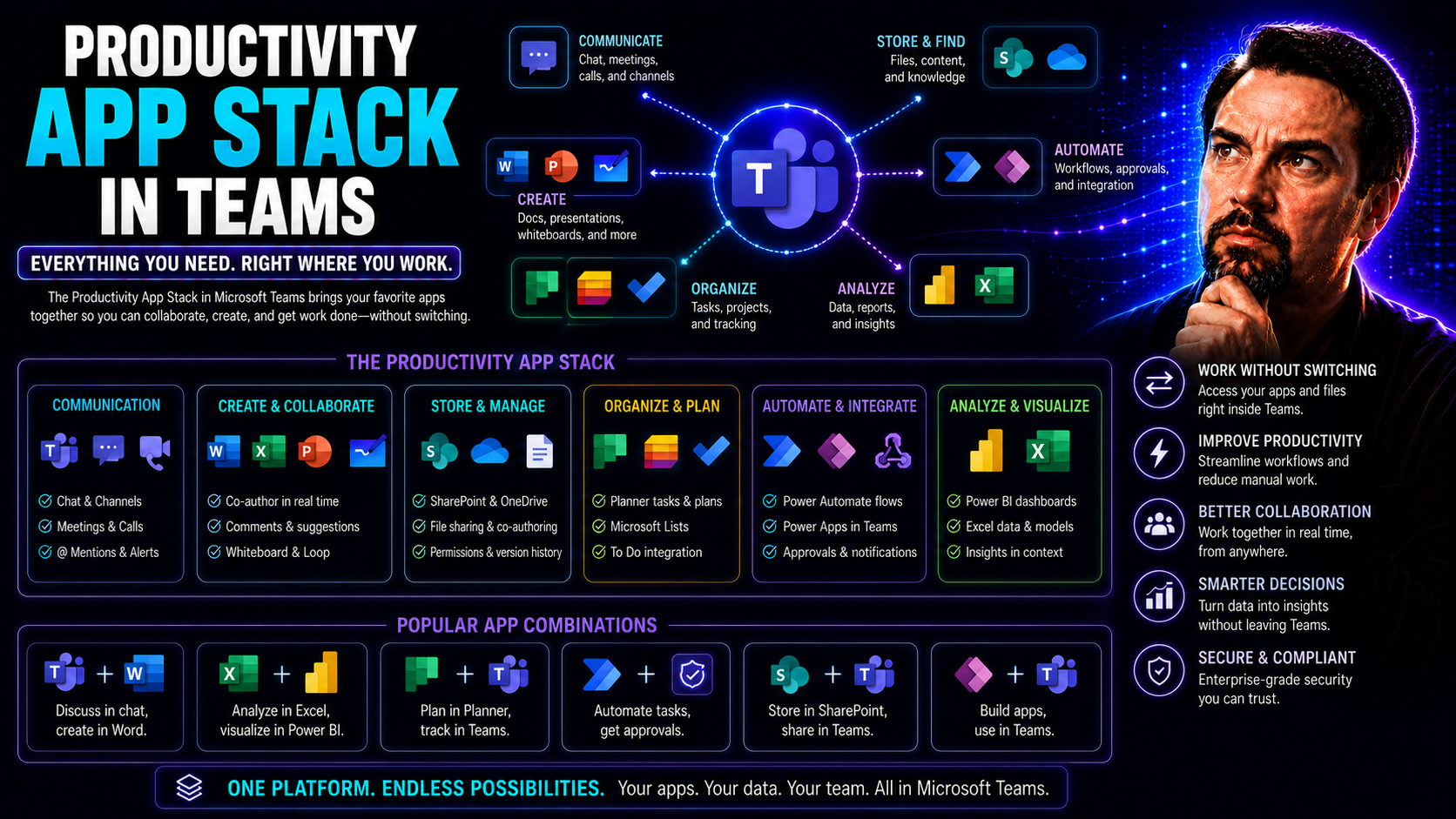
Best Microsoft Teams Productivity Apps: 2026 Guide
This comprehensive guide is your roadmap to building the optimal productivity app stack for your organization, with a sharp focus on Microsoft Teams and its connected platforms. Here, you'll find the latest, most effective strategies to help your te…
May 19, 2026
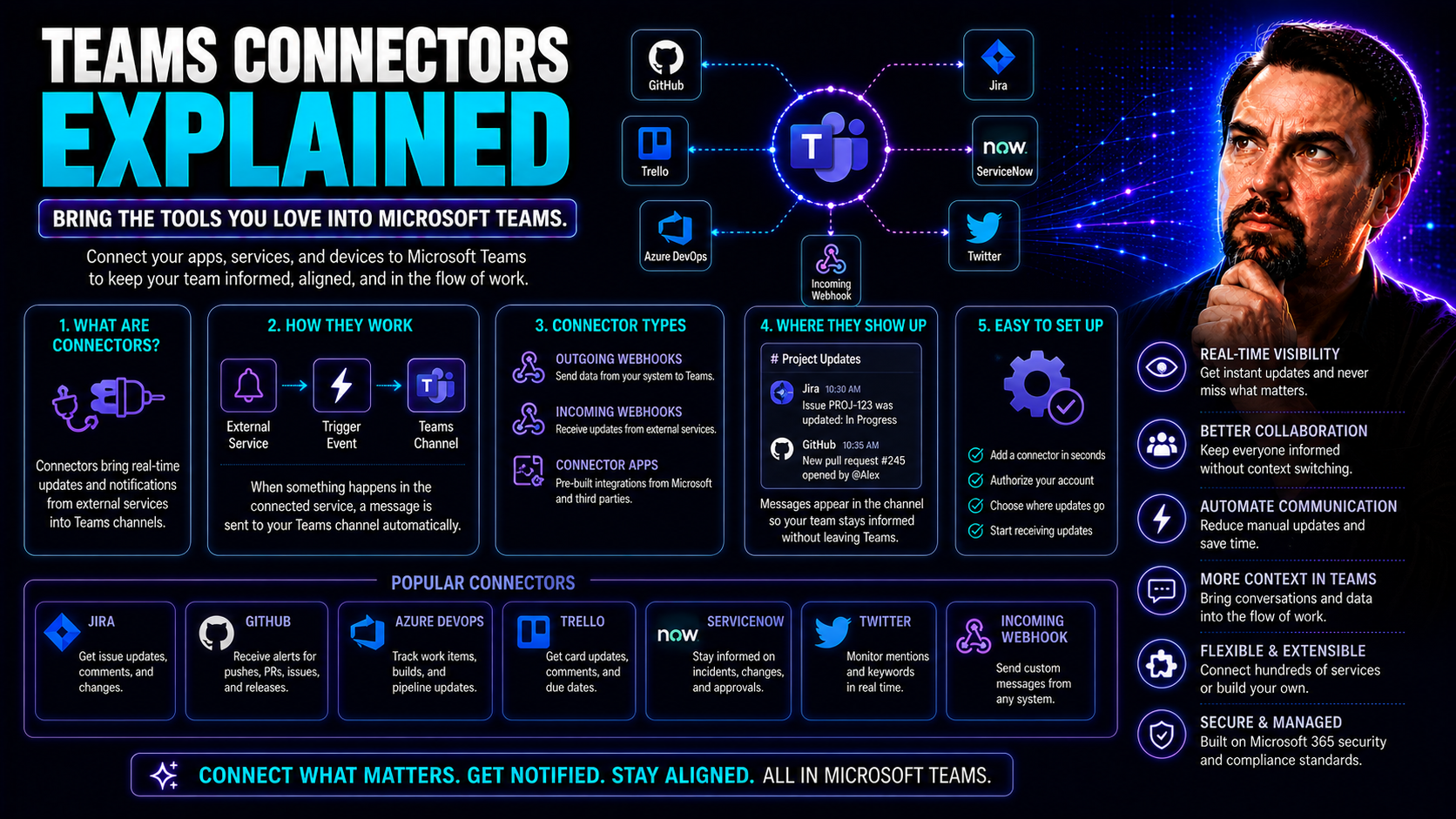
Microsoft Teams Connectors: Integration and Automation Guide
Welcome to your one-stop guide for understanding Teams connectors—the backbone of Microsoft Teams integration and automation. This page isn’t just about what connectors are. It's your roadmap for making the most out of Microsoft Teams in a secure, c…
May 19, 2026
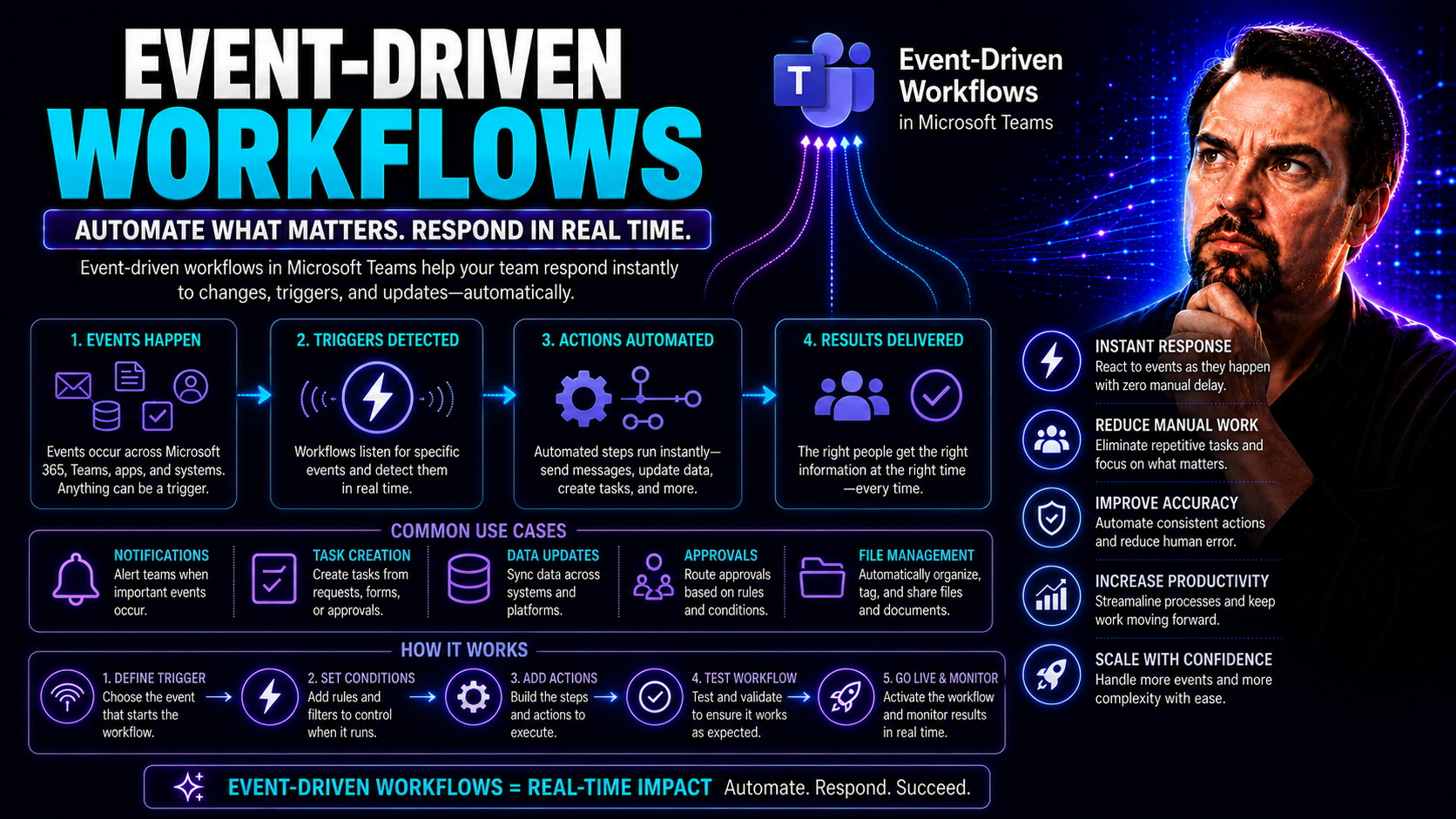
Event-Driven Workflows: How Modern Systems Respond to Change
Event-driven workflows are flipping the script on how modern organizations automate, integrate, and scale their operations. Instead of following strict, step-by-step processes, these workflows leap into action whenever something interesting happens—…
May 19, 2026
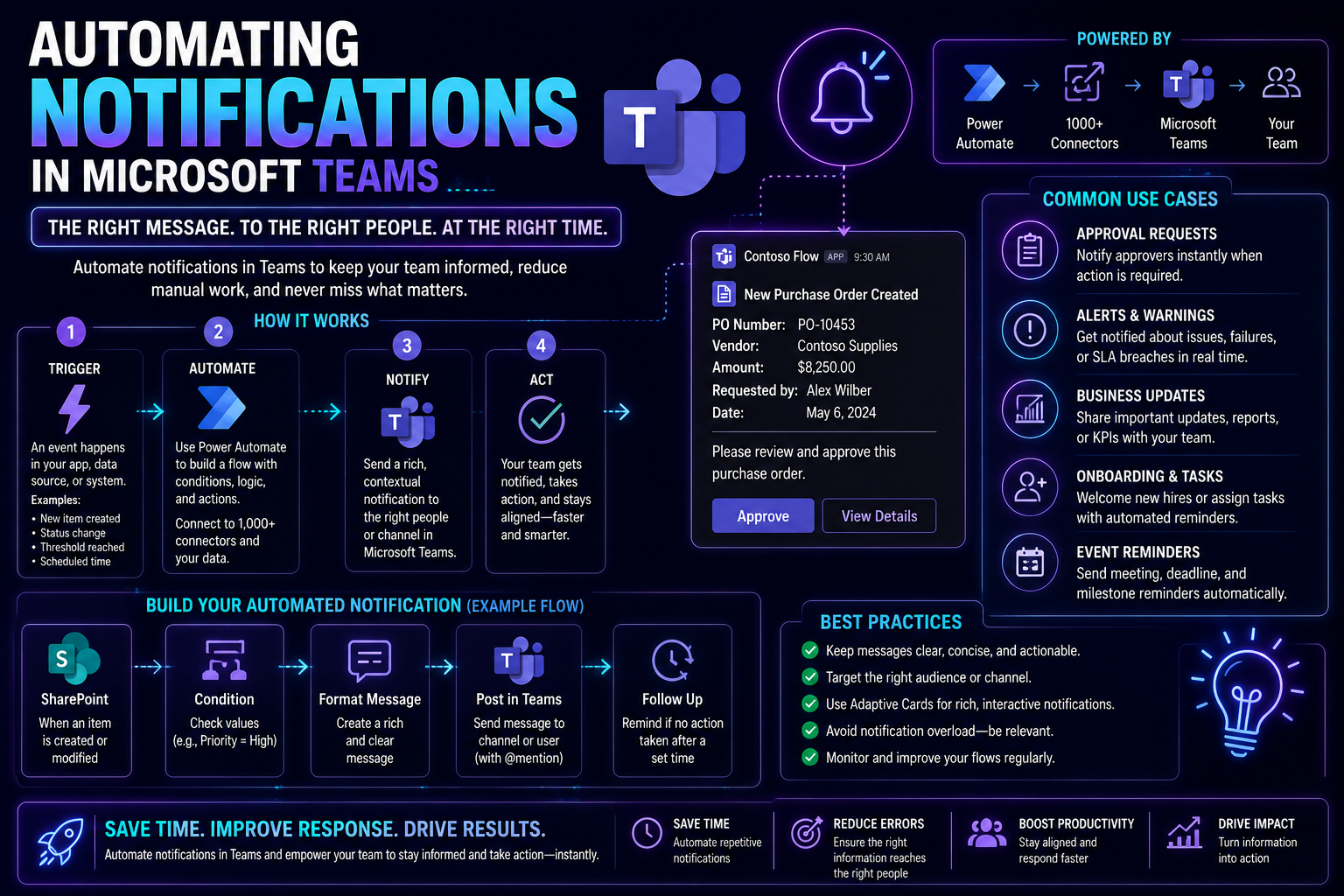
Automating Notifications in Teams: A Complete Guide
Discover how to streamline your team's communication with automated notifications in Microsoft Teams. This guide covers the practical steps, advanced customization, integrations, and enterprise governance considerations crucial for effective, secure…
May 19, 2026
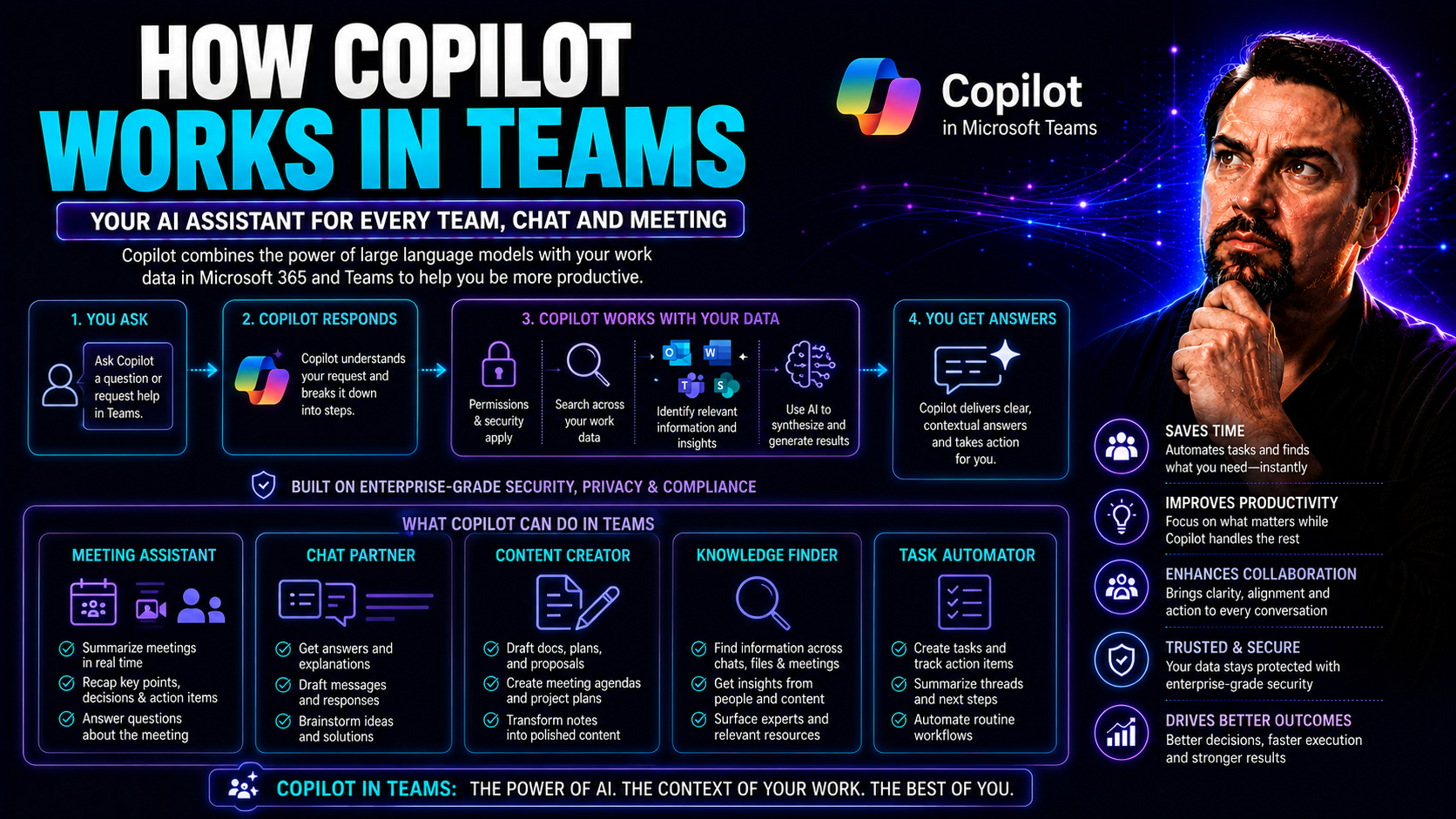
How Copilot Works in Teams for Better Collaboration
Microsoft Copilot changes the way your team works together in Microsoft Teams, bringing you right into the heart of AI-powered productivity. With Copilot, you’re not stuck digging through notes or emails—this assistant is designed to make meetings, …
May 19, 2026
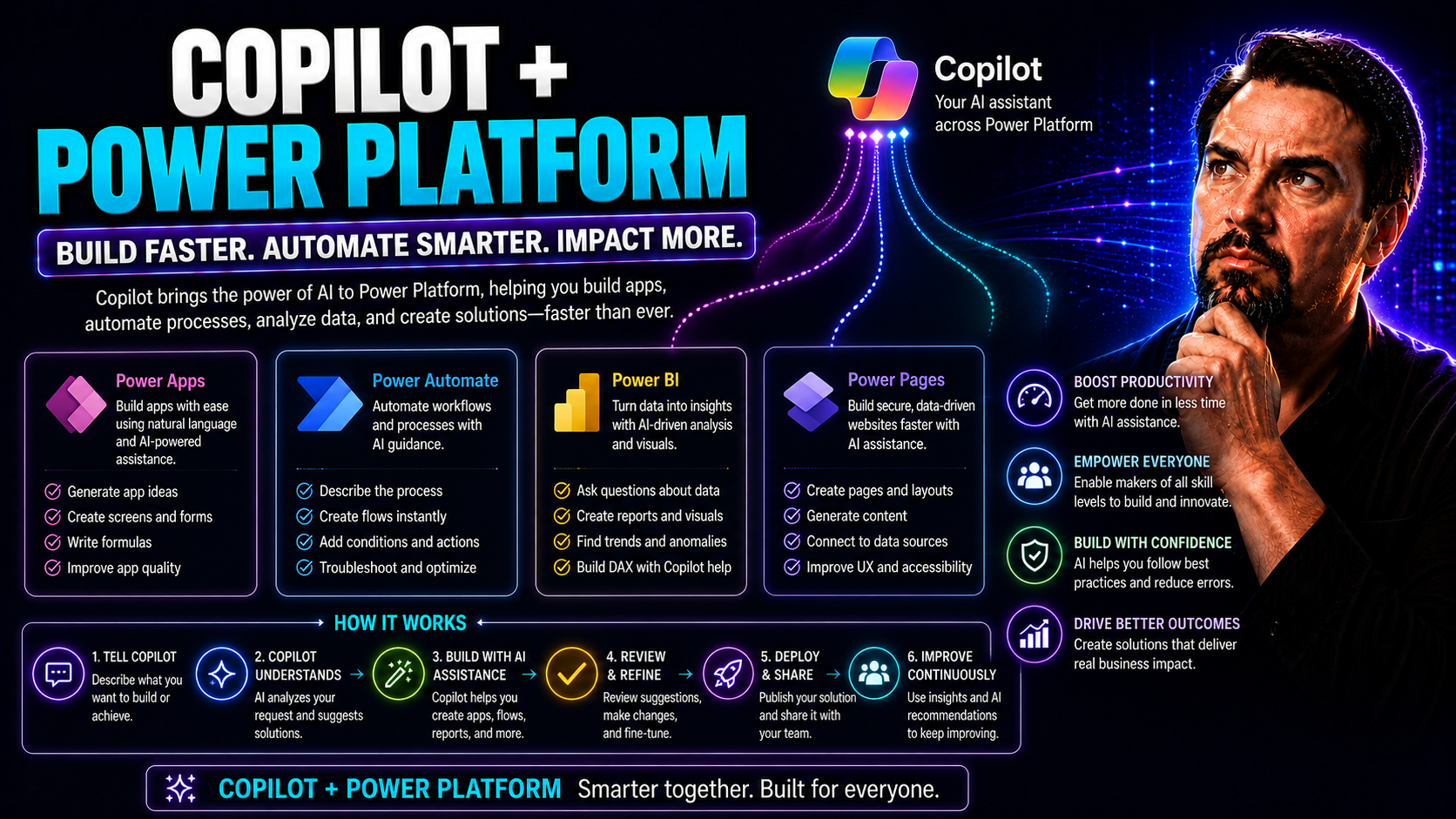
Copilot and Power Platform: Transforming Microsoft 365 and Teams with AI
Microsoft Copilot is shaking up the way organizations work in Microsoft 365 and Teams—if you haven’t heard, you might want to catch up fast. By sliding seamlessly into the Power Platform, Copilot brings AI muscle to your low-code tools, automations,…
May 19, 2026
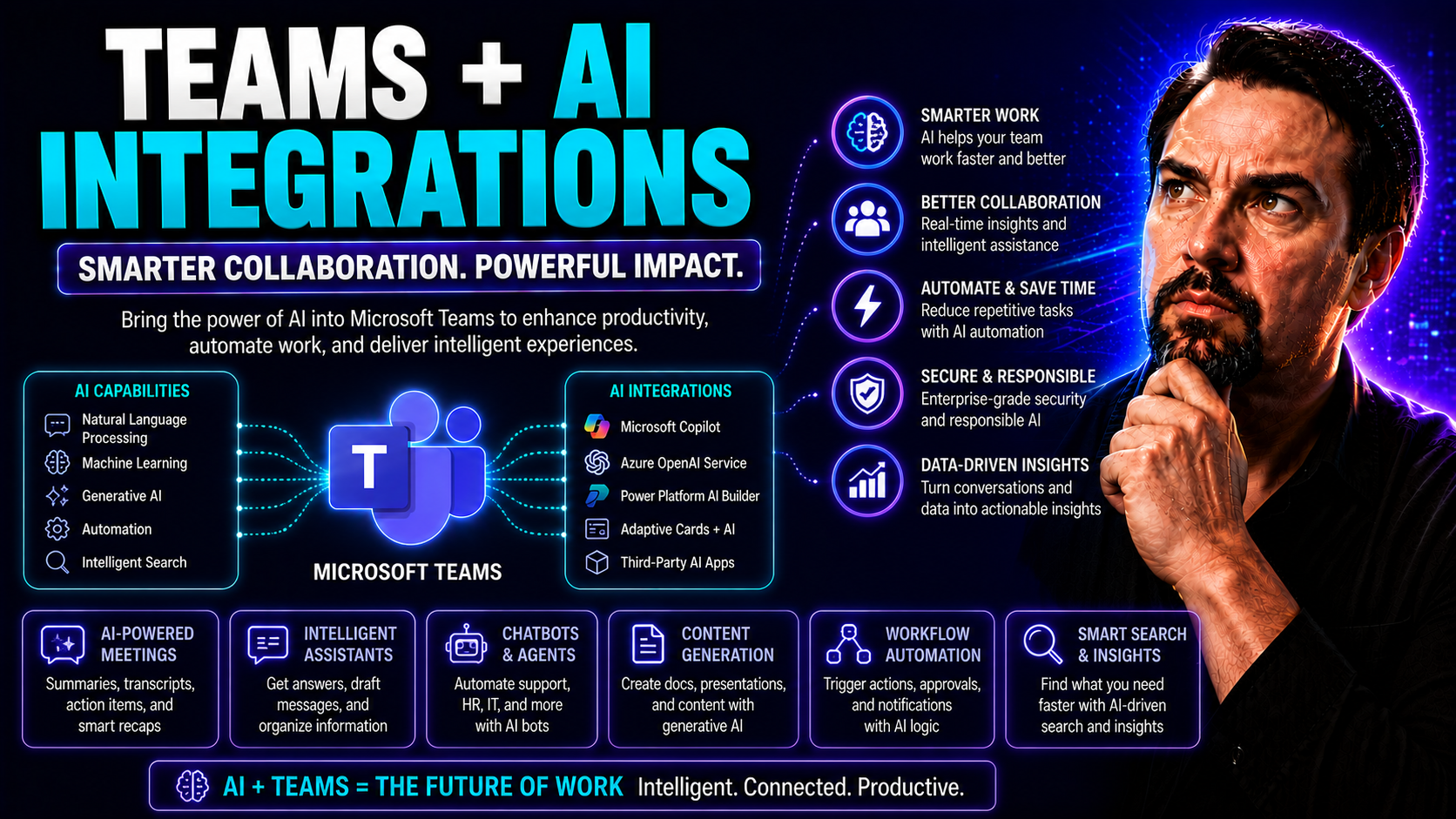
Teams AI Integrations: The Complete Guide to Smarter Collaboration
AI integrations are rapidly reshaping collaboration and productivity in Microsoft Teams. They’re more than just chatbots—these smart tools automate tasks, summarize meetings, connect workflows, and secure data flows across the Microsoft 365 ecosyste…